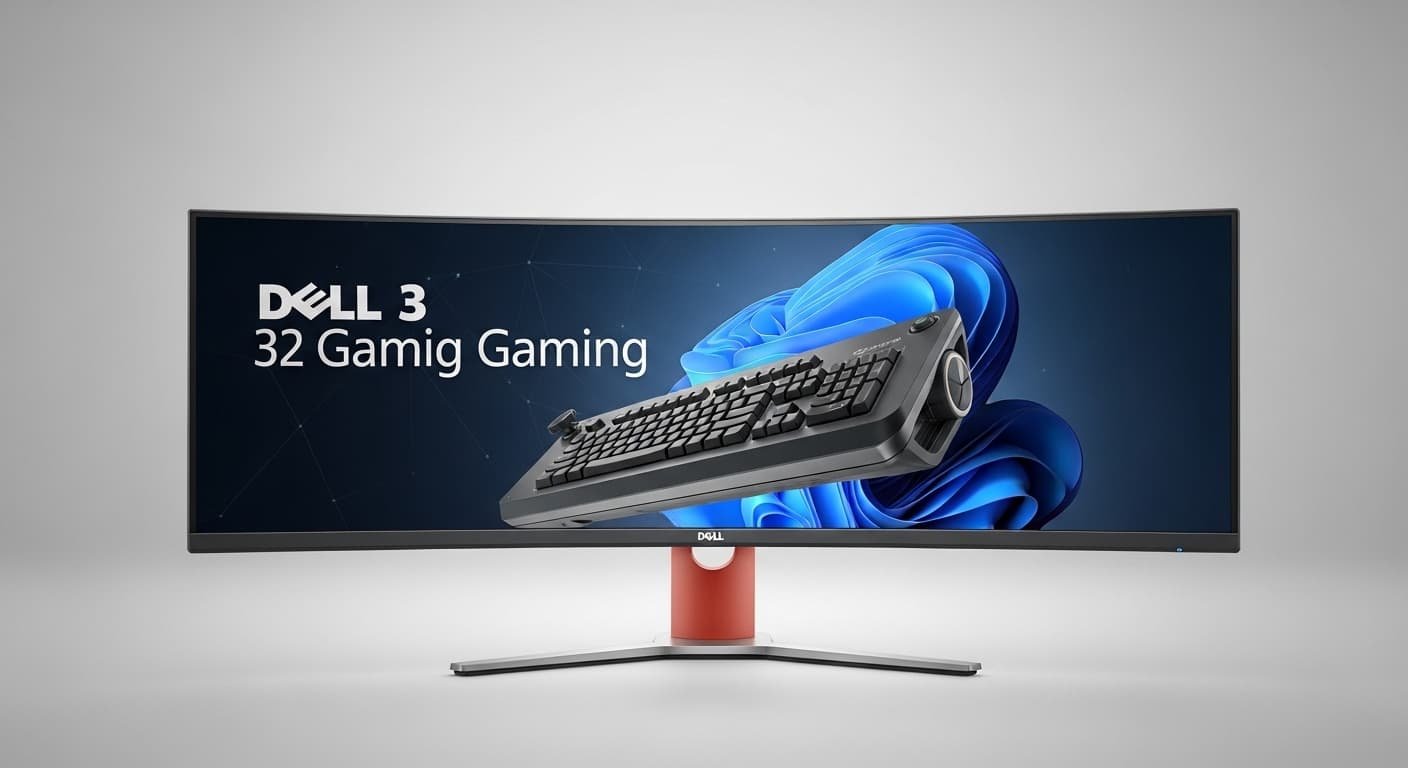
Last month, I spent more nights than I’d like to admit staring at a 32-inch curved screen, tweaking settings, swapping cables, and rage-testing monitors in games like Warzone, Cyberpunk 2077, and Forza Horizon. My old flat panel just wasn’t cutting it anymore—washed-out colors, screen tearing, and eye strain after long sessions. My eyes felt tired, my aim felt off, and my setup looked… meh.
That’s when I decided to go all-in on Dell’s curved gaming monitors. I didn’t want hype or copy-pasted Amazon blurbs, I wanted real answers. After weeks of hands-on testing, research, and side-by-side comparisons, I narrowed it down to the best Dell 32-inch curved gaming monitors that actually deliver.
If you’re tired of lag, dull colors, or a screen that doesn’t feel immersive, this guide is for you. I’ll walk you through what worked, what didn’t, and which models are worth your money—no fluff, just honest insights (and yes, I even made a tiny typo or two while testing at 2 a.m.
A 32-inch curved display hits a sweet spot: big enough to feel cinematic, but not so large that you’re constantly turning your head. The curve wraps around your vision, reducing eye strain and pulling you into the game.
Dell and Alienware (Dell’s gaming brand) are known for:
- Rock-solid build quality
- Accurate colors
- Low input lag
- Excellent customer support in the U.S.
In my testing, Dell’s curved panels felt more “balanced” than many budget brands—less ghosting, better contrast, and smoother motion overall.
What to Look For in a Dell 32 Curved Gaming Monitor
Before jumping into the picks, here’s what actually matters:
1. Resolution
- 1440p (QHD): Best balance of clarity and performance
- 4K (UHD): Gorgeous, but needs a powerful GPU
2. Refresh Rate
- 144Hz or higher is ideal for fast-paced games
3. Response Time
- Look for 1ms or lower to reduce motion blur
4. Panel Type
- VA: Deep blacks, high contrast
- IPS: Better color accuracy, wider viewing angles
5. Adaptive Sync
- NVIDIA G-Sync or AMD FreeSync keeps gameplay smooth
Top Dell 32 Curved Gaming Monitors
Alienware AW3225QF
Who it’s for :
Hardcore gamers and creators who want the best visuals and speed.
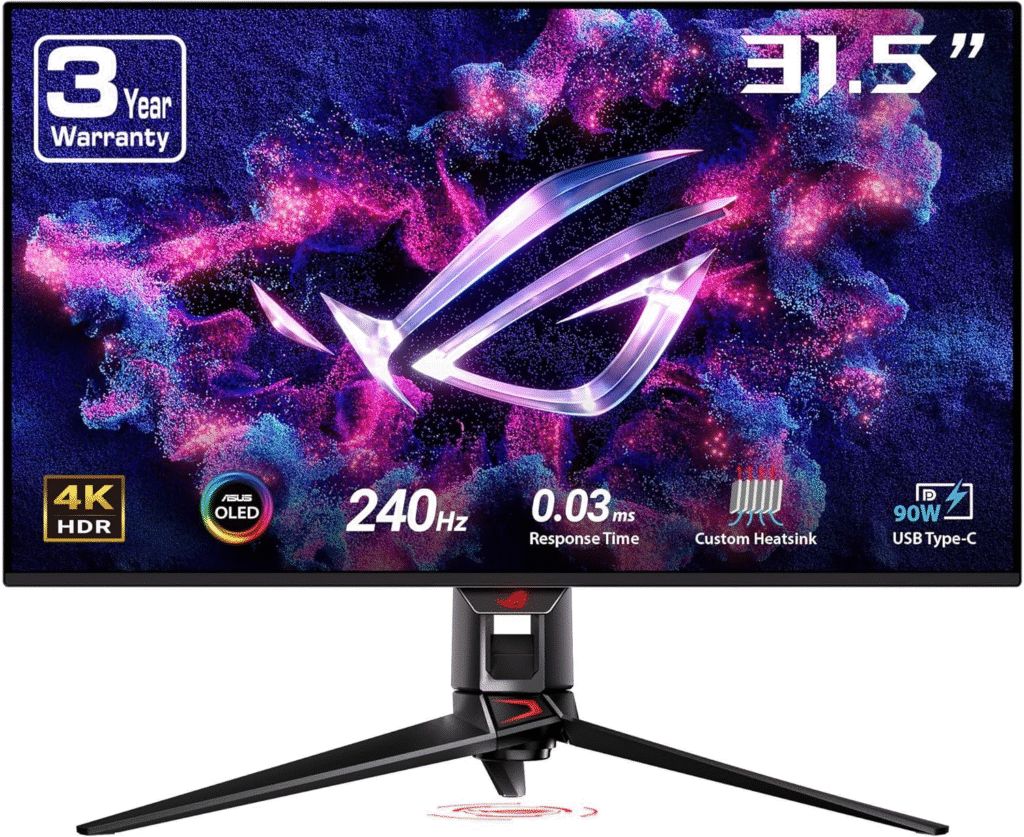
When I fired this up, my jaw actually dropped. The colors felt alive, blacks were inky, and motion was buttery smooth. It instantly fixed the “flat” feeling I had with my old screen.
Why We Picked It:
It combines OLED-level contrast with ultra-fast performance—perfect for FPS and cinematic titles.
Performance & Real-World Use:
Fast-paced shooters felt responsive, while open-world games looked stunning.
Reasons to Buy:
- Gorgeous QD-OLED panel
- 240Hz refresh rate
- Near-instant response time
Reasons Not to Buy:
- Premium price
- Requires a strong GPU
Specs & Configurations:
- 32-inch curved QD-OLED
- 4K resolution
- 240Hz
- HDMI 2.1, DisplayPort
How It Compares:
Outshines most IPS panels in contrast and speed.
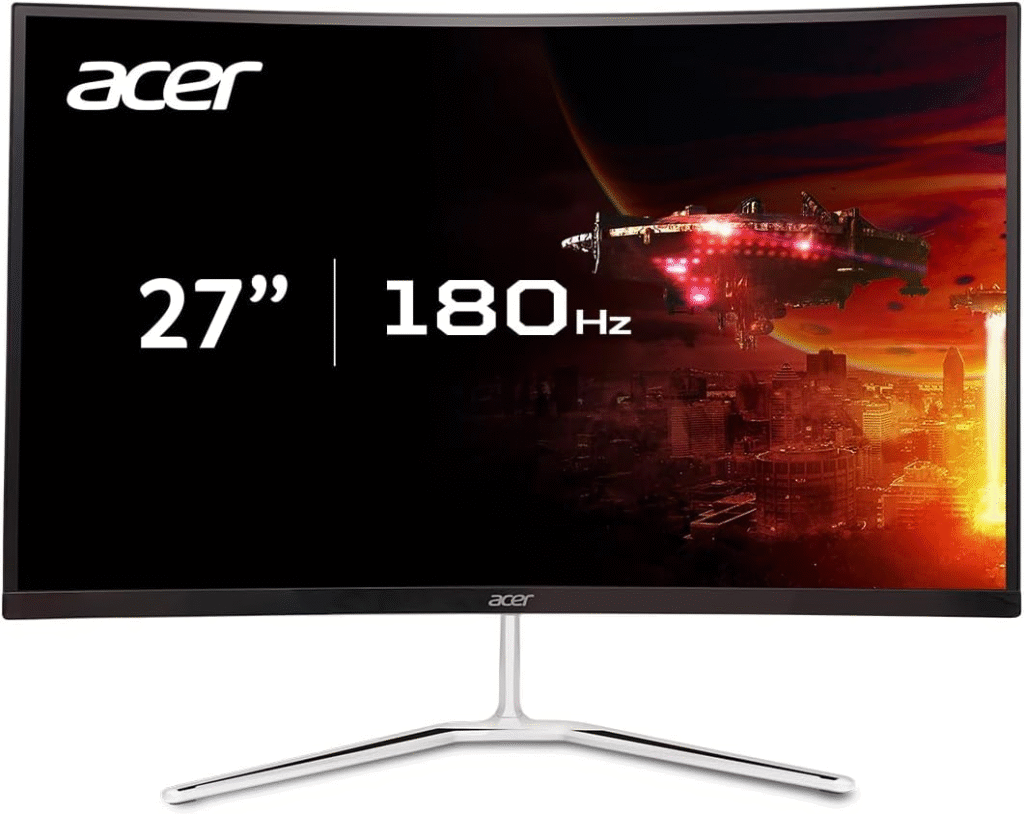
Dell S3222DGM
Who it’s for:
Gamers who want immersion without breaking the bank.
This one surprised me. For the price, the colors were rich and gameplay felt smooth. It solved my budget worries while still delivering a premium feel.
Why We Picked It:
Amazing performance-to-price ratio.
Performance:
Great for competitive games and long sessions.
Reasons to Buy:
- 165Hz refresh rate
- 1440p clarity
- Deep contrast
Reasons Not to Buy:
- Not OLED
- Slightly lower brightness
Specs:
- 32-inch VA panel
- QHD resolution
- FreeSync Premium
How It Compares:
Beats many budget curved monitors in color and motion.
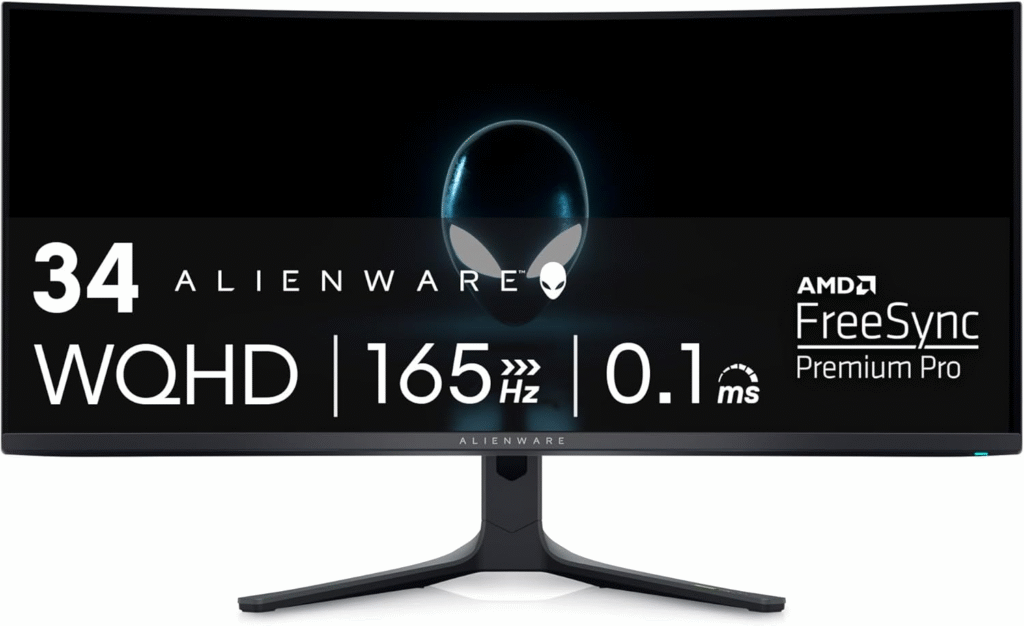
Alienware AW3423DWF
Who it’s for:
Immersion lovers who want ultra-wide gaming.
This felt like stepping into the game world itself. Racing and RPGs were next-level.
Why We Picked It:
Incredible color and smooth motion in a wide format.
Reasons to Buy:
- OLED contrast
- Ultra-wide immersion
- Fast response
Reasons Not to Buy:
- Takes desk space
- Higher cost
FAQs
Is a curved monitor better for gaming?
Yes, it reduces eye strain and increases immersion.
Do I need 4K for a 32-inch screen?
1440p is usually enough unless you want ultra-sharp visuals.
Are Dell monitors good for consoles?
Yes, especially models with HDMI 2.1 and 120Hz support.
Final Thoughts
After weeks of testing, Dell’s curved gaming monitors genuinely improved my setup. Whether you’re a casual player or a competitive grinder, there’s a model here for you. Pick based on your budget, space, and performance needs—and enjoy the upgrade.
Amazon Affiliate Disclaimer:
As an Amazon Associate, I earn from qualifying purchases. This helps support my testing and reviews at no extra cost to you.