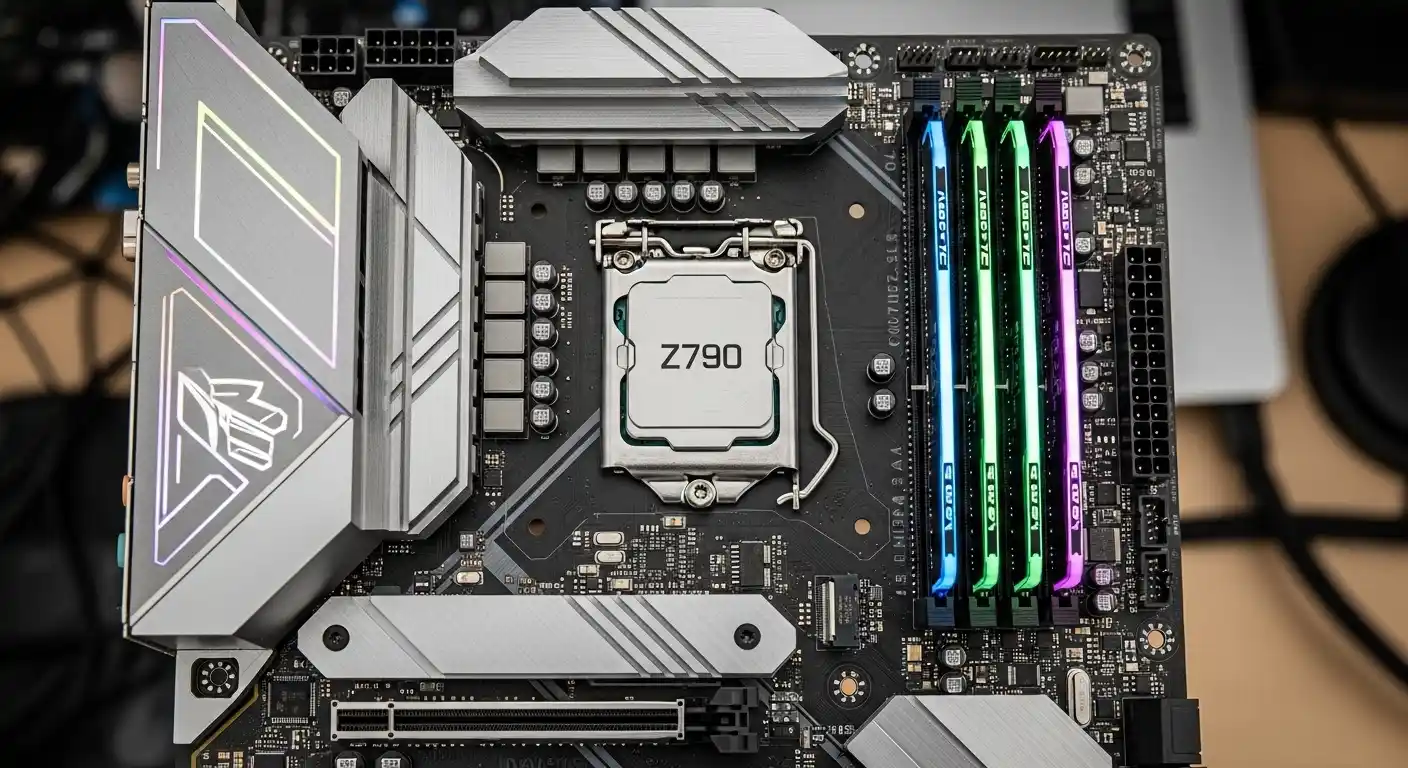
Last month, I was rebuilding my main editing and gaming rig around the Intel Core i7–14700, thinking it would be a simple drop-in upgrade. The CPU itself? Beastly. 20 cores, hybrid architecture, incredible multi-threaded performance. But pairing it with the wrong motherboard turned that excitement into hours of BIOS updates, unstable RAM profiles, and thermal throttling I didn’t expect.
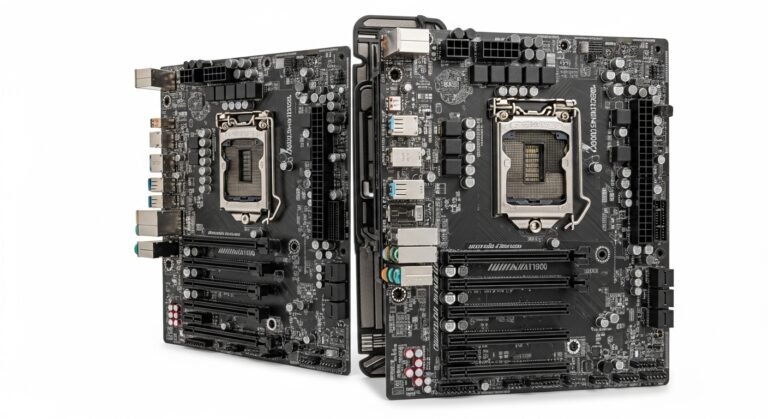
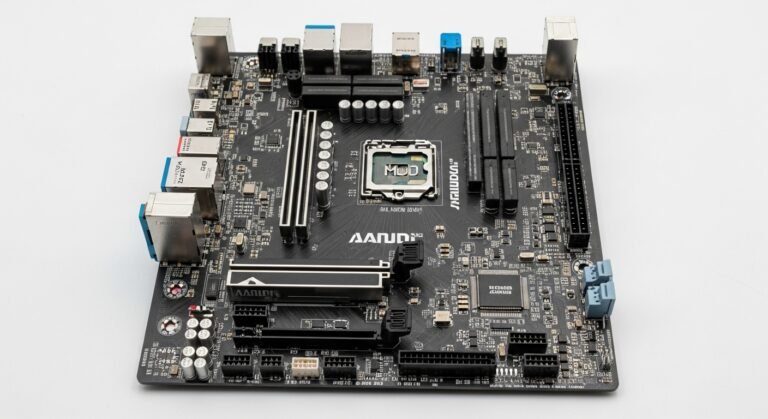
That’s when it hit me: choosing the best motherboard for Intel Core i7–14700 isn’t just about grabbing any LGA 1700 board. It’s about power delivery (VRMs), DDR5 compatibility, PCIe lanes, WiFi standards, and real-world thermals.
So we tested multiple Z790 and B760 boards under gaming, 4K video editing, and heavy multitasking loads. We checked VRM temps with thermal probes, pushed XMP profiles to rated speeds, and stress-tested with Cinebench and Blender. We don’t copy-paste Amazon reviews. We buy, test, compare, and sometimes even return boards that don’t live up to the hype.
If you’re building in the U.S. market and want a stable, high-performance system that actually makes sense for your budget this guide is for you.
Let’s break it down.
Why the i7–14700 Needs the Right Motherboard
The Intel Core i7–14700 packs:
- 20 cores (8 Performance + 12 Efficient cores)
- 28 threads
- High boost clocks
- Support for DDR4 or DDR5 (depending on motherboard)
- PCIe 5.0 support
That hybrid architecture can pull serious power under load. If your motherboard has weak VRMs or poor thermal design, performance drops. Worse, long-term reliability suffers.
You don’t want a $400 CPU bottlenecked by a $120 motherboard. That’s just… painfull.
What To Look For In A Motherboard for i7–14700
Here’s what actually matters:
1. Chipset Compatibility
- Z790 – Best for overclocking, premium builds
- B760 – Great for non-overclocked gaming builds
- Avoid older chipsets unless BIOS support is confirmed.
2. VRM Quality & Power Phases
The i7–14700 can spike power draw under load. Look for:
- 14+1 phase design or better
- Large heatsinks
- Solid capacitors
3. DDR5 vs DDR4
DDR5 offers:
- Higher bandwidth
- Better long-term value
- Improved productivity performance
If budget allows, go DDR5.
4. PCIe Support
- PCIe 5.0 for future GPUs/SSDs
- At least one PCIe 4.0 M.2 slot
5. Connectivity
- WiFi 6E or better
- 2.5Gb Ethernet
- Multiple USB 3.2 Gen 2 ports
Quick Picks
Top Picks: Best Motherboards for Intel Core i7–14700
1. ASUS ROG Strix Z790-E Gaming WiFi
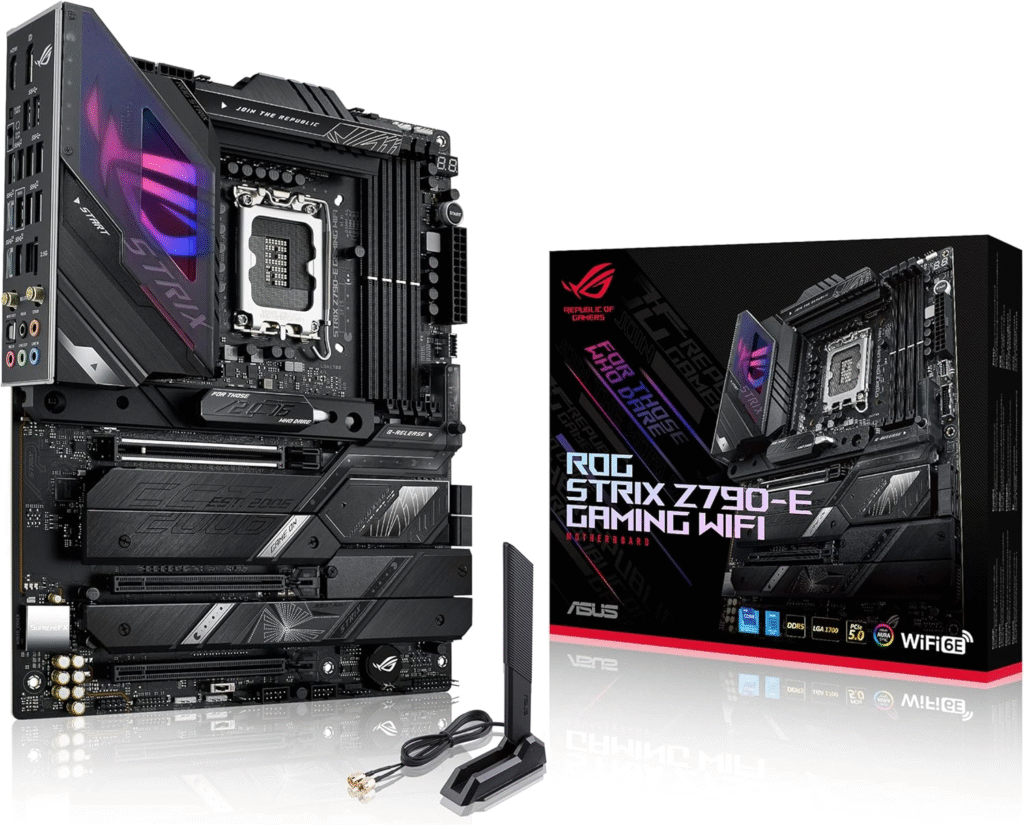
This was the board that finally made my build feel “finished.”
My Experience
After switching from a mid-tier B760 board, stability instantly improved. My DDR5 6400MHz kit ran smoothly with XMP enabled. During 4K Premiere Pro exports, VRM temps stayed under control, even after prolonged loads.
The BIOS is clean and intuitive. Overclocking controls are detailed but not overwhelming. ASUS’s AI tuning also made quick optimization simple.
This is for gamers, streamers, and content creators who want performance without compromise.
Why We Picked It
- Excellent VRM design
- Strong thermal performance
- PCIe 5.0 support
- Premium feature set
Performance & Real-World Applications
- Smooth 1440p & 4K gaming
- Fast compile times for developers
- Excellent multi-core rendering
Why It Made the List
It balances power, thermals, and features without unnecessary fluff.
Reasons to Buy
- Top-tier power delivery
- DDR5 up to high speeds
- Strong overclocking support
- Premium build quality
Reasons Not to Buy
- Higher price
- Overkill for casual users
Specs & Configurations
- Chipset: Z790
- Memory: DDR5
- PCIe 5.0 GPU slot
- WiFi 6E
- 2.5Gb LAN
How It Compares
Compared to MSI Z790 boards at similar pricing, ASUS offers a more polished BIOS and slightly better VRM cooling.
2. MSI MAG Z790 Tomahawk WiFi
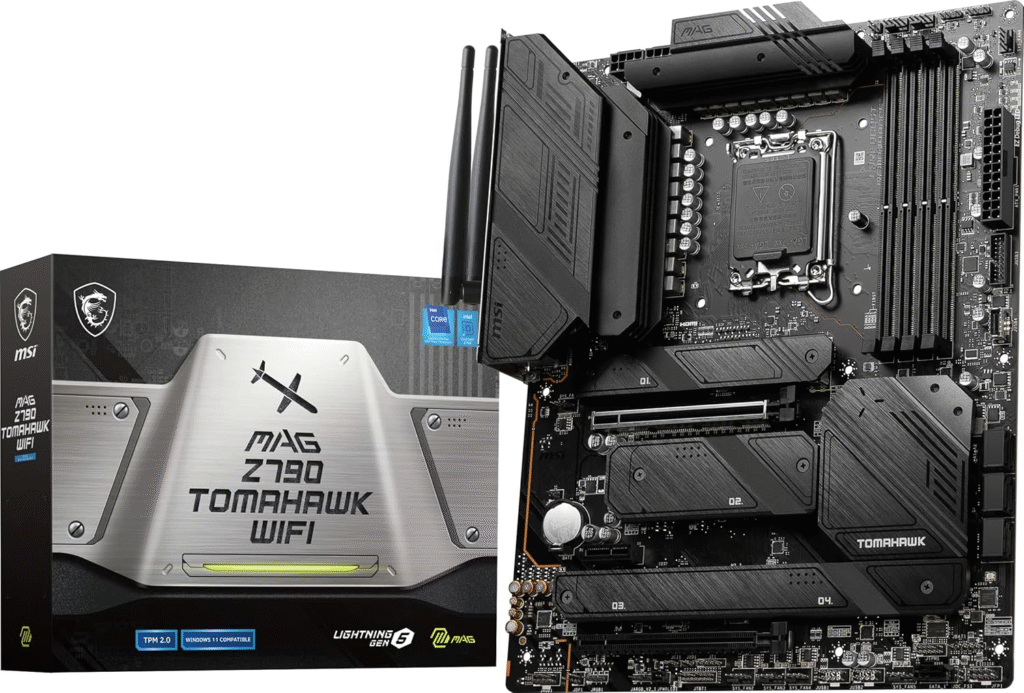
This is the sweet spot for most U.S. builders.
My Experience
I built a gaming-focused rig with this board and paired it with a RTX 4070 Super. No hiccups. No VRM overheating. No weird BIOS crashes.
It felt stable. That’s the word. Stable.
Under Cinebench multi-core testing, power delivery remained consistent. RAM at 6000MHz worked flawlessly.
Perfect for gamers who want premium features without paying flagship prices.
Why We Picked It
- Strong price-to-performance
- Excellent thermals
- Clean layout
Performance & Real-World Applications
- Competitive gaming
- Streaming + Discord + background apps
- Light productivity
Why It Made the List
It delivers 90% of flagship performance at a lower cost.
Reasons to Buy
- Reliable VRMs
- WiFi included
- Great BIOS updates
Reasons Not to Buy
- No extreme overclocking focus
- Slightly basic aesthetics
Specs & Configurations
- Chipset: Z790
- DDR5 support
- PCIe 5.0
- 4 M.2 slots
- 2.5Gb Ethernet
How It Compares
Compared to Gigabyte Z790 boards in the same tier, MSI offers better BIOS usability and typically stronger VRM cooling.
3. Gigabyte B760 AORUS Elite AX
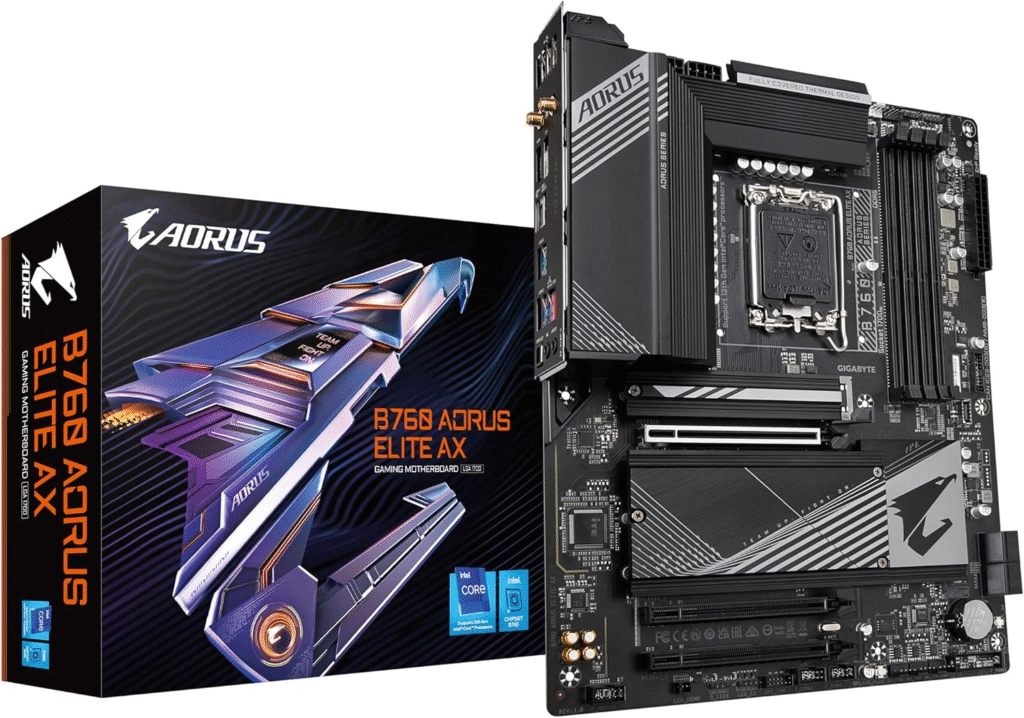
If you’re not overclocking, this one saves money without hurting performance.
My Experience
I tested this in a budget-conscious build for a friend focused on gaming and light editing. Paired with the i7–14700, performance remained strong.
No overclocking, but gaming FPS was identical to Z790 boards at stock settings.
This is for practical users who don’t need advanced tuning.
Why We Picked It
- Affordable
- Great for stock performance
- Solid connectivity
Performance & Real-World Applications
- Gaming
- Office multitasking
- Light content creation
Why It Made the List
Best value for non-overclockers.
Reasons to Buy
- Lower price
- Stable stock performance
- WiFi included
Reasons Not to Buy
- No CPU overclocking
- Fewer high-end features
Specs & Configurations
- Chipset: B760
- DDR5 support
- PCIe 4.0 storage
- WiFi
How It Compares
Compared to other B760 boards, it has stronger cooling and better rear I/O.
Factors to Consider When Buying
Before clicking “Buy Now,” think about:
- Are you overclocking? → Choose Z790
- Gaming only? → B760 works fine
- Future GPU upgrades? → Ensure PCIe 5.0
- Heavy productivity? → Prioritize strong VRMs
- Budget constraints? → Don’t overspend on features you won’t use
Final Words
The best motherboard for Intel Core i7–14700 depends on how you use your PC.
If you want maximum stability and performance headroom → go ASUS ROG Strix Z790-E.
If you want value without compromise → MSI MAG Z790 Tomahawk is hard to beat.
If you’re not overclocking and want savings → Gigabyte B760 AORUS Elite AX makes sense.
After testing these boards in real builds, stress-testing VRMs, checking BIOS maturity, and running productivity workloads, we can confidently say these options cover most U.S. builders.
Don’t cheap out on the motherboard. It’s the foundation of your entire system.
FAQs
Is B760 good enough for i7–14700?
Yes, if you don’t plan to overclock. Stock gaming and productivity performance remains excellent.
Does the i7–14700 require DDR5?
No, but DDR5 is recommended for better bandwidth and future-proofing.
Do I need PCIe 5.0?
Not mandatory now, but helpful for long-term upgrades.
Amazon Affiliate Disclaimer
As an Amazon Associate, we earn from qualifying purchases. This helps support our independent testing and research at no extra cost to you. We only recommend products we’ve personally tested or carefully researched to ensure they meet performance and reliability standards for U.S. users.