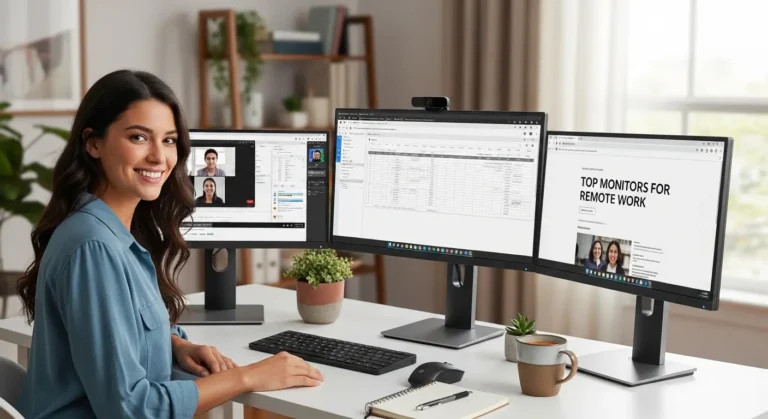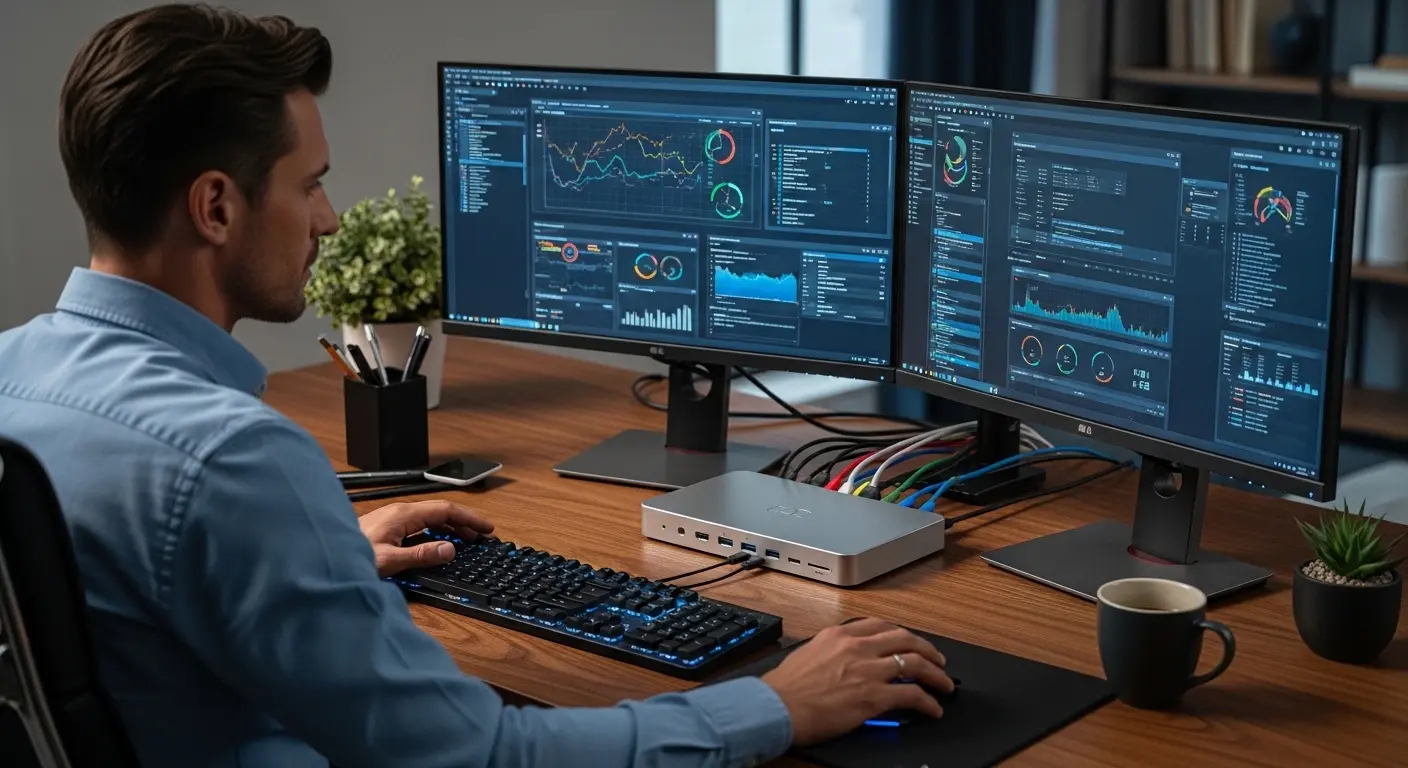
A few weeks ago, my desk looked like a cable jungle. One HDMI cable running to the left monitor. A USB-C dongle barely hanging on. Ethernet plugged into one side. External SSD on the other. And every time I unplugged my laptop to take it to a meeting, I had to disconnect five different cables. It wasn’t just messy it was slowing me down.
If you work with spreadsheets, edit videos, code, trade stocks, or even just manage multiple browser windows, you already know: dual monitors are a productivity game-changer. Studies show that multiple displays can increase productivity by up to 20–40%, depending on task type. But without the right docking station, the setup becomes unstable, cluttered, and honestly… frustrating.
That’s where the best docking station for dual monitors comes in. I’ve tested several models over the past few months swapping them between a MacBook Pro, a Dell XPS, and a Lenovo ThinkPad checking display stability, power delivery, heat management, and port performance. Some impressed me. Some definitely didn’t.
Quick Picks
If you just want fast recommendations:
Quick Tips for Shopping
Before you click “Add to Cart” on Amazon, here are some things I wish I’d known earlier:
- Check Display Compatibility – macOS has limitations (especially M1/M2 base models). Some require DisplayLink.
- Look at Resolution Support – Do you need dual 4K @ 60Hz? Or is 1080p fine?
- Power Delivery (PD) – 85W–100W is ideal for most laptops.
- Port Selection – USB-A, USB-C, Ethernet, SD card, audio jack — what do you actually need?
- Build Quality & Heat – Metal housings manage heat better.
- Plug-and-Play vs Drivers – DisplayLink docks may need drivers.
- Brand Support & Warranty – Very underrated but important.
Product Reviews – Best Docking Stations for Dual Monitors
1. CalDigit TS4 Thunderbolt 4 Dock
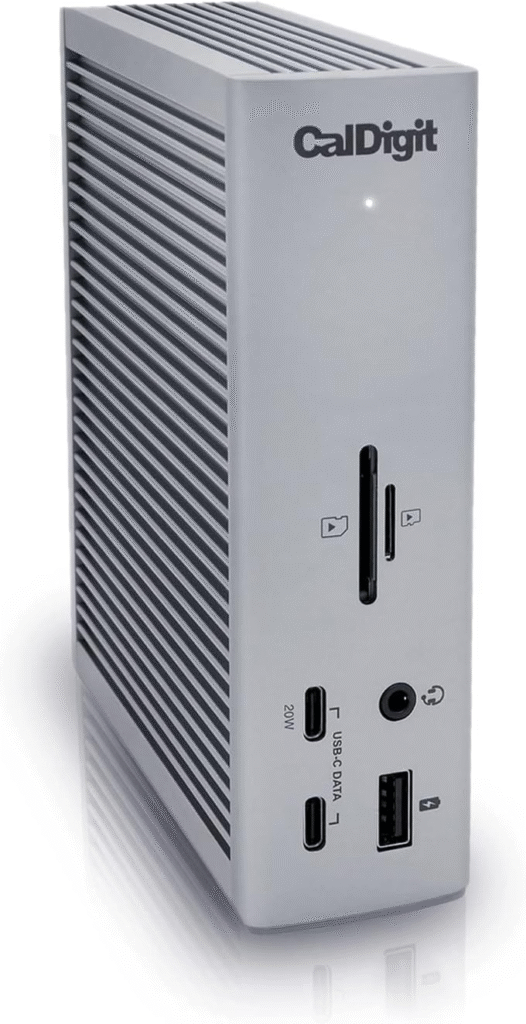
The CalDigit TS4 feels like the “no compromises” option. I tested this with both a MacBook Pro and a Windows ultrabook, and it handled dual 4K displays without breaking a sweat. It’s a premium Thunderbolt 4 docking station designed for power users. This dock isn’t cheap but it’s packed.
What It Is
A Thunderbolt 4 docking station that supports dual 4K @ 60Hz (or even 8K single display), 98W power delivery, and an incredible number of ports.
Key Features & Specs (Woven In)
The TS4 offers 18 ports total yes, eighteen. That includes:
- 2.5Gb Ethernet
- Multiple USB-A and USB-C ports
- SD and microSD card slots
- DisplayPort 1.4
- Thunderbolt downstream ports
- 98W laptop charging
Performance-wise, I didn’t notice lag, flicker, or disconnects. Even under heavy load (external SSD transfers + dual monitors + charging), it stayed stable. It does get slightly warm, but the aluminum build handles heat well.
Who It’s Best For
- Video editors
- Programmers
- Remote workers with high-res monitors
- MacBook Pro users
- Professionals running multiple peripherals
Summary
The CalDigit TS4 is a powerhouse. It’s expensive but delivers unmatched reliability, power, and expandability. If you want the best overall docking station for dual monitors, this is it.
Strengths
- Dual 4K @ 60Hz support
- 98W charging
- 18 ports
- Excellent build quality
- Stable performance
Weaknesses
- Premium price
- Overkill for casual users
2. Anker 778 Thunderbolt Docking Station
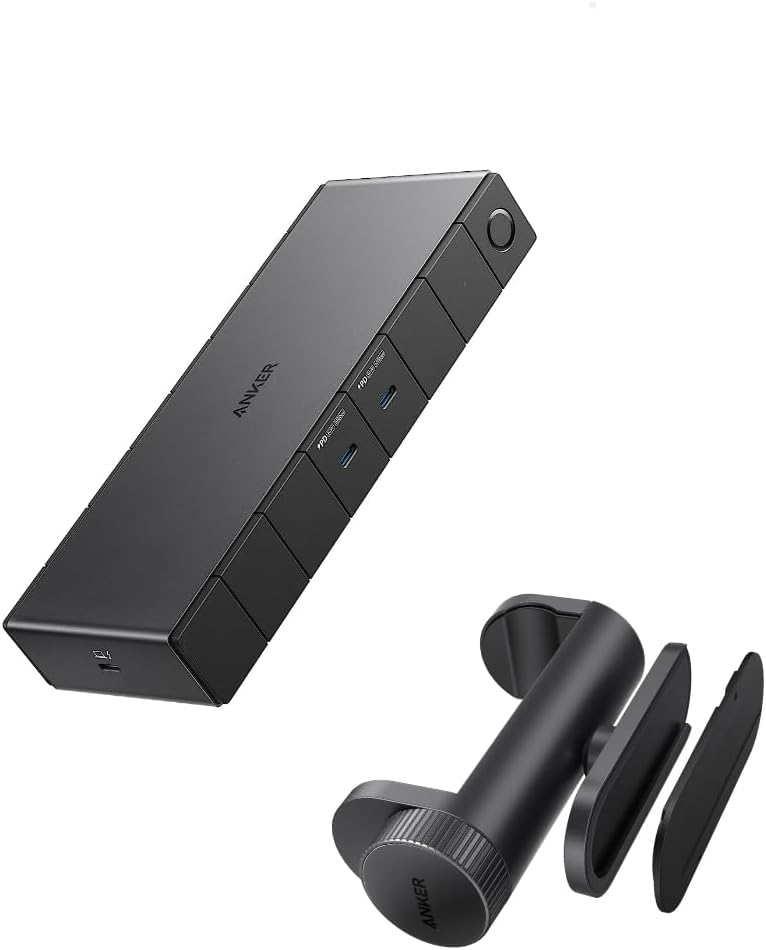
Anker has been surprisingly consistent in quality, and the 778 model feels like a more affordable alternative to CalDigit. I bought this during an Amazon sale (birthday treat to myself no regrets). Setup was quick, and it worked instantly with my Windows laptop.
What It Is
A Thunderbolt-based docking station supporting dual 4K monitors with solid port selection and 100W charging.
Key Features & Specs
- Dual HDMI/DisplayPort support
- 100W power delivery
- 12+ ports
- Aluminum chassis
- Fast USB data transfer
The performance was stable in daily office tasks Zoom calls, Chrome with 20+ tabs, spreadsheets, and light video editing. It didn’t feel quite as “industrial” as the TS4, but honestly, for most people, it’s more than enough.
Who It’s Best For
- Office professionals
- Work-from-home setups
- Business travelers
- Mid-range productivity users
Summary
The Anker 778 strikes a great balance between performance and price. It supports dual monitors reliably and offers strong charging capability.
Strengths
- 100W charging
- Reliable dual 4K support
- Good value
- Strong brand reputation
Weaknesses
- Fewer ports than TS4
- Slightly bulkier design
3. Plugable UD-6950H (DisplayLink Dock)
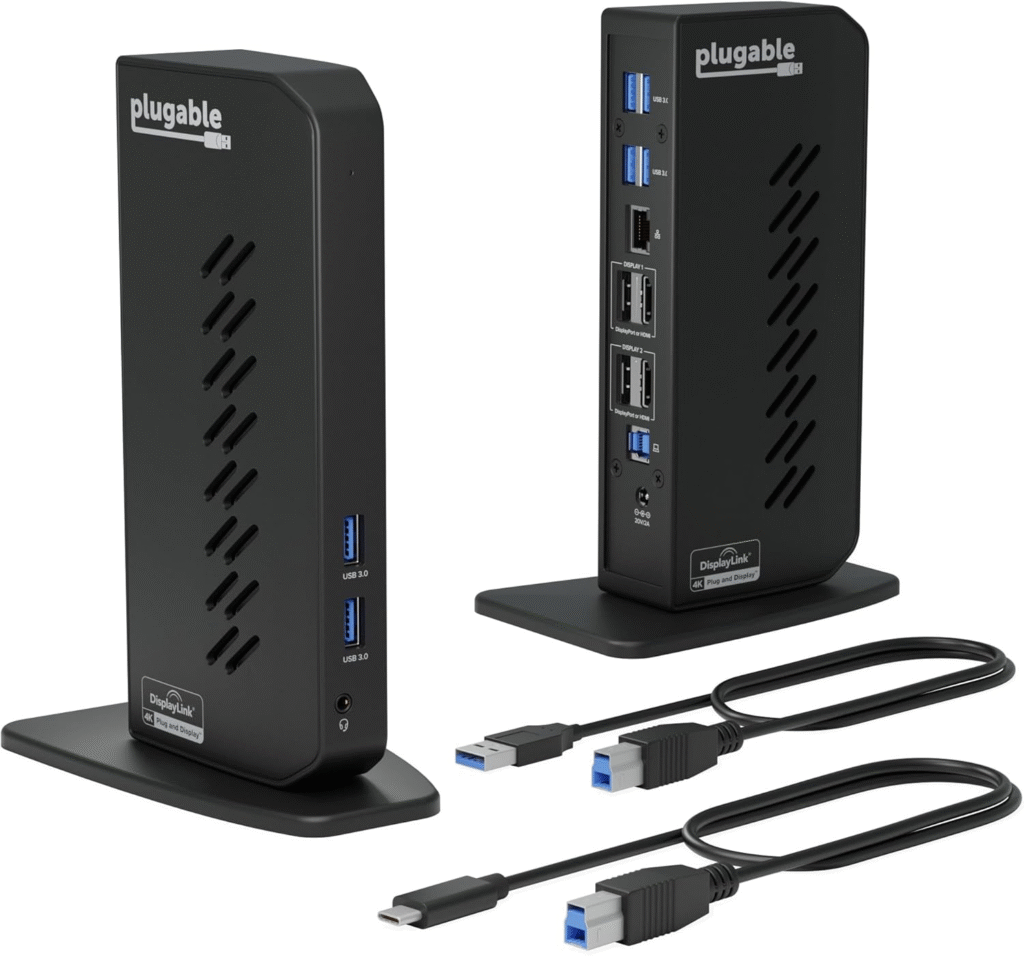
This one surprised me. The Plugable UD-6950H uses DisplayLink technology, which means it works with systems that normally limit external displays including some MacBooks that otherwise only support one monitor.
That’s huge.
What It Is
A USB 3.0/USB-C docking station with DisplayLink support for dual HDMI monitors.
Key Features & Specs
- Dual HDMI outputs
- Supports 1080p or 4K (depending on setup)
- USB-A ports
- Gigabit Ethernet
- Requires DisplayLink drivers
Performance-wise? Surprisingly stable. I was skeptical at first software-driven display solutions sometimes lag. But during testing, it handled office tasks smoothly. For gaming or heavy editing? Not ideal. But for productivity? Definitely solid.
Who It’s Best For
- MacBook M1/M2 base users
- Budget dual-monitor setups
- Office productivity tasks
- Remote workers
Summary
If your laptop limits external monitors, the Plugable UD-6950H can bypass that restriction. It’s affordable and reliable for productivity tasks.
Strengths
- Works with restrictive MacBooks
- Budget-friendly
- Easy setup
- Good for office tasks
Weaknesses
- Requires drivers
- Not ideal for gaming
- Slight compression under heavy graphics load
4. Dell WD22TB4 Thunderbolt Dock
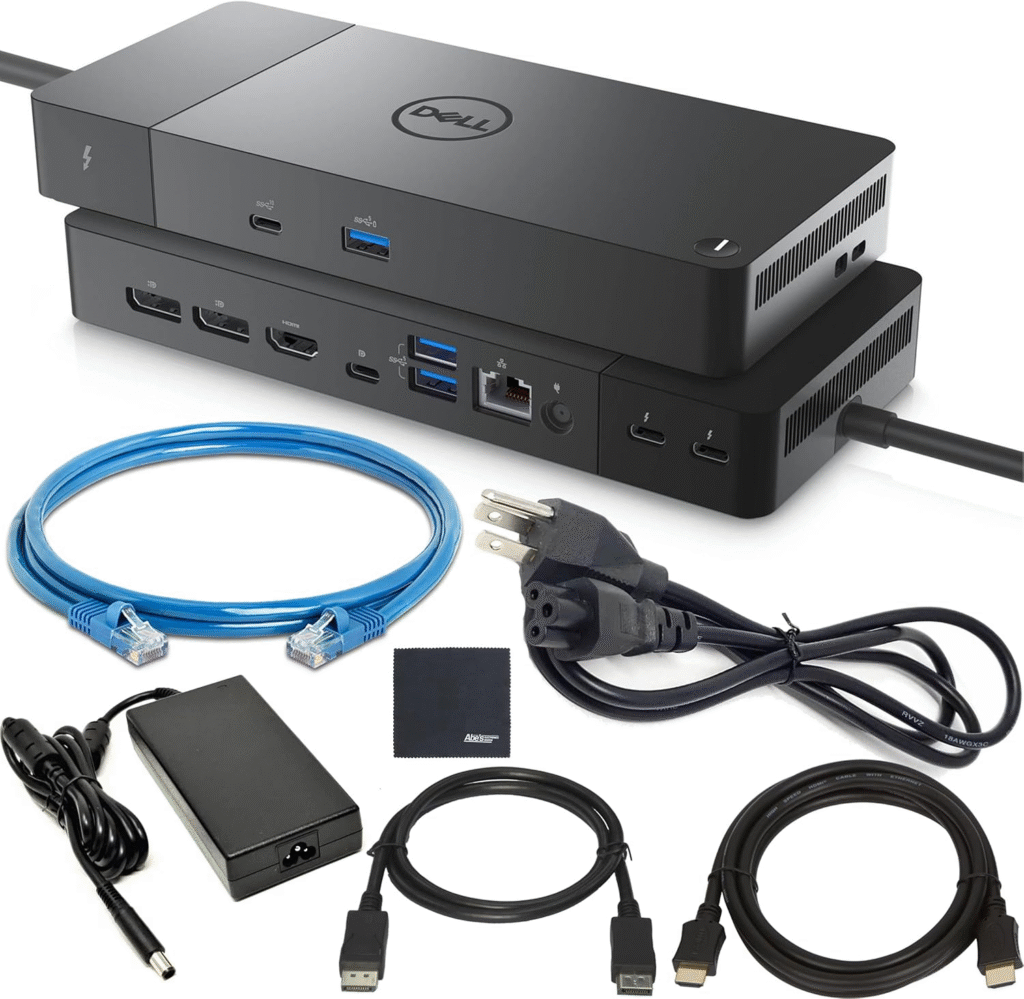
If you use a Dell laptop, this feels like the “native” option. I tested it with a Dell XPS, and integration was seamless firmware updates, charging, everything worked perfectly.
What It Is
A modular Thunderbolt 4 docking station optimized for Dell systems but compatible with others.
Key Features & Specs
- Dual 4K support
- 130W power delivery (Dell systems)
- Multiple USB ports
- HDMI + DisplayPort
- Strong enterprise build
The dock feels durable and business-focused. Performance was rock solid no flicker, no random disconnects.
Who It’s Best For
- Dell laptop users
- Corporate offices
- IT-managed environments
- Professional setups
Summary
The Dell WD22TB4 is best for Dell users wanting maximum compatibility and stability. It’s reliable and enterprise-ready.
Strengths
- Optimized for Dell
- Strong charging
- Durable build
- Stable dual display
Weaknesses
- Higher price
- Less universal aesthetic
FAQs
1. Can any docking station support dual monitors?
No. Your laptop’s GPU and port type matter. Thunderbolt docks usually support dual 4K. Basic USB-C hubs often don’t.
2. Do I need Thunderbolt for dual monitors?
Not always, but Thunderbolt makes things easier and more stable. USB-C can work if it supports DisplayPort Alt Mode.
3. Why does my MacBook only support one external display?
Some base M1/M2 models have hardware limitations. A DisplayLink dock can help bypass this.
4. Is DisplayLink bad?
Not bad — just different. It uses software compression. Great for office work, not ideal for high-performance gaming.
5. How much power delivery do I need?
Most laptops need 65W–100W. If you have a larger workstation laptop, check manufacturer requirements.
Final Summary
After testing multiple docking stations for dual monitors, here’s what I honestly believe:
If you want the most powerful, future-proof setup, the CalDigit TS4 is definately the strongest choice. It’s built for professionals and heavy workloads.
If you want strong performance without spending a fortune, Anker’s option delivers real value.
If you own a restrictive MacBook and need dual monitors, Plugable’s DisplayLink dock solves a real problem.
And if you’re a Dell user in a corporate setup, the WD22TB4 integrates beautifully.
Prices on Amazon fluctuate often, especially during seasonal sales. I recommend checking current discounts, warranty info, and shipping timelines before buying.
Amazon Affiliate Disclaimer
As an Amazon Associate, I may earn from qualifying purchases. This helps support our testing and allows us to continue providing honest, in-depth reviews at no extra cost to you.