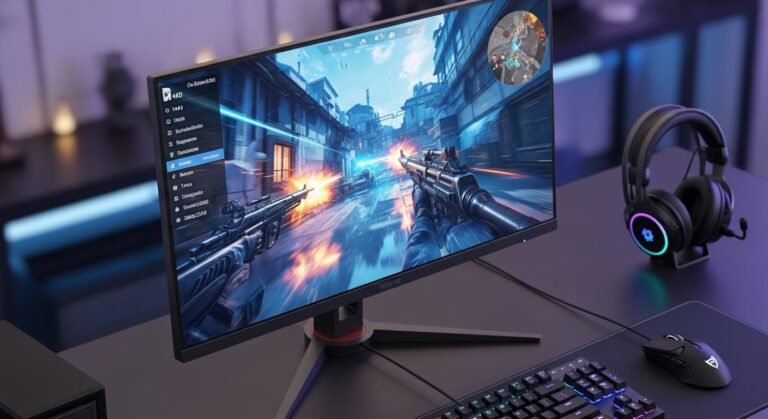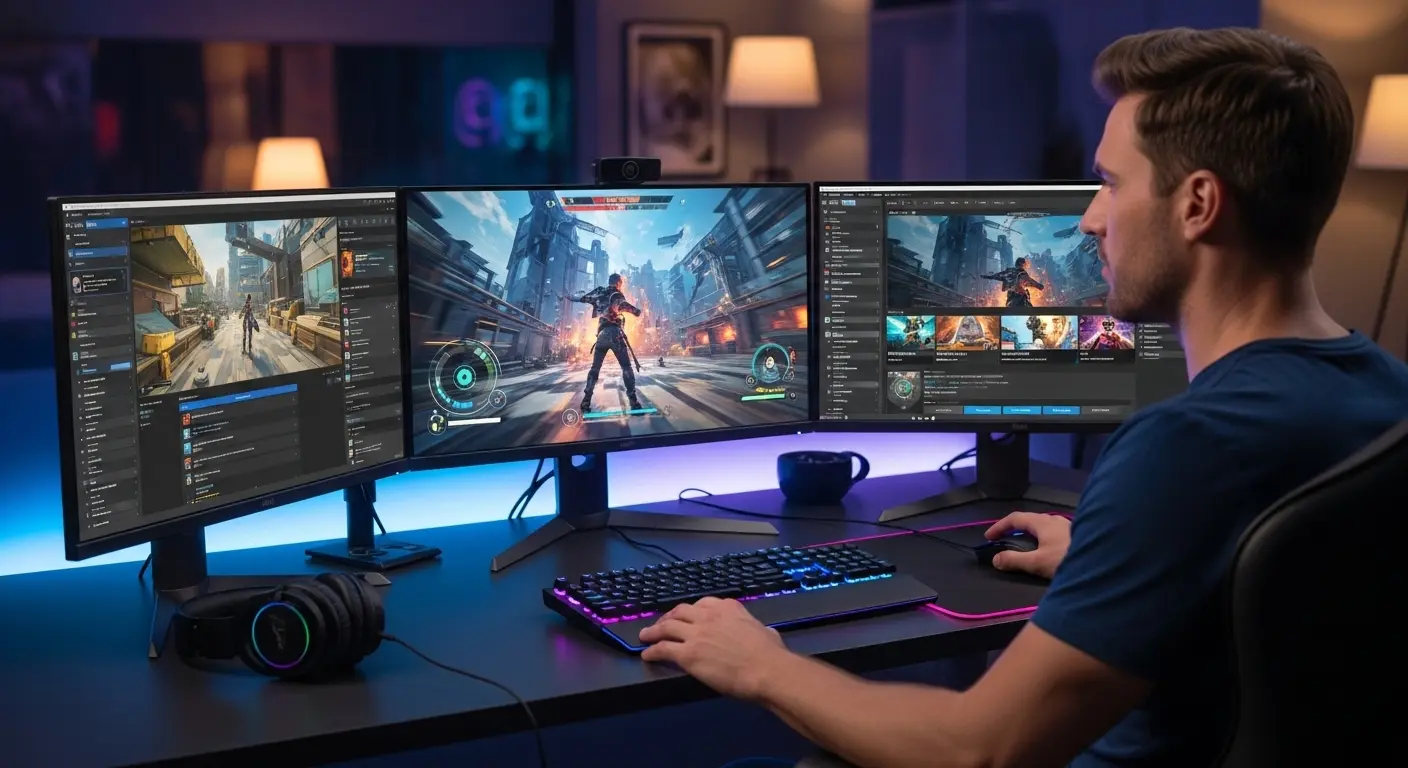
Last year, I hit a point where I was losing more matches to my monitor than to actual players. I’m not even exaggerating. During a late-night ranked session of Call of Duty: Warzone, I clearly saw the enemy first… or at least I thought I did. By the time my screen reacted, I was already eliminated. Again. And again. That slight blur during fast turns, the ghosting when flicking corners, it was costing me wins. That’s when I realized: my old 60Hz office monitor just wasn’t built for modern gaming. And if you’re reading this, maybe you’re in the same spot, wondering if a gaming monitor really makes that much difference.
The Problem →Why My Old Monitor Was Holding Me Back
At first, I blamed my aim. My mouse. My internet. My chair. You know the drill. But the real issue was refresh rate and response time. I was playing competitive shooters like Valorant and even open-world titles like Elden Ring on a 60Hz IPS panel with noticeable input lag.
Symptoms:
- Motion blur during fast camera pans
- Screen tearing
- Delayed visual feedback
- Washed-out blacks in dark scenes
After one particularly frustrating weekend session, I told myself: “Okay, enough. I’m upgrading.”
The Search → What I Actually Looked For
I didn’t want to just buy “a gaming monitor.” I wanted the best monitor for gaming in my budget (around mid-range pricing on Amazon).
Here’s what I focused on:
- 144Hz or higher refresh rate
- 1ms response time
- Adaptive sync (G-Sync or FreeSync)
- Good color accuracy (I also do light content editing)
- Solid build quality
- Reasonable shipping and return policy (Amazon Prime definitely helped)
After hours no, days of reading Reddit threads, watching YouTube reviews, and checking deals, I narrowed it down to three strong contenders:
Let me walk you through how each one performed in real life.
The Test → 3 Weeks of Real Gaming Use
1️⃣ LG 27GP850-B – The Balanced Performer
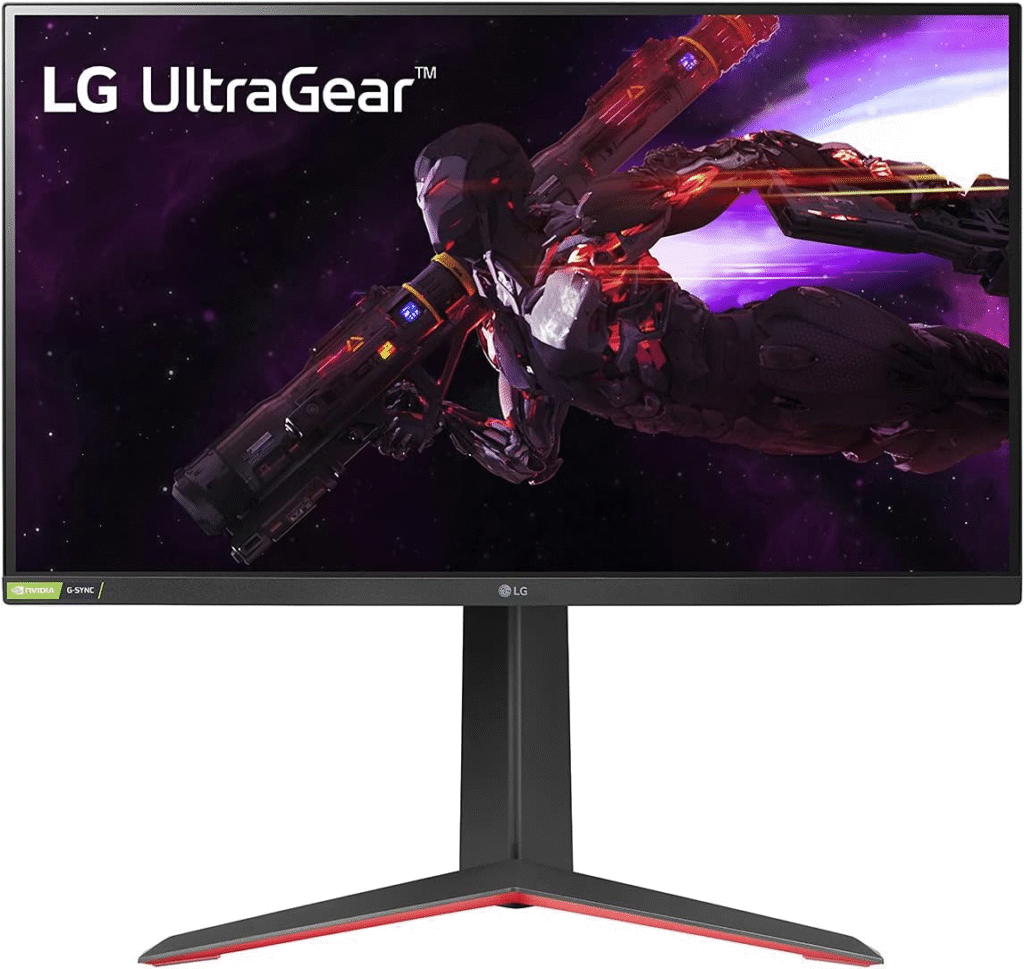
This was the first one I ordered.
Specs that caught my attention:
- 27-inch QHD (2560×1440)
- 165Hz (overclockable to 180Hz)
- 1ms Nano IPS
- G-Sync Compatible + FreeSync Premium
First Impressions
Out of the box? Surprisingly premium. The stand felt sturdy, not cheap plastic. Assembly took maybe 5 minutes. The colors… wow. IPS panels really shine here. Playing Warzone, the environments looked vibrant but not oversaturated. Skin tones and shadows felt natural. Definitely an upgrade from my old monitor.
Gaming Performance
After 3 weeks of use:
- Motion clarity was sharp.
- No noticeable ghosting.
- Input lag felt almost nonexistent.
- Competitive shooters felt smoother instantly.
Honestly, this monitor made me realize how big the jump from 60Hz to 165Hz really is. It’s not subtle. It’s transformative.
Downsides?
- IPS glow in very dark rooms.
- HDR is… okay. Not mind-blowing.
- The stand is large, takes up desk space.
But overall? This became my early favorite.
2️⃣ Samsung Odyssey G7 – The Speed Demon
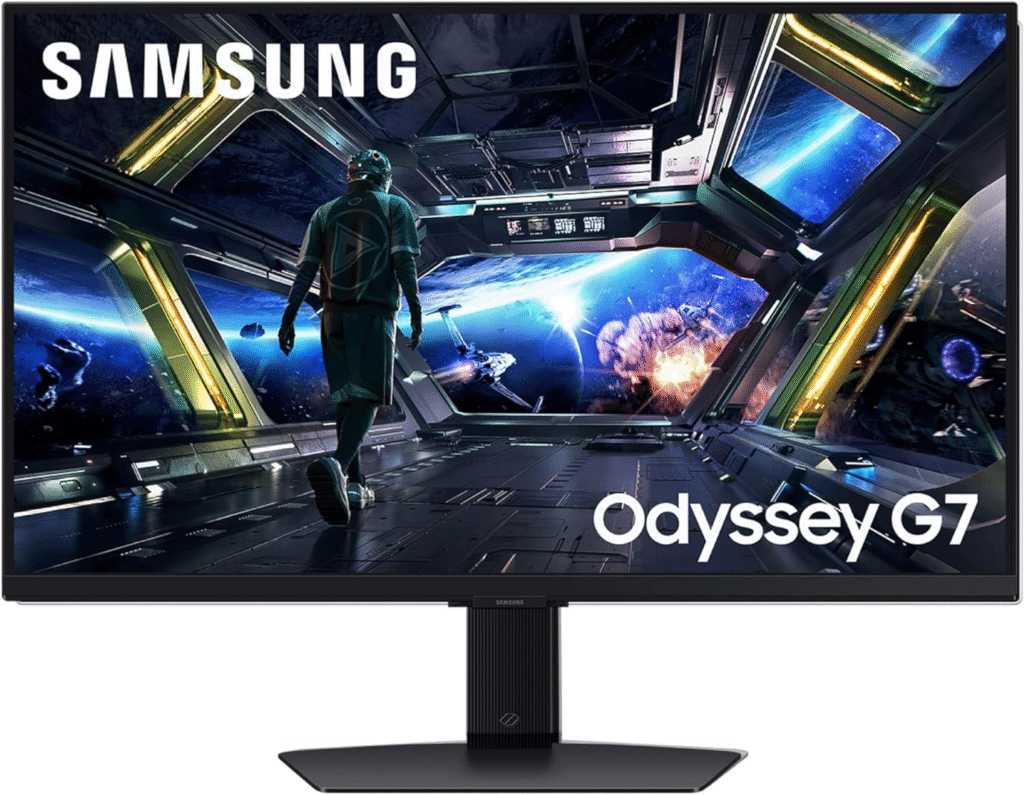
Next up was the Samsung Odyssey G7, and this thing looked like a spaceship landed on my desk.
Specs:
- 27-inch QHD
- 240Hz refresh rate
- 1ms response time
- 1000R aggressive curve
- VA panel
The Curve Debate
The 1000R curve is intense. At first, I wasn’t sure if I liked it. It felt dramatic… almost too immersive.
But after a few days? I actually got used to it.
Gaming Performance
This is where the G7 shines. 240Hz feels ridiculously smooth. In Valorant, tracking enemies felt buttery. Fast flick shots? Clean. Motion blur? Almost gone. The VA panel also delivered deep blacks, better than the LG in dark scenes. Playing at night was definately more cinematic.
The Issues
But… it wasn’t perfect.
- Some minor flickering with adaptive sync early on.
- Slight black smearing in very dark transitions.
- Price was higher.
- The curve isn’t for everyone.
For pure competitive gaming, it might be the best. But for mixed usage (work + gaming), I found it slightly less versatile.
3️⃣ ASUS TUF Gaming VG27AQ – The Reliable All-Rounder
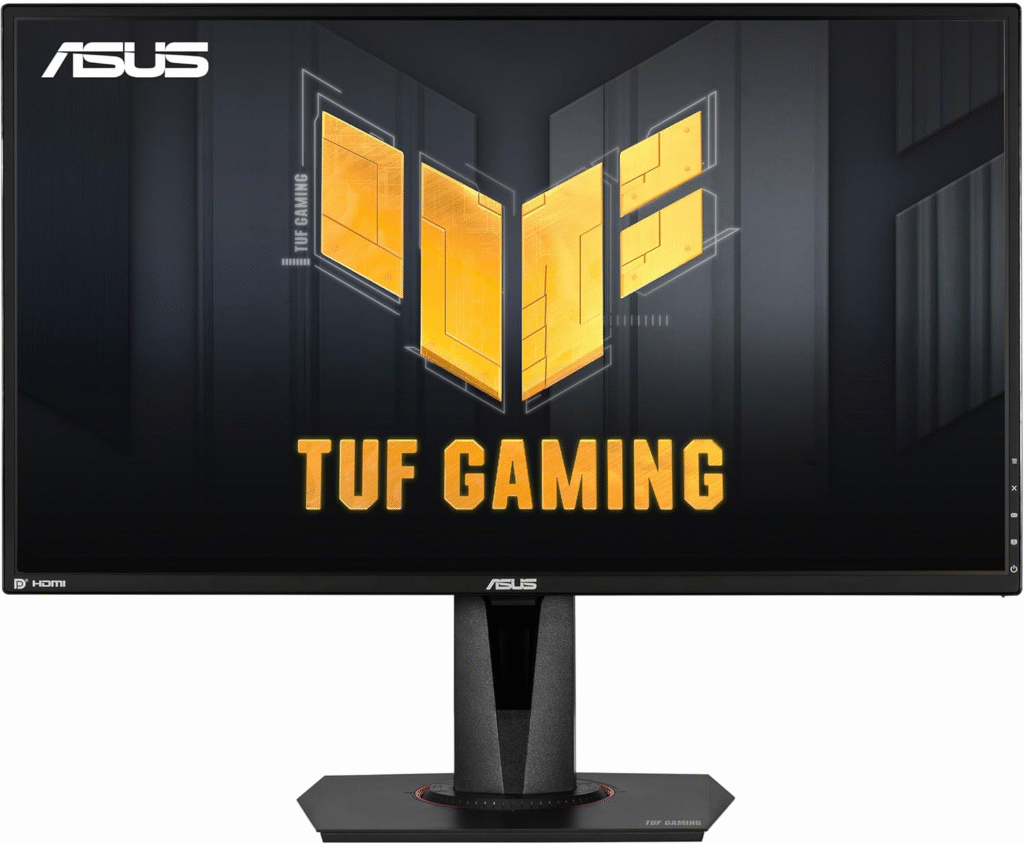
Finally, I tested the ASUS TUF Gaming VG27AQ.
Specs:
- 27-inch QHD
- 165Hz
- IPS panel
- ELMB Sync (blur reduction + adaptive sync)
This monitor sits in a sweet spot between performance and affordability.
Real-World Use
The build quality felt solid, typical ASUS TUF rugged design. Not flashy, but dependable. Gaming felt smooth and responsive. Not quite as punchy as the LG in color vibrancy, but still very good. ELMB Sync was interesting, it reduced motion blur noticeably, but brightness took a hit when enabled.
Why It Almost Won
If budget is tighter, this is probably the best value gaming monitor in this category. But compared directly with the LG 27GP850-B, I found the LG slightly sharper in color reproduction and overall polish.
The Result → Which One I Kept
After testing all three, I kept the LG 27GP850-B.
Here’s why:
- Best balance between competitive performance and visual quality
- No major issues or quirks
- Great for both gaming and light productivity
- More affordable than the Samsung G7
- Easier on the eyes for long sessions
The Samsung Odyssey G7 was incredible for raw speed. If you’re an esports-first player chasing every millisecond, 240Hz might be worth it. The ASUS TUF VG27AQ was the smart budget pick. Reliable, strong performance, good value. But for me? The LG hit that sweet spot.
Real-Life Usage Scenarios
After about 2 months now:
- Long 4-hour gaming sessions? No eye strain.
- Editing thumbnails and light video work? Colors look accurate.
- Watching Netflix? Crisp and vibrant.
- Late-night ranked sessions? Smooth and immersive.
I even caught myself re-playing older games just to see how they looked at 165Hz. That’s how big the difference felt.
Buying Experience (Amazon, Shipping, Returns)
I ordered all three through Amazon during different discount windows.
Pro tips:
- Watch for seasonal sales (Prime Day, Black Friday).
- Check for warehouse deals.
- Compare sellers for faster shipping.
Returns were surprisingly easy. I was worried about panel lottery issues, but Amazon handled everything smoothly.
Competitors Worth Mentioning
I also considered:
- Alienware AW2723DF – amazing but pricier.
- Gigabyte M27Q – strong budget option.
- MSI MAG274QRF-QD – fantastic colors.
If budget wasn’t a factor, Alienware would’ve been tempting… but I couldn’t justify the jump in price for my needs.
Emotional Side of the Upgrade
I didn’t expect a monitor upgrade to feel this satisfying. There’s something about smooth motion and instant feedback that makes gaming feel… fair again. Losses feel earned, not technical. Wins feel sharper. And honestly? It reignited my excitement for gaming.
Was it life-changing? No.
Was it absolutely worth it? Yes.
Final Summary
If you’re stuck on a 60Hz panel and wondering whether upgrading matters—it does. Massively.
Here’s my quick summary:
- Best Overall Balance: LG 27GP850-B
- Best for Competitive Esports: Samsung Odyssey G7
- Best Value Option: ASUS TUF VG27AQ
None of them are perfect. IPS glow exists. VA smearing exists. HDR is still meh at this price range. But compared to where I started? Night and day. If I had to do it again, I’d still choose the LG. It fits my desk, my GPU, my games, and my budget.
FAQs
1. What monitor is best for gaming?
The best gaming monitor depends on your setup: aim for a high refresh rate (144Hz or above), low response time (1 ms), and a panel type you prefer (IPS for color, TN for speed, VA for contrast). Popular balanced choices are 1440p 144Hz+ monitors.
2. Is 4K or 1440p better for gaming?
1440p is usually better for gaming because it offers a great balance of sharp visuals and higher frame rates. 4K looks sharper but demands much more GPU power.
3. Is 144Hz or 165Hz better?
165Hz is slightly better — it delivers marginally smoother motion than 144Hz. The difference is noticeable mostly in fast-paced competitive games.
4. Which brand gaming monitor is best?
Top gaming monitor brands include ASUS (ROG), Acer (Predator), Samsung, LG, and Dell (Alienware). Pick based on your budget, panel preference, and features like G-SYNC/FreeSync.
Amazon Affiliate Disclaimer:
As an Amazon Associate, I earn from qualifying purchases. This comes at no extra cost to you and helps support the content I create.