If you’ve ever wondered how your devices all connect to the internet at the same time, it starts with a Wi-Fi router. I remember setting up my first router years ago and being amazed that one device could wirelessly connect my phone, laptop, and smart TV all at once. Understanding how a router works can make choosing, setting up, and troubleshooting your home or office network much easier.
What Is a Wi-Fi Router and What Does It Do?
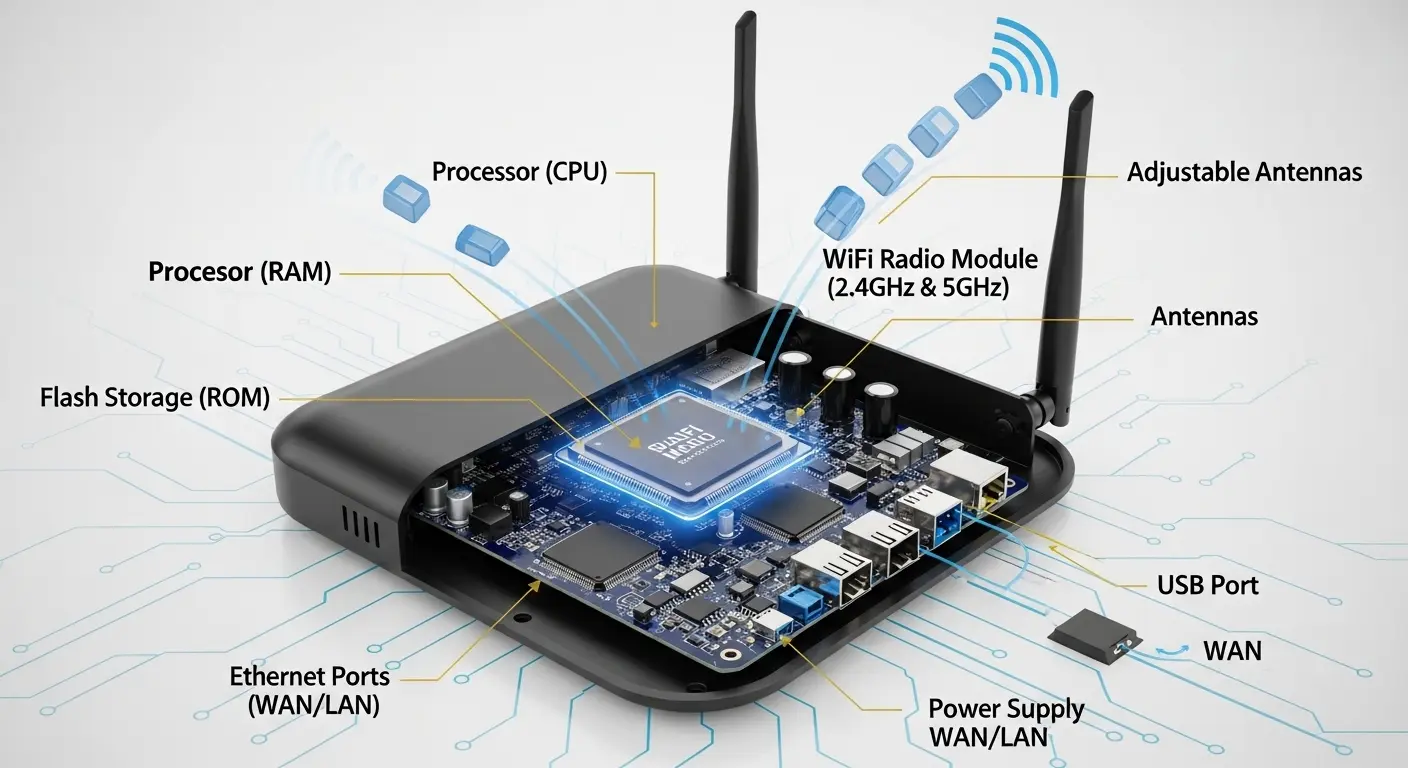
A Wi-Fi router is the heart of my home network. It takes the internet signal from my modem and distributes it to all my devices, both wirelessly and via Ethernet. This creates a local network, letting me stream videos, play online games, and work remotely without interruption.
Key Functions of a Wi-Fi Router:
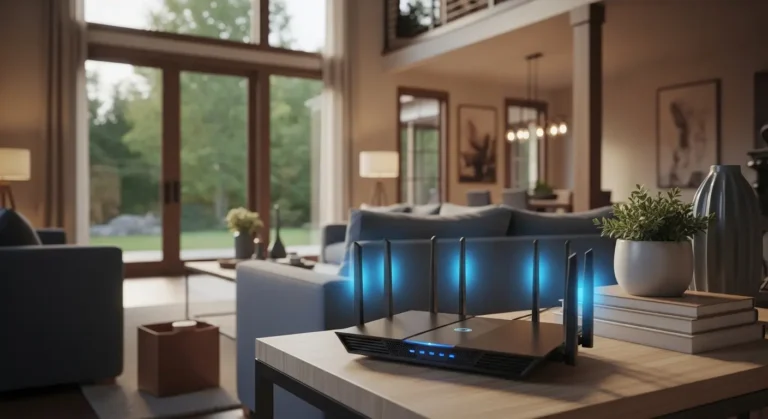
- Wireless Access Point: Routers broadcast Wi-Fi signals on multiple frequencies, 2.4 GHz, 5 GHz, and even 6 GHz, so all devices in your home can connect without cables.
- Data Management: Think of the router as a traffic director, sending information to the correct device efficiently.
- Network Security: Most routers have built-in firewalls to block unwanted access and protect my devices.
- Wired Connections: Routers usually include Ethernet ports for devices that benefit from a direct connection, like desktop PCs or gaming consoles.
Router vs. Modem:
- Modem: Connects your home to the internet provided by your ISP.
- Router: Shares that connection with multiple devices while managing traffic and security.
- Gateway: Combines both modem and router into a single device, simplifying setup for some homes.
How Does a Router Work?
When I connect a device to my router, it assigns a unique IP address, allowing data to travel smoothly between the internet and each device. The router ensures my Netflix streams don’t interfere with a video call or online game. It also acts as a firewall, blocking malicious traffic, and lets me control which devices can access my network.
Routers come in different performance levels, with varying Wi-Fi speeds, number of bands, and Ethernet ports. Some business routers omit wireless features entirely, relying on separate access points. Understanding these options helps me pick the right router for my space.
What Is a Dual-Band Router?
A dual-band router broadcasts two separate Wi-Fi signals: one on 2.4 GHz and one on 5 GHz. The 2.4 GHz band reaches farther but is slower, while 5 GHz is faster but covers a smaller area. Devices automatically connect to the optimal band, balancing speed and coverage. Dual-band routers are common and work well for most households.
What Are Tri-Band and Quad-Band Routers?
Tri-band routers add a second 5 GHz signal, helping high-demand devices run without slowing down the network. Quad-band routers go even further, offering multiple high-speed channels, including the latest 6 GHz band for Wi-Fi 6E. I rely on these routers when multiple family members stream, game, or video conference at the same time.
How Do I Choose the Best Wi-Fi Router?
The best router for me depends on home size, number of devices, and internet speed. Here’s what I consider:
- Wi-Fi Technology: I prefer routers with at least Wi-Fi 6 (802.11ax) for future-proofing, or Wi-Fi 6E if I need the extra 6 GHz band.
- Wi-Fi Speed & Performance: Speeds are noted in Mbps, like AX1800, which indicate potential combined throughput across all bands.
- Number of Bands: Dual, tri, or quad bands help manage traffic and reduce congestion.
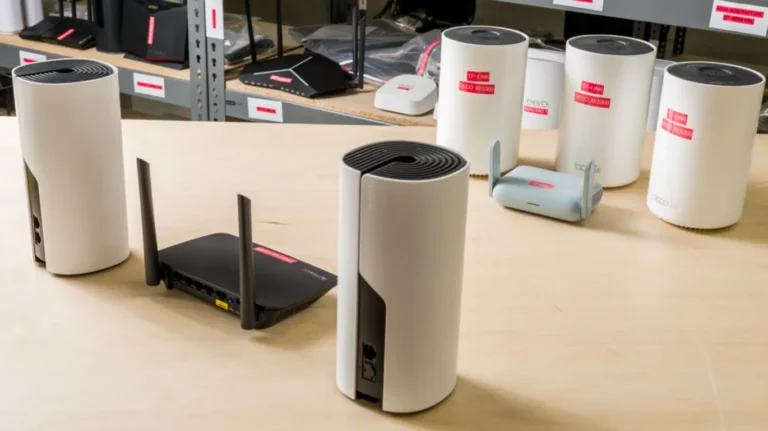
- Mesh Systems vs. Single Routers: Mesh networks with multiple units cover larger homes or multi-story layouts.
- Advanced Features: Gamers or small business owners may benefit from QoS, advanced security, and parental controls.
What Is the Difference Between a Router and a Switch?
A switch simply adds more Ethernet ports to a network. A router, on the other hand, creates a protected local network, manages multiple devices, and routes traffic between the internet and my devices. I use switches when I need extra wired connections but still rely on my router for internet access and network security.
How Much Does a Wi-Fi Router Cost?
Mid-range dual-band Wi-Fi 6 routers usually cost $150–$200, while high-end tri-band Wi-Fi 6E routers can range $300–$500. Mesh systems for large or multi-story homes may exceed $1,000 depending on coverage and performance. Renting a router from your ISP might cost $10–$30 per month, but buying your own often gives better speed, control, and features.
How to Set Up a Wi-Fi Router
Setting up a router is simpler than it seems. Here’s the process I follow:
- Check Compatibility: Make sure the router works with my modem or gateway, and disable overlapping Wi-Fi if using a modem-router combo.
- Position It Wisely: Place the router in an open area to maximize signal strength.
- Connect Ethernet: Link the router to the modem’s internet port.
- Power On: Reboot the modem, then power the router.
- Configure Network: Create a Wi-Fi name (SSID), password, and security settings. Connect devices, and you’re online!
FAQs
Q: Can I use a router without a modem?
No, a router needs a modem or gateway to provide an internet connection. Without it, the router only creates a local network without internet access.
Q: How many devices can connect to a router at once?
It depends on the router’s performance. Dual-band routers handle fewer devices well, while tri-band or mesh systems support dozens of devices simultaneously.
Q: What is Wi-Fi 6E, and do I need it?
Wi-Fi 6E adds a 6 GHz band, providing faster speeds and less congestion. I recommend it if you have many devices, stream high-quality video, or need future-proofing.
Q: How can I improve Wi-Fi coverage in a large home?
Using a mesh system or adding additional access points helps maintain strong coverage throughout your home.
Conclusion
A Wi-Fi router is more than just a box that sits on a shelf, it’s the gateway that keeps all my devices connected, secure, and running smoothly. Understanding how it works, the different types available, and how to choose the right one for your home or business makes a huge difference in speed, coverage, and overall network performance. Whether you’re upgrading to Wi-Fi 6, setting up a mesh system for a multi-story home, or just looking for reliable coverage, selecting the right router ensures a seamless internet experience. Take the time to assess your needs, consider the number of devices and your space, and set up your network thoughtfull, I promise it will pay off in faster, more stable connections for everything you do online.