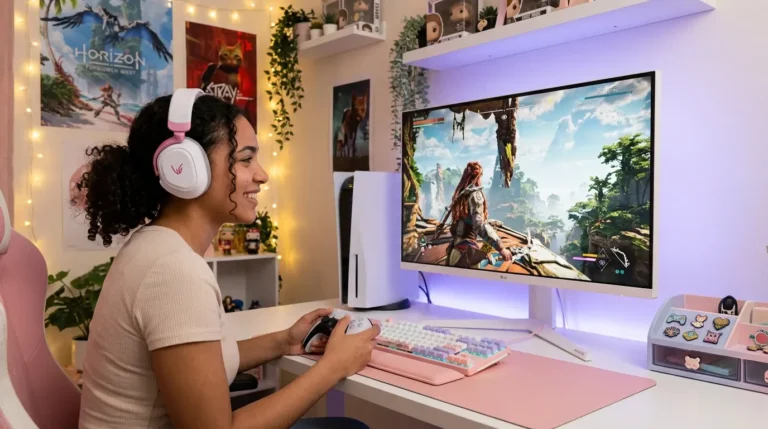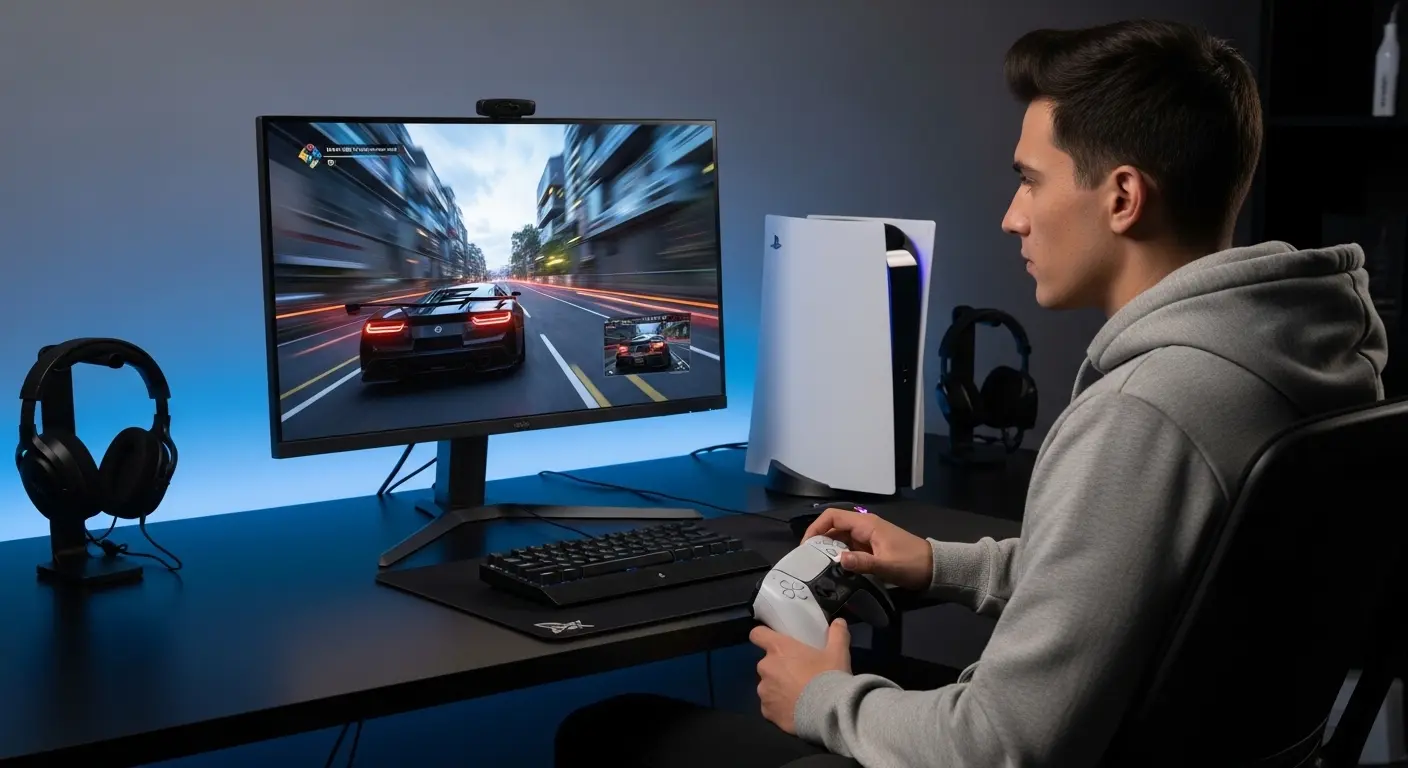
I’ll be honest, when I bought my PS5, I thought any decent monitor would do. I plugged it into my old screen, booted up Spider-Man, and… something felt off. The colors weren’t popping. Motion looked slightly blurry. And 120Hz? Yeah, that “next-gen” feature I paid for wasn’t even working.
That frustration sent me down a rabbit hole of testing, tweaking settings, and upgrading displays. After weeks of real use, one monitor finally made my PS5 feel like the console Sony promised.If you’re tired of guessing and just want one genuinely great monitor for PS5, this guide is for you.
Why Choosing the Right PS5 Monitor Actually Matters
The PlayStation 5 is a beast, 4K output, up to 120Hz, HDR support, and insanely smooth gameplay.
But here’s the problem most gamers don’t realize:
Your PS5 is only as good as the screen you connect it to.
A wrong monitor means:
- No 120Hz gaming
- Washed-out HDR
- Input lag ruining competitive matches
- Paying for power you’re not using
That’s why monitor choice isn’t optional, it’s essential.
The Best Monitor for PS5 (Tested & Personally Used)
LG 27GP850-B – The Sweet Spot for PS5 Gaming
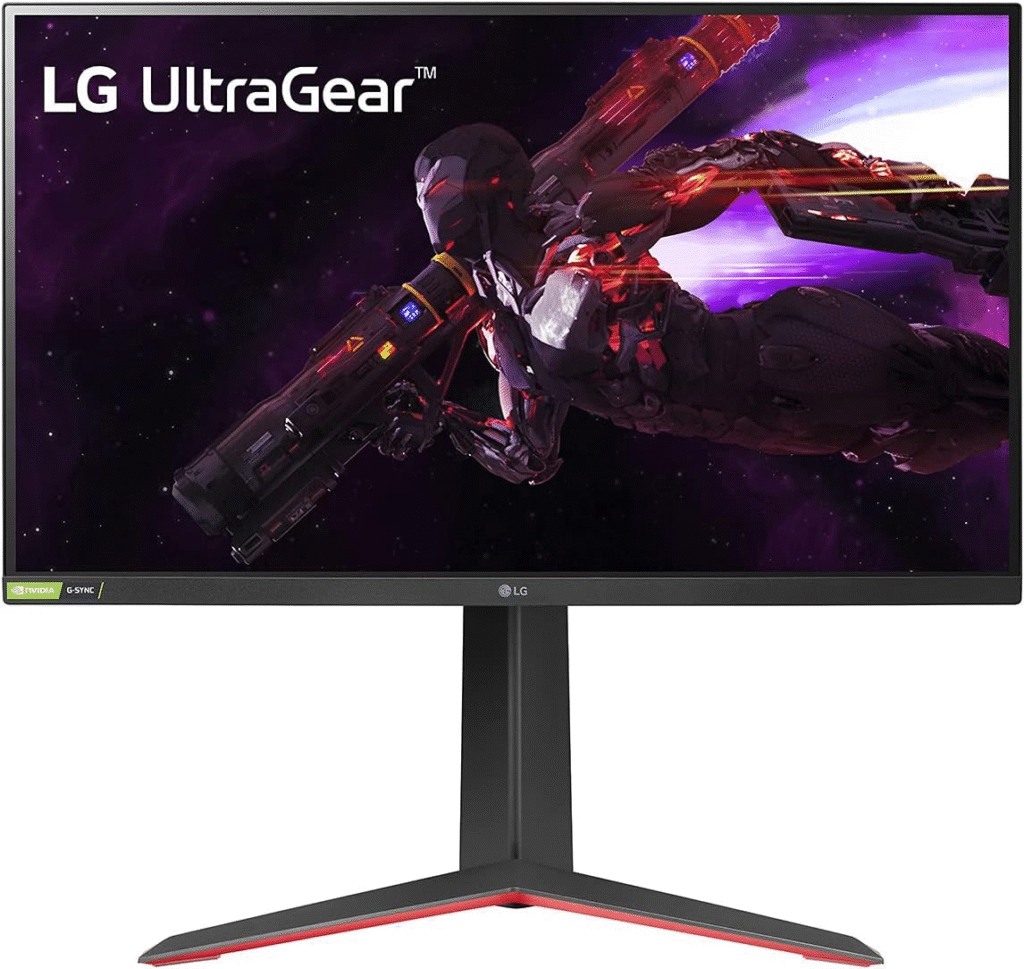
After trying multiple screens, this is the monitor that finally made me say “okay… now this feels right.” The LG 27GP850-B hits that perfect balance between performance, visuals, and price, especially for PS5 players who care about smoothness and image quality.
My Real-World Experience Using This Monitor with PS5
The first thing I noticed wasn’t resolution, it was motion clarity. Fast camera pans felt clean. No ghosting. No smearing.
When I enabled Performance Mode on PS5 and loaded into a 120Hz-supported game, it was night and day compared to my old screen.
Colors looked natural, blacks stayed deep, and input lag felt almost nonexistent. Competitive shooters felt more responsive, and story games looked cinematic without feeling artificial. This is the first monitor where I stopped tweaking settings and just… played.
Key Features That Make It Perfect for PS5 🎮
- 1440p Nano IPS panel – Sharp visuals without overworking the PS5
- 120Hz support via HDMI – Smooth gameplay for supported PS5 titles
- 1ms response time – Minimal motion blur in fast games
- HDR10 support – Better contrast and color depth
- Low input lag mode – Competitive-grade responsiveness
Who This Monitor Is Best For
This PS5 monitor is ideal if you:
- Play FPS, sports, or action games
- Want 120Hz gaming without paying OLED prices
- Sit at a desk rather than a couch
- Care about smoothness more than raw 4K resolution
- Want a future-proof monitor for PS5 and PC
If you’re a casual couch gamer who only plays story games from far away, a TV might make more sense. But for desk gaming? This monitor shines.
Pros & Cons (Real Talk)
✅ Pros
- Extremely smooth 120Hz gameplay
- Excellent color accuracy for IPS
- Very low input lag for competitive gaming
- Works flawlessly with PS5 performance mode
❌ Cons
- Not true 4K (1440p instead)
- HDR is decent, not OLED-level
- No HDMI 2.1 (not required for PS5 120Hz at 1440p)
Why 1440p Is Actually a Smart Choice for PS5
A lot of gamers obsess over 4K, I did too. But here’s what I learned:
- PS5 handles 1440p + 120Hz more consistently than 4K + high frame rates
- You get smoother gameplay with less compromise
- Visual sharpness at 27 inches is still excellent
- Competitive games benefit more from frames than pixels
For most PS5 gamers, 1440p is the performance sweet spot.
Mini Buyer’s Guide: What to Look for in a PS5 Monitor
Before buying any PS5 monitor, make sure it has:
🔹 Refresh Rate
At least 120Hz for next-gen smoothness.
🔹 HDMI Compatibility
HDMI 2.0 is enough for 1440p/120Hz on PS5.
🔹 Low Input Lag
Critical for shooters and sports games.
🔹 Panel Type
IPS panels give the best balance of color and speed.
FAQs
❓ Is this monitor officially supported by PS5?
Yes. PS5 supports 1440p output and 120Hz, and this monitor handles both perfectly.
❓ Is 4K better than 1440p for PS5?
Only if you value resolution over performance. For smooth gameplay, 1440p often feels better.
❓ Can this monitor do 120fps on PS5?
Yes, in games that support 120Hz and with Performance Mode enabled.
❓ Is HDR worth it on this monitor?
HDR is good, not mind-blowing. It enhances visuals but doesn’t replace OLED-level HDR.
Final Verdict: Is This the Best Monitor for PS5?
If you want smooth gameplay, sharp visuals, and zero frustration, the LG 27GP850-B is one of the best PS5 monitors you can buy without overspending.
It’s the monitor that finally made my PS5 feel truly next-gen — and once you experience 120Hz done right, there’s no going back.
Amazon Disclaimer
As an Amazon Associate, I earn from qualifying purchases. This helps support the site at no extra cost to you.