Introduction
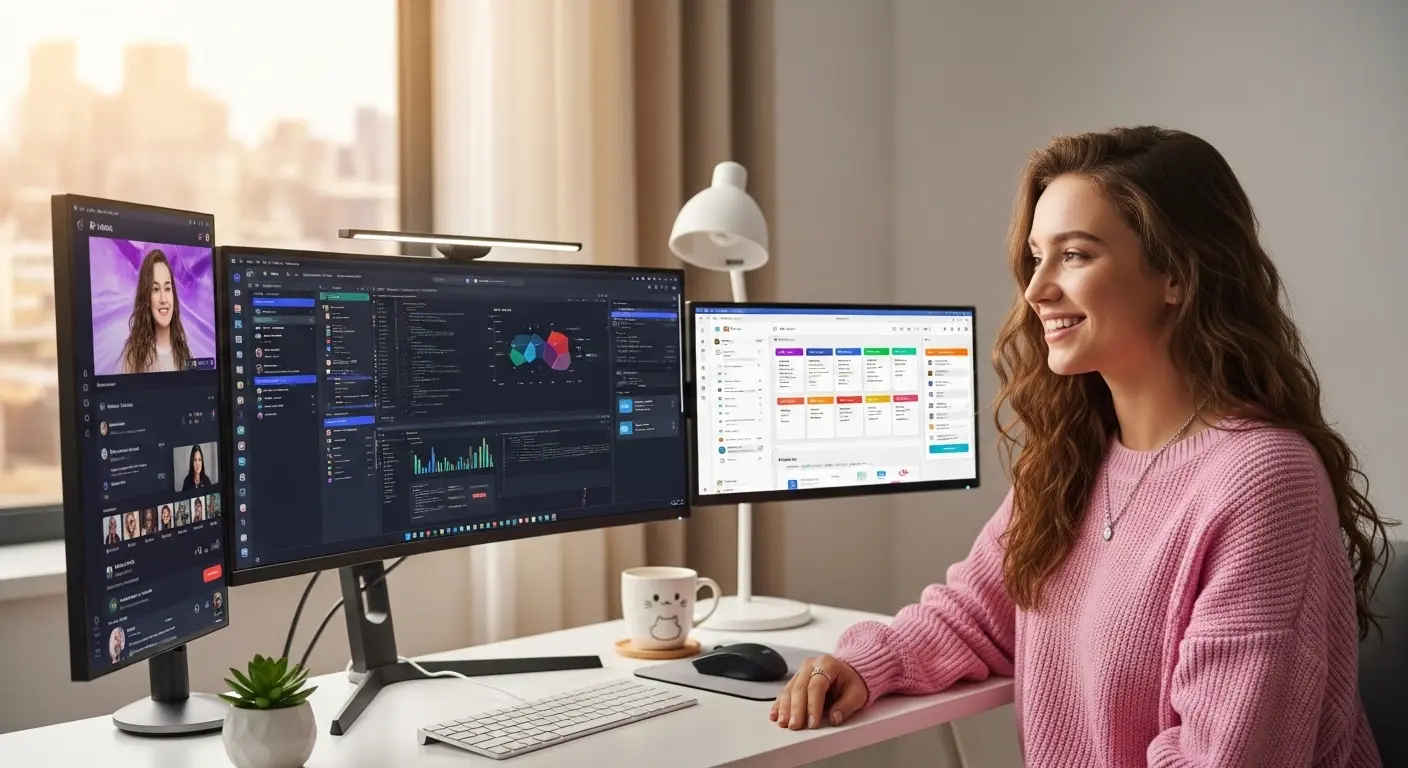
Coding on a poor monitor can quietly ruin your productivity. For a long time, I used a small 21-inch basic screen while learning programming. At first, it felt fine, until long hours of scrolling through code started causing eye strain and constant window switching. After testing several monitors designed for developers, the difference became obvious. A good coding monitor gives you more screen space, sharper text, and better color clarity, which makes reading lines of code much easier.
We tested multiple displays with different resolutions, panel types, and screen sizes to see which ones actually help developers work faster. The right monitor can improve focus, reduce eye fatigue, and even make debugging simpler. Whether you’re a beginner learning Python or a professional writing complex applications, choosing the right monitor can dramatically improve your coding workflow.
Key Features to Look for in a Coding Monitor
When choosing the best monitor for coding, a few features matter more than others:
High Resolution:
A 1440p or 4K resolution provides sharper text and allows you to see more lines of code without constant scrolling.
Screen Size:
Monitors between 27 and 32 inches provide enough space for multiple coding windows, terminals, and documentation.
Eye Comfort Features:
Low blue light filters and flicker-free technology help reduce eye strain during long coding sessions.
Adjustable Ergonomics:
Height, tilt, and swivel adjustments allow you to maintain a comfortable posture during extended programming sessions.
1. Dell UltraSharp U2723QE – A Professional Developer Favorite Monitor
First Use
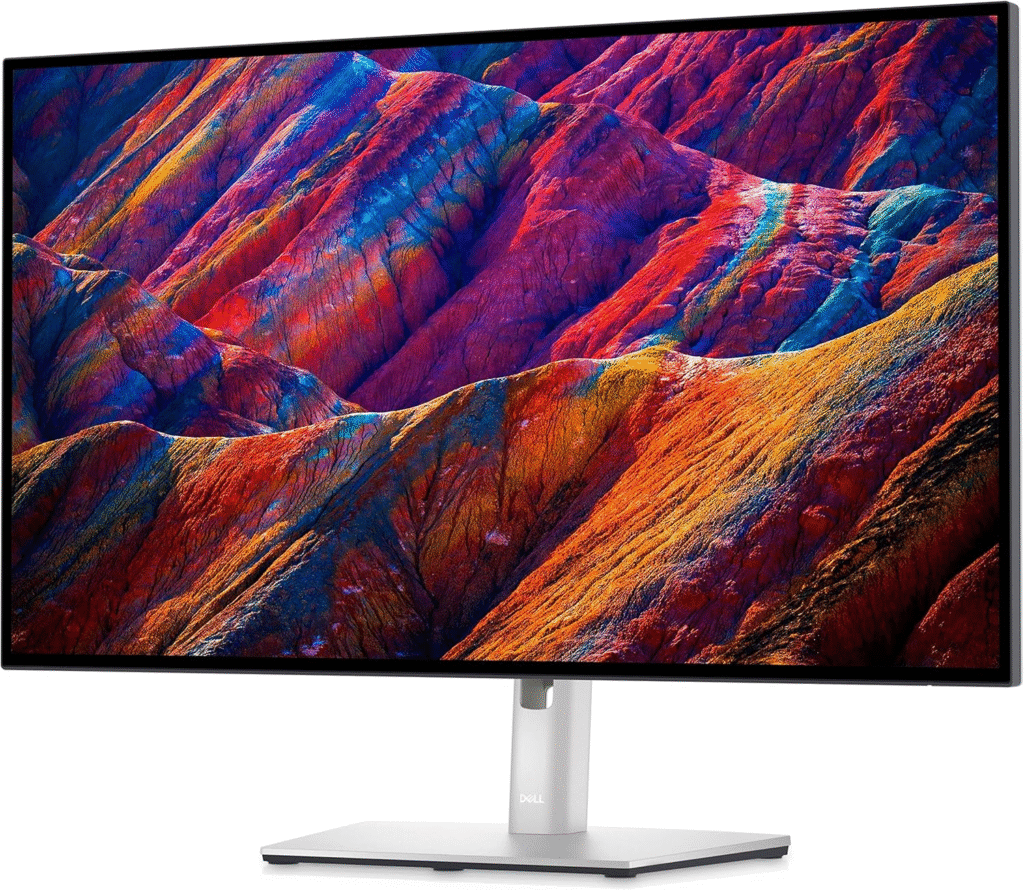
The first time I tested the Dell UltraSharp U2723QE, the clarity immediately stood out. Opening multiple coding windows side-by-side felt effortless thanks to the large 27-inch 4K display. When reviewing long code files and documentation at the same time, the extra screen space made a noticeable productivity difference.
Key Specs and Performance
This monitor features a 27-inch 4K IPS display, offering extremely sharp text rendering, something developers appreciate when reading thousands of lines of code. The color accuracy is excellent, which also makes it useful for developers working with design tools.
It also includes USB-C connectivity, allowing laptops to connect with a single cable while charging. The ergonomic stand lets you adjust height, tilt, and pivot easily.
For serious coders or developers working long hours, this monitor offers both clarity and comfort.
Pros
- Ultra-sharp 4K resolution
- Excellent ergonomic adjustments
- USB-C connectivity for clean setups
Cons
- Slightly expensive for beginners
- Built-in speakers are average
See More Details: Best 4K Monitors for Gaming (Honest Picks After Real Testing)
2. LG 27QN880-B – Best Ergonomic Monitor for Programmers Monitor
First Use
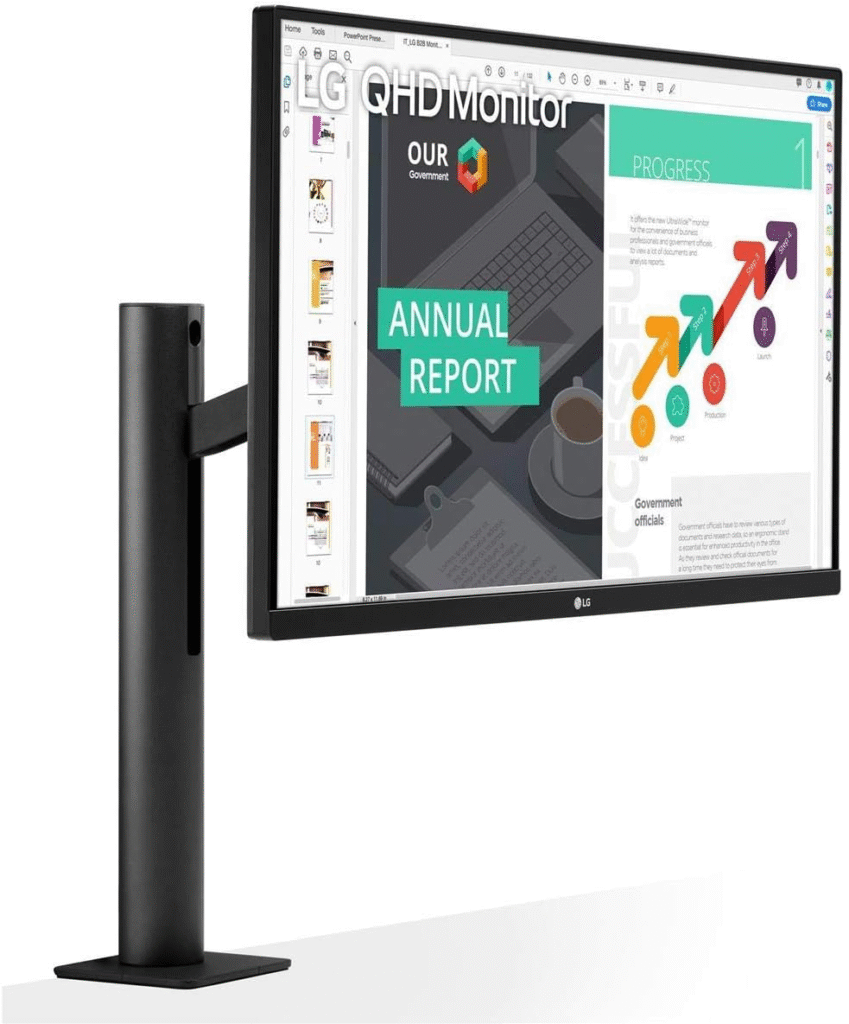
When I tried the LG 27QN880-B, the biggest advantage wasn’t just the screen, it was the ergonomic arm stand. After adjusting it to my preferred height and angle, coding for hours felt much more comfortable compared to traditional monitors.
Key Specs and Performance
This monitor comes with a 27-inch QHD (2560×1440) resolution, which strikes a perfect balance between sharpness and performance. Text remains crisp while allowing multiple code editors and browser windows to stay open simultaneously.
The standout feature is the LG Ergo stand, which clamps to the desk and provides flexible positioning. Developers who spend long hours coding will appreciate this ergonomic improvement.
It also includes USB-C connectivity and HDR support, making it suitable for both development and light creative work.
Pros
- Highly adjustable ergonomic arm
- Sharp QHD resolution
- Clean desk setup with USB-C
Cons
- Arm mount may not fit every desk
- HDR performance is basic
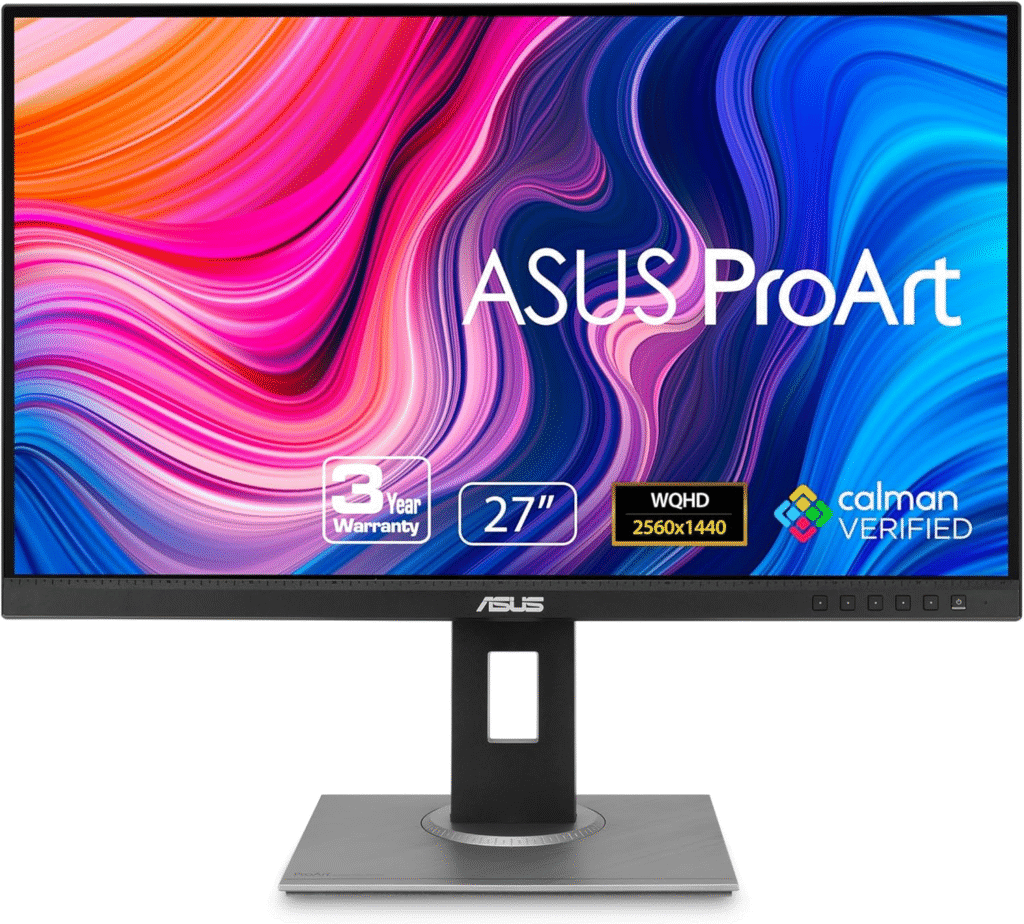
3. ASUS ProArt Display PA278QV – Budget-Friendly Coding Monitor
First Use
While testing budget monitors, the ASUS ProArt PA278QV surprised me. Opening multiple coding tabs and documentation felt smooth thanks to the spacious 27-inch screen, and the text clarity was far better than most monitors in its price range.
Key Specs and Performance
This monitor features a 27-inch 1440p IPS panel, offering clear text rendering and excellent viewing angles. Even when working late at night, the eye-care technology helped reduce fatigue during long debugging sessions.
Although it’s designed for creative professionals, its accurate colors and sharp display make it a great choice for programmers as well.
The monitor also includes a fully adjustable stand, allowing comfortable positioning during long coding sessions.
Pros
- Excellent value for the price
- Crisp 1440p resolution
- Fully adjustable stand
Cons
- No USB-C connectivity
- Design looks slightly basic
Conclusion
Choosing the best monitor for coding isn’t just about screen size, it’s about clarity, comfort, and productivity. A high-resolution display reduces eye strain, while ergonomic adjustments help you stay comfortable during long development sessions.
Whether you prefer the premium clarity of the Dell UltraSharp, the ergonomic flexibility of LG Ergo, or the affordability of the ASUS ProArt, the right monitor can transform your coding experience. Investing in a quality display means fewer distractions, better focus, and ultimately writing better code.
Amazon Disclaimer:
As an Amazon Associate, I earn from qualifying purchases. This helps support the site at no additional cost to you.