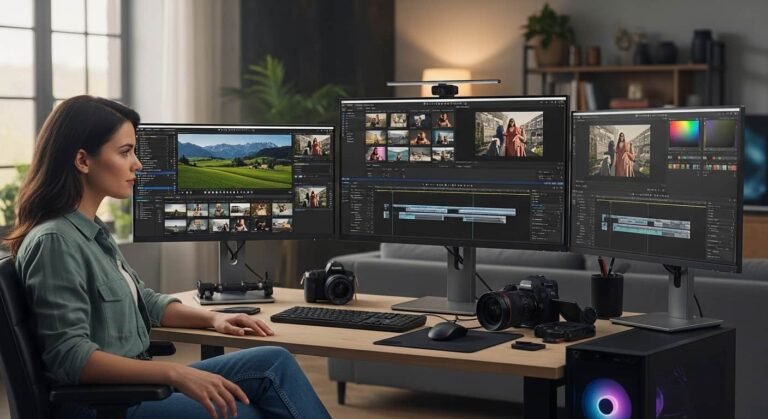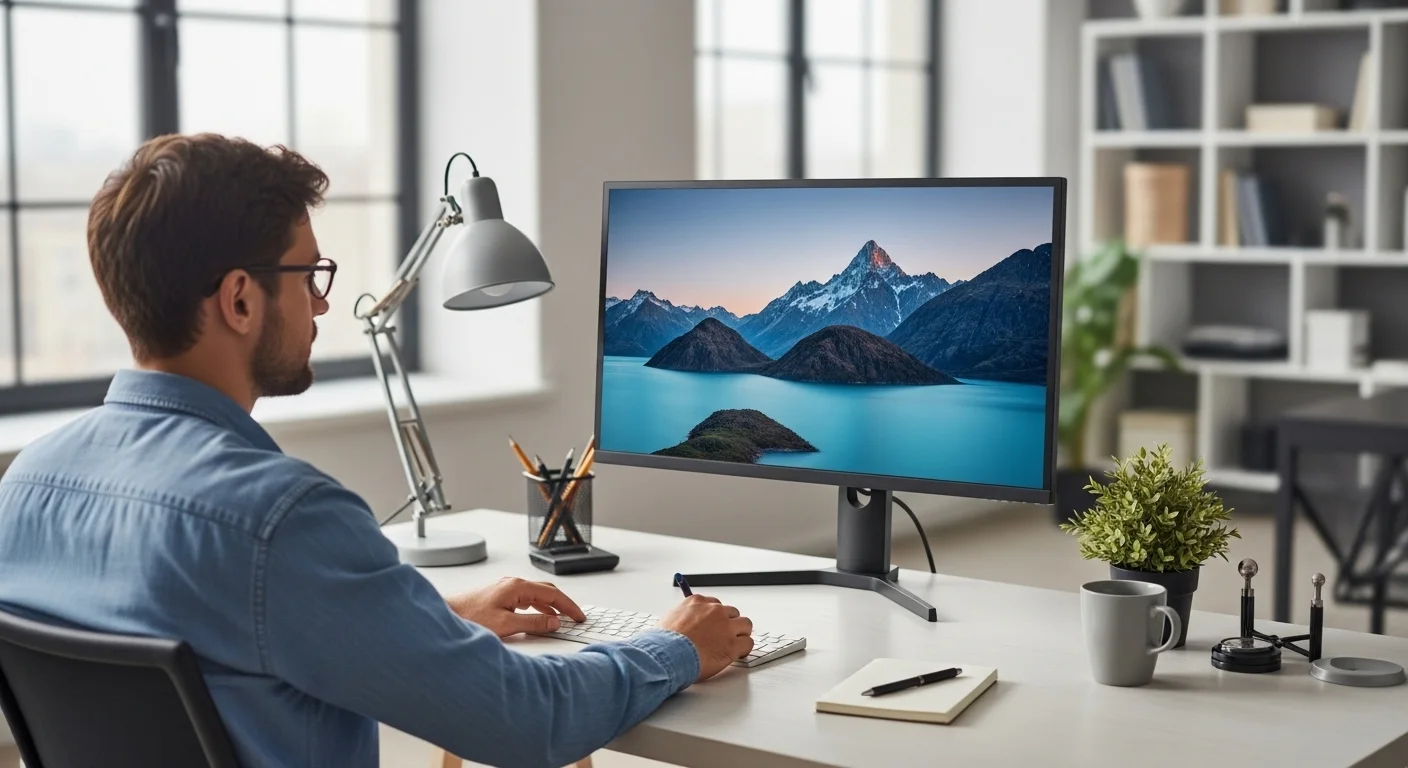
Choosing the best computer monitor for work isn’t just about screen size or resolution anymore. After spending countless hours working on spreadsheets, writing long articles, editing images, and juggling multiple browser tabs, I’ve learned that the right monitor can seriously improve productivity and the wrong one can quietly ruin your day.
In this guide, I’ll share hands-on, real-world insights as if you’re sitting next to me while I work. I’ll break down what actually matters, what’s just marketing fluff, and which monitors genuinely feel good to use after 8–10 hours a day. Whether you’re a remote worker, programmer, content creator, designer, or office professional, this article will help you confidently choose the right screen.
Why Choosing the Right Work Monitor Matters
When I first started working long hours at a desk, I underestimated how much my monitor mattered. I thought, “A screen is a screen, right?”
Wrong.
After weeks of eye strain, neck pain, and constantly zooming in and out of documents, I realized that a good work monitor directly affects:
- Productivity
- Eye comfort
- Focus and accuracy
- Overall energy at the end of the day
Once I upgraded, it felt like switching from economy class to business class, same destination, but a much better ride.
Key Things I Look for in a Work Monitor
Before recommending anything, here’s what I personally evaluate when testing monitors for work:
Screen Size & Resolution
In my experience, 27 inches with 4K resolution hits the sweet spot. Text looks sharp, and I can comfortably open two or three windows side by side.
Panel Type (IPS Is King for Work)
IPS panels offer better colors and viewing angles. When I tried TN panels for work, the color shifting drove me crazy.
Eye Comfort Features
Long workdays demand:
- Low blue light mode
- Flicker-free technology
- Matte display coating
Trust me your eyes will thank you after month one.
Ergonomics & Adjustability
Height adjustment, tilt, swivel, and pivot aren’t luxuries. I found posture improvements alone made these features worth it.
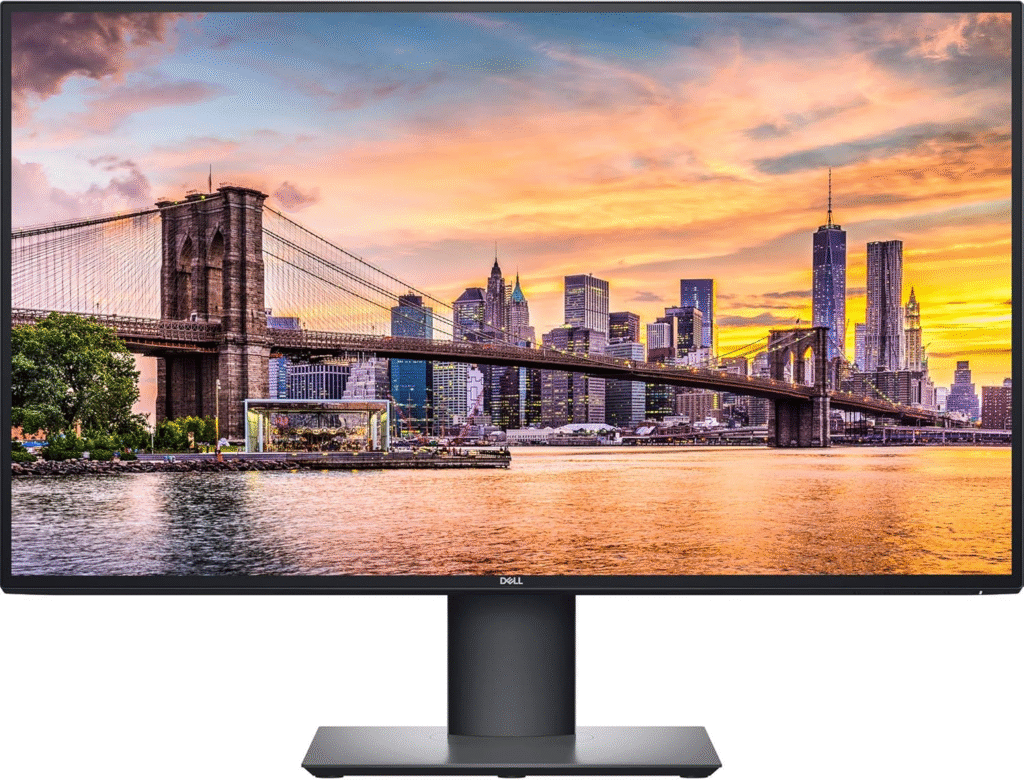
Best Overall Work Monitor – Dell UltraSharp U2720Q
Why I Recommend It
When I used this monitor for daily work tasks, writing, research, email management, and light design, it felt effortlessly smooth. Everything just worked.
Key Features
- 27-inch 4K UHD (3840×2160) resolution
- IPS panel with excellent color accuracy
- USB-C with 90W power delivery
- Built-in USB hub (seriously convenient)
- Fully adjustable ergonomic stand
My Real-World Experience
In my experience, the text clarity is outstanding. When I tried working on long Google Docs and spreadsheets, I barely needed to zoom in. The USB-C connection was a game-changer, one cable powered my laptop, sent video, and connected peripherals. I also found it helpful when switching between workstations. Plug in one cable, and you’re ready to work. No cable chaos.
Pros
- Crisp text for long reading sessions
- Excellent for multitasking
- Clean, professional design
- Great color accuracy for light creative work
Cons
- Built-in speakers are just “okay”
- Price may feel high for casual users
Best For
- Remote workers
- Office professionals
- Programmers
- Writers and researchers
Best Premium Monitor for Creative & Professional Work – LG UltraFine OLED Pro
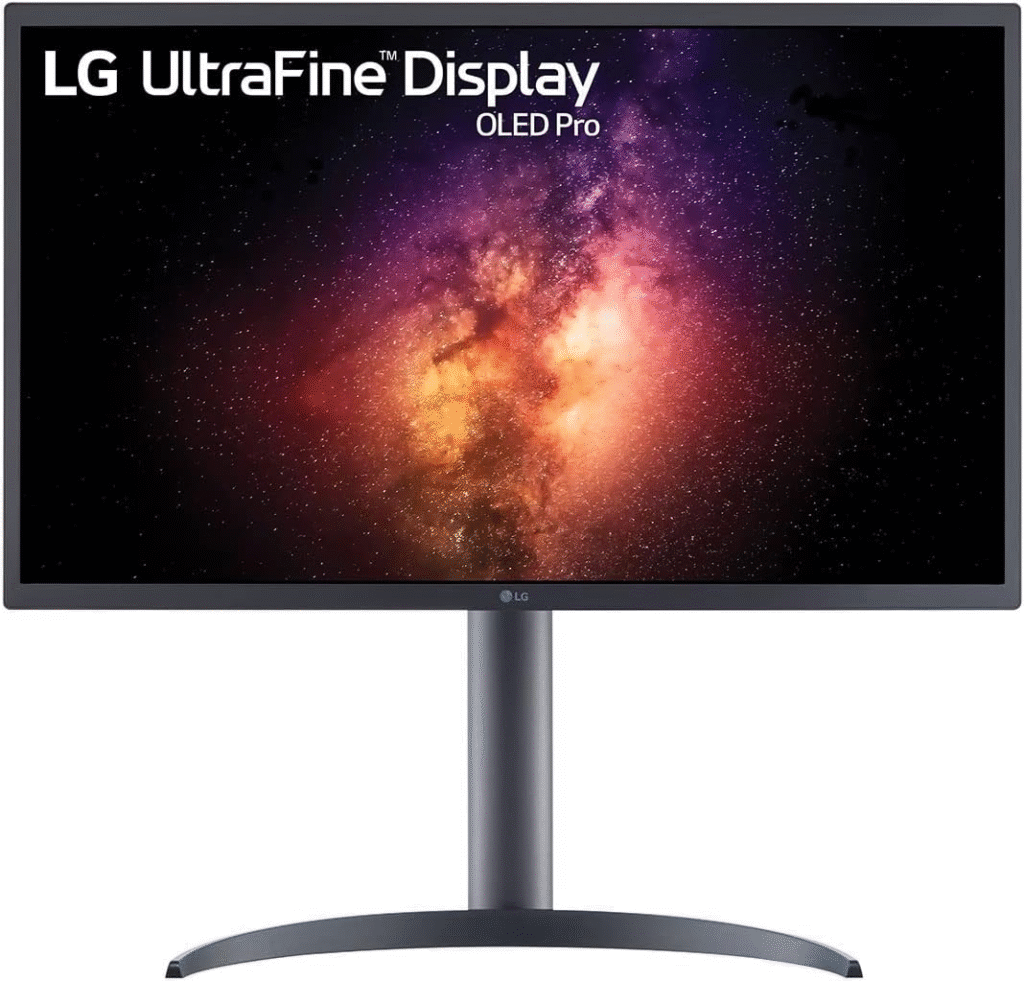
Why This Monitor Feels Special
The first time I used this monitor, I actually said “wow” out loud. OLED is a completely different experience.
Key Features
- 27-inch 4K OLED panel
- True blacks and stunning contrast
- Exceptional color accuracy
- Thunderbolt connectivity
- Professional-grade calibration
My Real-World Experience
When I tried this monitor for photo editing and design previews, the color depth blew me away. Dark mode apps look perfect. Black is truly black, not gray pretending to be black. I found it especially helpful when checking fine details in images and layouts. Everything feels more precise.
Pros
- Incredible color accuracy
- Deep blacks and high contrast
- Premium build quality
- Ideal for creative workflows
Cons
- Expensive
- OLED burn-in risk (minor, but worth noting)
Best For
- Graphic designers
- Video editors
- Photographers
- Color-critical professionals
Mini Buyer’s Guide: How to Choose the Right Monitor for Work
For Office & Productivity
- 27” screen
- 1440p or 4K resolution
- IPS panel
- USB-C connectivity
For Programming
- High pixel density for sharp text
- Vertical rotation (portrait mode helps a lot)
- Blue light reduction
For Creative Work
- Wide color gamut (sRGB, AdobeRGB)
- Accurate factory calibration
- 4K resolution minimum
Common Mistakes People Make When Buying a Work Monitor
1. Choosing Gaming Over Work
High refresh rates are fun, but useless for Excel.
2. Ignoring Ergonomics
A bad stand can slowly destroy your posture.
3. Buying Too Small
Once you go 27”, it’s hard to go back.
FAQs
What is the best screen size for a work monitor?
In my experience, 27 inches is ideal for productivity and multitasking without overwhelming desk space.
Is 4K worth it for office work?
Yes. Text is sharper, and you can fit more content on screen comfortably.
Are curved monitors good for work?
They can be helpful for ultra-wide setups, but for standard office tasks, flat monitors are usually better.
How important is blue light reduction?
Very. Especially if you work late hours, it genuinely reduces eye fatigue.
Final Verdict: Which Work Monitor Should You Choose?
If you want a reliable, all-around work monitor, the Dell UltraSharp U2720Q is a productivity powerhouse. It’s comfortable, sharp, and makes daily work feel effortless. If you’re a creative professional who demands top-tier visuals, the LG UltraFine OLED Pro delivers an experience that feels premium every single day. At the end of the day, the best computer monitor for work is the one that makes you forget about the screen, and focus on getting things done.
Amazon Affiliate Disclaimer: As an Amazon Associate, I earn from qualifying purchases. This means that if you click on an Amazon link on this website and make a purchase, I may earn a small commission at no extra cost to you. These commissions help support the site and allow me to continue providing honest reviews and helpful content.