

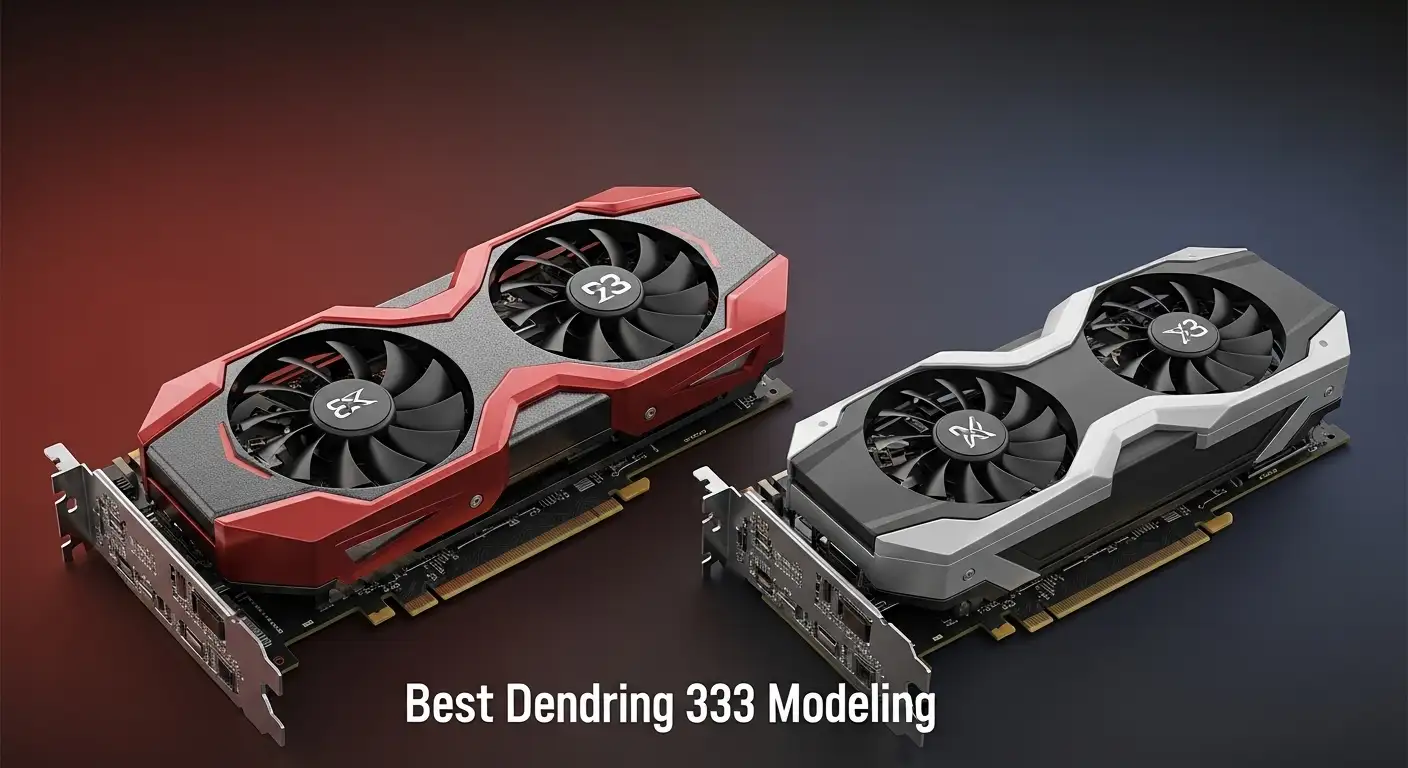
When I first started diving into 3D rendering and modeling, I quickly realized that my workstation was only as strong as my graphics card. No matter how skilled I became with Blender, Maya, or Unreal Engine, the right GPU made the difference between hours of waiting and smooth, efficient workflow.
Overview
The top graphics cards for 3D rendering in 2026 are dominated by NVIDIA’s RTX 50-series and 40-series, offering exceptional CUDA/OptiX performance, massive VRAM, and ultra-fast ray tracing. For high-end 8K projects, the NVIDIA RTX 5090 (32GB) is unmatched, while the RTX 4090 (24GB) remains a powerhouse for most professional workflows. Studio professionals benefit from the RTX 6000 Ada Generation (48GB) or RTX PRO 6000 (96GB). Mid-range creators can rely on the RTX 4070 Ti or RTX 5070 Ti, and hobbyists or budget-conscious artists will find the NVIDIA RTX 3060 (12GB) an excellent starting point. AMD enthusiasts can consider the Radeon RX 7900 XTX for solid performance at competitive pricing.
With so many options, I’ve put together a detailed guide to help you find the perfect graphics card for your workflow—whether you’re a beginner, an advanced user, or a full-time professional.
What to Consider When Buying a Graphics Card for 3D Rendering and Modeling
When I choose a GPU, I always start by asking myself: how complex are my projects, and which features will directly speed up my workflow? Here’s what I focus on:
Nvidia vs AMD
NVIDIA and AMD are the two major GPU manufacturers. AMD often balances cost and performance, while NVIDIA generally dominates in professional 3D workflows thanks to CUDA and OptiX support. Some GPUs from brands like ASUS, EVGA, and MSI simply add custom cooling or higher clock speeds but are based on these two main architectures.
GPU Architecture
The architecture defines how efficiently a GPU handles rendering tasks. NVIDIA’s Ampere, Ada, and Hopper architectures are optimized for real-time ray tracing and AI-driven workloads. AMD’s RDNA2 and RDNA3 also perform well but are often better for mid-range or budget setups.
VRAM
VRAM is critical for storing textures, models, and geometry. I usually recommend a minimum of 12GB for serious work, 24GB+ for professional or complex projects, and 48GB+ for massive 8K scenes.
Clock Speeds and Cores
GPU clock speeds and core counts (CUDA for NVIDIA, Stream Processors for AMD) affect rendering performance. Higher numbers mean faster computation, but comparing across architectures can be misleading—always check benchmarks for your specific software.
Texture Mapping Units (TMUs) & Render Output Units (ROPs)
TMUs speed up applying textures, which is essential for realistic 3D models. ROPs improve pixel processing, ray tracing, and anti-aliasing. More units equal smoother renders and higher fidelity results.
Power, Cooling, and Cost
High-end GPUs demand robust PSUs (600W+ for cards like RTX 5090) and proper airflow. Budget cards are far more forgiving. Always balance your project needs with your system’s capabilities.
Best Graphics Cards for Professionals
For full-time 3D artists or studio professionals, I look for raw power, reliability, and certified drivers for creative software.
- NVIDIA RTX 5090 (32GB): Unmatched for 8K rendering, AI-assisted workflows, and extreme datasets.
- NVIDIA RTX 4090 (24GB): Nearly as powerful as the 5090 for slightly lower cost, perfect for high-end production.
- NVIDIA RTX 6000 Ada Gen (48GB) / RTX PRO 6000 (96GB): Studio-grade cards designed for maximum VRAM and complex professional workflows.
These GPUs deliver incredible rendering speeds, reliable ECC memory (for large projects), and full compatibility with Blender, Maya, Unreal Engine, and Octane Render.
Best Graphics Cards for Advanced Users
If I’m handling complex projects but don’t need the ultimate studio card, these GPUs give the best balance:
- NVIDIA RTX 4070 Ti / 5070 Ti: Excellent performance for detailed modeling and 4K rendering with high refresh rates.
- NVIDIA RTX 4080 / 3080 Ti: Great for freelancers who need speed without investing in top-tier studio hardware.
I appreciate these cards for their Ampere/Ada architecture, strong CUDA performance, and ample VRAM (12–24GB), which keeps my workflow smooth and multitasking efficient.
Best Graphics Cards for Beginners / Hobbyists
Starting out, I don’t want to overspend, but I need a GPU that will last until I scale up:
- NVIDIA RTX 3060 (12GB): Affordable, reliable, and compatible with most 3D rendering software.
- NVIDIA RTX 3050: Budget-friendly with ray tracing support for learning and smaller projects.
- AMD Radeon RX 7900 XTX: A strong alternative for hobbyists who prefer AMD.
These options give you a taste of professional rendering performance without breaking the bank. They handle 1440p–4K rendering and provide room for experimentation with real-time ray tracing.
Gaming GPUs vs Professional GPUs
I always remind myself that gaming GPUs aren’t optimized for the massive polygon counts and high VRAM demands of professional 3D work. Professional GPUs provide higher memory bandwidth, certified drivers, and specialized cores for ray tracing and AI acceleration—perfect for modeling, CAD, and animation.
Why the Right GPU Matters
Every time I rotate, zoom, or apply textures in my 3D models, a capable GPU makes it seamless. Tasks like assembling complex scenes or rendering animations are far faster with the right card, saving me hours in production time.
Amazon Affiliate Disclaimer
Some of the links in this article are affiliate links. If you click through and make a purchase, I may earn a small commission at no additional cost to you. This helps me keep producing helpful, in-depth GPU guides for 3D artists.
FAQs
Q1: Which GPU is best for 3D rendering?
The best GPU depends on your workflow. For high-end professional projects, NVIDIA’s RTX 5090 (32GB) or RTX 4090 (24GB) are top choices. Studio professionals can consider the RTX 6000 Ada Gen (48GB) or RTX PRO 6000 (96GB). Mid-range users can use the RTX 4070 Ti or RTX 5070 Ti, and beginners will find the RTX 3060 (12GB) sufficient for smaller projects.
Q2: Is RTX or GTX better for 3D rendering?
RTX cards are better because they support CUDA cores, OptiX acceleration, and real-time ray tracing, which dramatically speeds up rendering. GTX cards are older and lack these optimizations, making them slower for complex 3D workloads.
Q3: Is the RTX 3060 good for 3D rendering?
Yes, the RTX 3060 is great for beginners or hobbyists. With 12GB of VRAM and CUDA support, it can handle most 3D modeling tasks and small-to-medium scenes, but it may struggle with very high-res textures or 8K rendering.
Q4: Does 3D rendering use a graphics card?
Absolutely. Most modern 3D rendering software uses the GPU to accelerate calculations, textures, lighting, and ray tracing. A strong GPU can reduce render times from hours to minutes compared to CPU-only rendering.
Q5: Is 3D rendering CPU heavy?
It can be. CPU rendering relies on cores and threads to compute scenes, so high-end CPUs speed up rendering. However, GPU rendering is now far faster in most cases, making the GPU the main factor for efficiency.
Q6: Does the RTX 6000 exist?
Yes, NVIDIA offers the RTX 6000 Ada Generation (48GB) and RTX PRO 6000 (96GB), which are professional GPUs designed for studio-level rendering, simulation, and 3D workloads.
