When I first looked at my energy bill, I realized I had no idea how much electricity my computer was using. Understanding the watts my devices consume isn’t just a curiosity—it’s key to managing costs and energy efficiently. Whether you’re running a lightweight laptop or a high-end gaming rig, knowing your computer’s power draw helps me make smarter choices about usage, upgrades, and even solar solutions.
Overview
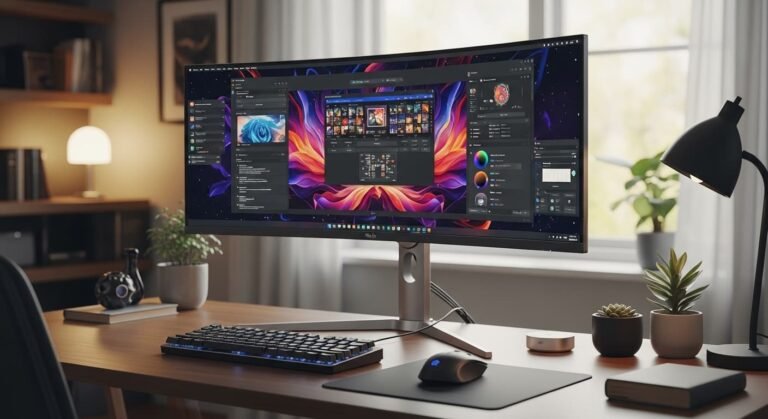
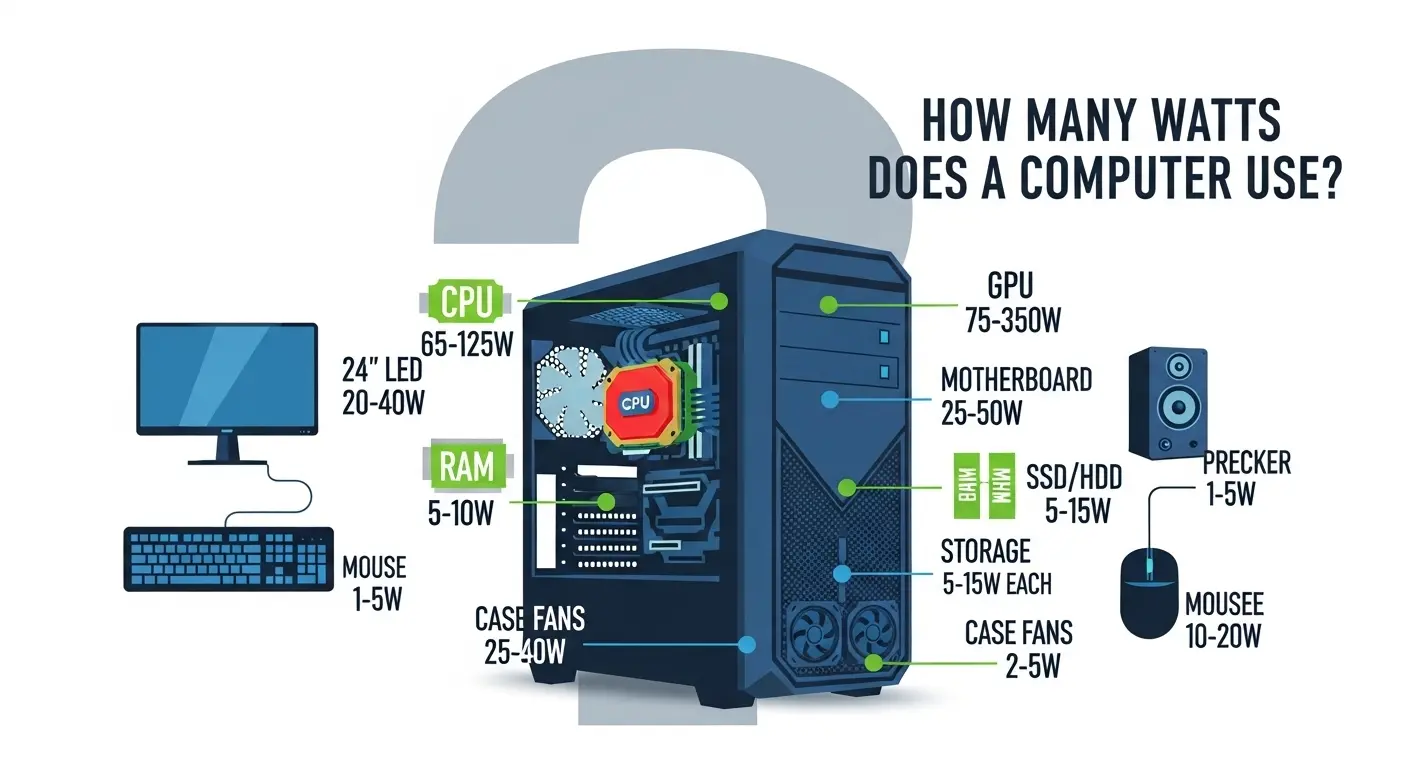
A typical gaming monitor uses between 20 and 100 watts, with most 24-27 inch models consuming around 30-50 watts during active gameplay. Power consumption depends on screen size, resolution (4K is higher), backlight technology (OLED vs LED), and brightness settings.
Key Power Consumption Breakdown:
- 24-inch Monitor: 15-30 watts (average 25W)
- 27-inch 1440p/144Hz Monitor: 30-40 watts
- 32-inch 4K/HDR Monitor: 50-80+ watts
- High-End/OLED Gaming Monitor: Can exceed 100 watts with high brightness
Factors Affecting Usage:
- Brightness & HDR: High brightness or HDR modes significantly increase wattage.
- Refresh Rate: High refresh rates (144Hz/240Hz) add 10-20 watts compared to standard 60Hz displays.
- Monitor Size/Panel Type: Bigger, higher-resolution screens, or OLED panels consume more power than smaller LED-backlit monitors.
- Standby/Idle: Most modern monitors draw less than 0.5-2 watts when asleep.
Key Takeaways
From my experience and research:
- Laptops generally use 30–70 watts of electricity.
- Desktop PCs and gaming rigs often consume 200–500 watts.
- Running a computer 8 hours a day translates to roughly 12 kWh per month or 146 kWh per year.
- The average cost to run a computer is about $1.70 per month and $20 per year, depending on your electricity rates.
- If I wanted to save significantly, installing solar panels could offset most of this cost.
How Much Electricity Does a Computer Use?
I like to think of power usage in simple terms: watts indicate how much energy a computer draws at any given moment.
- Laptops: Usually 30–70W. Perfect for casual use or remote work.
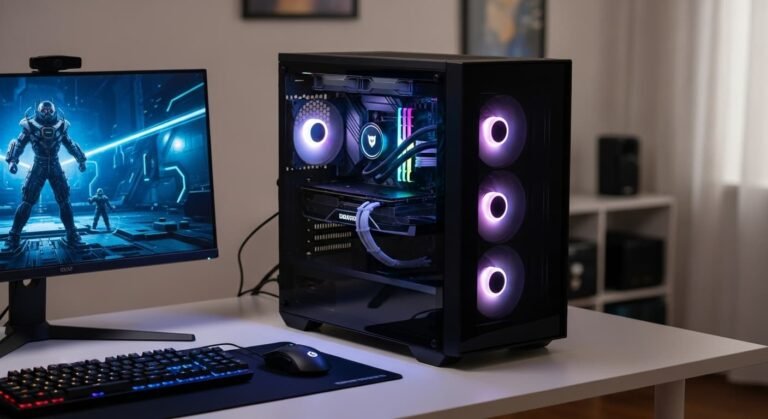
- Desktop computers: Often 100–250W for standard builds; gaming PCs can exceed 500W during peak load.
The number of hours I use my computer has the biggest impact on my electricity usage. For example:
- 6 hours/day: ~2.1 kWh per week, ~9 kWh per month, ~110 kWh per year
- 8 hours/day: ~2.8 kWh per week, ~12 kWh per month, ~146 kWh per year
- 10 hours/day: ~3.5 kWh per week, ~15 kWh per month, ~183 kWh per year
How Many Watts Do Different Computers Use Over a Year?
Instead of memorizing numbers, I like to estimate based on the device:
- A 30W computer: ~88 kWh/year
- A 50W computer: ~146 kWh/year
- A 70W computer: ~204 kWh/year
This helps me plan my electricity budget and evaluate whether energy-saving upgrades or solar panels are worth it.
Watts, Amps, Voltage, and More: What Do They Mean?
I often get asked about these terms, and here’s my simple breakdown:
- Watts (W): How much energy a device uses at a moment in time.
- Amps (A): The current drawn from the power source.
- Volts (V): The electrical pressure that pushes the current through your device.
By understanding these, I can better calculate usage, estimate costs, and even plan for backup power or solar solutions.
How Much Does It Cost to Power a Computer?
Looking at my monthly bill, it’s hard to see exactly what my computer contributes. Based on 50W average usage:
- Monthly cost: Around $1.73
- Yearly cost: About $20.72
Electricity rates differ by location, so if I live in a high-cost state, like California, I pay more than someone in Texas. This is why I always consider local rates when calculating energy budgets.
Calculate How Much Energy Your Computer Uses
I like to do this myself:
- Estimate yearly usage in kWh.
- Multiply by your local electricity rate to get annual cost.
- Divide by 12 for monthly expenses.
This simple approach gives me a realistic picture without complicated meters.
Frequently Asked Questions
What’s the best time to run a computer to save electricity?
If your utility has time-of-use rates, running devices during off-peak hours, usually at night, costs less.
Can a home battery back up my computer?
Absolutely. Popular lithium-ion batteries like Tesla Powerwall or Generac PWRcell can easily power a computer for extended periods.
How many solar panels do I need for my computer?
A single standard solar panel rated around 350W can power a computer, even considering daily usage and efficiency losses.
Are ENERGY STAR computers worth it?
Yes! They’re more efficient and cost less to run, saving me money over time.
My Take on Saving Energy
Over time, I’ve realized small habits, like turning off monitors, using sleep modes, and adjusting brightness, add up. For bigger savings, solar panels or energy-efficient components make a bigger impact. I always compare quotes before investing, so I get the most value.