Honestly, I didn’t plan to spend weeks obsessing over laptops. It started small… my old home laptop began acting weird. Random freezes, fan noise like a jet engine, battery dying at 40%. One evening, right in the middle of a Zoom family call, it shut down. That was it. Frustration turned into determination. I needed the best laptop computer for home use, not a gaming monster, not a flashy status symbol, just something reliable, fast, comfortable, and quiet.
So this is my real journey: Problem → Search → Test → Result. No hype, no “perfect device” nonsense. Just what worked (and what didn’t) after weeks of actual use.
The Problem: Why My Old Laptop Just Wasn’t It Anymore
At home, a laptop does everything. For me, it’s:
- Writing and editing content
- Browsing with 15+ Chrome tabs (yeah, I know…)
- Office calls and Zoom meetings
- Watching Netflix late at night
- Light photo editing
- Occasional Amazon shopping spirals
My old machine struggled with all of that. Boot time was slow. The keyboard felt mushy. Battery anxiety was real. And don’t even ask about thermal throttling… it was definately time to move on.
The Search: What I Looked for in a Home Laptop
Before buying anything, I made a short checklist. Nothing fancy, just practical stuff:
- Fast everyday performance (no lag with multitasking)
- Good battery life (at least 8–10 hours)
- Comfortable keyboard & trackpad
- Solid display for movies and work
- Quiet fans
- Reliable build quality
- Available on Amazon with decent shipping and discounts
After days of research, reviews, Reddit threads, and way too many comparison charts, I narrowed it down to three laptops in the same home-use category:
- Apple MacBook Air M2
- Dell Inspiron 14
- HP Pavilion 15 (AMD Ryzen 7)
The Test: Real-World Usage After Weeks of Use
1️⃣ Apple MacBook Air M2 – Quiet, Powerful, Surprisingly Addictive
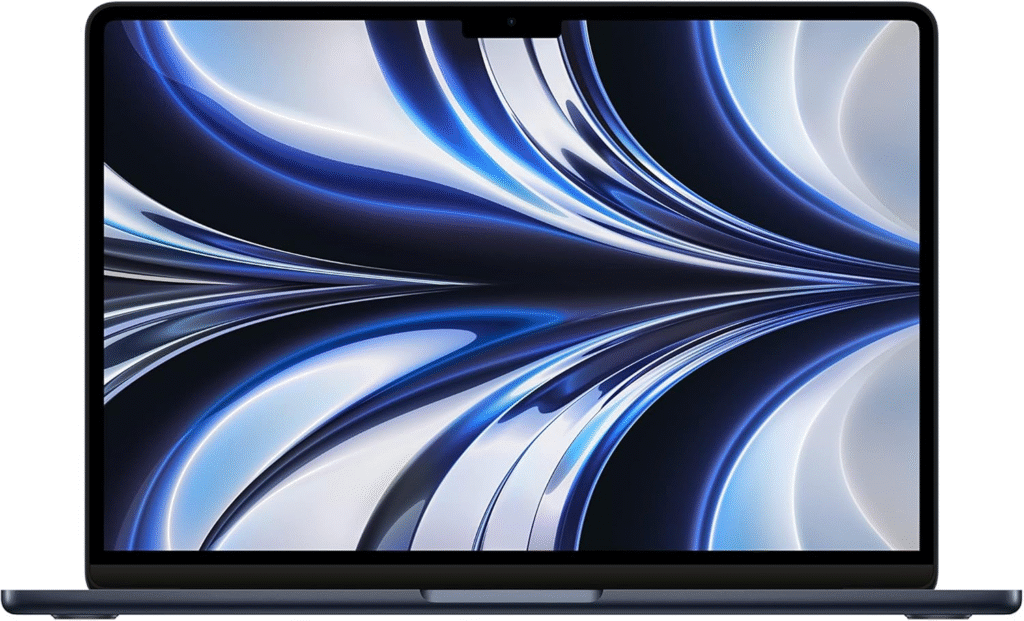
I’ll admit it I wasn’t planning to go Apple. But after just a few days, I got it.
Specs (base model):
- Apple M2 chip
- 8GB RAM
- 256GB SSD
- 13.6-inch Liquid Retina display
- Up to 18 hours battery life
My experience after 3 weeks:
This thing is dead silent. No fan noise. No heat. I used it for writing, Chrome, YouTube, Spotify, and video calls all at once—smooth as butter. Battery life is insane. I charged it once and forgot about the charger for almost two days.
The keyboard? Surprisingly comfortable. The trackpad is still the best I’ve used. Build quality feels premium—like, “this will last 5 years” premium.
Real-world use:
- Office calls → crystal clear mic & speakers
- Netflix → bright, sharp display
- Late-night browsing → no eye strain
- Travel → lightweight, slim, easy to carry
Downsides (keeping it real):
- Expensive upfront
- Only 2 ports (dongles… sigh)
- Not ideal if you rely heavily on Windows software
Still, emotionally? This laptop made me relaxed. No stress, no lag, no noise. That counts.
2️⃣ Dell Inspiron 14 – The Practical Windows Workhorse
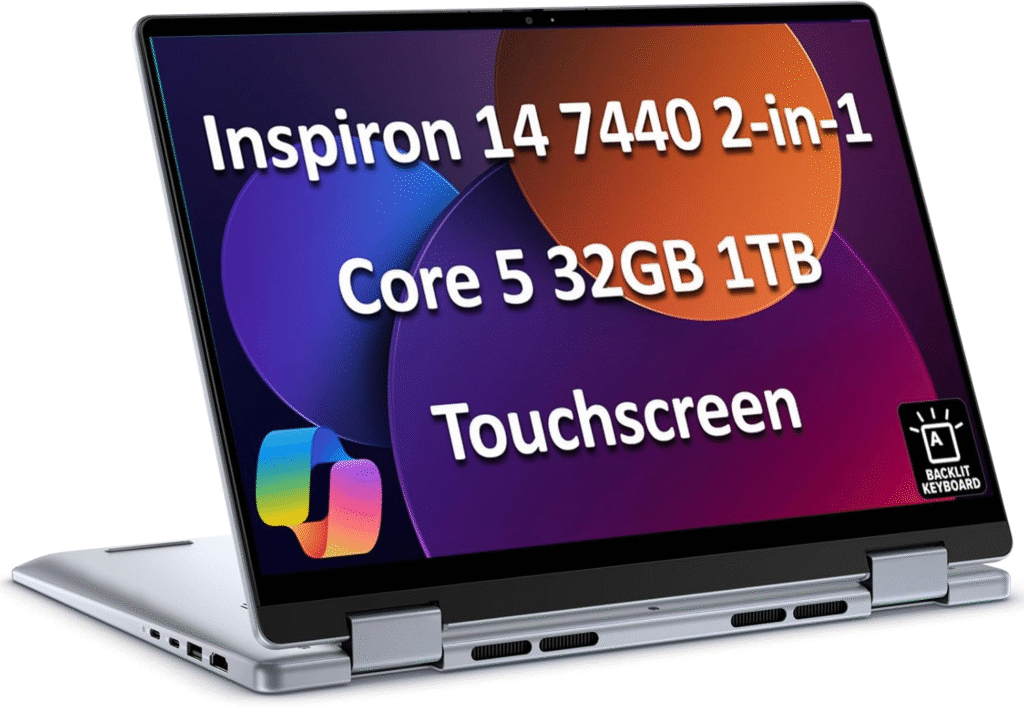
Next up, the Dell Inspiron. This one felt like the “safe” choice.
Specs (my test unit):
- Intel Core i7 (11th/12th Gen)
- 16GB RAM
- 512GB SSD
- 14-inch Full HD display
- Around 10–11 hours battery
After about 2 weeks of daily use:
This laptop is solid. No drama. It handles multitasking well and runs Windows apps perfectly. If you’re deep into Excel, Word, or specific software, this makes sense.
Keyboard feels good, better than I expected. The display is decent (not Mac-level, but fine). Fans do kick in under load, but nothing crazy.
Real-world use:
- Office work → fast & reliable
- Zoom calls → webcam is “okay,” mic is fine
- Light editing → handles it well
- Amazon browsing → snappy
Downsides:
- Battery life drops faster than advertised
- Slightly heavier than it looks
- Speakers are average
Emotionally, it felt dependable, but not exciting. Like a reliable car… not a sports one.
3️⃣ HP Pavilion 15 – Big Screen, Budget Friendly, Surprisingly Capable
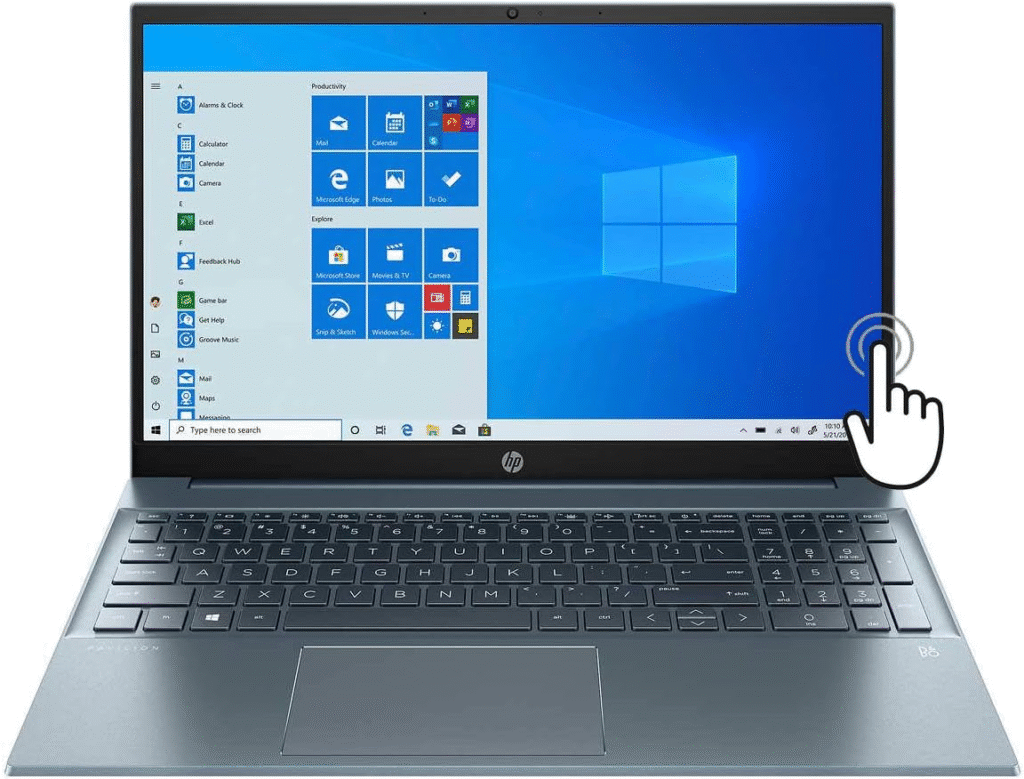
This one surprised me. I didn’t expect much, but HP delivered.
Specs:
- AMD Ryzen 7
- 16GB RAM
- 512GB SSD
- 15.6-inch Full HD display
- Around 8–9 hours battery
After 10 days of use:
If you like a bigger screen for home use, this is great. Watching movies felt immersive. Performance was smooth for everyday tasks, even with multiple apps open.
Keyboard is comfortable, though the trackpad is just… okay. Build quality is decent but more plastic than premium.
Real-world use:
- Family shared use → perfect
- Streaming → big, enjoyable display
- Browsing & writing → no lag
- Home desk setup → feels right
Downsides:
- Heavier, not very portable
- Battery life is average
- Fan noise under load
Still, for the price? Very competitive.
Result: Which Laptop I Chose (and Why)
After testing all three, I personally chose the MacBook Air M2.
Why?
Because for home use, it gave me:
- The least friction
- The best battery
- The quietest experience
- Long-term reliability vibes
Yes, it’s pricier. But I found a small discount on Amazon with fast shipping, and honestly, the peace of mind was worth it.
That said…
If you prefer Windows → Dell Inspiron 14
If you want value + big screen → HP Pavilion 15
There’s no single “best” for everyone.
Competitors & Alternatives Worth Mentioning
- Lenovo IdeaPad 5 – Good balance, decent pricing
- ASUS VivoBook – Lightweight, affordable
- Acer Aspire 5 – Budget-friendly option
They’re not bad at all just didn’t click for me.
Update Note (After 2 Months)
Quick update: After two months with the MacBook Air M2, battery health is still excellent, performance hasn’t dipped, and I still smile opening the lid. Small thing, but yeah… it matters.
Final Thoughts: Strengths, Flaws, and Honest Advice
So, what’s the best laptop computer for home use?
- MacBook Air M2 → Best overall experience
- Dell Inspiron 14 → Best Windows reliability
- HP Pavilion 15 → Best value for families
None are perfect. Ports, price, battery trade-offs it’s all there. But choosing the right one depends on how you actually live and work at home.
If your laptop reduces stress instead of adding to it… that’s a win. And after weeks of testing, frustration, excitement, and relief—I can finally say: I made the right choice.
Amazon Affiliate Disclaimer: As an Amazon Associate, I earn from qualifying purchases. This means I may receive a small commission (at no extra cost to you) if you buy through my links. I only recommend products I genuinely believe are worth it.