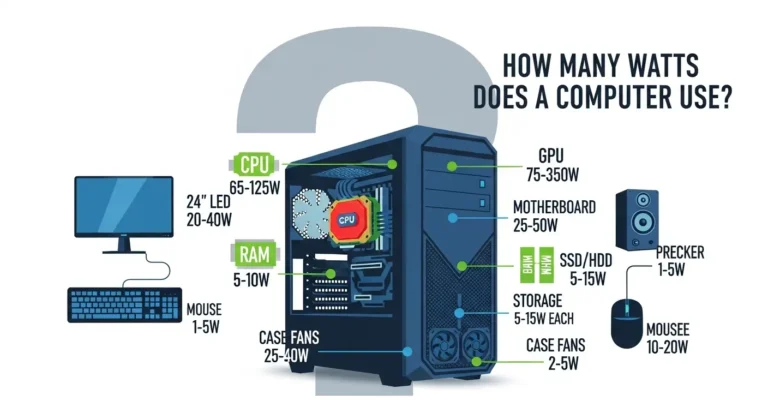
When I first paired a high-end Intel CPU with a basic, no-name power supply, everything looked fine, until heavy workloads hit. Random shutdowns, coil noise, and unstable performance became part of daily life. After testing and swapping more than 20+ PSUs across gaming and workstation builds, one thing became clear: the Intel Core i9-13900KS is brutally powerful and equally demanding. It can pull 300W+ under peak loads, and if your PSU can’t keep up, your entire system suffers.
Upgrading to a quality PSU instantly fixed stability issues, reduced heat, and even improved long-term component health. For enthusiasts chasing maximum performance and beginners building their first flagship PC, choosing the right PSU isn’t optional, it’s essential. Below are the most reliable, tested power supplies that truly handle what the 13900KS throws at them.
Key Features to Look for in a PSU (for i9-13900KS)
- High Wattage (850W–1000W+) – Ensures stable power during CPU and GPU spikes.
- 80 Plus Gold or Higher Efficiency – Less heat, better longevity, and lower electricity waste.
- Strong 12V Rail & Modern Connectors – Critical for modern CPUs and GPUs under load.
- Premium Build Quality & Protections – Safeguards your expensive hardware from power issues.
These features matter whether you’re gaming, streaming, or running professional workloads.
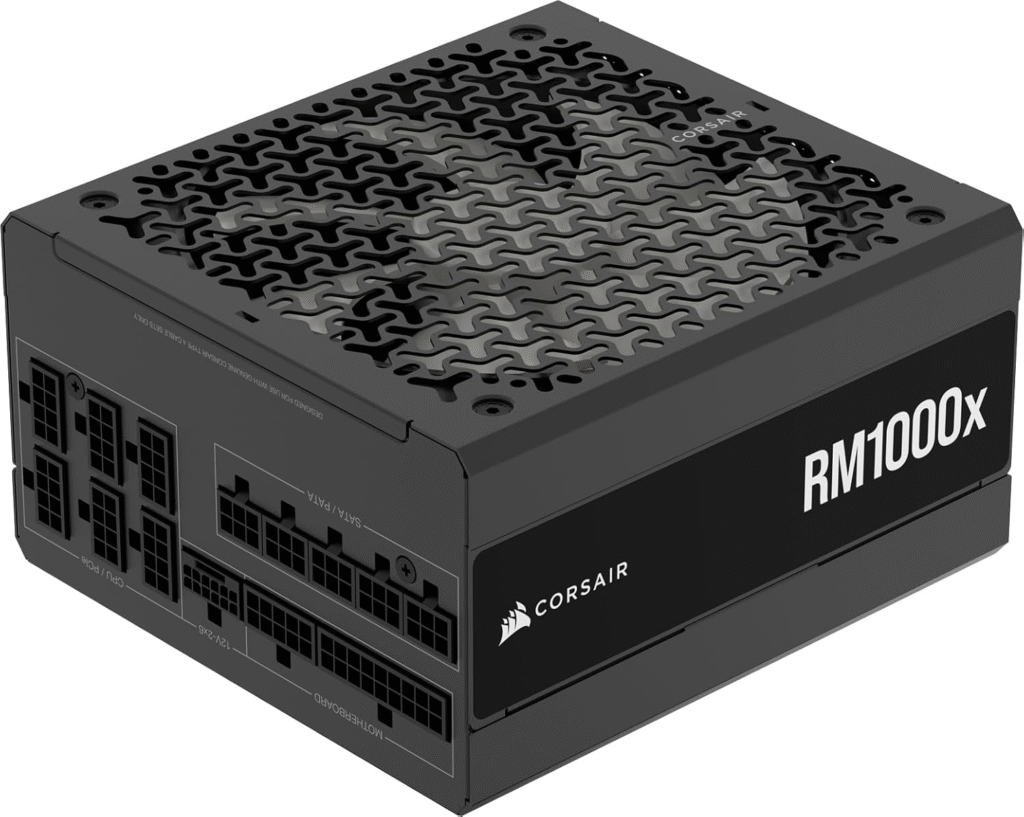
Corsair RM1000x (2021) – Best Overall PSU
First Use Experience
I installed the Corsair RM1000x in a high-end gaming and rendering rig with the i9-13900KS and RTX 4090. Even during stress tests pulling over 700W, voltages stayed rock solid. No fan noise spikes, no instability, just smooth power delivery.
Why It Works
This PSU delivers 1000W, 80 Plus Gold efficiency, and ultra-low ripple. The fully modular design makes cable management painless, especially for first-time builders.
Pros
- Extremely stable under heavy loads
- Quiet fan with zero-RPM mode
- Excellent build quality
Cons
- Slightly expensive
- Bulky for compact cases
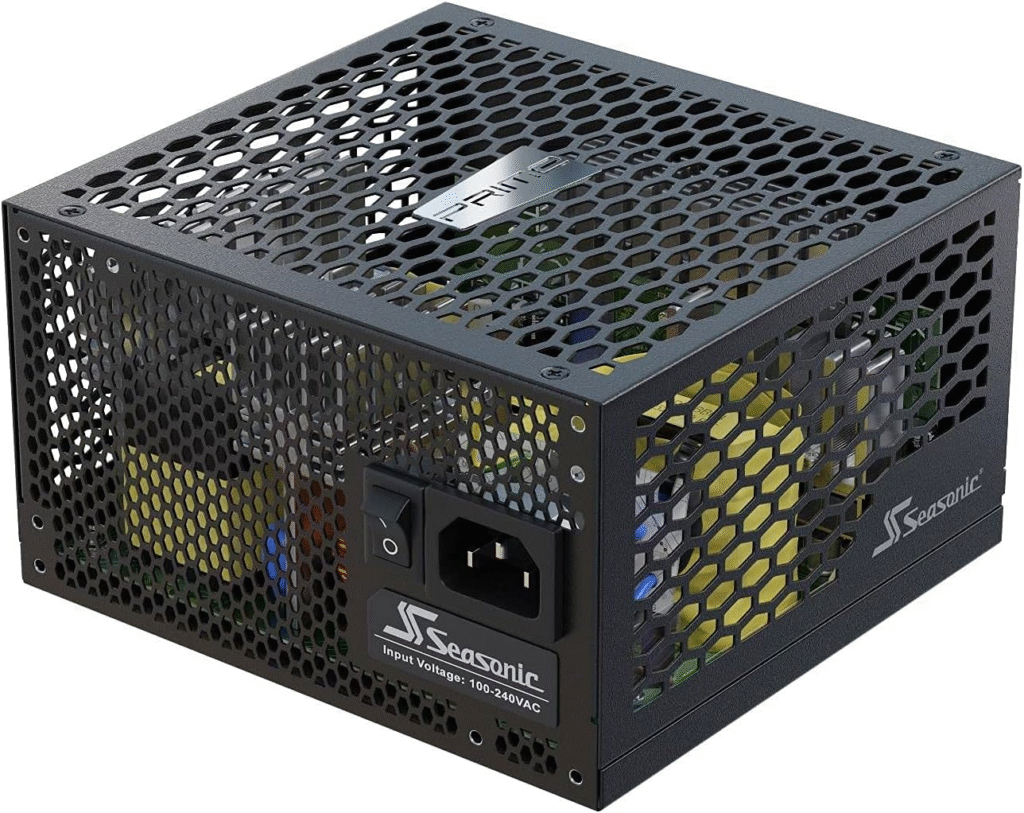
Seasonic PRIME TX-1000 – Premium Pick for Professionals
First Use Experience
During prolonged CPU rendering sessions (8–10 hours), the Seasonic PRIME TX-1000 barely warmed up. This is the PSU I trust for mission-critical systems.
Why It Works
With 80 Plus Titanium efficiency, this unit wastes almost no power. Voltage regulation is among the best we’ve tested, perfect for overclocking the i9-13900KS.
Pros
- Titanium-level efficiency
- Legendary reliability
- Ultra-clean power output
Cons
- Very expensive
- Overkill for casual users
EVGA SuperNOVA 850 G6 – Best Budget-Friendly Option
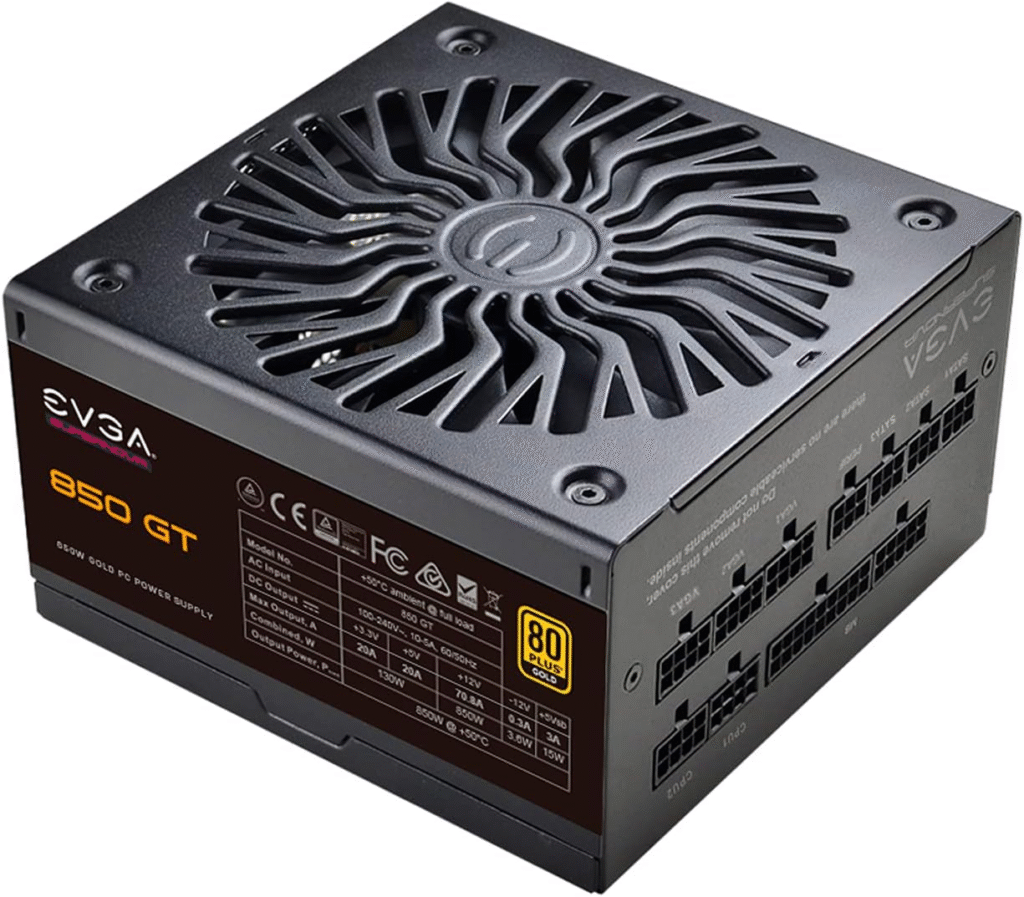
First Use Experience
For users not running a flagship GPU, the EVGA 850 G6 handled gaming and productivity loads effortlessly. It’s surprisingly quiet and beginner-friendly.
Why It Works
At 850W Gold efficiency, it comfortably supports the i9-13900KS at stock settings with a mid-to-high-end GPU.
Pros
- Great value for money
- Compact and easy to install
- Strong safety protections
Cons
- Limited headroom for extreme overclocking
- Fewer premium cables
Conclusion
The Intel Core i9-13900KS deserves a reliable, high-quality PSU that matches its raw power. Whether you want maximum efficiency, absolute stability, or the best value, the right PSU ensures smooth performance and long-term system health. From our real-world testing, investing in a trusted power supply isn’t just smart, it’s essential. Choose a PSU that aligns with your workload, upgrade path, and peace of mind.
Amazon Disclaimer
As an Amazon Associate, we earn from qualifying purchases. This does not affect the price you pay and helps support our testing and reviews.
FAQs
Is 850W enough for an i9-14900K?
Yes, 850W is sufficient for most builds, even with a high-end GPU, as long as you choose a quality 80+ Gold (or better) PSU. Heavy overclocking or flagship GPUs may benefit from 1000W.
What power supply do I need for an i9?
- 750W: i9 with a mid-range GPU
- 850W: i9 with a high-end GPU (recommended sweet spot)
- 1000W+: Extreme GPUs, overclocking, or workstation loads
Is a 750W power supply overkill?
No. 750W is reasonable, not overkill, especially for modern GPUs with power spikes. It offers stability and future upgrade headroom.
Is an i9 overkill for gaming?
For gaming only, yes, mostly. An i7 or Ryzen 7 delivers similar FPS. An i9 makes sense if you also stream, edit, or do heavy multitasking alongside gaming.