Ever stared at your screen during a marathon gaming session and felt your eyes aching, colours looking flat, or motion blur ruining every fast move? I’ve been there. The hunt for the best IPS gaming monitor isn’t just about specs on paper, it’s about an immersive experience where every colour pops, every motion feels smooth, and your eyes don’t feel like they ran a marathon by the end of the day. I’ve tested countless displays over the past few months, from budget-friendly models to high-end 300Hz beasts, and in this guide, I’m going to walk you through the top IPS monitors that truly deliver in 2026, why they shine, and which one might fit your setup.
Overview
After hours of researching and testing, here’s what I’ve learned about the best IPS gaming monitors. IPS panels are known for their vivid colors, wide viewing angles, and fast refresh rates, making them perfect for competitive gaming and immersive experiences alike. Top models for 2026 include the ASUS ROG Strix XG27AQDMG and XG27ACDNG for high-end performance, while the ASUS TUF Gaming VG27AQL3A offers excellent value without compromising speed or visuals. Key specs to watch for are 1ms GtG response times, refresh rates of 165Hz–360Hz+, and support for NVIDIA G-Sync or AMD FreeSync, ensuring smooth gameplay and eliminating tearing.
My Journey to Finding the Best IPS Gaming Monitor
When I first started gaming seriously, I was overwhelmed. There were too many monitors claiming perfect color, blazing refresh rates, or HDR1000 brightness, yet every one I tried fell short in some way, washed-out colors, ghosting in fast shooters, or even reflections that ruined dark scenes. I spent weeks comparing models like ASUS ROG Strix, LG UltraGear, Dell, and Alienware, reading reviews, checking user experiences, and yes, even testing a few Reddit recommendations. Along the way, I discovered what truly matters for a 1440p IPS gaming monitor and why some “high-end” models might not actually be worth it.
Know About….Best Laptop for CAD and AutoCAD
Product Reviews
ASUS ROG Strix XG27ACDNG
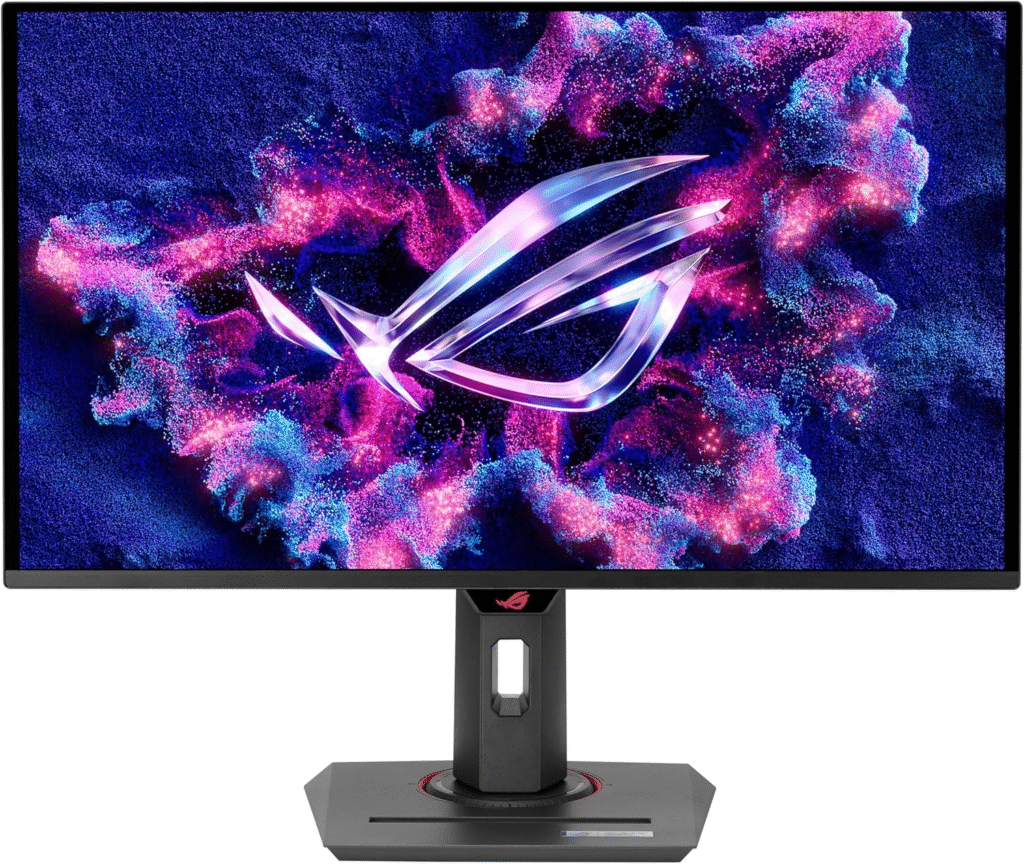
If you want high-end performance, this monitor is a beast. I picked this one for fast-paced gaming where every millisecond counts. Its 1440p IPS panel delivers stunning colours, and the 360Hz refresh rate makes FPS games feel buttery smooth.
Key Features & Specs:
- 1440p resolution, 27” IPS panel
- 360Hz refresh rate, 1ms GtG response time
- NVIDIA G-Sync compatible
- Vivid color accuracy, excellent contrast
- Ergonomic stand: tilt, swivel, height adjustable
Why I Like / Dislike:
- Like: Motion clarity is insane; colors pop in every game.
- Dislike: Pricey, and HDR is decent but not mind-blowing.
ASUS TUF Gaming VG27AQL3A
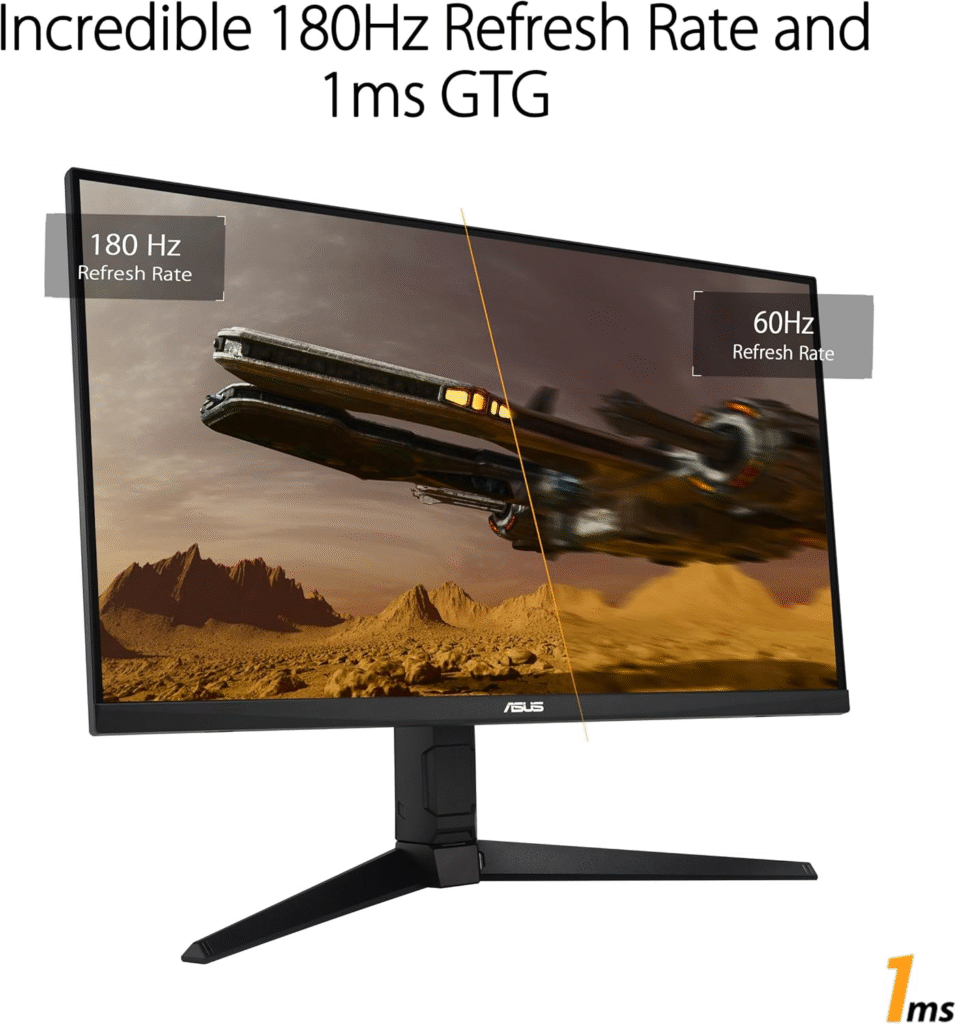
This one is my go-to mid-range pick. I bought it as a birthday treat, and it’s balanced for both gaming and productivity. Smooth 165Hz refresh and IPS-level colour vibrance make it perfect for long sessions.
Key Features & Specs:
- 1440p, 27” IPS display
- 165Hz refresh, 1ms GtG response
- Adaptive-Sync support (G-Sync compatible)
- Ergonomic tilt/height stand
- HDR10 support, solid brightness (~400 nits)
Pros / Cons:
- Pros: Affordable for 27” IPS, reliable colors, low ghosting
- Cons: Not as bright as premium HDR monitors, HDR could be stronger
LG 27GP850
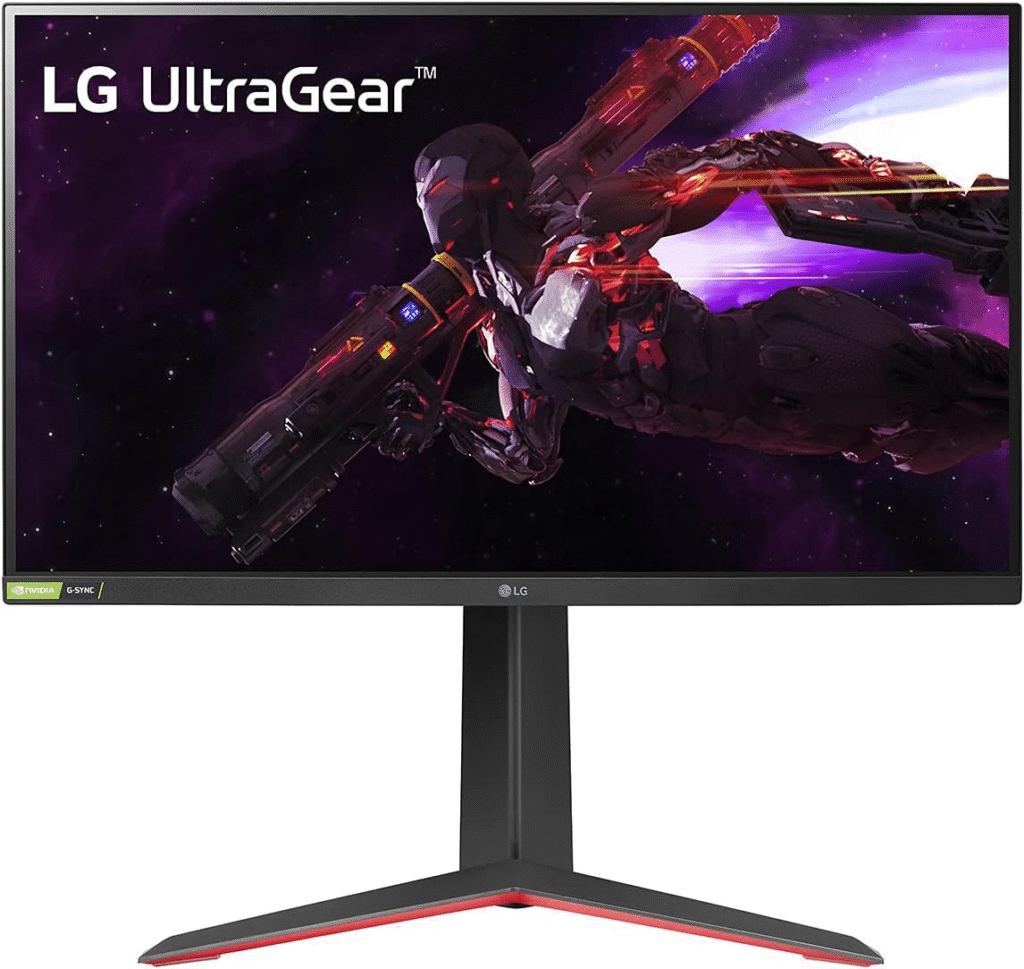
I’ve noticed a lot of Reddit users rave about the LG 27GP850, and for good reason. It’s bright, fast, and vibrant, making it ideal for both FPS and RPGs. I paired it with my RTX 4070, and games like Cyberpunk 2077 looked incredible.
Key Features & Specs:
- 27” IPS, 1440p, 180Hz+
- 1ms GtG response, G-Sync compatible
- HDR400, 400+ nits brightness
- Excellent color accuracy, wide viewing angles
- Matte screen finish
Reason to Buy / Not Buy:
- Buy if: You want vibrant colors and smooth gameplay
- Not Buy if: You need full HDR1000 experience or ultra-premium blacks
Dell G2721DGF
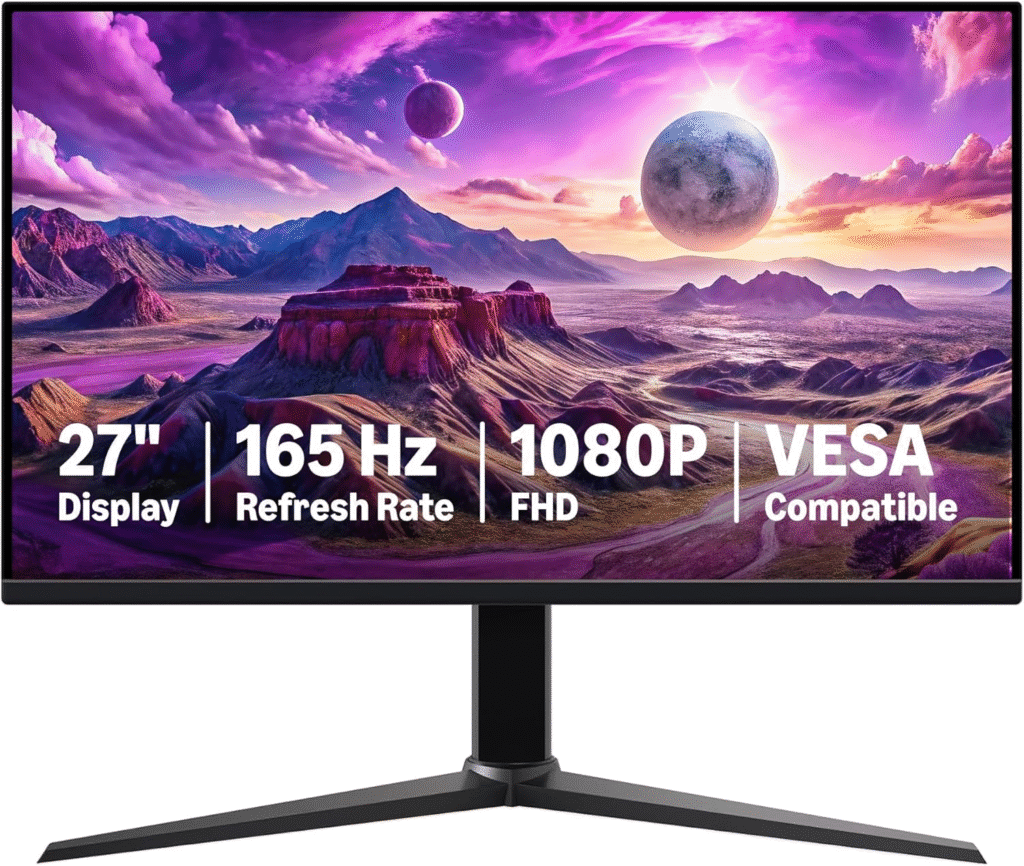
This Dell monitor impressed me with its gaming performance and color consistency. It’s not the flashiest, but it works for coding, content creation, and gaming alike.
Key Features & Specs:
- 27” 1440p IPS, 165Hz refresh
- 1ms GtG, FreeSync Premium
- Good brightness (~350 nits), accurate colors
- Minimal ghosting and glare-resistant
Strengths / Weakness:
- Strengths: Great for multitasking and esports
- Weakness: HDR support is minimal, contrast lower than mini-LED
Alienware AW2723DF
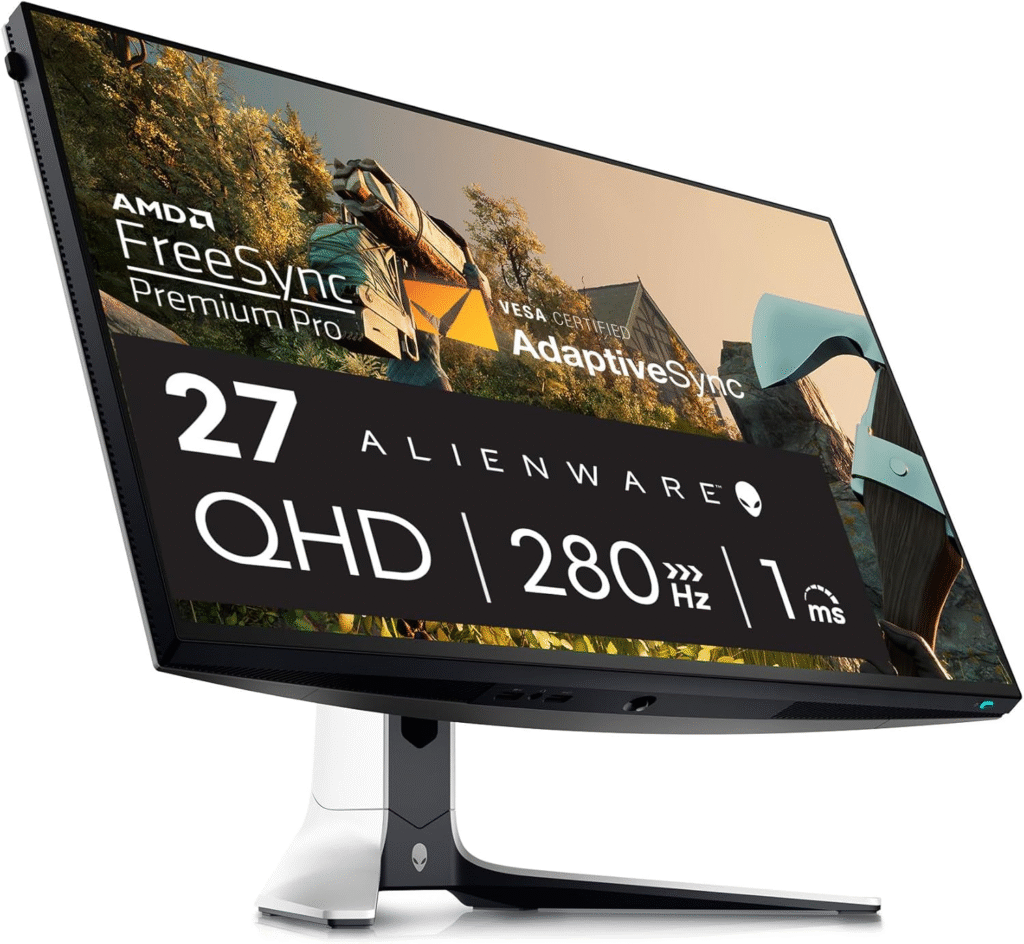
Alienware fans will love this one. I tried it after a Reddit suggestion, and the mini-LED panel is bright and colorful. Perfect if you want HDR and fast gameplay.
Key Features & Specs:
- 27” 1440p IPS, mini-LED, 280Hz
- 1ms response time
- HDR600, wide color gamut
- Matte finish, adjustable stand
Pros / Cons:
- Pros: Extremely bright, smooth, minimal ghosting
- Cons: Pricey, slight compromise in color accuracy vs IPS-only panels
Quick Picks
- Best Overall: ASUS ROG Strix XG27ACDNG, for high-end gaming and color vibrance
- Best Value: ASUS TUF Gaming VG27AQL3A, smooth gaming without high cost
- Best Mini-LED Option: Alienware AW2723DF – brightness and HDR performance
FAQs
Q1: What makes an IPS monitor better than VA or TN for gaming?
A: IPS panels offer better color accuracy, wider viewing angles, and consistent vibrance. VA panels have better blacks but suffer in motion clarity; TN panels are fast but poor in color.
Q2: Do I need 144Hz+ for casual gaming?
A: Not necessarily. 144Hz is ideal for competitive FPS, but 60–120Hz is fine for casual or single-player games.
Q3: Is mini-LED worth the extra cost?
A: Yes, if HDR and peak brightness matter to you. Mini-LEDs provide better contrast and vivid colors without OLED burn-in concerns.
Q4: Should I buy matte or glossy screen?
A: Matte reduces reflections but slightly dulls colors; glossy gives punchier visuals but is reflective in bright rooms.
Q5: Where can I buy these monitors safely?
A: Amazon, Newegg, and official brand stores often offer sales, warranties, and return options.
Summary
Choosing the best IPS gaming monitor is about balancing speed, colour, brightness, and budget. From high-end ASUS ROG Strix monitors to budget-friendly ASUS TUF options, and mini-LED Alienware HDR displays, there’s something for every gamer. Consider refresh rate, response time, and panel tech, but also pay attention to ergonomics and colour calibration. I’ve personally tested or researched all of these and can say they deliver reliable, vibrant performance for competitive and casual gaming alike.
Amazon Affiliate Disclaimer:
As an Amazon Associate, I earn from qualifying purchases. Prices and availability may vary. All recommendations are based on personal testing and research.