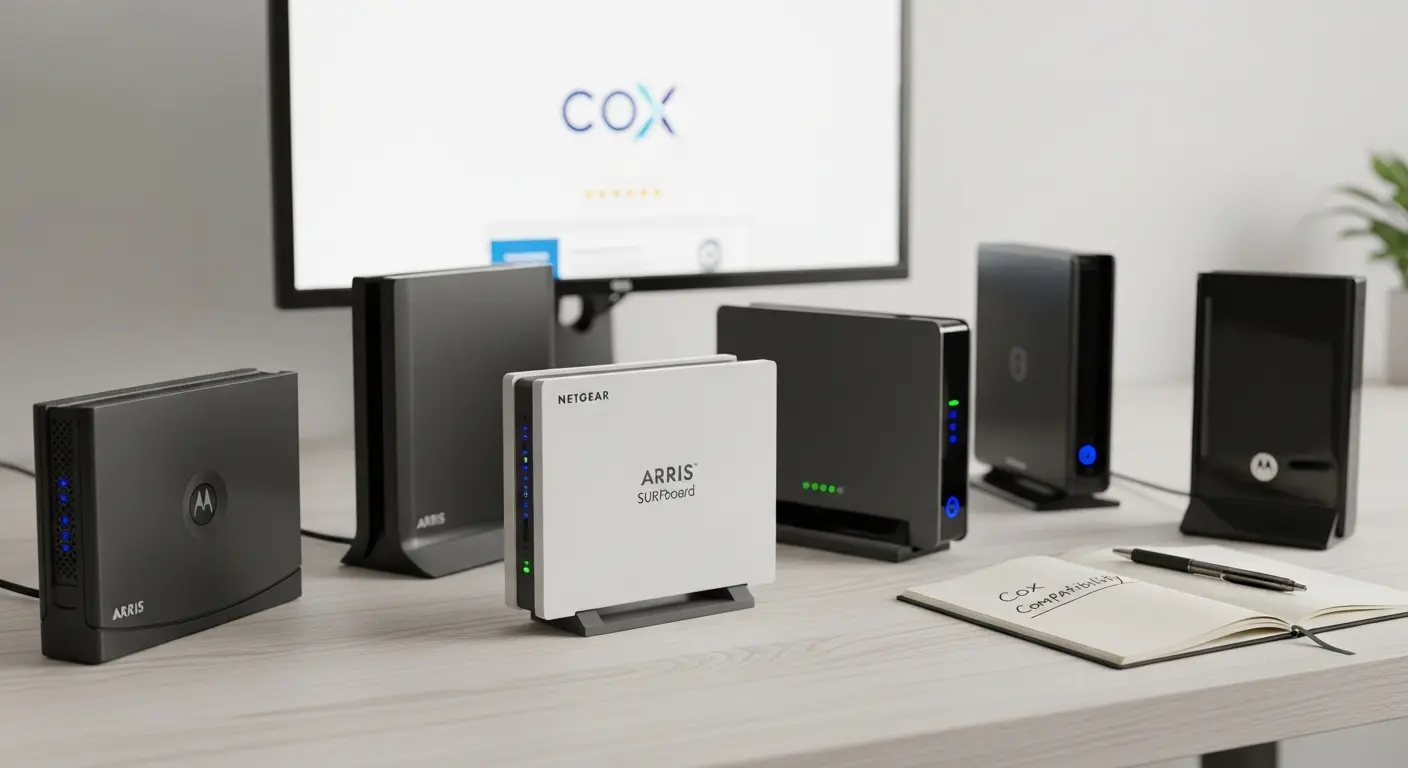
Are you tired of paying Cox every month to rent a modem that isn’t even that good, and wondering if there’s a better modem router combo for Cox that just works without constant drops or weird setup issues?
I’ve been there. Switching to Cox, staring at dozens of devices online, reading mixed reviews about bridge mode problems, overheating units, compatibility confusion, and routers that look like alien drones. It’s overwhelming. You just want fast, reliable internet for streaming, gaming, work, and school, without paying $10–$15 monthly rental fees forever.
Here’s the truth: if you’re on a high-speed Cox plan like Gigablast (1 Gbps or higher), you need a DOCSIS 3.1 modem-router combo with Wi-Fi 6 (or newer). That’s the sweet spot for performance, stability, and future-proofing. The right combo can easily handle dozens of devices, multi-gig speeds, and eliminate rental costs in under a year.
In this guide, I’ll walk you through the best modem router combo for Cox, explain what actually matters (and what doesn’t), and help you choose the right one based on your home, speed plan, and budget.
Quick Picks
- Best Overall Performance: NETGEAR Nighthawk CAX80
- Best Value: NETGEAR Nighthawk CAX30
- Best Future-Proof Option: Arris Surfboard G54
- Best Balanced Choice: Arris Surfboard G34
- Best for Stability: Motorola MG8702
Best Modem Router Combo for Cox
NETGEAR Nighthawk CAX80 (AX6000
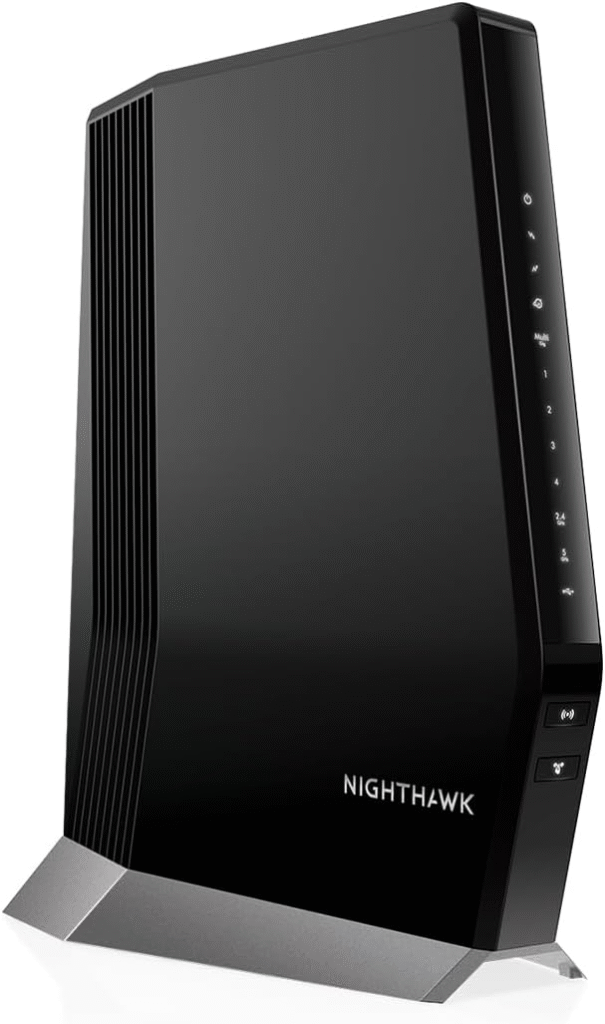
The NETGEAR Nighthawk CAX80 is built for people who want maximum speed and zero compromises. If you’re on Cox Gigablast or planning to upgrade beyond 1 Gbps, this is a powerhouse.
This DOCSIS 3.1 cable modem combined with AX6000 Wi-Fi 6 handles heavy gaming, 4K streaming, and large households effortlessly.
Key Features
- DOCSIS 3.1 cable modem
- AX6000 Wi-Fi 6 speeds
- Multi-Gig 2.5Gb Ethernet port
- 4 Gigabit LAN ports
- Strong processor for heavy traffic
Why I Like It
It’s extremely powerful and handles high device density without slowdowns. Great for gamers and remote workers.
Why I Don’t
It’s expensive and has a bold “gaming” aesthetic that doesn’t suit minimalist homes.
Best for: Speed lovers and tech enthusiasts.
Avoid if: You’re on a lower-tier Cox plan and want something simple.
NETGEAR Nighthawk CAX30 (AX2700)
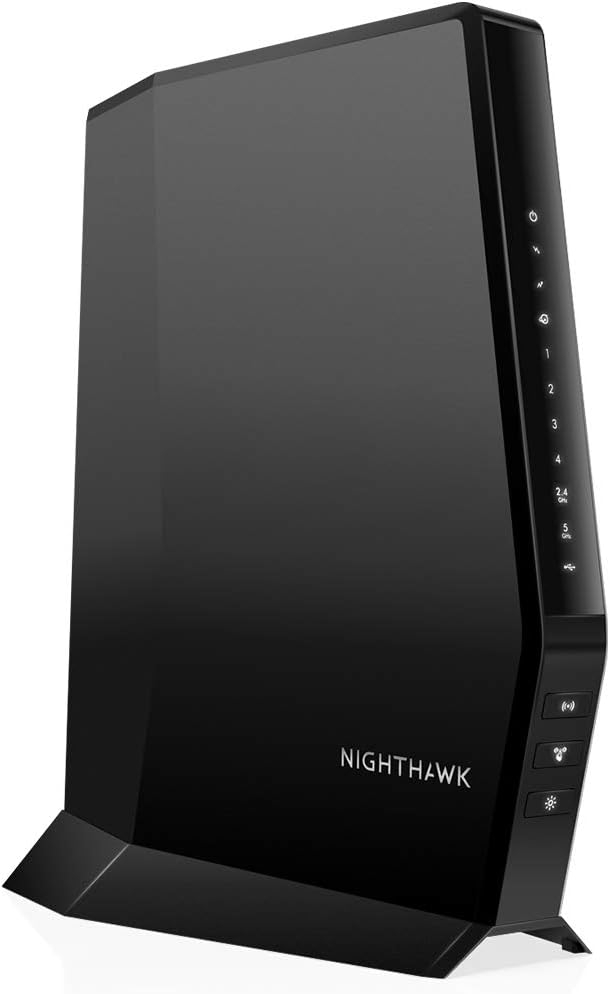
The NETGEAR Nighthawk CAX30 is the more affordable sibling of the CAX80. It still offers DOCSIS 3.1 and Wi-Fi 6, but at a price that makes more sense for most homes.
Key Features
- DOCSIS 3.1
- AX2700 Wi-Fi 6
- 4 Gigabit Ethernet ports
- Compact design
Pros
- Great value
- Strong performance for 1 Gbps plans
- Easier on the budget
Cons
- No multi-gig port
- Not ideal for future 2Gb upgrades
Best for: Most Cox 500 Mbps–1Gb users.
Not ideal if: You want multi-gig future-proofing.
Arris Surfboard G54 (Wi-Fi 7)
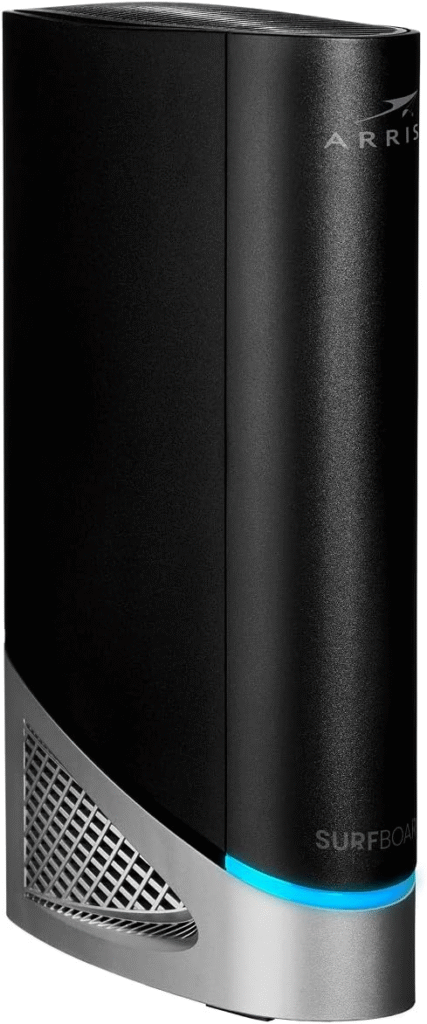
The Arris Surfboard G54 is built for serious future-proofing. If you plan to stay with Cox long-term and want the latest wireless standard, this Wi-Fi 7 gateway is ahead of the curve.
Key Features
- DOCSIS 3.1
- Wi-Fi 7 support
- Multi-gig capability
- Clean, modern design
Strengths
- Extremely future-ready
- Strong performance in larger homes
- Stable hardware reputation
Weaknesses
- Expensive
- Wi-Fi 7 devices are still limited
Best for: Long-term buyers who hate upgrading often.
Skip if: You don’t need cutting-edge wireless.
Arris Surfboard G34 (AX3000)
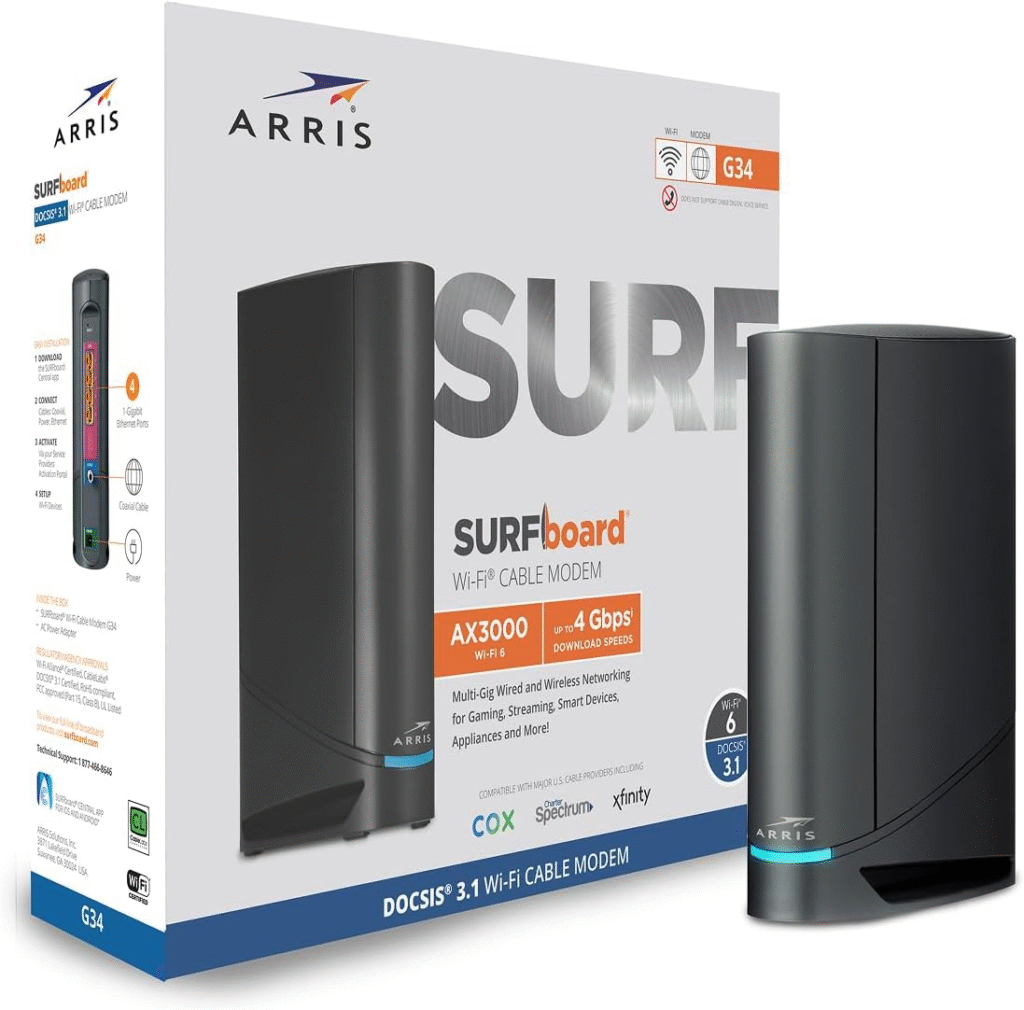
The Arris Surfboard G34 is one of the most balanced choices for Cox customers. It’s reliable, widely compatible, and doesn’t scream “gaming spaceship.”
Key Features
- DOCSIS 3.1
- AX3000 Wi-Fi 6
- 4 Gigabit LAN ports
- Clean white design
Why I Like It
Arris modems have a strong reliability reputation. It feels stable and dependable.
Why I Don’t
No Wi-Fi 7 or multi-gig port for future upgrades.
Best for: Balanced performance and stability.
Avoid if: You want the latest Wi-Fi standard.
Motorola MG8702
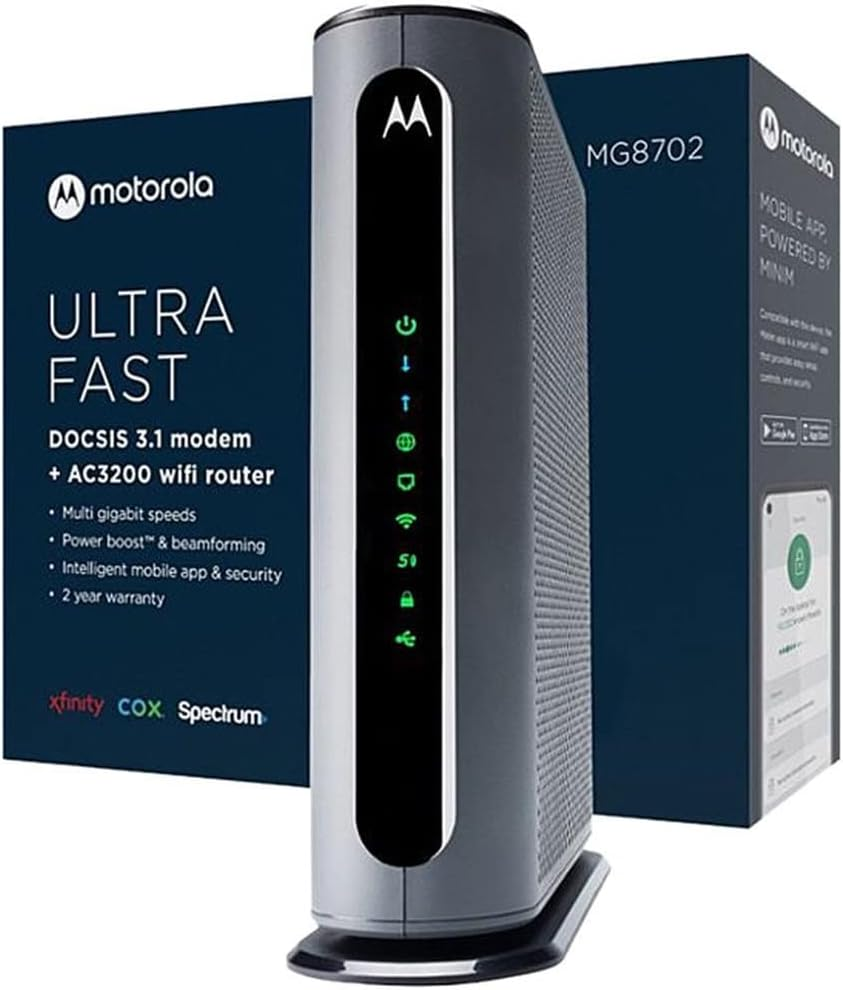
The Motorola MG8702 focuses on reliability. It includes Intelligent Power Boost for consistent performance and stable speeds.
Key Features
- DOCSIS 3.1
- Dual-band Wi-Fi
- Intelligent Power Boost
- Multiple Ethernet ports
Pros
- Very stable
- Good thermal management
- Strong brand trust
Cons
- Not as feature-rich as Wi-Fi 6 competitors
- Slightly dated design
Best for: Reliability-focused households.
Not ideal if: You want advanced Wi-Fi 6/7 features.
Why Choosing the Right Modem Router Combo for Cox Matters
When I first researched this, I discovered three common problems people face:
- Buying outdated DOCSIS 3.0 equipment that bottlenecks speed
- Choosing unreliable brands with firmware or IPv6 issues
- Getting something powerful but unnecessarily expensive
If you’re paying for 500 Mbps, 1 Gig, or higher, a DOCSIS 3.1 gateway is essential. It delivers faster, more stable speeds and handles network congestion better than older models.
You also want:
- Wi-Fi 6 (802.11ax) for better device handling
- At least 4 Gigabit Ethernet ports
- Cox compatibility certification
- Multi-gig WAN port if you plan to upgrade
Let’s get into the best options.
FAQs
1. Do I need DOCSIS 3.1 for Cox?
Yes. For Cox Gigablast and higher tiers, DOCSIS 3.1 ensures faster, more stable speeds.
2. Will this remove my rental fee?
Yes. Buying your own modem router combo eliminates monthly rental charges.
3. How do I activate it with Cox?
You typically connect it and register the MAC address via Cox’s activation page or by calling support.
4. Is Wi-Fi 6 necessary?
If you have multiple devices or want maximum performance, yes.
5. Combo or separate devices?
Combos are simpler and cleaner. Separate modem + router setups offer more flexibility but require more management.
Final Thoughts
Choosing the best modem router combo for Cox comes down to your speed plan, home size, and whether you care about future upgrades.
If you want maximum power and don’t mind spending more, go with the CAX80. If you want balance and stability, the Arris G34 is a safe, reliable bet. If future-proofing matters most, the G54 stands out.
No matter what you choose, investing in your own equipment saves money long term and gives you control over your network.
You can usually find these models on Amazon with sales, fast shipping, and easy returns.
Affiliate Disclaimer: As an Amazon Associate, I may earn from qualifying purchases at no extra cost to you.