Finding the right laptop for coding isn’t just about specs on paper. I’ve learned that smooth compile times, reliable battery life, and a comfortable keyboard matter far more than flashy marketing. If you’re serious about development, whether that’s web apps, software engineering, or running virtual machines, this guide will help you choose a machine that actually keeps up with your workflow.
Overview
Across major tech publications and recent comparisons, the top budget-friendly laptops for programming in 2026 consistently balance strong mid-range processors, 16GB RAM, and fast SSD storage. Popular recommendations include business-class models known for durability, affordable mainstream laptops suited for students, and value-driven ultrabooks with Ryzen 5 or Intel Core Ultra chips. Most experts agree that developers should prioritize at least 16GB of memory (or an upgradeable 8GB), a 512GB SSD, and a comfortable keyboard with a Full HD display. Refurbished enterprise laptops are also widely recommended for tight budgets, especially models with Core i5/i7 processors and upgradeable RAM.
Notable Mentions
- Lenovo ThinkPad E14 Gen 5 – Durable business-class option with one of the best keyboards for coding.
- Acer Aspire 5 – Affordable and practical for beginner programmers.
- ASUS Vivobook 14 – Strong value with Ryzen 5 or Intel Core Ultra configurations.
- Refurbished enterprise laptops (ThinkPad or Dell XPS models with i5/i7 CPUs and 16GB RAM) can be excellent budget alternatives.
What I Look for in a Programming Laptop
Before jumping into recommendations, here’s what actually matters for coding in 2026:
- Processor (CPU): At least an Intel Core i5, Core Ultra 5, or AMD Ryzen 5. For heavier workloads like virtualization or AI projects, higher-tier CPUs help significantly.
- Memory (RAM): 16GB is my baseline for modern development environments. Docker containers, IDEs like VS Code or IntelliJ, and multiple browser tabs eat RAM quickly.
- Storage: A 512GB SSD ensures fast boot times and quicker builds. NVMe SSDs are ideal.
- Keyboard & Display: I prioritize a responsive keyboard and a sharp 1080p or higher display. Coding for hours demands comfort.
- Ports & Connectivity: USB-C, Thunderbolt support, HDMI, and Wi-Fi 6/6E (or Wi-Fi 7) make life easier when using external monitors.
- Battery Life: If you work remotely, aim for 8–15+ hours of real-world usage.
Best Laptops for Programming
Apple MacBook Pro 14 (M4, 2024)
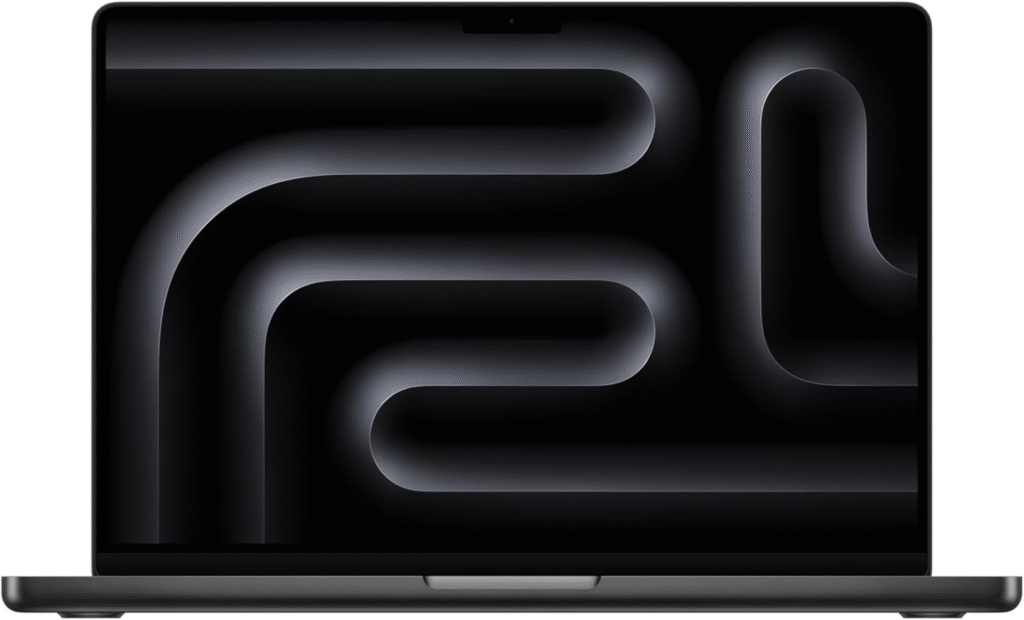
If I want maximum performance with minimal compromise, this is my top pick. The M4 chip delivers exceptional multi-core performance, making compile times and heavy multitasking noticeably faster. It handles virtual machines, mobile app builds, and backend development smoothly.
The Liquid Retina XDR display is incredibly sharp and bright, ideal for long coding sessions. Battery life stretches well beyond a full workday, and macOS remains highly optimized for development tools.
The only real downside? Price. And if you don’t need the extra GPU power in Pro or Max variants, you may be paying for performance you won’t use.
Best for: Professional developers, app engineers, heavy workloads.
Apple MacBook Air 15 (M4, 2025)
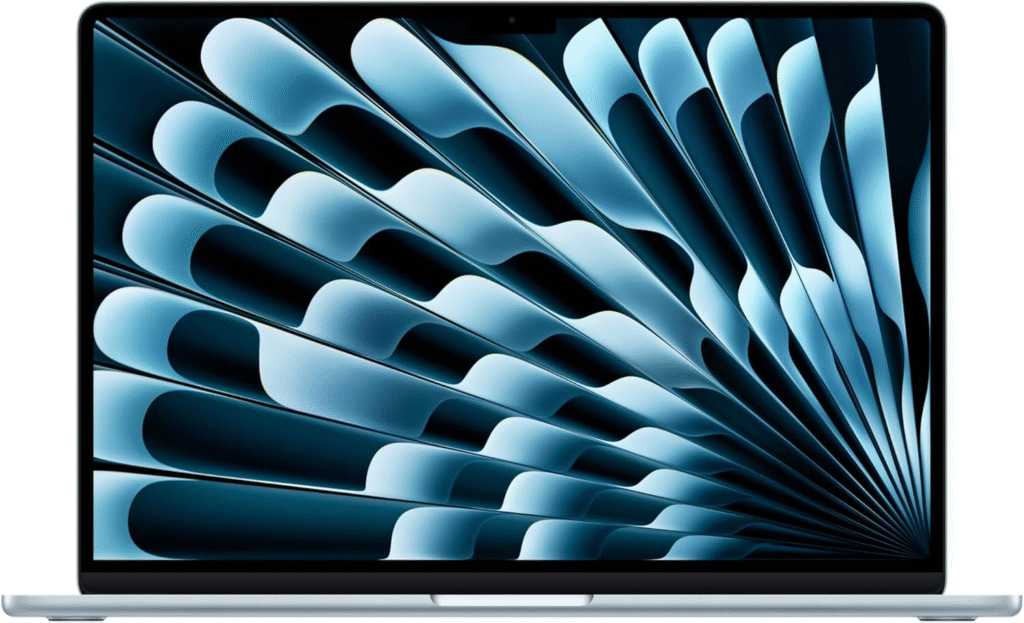
If you want strong performance in a thinner and lighter design, this machine strikes a great balance. It’s fanless, silent, and still powerful enough for most coding tasks.
The 15-inch display gives you more screen space without feeling bulky. The M4 chip easily handles web development, scripting, and moderate workloads.
Port selection is limited to USB-C/Thunderbolt, so you might need a hub. But battery life remains one of the strongest in this category.
Best for: Students, web developers, mobile developers.
Microsoft Surface Laptop 7th Edition 15 (2024)
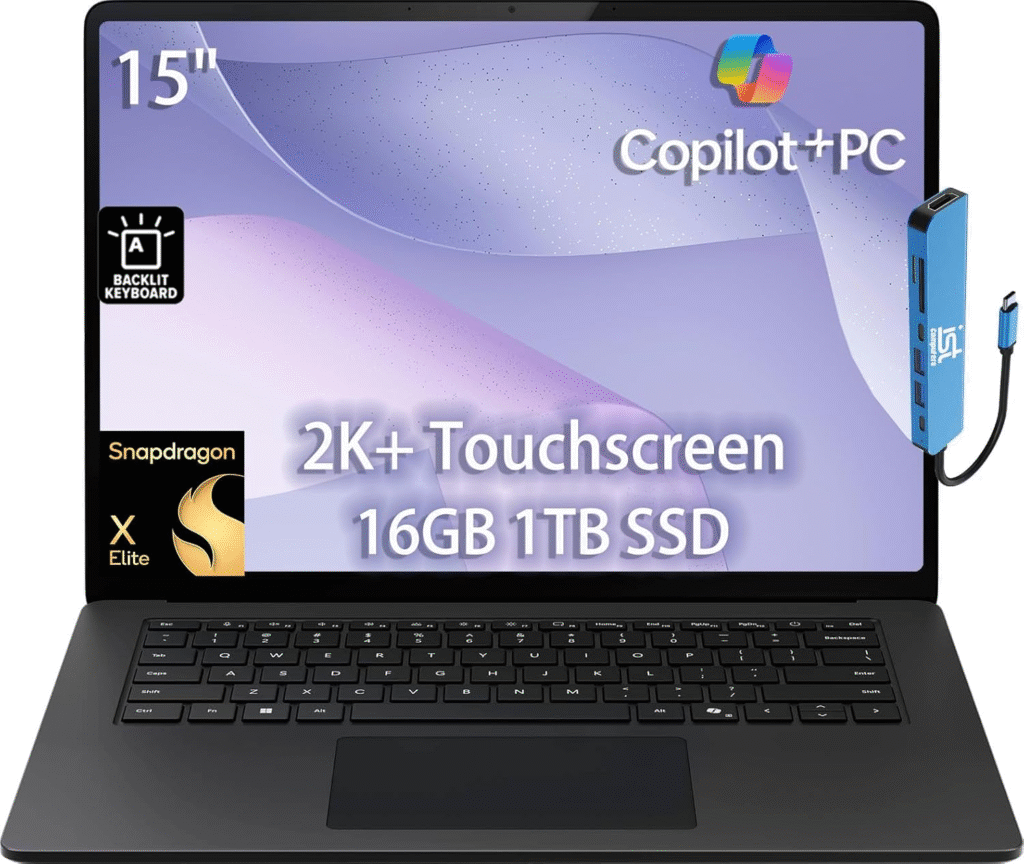
This model features the Snapdragon X Elite ARM processor, delivering impressive efficiency and long battery life—often around 17 hours of light use.
Performance is excellent for supported applications, but Windows on ARM still has compatibility limitations. I always recommend checking your development tools before committing.
The 120Hz touchscreen, improved keyboard, and premium build quality make it a strong Windows-based coding machine.
Best for: Developers who want premium Windows hardware and long battery life.
Acer Swift Go 14 (2024)
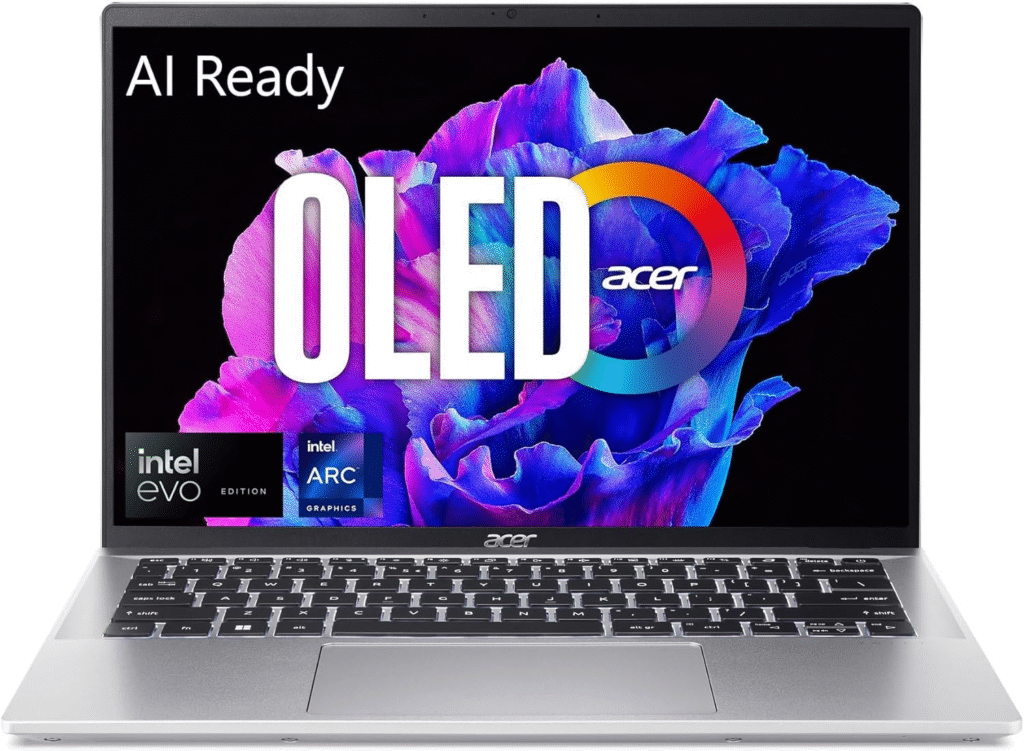
For solid performance without premium pricing, this is a smart choice. With Intel Meteor Lake processors and configurable RAM up to 32GB, it handles most development tasks smoothly.
The OLED display option provides sharp visuals, while the lightweight chassis makes it easy to carry. It includes Thunderbolt 4 and HDMI ports, reducing the need for adapters.
Battery life averages around 11 hours for general productivity, which is more than enough for daily coding sessions.
Best for: Budget-conscious developers who still want modern specs.
ASUS Vivobook 16 M1605 (2023)
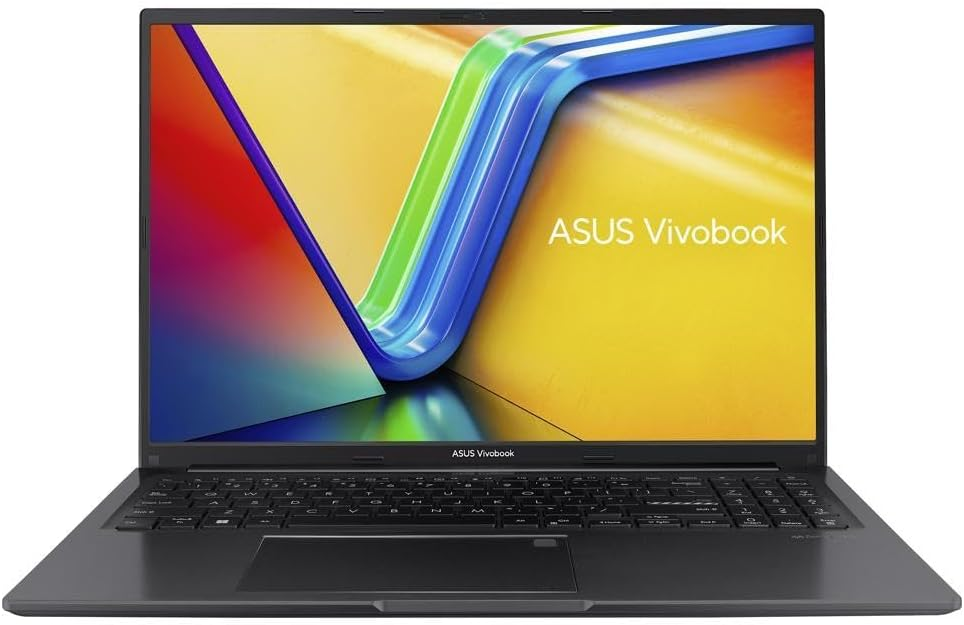
If you’re working within a tighter budget, this AMD-powered laptop remains a reliable option. While not as fast as premium models, it’s capable of handling typical coding tasks and student-level development.
It supports 16GB RAM configurations and allows memory upgrades. The large display and comfortable keyboard are highlights at this price point.
Compromises include lower screen brightness and limited USB-C functionality, but overall it delivers strong value.
Best for: Entry-level programmers and CS students.
Key Considerations for Budget Coding Laptops
RAM
I strongly recommend 16GB for modern development stacks. While 8GB works for lighter tasks, multitasking with containers and IDEs can quickly overwhelm it.
Storage
A 512GB SSD is ideal. Avoid HDDs—they slow everything down.
Keyboard & Screen
Comfort matters more than most people realize. A good keyboard reduces fatigue, and a 1080p display keeps text sharp.
Refurbished Options
If your budget is between $200–$500, a refurbished business laptop with upgradeable RAM and SSD often delivers better long-term value than a brand-new low-end device.
FAQs
Is 8GB RAM enough for programming?
For basic scripting or beginner projects, yes. But for modern development environments, I recommend 16GB to avoid slowdowns.
Which laptop is best for programming?
The best laptop for programming depends on what kind of development you’re doing.
If I’m doing heavy tasks like app development, running virtual machines, or machine learning, I’d choose something powerful like the Apple MacBook Pro 14 (M4, 2024) or a high-end Windows workstation.
For most developers (web dev, Python, software engineering), a laptop with:
Intel Core i5 / Core Ultra 5 or Ryzen 5
16GB RAM
512GB SSD
is more than enough.
You don’t need the most expensive laptop — you need balanced performance, good battery life, and a comfortable keyboard.
Can I use a cheap laptop for programming?
Yes, you absolutely can.
If you’re learning to code, building small projects, or working on web development, a budget laptop will work fine. Just make sure it has:
At least 8GB RAM (16GB is better if possible)
An SSD (not HDD)
A modern i5 or Ryzen 5 processor
Something like the Acer Aspire 5 or a refurbished business laptop can be a smart low-cost option.
The only time cheap laptops struggle is with heavy multitasking, Docker containers, Android Studio, or AI work.
Which laptop brand is best for programmers?
There isn’t one “perfect” brand — it depends on your needs.
Apple – Excellent for web, iOS, and cross-platform development. Strong performance + battery life.
Lenovo – ThinkPads are famous for their keyboards and durability.
Dell – XPS and business models are powerful and reliable.
ASUS – Great value and performance for the price.
Acer – Budget-friendly and practical.
Instead of focusing only on brand, I recommend checking specs, upgrade options, and build quality.
Is 14 inch enough for coding?
Yes, 14-inch is enough for coding — and honestly, it’s a sweet spot.
I find 14-inch laptops:
Portable
Easy to carry
Big enough for split-screen coding
If you use an external monitor at home, 14-inch is perfect. If you prefer working only on your laptop screen with lots of windows open, 15–16 inches may feel more comfortable.
Can Python run on any laptop?
Yes. Python can run on almost any laptop.
It works on:
Windows
macOS
Linux
Even older laptops can handle Python for basic scripts and beginner projects.
The only time you’ll need a stronger machine is for:
Machine learning
Data science
Large automation scripts
Heavy libraries like TensorFlow or PyTorch
For learning Python, almost any modern laptop will do the job.
Is Core i5 good for programming?
Yes, Core i5 is good for programming.
In fact, for most developers, a modern Intel Core i5 (or Core Ultra 5) is more than enough. It handles:
Web development
Python
Java
VS Code / IntelliJ
Moderate multitasking
If you’re doing heavy builds, virtualization, or AI workloads, then upgrading to an i7, Ryzen 7, or Apple M-series Pro chip makes sense.
But for 80% of programmers? Core i5 + 16GB RAM is a very solid setup.
Do programmers need a dedicated GPU?
Most developers don’t. However, game developers, AI/ML engineers, and those using GPU-accelerated workloads will benefit from discrete graphics.
Is Mac or Windows better for coding?
Both work well. macOS is popular for web and mobile development, while Windows offers broader hardware flexibility. Your toolchain should guide your decision.
How much should I spend on a programming laptop?
For comfortable performance in 2026, I suggest budgeting between $800–$1,500 depending on workload complexity.
Amazon Affiliate Disclaimer
As an Amazon Associate, I earn from qualifying purchases. This means I may receive a small commission, at no extra cost to you, if you buy through my links. I only recommend laptops I genuinely believe offer strong value for programming and development.