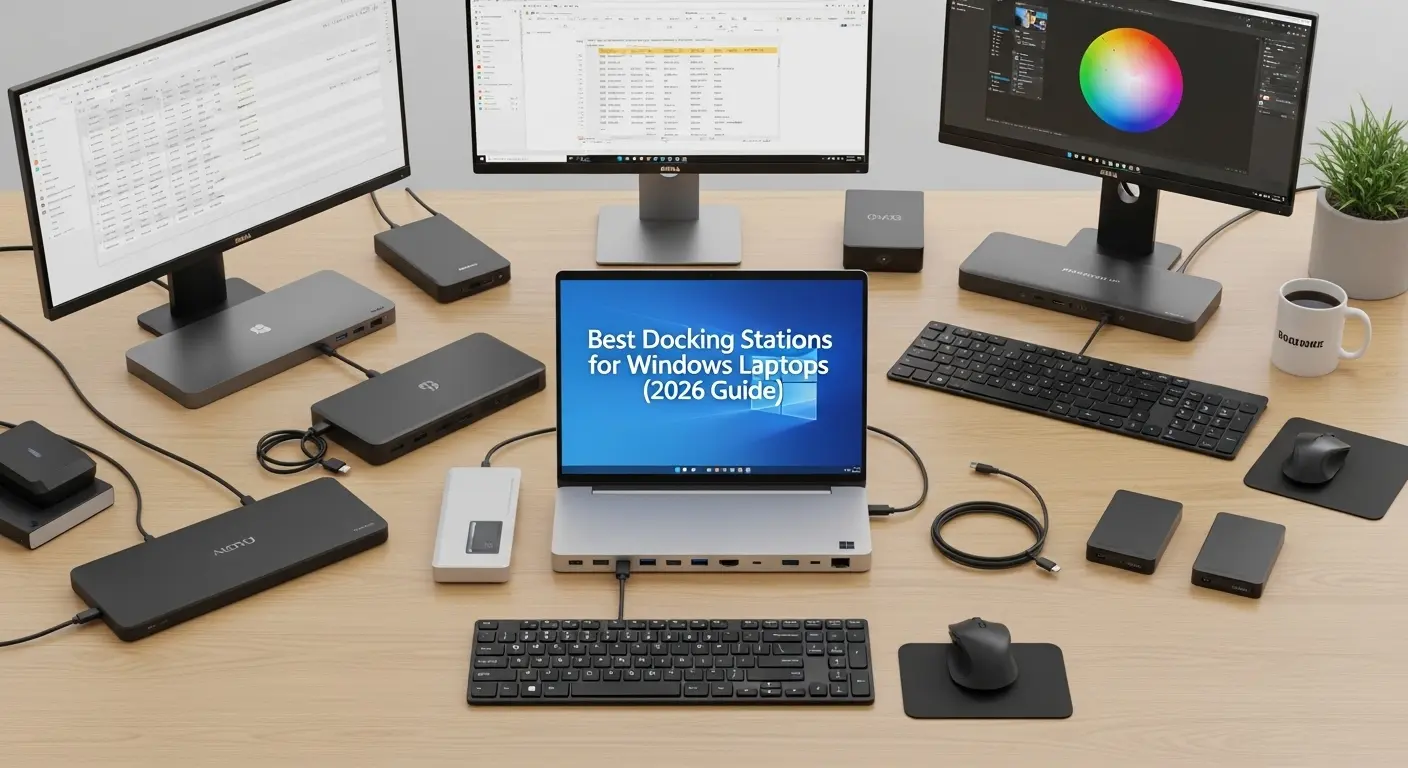
A few months ago, I was sitting at my desk, staring at a mess of cables, adapters, and dongles hanging off my Windows laptop like Christmas decorations. One wrong move and everything disconnected. Sound familiar?
If you’re using a Windows laptop for work, gaming, or content creation, you’ve probably faced the same frustration: not enough ports, messy cables, and constant plugging and unplugging. We buy powerful machines, but we’re still stuck juggling HDMI cables, USB drives, Ethernet, external monitors, and chargers. That’s exactly why I started looking into the best docking stations for Windows laptops. And honestly? I wish I had done it sooner.
Quick Picks
If you don’t want to overthink it:
- Best Overall: Dell WD19S
- Best for Multi-Monitor Users: Plugable UD-ULTC4K
- Best Premium Pick: CalDigit TS4
- Best Stylish Option: Anker 575
- Best Business Dock: Lenovo ThinkPad Universal
Product Reviews:
1. Dell WD19S Docking Station (Best Overall)
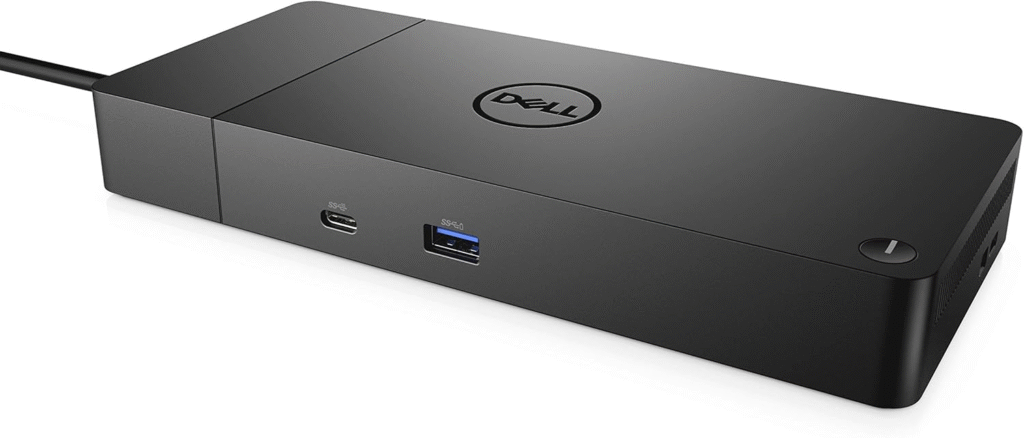
When I first set up the Dell WD19S, I immediately understood why so many professionals recommend it. Even if you don’t own a Dell laptop, this dock works beautifully with most Windows machines that support USB-C or Thunderbolt. It feels solid, professional, and built for serious work. This isn’t a lightweight travel hub, it’s a full desktop replacement solution.
Key Features & Specs
- Up to 130W power delivery (90W for non-Dell systems)
- Supports dual 4K displays at 60Hz
- 1x USB-C, multiple USB-A ports
- HDMI + DisplayPort outputs
- Gigabit Ethernet
- 3.5mm audio jack
- Strong, durable build quality
Pros
- Reliable dual-monitor performance
- Excellent power delivery
- Professional-grade build
- Wide Windows compatibility
Cons
- Slightly expensive
- Not very portable
Summary
If you work from home full-time or run a serious workstation setup, this dock covers everything. I’d call this the most balanced docking station for Windows laptops, powerful, stable, and future-ready.
2. Plugable UD-ULTC4K (Best for Triple Monitor Users)
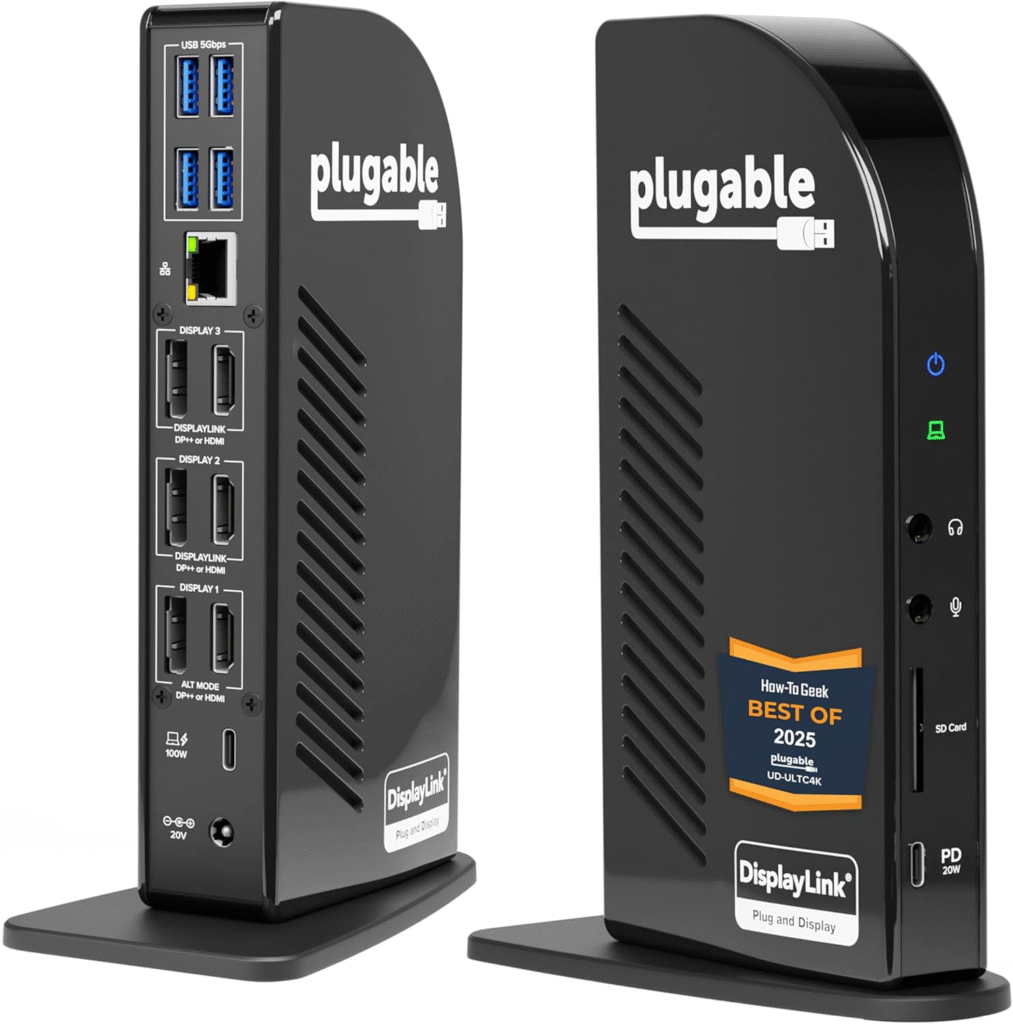
If you’re someone who loves screen real estate (like me), the Plugable UD-ULTC4K is incredibly impressive. The first time I saw a triple-monitor setup powered by this dock, I was honestly blown away. For spreadsheets, video editing, or stock trading, this is productivity heaven.
Key Features & Specs
- Supports triple 4K displays
- 100W charging support
- 6 USB 3.0 ports
- USB-C and USB-A compatibility
- Ethernet
- Audio in/out
- Uses DisplayLink technology
Pros
- Excellent multi-monitor performance
- Great for content creators
- Works with older USB-A systems
- Strong compatibility
Cons
- Requires DisplayLink drivers
- Slight learning curve for beginners
Summary
If your main goal is expanding your display setup, this dock delivers. It’s perfect for power users who need multiple screens and stable performance.
3. Anker 575 USB-C Docking Station (Best Premium Pick)
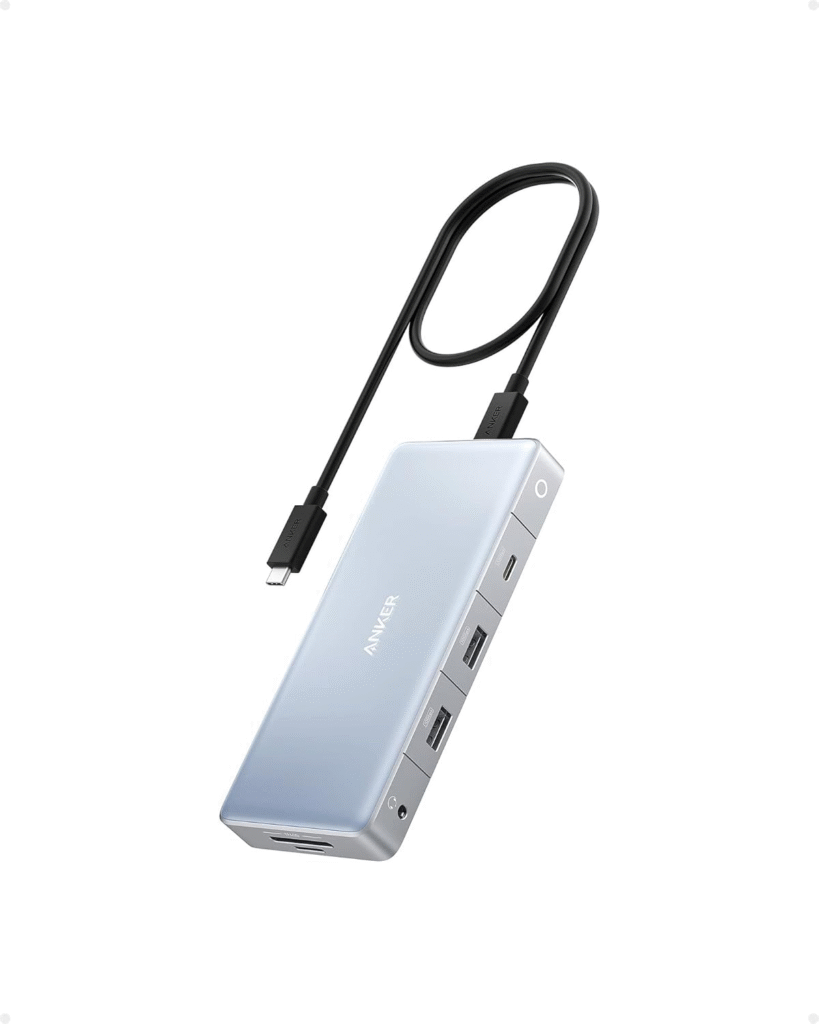
I’ve always trusted Anker for accessories, and the Anker 575 USB-C Docking Station feels like a polished, high-end solution. It looks sleek, minimal, and modern. If aesthetics matter on your desk (and let’s be honest, they do), this dock fits beautifully into a clean setup.
Key Features & Specs
- 85W laptop charging
- Dual HDMI + DisplayPort
- 4 USB-A ports
- SD & microSD slots
- Ethernet port
- Premium aluminum build
Pros
- Clean, stylish design
- Excellent build quality
- Reliable performance
- Strong brand reputation
Cons
- Higher price point
- No Thunderbolt support
Summary
This is for you if you want performance + design. It’s powerful enough for professionals but elegant enough for modern home offices.
4. CalDigit TS4 Thunderbolt Dock (Best High-End Powerhouse)
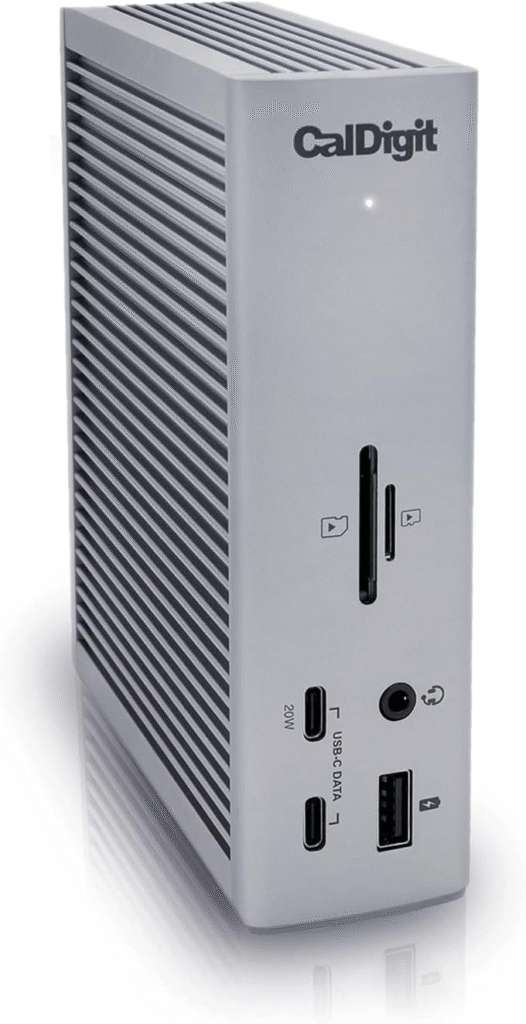
If you want the absolute best and budget isn’t your biggest concern, the CalDigit TS4 Thunderbolt Dock is a monster. This thing has ports everywhere. It almost feels excessive, until you start using them.
Key Features & Specs
- 18 total ports
- 98W charging
- Dual 6K or single 8K display support
- Thunderbolt 4
- 2.5Gb Ethernet
- Multiple USB-C and USB-A ports
- Ultra-premium build
Pros
- Insane connectivity
- Future-proof Thunderbolt 4
- High-speed networking
- Premium materials
Cons
- Expensive
- Overkill for basic users
Summary
If you’re a creator, engineer, or power user who needs maximum expandability, this dock is worth the investment. For casual users, though, it may be more than necessary.
5. Lenovo ThinkPad Universal USB-C Dock (Best for Business Users)
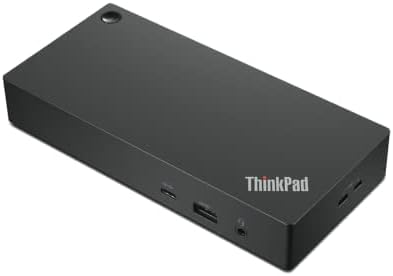
I recently helped a friend set up a business workstation using this dock, and it worked flawlessly. The Lenovo ThinkPad Universal USB-C Dock is simple, reliable, and very office-friendly.
Key Features & Specs
- 100W charging
- Dual 4K monitor support
- Multiple USB-A ports
- HDMI + DisplayPort
- Ethernet
- Enterprise firmware support
Pros
- Great business compatibility
- Stable Windows support
- Clean professional design
Cons
- Limited gaming focus
- Not ideal for travel
Summary
If you work in corporate environments or IT-managed systems, this dock integrates smoothly into professional setups
Why You Even Need a Docking Station (Trust Me on This)
Before we jump into reviews, let me share something I discovered.
Modern Windows laptops, especially thin ultrabooks, are powerful but minimal. Many only have:
- 1–2 USB-C ports
- Maybe 1 USB-A
- No Ethernet
- Limited display output
Meanwhile, a proper workstation might require:
- Dual or triple monitors
- Keyboard + mouse
- External SSD
- Ethernet
- Webcam
- Speakers
- Charging
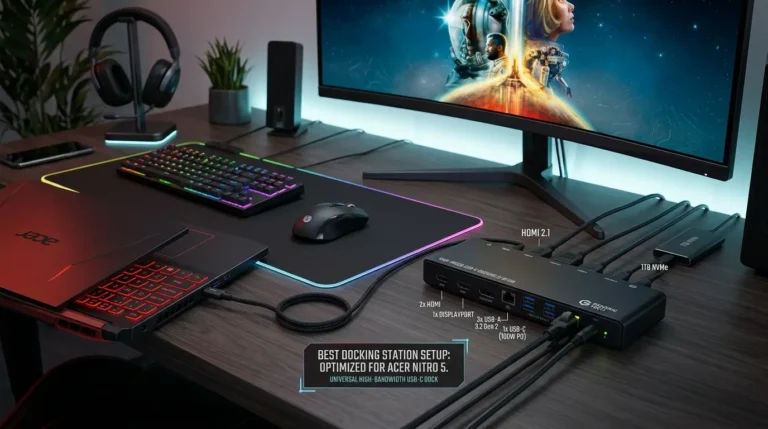
A docking station acts as a central hub. One cable into your laptop, and boom, everything connects instantly.
It’s not just convenience. It’s productivity. Studies show dual-monitor setups can increase productivity by up to 42%. And if you’re working from home? That’s huge.
What to Look for in a Docking Station for Windows Laptops
Before buying (especially from Amazon during sales or discounts), check:
1. Power Delivery (Wattage)
Make sure it matches your laptop’s charging needs (65W, 85W, 100W).
2. Display Support
Want dual 4K? Triple monitors? Check GPU compatibility.
3. Port Variety
USB-A, USB-C, Ethernet, SD cards, think about your workflow.
4. Thunderbolt vs USB-C
Thunderbolt offers more bandwidth and better display support, but costs more.
FAQs:
1. Do docking stations work with all Windows laptops?
Most modern Windows laptops with USB-C or Thunderbolt ports will work. Always check power delivery and display compatibility first.
2. Is Thunderbolt better than USB-C?
Thunderbolt offers higher bandwidth, better display output, and faster data transfer. But if you don’t need extreme performance, USB-C docks are often enough.
3. Can I game through a docking station?
Yes — but heavy gaming may perform better when directly connected to GPU outputs. For casual or productivity gaming, docks work fine.
4. Do docking stations reduce performance?
Not significantly. High-quality docks maintain strong stability. Cheap hubs, however, can cause lag or connection drops.
Final Thoughts:
Honestly? Yes.
I didn’t realize how much time I was wasting until I switched to a proper docking station. No more cable chaos. No more unplugging five things before leaving the house.
The best docking station for your Windows laptop depends on:
- Your monitor setup
- Your power needs
- Your budget
- Your workspace goals
Amazon Affiliate Disclaimer
As an Amazon Associate, I earn from qualifying purchases. This means I may earn a small commission at no extra cost to you if you buy through my links. I only recommend products I genuinely believe offer value.