
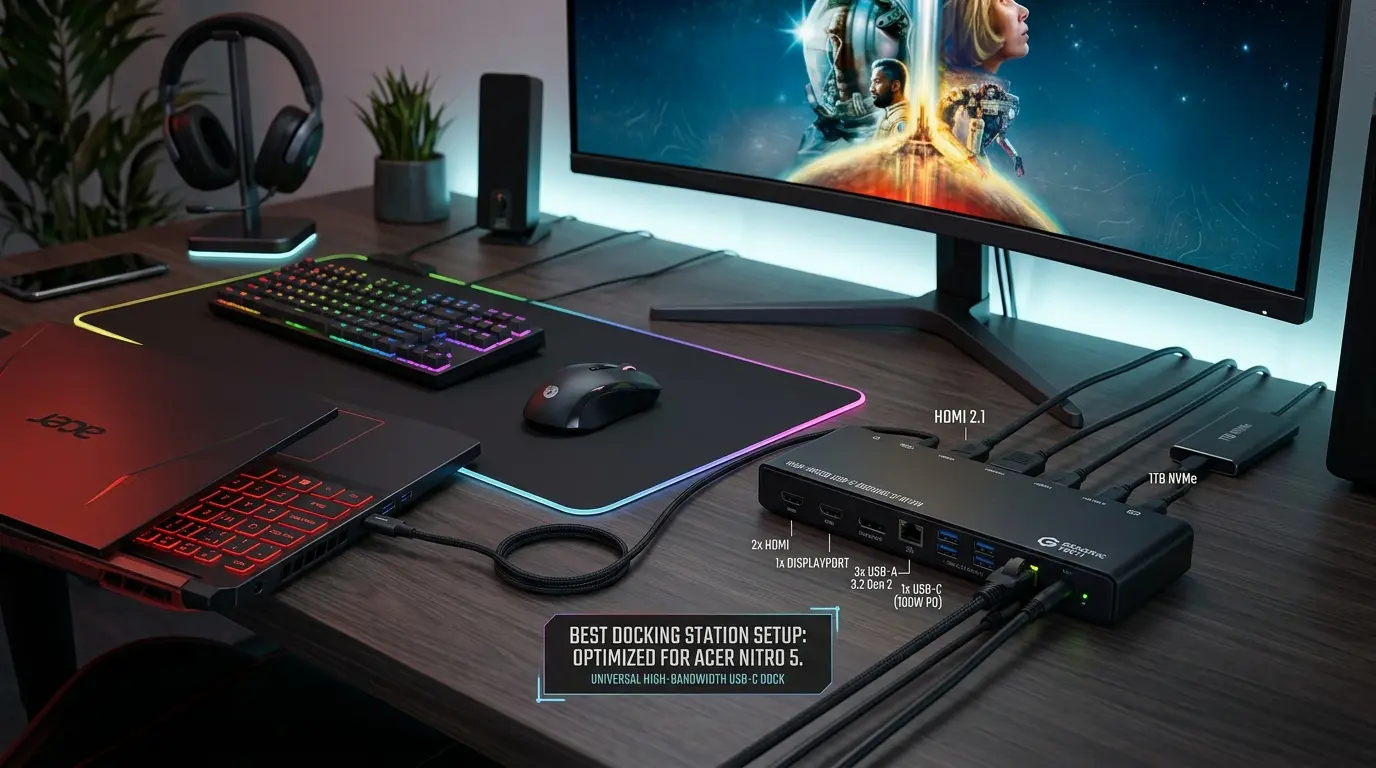
My Nitro 5 has been my main gaming and work machine for two years now, and if there’s one thing I learned the hard way, it’s this: the stock port selection just isn’t enough. Between my external monitor, mechanical keyboard, mouse, headset, and a portable SSD, I was constantly unplugging one thing to plug in another. It got old fast.
So I went down the depths of docking stations — testing specs, reading reviews, and yes, plugging in more cables than I’d like to admit — to find docks that actually work well with the Nitro 5’s port layout (most recent models run USB4/USB-C rather than full Thunderbolt, so compatibility matters more than you’d think). Here’s what I found worth your money.
What to Look For Before You Buy
Since the Nitro 5 is a gaming laptop first, your dock needs to do more than just add ports. A few things I’d check before buying:
- Thunderbolt or USB4 compatibility — confirm the dock explicitly supports USB4 if your Nitro 5 doesn’t have true Thunderbolt, since Thunderbolt-only docks may not negotiate full bandwidth on non-TB laptops.
- High refresh rate support — if you’re gaming on an external monitor, look for docks that push past 60Hz. Some newer docks support up to 240Hz at 4K or even 500Hz at 1440p.
- Power Delivery (PD) wattage — anywhere from 65W to 240W. Higher wattage matters if you want the dock to actually charge your laptop under gaming load, not just top it off.
- RGB/lighting sync — a nice-to-have if you’re already running Acer’s NitroSense lighting or other RGB peripherals.
- Data transfer speed and storage — useful if you’re moving large game installs or capturing footage.
With that in mind, here’s my rundown of the best docks I tested and researched for the Nitro 5.
Amazon Affiliate Disclaimer
As an Amazon Associate, I earn from qualifying purchases. This means I may earn a small commission if you buy through links on this page, at no extra cost to you. This helps support the research and content I create.
Anker Prime TB5 Docking Station
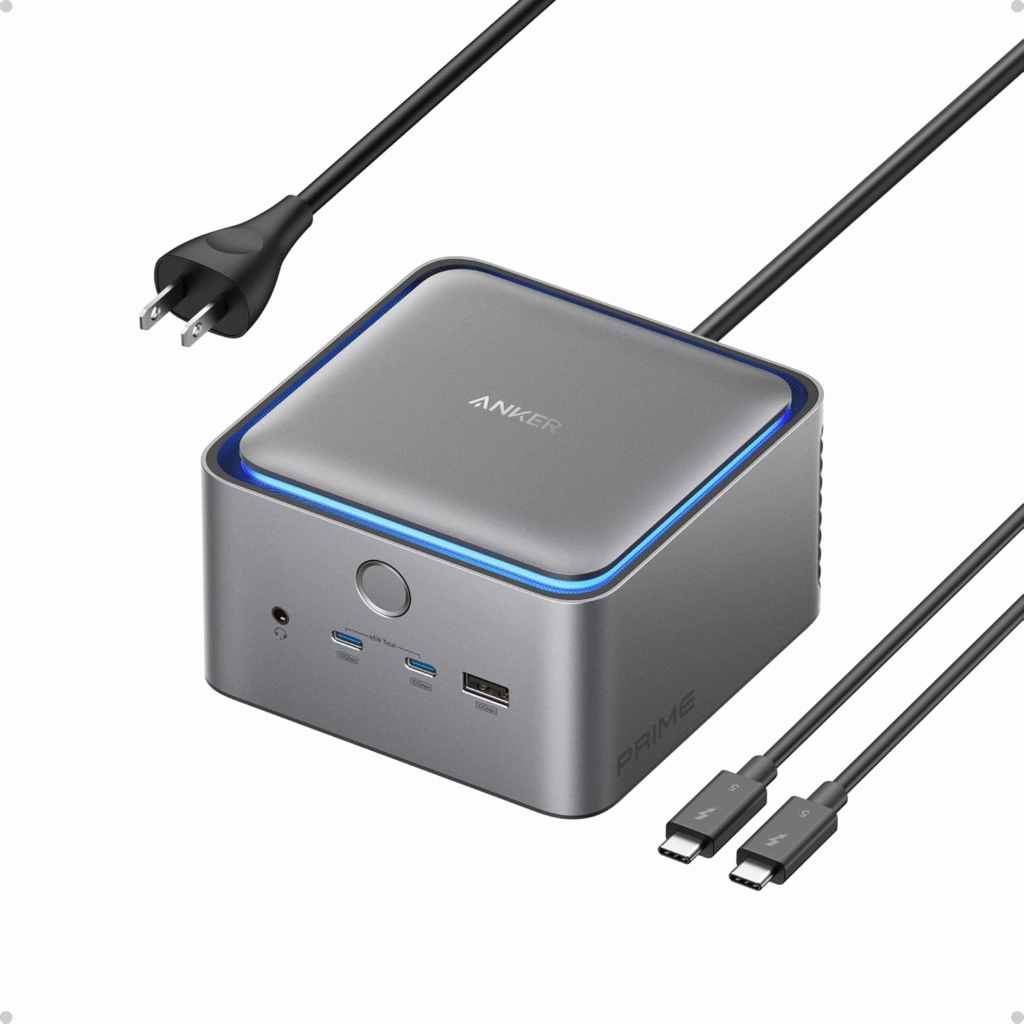
This is the one I’d call the no-compromise option. It runs on Thunderbolt 5, which means data transfers up to 80Gbps with compatible hosts and a hefty 240W charging capacity — more than enough to power your Nitro 5 even during a demanding gaming session. It’s stacked with USB-C and USB-A ports rated up to 10Gbps each, a 2.5Gbps Ethernet jack, HDMI and DisplayPort outputs, SD/TF card slots, and a 3.5mm audio jack. If you want a single dock that just handles everything — multiple monitors, fast file transfers, and serious charging — this is the one I’d point you toward, even if it’s priced at the premium end.
Dell Pro Thunderbolt 4 Smart Dock
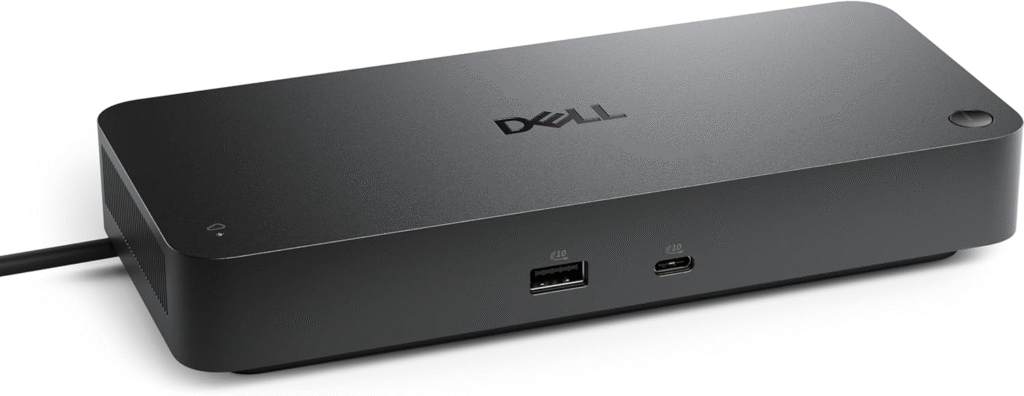
I liked this one for its clean, professional look — front-facing USB-A and USB-C ports keep your desk tidy, while the back handles the heavy lifting with Thunderbolt 4, dual DisplayPort 1.4 outputs, HDMI 2.1, and 2.5Gbps Ethernet. It can drive up to four 4K displays at once, which is overkill for most Nitro 5 owners but great if you’re doing content creation alongside gaming. One caveat: full power delivery is optimized for Dell laptops, so on a Nitro 5 you’ll still get solid charging, just not the absolute peak wattage.
UGreen Maxidok Thunderbolt 5 17-in-1 Dock
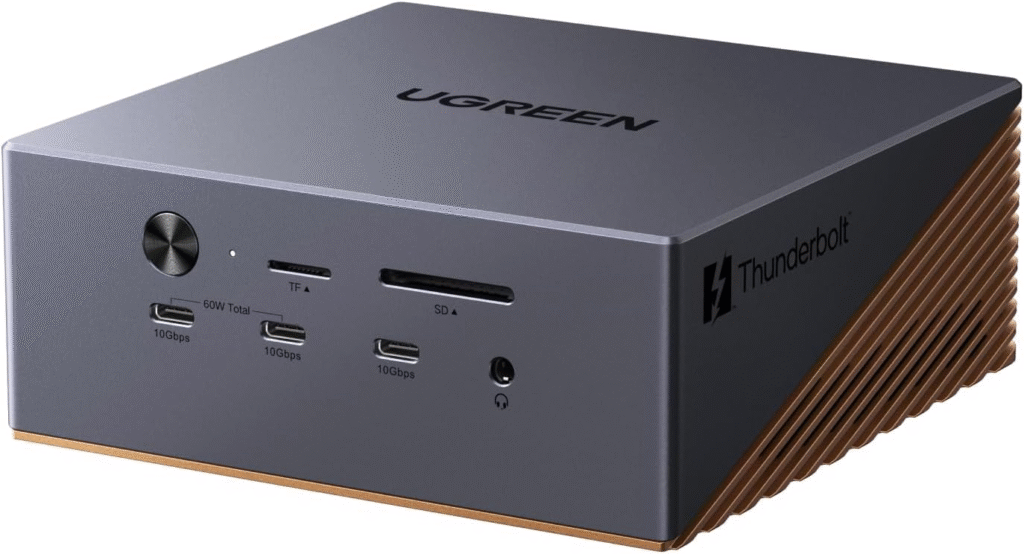
If storage is your bottleneck, this dock solves it in a way none of the others do — built-in support for PCIe 4 SSDs means you can add up to 8TB of onboard storage directly through the dock. That’s huge if your Nitro 5’s internal drive is filling up with game installs. It also supports Thunderbolt 5 speeds (80Gbps), 240W unified power delivery, and a DisplayPort 2.1 output capable of driving an 8K display. Honestly, this felt like the dock built for someone who treats their laptop like a mini desktop workstation.
Satechi Thunderbolt 4 Docking Station with DisplayLink
This is the pick if you’re chasing multi-monitor setups. Thanks to DisplayLink software, it can power up to four simultaneous 4K displays — a rare feature at this price point — while still delivering Thunderbolt 4 transfer speeds up to 40Gbps. It’s a slim, attractive unit with USB-A, USB-C, an SD card reader, dual HDMI 2.0 outputs, and enough charging capacity (96W) to keep your Nitro 5 topped up while you work. If your setup leans more “battle station with multiple screens” than pure gaming rig, this one’s worth a look.
Anker Prime Docking Station DL7400
What sold me on this one was the built-in smart display — it actually shows you real-time wattage for every connected device, which I didn’t know I needed until I had it. With 160W of total charging capacity split across 14 ports, plus 10Gbps data transfer speeds, it handles charging your Nitro 5, phone, and accessories simultaneously without breaking a sweat. There’s even a Phantom Black version with gold accent styling if you want your setup to look as good as it performs.
J5Create M.2 NVMe USB-C Gen 2 Docking Station
Budget-friendly and genuinely useful — this one adds M.2 SSD support so you can expand storage without cracking open your Nitro 5’s case. It supports dual 4K displays over HDMI and DisplayPort, offers up to 10Gbps transfers over USB-C and USB-A, and runs on standard USB-C power, meaning you can charge it with almost any charger lying around. It also has a security cable lock, which is a small but thoughtful touch if you’re using it in a shared workspace.
Anker Nano Docking Station
This is the one I’d recommend if portability matters more than raw power. It’s small enough to slip into a laptop bag, yet somehow packs 13 ports into that tiny footprint — USB-A, USB-C, audio, gigabit Ethernet, SD/TF card readers, and fast charging up to 10Gbps. It can output to three displays on a Windows PC, which honestly surprised me given the size. If you split time between a desk setup and working on the go, this is a solid everyday-carry dock.
Razer Thunderbolt 5 Dock Chroma
For Nitro 5 owners who care about the gaming experience as much as the ports, this is genuinely the most fun dock on this list. It supports Thunderbolt 4 and 5, powerful USB PD, and Razer Chroma RGB lighting that syncs with your laptop and other connected Razer gear for coordinated light shows. What really stands out, though, is refresh rate support — up to 500Hz at 1440p, 240Hz at 4K, or 8K at 60Hz on a single external display. Add in built-in M.2 SSD storage for saving game captures, and this dock feels purpose-built for exactly the kind of setup a Nitro 5 owner would want.
Kensington UH1450P USB-C Mobile Dock
Sometimes you don’t need a full dock — just a few extra ports. That’s exactly what this driverless, plug-and-play dongle delivers: twin 10Gbps USB-A ports, a 10Gbps USB-C port, two DisplayPort 1.4 outputs, gigabit Ethernet, and a USB-C pass-through power port (works with your laptop’s own 85W+ charger). It supports dual or single 4K 60Hz monitors on Windows, so it’s a great lightweight option if you just need to hook up a monitor and a couple of accessories without carrying a bulky dock.
Monoprice 7-in-1 USB-C Multiport 4K HDMI Adapter
This is the cheapest option here, and it still punches above its price. It offers 4K 60Hz HDMI output, USB-C and USB-A ports up to 5Gbps, an extra USB-A port with 7.5W charging, SD/microSD slots, and gigabit Ethernet — and it can deliver up to 100W of power via USB-C, working even with Thunderbolt 3 hosts. The tradeoff is the short 7-inch built-in cable, so it’s really meant to sit right next to your laptop rather than across a desk.
Plugable USB-C Dual HDMI Display Docking Station (UD-MSTH2)
See the Price on Amazon
I’d call this the most flexible pick for anyone with a mix of older and newer peripherals. With six USB-A ports, a trio of HDMI outputs supporting up to three simultaneous external monitors, gigabit Ethernet, and a USB-C port for faster charging, it handles legacy gear well without sacrificing modern connectivity. It works across macOS, Windows, and ChromeOS thanks to built-in DisplayLink technology, so if your household has more than just a Nitro 5 connecting to it, this dock adapts without needing extra drivers. Backed by a two-year warranty and lifetime support, it’s a safe long-term bet.
Final Thoughts
If I had to pick just one, it really depends on what you’re optimizing for. Want raw performance and future-proofing? Go with the Anker Prime TB5 or UGreen Maxidok. Care about gaming specifically — high refresh rates, RGB sync, the works? The Razer Thunderbolt 5 Dock Chroma is hard to beat. On a budget or just need something simple for travel? The Anker Nano or Monoprice adapter will do the job without draining your wallet.
Whatever you choose, double-check your specific Nitro 5 generation’s port configuration before buying — confirming USB4 or Thunderbolt support up front will save you the headache I went through of returning a dock that just wouldn’t play nice with my laptop.