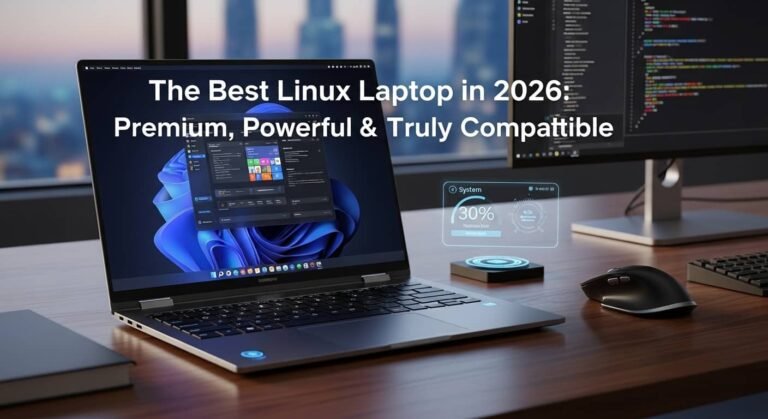


Have you ever worried about spending hundreds—or even thousands—of dollars on a laptop, only to realize a few months later that it doesn’t meet your college needs? You’re not alone. Choosing the best laptop for college can feel overwhelming when every review claims to have the “perfect” option. I remember helping a family member prepare for their first semester, and we quickly discovered that battery life, portability, software compatibility, and long-term reliability matter far more than flashy specifications. In this guide, I’ll help you understand what actually matters, compare some of today’s top laptops, and show you which one makes the most sense for your budget and major.
Overview
For many college students, a lightweight laptop with dependable battery life, fast everyday performance, and at least 16GB of RAM offers the best long-term value. Apple’s latest MacBook Air continues to be a leading choice for students who prioritize portability and quiet performance, while Windows users have excellent alternatives such as HP’s OmniBook series and Microsoft’s Surface Pro for flexibility and note-taking. Students looking for affordable options can still find capable laptops without sacrificing essential features, and business or STEM majors may benefit from premium Windows or larger-screen devices. Before making a purchase, check your department’s software requirements—especially for engineering, architecture, or specialized technical courses—and don’t forget to take advantage of education pricing, seasonal sales, and student discounts.
How I Chose These Laptops
When I started comparing college laptops, I focused on the features students actually use every day instead of benchmark numbers.
The most important factors include:
- Long battery life for all-day classes
- Lightweight design for carrying around campus
- Reliable performance with multiple browser tabs and Office apps
- Comfortable keyboard and trackpad
- Durable build quality
- Good value for the price
- Software compatibility with different majors
- Long software support
Quick Picks
- Best Overall: Apple MacBook Air (13-inch, M5)
- Best Windows Laptop: HP OmniBook 5 14
- Best 2-in-1: Microsoft Surface Pro (11th Edition)
- Best Budget Laptop: Apple MacBook Neo
- Best Business Laptop: Lenovo ThinkPad X1 Carbon Gen 13
- Best Large-Screen Pick: Apple MacBook Air 15-inch (M5)
Apple MacBook Air (13-inch, M5)
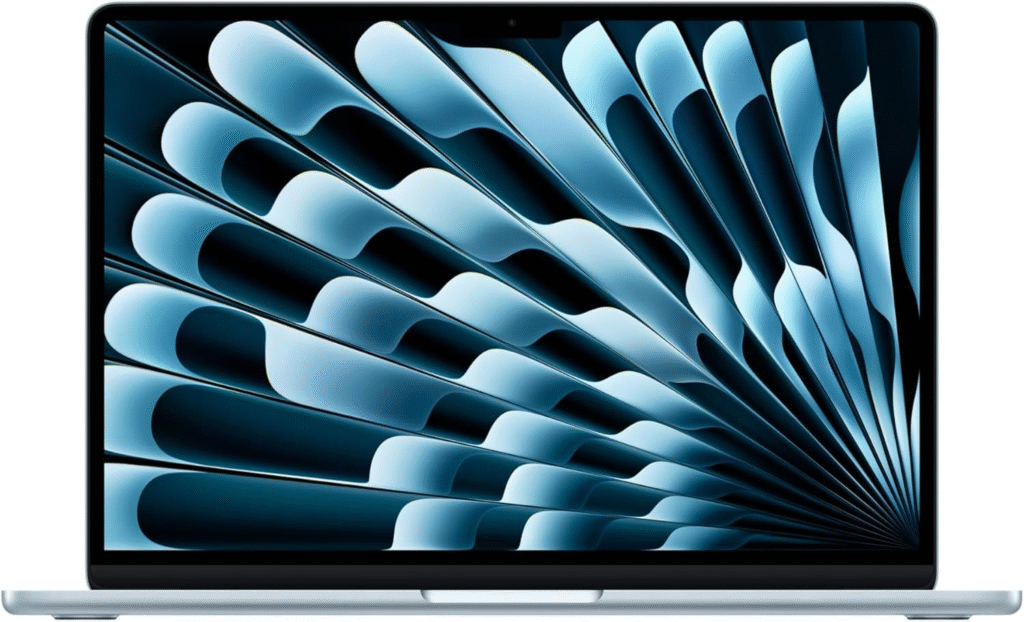
The MacBook Air remains one of the easiest laptops to recommend for college students who want a dependable device for writing papers, online research, presentations, and video calls. It combines excellent battery life with a slim design that easily fits into a backpack. If you value simplicity and long-term reliability, this laptop delivers a balanced experience.
Key Features
- 13-inch Retina display
- Apple M5 processor
- 16GB unified memory (base configuration)
- Excellent battery life
- Silent fanless design
- Lightweight aluminum body
- Fast SSD storage
Why I Like It
- Outstanding battery life
- Very portable
- Smooth everyday performance
- Premium build quality
Why I Dislike It
- Limited upgrade options
- Some specialized software works better on Windows
- Higher starting price than many Windows competitors
HP OmniBook 5 14
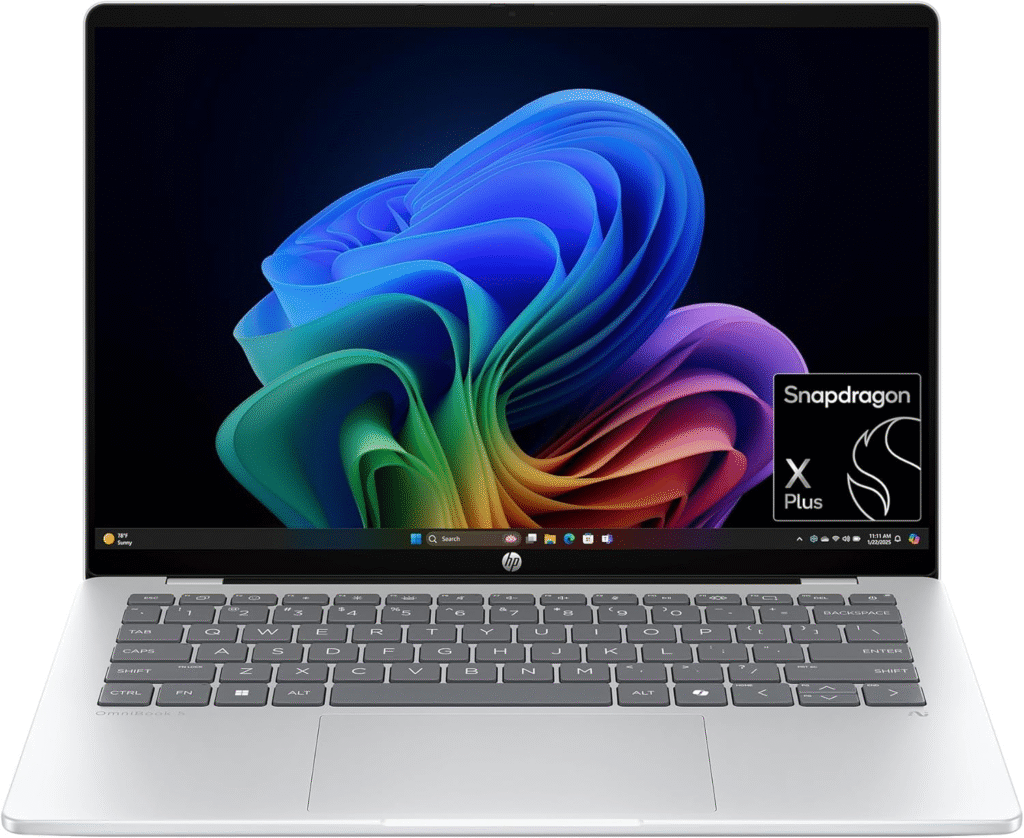
For students who prefer Windows, the HP OmniBook 5 14 offers a strong combination of value and modern features. It handles everyday coursework, web browsing, presentations, and multitasking comfortably while remaining easy to carry across campus.
Key Features
- OLED touchscreen
- Long battery life
- Modern Intel processor
- Lightweight chassis
- Comfortable keyboard
- Fast SSD storage
Pros
- Excellent display
- Great battery performance
- Competitive pricing
- Windows compatibility
Cons
- Premium configurations cost more
- Touchscreen may not be necessary for every student
Microsoft Surface Pro (11th Edition)
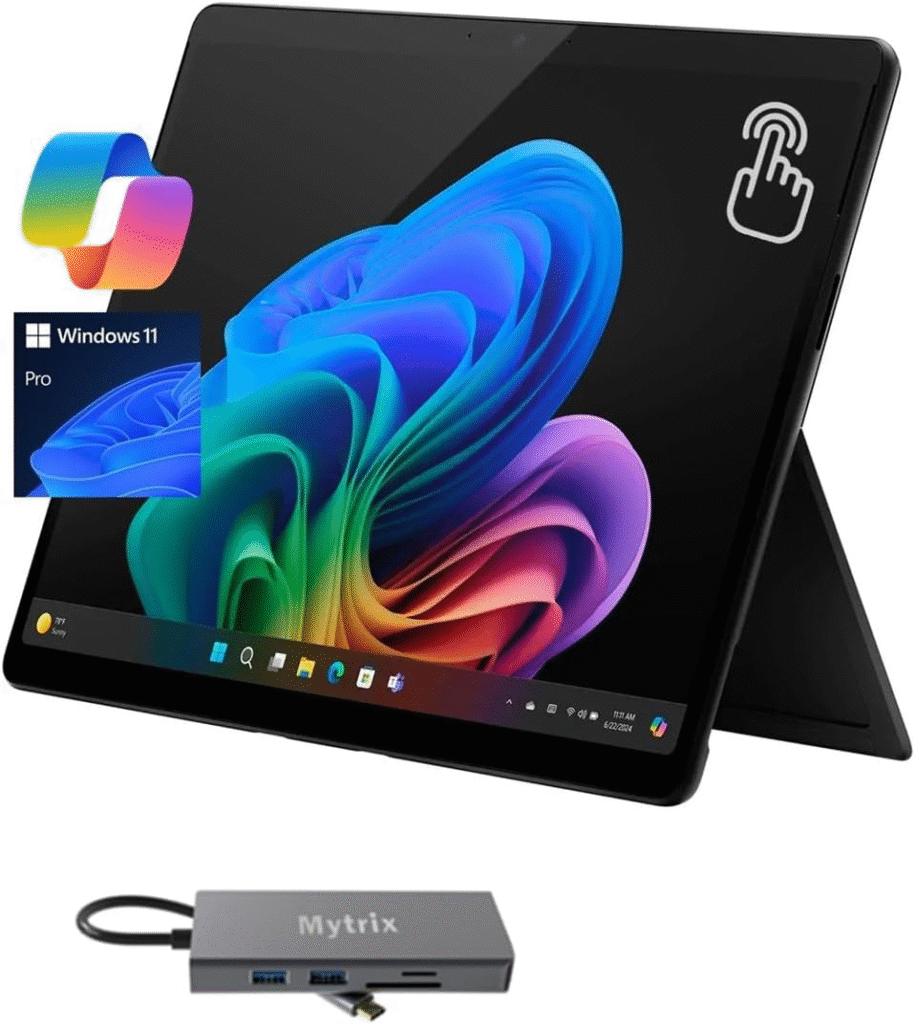
Students who enjoy handwritten notes, digital drawing, or flexible study setups may appreciate the Surface Pro’s detachable design. It functions as both a tablet and a laptop, making it a versatile choice for lectures and creative work.
Key Features
- Detachable 2-in-1 design
- Touchscreen display
- Stylus support
- Lightweight construction
- Good battery life
Buy If
- You frequently take handwritten notes.
- You enjoy sketching or drawing.
- You want maximum portability.
Don’t Buy If
- You need the highest performance for demanding engineering software.
- You prefer a traditional laptop design.
Apple MacBook Neo

Students on a tighter budget often assume they must settle for an older laptop, but the MacBook Neo offers an affordable entry into Apple’s ecosystem. It provides solid everyday performance for assignments, research, streaming, and productivity while maintaining the premium build quality Apple is known for.
Key Features
- Compact design
- Fast processor
- Good battery life
- Quality display
- Lightweight body
Strengths
- Affordable price
- Easy to carry
- Reliable daily performance
Weaknesses
- Less powerful than premium MacBooks
- Not intended for intensive professional workloads
Lenovo ThinkPad X1 Carbon Gen 13
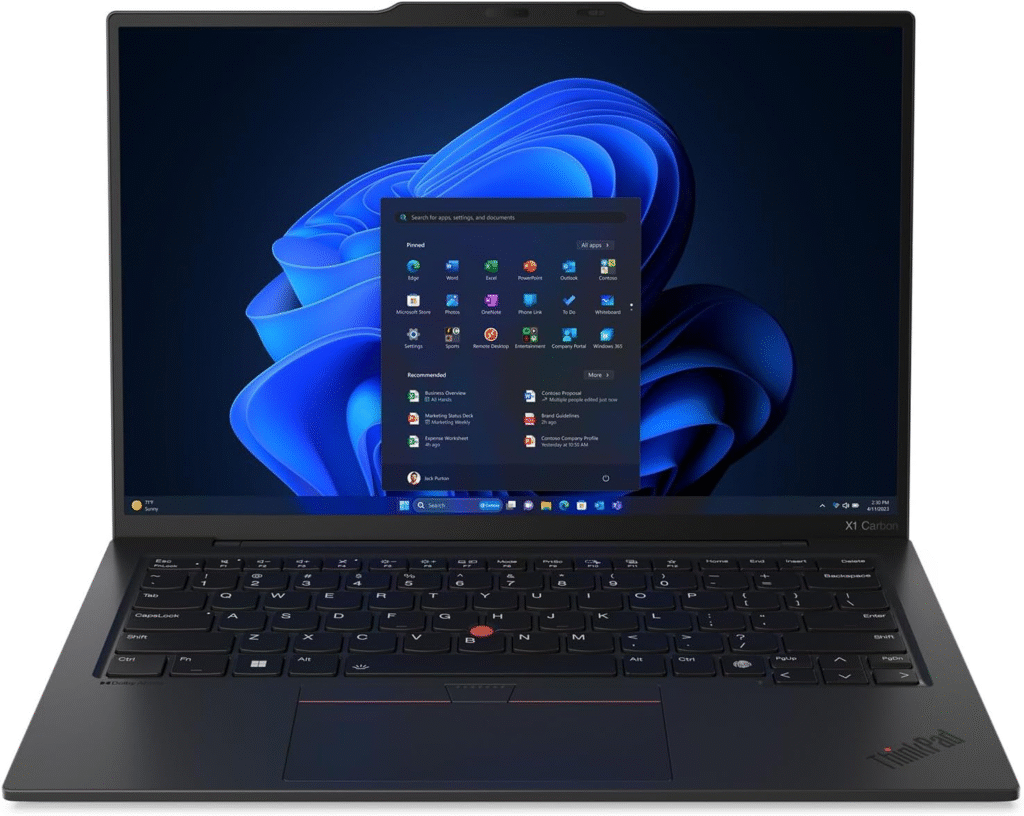
The ThinkPad X1 Carbon continues Lenovo’s reputation for producing business-class laptops with exceptional durability. Students in business, economics, finance, or anyone who spends hours typing reports will appreciate its comfortable keyboard and sturdy construction.
Key Features
- Carbon-fiber construction
- Excellent keyboard
- Lightweight design
- Business-grade security
- Long battery life
Reasons to Buy
- Premium build quality
- Fantastic keyboard
- Durable for years of daily use
Reasons Not to Buy
- Expensive
- More than many students actually need
Apple MacBook Air 15-inch (M5)
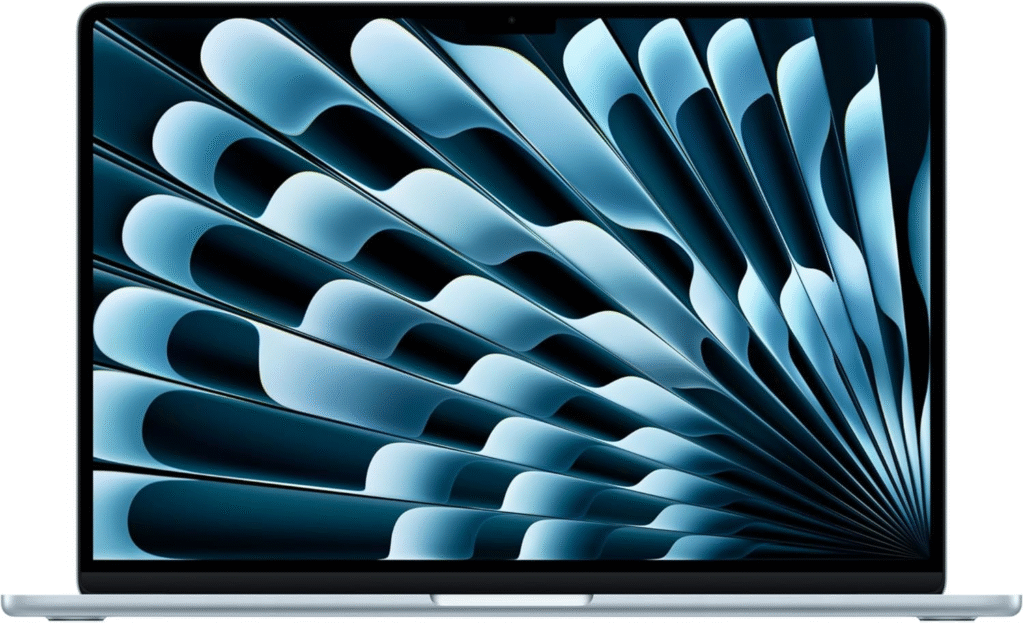
If you multitask heavily or simply enjoy having more screen space, the 15-inch MacBook Air offers a larger display without becoming overly bulky. It’s well suited for students who frequently split windows while researching, writing, or attending online lectures.
Key Features
- Large 15-inch display
- Apple M5 processor
- Excellent battery life
- Premium speakers
- Thin and lightweight
Pros
- Spacious display
- Great performance
- Excellent battery
- High-quality speakers
Cons
- Larger footprint
- Higher price
How to Choose the Best Laptop for Your Major
Not every student has the same requirements.
- Business and Finance: Windows laptops often provide broader compatibility with spreadsheet-heavy workflows and specialized business software.
- Engineering and Architecture: Check your department’s software requirements before buying, as some applications are optimized for Windows.
- Computer Science: Both platforms can work well, but course requirements should guide your decision.
- Humanities and Social Sciences: Battery life, portability, and keyboard comfort are usually the highest priorities.
- Creative Programs: Choose a laptop with a high-quality display and enough memory for editing software.
Where to Buy
College shopping season is one of the best times to find laptop deals. Check Amazon, manufacturer websites, campus technology stores, and major retailers for back-to-school promotions, education discounts, free shipping, and limited-time bundle offers. Comparing prices before purchasing can help you maximize your budget.
Frequently Asked Questions
What is the best laptop for college students overall?
For many students, the Apple MacBook Air offers an excellent balance of portability, battery life, and everyday performance. However, the best choice ultimately depends on your budget and software requirements.
How much RAM should a college laptop have?
At least 16GB of RAM is recommended for smooth multitasking and to help your laptop remain capable throughout your degree.
Should I buy a Mac or Windows laptop?
MacBooks are known for battery life, build quality, and simplicity, while Windows laptops generally offer broader software compatibility and a wider range of prices.
Is it worth waiting for student sales?
Yes. Back-to-school promotions, holiday sales, and education discounts often provide significant savings.
Final Thoughts
The best laptop for college isn’t necessarily the most expensive one—it’s the one that fits your classes, your budget, and your daily routine. If you want exceptional portability and battery life, the MacBook Air is a standout choice. Windows users have excellent alternatives like the HP OmniBook 5 14 and Lenovo ThinkPad X1 Carbon, while students who prefer a flexible device may find the Microsoft Surface Pro especially appealing. Take a few minutes to confirm your department’s software requirements before buying, compare current discounts, and choose a laptop that will comfortably support you throughout your college journey.
Affiliate Disclosure: As an Amazon Associate, I may earn from qualifying purchases. This comes at no additional cost to you and helps support the creation of helpful, unbiased buying guides.