
Okay, so… three months ago I was sitting on a Zoom call, mid-sentence, when my screen froze on the most unflattering face I’ve ever made. My internet just… died. Again. This was maybe the fourth outage that week, and I remember just staring at my Breezeline modem like it owed me money. I’d already had a tech out to “check everything,” and of course he found nothing wrong on his end. He did mention, almost in passing, that some of the older Surfboard modems (specifically the SB8200) had been giving people trouble lately. That one comment sent me down a three-week rabbit hole of forums, Reddit threads, and way too many late-night Amazon tabs.
This is that story — Problem, Search, Test, Result — and honestly, what I landed on.
The Problem: Random Drops, “No Issues Found,” and a Rented Modem I Didn’t Trust
My setup was the standard rental combo Breezeline hands out. Nothing fancy. And for a while it worked fine, but once I started working from home full time, the cracks showed. Speeds would tank from my paid 500 Mbps down to like 200 during “peak hours,” calls would drop mid-sentence, and every time I called support they’d reset something remotely and it’d magically fix itself for a few weeks. Sound familiar? If you’ve spent any time in a Breezeline subreddit or forum thread, you’ve probably seen a dozen people describing this exact cycle.
The Search: Digging Through Forums and Approved Lists
I pulled up Breezeline’s approved modem list (they do actually publish one, which I didn’t know existed until I went looking) and started cross-referencing it against real user experiences. What I found was… kind of a mess, honestly. The SB8200 that my tech warned me about? Half the people online swore by it, three-plus years with zero issues. The other half had constant gaming dropouts during things like Call of Duty sessions. Nobody could agree, which made me realize the modem itself probably wasn’t the whole story — it’s also about your specific node, your router, and sometimes just bad luck with a batch of hardware.
Expanded WiFi Coverage and Internet Speed
One thing that kept coming up in my research: a lot of “Breezeline is slow” complaints weren’t actually modem problems at all — they were WiFi coverage problems. A rented gateway combo unit usually has a mediocre little antenna stuffed into a plastic box, and if your office or bedroom is more than one wall away, you’re going to feel it. Separating your modem from your router (instead of using an all-in-one gateway) genuinely does expand your coverage and stabilizes speeds, especially in bigger homes.
Selecting the Optimal Modem and Router for Breezeline Services
Breezeline runs on a standard DOCSIS cable network, which means — unlike some fiber ISPs — you actually have real freedom to buy your own equipment instead of renting theirs. The trick is matching your modem’s DOCSIS version and channel bonding capability to your plan speed, and picking a router that won’t bottleneck what the modem can actually deliver.
Amazon Affiliate Disclaimer
As an Amazon Associate, I earn from qualifying purchases. This m eans I may earn a small commission if you buy through links on this page, at no extra cost to you. This helps support the research and content I create.
Maximize Your Internet: Perks of Purchasing a Personal Modem/Router
Here’s the part that honestly annoyed me once I did the math: I’d been paying Breezeline about $15/month to rent their equipment. That’s $180 a year. A solid modem costs somewhere between $90–$170 one time. It pays for itself in under a year and then it’s just… free money after that. Plus you get:
- No more mystery firmware pushes messing with your connection overnight
- Full control over settings (goodbye, generic gateway UI)
- Better resale value if you upgrade later
- Faster troubleshooting, because you actually know your own hardware
Decoding DOCSIS: The Backbone of Cable Internet Technology
DOCSIS (Data Over Cable Service Interface Specification) is basically the language your modem and Breezeline’s network speak to each other. DOCSIS 3.0 uses channel bonding across multiple frequencies to hit higher speeds, and it’s fine for plans up to around 300–400 Mbps. DOCSIS 3.1 is the newer standard and it’s what you want if you’re on Breezeline’s gigabit tier — it uses more efficient modulation and can theoretically push well past 1 Gbps. If your plan is anywhere near 500 Mbps or higher, don’t buy a DOCSIS 3.0-only modem. I made that near-mistake myself, almost bought a clearance SB6183 before catching it.
Review of Top Modem Models Compatible with Breezeline
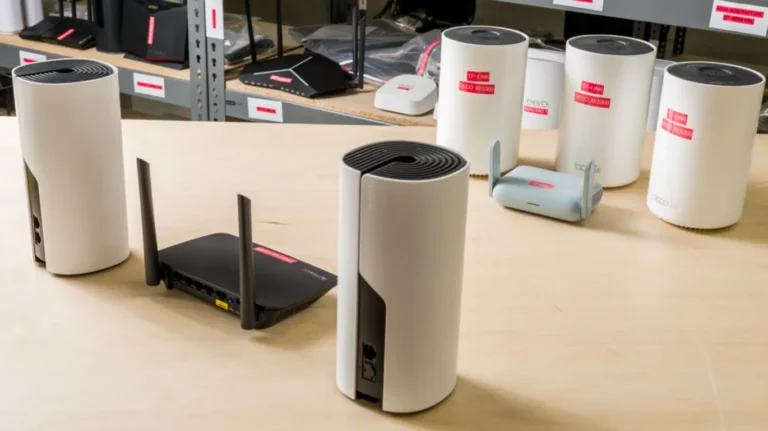
I ended up testing three modems over about six weeks — swapping them in one at a time, running speed tests at the same time each day, and just… living with each one to see how it handled real use (gaming, video calls, the usual chaos of a household streaming three things at once).
Motorola MB8600
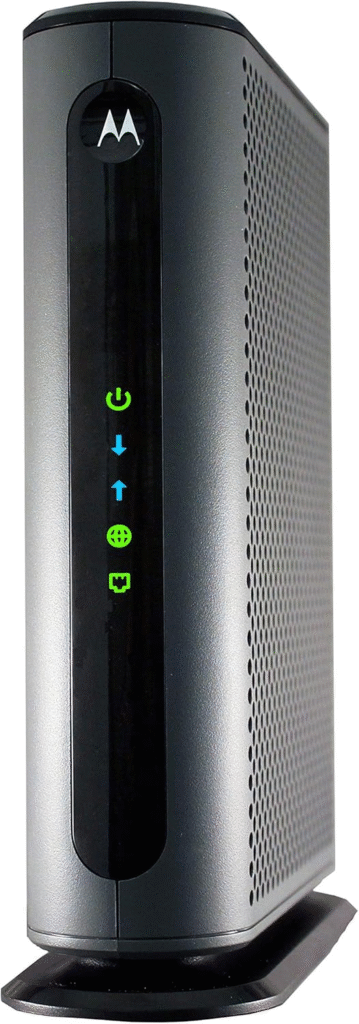
This was the one I kept coming back to, and it’s also the modem that a surprising number of long-term Breezeline users mentioned had zero issues since like 2020. DOCSIS 3.1, 32×8 channel bonding, and it just… worked. Hardwired, I was consistently getting my full 500/50 without the random dips I used to get. Build quality feels solid, not flimsy plastic. It ran around $140 when I bought mine, occasionally dips lower during Amazon sales.
Pros: Rock-solid stability, handles gigabit tiers fine, widely on Breezeline’s approved list. Cons: No built-in WiFi (you’ll need a separate router), a bit pricier than older models.
ARRIS SURFboard SB8200
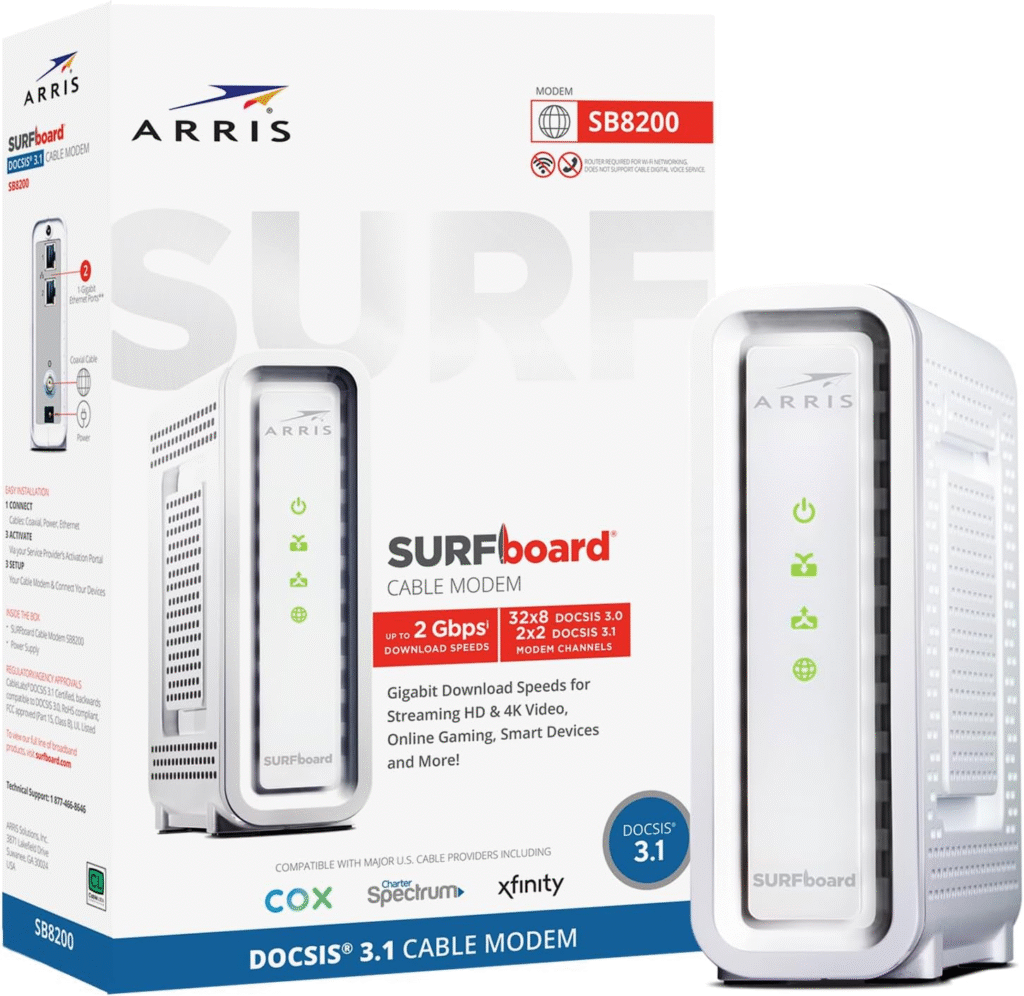
This is the modem my technician side-eyed, and my results were… mixed, which honestly matches what I saw online. For the first two weeks it was perfectly fine, comparable to the MB8600. Then I had two nights of random disconnects during gaming that I genuinely couldn’t explain. Might’ve been a bad unit, might’ve been my node — I can’t say for certain. A lot of users swear by this one for 3+ years with no problems, so I don’t think it’s a lemon across the board, just… inconsistent for some of us.
Pros: Fast, well-reviewed, usually cheaper than the MB8600. Cons: Some reports (mine included) of intermittent instability.
Netgear CM1000
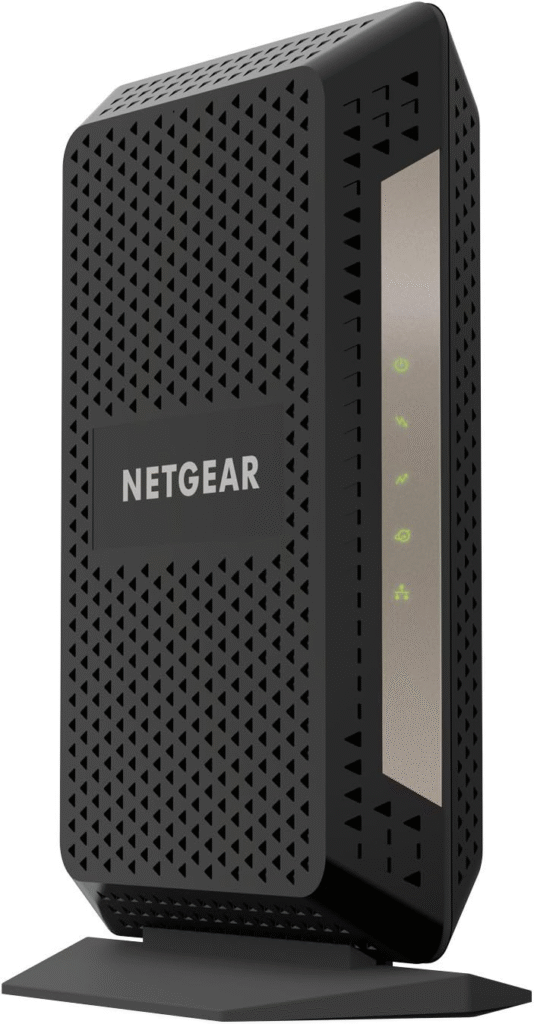
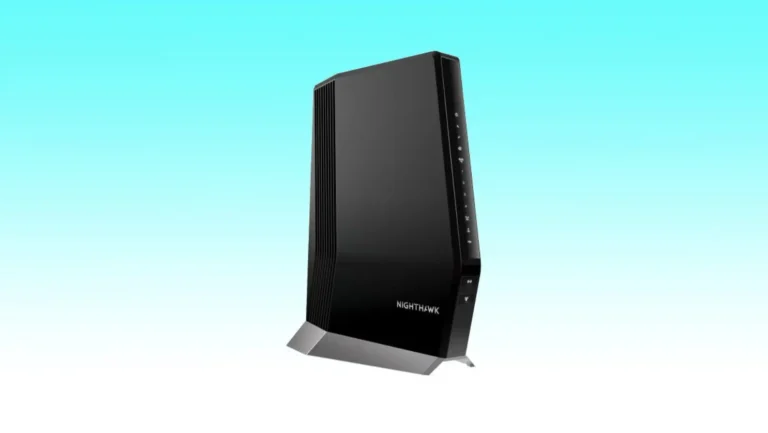
I threw this in as a comparison point since it’s another popular DOCSIS 3.1 option. Performance-wise it was very close to the MB8600 — maybe a hair slower to reconnect after a brief outage. Setup was genuinely painless, and the LED indicator lights are actually useful for troubleshooting at a glance, which I appreciated more than I expected to.
Pros: Simple setup, reliable, good value. Cons: Runs a little warm during extended heavy use.
Netgear CM1200
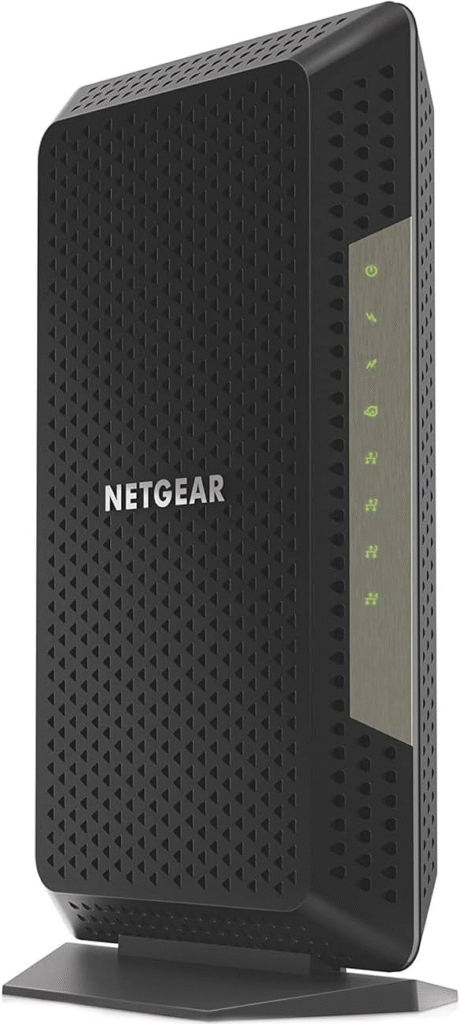
I didn’t test this one directly (it was sold out during my window, annoyingly), but it’s worth mentioning since it’s essentially the CM1000’s bigger sibling with 32×8 bonding for higher-tier gigabit plans. If you’re maxing out a 1 Gig Breezeline plan, this is a reasonable upgrade path.
See More About: Best Long-Range Wifi Routers Tested and Reviewed 2026
Review of Top Router Models Compatible with Breezeline
Pairing your modem with a decent router matters just as much. I ran my modems through a TP-Link Archer AX55 and briefly borrowed a friend’s Netgear Nighthawk RAX50 to compare. Both handled Breezeline traffic without complaint, but the Archer’s app was noticeably easier for a non-techy person to configure — worth mentioning if setup intimidates you.
Features to Look for in Modems and Routers
Dual-band vs. Tri-band WiFi
Dual-band routers split traffic across 2.4GHz and 5GHz — fine for most households. Tri-band adds a second 5GHz band, which genuinely helps if you’ve got a dozen-plus devices (smart home stuff, multiple laptops, gaming consoles) all fighting for bandwidth at once.
Quality of Service (QoS) Settings
QoS lets you prioritize traffic — say, video calls over random background downloads. Honestly, this feature alone fixed most of my “why does the call freeze every time someone starts a Netflix download” problems.
Best Modems for Breezeline
Breezeline Internet 200 (200 Mbps)
A DOCSIS 3.0 modem like the Netgear CM500 handles this tier just fine — no need to overspend here.
Breezeline Internet 400 (400 Mbps)
This is where I’d start leaning DOCSIS 3.1, or at minimum a higher-channel 3.0 modem, to leave headroom.
Breezeline Internet 1 Gig (1,000 Mbps)
The MB8600, CM1200, or ARRIS Surfboard S33 are your best bets here — all comfortably handle gigabit speeds.
Unboxing to Up and Running: A Step-by-Step Guide
- Unbox the modem, jot down the MAC address (you’ll need it for activation).
- Call or log in to activate it on your Breezeline account — takes maybe 10–15 minutes.
- Connect coax to the wall, then ethernet from modem to router.
- Power on the modem first, wait for solid lights, then power on the router.
- Run a speed test hardwired before trusting WiFi numbers.
Final Verdict
After all that testing, I went with the Motorola MB8600 paired with my existing router, and it’s been about three weeks of genuinely boring, drop-free internet — which, if you’ve dealt with unstable service, you know is the highest compliment. The SB8200 isn’t a bad modem, it just wasn’t consistent for me. The CM1000 is a very solid runner-up if the MB8600 is out of stock or pricier that week. None of these are perfect — mild warmth during heavy use, no built-in WiFi meaning extra cost for a router — but compared to three months of freezing Zoom calls, I’ll take it.