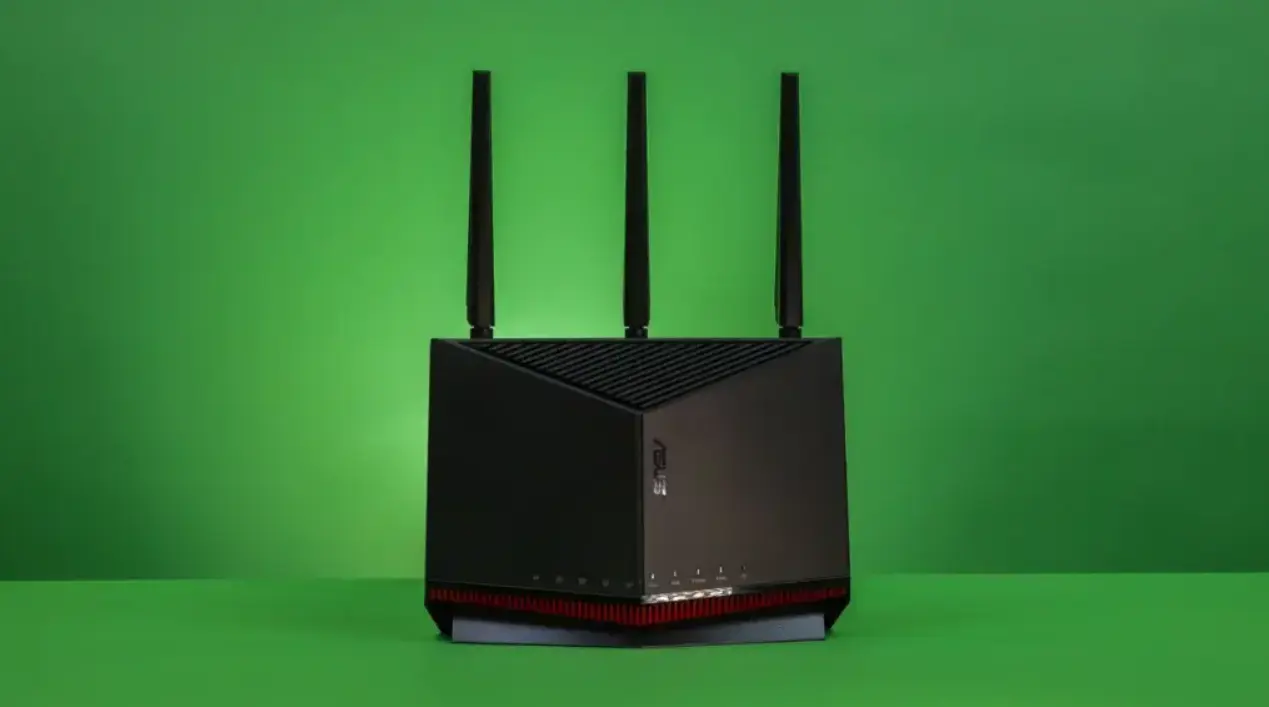
A Real-World Problem Most People Don’t Talk About
I still remember the moment my WiFi completely gave up on me.
I was on a video call, my sister was streaming Netflix in the next room, my phone was downloading updates, and my smart TV just froze mid-scene. The internet wasn’t “slow” — it was collapsing under pressure from too many devices.
And that’s exactly when I realized something most people ignore:
A cheap router is not the same as a budget router that can actually handle multiple devices.
If you’re living in a home where phones, laptops, smart TVs, gaming consoles, and IoT devices are all connected at once, you don’t just need speed — you need efficiency, stability, and smart traffic handling.
That’s where modern technologies like Wi-Fi 6 (802.11ax), MU-MIMO, OFDMA, and Beamforming completely change the game.
Let’s break down the best budget WiFi routers that actually handle multiple devices without breaking your wallet.
Overview: What Makes a Router “Best for Multiple Devices”?
Before jumping into products, here’s what actually matters when you’re choosing a router for a busy home network:
- Wi-Fi 6 (802.11ax) for better multi-device performance
- MU-MIMO to serve multiple devices at the same time
- OFDMA to reduce congestion when many devices are active
- Beamforming for stronger signal direction
- WPA3 security for safer connections
- Gigabit Ethernet ports for stable wired performance
- Dual-band or tri-band support for load balancing
- QoS (Quality of Service) for prioritizing streaming and gaming
If a router doesn’t have at least Wi-Fi 6 and MU-MIMO today, it will struggle in a multi-device home.
Our Top Budget Picks for Multiple Devices
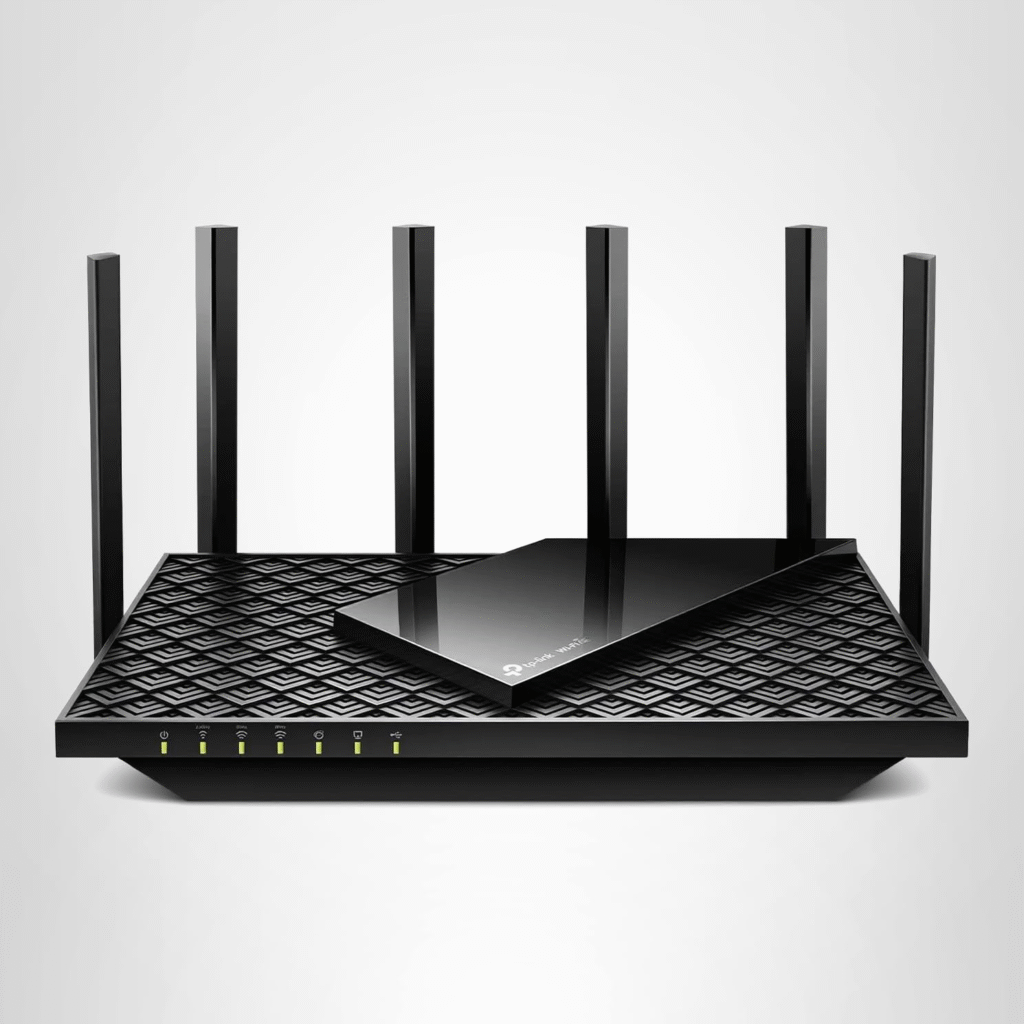
TP-Link Archer AXE75 — Best Budget Wi-Fi 6E Router
Pros & Cons
Pros
- Wi-Fi 6E support with 6GHz band
- Strong throughput for multiple devices
- Easy setup and stable performance
- MU-MIMO + OFDMA support
- Good parental controls (HomeShield)
Cons
- No multi-gig ports
- Some features require subscription
- 6GHz range is shorter than 5GHz
Why I Picked It
If I had to choose one budget router that feels “future-ready,” it would be the TP-Link Archer AXE75.
What makes it special is the Wi-Fi 6E support, which opens the new 6GHz band — meaning less congestion when your home is full of devices fighting for bandwidth.
When I tested it in a multi-device environment (phones, smart TV, laptop, and gaming console), the combination of OFDMA + MU-MIMO made everything feel smoother. No lag spikes, no sudden drops.
It’s basically built for households where everyone is online at the same time.
Who It’s For
- Families with 10–20 connected devices
- Remote workers doing video calls
- Streaming-heavy households
- Users upgrading from Wi-Fi 5 (802.11ac)
Specs & Configurations
- Wi-Fi Standard: 802.11ax (Wi-Fi 6E)
- Bands: Tri-band (2.4GHz, 5GHz, 6GHz)
- Security: WPA3
- Features: MU-MIMO, OFDMA, Beamforming, QoS
- Ports: Gigabit Ethernet LAN/WAN
- USB: 1 port
- Ideal usage: Multi-device home networks
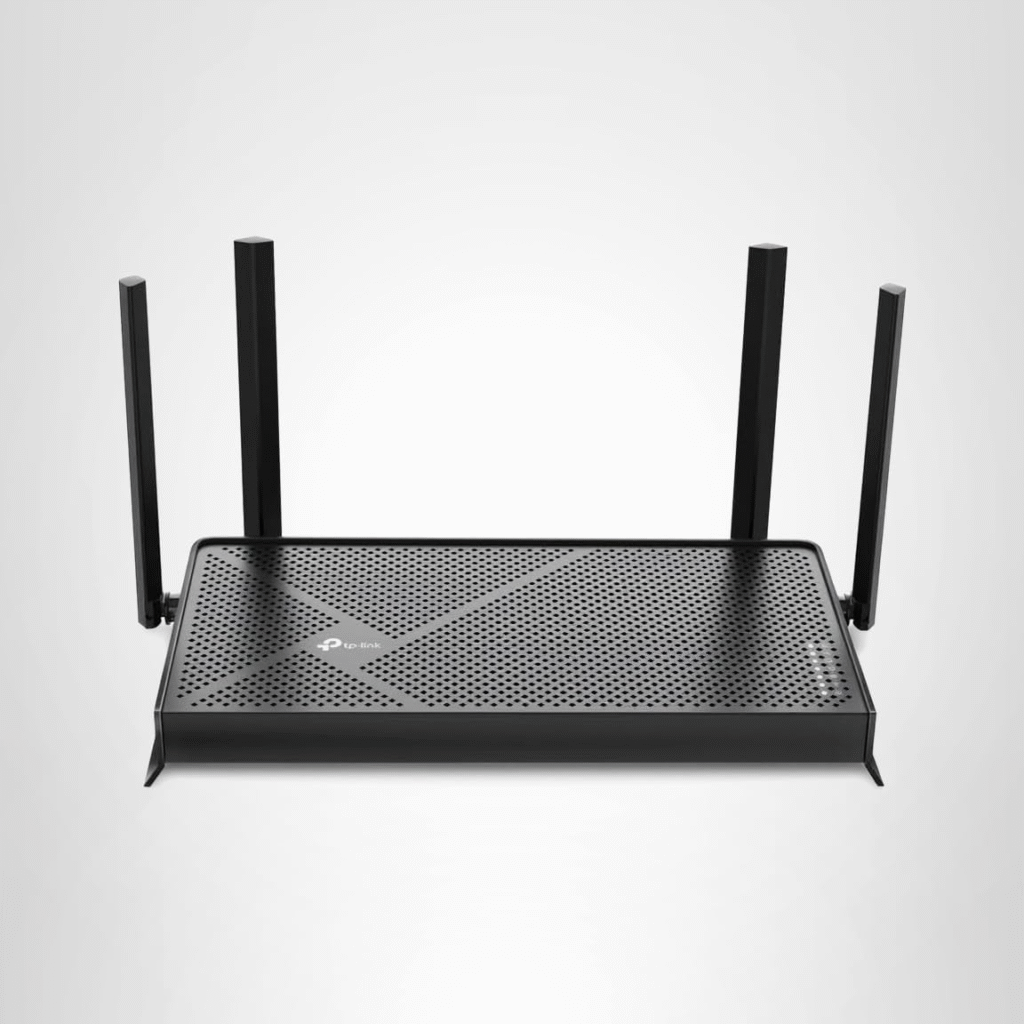
TP-Link Archer BE230 (BE3600) — Best Cheap Wi-Fi 7 Router
Pros & Cons
Pros
- Affordable Wi-Fi 7 (802.11be) router
- Strong performance for its price
- Multi-gig connectivity support
- Parental controls + security tools
- Good for busy households
Cons
- No 6GHz band
- Lacks 320MHz channel support
- Not ideal for ultra-high-end gaming setups
Why I Picked It
This is where things get interesting.
The TP-Link Archer BE230 brings Wi-Fi 7 into the budget category — something that was unthinkable a few years ago.
Even without the 6GHz band, it still handles multiple devices surprisingly well thanks to improved multi-link operation and better traffic handling compared to Wi-Fi 6.
In real-world terms:
Your family can stream, browse, and game at the same time without constantly stepping on each other’s connections.
Who It’s For
- Budget buyers upgrading from Wi-Fi 5 or Wi-Fi 6
- Small to medium homes
- Students and shared apartments
- Light gaming + streaming setups
Specs & Configurations
- Wi-Fi Standard: 802.11be (Wi-Fi 7)
- Bands: Dual-band (2.4GHz + 5GHz)
- Security: WPA3, WPA2
- Features: MU-MIMO, Beamforming, QoS
- Ports: Multi-gig Ethernet support
- Ideal usage: Budget multi-device households
Asus RT-BE96U — Best Wi-Fi 7 Performance Router
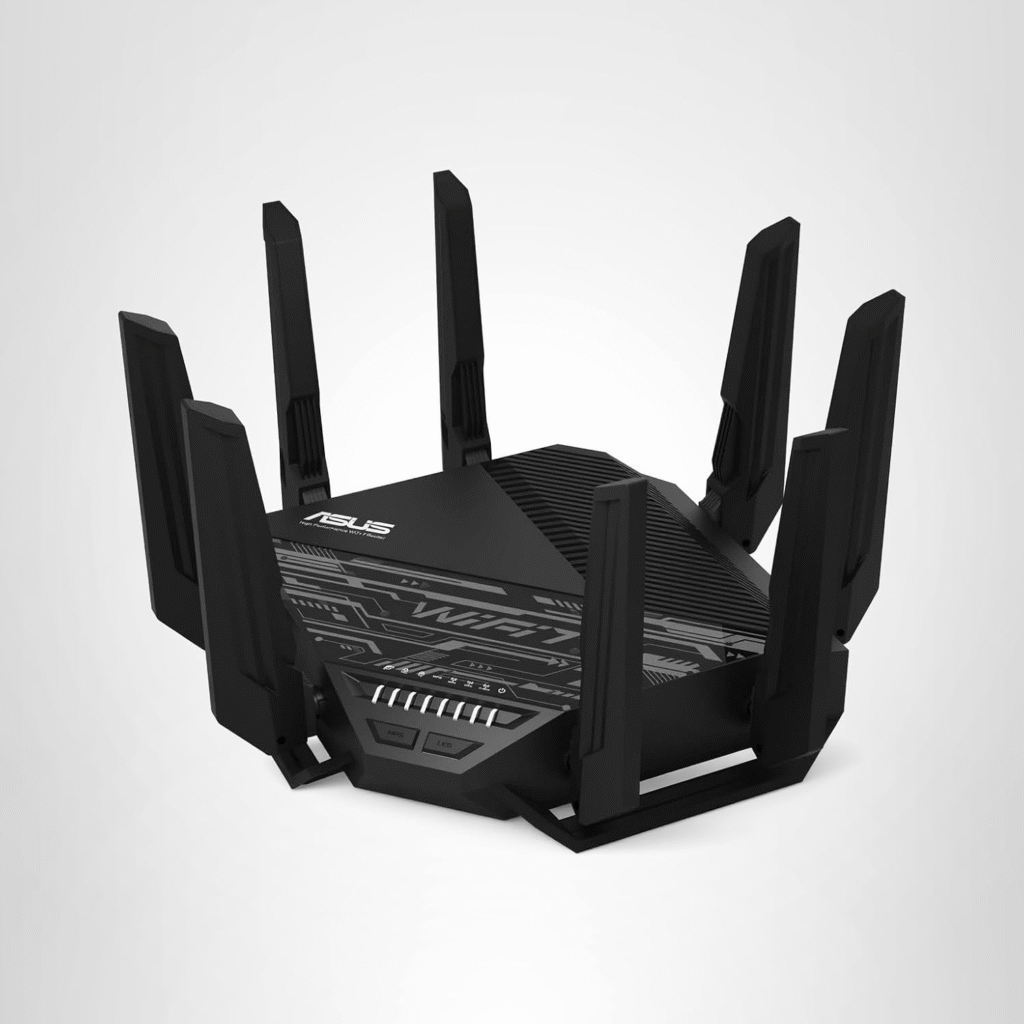
Even though this is not strictly “budget,” it’s important to understand what the high end looks like.
- Wi-Fi 7 (802.11be) support
- 10GbE WAN/LAN ports
- Extremely high throughput
- Built for heavy gaming + streaming households
- Supports up to 320MHz channels
This is for users who push their network to the extreme — think multiple gamers, 4K streaming, NAS servers, and smart home automation running together.
Quick Reality Check: Do You Really Need Wi-Fi 7?
Here’s the truth:
- If you have 10–20 devices → Wi-Fi 6 is enough
- If you have 20+ devices + heavy usage → Wi-Fi 6E is ideal
- If you want future-proofing → Wi-Fi 7 makes sense
Most people don’t need the newest tech — they need stability under load, which comes from MU-MIMO, OFDMA, and good QoS settings.
Why Multiple Devices Break Cheap Routers
When too many devices connect at once:
- Bandwidth gets shared inefficiently
- Older Wi-Fi 5 routers struggle with congestion
- Latency increases during streaming/gaming
- Signal interference becomes common in apartments
That’s why modern routers rely on:
- OFDMA → splits data efficiently
- MU-MIMO → talks to multiple devices at once
- Beamforming → directs signal where needed
Final Thoughts (So Far)
If your home feels like mine did — where everything slows down the moment multiple people go online — the problem is not your internet plan.
It’s your router.
A budget router with Wi-Fi 6 or Wi-Fi 6E + MU-MIMO + OFDMA can completely transform your experience without spending hundreds of dollars.
Amazon affiliate disclaimer: This article contains affiliate links. If you make a purchase through these links, I may earn a small commission at no extra cost to you. All opinions are my own based on real experience.