Have you ever upgraded your Optimum Internet plan only to discover your Wi-Fi still feels slow? I know how frustrating that can be. I’ve seen people blame their internet provider when, in reality, an outdated modem or router is often the real bottleneck.
If you’re paying for 300 Mbps, 500 Mbps, or even a 1 Gig plan, you deserve equipment that can actually deliver those speeds. The right modem/router combo doesn’t just improve download and upload performance—it also provides stronger Wi-Fi coverage, better security, lower latency for gaming, and smoother streaming for every device in your home.
In this guide, I’ll help you choose the best modem router combo for Optimum Internet based on your speed tier, budget, and household needs. I’ll also explain the technical features in simple language so you can confidently invest in equipment that will serve you well for years.
Why Choosing the Right Modem Router Combo Matters
Many people rent networking equipment from their internet service provider because it’s convenient. However, if you plan to keep your Optimum service for several years, buying your own modem/router combo can often save money over time while giving you access to better hardware and more advanced features.
A quality modem/router combo combines two essential devices into one:
- A cable modem that communicates with your ISP through a coaxial cable connection.
- A wireless router that distributes internet throughout your home using Wi-Fi and Ethernet connections.
Besides reducing cable clutter, a modem/router combo simplifies installation and management while eliminating compatibility issues between separate devices.
Modern hardware also includes features that older equipment simply can’t match, such as:
- DOCSIS 3.1 support for Gigabit and multi-gig internet plans
- Backward compatibility with DOCSIS 3.0 networks
- 32×8 channel bonding for improved bandwidth and network stability
- Wi-Fi 6 technology with OFDMA and MU-MIMO for better performance across multiple connected devices
- Beamforming for stronger wireless coverage
- WPA3 encryption for enhanced network security
- Gigabit Ethernet ports for gaming PCs, smart TVs, NAS devices, and workstations
- Automatic firmware updates and advanced parental controls
- Mesh Wi-Fi compatibility for larger homes
Choosing hardware with these capabilities helps future-proof your home network while improving streaming, online gaming, video conferencing, remote work, and smart home connectivity.
What Should You Look for in an Optimum-Compatible Modem Router Combo?
Before purchasing any modem/router combo, I recommend checking several important factors rather than focusing only on price.
1. DOCSIS Compatibility
DOCSIS (Data Over Cable Service Interface Specification) determines how efficiently your modem communicates with Optimum’s cable network.
- DOCSIS 3.1 is the best option for Gigabit and faster internet plans because it supports higher bandwidth and improved efficiency.
- DOCSIS 3.0 remains suitable for many 300 Mbps and 500 Mbps plans, although it offers less room for future upgrades.
Buying a DOCSIS 3.1 modem today can help you avoid replacing your equipment if you upgrade your internet speed later.
2. Internet Speed Support
Always match your modem/router combo with your subscribed Optimum plan.
For example:
- Up to 300 Mbps
- Up to 500 Mbps
- 1 Gig Internet
- Multi-Gig plans
Purchasing equipment that supports speeds above your current plan gives you flexibility for future upgrades without requiring another hardware replacement.
3. Channel Bonding
Channel bonding allows the modem to use multiple downstream and upstream channels simultaneously.
Devices offering 32×8 channel bonding generally deliver:
- Better overall throughput
- More stable connections
- Reduced network congestion
- Improved streaming quality
- Faster downloads during peak usage
4. Wireless Technology
If you’re buying a modem/router combo today, I recommend looking for Wi-Fi 6 support.
Wi-Fi 6 offers several advantages over older 802.11ac (Wi-Fi 5) hardware:
- Faster wireless speeds
- Lower latency
- Better performance with dozens of connected devices
- Improved battery efficiency for smartphones and tablets
- More reliable video calls and online gaming
Large homes may also benefit from mesh Wi-Fi systems that eliminate dead zones while maintaining a seamless wireless connection.
5. Security Features
Your home network should protect more than just your internet connection.
Look for equipment that includes:
- WPA3 security
- Automatic firmware updates
- Guest Wi-Fi network
- Built-in firewall
- VPN compatibility
- Parental controls
- Device management through a mobile app
These features help keep personal information, smart home devices, and family members better protected from modern cybersecurity threats.
Read More About: Best Modem Router Combo for Spectrum
Which Optimum Modem Router Combo Should You Buy?
If someone asked me to recommend just one modem/router combo, I wouldn’t immediately name a specific model. Instead, I’d ask one simple question: What Optimum Internet plan do you have?
The best device for a 300 Mbps connection isn’t always the best choice for a Gig plan. Spending extra on features you’ll never use isn’t necessary, but buying hardware that’s too limited can prevent you from getting the speeds you’re already paying for.
Below are my recommendations based on different Optimum speed tiers and common household needs.
Amazon Affiliate Disclaimer
As an Amazon Associate, I earn from qualifying purchases. This m eans I may earn a small commission if you buy through links on this page, at no extra cost to you. This helps support the research and content I create.
Best Modem Router Combo for Optimum 300 Mbps
ARRIS Surfboard SBG7600AC2
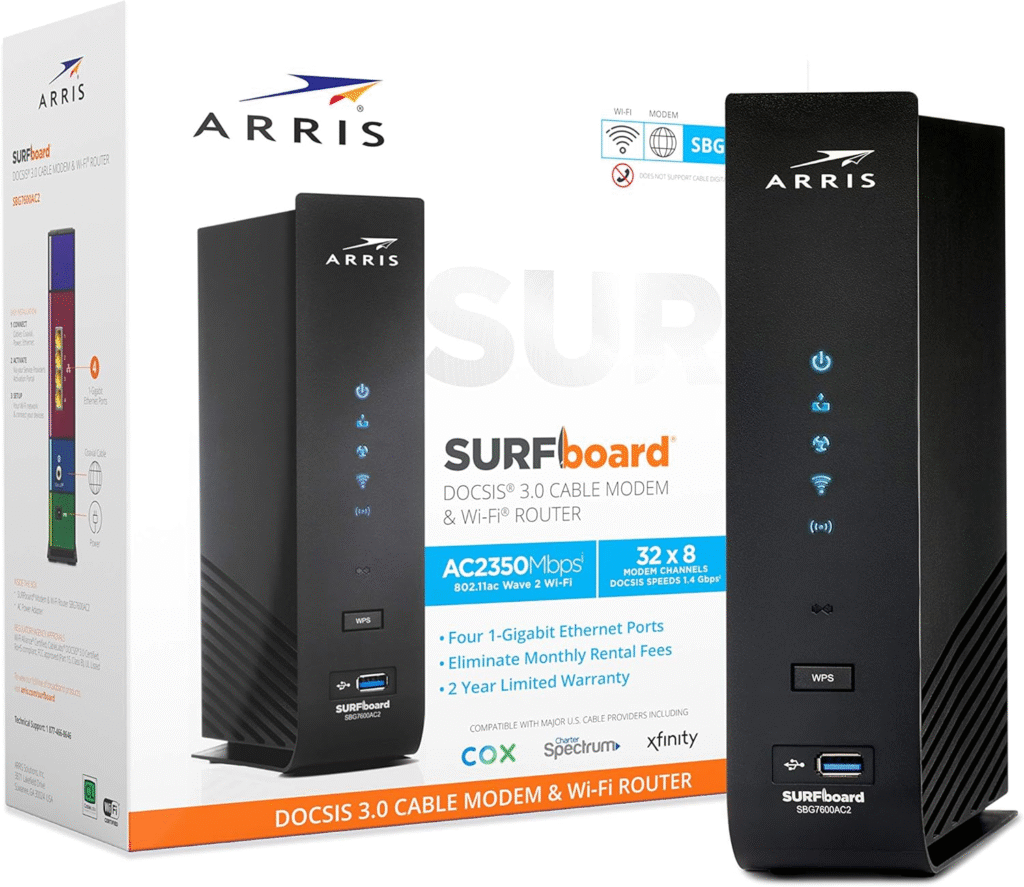
If you’re subscribed to Optimum’s 300 Mbps plan, you don’t need the most expensive networking equipment. A reliable DOCSIS 3.0 modem/router combo can easily deliver your plan’s full speed while keeping your monthly costs down.
One of the most dependable choices is the ARRIS Surfboard SBG7600AC2.
Why I Like It
- Supports internet plans up to approximately 400 Mbps
- DOCSIS 3.0 cable modem
- 32×8 channel bonding
- Dual-band Wi-Fi
- Four Gigabit Ethernet ports
- Easy installation and activation
- Excellent wireless coverage for apartments and medium-sized homes
If your household mainly streams Netflix, watches YouTube, browses the web, attends online classes, and occasionally plays games, this modem/router combo provides more than enough performance.
Best for:
- Small families
- Apartments
- Everyday streaming
- Video calls
- Remote work
- Moderate gaming
Best Modem Router Combo for Optimum 500 Mbps
NETGEAR Orbi AC2200
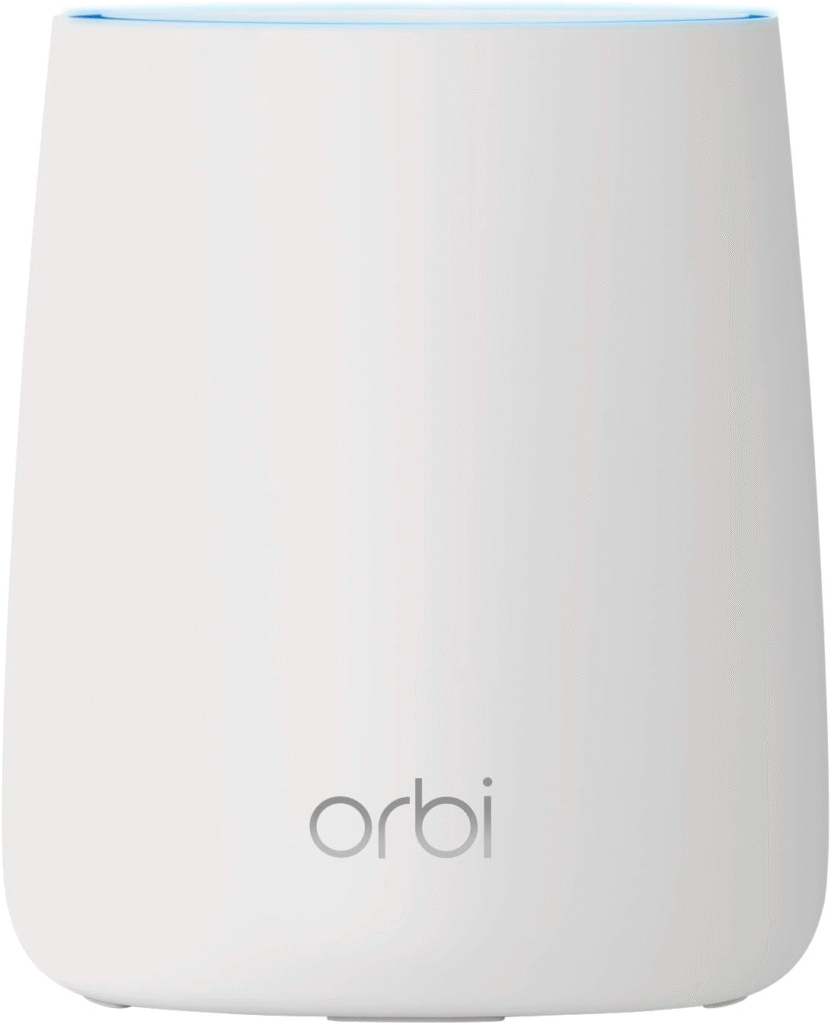
For households with multiple users, dozens of smart devices, and heavy daily internet usage, stepping up to a more capable modem/router combo makes a noticeable difference.
The NETGEAR Orbi AC2200 offers excellent performance while maintaining stable connections during busy hours.
Why It Stands Out
- Designed for faster cable internet plans
- DOCSIS 3.0 compatibility
- 32×8 channel bonding
- Strong whole-home wireless coverage
- Easy-to-use mobile management app
- Reliable firmware updates
- Stable performance for multiple simultaneous users
I especially like this option for families where several people stream 4K content, attend Zoom meetings, download large files, and play online games at the same time.
Ideal for:
- Medium to large homes
- Heavy streaming
- Multiple gamers
- Smart home devices
- Video conferencing
- Work-from-home professionals
Best Modem Router Combo for Optimum 1 Gig
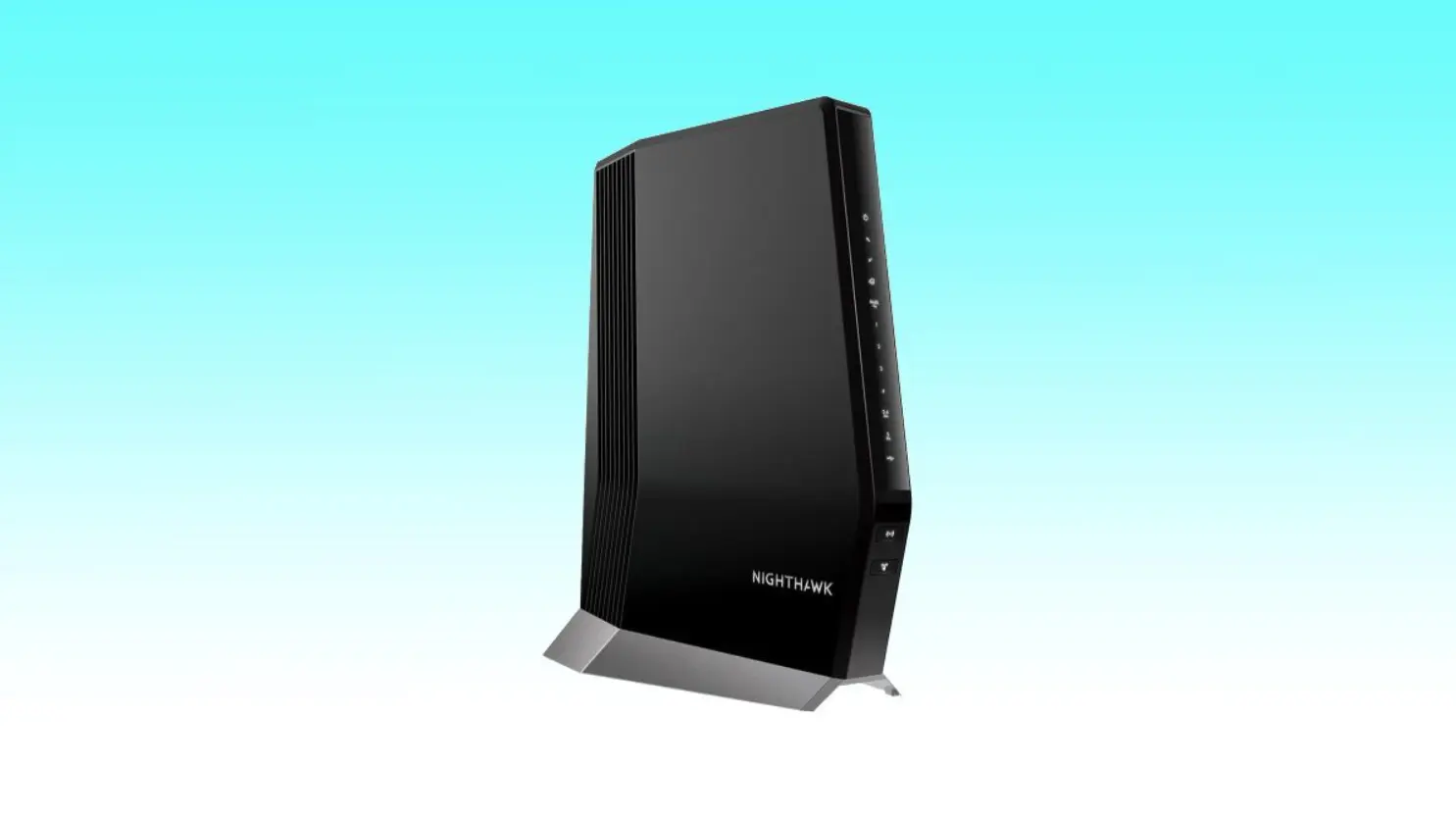
NETGEAR Nighthawk C7800
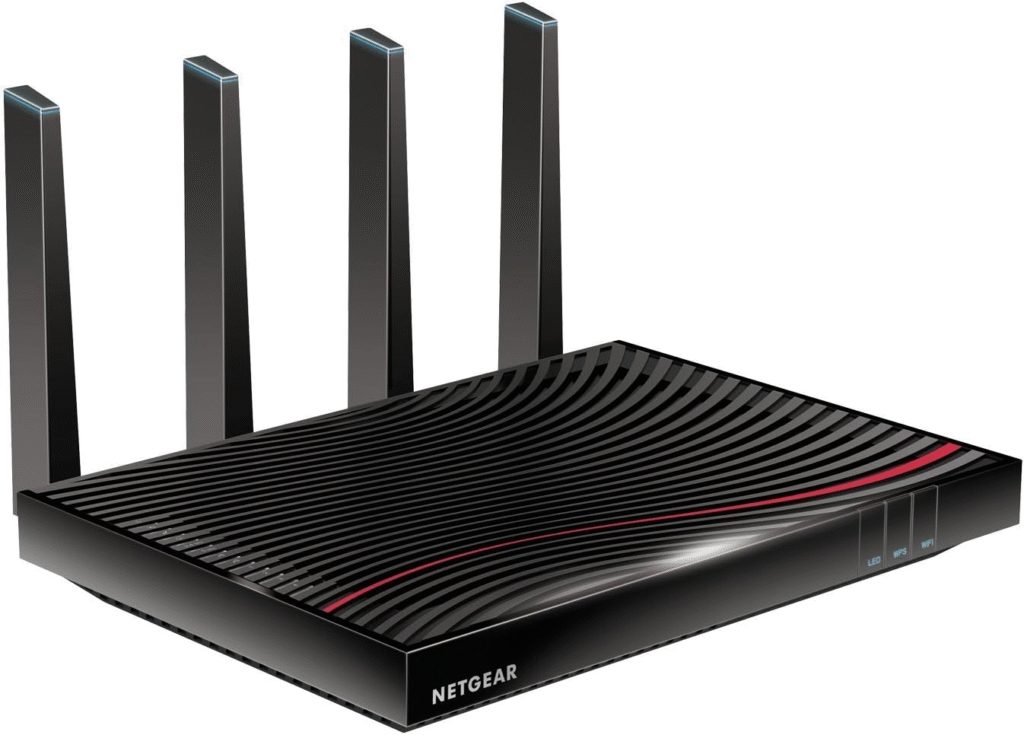
If you’re paying for Optimum Gig Internet, don’t let older networking equipment limit your experience.
The NETGEAR Nighthawk C7800 remains one of the strongest choices because it combines high-speed modem technology with a powerful wireless router.
Why I Recommend It
- DOCSIS 3.1 support
- Backward compatible with DOCSIS 3.0
- Supports Gigabit internet plans
- Four Gigabit Ethernet ports
- USB 3.0 connectivity
- Excellent Wi-Fi coverage
- Handles dozens of connected devices simultaneously
With Wi-Fi 6 becoming increasingly common, many newer models now provide even greater efficiency through technologies like MU-MIMO, OFDMA, and beamforming. However, if compatibility and proven reliability are your priorities, the C7800 continues to be a dependable option.
Perfect for:
- Gigabit internet
- Large households
- Competitive gaming
- 4K and 8K streaming
- Content creators
- Home offices
- Multiple smart TVs
Best Standalone Router for Optimum 500 Mbps
TP-Link Archer AX50
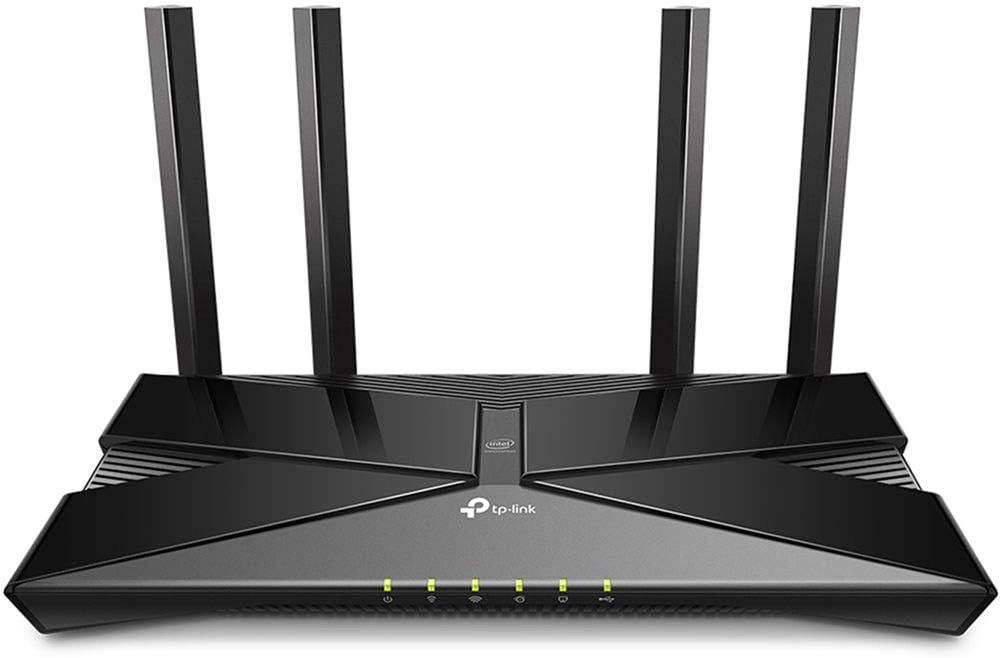
Already own a compatible cable modem?
In that case, buying a standalone router often gives you more flexibility.
The TP-Link Archer AX50 is one of my favorite choices because it brings Wi-Fi 6 performance at an affordable price.
Highlights
- Wi-Fi 6 technology
- OFDMA support
- MU-MIMO
- Beamforming
- WPA3 security
- Gigabit Ethernet ports
- Quality of Service (QoS)
- Alexa compatibility
- Strong parental controls
Its combination of speed, affordability, and reliable wireless coverage makes it an excellent upgrade without replacing your existing modem.
Best Standalone Router for Optimum Gig Internet
ASUS RT-AX82U
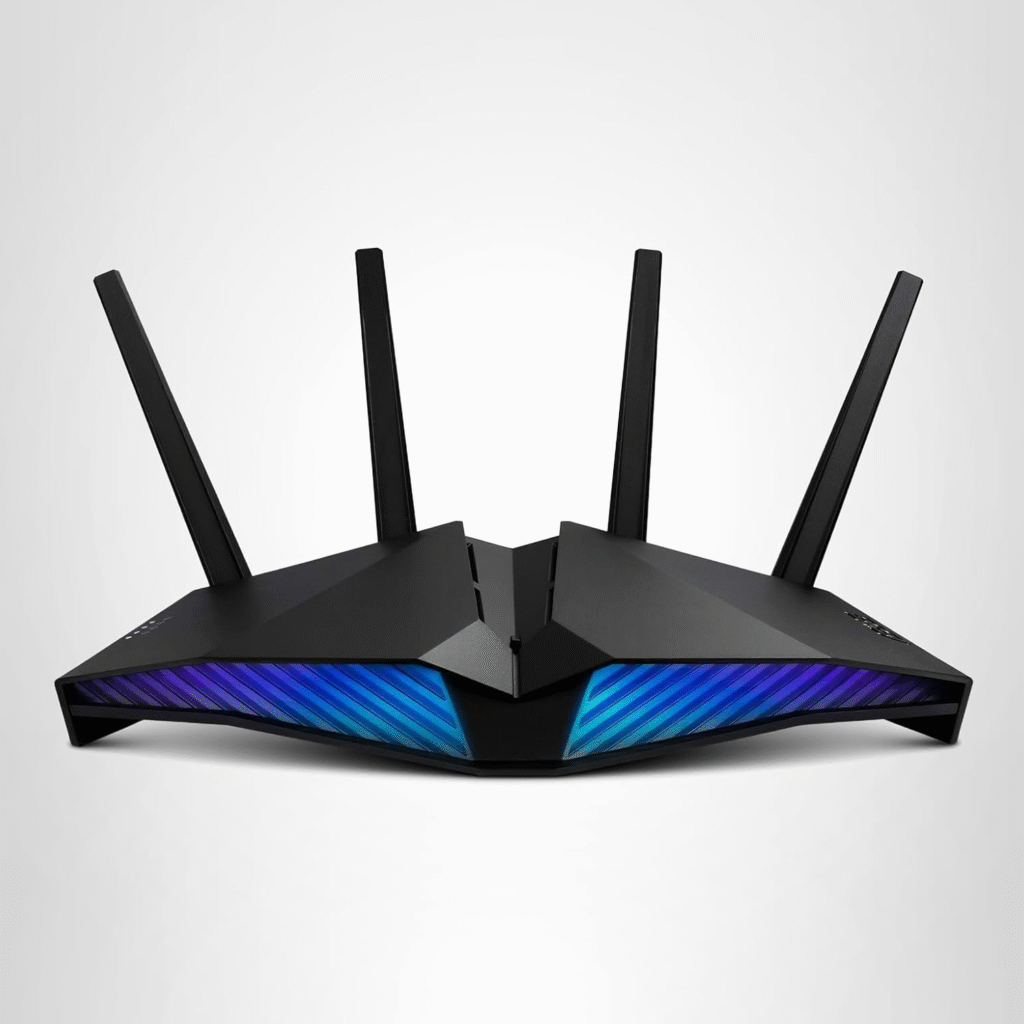
For Gigabit users who already own a DOCSIS 3.1 modem, the ASUS RT-AX82U delivers impressive wireless performance.
Why It’s Worth Considering
- High-performance Wi-Fi 6
- Excellent range
- Adaptive QoS
- AiProtection security
- WPA3 encryption
- Gaming optimization
- Multiple Gigabit LAN ports
- Simple mobile app management
I particularly like its low latency during online gaming and its ability to maintain stable speeds even when many devices are connected.
Modem Router Combo vs. Separate Modem and Router
Many readers ask me whether buying separate devices is better than purchasing a modem/router combo.
The answer depends on your priorities.
Choose a Modem Router Combo If You Want
- Easier installation
- Fewer cables
- Lower equipment costs
- Simple device management
- Compact design
Choose Separate Devices If You Want
- Better long-term upgrade flexibility
- Stronger Wi-Fi performance
- Mesh networking support
- Enterprise-grade features
- Easier future hardware replacement
Personally, I recommend separate devices for advanced users, gamers, and people planning to upgrade their internet service frequently. For everyone else, a quality modem/router combo is usually the simpler and more cost-effective solution.
See Everything you need to know about Long Range Wifi Router
How to Install Your Optimum-Compatible Modem Router Combo
Installing your own modem/router combo is much easier than most people expect. The first time I replaced my ISP’s rental equipment, I was surprised that the entire process took less than 20 minutes.
Follow these simple steps to get connected:
Step 1: Confirm Compatibility
Before purchasing any modem or modem/router combo, verify that it’s compatible with your Optimum Internet plan. Choosing a device that supports your subscribed speed helps you avoid activation issues and ensures you can enjoy the bandwidth you’re paying for.
Step 2: Disconnect Your Old Equipment
Turn off your existing modem and router, unplug the power cables, disconnect the coaxial cable, and remove any Ethernet connections.
Step 3: Connect the New Modem Router Combo
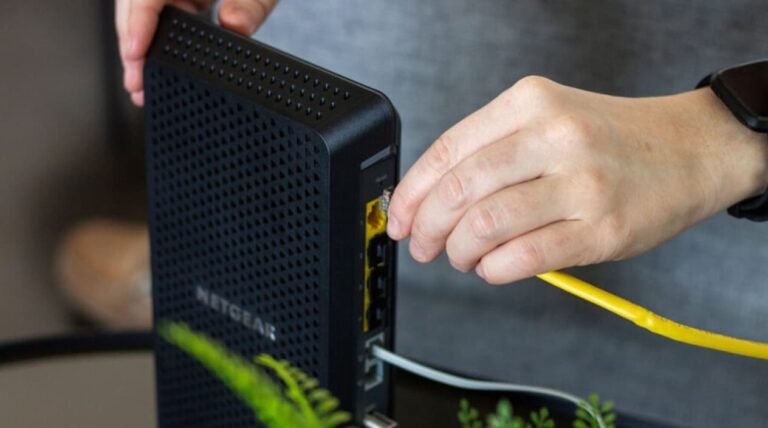
Attach the coaxial cable to the modem, connect the power adapter, and wait for the device to boot completely. This process usually takes several minutes while the modem establishes a connection with the cable network.
Step 4: Activate the Device
Depending on your service, you may need to activate the modem through Optimum’s online activation process or by contacting customer support. Once activated, the modem will download the latest network configuration.
Step 5: Configure Your Wi-Fi Network
Using the manufacturer’s mobile app or web interface:
- Change the default administrator password.
- Create a unique Wi-Fi network name (SSID).
- Enable WPA3 encryption if available.
- Set a strong Wi-Fi password.
- Install any available firmware updates.
Step 6: Connect Your Devices
Reconnect your laptops, smartphones, smart TVs, gaming consoles, printers, streaming devices, and smart home accessories to your new Wi-Fi network.
Finally, run a speed test near your router to confirm that you’re receiving speeds close to your Optimum plan.
Tips to Get the Best Performance from Your Router
Buying a high-quality modem/router combo is only part of the equation. Proper placement and maintenance can significantly improve your Wi-Fi experience.
Here are a few practices I always recommend:
- Place the router in a central, elevated location.
- Keep it away from microwaves, cordless phones, and thick concrete walls.
- Install firmware updates regularly.
- Use the 5 GHz or 6 GHz band for nearby high-speed devices when available.
- Connect gaming PCs or desktop computers using Gigabit Ethernet whenever possible.
- Enable Quality of Service (QoS) to prioritize video calls and gaming traffic.
- Restart your modem occasionally to refresh the connection.
- Consider a mesh Wi-Fi system if your home has multiple floors or persistent dead zones.
These small adjustments often improve coverage, reduce latency, and create a more reliable wireless network without upgrading your internet plan.
Final Thoughts
Choosing the best modem router combo for Optimum Internet doesn’t have to be overwhelming. The right device depends on your internet speed, the size of your home, and how you use your connection every day.
If you have a basic 300 Mbps plan, a reliable DOCSIS 3.0 modem/router combo will meet most households’ needs. For faster 500 Mbps or Gig plans, investing in DOCSIS 3.1 hardware with Wi-Fi 6, Gigabit Ethernet ports, MU-MIMO, OFDMA, beamforming, and WPA3 security offers better long-term value and prepares your home for future upgrades.
Whether you stream movies, play competitive online games, work remotely, attend virtual classes, or manage a growing smart home, choosing compatible networking equipment ensures you’re getting the most from your Optimum Internet service.
Frequently Asked Questions
What’s the Best Modem Router Combo for Optimum?
The best choice depends on your internet plan. For entry-level plans, a DOCSIS 3.0 modem/router combo may be sufficient. If you subscribe to Gig Internet or plan to upgrade later, a DOCSIS 3.1 model with Wi-Fi 6 is a smarter long-term investment.
What Modems Are Compatible with Optimum?
Most cable modems that support DOCSIS 3.0 or DOCSIS 3.1 can work with Optimum, provided they’re approved for your service tier. Always verify compatibility before purchasing new equipment.
Can I Replace My Optimum Modem with My Own?
Yes. Many customers choose to purchase their own compatible modem or modem/router combo instead of renting equipment. Owning your hardware can reduce monthly equipment fees while giving you greater control over your home network.
Are All Routers Compatible with Optimum?
Nearly any modern wireless router can work with Optimum when paired with a compatible cable modem. However, modem compatibility depends on the specific cable technology and your subscribed internet plan.
Should I Buy My Own Modem for Optimum?
If you expect to keep your internet service for several years, buying your own modem often saves money over time. It also lets you choose features that better suit your home, such as Wi-Fi 6, mesh networking, or enhanced security.
How Do I Know If I Need a New Router?
You may need a replacement if you notice frequent disconnections, slower Wi-Fi speeds, limited coverage, outdated security standards, or if your current router can’t support the speed of your Optimum plan.
What Should I Look for When Buying a Router?
Focus on features that improve both performance and longevity, including:
- Wi-Fi 6 or newer
- DOCSIS 3.1 (for modem/router combos)
- 32×8 channel bonding
- Gigabit or Multi-Gig Ethernet ports
- WPA3 security
- MU-MIMO
- OFDMA
- Beamforming
- Quality of Service (QoS)
- Automatic firmware updates
- Mesh Wi-Fi support
- Easy mobile app management
Do I Need a Special Router for Optimum Fiber Internet?
Optimum Fiber uses different network equipment than cable internet. In many fiber installations, the modem function is handled by an Optical Network Terminal (ONT), so you’ll typically only need a compatible router rather than a cable modem/router combo.
What’s the Difference Between a Modem and a Router?
A modem connects your home to your internet service provider, while a router distributes that connection to multiple devices through Wi-Fi and Ethernet. A modem/router combo combines both functions into a single device, making setup easier and reducing equipment clutter.