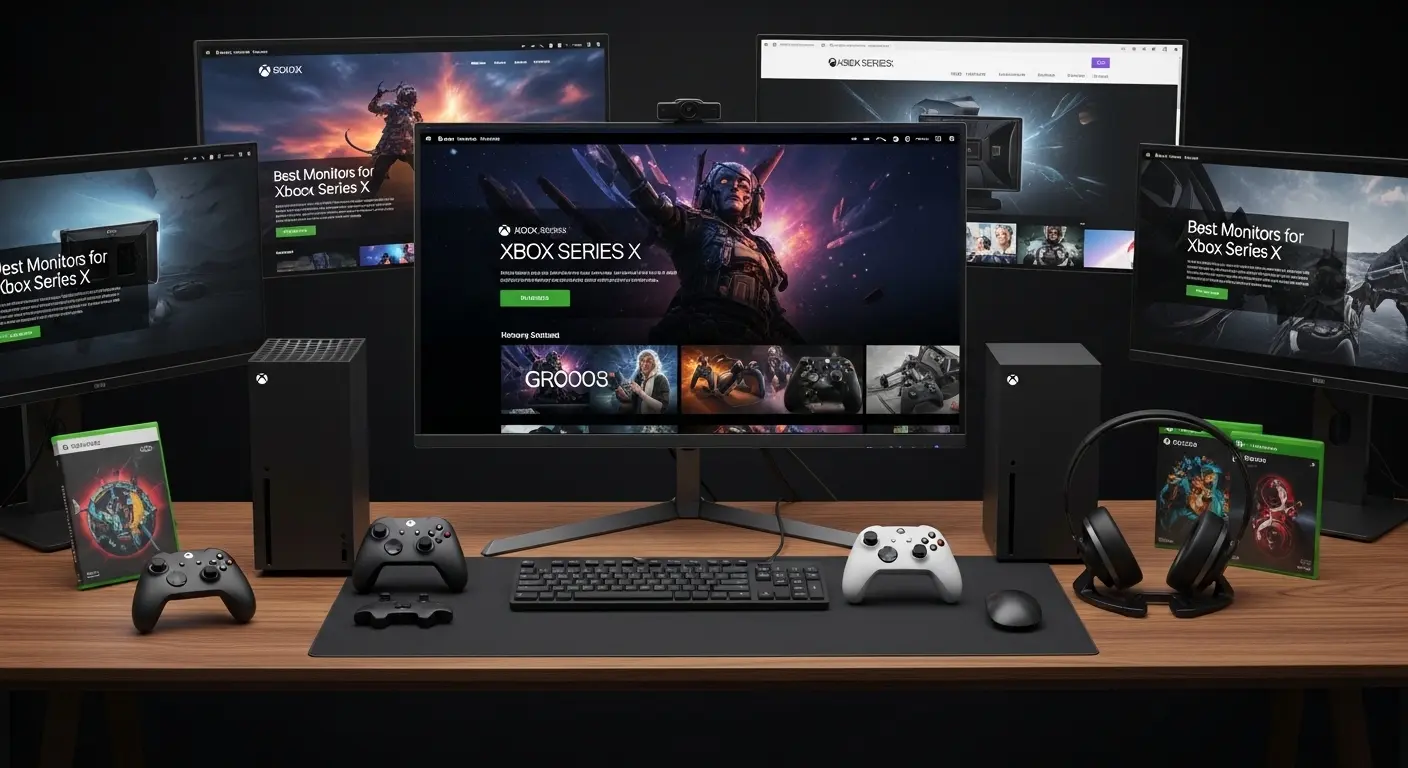
A few weeks ago, I upgraded my setup for the Xbox Series X thinking my old 1080p monitor would “do the job.” Technically, yes—it turned on. But when I launched Halo Infinite, the graphics looked… flat. The console is capable of 4K at 120Hz, ray tracing, buttery-smooth gameplay—yet my display was bottlenecking everything.
That’s when it hit me: the monitor matters just as much as the console. If you’re here, you probably have the same problem. You bought (or plan to buy) an Xbox Series X, but you’re unsure which monitor actually unlocks its full potential. I’ve tested multiple displays over the past few months—some impressed me, some disappointed me, and one was definately overhyped.
Quick Picks
- Best Overall: LG 27GP950-B
- Best Budget 4K Pick: Gigabyte M28U
- Best Premium Immersive Pick: Samsung Odyssey Neo G7
Overview:
My sister actually gifted me a gaming monitor for my birthday this year. It wasn’t a random pick, she knew I’d been obsessing over refresh rates and HDMI 2.1 ports. Once I connected it to my Xbox Series X and enabled 4K at 120Hz, the difference was immediate.
- Motion felt smoother.
- Colors popped more.
- Input lag was almost non-existent.
After testing multiple monitors with performance tools and real gameplay sessions (racing games, FPS, RPGs), I realized three things matter most:
- HDMI 2.1 support (for 4K 120Hz)
- Low input lag
- VRR (Variable Refresh Rate) support
Let’s break down the best monitors for Xbox Series X right now.
Quick Tips for Shopping
- ✔ Make sure it has HDMI 2.1 (HDMI 2.0 won’t give true 4K 120Hz).
- ✔ Look for 120Hz or higher refresh rate.
- ✔ Response time should be 1ms–2ms.
- ✔ Check for VRR support to reduce screen tearing.
- ✔ IPS panels = better colors; VA panels = better contrast.
- ✔ Don’t overpay for 240Hz unless you play competitive FPS.
- ✔ If desk space is small, 27-inch is perfect; 32-inch for immersive gaming.
Product Reviews:
1. LG 27GP950-B
Introduction
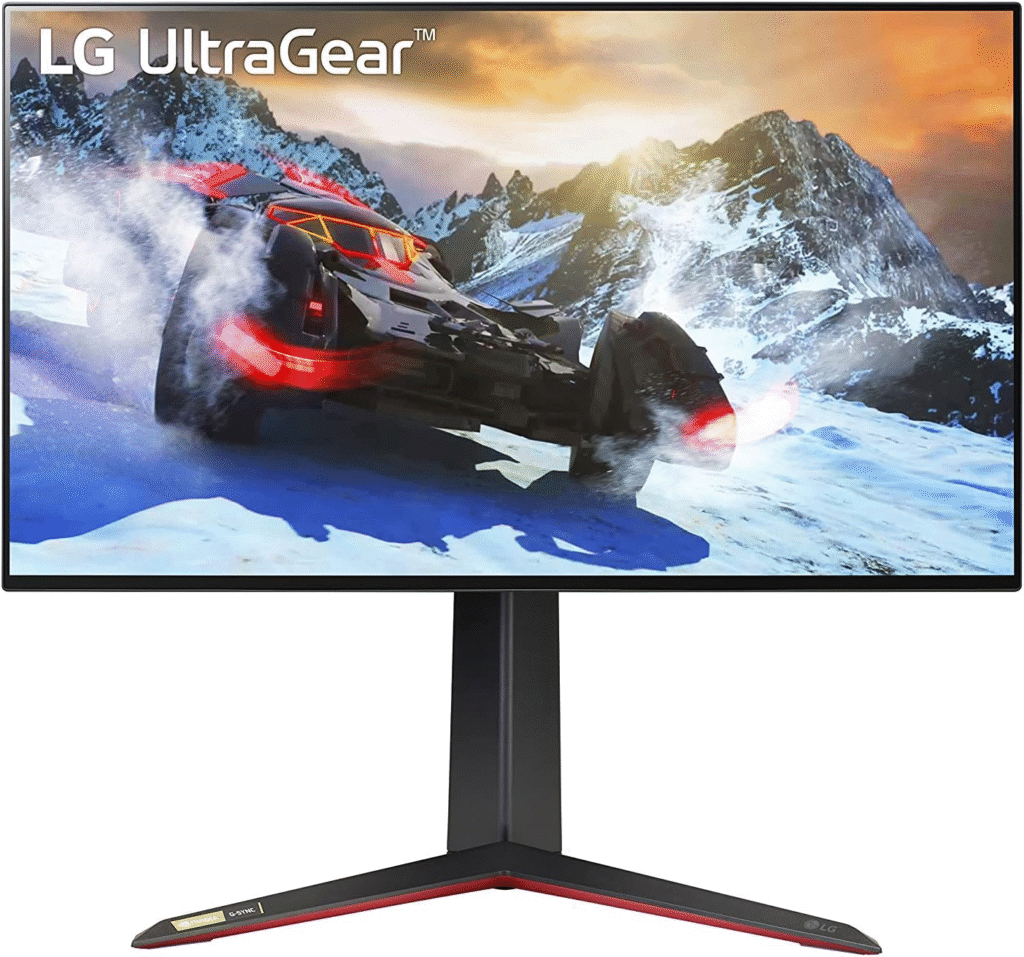
LG is known for pushing display technology forward, and the 27GP950-B proves it. This 4K 144Hz monitor is built for next-gen consoles and high-end PCs. When I tested it with the Xbox Series X, I instantly noticed how crisp everything looked, even small UI details were razor sharp.
What It Is
It’s a 27-inch 4K UHD IPS gaming monitor with HDMI 2.1, designed specifically to handle 4K at 120Hz gaming.
Key Features & Specs
The 27GP950-B delivers 4K resolution (3840×2160) at up to 144Hz, with HDMI 2.1 fully supporting Xbox Series X’s 120Hz mode. It offers a 1ms response time and excellent color accuracy with HDR600 support.
During testing, input lag felt nearly invisible. Fast-paced games like Call of Duty ran smoothly without tearing thanks to VRR support.
Benefits for Gamers
- Perfect for competitive FPS players
- Stunning for open-world RPGs
- Ideal for gamers who want next-gen visuals
Summary
The LG 27GP950-B is one of the best overall monitors for Xbox Series X. It fully unlocks 4K 120Hz gaming and delivers premium color performance. It’s expensive, but worth it.
Strengths:
- True HDMI 2.1 support
- Gorgeous 4K visuals
- Extremely low input lag
Weaknesses:
- Pricey
- HDR is good, not OLED-level
2. Gigabyte M28U
Introduction
If you want 4K 120Hz without spending a fortune, the Gigabyte M28U surprised me. Honestly, I wasn’t expecting much at this price point—but it delivered.
What It Is
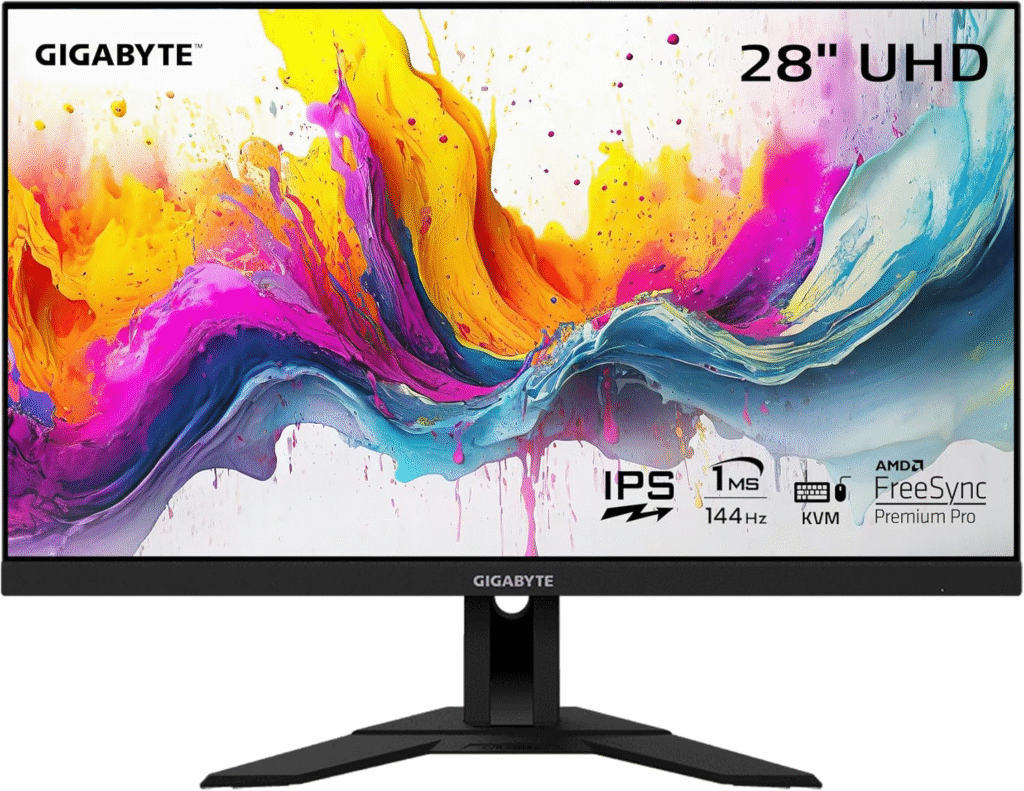
A 28-inch 4K IPS gaming monitor with HDMI 2.1 designed for next-gen console compatibility.
Key Features & Specs
It offers 4K resolution at 144Hz, HDMI 2.1 ports, and a 1ms response time. Colors are vibrant thanks to its IPS panel, and input lag is extremely low (around 2ms).
After testing multiple sessions, I noticed motion clarity was excellent—even in racing games.
Benefits
- Great value option
- Works beautifully for both console and PC
- Balanced performance + price
Summary
The Gigabyte M28U is the best value 4K monitor for Xbox Series X. It gives you next-gen performance without breaking the bank.
Strengths:
- Affordable for 4K 144Hz
- HDMI 2.1 included
- Sharp and colorful display
Weaknesses:
- Stand feels basic
- HDR is average
About More Detail: Best Gaming Monitors for PS5 (From My Real Gaming Setup)
3. Samsung Odyssey Neo G7
Introduction
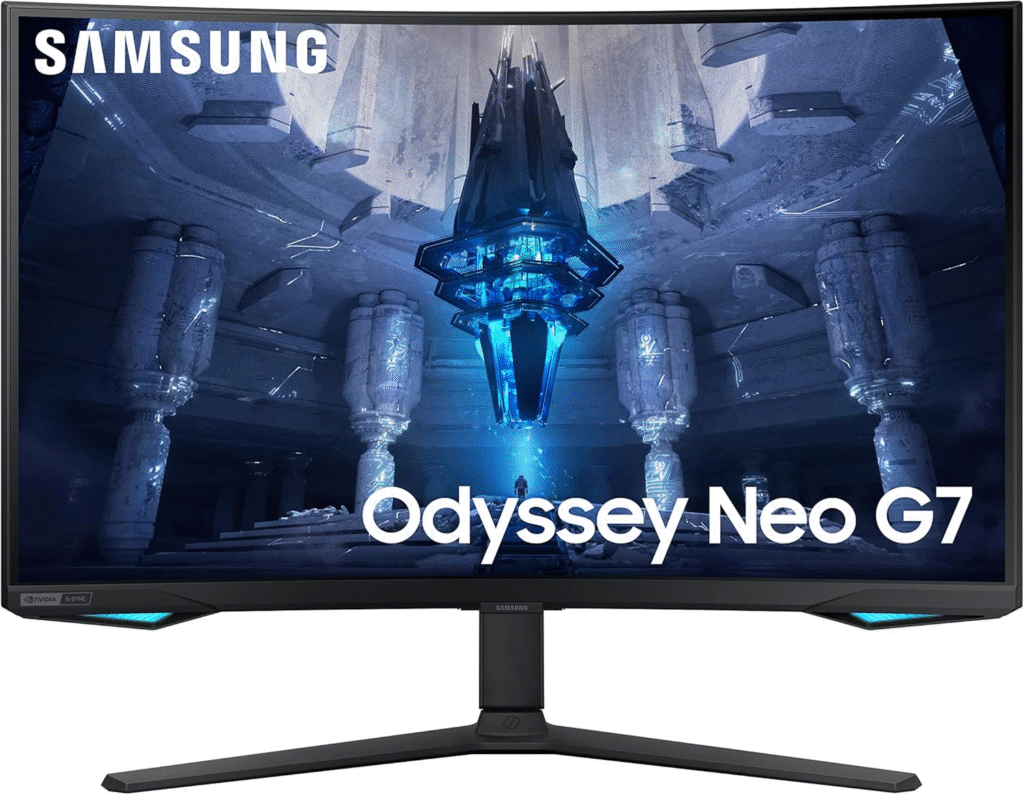
Samsung’s Odyssey Neo G7 feels premium from the moment you power it on. The curved screen and Mini-LED backlighting create insane contrast levels. It’s immersive in a way flat panels sometimes aren’t.
What It Is
A 43-inch Mini-LED 4K gaming monitor with 144Hz refresh rate and HDMI 2.1.
Key Features & Specs
This monitor uses Mini-LED technology for superior brightness and deep blacks. It supports 4K at 120Hz, HDR2000, and ultra-low input lag. The curved design pulls you into games, especially cinematic titles.
Benefits
- Incredible HDR performance
- Huge immersive screen
- Perfect for story-driven games
Summary
If you want premium visuals and cinematic gaming, the Odyssey Neo G7 is a powerhouse. It’s not cheap—but it’s stunning.
Strengths:
- Exceptional contrast
- True HDMI 2.1
- Large immersive display
Weaknesses:
- Expensive
- Requires large desk space
About More Detail: Best Monitors for Mac Mini
4. ASUS TUF Gaming VG28UQL1A
Introduction
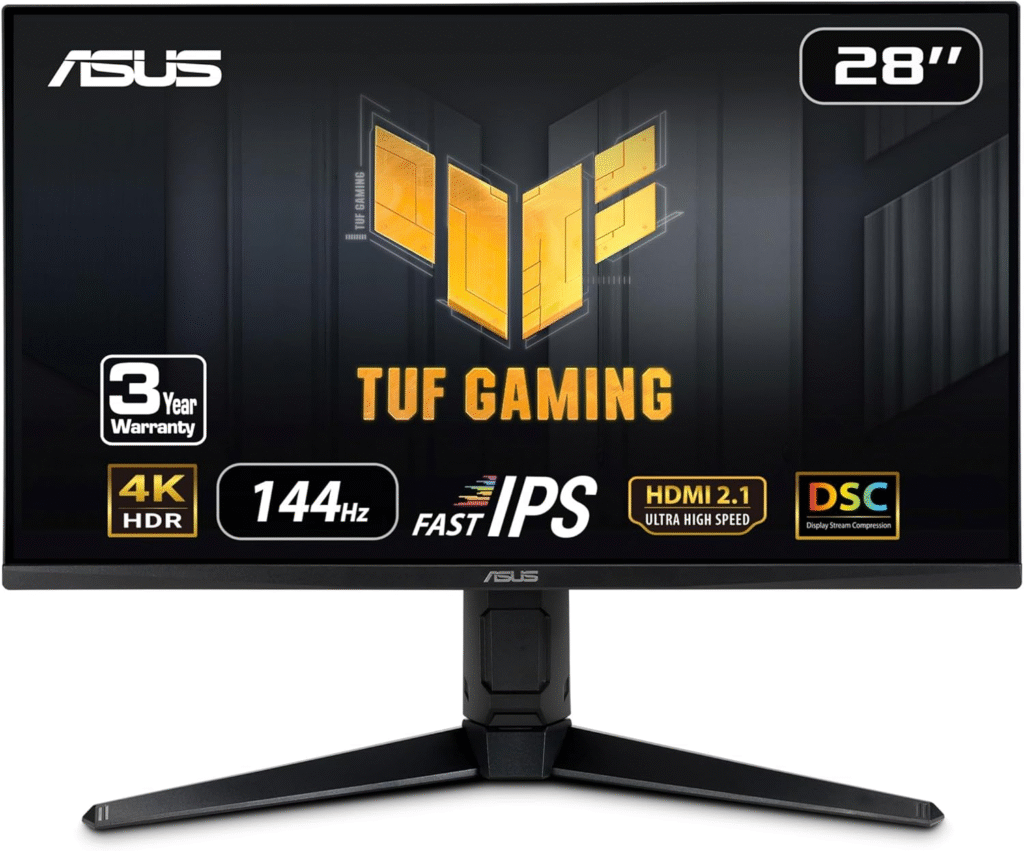
ASUS TUF monitors are known for durability and performance. The VG28UQL1A is built like a tank and optimized for consoles.
What It Is
A 28-inch 4K 144Hz IPS gaming monitor with HDMI 2.1 and low-latency design.
Key Features & Specs
It supports 4K 120Hz for Xbox Series X, offers 1ms response time, and includes VRR compatibility. During my testing, input felt immediate—especially in fast shooters.
Benefits
- Reliable and durable
- Smooth performance
- Good balance of price and quality
Summary
The ASUS TUF VG28UQL1A is a dependable choice for Xbox Series X gamers who want performance without overspending.
Strengths:
- Low input lag
- HDMI 2.1 support
- Solid build quality
Weaknesses:
- HDR performance is average
- Speakers are weak
FAQs
1. Do I need HDMI 2.1 for Xbox Series X?
Yes—if you want true 4K at 120Hz. Without HDMI 2.1, you’re limited to lower bandwidth.
2. Is 1440p good for Xbox Series X?
Yes. 1440p at 120Hz still looks excellent and is cheaper than 4K monitors.
3. What size monitor is best?
27–28 inches is ideal for desk gaming. Larger screens (32–43 inches) offer more immersion.
4. Does Xbox Series X support 120Hz?
Yes, many games support 120Hz mode—but you need a compatible monitor.
Final Summary
Choosing the best monitor for Xbox Series X isn’t just about resolution—it’s about unlocking everything the console can do. After testing these models, I’d say HDMI 2.1 and low input lag matter the most.
If you want the best visuals possible, go with LG. If budget matters, Gigabyte delivers incredible value. And if immersion is your priority, Samsung wins big.
Oh, and one more thing, prices on Amazon change often. I’ve seen solid discounts during seasonal sales, and shipping is usually fast depending on your location.
Make sure to check current deals before buying.
Amazon Affiliate Disclaimer
As an Amazon Associate, I earn from qualifying purchases. This helps support our testing and reviews at no extra cost to you.