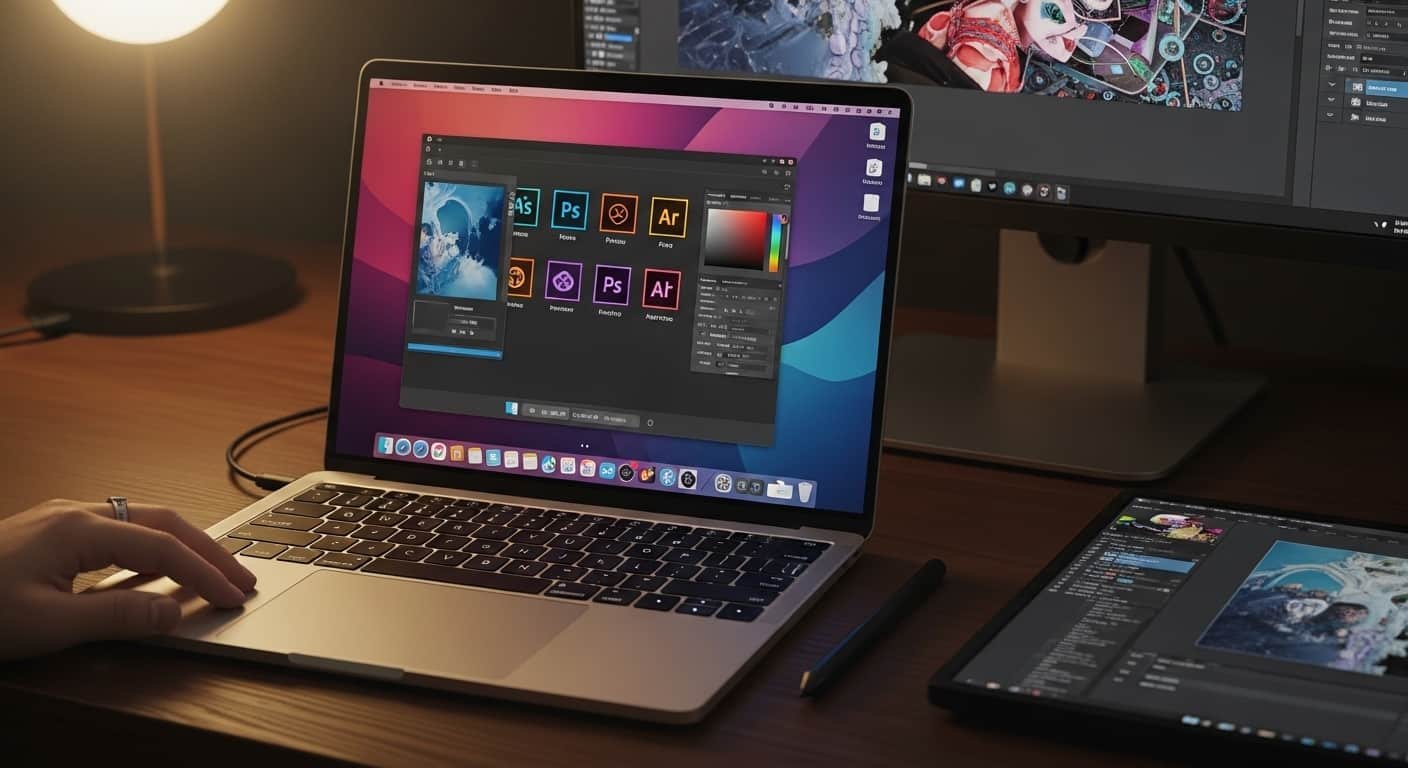
Have you ever tried exporting a 4K video in Adobe Premiere Pro, only to watch your laptop freeze… overheat… or crash right before the deadline? I’ve been there. A few months ago, I was juggling Photoshop layers, Illustrator vectors, and After Effects animations on a mid-range laptop that simply couldn’t keep up. That frustration pushed me to test and research the best laptop for Adobe Creative Cloud — not just based on specs, but real creative workflows.
If you’re investing in Adobe tools, you need hardware that matches that power. In this guide, I’ll break down the best laptop for Adobe Creative Cloud, explain what specs truly matter, and help you choose the right machine for editing, designing, animating, and rendering smoothly.
Overview
If you’re searching for the best laptop for Adobe Creative Cloud in 2026, three machines consistently stand out. The Apple MacBook Pro 16-inch (M4 Pro) dominates for raw creative performance, especially for video editors and motion designers. On the Windows side, the Samsung Galaxy Book4 Ultra delivers exceptional power with a stunning AMOLED display and RTX 4070 graphics. For creators wanting a balance of portability and strength, the Lenovo Yoga Pro 9i is a versatile, high-performance option.
See More…Best Gaming Ultrabook Light Gaming Laptops
For smooth performance in apps like Photoshop, Illustrator, Premiere Pro, and After Effects, aim for:
- 32GB RAM or more
- RTX 40-series GPU (Windows) or Apple Silicon (Mac)
- 100% sRGB or DCI-P3 color-accurate display
- High-end processors like Intel Core Ultra 9 or Apple M4 Pro/Max
These aren’t luxury specs — they’re practical requirements for serious creative work.
What Makes the Best Laptop for Adobe Creative Cloud?
Before jumping into recommendations, let me clarify something: Adobe apps are demanding. Whether you’re using Adobe Premiere Pro, Adobe After Effects, or Adobe Photoshop, your laptop must handle:
- Multi-layer 4K video timelines
- Heavy RAW photo editing
- Large PSD/AI files
- Real-time effects and rendering
Here’s what actually matters:
1. Processor (CPU Power)
Creative Cloud apps rely heavily on CPU performance. Look for:
- Apple M4 Pro / M4 Max
- Intel Core Ultra 9
- AMD Ryzen 9
Weak CPUs cause lag during exports and previews.
2. RAM (Memory)
16GB is the bare minimum.
32GB RAM is the sweet spot for smooth multitasking between Adobe apps.
If you work in After Effects regularly, 64GB isn’t overkill.
3. GPU (Graphics Card)
For Windows laptops:
- NVIDIA RTX 4070 or higher (RTX 4080 ideal for 3D and heavy rendering)
For Mac:
- Apple Silicon integrated GPU (M4 Pro/Max handles rendering extremely well)
4. Display Quality
A laptop can be powerful, but if colors aren’t accurate, your edits won’t be either.
Look for:
- 100% sRGB minimum
- DCI-P3 coverage preferred
- High brightness (400+ nits)
Products Review
1. Apple MacBook Pro 16-inch (M4 Pro)
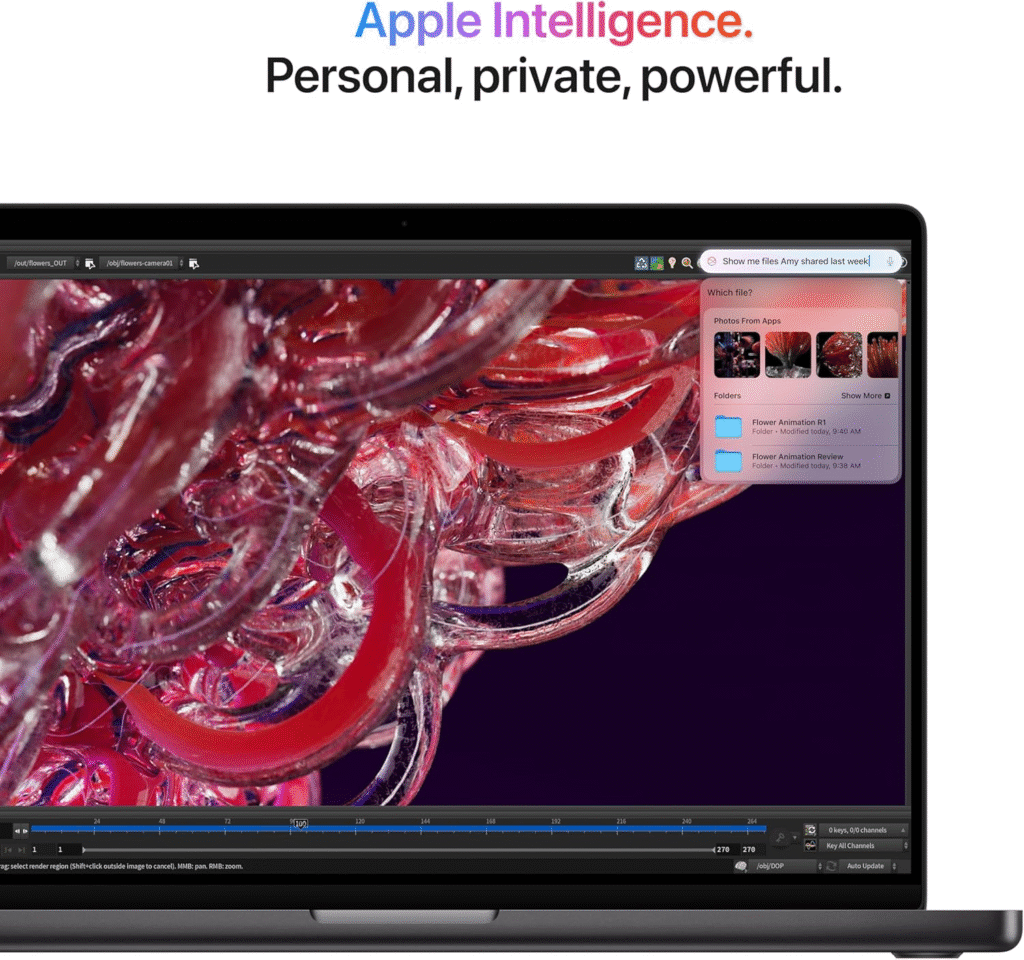
If I had to choose one best laptop for Adobe Creative Cloud overall, this would be it.
The Apple MacBook Pro 16-inch (M4 Pro) delivers unmatched performance thanks to Apple’s optimized silicon. Rendering in Premiere Pro feels incredibly fast, and timeline scrubbing is smooth even with 4K footage.
Why it stands out:
- M4 Pro/Max chip optimized for Adobe apps
- Stunning Liquid Retina XDR display (excellent color accuracy)
- Silent operation under heavy loads
- Exceptional battery life
This is ideal for video editors, motion designers, and photographers who want stability and long-term reliability.
2. Samsung Galaxy Book4 Ultra
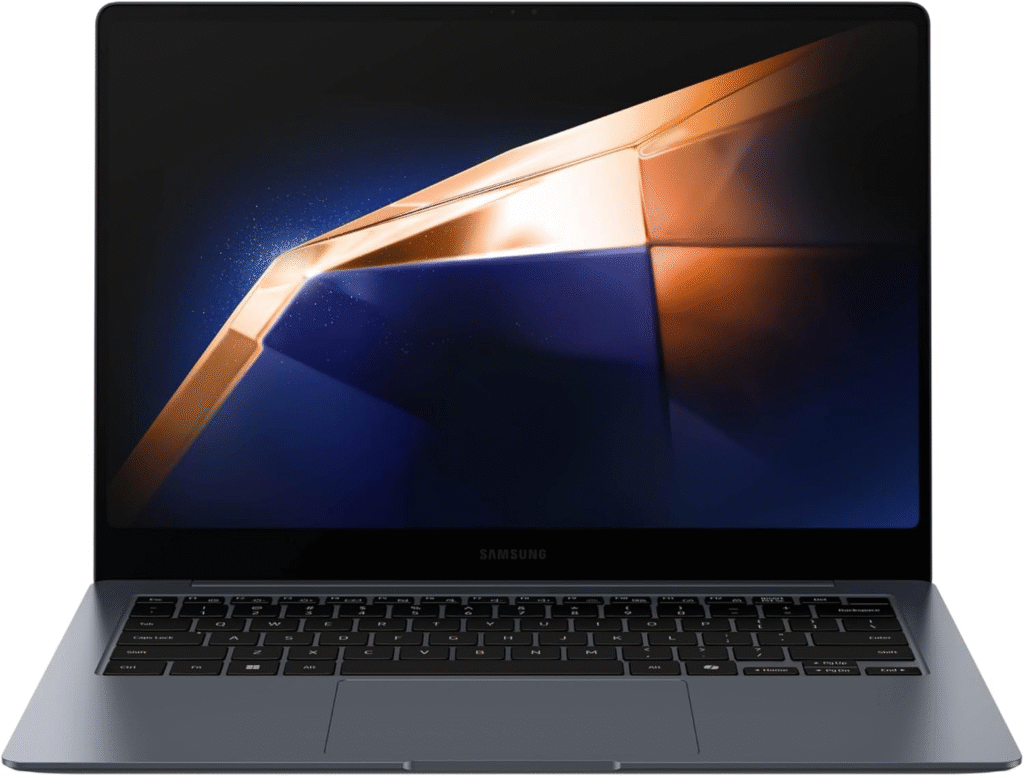
If you prefer Windows, the Samsung Galaxy Book4 Ultra is arguably the best laptop for Adobe Creative Cloud right now.
It combines:
- Intel Core Ultra processor
- RTX 4070 GPU
- 32GB RAM
- Gorgeous AMOLED display
Photoshop and Illustrator feel fluid, and Premiere Pro benefits from NVIDIA’s CUDA acceleration. The color reproduction is excellent for designers who need precision.
This machine is perfect if you use both Adobe and Windows-based creative tools.
3. Lenovo Yoga Pro 9i
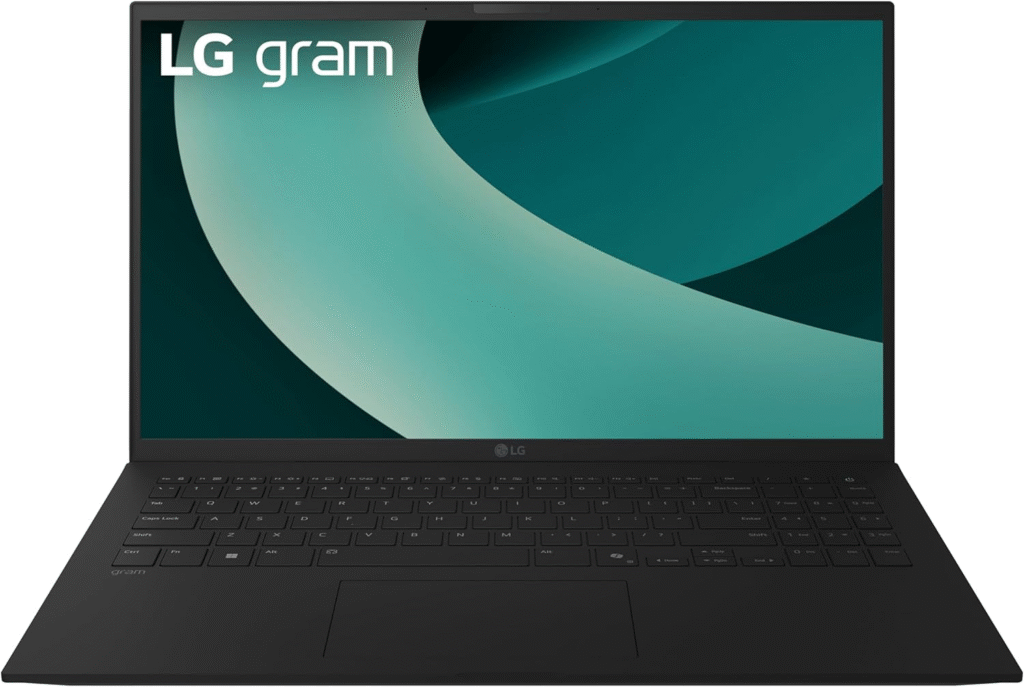
The Lenovo Yoga Pro 9i strikes a strong balance between power and portability.
It offers:
- High-performance Intel processor
- RTX 4060/4070 GPU options
- Vibrant color-accurate display
- Premium build quality
If you want the best laptop for Adobe Creative Cloud without going fully premium like MacBook Pro pricing, this is a practical middle ground.
4. ASUS ProArt PX13
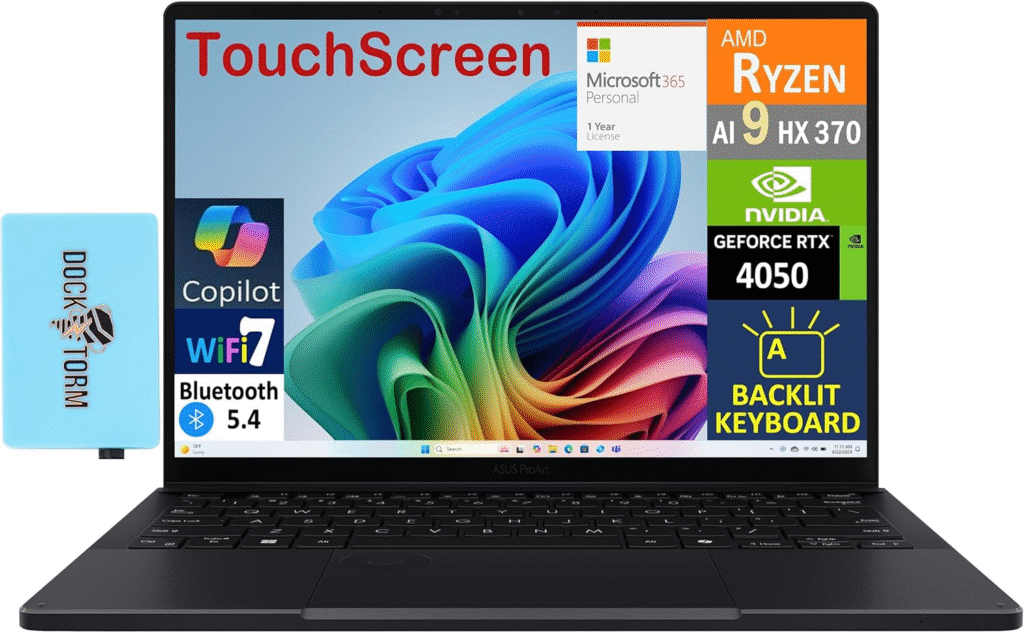
For illustrators and creative artists, the ASUS ProArt PX13 is incredibly versatile.
It features:
- 2-in-1 design
- Pen support
- Strong GPU options
- Creator-focused display calibration
If you spend more time in Photoshop and Illustrator than Premiere Pro, this is a fantastic option.
5. MacBook Air (M4)
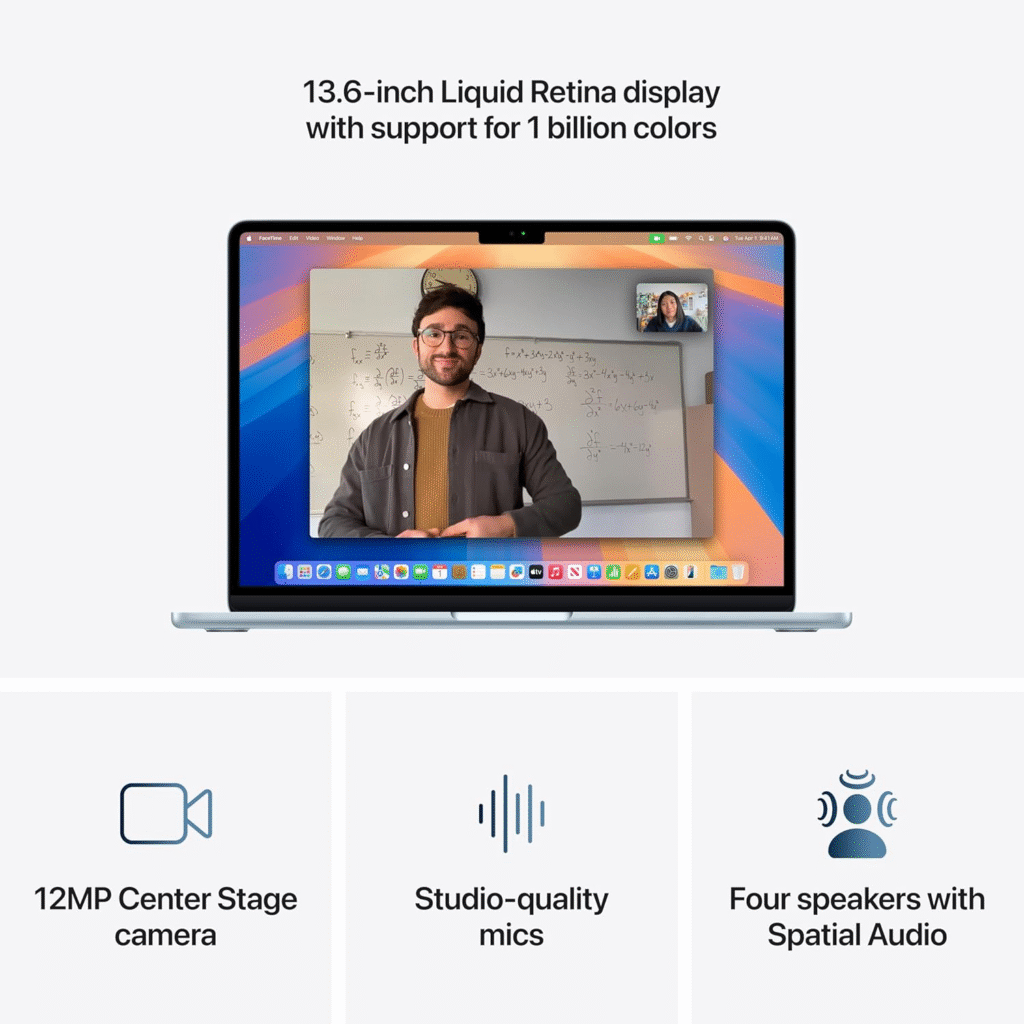
Need something lightweight but capable? The Apple MacBook Air (M4) handles Photoshop and Illustrator smoothly.
Features of Apple MacBook Air (M4)
- Apple M4 chip for fast performance
- 13.6″ Liquid Retina display with P3 color
- Up to 16GB/24GB memory and SSD storage
- Fanless, lightweight, and silent design
- Long battery life for all-day use
However, for heavy 4K editing or After Effects work, you may feel performance limits. Still, it’s a strong portable creative machine.
Who Needs the Best Laptop for Adobe Creative Cloud?
You should invest in a high-end creative laptop if you:
- Edit 4K videos regularly
- Use After Effects for motion graphics
- Work with RAW photography
- Multitask across multiple Adobe apps
If your current laptop struggles with rendering, overheating, or stuttering playback, upgrading will dramatically improve productivity.
FAQs
1. Is 16GB RAM enough for Adobe Creative Cloud?
It works for light design tasks, but 32GB is strongly recommended for Premiere Pro and After Effects.
2. Do I need a dedicated GPU for Adobe Creative Cloud?
Yes, especially for video editing and motion graphics. RTX 40-series GPUs significantly improve rendering speeds.
3. Is Mac or Windows better for Adobe Creative Cloud?
Both perform excellently. MacBooks offer optimization and battery life, while Windows laptops provide stronger GPU flexibility.
4. What display specs are best for creative work?
Look for 100% sRGB minimum, ideally DCI-P3 support for professional-grade color accuracy.
Final Thoughts:
Choosing the Best Laptop for Adobe Creative Cloud
The best laptop for Adobe Creative Cloud isn’t just about high specs — it’s about smooth workflow, reliable rendering, and accurate color reproduction.
If you want maximum performance:
→ Go with the MacBook Pro (M4 Pro).
If you prefer Windows power:
→ Samsung Galaxy Book4 Ultra is outstanding.
If you want balance:
→ Lenovo Yoga Pro 9i delivers serious value.
Invest once in the right machine, and your creative process becomes faster, smoother, and far less stressful.
Amazon Affiliate Disclaimer:
This article contains affiliate links. If you purchase through these links, I may earn a small commission at no extra cost to you. I only recommend laptops that genuinely meet the performance requirements for Adobe Creative Cloud users.