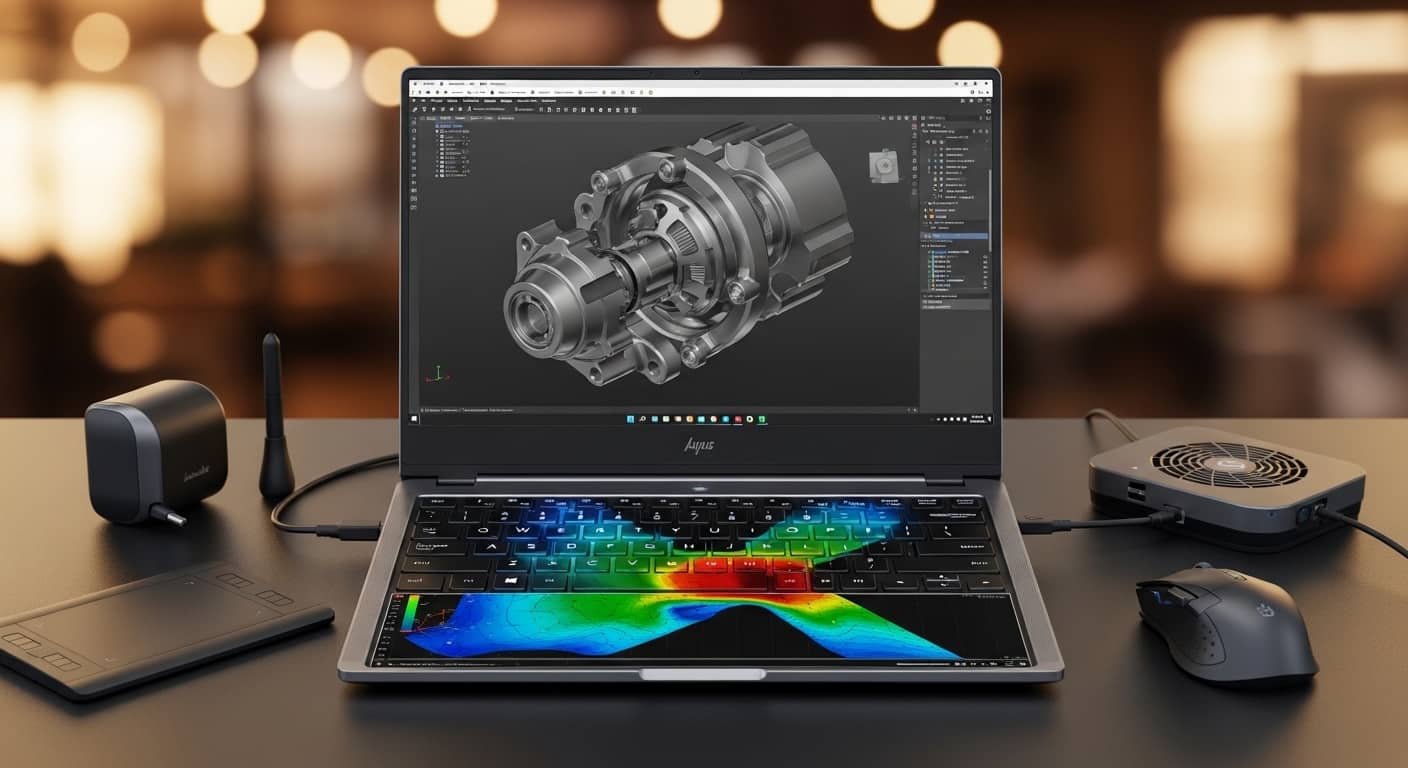
When I choose the best laptops for Fusion 360, I don’t just look at flashy specs, I focus on what actually improves modeling speed, assembly handling, and rendering performance. Fusion 360 is heavily CPU-driven, so if your laptop struggles with single-core speed, you’ll feel it immediately in sketching, parametric modeling, and simulation.
If you want smooth workflows, fewer crashes, and faster project completion, you need the right hardware balance, not just a powerful GPU.
Read More….Best Laptop for SolidWorks in 2026
Overview
The best laptops for Fusion 360 prioritize high single-core CPU performance, at least 16GB–32GB RAM, and a dedicated NVIDIA RTX 4060 or higher GPU. For balanced power and portability, the ASUS ROG Zephyrus G16 stands out. If you prefer macOS efficiency and excellent battery life, the Apple MacBook Pro 14-inch is a strong option. For value-focused buyers, the Lenovo Legion Slim 5 delivers excellent performance per dollar. Professionals handling complex assemblies may prefer workstation-grade machines like the ASUS ProArt P16 or Lenovo ThinkPad P1 Gen 7.
Best Laptops for Fusion 360 – My Top Picks
Below are my carefully selected best laptops for Fusion 360, categorized by performance level and use case.
ASUS ROG Zephyrus G16
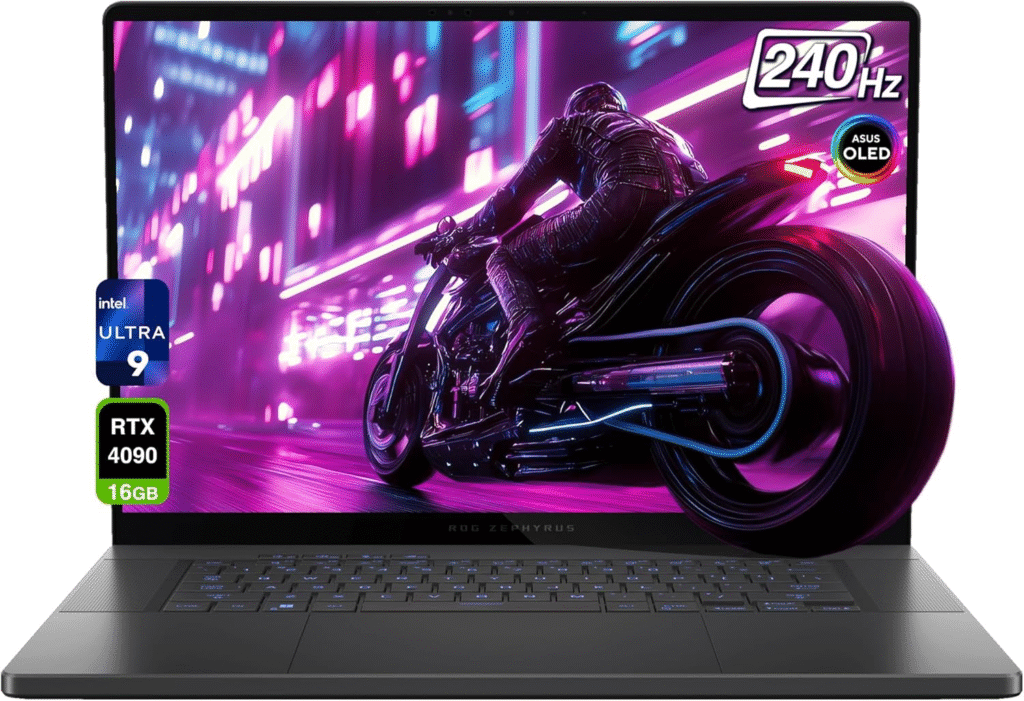
The ASUS ROG Zephyrus G16 offers the perfect balance of performance, thermals, and portability.
Key Features:
- Intel Core i9 high-boost CPU
- RTX 4060 / 4070 GPU
- 16–32GB DDR5 RAM
- 1TB NVMe SSD
- High refresh rate, color-accurate display
Pros:
Excellent single-core performance
Strong cooling system
Portable for a high-performance machine
Great display quality
Cons:
✖ Premium pricing
✖ Battery drains under heavy load
Best for professionals handling medium to large assemblies.
Apple MacBook Pro (M3/M4)
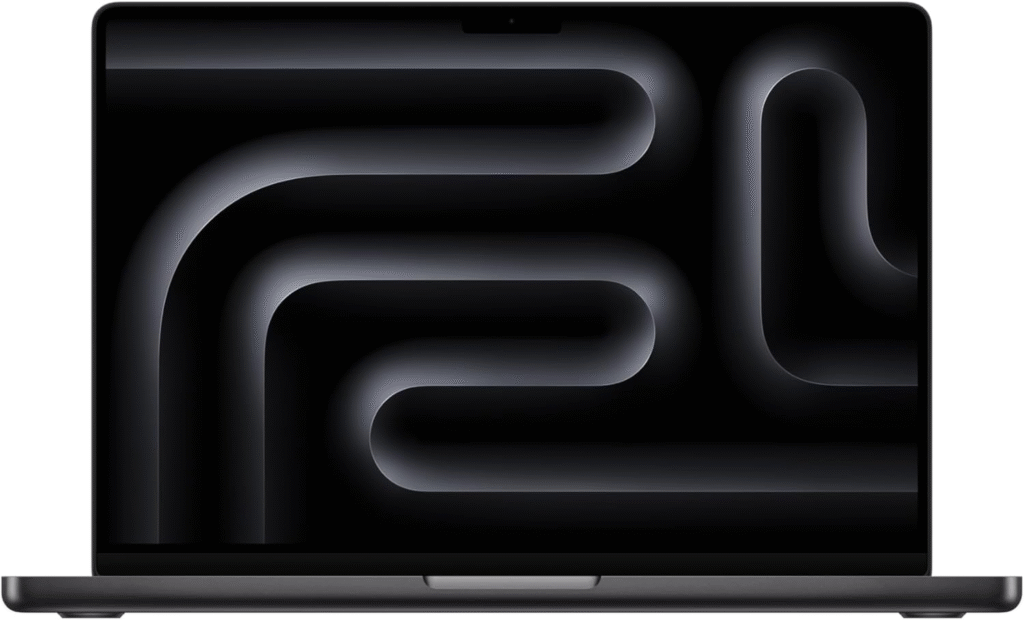
If you prefer macOS, the Apple MacBook Pro 16-inch delivers efficient performance and outstanding battery life.
Key Features:
- Apple M3 Pro / M4 chip
- Unified memory (18GB–36GB)
- Exceptional battery life
- Silent performance
Pros:
✔ Excellent power efficiency
✔ Long battery life
✔ Premium build quality
Cons:
✖ Limited GPU upgrade flexibility
✖ Higher cost
Ideal for designers who value portability and battery performance.
Lenovo Legion Slim 5
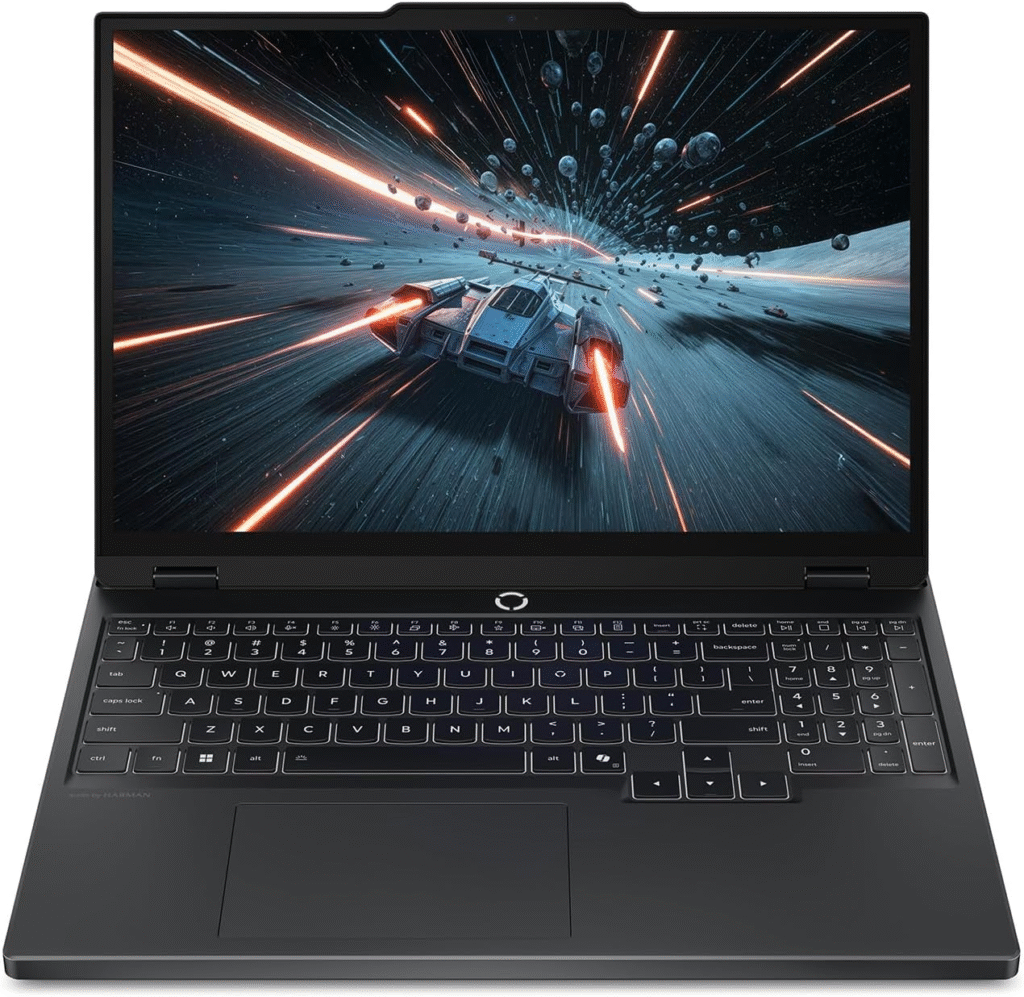
The Lenovo Legion Slim 5 provides strong performance at a competitive price.
Key Features:
- Ryzen 7 processor
- RTX 4060 GPU
- 16GB–32GB RAM
- 1TB SSD
Pros:
✔ Excellent price-to-performance
✔ Solid thermals
✔ Upgradeable RAM
Cons:
✖ Slightly heavier
✖ Average battery life
Best for students and entry-level professionals.
ASUS ProArt P16
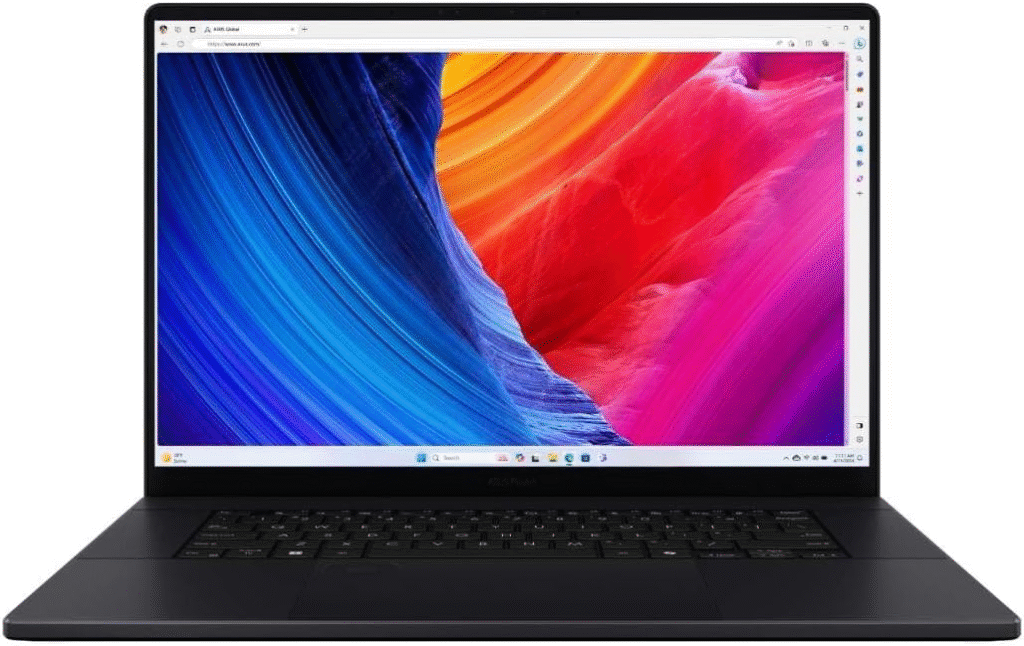
The ASUS ProArt P16 is designed for creators and engineers.
Key Features:
- High-end Intel CPU
- RTX professional graphics
- Factory-calibrated display
- Robust cooling
Pros:
✔ Designed for heavy workloads
✔ Excellent color accuracy
✔ Stable performance under load
Cons:
✖ Expensive
✖ Not ideal for casual users
Best for advanced rendering and large assemblies.
What Makes the Best Laptops for Fusion 360?
Before jumping into recommendations, here’s what I always evaluate when selecting the best laptops for Fusion 360.
Processor (Most Important for Fusion 360)
Fusion 360 depends heavily on single-core clock speed. Modeling, sketching, and most simulations rely on fast per-core performance.
What I Recommend:
- Intel Core i7 / i9 (high turbo boost speeds)
- AMD Ryzen 7 / Ryzen 9
- Minimum 3.5 GHz boost preferred
- 6–14 cores ideal (beyond that offers diminishing returns)
More cores help with multitasking and background processes, but higher clock speed improves modeling responsiveness.
Memory (RAM)
If you’re serious about using the best laptops for Fusion 360, 16GB is the starting point, but I personally recommend 32GB for complex assemblies.
Ideal Setup:
- 16GB minimum
- 32GB for professional use
- DDR5 preferred
- Upgradeable slots are a bonus
Large assemblies and simulations quickly consume memory.
Graphics Card (GPU)
Fusion 360 is not GPU-intensive for modeling, but rendering and viewport performance benefit from dedicated graphics.
Recommended GPU:
- NVIDIA RTX 4060 or higher
- Minimum 4GB VRAM (8GB preferred)
- CUDA support improves rendering workflows
Avoid integrated graphics if you work with complex parts.
Storage
An NVMe SSD is non-negotiable.
Recommended:
- 512GB minimum
- 1TB preferred
- PCIe Gen 4 NVMe SSD
SSD ensures faster load times and file handling.
Display Quality
For CAD accuracy:
- 15–16 inch display
- Full HD minimum (1920×1080)
- 100% sRGB recommended
- 4K optional for detailed workflows
Color accuracy matters if you’re designing for manufacturing or clients.
Minimum System Requirements for Fusion 360
According to Autodesk Fusion 360:
- 64-bit OS (Windows 10/11 or macOS)
- 4GB RAM minimum (16GB recommended)
- SSD storage
- 4-core processor minimum
However, minimum specs are rarely enough for professional work. For the best laptops for Fusion 360, aim higher.
Gaming Laptop vs Workstation for Fusion 360
Gaming laptops often perform exceptionally well because they prioritize high clock speeds. Workstations offer better long-term stability and certified drivers.
If you want value → gaming laptop.
If you want enterprise reliability → workstation laptop.
Frequently Asked Questions
1. Is 16GB RAM enough for Fusion 360?
Yes, for small projects. For complex assemblies and simulations, 32GB is strongly recommended.
2. Does Fusion 360 require a powerful GPU?
Not for modeling. However, RTX GPUs improve rendering and viewport performance.
3. Is Fusion 360 more CPU or GPU dependent?
It is primarily CPU-dependent, especially single-core performance.
4. Are gaming laptops good for Fusion 360?
Yes. Many of the best laptops for Fusion 360 are gaming laptops because they offer high clock speeds and dedicated GPUs.
Final Thoughts
When I evaluate the best laptops for Fusion 360, I prioritize single-core CPU speed, sufficient RAM, and fast NVMe storage. GPU matters,but not as much as processor performance.
If you want balanced performance → ASUS ROG Zephyrus G16
If you prefer macOS → MacBook Pro
If you’re on a budget → Lenovo Legion Slim 5
If you need workstation reliability → ASUS ProArt P16
Choose based on your workflow complexity and budget.
Amazon Affiliate Disclaimer
As an Amazon Associate, I earn from qualifying purchases. This means I may receive a small commission if you buy through links on this page, at no extra cost to you. This helps support my content and research process while allowing me to provide unbiased recommendations.