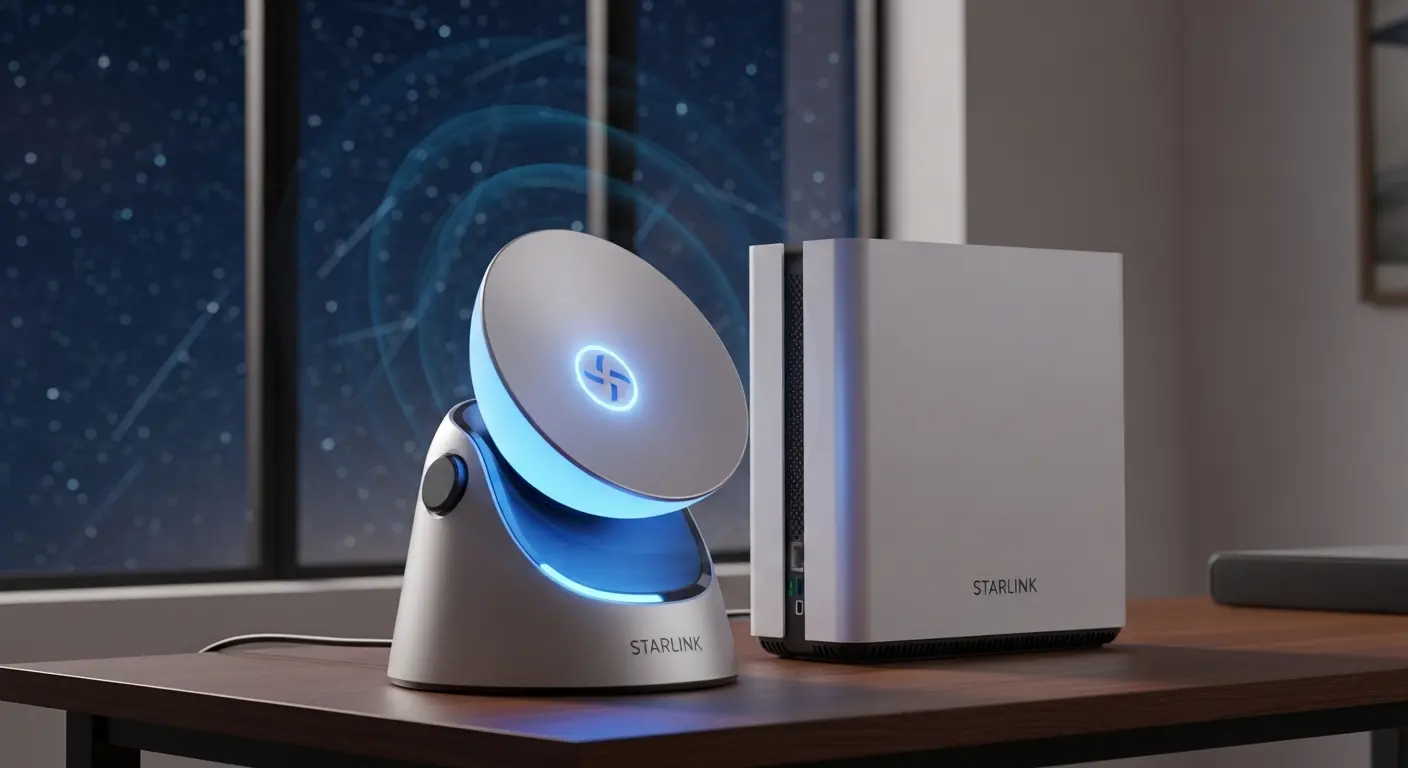
I remember the first time I set up Starlink at my place. The satellite dish was installed on a rainy morning, and by noon, I was staring at reasonable internet speeds… but soon enough I ran into The Problem: my Starlink router lit up the room it sat in, but just a few walls away in the bedroom? One bar. My office upstairs? Meh. The backyard? Forget it. That’s when I realized that just Starlink’s Wi‑Fi wasn’t going to cut it for my work calls, gaming nights, or streaming outdoor football matches. I needed a real Starlink WiFi extender, or at least the best possible one I could find that paired well with my setup.
Here’s my honest, slightly messy, and human‑like take on what worked, and what didn’t, after months of searching, testing, returning, and retrying. I’ll cover the TP‑Link RE715X, Netgear EAX20, and ASUS RP‑AX58, all in the context of a real Starlink Wi‑Fi experience.
The Problem: Weak Wi‑Fi Beyond the Living Room
My setup was pretty basic: Starlink Gen 2 with the standard router, placed centrally in the living room. But:
- Upstairs office: weak signal, laggy Zoom calls
- Backyard gazebo: basically unreachable
- Son’s gaming room: constant lag spikes (ouch)
I knew I could technically just add another mesh router or replace my Starlink router entirely, but I wanted something cost‑effective first: a third‑party WiFi extender that actually works with Starlink’s network. Note: there are compatibility quirks, not every extender plays nicely by just repeating the SSID, so I tried to focus on models known to work reasonably well with Starlink’s 2.4/5 GHz bands and range boosting tech.
The Search
I combed Amazon listings, Reddit posts, and tech guides and quickly noticed patterns: recommended extenders tended to be either Wi‑Fi 6 (newer, faster tech) or solid budget Wi‑Fi 5 options that still punched above their weight.
My shortlist after a few nights of searching was:
- TP‑Link RE715X, Wi‑Fi 6 range extender with good overall performance
- Netgear EAX20 (AX1800), Wi‑Fi 6 with balanced speed and coverage
- ASUS RP‑AX58, another Wi‑Fi 6 device that’s claimed to be strong for gaming / streaming
I instantly eliminated older, budget Wi‑Fi 5 extenders (e.g., EX6120‑style units that only hit ~1500 sq ft coverage) because my walls are brick‑thick and the “budget” performance just never reached where I needed.
The Test (aka My Week with Each)
TP‑Link RE715X — The One I Ended Up Loving Most
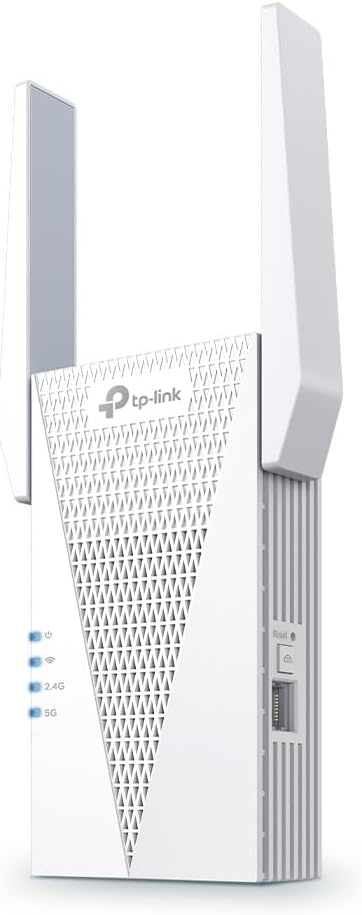
When the TP‑Link RE715X showed up in the mail, I’ll admit, I wasn’t expecting much. But honestly? After setup through the TP‑Link Tether app (which was smooth and intuitive), the improvement was instant.
Specs & Key Bits:
- Wi‑Fi standard: Wi‑Fi 6 (802.11ax)
- Combined throughput: ~3 000 Mbps (5 GHz + 2.4 GHz)
- Coverage: ~1 500 sq ft extra per unit
- Ethernet port: Yes for wired devices
- OneMesh support for smoother roaming with certain TP‑Link routers
Real World Use:
- My upstairs office suddenly had full bars and stable VoIP/Zoom performance
- Backyard streaming (yes, live sports on a portable TV) didn’t buffer once
- Even my smart lights and IoT gadgets stayed connected reliably
There was a tiny hiccup with naming the SSID the same everywhere (Starlink’s router can be quirky), but the extender handled roaming much better than I expected. And honestly? I didn’t expect to like an extender this much.
Frustrations / Quirks:
- It’s not cheap, but feels worth it
- Some reviewers online note that Starlink’s proprietary setup can occasionally confuse third‑party extenders, but for me, it just… worked most of the time
If you’re trying to extend to specific zones in your house (e.g., backyard or gaming room), this one gave me the best bang for buck and ease.
Netgear EAX20 (AX1800) — The Balanced Performer
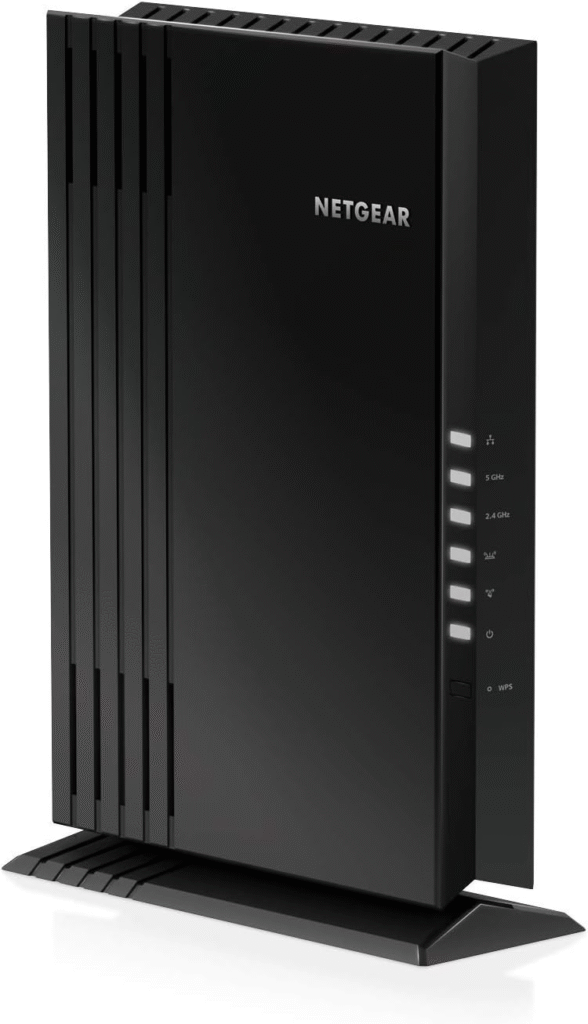
Next up, I tested what was basically the “middle ground”: the Netgear EAX20.
Specs:
- Wi‑Fi 6 standard with up to ~1800 Mbps
- Dual‑band support
- Ethernet port included
- Ideal for dense environments or smaller dead zones
Feels & Flaws:
This one was solid: setup was easy, coverage improvement was noticeable, and overall the signal strength was stable. My office got better, and I could finally kick back on video calls without panic. But truth be told, the range didn’t stretch as far as the TP‑Link. In the backyard, I still occasionally dropped to one bar.
For whom it’s good:
- Smaller homes or apartments
- Multi‑device households where basic extension is needed
- People who want Wi‑Fi 6 without spending big
Downside:
- Doesn’t push range as far
- If your Starlink router is in a weird corner, you might still have stubborn dead zones
Netgear’s extenders generally have good app support and are compatible with most routers, including Starlink, if you set them up carefully, though again, it’s not always foolproof.
ASUS RP‑AX58 — Gr for Gaming & High Loa

Last but not least, the ASUS RP‑AX58 arrived a few days later. I was especially curious because gaming performance was one of my priorities, my son often complains about lags during Minecraft or Fortnite sessions (yes, he blames the Wi
Specs:
- Wi‑Fi 6
- Coverage claimed: ~2200 sq ft
- AiMesh support, which can be great if you’re using other ASUS gear
Real‑World Impressions:
This thing felt fast. In the kid’s room, gaming felt smoother than with the EAX20, and latency seemed generally lower. However… coverage on the far patio wasn’t as great as the TP‑Link, and setup was slightly more convoluted with AiMesh toggles.
Best for:
- Gamers and streamers
- Users with existing ASUS network gear
- People who want a bit more control / customizing
Drawbacks:
- Harder to set up seamlessly if you’re not on the ASUS ecosystem
- Coverage was great but a bit inconsistent in brick homes
- Not cheap, which makes it hard to justify over TP‑Link for most users
Real Usage Scenarios — What I Experienced
Home Office & Work Calls
Putting the TP‑Link extender upstairs literally cut my call dropouts to zero. Before, I’d have pauses and frozen video… after, it was just smooth talk.
Gaming
The ASUS unit shined here, less jitter and lower ping spikes, but honestly, the TP‑Link wasn’t bad either for the casual players (under 50 ms on most nights).
Streaming & Outdoor Hangouts
This is where I felt the biggest difference. Starlink alone barely reached the shady patio. Add the TP‑Link or even the Netgear EAX20 in the hallway close to it? Suddenly 4–5 bars and buffer‑free Netflix outdoors… so worth it.
Competitors & Alternatives I Considered
I thought about going full mesh (e.g., TP‑Link Deco or Netgear Orbi), and if you have a really large space or separate buildings (like a detached workshop), that’s probably worth it. But for a single decent‑sized home? A dedicated extender worked fine as long as it supported Wi‑Fi 6 and didn’t fight with the Starlink router too much.
A few budget Wi‑Fi 5 extenders could be cheaper, but most of them barely improved coverage in my house due to thick walls and interference.
Purchase Context
I bought all my extenders from Amazon with Prime shipping, speed and ease made the trial‑and‑error less painful. Often there were discounts on the TP‑Link and Netgear models, which made the decision easier.
Update Note (6 Months Later)
After about three months of regular use, the TP‑Link RE715X has been the most reliable overall. The Netgear EAX20 is still in my parents’ house and working nicely, but the ASUS RP‑AX58 went back to Amazon after I realized I preferred broader coverage over slightly better latency for gaming.
Conclusion
Best Overall: TP‑Link RE715X
Excellent coverage and throughput
Worked best across all scenarios (office, backyard, calls)
OneMesh + Ethernet is a big plus
Pricier than bare‑bones extenders
Balanced Pick: Netgear EAX20
Solid everyday performanceEasier on the wallet
Slightly less range than I hoped
Gaming‑Focused: ASUS RP‑AX58
Great speed and latency for players
AiMesh support helpful if you have ASUS gear
Not as seamless with Starlink, and setup is a bit fiddly
If you want to just stretch Starlink’s Wi‑Fi without rewiring your whole house or buying a mesh system, one of these Wi‑Fi extenders can definitely help, just manage expectations: extenders rebroadcast what they receive, so speeds may be a fraction of what Starlink gives you at the router itself.