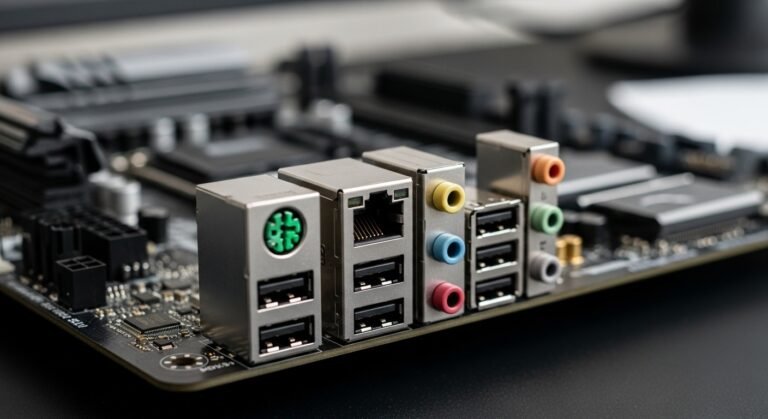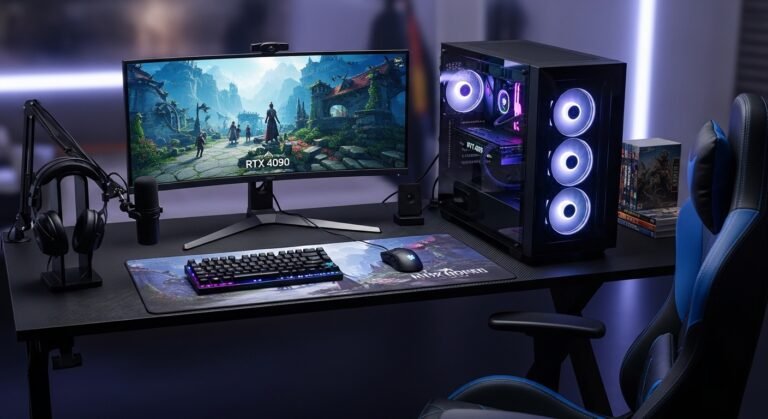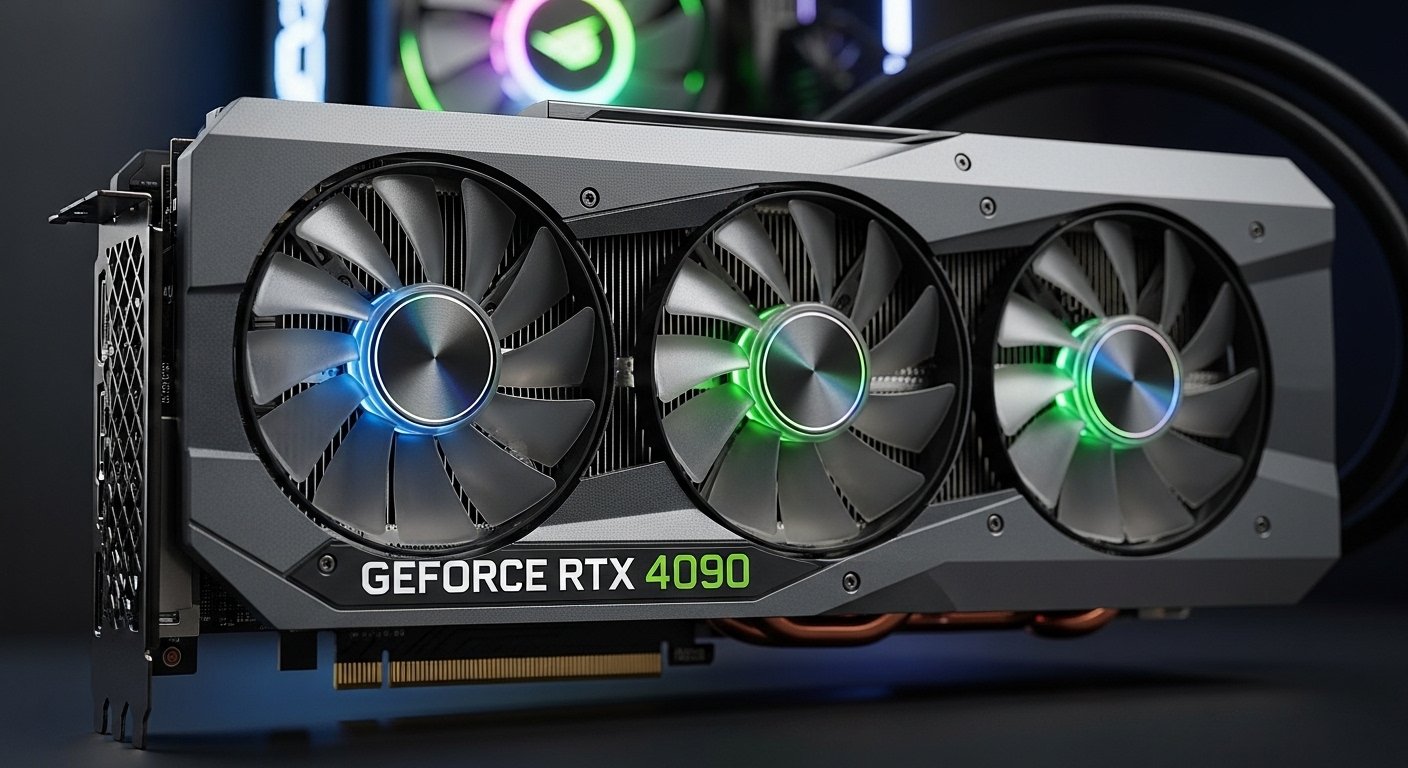
When I first started planning a high-end PC build recently, one question kept popping up everywhere: Does the RTX 4090 need a PCIe 5.0 motherboard?
It sounds like a simple yes-or-no question, but the deeper I looked, the more confusing the answers became. Some forums insisted that the newest GPU demanded the newest motherboard technology. Others claimed that older PCIe 4.0 boards were still perfectly fine.
So I did what most curious builders do, I started testing, reading benchmarks, and comparing real-world setups.
In my experience, the truth sits somewhere in the middle. The RTX 4090 is an incredibly powerful GPU, but that doesn’t automatically mean you must upgrade every other component in your PC. Understanding how PCIe technology works can save you money, avoid unnecessary upgrades, and help you build a balanced system.
In this article, I’ll walk through what PCIe 5.0 actually is, how the RTX 4090 uses PCIe bandwidth, and whether upgrading your motherboard is really necessary.
Understanding PCIe: The Connection Between GPU and Motherboard
Before answering the main question, it helps to understand what PCIe (Peripheral Component Interconnect Express) actually does.
Think of PCIe as the highway between your GPU and the rest of your system. The faster and wider the highway, the more data can travel between components.
Each generation of PCIe doubles the bandwidth of the previous one.
Here’s a simplified breakdown:
- PCIe 3.0: Up to about 16 GB/s on a x16 slot
- PCIe 4.0: Up to about 32 GB/s
- PCIe 5.0: Up to about 64 GB/s
On paper, PCIe 5.0 looks dramatically faster. But the real question is whether current GPUs actually need that extra bandwidth.
When I started researching this for my own build, I assumed the RTX 4090 would take advantage of PCIe 5.0. Surprisingly, that assumption turned out to be wrong.
The Key Fact: The RTX 4090 Uses PCIe 4.0
One detail many people miss is that the RTX 4090 is designed to run on PCIe 4.0 x16, not PCIe 5.0.
That means the card itself doesn’t actually use the newer interface.
When I first discovered this, I was skeptical. Surely the most powerful consumer GPU would require the newest connection standard, right?
But after checking specifications and benchmark comparisons, it became clear: PCIe 4.0 already provides more than enough bandwidth for the RTX 4090.
Even when installed in a PCIe 4.0 slot, the card can operate at full performance.
Real-World Testing: PCIe 4.0 vs PCIe 5.0
Theory is helpful, but real-world testing matters more.
During my research, I looked at benchmark comparisons between systems running the RTX 4090 on:
- PCIe 3.0
- PCIe 4.0
- PCIe 5.0
The results were surprisingly consistent.
Performance differences were extremely small.
In most gaming benchmarks, the difference between PCIe 4.0 and PCIe 5.0 was virtually zero. Even PCIe 3.0 only showed minor performance drops in some cases.
From a practical standpoint, that means upgrading to PCIe 5.0 does not noticeably increase RTX 4090 performance today.
When a PCIe 5.0 Motherboard Might Still Be Worth It
Even though the RTX 4090 doesn’t require PCIe 5.0, there are situations where a PCIe 5.0 motherboard can still make sense.
From what I’ve seen in recent builds, these are the most common reasons people upgrade.
1. Future GPU Compatibility
Technology evolves quickly.
While the RTX 4090 doesn’t need PCIe 5.0, future GPUs might. If you plan to keep your system for several years, a PCIe 5.0 motherboard can provide some future-proofing.
2. Faster Next-Generation SSDs
PCIe 5.0 storage is starting to appear on the market.
These drives can reach extremely high speeds compared to older NVMe SSDs. If ultra-fast storage matters for workloads like video editing or large data transfers, PCIe 5.0 support could be useful.
3. Modern Platform Features
Most PCIe 5.0 motherboards also come with newer platform features, such as:
- DDR5 memory support
- Better power delivery systems
- More USB connectivity
- Improved networking options
In other words, PCIe 5.0 often comes bundled with other upgrades.
Situations Where You Don’t Need PCIe 5.0
For many builders, upgrading the motherboard simply isn’t necessary.
If your system already has a good PCIe 4.0 motherboard, you’re probably fine.
In my experience, RTX 4090 users typically keep their existing motherboard when it has:
- A PCIe 4.0 x16 slot
- A compatible CPU platform
- A strong power supply
- Enough case space for the GPU
In these situations, the GPU upgrade alone can deliver huge performance gains without changing the motherboard.
Practical Tips Before Installing an RTX 4090
When helping friends install large GPUs, I’ve learned that motherboard compatibility isn’t the only thing to consider.
Here are a few practical checks that can save you trouble later.
1. Check GPU Clearance in Your Case
The RTX 4090 is enormous.
Many models exceed 320 mm in length, which can cause problems in smaller cases.
Before buying, confirm your case supports long GPUs.
2. Make Sure Your Power Supply Is Strong Enough
Most RTX 4090 systems require at least:
- 850W power supply
- Proper PCIe power connectors
Skipping this step can lead to system instability.
3. Update Your Motherboard BIOS
If you’re using an older motherboard, updating the BIOS ensures proper compatibility with newer hardware.
It’s a quick step that avoids potential headaches.
4. Ensure Good Airflow
High-end GPUs generate serious heat.
Good airflow is essential for stable performance. Adding extra case fans can make a noticeable difference.
The Biggest Lesson I Learned While Researching This
One thing became very clear during my testing and reading: hardware marketing often makes upgrades sound more necessary than they really are.
New technology like PCIe 5.0 is exciting, but it doesn’t always translate into real-world benefits immediately.
For the RTX 4090, the bottleneck simply isn’t the PCIe connection. The GPU already runs comfortably within PCIe 4.0 bandwidth limits.
That means your focus should be on building a balanced system rather than chasing the newest specification.
Final Thoughts: Does the RTX 4090 Need a PCIe 5.0 Motherboard?
After researching specifications, reviewing benchmarks, and comparing real-world builds, the answer is clear.
No, the RTX 4090 does not need a PCIe 5.0 motherboard.
PCIe 4.0 provides more than enough bandwidth for the card to perform at its full potential.
However, a PCIe 5.0 motherboard can still be useful if you want:
- Future upgrade flexibility
- Access to the latest platform features
- Support for upcoming PCIe 5.0 SSDs
For most builders, though, upgrading solely for PCIe 5.0 isn’t necessary.
Instead, focus on the things that actually impact performance:
- A strong CPU
- Adequate cooling
- A reliable power supply
- Good airflow
When those pieces come together, the RTX 4090 can truly shine.
And sometimes, the smartest upgrade isn’t the newest one, it’s the one that fits your system best..
Amazon Affiliate Disclaimer
As an Amazon Associate, I earn from qualifying purchases. This means I may receive a small commission if you buy through links on this page, at no extra cost to you.