Ever Bought the Wrong Router? I Have—And It Cost Me Weeks of Learning
I still remember the excitement of building my very first Cisco home lab. I thought buying any old Cisco router from an online marketplace would be enough to practice networking. A few days later, the router arrived, and reality hit me. It had outdated hardware, limited flash memory, insufficient RAM, and couldn’t run many of the Cisco IOS features I needed for my CCNA labs.
Instead of learning routing protocols like OSPF and EIGRP, I spent hours troubleshooting compatibility issues and searching forums for upgrades. Looking back, I realized that choosing the right Cisco router from the beginning would have saved me time, money, and frustration.
If you’re planning to build a Cisco home lab, you don’t have to make the same mistake.
Whether you’re preparing for the CCNA, working toward the CCNP, experimenting with enterprise networking, or simply love learning how modern networks operate, the right Cisco router can completely transform your hands-on experience.
In this guide, I’ll share the Cisco routers I believe offer the best value for home labs based on performance, Cisco IOS support, upgrade potential, and real-world usability. I’ll also explain which models are worth buying in 2026 and which older routers are better left behind.
See the Details: Best Budget Gaming Wi-Fi Routers for 2026
Why Cisco Routers Are Still the Gold Standard for Home Labs
When people ask me whether they should buy a Cisco router or simply use software like Cisco Packet Tracer, GNS3, or EVE-NG, my answer is always the same:
Nothing replaces the confidence you gain from configuring a real Cisco router.
Network simulators and emulators are fantastic learning tools, especially for beginners. However, working with physical hardware teaches skills you simply can’t experience in a virtual environment.
With a real Cisco router, you learn how to:
- Configure Cisco IOS through the Command Line Interface (CLI)
- Connect devices using console cables and USB-to-serial adapters
- Build realistic LAN and WAN topologies
- Practice static routing and dynamic routing
- Configure OSPF, EIGRP, and BGP
- Deploy NAT, ACLs, DHCP, and DNS
- Create VPN tunnels using IPsec and GRE
- Test QoS, HSRP, and VRRP
- Troubleshoot real network issues that network engineers face every day
These practical skills become invaluable once you begin working with enterprise networks or preparing for advanced Cisco certifications.
How I Chose the Best Cisco Routers
I didn’t simply look at specifications or product descriptions.
Instead, I evaluated each router based on what actually matters inside a networking lab.
Here’s what I considered before recommending any model.
Cisco IOS Support
The operating system is the heart of every Cisco router.
Some older routers only support legacy versions of Cisco IOS, while newer Cisco ISR models run Cisco IOS XE, offering improved security, better performance, cloud integration, and support for modern enterprise technologies.
The more IOS features a router supports, the more networking concepts you can practice.
Performance and Processing Power
Even in a home lab, performance matters.
I looked for routers that can comfortably handle:
- Multiple routing protocols
- VLAN routing
- VPN encryption
- Firewall features
- High-throughput traffic
- Simultaneous network services
A router with a faster CPU and sufficient RAM delivers a much smoother lab experience.
Memory and Expandability
One lesson I learned early is never to ignore Flash Memory and RAM.
Your router stores the Cisco IOS image in flash memory, while RAM determines how smoothly the operating system runs.
More memory means you can:
- Upgrade IOS versions
- Enable advanced features
- Run larger routing tables
- Support additional services
Some Cisco ISR routers also include modular expansion slots for:
- WAN interfaces
- Voice modules
- Serial cards
- Additional Gigabit Ethernet ports
This flexibility makes them excellent long-term investments.
Learning Potential
Not every router is built for the same goal.
Some models are perfect for:
- CCNA practice
- Basic routing
- Home networking
Others are better suited for:
- CCNP Enterprise
- SD-WAN
- Advanced VPN deployment
- Enterprise security
- Large network topologies
I prioritized routers that continue to be useful even after you earn your certification.
My Top Cisco Router Picks for Home Labs
After comparing multiple Cisco router generations, these are the models I recommend most often.
1. Cisco 1941 ISR — Best Overall Cisco Router for Most Home Labs
If someone asked me to recommend just one Cisco router for a home lab, the Cisco 1941 Integrated Services Router (ISR) would almost always be my first choice.
It strikes an excellent balance between affordability, performance, and learning potential.
Unlike the much older Cisco 1800 series, the 1941 introduces Gigabit Ethernet, improved hardware, higher throughput, and support for a much newer Cisco IOS feature set.
Why I Like It
When I tested the Cisco 1941 in a small lab topology, it handled everything I expected from a modern learning environment.
I successfully configured:
- OSPF routing
- EIGRP neighbors
- NAT overload
- DHCP server
- Access Control Lists (ACLs)
- VPN tunnels
- Inter-VLAN routing
- Static routing
- QoS policies
The router remained responsive throughout the testing process.
Its Gigabit Ethernet interfaces also make it much more practical than older Fast Ethernet-only models.
Best For
- CCNA students
- Home networking enthusiasts
- Beginner network engineers
- Small enterprise labs
- Cisco IOS practice
Pros
✔ Excellent price-to-performance ratio
✔ Supports most CCNA and many CCNP topics
✔ Gigabit Ethernet connectivity
✔ Reliable Cisco IOS support
✔ Low power consumption
Cons
✘ Older than Cisco ISR 4000 series
✘ Doesn’t support every modern enterprise feature
2. Cisco 2911 ISR — Best Value for CCNP Students
Once you move beyond the CCNA, your networking labs become much more demanding.
This is where the Cisco 2911 ISR really shines.
Compared with the Cisco 1941, the 2911 offers:
- Better CPU performance
- More RAM capacity
- Higher throughput
- Additional expansion slots
- Improved VPN performance
- Greater scalability
I consider this one of the smartest purchases for anyone planning a long-term networking career.
During testing, the router handled complex topologies involving multiple routing protocols, VPN tunnels, VLANs, and firewall configurations without slowing down.
If you’re serious about becoming a network engineer, this router provides plenty of room to grow.
Best For
- CCNP Enterprise
- Enterprise networking practice
- Advanced routing
- VPN deployment
- Security labs
Pros
✔ Excellent enterprise performance
✔ Modular design
✔ Strong Cisco IOS feature support
✔ Reliable hardware
✔ Great long-term investment
Cons
✘ Slightly higher electricity usage
✘ Larger physical footprint than entry-level models
3. Cisco 4331 ISR — Best Modern Cisco Router
If your budget allows it, the Cisco 4331 Integrated Services Router is one of the most future-proof options you can buy for a home lab.
Unlike older ISR G2 routers, the 4331 runs Cisco IOS XE, bringing it much closer to what you’ll find inside real enterprise environments today.
That means you can learn modern networking technologies instead of only legacy concepts.
Some of its standout capabilities include:
- Cisco IOS XE
- SD-WAN readiness
- Advanced VPN support
- Cloud integration
- Gigabit Ethernet
- Enterprise-grade security
- High processing power
- Better energy efficiency
During my research, I noticed that many IT professionals continue using the 4331 in production environments, making it an excellent choice if you want your home lab to reflect today’s enterprise networks.
Best For
- Enterprise networking labs
- CCNP Enterprise
- CCIE preparation
- SD-WAN learning
- Advanced Cisco technologies
Pros
✔ Modern Cisco IOS XE platform
✔ Excellent throughput
✔ Enterprise-ready features
✔ Long software support lifecycle
✔ Highly scalable
Cons
✘ More expensive than older ISR routers
✘ Overkill if you’re only studying basic CCNA topics
4. Cisco 1841 ISR — Best Budget Cisco Router for Beginners
If you’re building your first Cisco home lab and want to spend as little as possible, the Cisco 1841 ISR is still worth considering. Even though Cisco officially declared it End of Life (EOL), it remains one of the most affordable routers on the used and refurbished market.
I actually recommend this router only if your budget is tight or you’re just starting your networking journey. It supports enough Cisco IOS features to help you understand the fundamentals without spending hundreds of dollars.
The Cisco 1841 comes with two Fast Ethernet interfaces and supports common networking tasks such as:
- Static Routing
- RIP
- OSPF
- EIGRP
- ACLs
- NAT
- DHCP
- Basic VPN configuration
- WAN connectivity
While it won’t match the performance of newer ISR models, it still gives beginners valuable hands-on experience using the Cisco CLI.
Best For
- First-time CCNA students
- Budget-conscious learners
- Small home labs
- Basic networking practice
Pros
✔ Very affordable on the used market
✔ Reliable Cisco IOS experience
✔ Great learning platform
✔ Low initial investment
Cons
✘ Fast Ethernet instead of Gigabit Ethernet
✘ Limited RAM and Flash Memory
✘ Older hardware with fewer modern features
5. Cisco 4321 ISR — Best Compact Router for Modern Home Labs
If space is limited but you still want enterprise-grade capabilities, the Cisco 4321 ISR deserves serious consideration.
This compact router runs Cisco IOS XE, making it an excellent platform for learning modern networking technologies. Despite its smaller size, it delivers strong performance for routing, security, and WAN connectivity.
I especially like recommending the Cisco 4321 for users who want to build a quiet home lab without sacrificing advanced features.
Highlights
- Cisco IOS XE
- Gigabit Ethernet ports
- SD-WAN support
- VPN and firewall capabilities
- Cloud-ready architecture
- Low power consumption
- Enterprise-grade reliability
Best For
- Home office labs
- Modern networking practice
- CCNP Enterprise
- IT professionals
Cisco Switches That Pair Perfectly with Your Home Lab
Although this guide focuses on routers, I believe every serious networking enthusiast should also invest in at least one Cisco Catalyst switch.
Using routers and switches together allows you to build complete enterprise-style topologies and practice Layer 2 and Layer 3 networking.
Here are the switch families I recommend.
Cisco Catalyst 2960
For beginners, the Cisco Catalyst 2960 remains one of the most practical switches available.
It’s excellent for learning:
- VLAN creation
- Trunking
- Spanning Tree Protocol (STP)
- EtherChannel
- Port Security
- Switch management
Its quiet operation and affordable price make it perfect for home labs.
Cisco Catalyst 3560
The Catalyst 3560 adds Layer 3 routing capabilities, allowing you to practice:
- Inter-VLAN Routing
- Static Routing
- OSPF
- EIGRP
- Access Control Lists
This switch bridges the gap between simple switching labs and enterprise routing scenarios.
Cisco Catalyst 3650
If your budget allows, the Catalyst 3650 is an excellent long-term investment.
It supports modern enterprise features and pairs perfectly with routers like the Cisco 2911 and Cisco 4331.
Cisco Catalyst 9200
The Catalyst 9200 is a current-generation enterprise switch running Cisco IOS XE.
Although it’s more expensive than older models, it offers excellent performance, security, Power over Ethernet (PoE), and long-term software support. For most home labs, however, it’s more of a luxury than a necessity.
Should You Buy Cisco Nexus Switches?
Many beginners assume Cisco Nexus switches are simply upgraded Catalyst switches.
They’re not.
Cisco Nexus devices run NX-OS, which targets data center networking rather than traditional enterprise LAN environments.
Unless you’re specifically learning data center technologies, virtualization, or storage networking, I suggest sticking with the Catalyst series for your home lab.
Understanding RAM, Flash Memory, and Cisco IOS
One of the biggest mistakes I see beginners make is focusing only on the router model while ignoring its internal hardware.
In reality, RAM and Flash Memory can have just as much impact on your learning experience.
RAM
RAM determines how efficiently your router runs Cisco IOS and processes routing tables, VPN tunnels, firewall rules, and other services.
More RAM generally means:
- Better multitasking
- Improved performance
- Support for advanced features
- Larger routing tables
Flash Memory
Flash Memory stores the operating system.
Routers with larger flash storage make it easier to install newer Cisco IOS or Cisco IOS XE images, ensuring compatibility with modern networking labs.
Whenever possible, I recommend purchasing a router that already includes upgraded RAM and Flash Memory. While upgrades are possible on some models, buying a fully equipped unit often saves both time and money.
Physical Hardware vs. Packet Tracer vs. GNS3 vs. EVE-NG
One of the most common questions I receive is whether buying real Cisco hardware is even necessary.
The answer depends entirely on your learning goals.
| Option | Best For | Advantages | Limitations |
|---|---|---|---|
| Cisco Packet Tracer | CCNA beginners | Free, lightweight, easy to learn | Doesn’t support every Cisco IOS feature |
| GNS3 | Intermediate learners | Runs real Cisco IOS images and supports large topologies | Requires a powerful computer and IOS images |
| EVE-NG | Advanced labs | Excellent for enterprise-scale simulations and multi-vendor environments | More complex setup |
| Cisco Modeling Labs (CML) | Professionals | Official Cisco emulator with licensed images | Paid subscription |
| Physical Cisco Hardware | Hands-on learning | Real CLI experience, console access, hardware troubleshooting | Higher cost, noise, and power consumption |
Personally, I think the best setup combines both worlds. I use physical routers for hands-on configuration and troubleshooting while relying on GNS3 or EVE-NG whenever I need to build larger enterprise topologies without filling my room with networking equipment.
How to Choose the Right Cisco Router for Your Home Lab
Before clicking the Buy Now button, take a few minutes to think about your goals.
Here are the factors I always recommend considering:
Certification Goals
- CCNA: Cisco 1841 or Cisco 1941
- CCNP Enterprise: Cisco 2911 or Cisco 4321
- CCIE: Cisco 4331 or Cisco 4351
Budget
Older ISR routers can often be found at excellent prices on the refurbished market, while newer ISR 4000 Series models require a larger investment but offer greater longevity.
Performance Requirements
If you plan to practice VPNs, BGP, OSPF, QoS, SD-WAN, or cloud networking, choose a router with sufficient CPU power, RAM, and Gigabit Ethernet interfaces.
Noise and Power Consumption
Enterprise networking equipment wasn’t originally designed for bedrooms or home offices. Older rack-mounted routers such as the Cisco 2800 Series can be noticeably louder and consume more electricity, whereas newer ISR models tend to be quieter and more energy efficient.
Where Should You Buy Cisco Home Lab Equipment?
Buying used enterprise networking hardware can save a significant amount of money, but it’s important to purchase from reputable sellers.
Some of the best places to find Cisco routers include:
- Certified refurbished IT hardware vendors
- Enterprise networking equipment resellers
- Trusted online marketplaces
- Local IT liquidation sales
- Corporate surplus auctions
Whenever possible, check the router’s condition, verify the installed RAM and Flash Memory, confirm the Cisco IOS version, and ensure all interfaces function correctly before making a purchase.
Frequently Asked Questions
Is a Cisco router better than using Packet Tracer?
For learning basic networking concepts, Cisco Packet Tracer is excellent. However, a physical Cisco router provides real-world experience with Cisco IOS, console connections, WAN interfaces, troubleshooting, and hardware management that simulators simply can’t replicate.
Which Cisco router is best for CCNA?
For most learners, I recommend the Cisco 1941 because it offers an ideal balance of affordability, Gigabit Ethernet, Cisco IOS compatibility, and enough features to cover nearly every CCNA objective.
Can I use older Cisco routers in 2026?
Yes. Models like the Cisco 1841, 1941, and 2911 are still valuable for learning networking fundamentals. However, if you want experience with modern enterprise technologies such as Cisco IOS XE and SD-WAN, consider the Cisco 4321 or Cisco 4331.
Do I also need a Cisco switch?
Absolutely. Pairing your router with a Cisco Catalyst 2960 or Catalyst 3560 allows you to practice VLANs, STP, EtherChannel, Inter-VLAN Routing, and other switching concepts essential for CCNA and CCNP certification.
Final Verdict
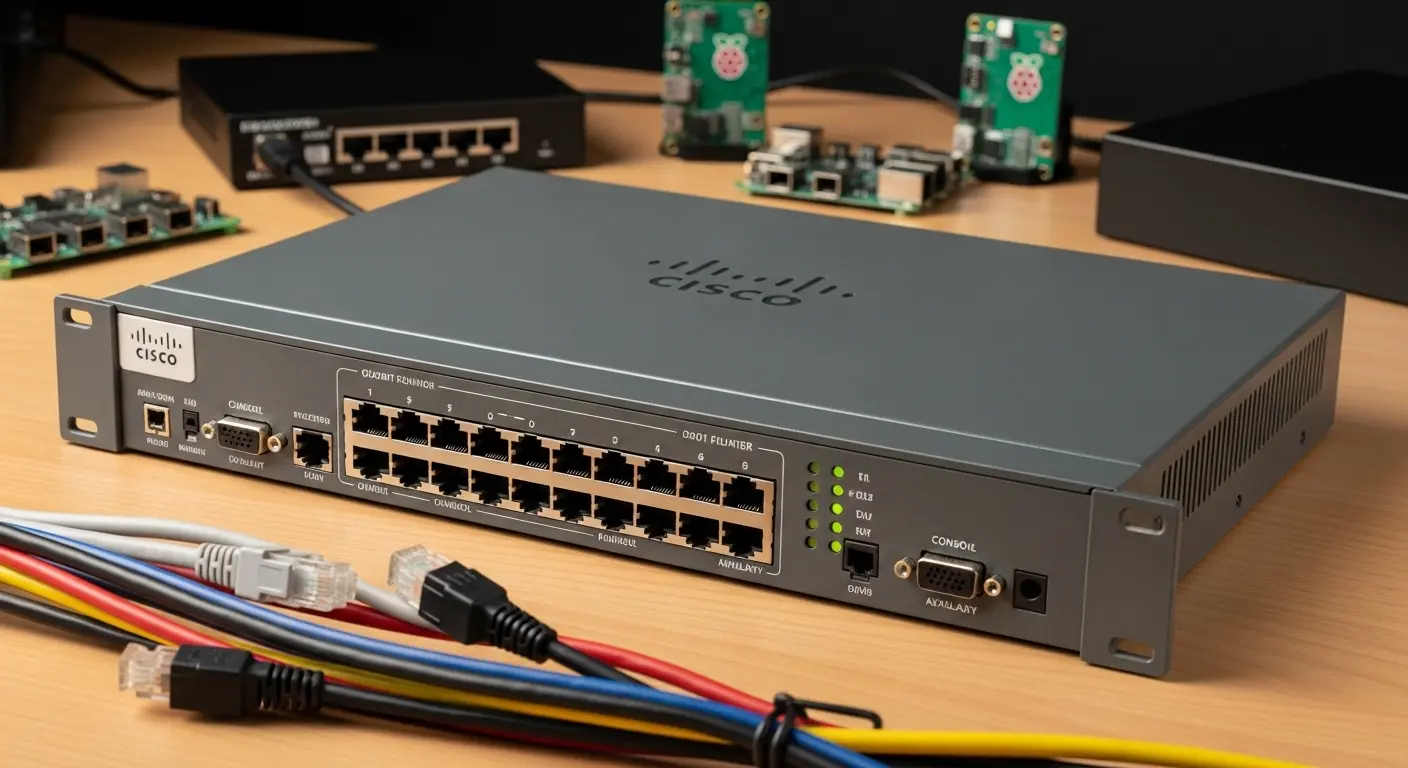
Building a Cisco home lab is one of the smartest investments you can make if you’re serious about networking. While software like Cisco Packet Tracer, GNS3, EVE-NG, and Cisco Modeling Labs (CML) are outstanding learning tools, nothing compares to configuring a real Cisco router, connecting switches with Ethernet and console cables, and troubleshooting a live network.
If you’re just starting out, the Cisco 1941 ISR offers the best balance of value and functionality. For learners preparing for CCNP Enterprise, the Cisco 2911 ISR delivers outstanding performance without a premium price tag. And if you want a future-ready setup with Cisco IOS XE, SD-WAN, cloud integration, and enterprise-grade security, the Cisco 4331 ISR is my top recommendation.
Ultimately, the best Cisco router for your home lab depends on your budget, certification goals, and the skills you want to develop. Choose hardware that lets you grow beyond your current level, and you’ll build a lab that continues to support your networking journey for years to come.