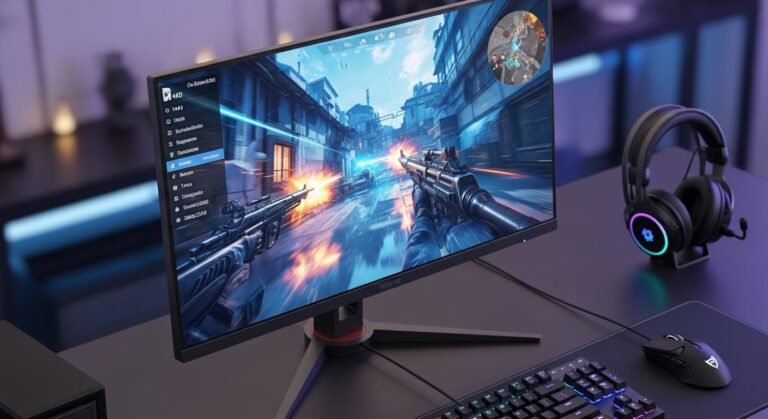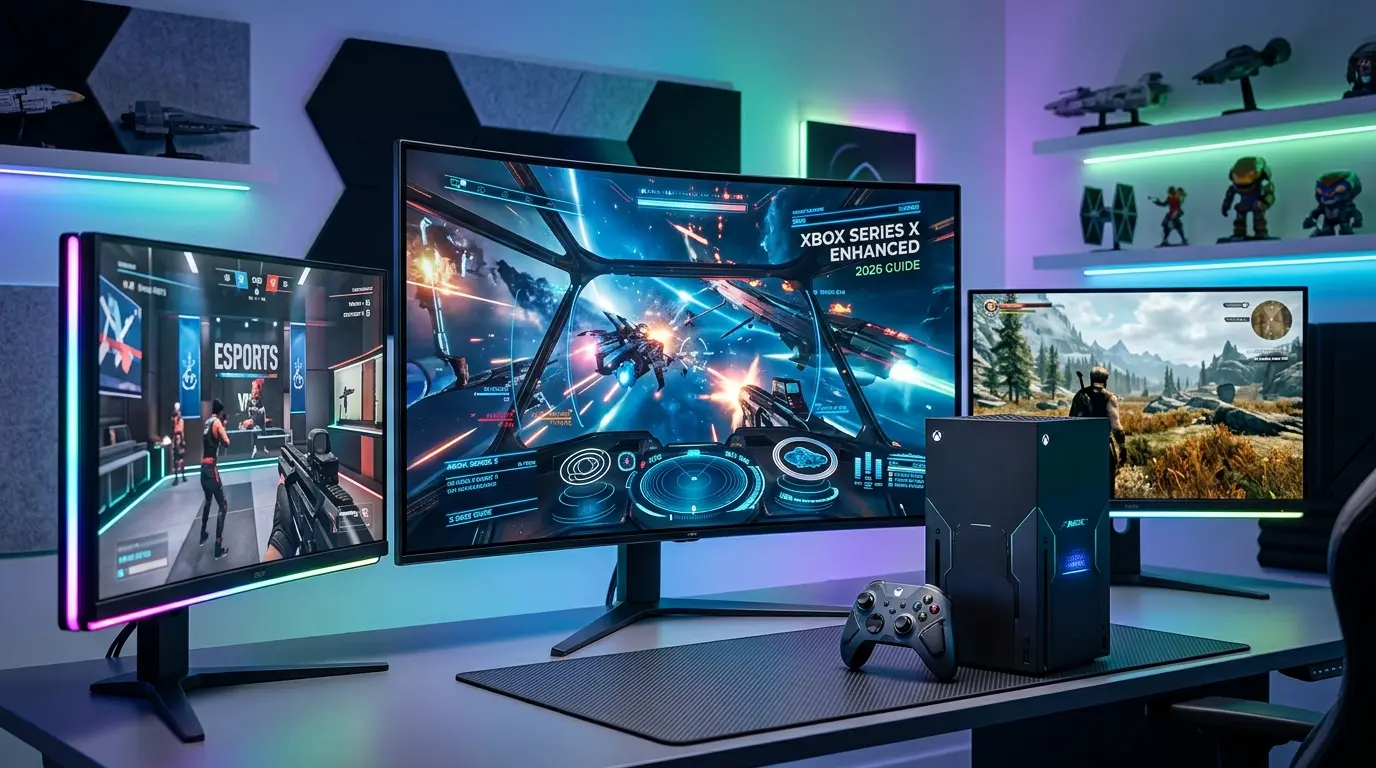
The other night, I fired up my Xbox Series X, ready to finally enjoy smooth 120Hz gameplay… but something felt off. The graphics looked okay, but not wow. Input felt slightly delayed. Colors weren’t popping like they should. That’s when it hit me, my monitor was holding everything back.
If you’re here, chances are you’re facing the same thing. You’ve got a powerful console, but your display isn’t doing it justice. And honestly, that’s frustrating. So I decided to fix it, I tested multiple monitors, compared specs, and looked at real performance. In this guide, I’ll walk you through the best gaming monitors for Xbox Series X, based on actual experience, not just specs on paper.
Overview: Why Your Monitor Matters More Than You Think
A few months ago, my sister surprised me with a gaming monitor for my birthday. At first, I thought, “A monitor is just a monitor, right?”
Wrong.
Switching from a basic 60Hz screen to a proper gaming monitor completely changed how my games felt — smoother motion, sharper visuals, faster response. It honestly felt like upgrading the console itself.
After testing different displays — 1080p, 1440p, 4K, 60Hz vs 144Hz — one thing became clear:
👉 The Xbox Series X is insanely powerful, but only if your monitor can keep up.
🎯 Quick Tips for Shopping
- Go for 4K resolution if you want the best visuals
- Look for 120Hz refresh rate (minimum for smooth gameplay)
- Make sure it supports HDMI 2.1 for full console performance
- Check low input lag & fast response time (1ms–5ms)
- HDR support helps, but not all HDR is equal
- IPS panels = better colors, VA = better contrast
🖥️ Product Reviews
1. LG UltraGear 27GP950-B
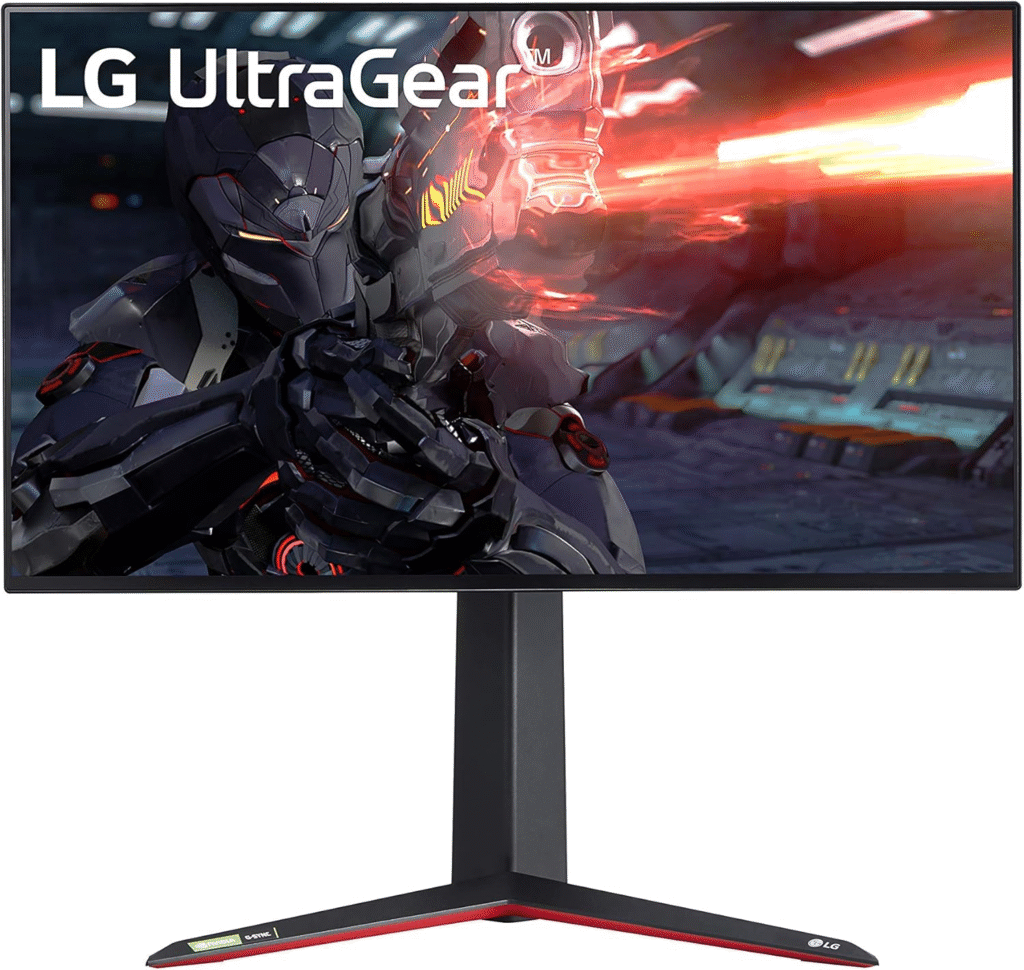
The LG UltraGear 27GP950-B is one of those monitors that instantly makes you go, “Okay, this is next-level.” LG’s UltraGear lineup is known for performance, and this model fully delivers for Xbox gamers. It’s a 27-inch 4K monitor with a 144Hz refresh rate and HDMI 2.1 support, meaning your Xbox Series X can finally stretch its legs. The colors are vibrant thanks to the Nano IPS panel, and response time feels incredibly snappy.
Key Features & Performance
Gaming on this monitor feels insanely smooth, especially in fast-paced shooters like Call of Duty. The 1ms response time reduces blur, while HDR600 adds depth (though honestly, HDR could be better). For long sessions, the screen remains comfortable, and the build quality feels premium. It’s sturdy, adjustable, and looks clean on any desk.
Summary
A powerful 4K gaming monitor that fully unlocks Xbox Series X performance. Smooth, vibrant, and built for serious gamers.
Strengths:
- True 4K + 144Hz + HDMI 2.1
- Excellent color accuracy
- Fast response time
Weaknesses:
- Expensive
- HDR performance is decent, not amazing
2. Gigabyte M28U
The Gigabyte M28U surprised me, in a good way. It’s often considered one of the best value 4K monitors for console gaming. It offers 4K resolution with 144Hz refresh rate and HDMI 2.1, making it perfect for Xbox Series X. The 28-inch screen gives slightly more real estate than 27-inch models, which I actually enjoyed more than expected.
Key Features & Performance
Performance-wise, it’s super responsive, with low input lag and solid motion handling. Colors are good (not as rich as LG’s Nano IPS), but still impressive for the price. What stood out to me was how well-balanced it felt, not flashy, but very reliable.
Summary
A budget-friendly 4K gaming monitor that delivers excellent performance without cutting too many corners.
Strengths:
- Great value for money
- HDMI 2.1 support
- Low input lag
Weaknesses:
- Average HDR
- Speakers are weak
About More: Best Monitors for PS5
3. ASUS TUF Gaming VG28UQL1A
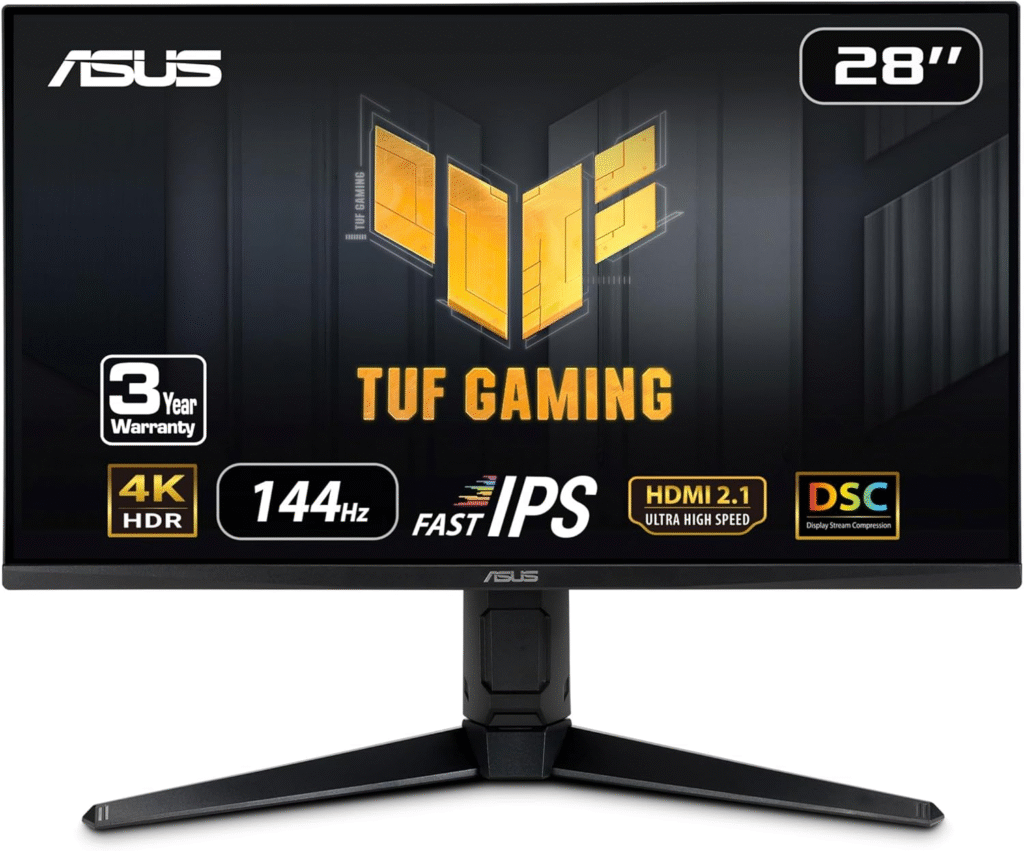
The ASUS TUF Gaming VG28UQL1A is built like a tank, literally feels durable and dependable. ASUS designed this for gamers who want performance and reliability. It supports 4K at 144Hz with HDMI 2.1, making it fully compatible with Xbox Series X features like VRR (Variable Refresh Rate).
Key Features & Performance
Gameplay feels incredibly smooth, especially with VRR enabled. no screen tearing, no stuttering. The ELMB (Extreme Low Motion Blur) tech helps keep visuals sharp during fast action. It’s not the most color-accurate monitor out there, but for competitive gaming? It’s amazing.
Summary
A performance-focused gaming monitor with excellent motion clarity and durability.
Strengths:
- Smooth gameplay with VRR
- Strong build quality
- Low motion blur
Weaknesses:
- Colors slightly less vibrant
- Design is a bit bulky
About More: Best Monitors for Eye Strain
4. Samsung Odyssey G7 (1440p Option)
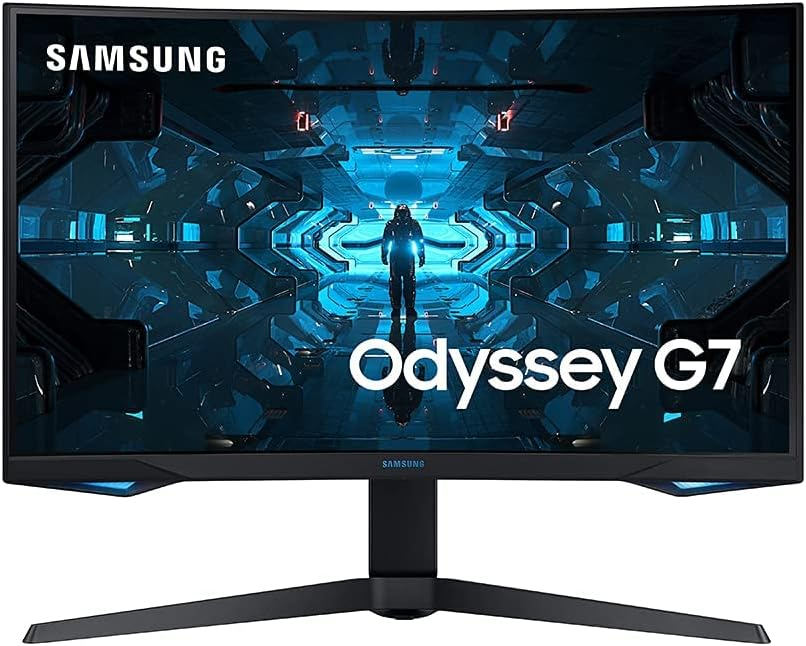
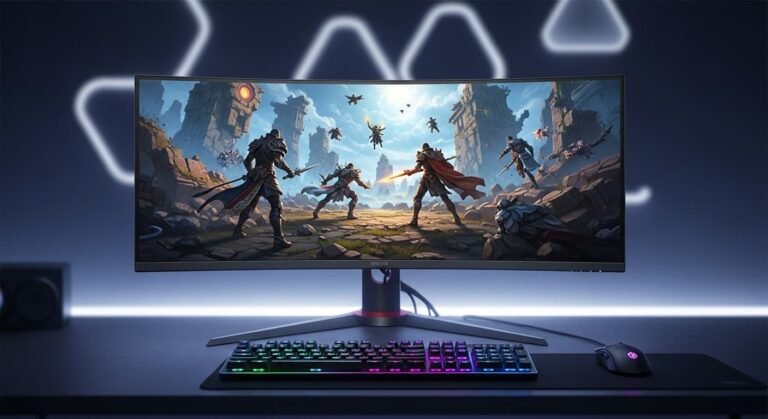
If you don’t want to go full 4K, the Samsung Odyssey G7 is a beast at 1440p. It features a 240Hz refresh rate, which is honestly overkill for console — but still makes everything feel ultra-smooth. The curved design pulls you into the game, which I didn’t expect to like as much as I did.
Key Features & Performance
The VA panel gives deep blacks and strong contrast, perfect for darker games like Resident Evil. Motion handling is excellent, and input lag is very low. However, Xbox Series X doesn’t fully utilize 240Hz, so you’re mostly benefiting from smoothness and responsiveness.
Summary
A high-refresh-rate 1440p monitor that’s immersive and fast, even if slightly overpowered for console use.
Strengths:
- Extremely smooth performance
- Deep contrast and blacks
- Immersive curved display
Weaknesses:
- Not true 4K
- Curve isn’t for everyone
⚡ Quick Picks
- Best Overall: LG UltraGear 27GP950-B
- Best Value: Gigabyte M28U
- Best for Competitive Gaming: ASUS TUF VG28UQL1A
- Best 1440p Option: Samsung Odyssey G7
❓ FAQs
1. Do I really need HDMI 2.1 for Xbox Series X?
Yes, if you want 4K at 120Hz, HDMI 2.1 is essential. Without it, you’ll be limited.
2. Is 1440p good enough for Xbox Series X?
Honestly, yes. 1440p still looks sharp and allows higher frame rates. But 4K is definately more detailed.
3. What refresh rate is best?
At least 120Hz. Anything higher is nice, but Xbox won’t fully use it.
4. Is HDR important?
It helps with visuals, but many monitors have “fake” HDR. Look for HDR600 or higher if possible.
5. Can I use a TV instead?
Yes, but monitors usually offer lower input lag, which is better for competitive gaming.
🧾 Final Summary
Choosing the best gaming monitor for your Xbox Series X isn’t just about specs, it’s about how the games feel. After testing multiple options, I can say this: upgrading your monitor can completely transform your gaming experience.
If you want the best overall experience, go with the LG UltraGear. If you’re saving money, Gigabyte M28U is a solid pick. And if you’re into competitive play, ASUS TUF won’t disappoint.
Oh, and one more thing… don’t wait too long. These monitors often go on sale on platforms like Amazon, especially during seasonal discounts worth keeping an eye on.
⚠️ Amazon Affiliate Disclaimer
As an affiliate, I may earn a small commission from qualifying purchases made through links, at no extra cost to you. This helps support honest reviews like this.