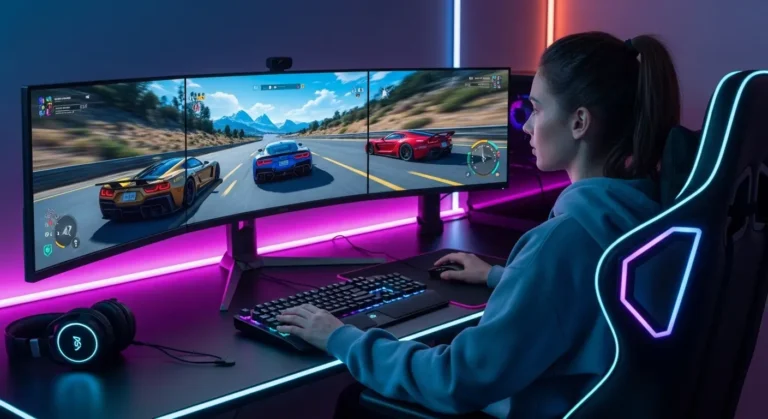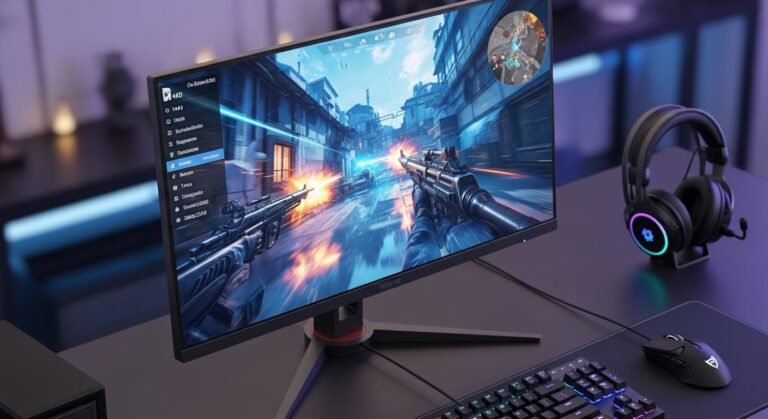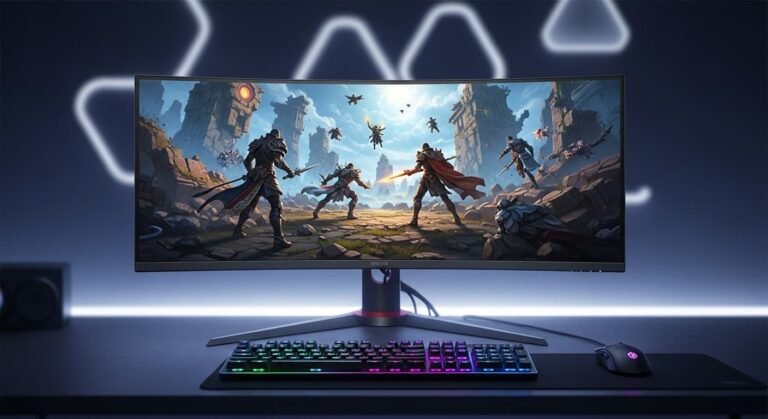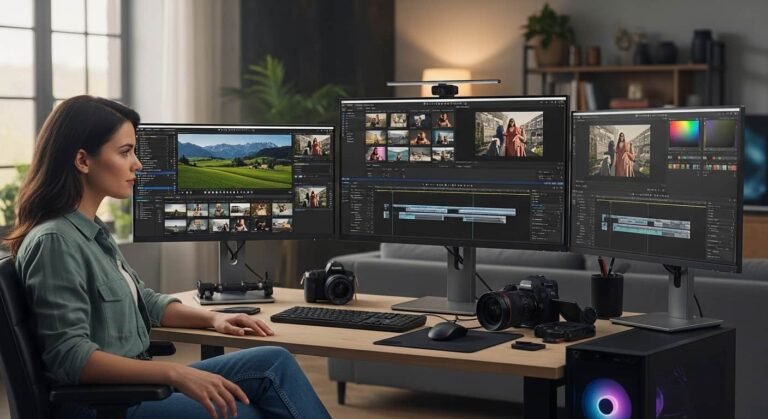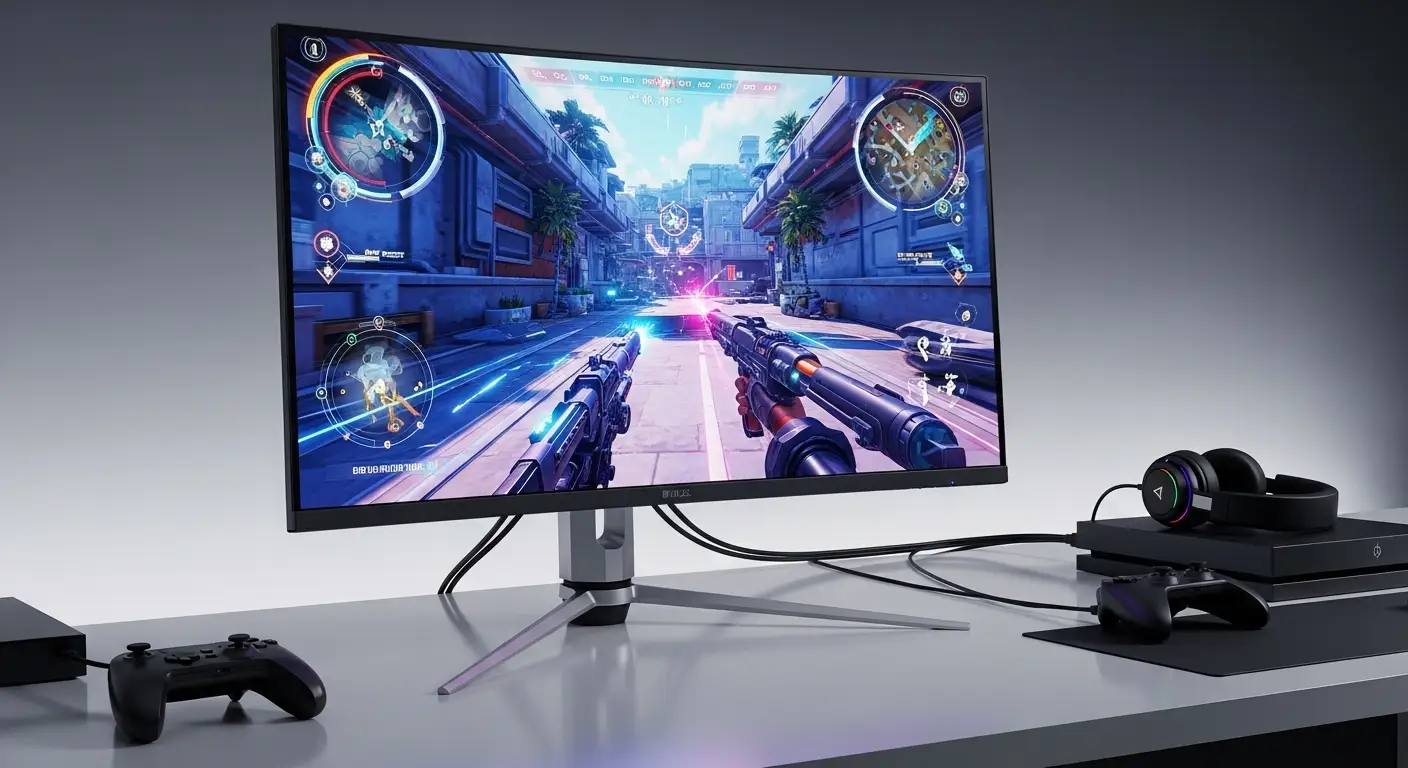
A few months ago, I upgraded my console setup expecting jaw-dropping performance, 4K resolution, 120Hz gameplay, ultra-smooth motion. Instead, my old monitor bottlenecked everything. No HDMI 2.1, capped refresh rate, washed-out HDR. I wasn’t actually seeing what my PS5 and Xbox Series X were capable of.
That frustration pushed me to test, compare, and research the best console gaming monitors available right now. I wanted something that could truly unlock 4K at 120Hz (or higher), deliver near-instant response times, and support modern console features like VRR and HDMI 2.1.
Overview
Right now, the strongest all-around console gaming monitor is the ASUS ROG Swift OLED PG27UCDM. It’s a 27-inch 4K QD-OLED panel with a blazing 240Hz refresh rate, extremely fast response time, and full HDMI 2.1 compatibility for PlayStation 5 and Xbox Series X.
If you prefer a larger curved screen, the Dell Alienware AW3225QF delivers immersive 32-inch 4K gaming at 240Hz with excellent HDR performance. For brighter rooms, the ASUS ROG Strix OLED XG32UCWMG stands out thanks to its improved brightness handling and dual refresh mode. And for gamers who want OLED speed at a slightly lower price, the Dell Alienware AW2725Q is a compelling alternative.
To get the best performance from PS5 or Xbox Series X, I always recommend 4K resolution, at least 120Hz refresh rate, and HDMI 2.1 support, all of which these monitors provide.
Best Console Gaming Monitors – In-Depth Reviews
I’ve broken these down based on real-world console performance, HDR quality, input responsiveness, and overall value.
ASUS ROG Swift OLED PG27UCDM
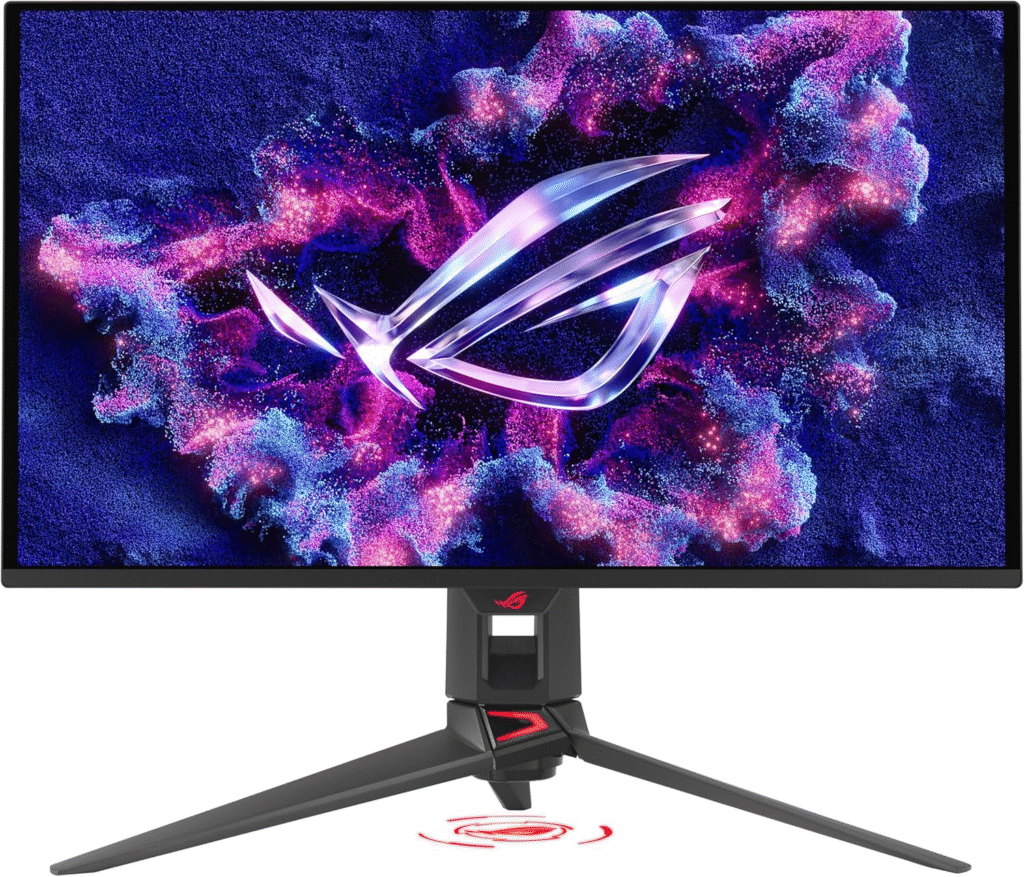
If I had to pick one monitor that fully unleashes modern consoles, this would be it. The PG27UCDM combines 4K resolution with a 240Hz refresh rate and QD-OLED technology, delivering exceptional contrast, vivid colors, and near-instant pixel response.
For PS5 and Xbox Series X, HDMI 2.1 ensures 4K at 120Hz support with VRR. Motion clarity feels almost instantaneous, especially in fast-paced shooters. HDR content looks stunning thanks to deep blacks and strong highlight detail. It also includes Dolby Vision support and a built-in KVM switch, which is great if you’re using both a console and PC.
The only drawback is cost, it’s undeniably premium. But performance-wise, this monitor leaves very little on the table.
Pros
- 4K QD-OLED panel with incredible contrast
- 240Hz refresh rate
- Full HDMI 2.1 support
- Extremely fast response time
Cons
- High price
- OLED requires mindful usage to avoid burn-in
Dell Alienware AW3225QF
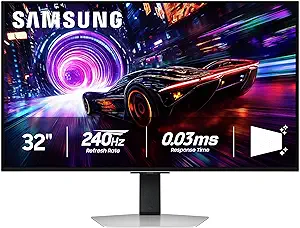
If immersion is your priority, this 32-inch curved 4K OLED monitor pulls you into the action. The 1700R curve creates a wraparound feel that works beautifully for story-driven and open-world games.
It supports 4K at 240Hz with HDMI 2.1 connectivity, making it fully compatible with PS5 and Xbox Series X at 120Hz. HDR performance is excellent, with strong peak brightness and punchy highlights. I found it particularly impressive in darker gaming environments.
However, reflections can be noticeable in bright rooms. If you game in a dim or controlled-light space, this is an outstanding console display.
Pros
- Immersive 1700R curve
- 4K 240Hz performance
- Strong HDR visuals
- HDMI 2.1 ready
Cons
- Best suited for darker rooms
- Premium pricing
ASUS ROG Strix OLED XG32UCWMG
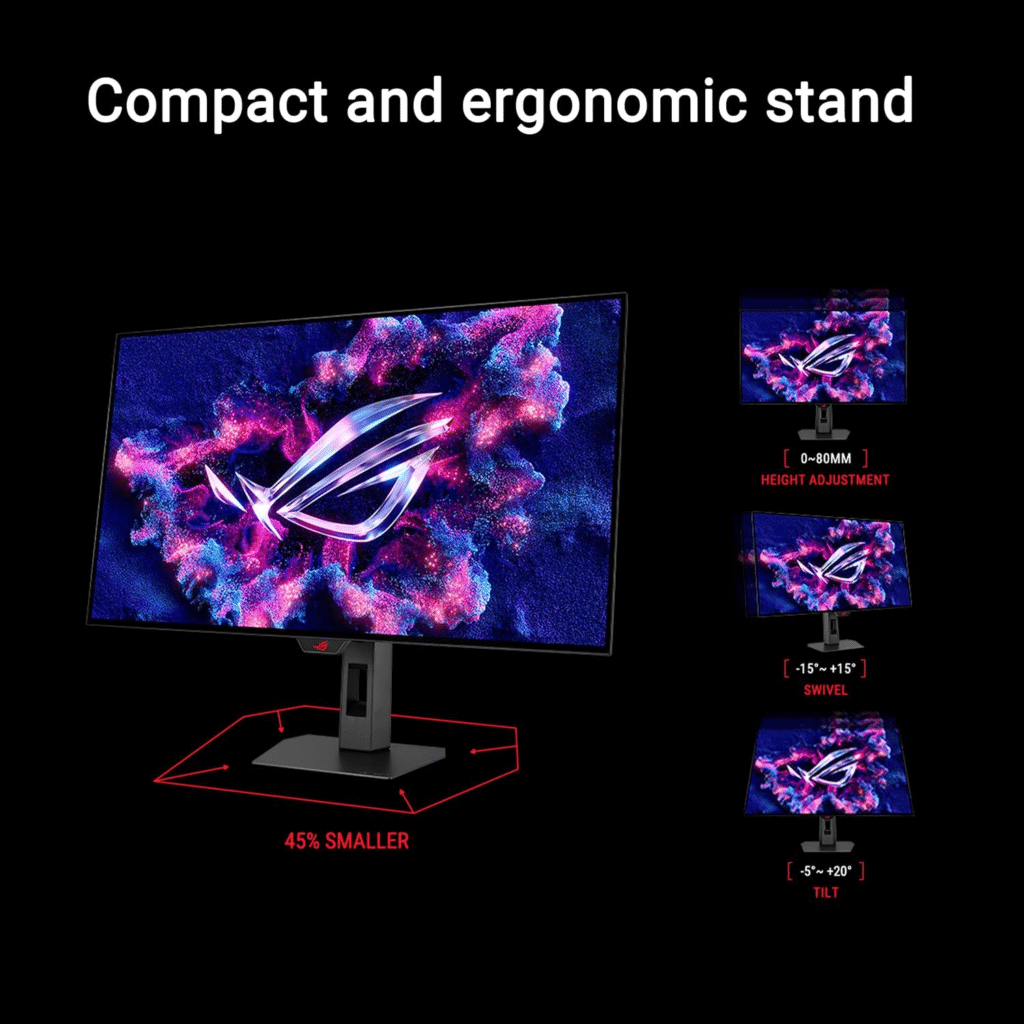
One of the common complaints I hear about OLED monitors is brightness in well-lit spaces. This model addresses that issue better than most.
With a 32-inch 4K panel and 240Hz refresh rate, it handles console gaming effortlessly. It also features a unique dual-mode option, allowing ultra-high refresh rates at lower resolutions for competitive play. HDMI 2.1 ensures smooth 4K 120Hz performance on consoles.
Its improved brightness handling makes it a safer choice for rooms with natural light. If your setup is near windows, this monitor makes a noticeable difference.
Pros
- Excellent brightness handling for OLED
- 4K at 240Hz
- HDMI 2.1 support
- Dual refresh rate flexibility
Cons
- Expensive
- Still reflective under extreme lighting
Dell Alienware AW2725Q
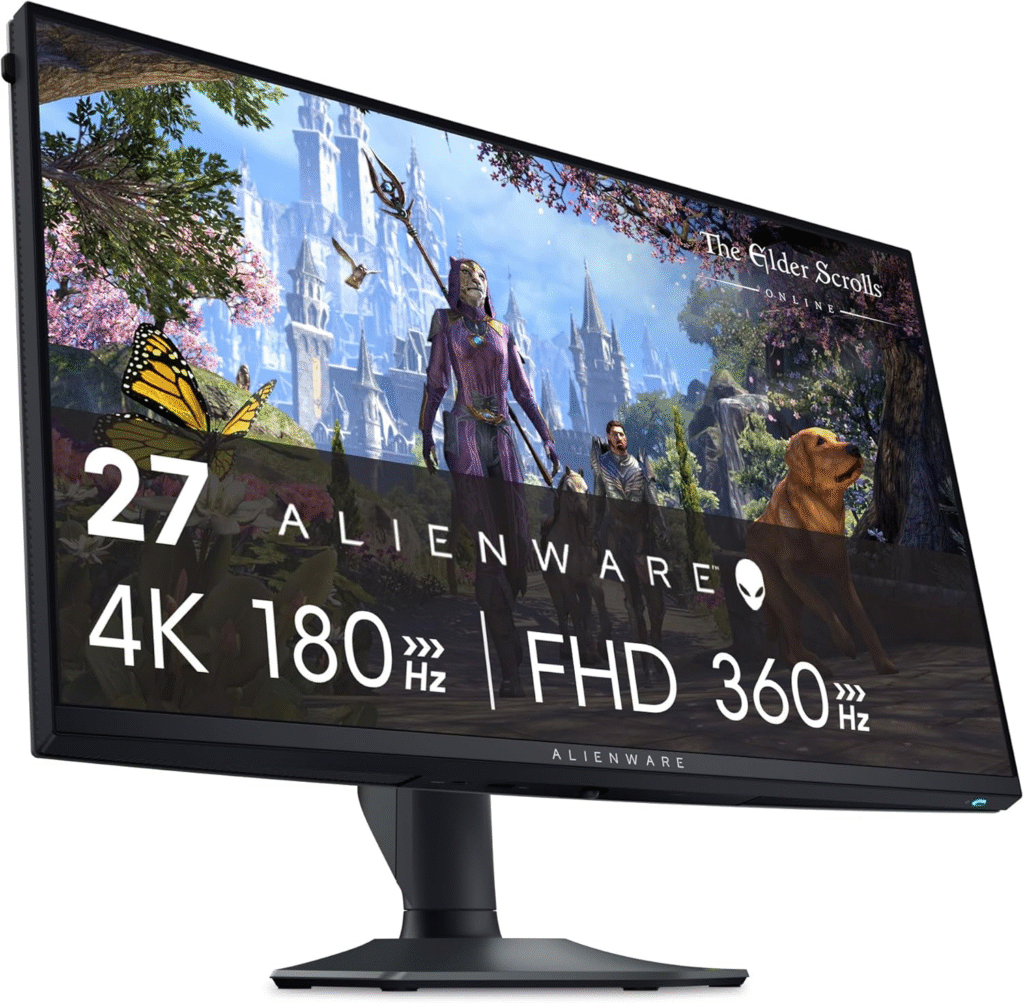
If you want OLED speed and 4K clarity without stretching to flagship pricing, this 27-inch model is worth considering.
It offers 4K resolution at 240Hz with HDMI 2.1 support, making it fully capable of 4K 120Hz console gaming. Motion is smooth, input lag is minimal, and HDR performance is impressive for its category.
While it lacks some advanced extras found in higher-end models, performance for PS5 and Xbox gaming remains top-tier.
Pros
- 4K OLED panel
- 240Hz refresh rate
- Lower price than premium alternatives
- Excellent responsiveness
Cons
- Fewer premium features
- OLED care still required
What to Look for in a Console Gaming Monitor
When I shop for a console monitor, I focus on a few critical specifications:
- 4K Resolution (3840 × 2160): Maximizes PS5 and Xbox Series X visuals
- Minimum 120Hz Refresh Rate: Required for high-frame-rate console gaming
- HDMI 2.1 Ports: Essential for 4K at 120Hz
- Low Response Time: Reduces motion blur
- HDR Capability: Enhances contrast and highlights
Without HDMI 2.1, you simply won’t unlock full next-gen performance.
Console Monitor Compatibility
HDMI 2.1 and 4K 120Hz
Both PS5 and Xbox Series X support 4K at 120Hz, but only through HDMI 2.1. Monitors without it are limited to lower bandwidth configurations.
Ultrawide Support
Consoles currently output in 16:9 aspect ratio. Ultrawide monitors (21:9 or 32:9) will display black bars, as native support is not available.
FAQs
Does PS5 support 144Hz monitors?
The PS5 outputs up to 120Hz. A 144Hz monitor will work, but the console caps at 120Hz.
Is HDMI 2.1 necessary for console gaming?
If you want 4K at 120Hz, yes. HDMI 2.0 cannot handle the required bandwidth.
Is OLED safe for console gaming?
Yes, but avoid leaving static images on-screen for extended periods to reduce burn-in risk.
Is 4K worth it on a 27-inch monitor?
Absolutely. Pixel density at 27 inches makes games look sharp and detailed, especially at close viewing distances.
Final Thoughts
If I had to choose today, the ASUS ROG Swift OLED PG27UCDM offers the most complete console experience — speed, clarity, and full HDMI 2.1 capability. The curved Alienware model adds immersion, while ASUS’s Strix variant handles bright rooms better. And if budget matters, the AW2725Q delivers OLED performance at a more accessible price.
Modern consoles are incredibly powerful. Pairing them with the right monitor makes all the difference.
Amazon Affiliate Disclaimer
As an Amazon Associate, I may earn from qualifying purchases. This helps support my testing and research at no extra cost to you.