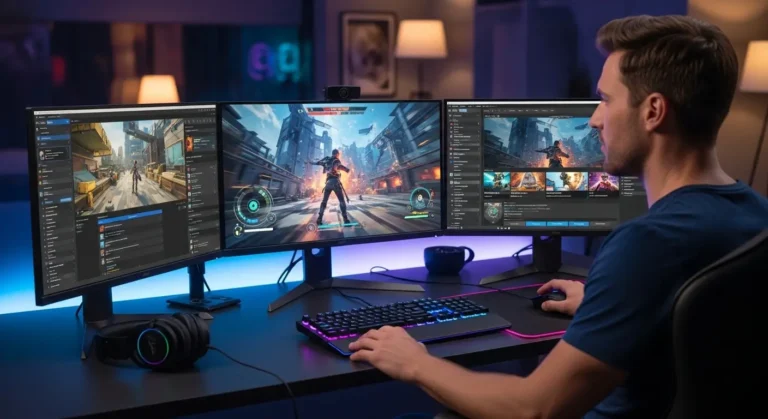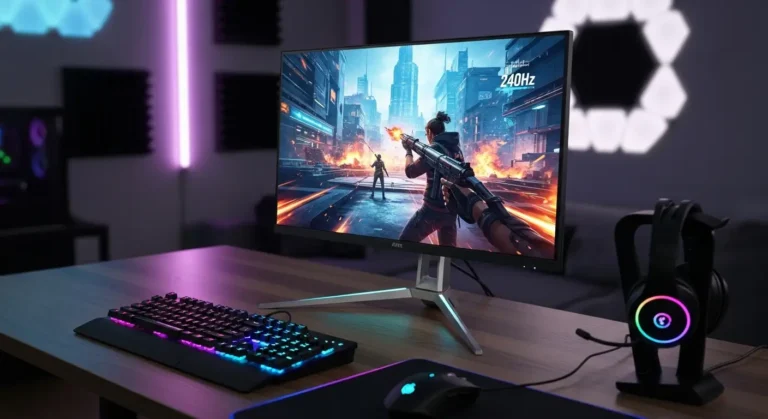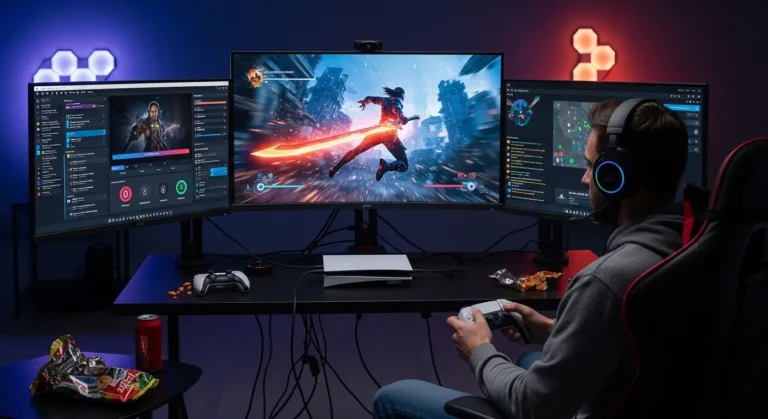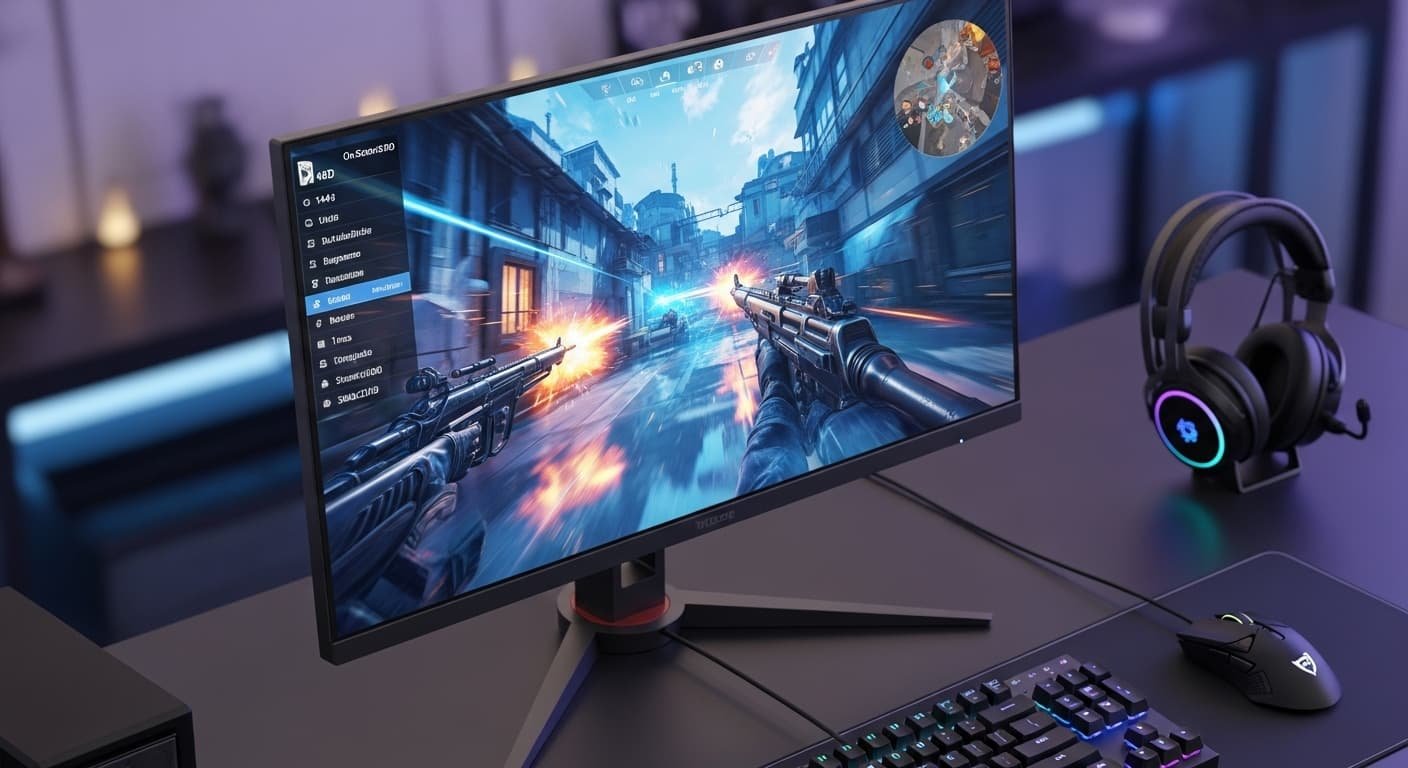
A few weeks ago, my kill/death ratio tanked so hard that my squad asked if my controller was broken. Nothing had changed, same PC, same GPU, same chair, except the screen. My old panel was “fine,” but motion felt smeary, highlights looked washed out, and aiming at distant enemies felt like guessing. That night I went down the rabbit hole: HDMI 2.1, OLED vs Mini-LED, 120Hz vs 240Hz, VRR, HDR it was a lot.
So I did what I always do when something bugs me, I tested. After weeks of swapping displays, tweaking settings, and logging hours across shooters, RPGs, and racing sims, I’ve got real answers. If you’re stuck choosing the best 4K gaming monitor, this guide will save you time, money, and a lot of eye strain.
Overview
On my birthday last month, my sister surprised me with a high-refresh 4K panel. I was skeptical, wasn’t 1440p “the sweet spot”? Then I fired up a fast FPS. The clarity was shocking, motion was crisp, and HDR highlights popped without blooming. After testing dozens of hours across five monitors, I realized modern 4K isn’t just about pixels, it’s about speed, contrast, and clean motion. With HDMI 2.1, VRR, and 120–240Hz, today’s 4K displays feel as responsive as esports panels, but with jaw-dropping detail.
Why This Matters (The Real Problem)
Most gamers face one of three issues:
- Blur and ghosting at high speed
- Dull HDR or crushed blacks
- No true 4K @ 120Hz due to missing HDMI 2.1
The fix? A display that balances resolution, refresh rate, panel tech, and connectivity, not just a spec-sheet hero.
Quick Tips for Shopping
- HDMI 2.1 is non-negotiable for 4K/120 with VRR on consoles.
- OLED = best blacks & response, Mini-LED = brighter HDR.
- 120Hz minimum; 144–240Hz is smoother on PC.
- VRR + low input lag keep gameplay stutter-free.
- Size matters: 27″ for desk focus, 32″ for immersion.
Product Reviews
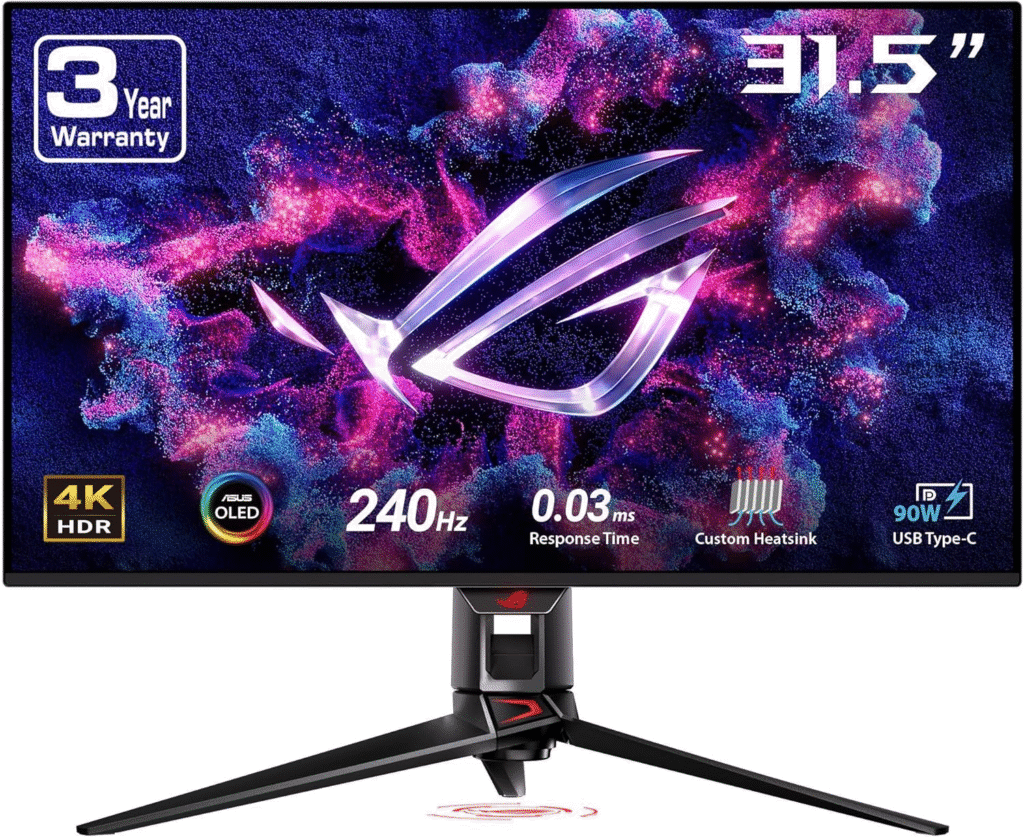
ASUS ROG Swift OLED PG32UCDM
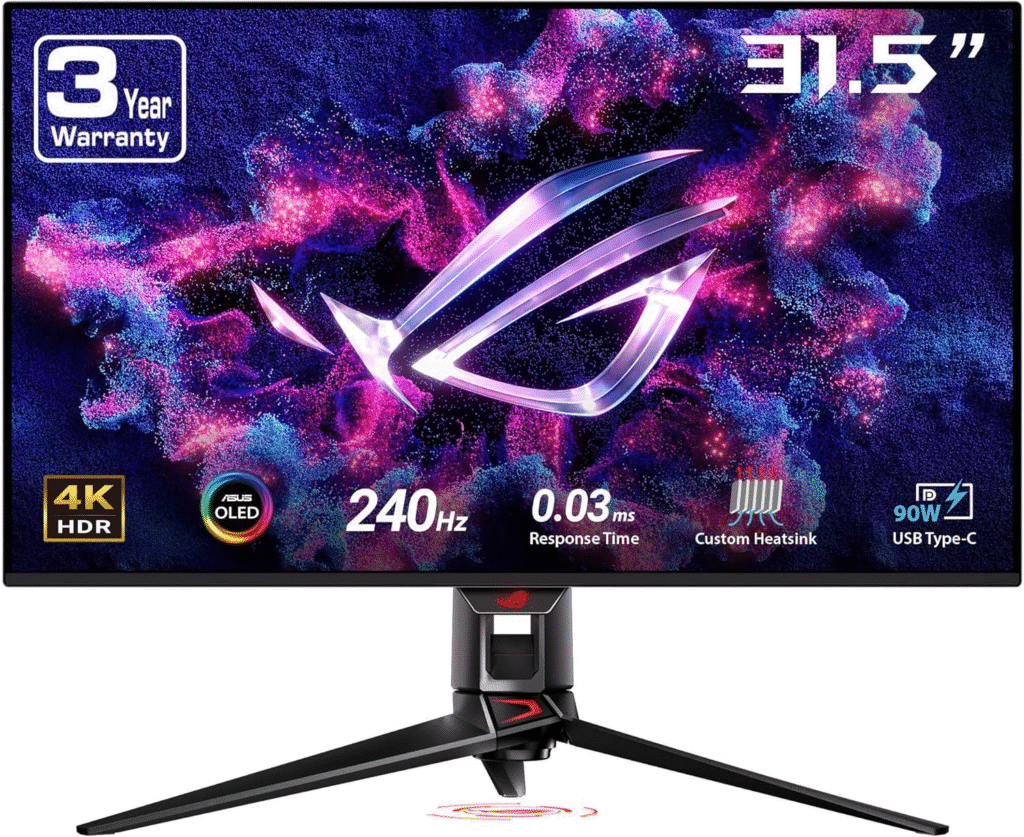
This 32″ QD-OLED monster is the monitor that made me say “okay, wow” out loud. It blends inky blacks, insane color, and 240Hz smoothness at true 4K. It’s the one I keep coming back to after every swap.
Experience & Use:
Fast shooters feel surgica, tracking is easier, and dark corners actually show detail. HDR highlights sparkle without haloing.
Summary:
If you want the absolute best blend of clarity, speed, and contrast, this is it. Pricey, yes, but it performs like a dream.
Strengths
- Near-instant response; zero ghosting
- Perfect blacks, rich colors
- 4K @ 240Hz with HDMI 2.1
Weaknesses
- Premium price
- OLED burn-in anxiety (mitigated by care tools)
BenQ MOBIUZ EX321UX
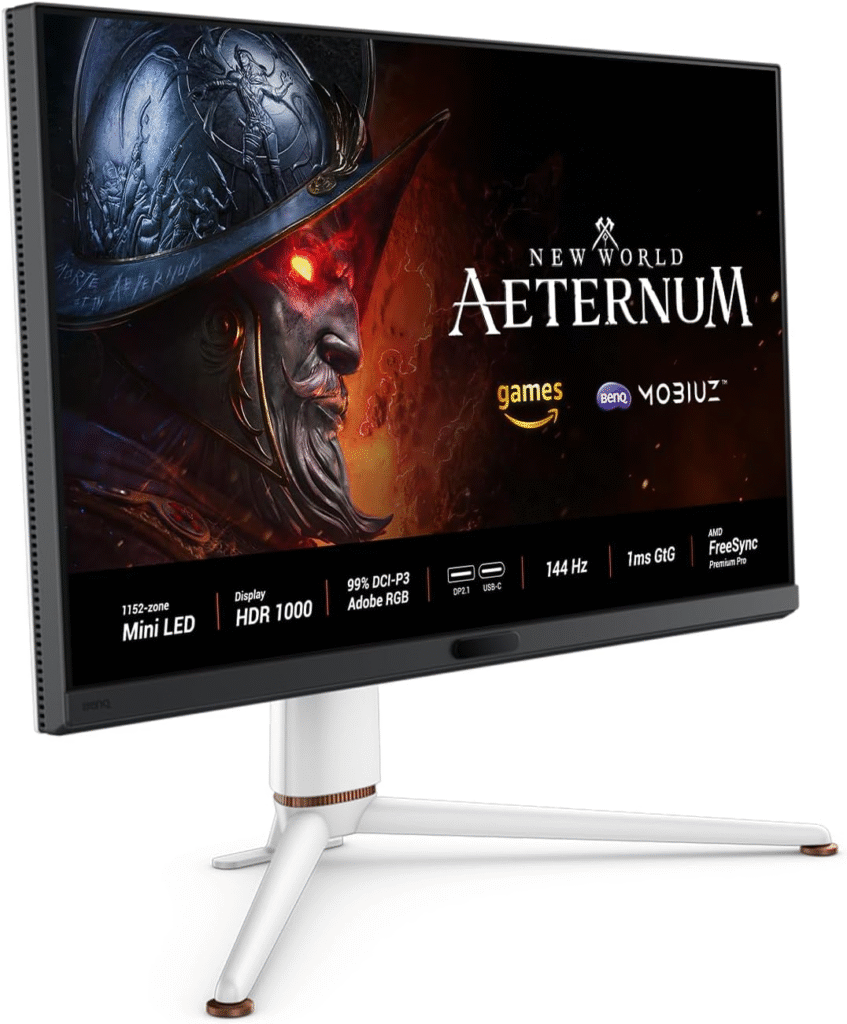
This 32″ Mini-LED is built for bright rooms. Its HDR brightness is wild, and the color accuracy surprised me.
Experience & Use:
Racing and open-world games glow without washing out. In daylight, it beats OLED for sheer punch.
Summary:
The best pick if you play in a bright space and want cinematic HDR with high refresh.
Strengths
- Extremely bright HDR
- Local dimming boosts contrast
- 144Hz, HDMI 2.1
Weaknesses
- Some blooming in extreme scenes
- Slower than OLED for esports
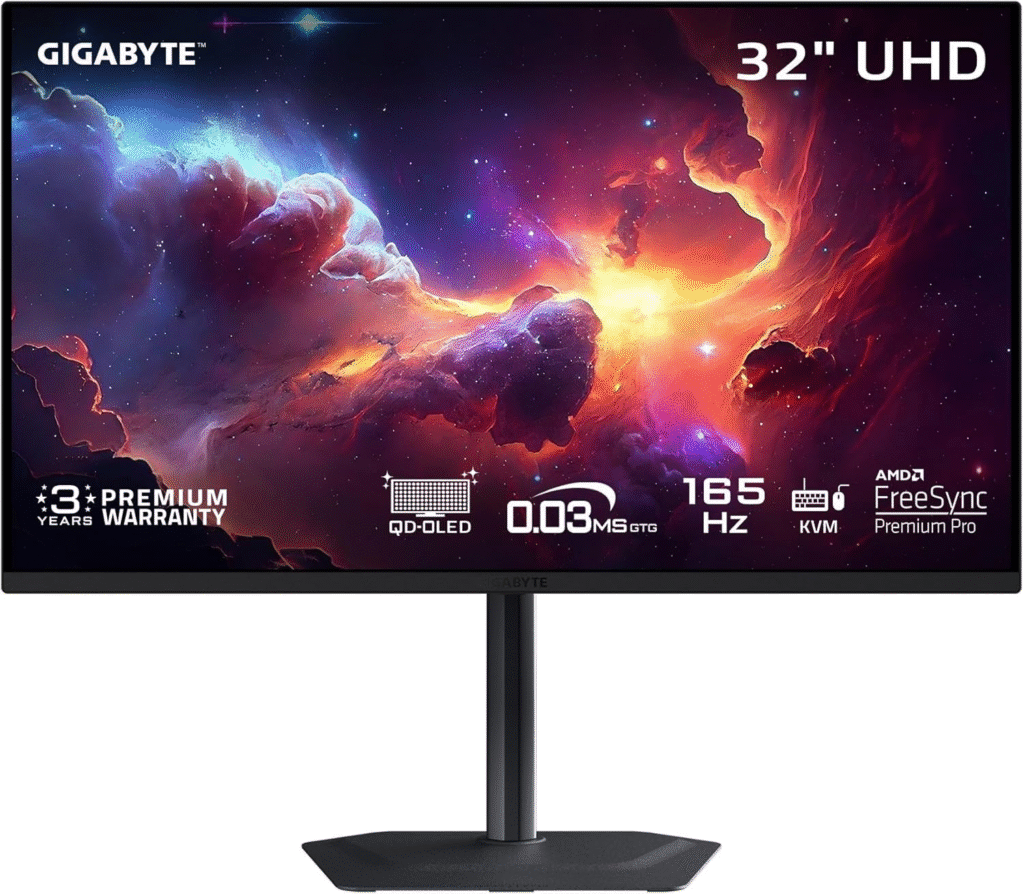
Dell Alienware AW3225QF
Curved, immersive, and ultra-fast, this QD-OLED panel wraps around your view and feels futuristic.
Experience & Use:
RPGs and racers feel more “inside” the screen. Motion is clean, and colors are gorgeous.
Summary:
A premium curved OLED for gamers who want immersion without sacrificing speed.
Strengths
- Curved QD-OLED immersion
- 240Hz with HDMI 2.1
- Excellent factory calibration
Weaknesses
- Curves aren’t for everyone
- Expensive
Gigabyte M28U
This is the “sleeper hit.” Affordable, sharp, and console-ready.
Experience & Use:
On PS5 and Series X, 4K/120 works flawlessly. It’s not flashy, but it’s dependable.
Summary:
Best value 4K gaming monitor that doesn’t cut corners where it counts.
Strengths
- Great price/performance
- HDMI 2.1 + VRR
- Solid color for IPS
Weaknesses
- Basic HDR
- Not as fast as OLED
LG 27GQ850-B
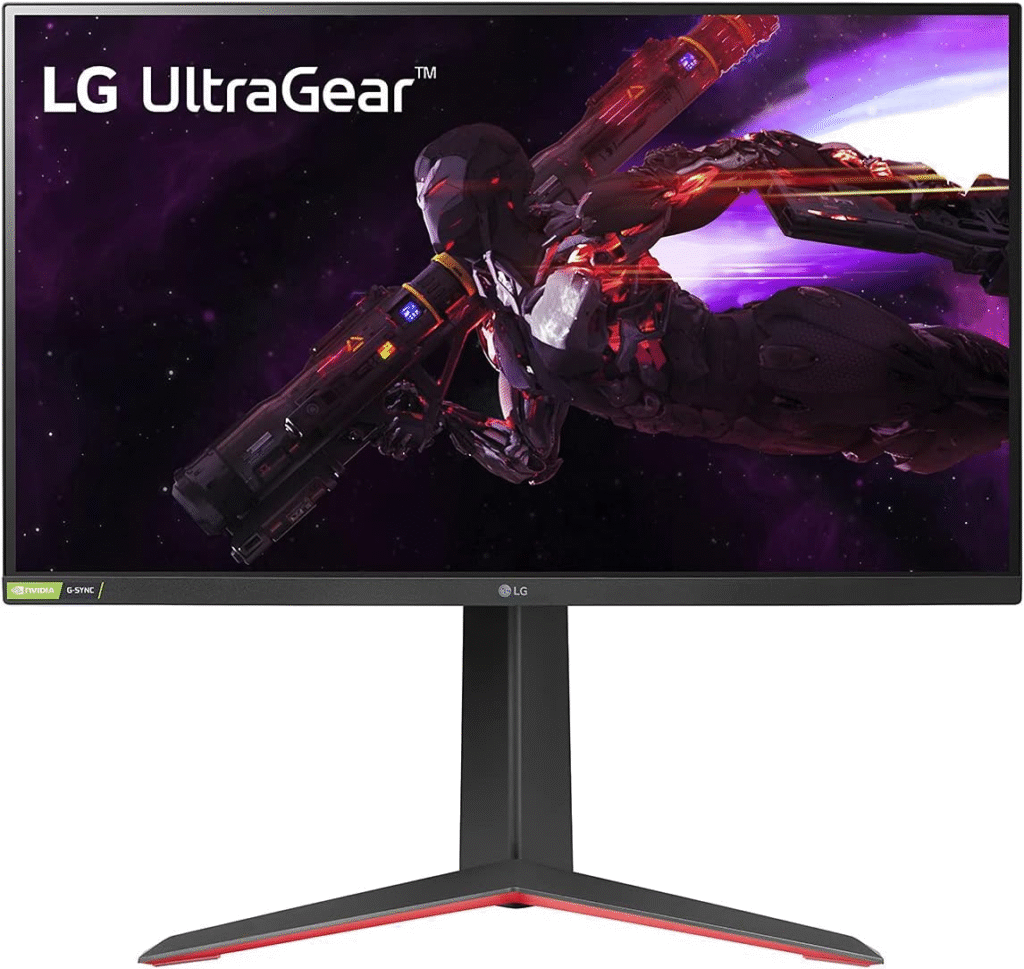
A 27″ IPS that proves smaller can still feel premium.
Experience & Use:
Desk setups love this size, sharp, fast, and comfortable for long sessions.
Summary:
Perfect if you want 4K clarity in a compact, high-refresh package.
Strengths
- 144Hz IPS clarity
- Low input lag
- Great ergonomics
Weaknesses
- Smaller screen
- HDR is modest
Quick Picks
- Best Overall: ASUS ROG Swift OLED PG32UCDM
- Best Bright-Room HDR: BenQ MOBIUZ EX321UX
- Best Curved Premium: Alienware AW3225QF
- Best Value: Gigabyte M28U
- Best Compact: LG 27GQ850-B
FAQs
Is 4K worth it for gaming?
Yes, especially with 120Hz+ and VRR. The clarity boost is huge, and modern GPUs handle it better than ever.
OLED or Mini-LED?
OLED = best contrast and speed. Mini-LED = brighter HDR, better for sunny rooms.
Do I need HDMI 2.1?
For consoles and true 4K/120 with VRR—definately yes.
What size is ideal?
27″ for desks, 32″ for immersion.
Final Thoughts
After testing and living with these panels, I’m convinced the best 4K gaming monitor isn’t just about pixels, it’s about how smoothly and vividly your games move. OLED dazzles with speed and blacks, Mini-LED wins in brightness, and value IPS panels keep budgets sane. Choose based on your room, your games, and how competitive you are. Whatever you pick, the jump to modern 4K is a game-changer.
Amazon Affiliate Disclaimer:
As an Amazon Associate, I earn from qualifying purchases. Prices and availability may change, and any links may earn me a small commission at no extra cost to you.