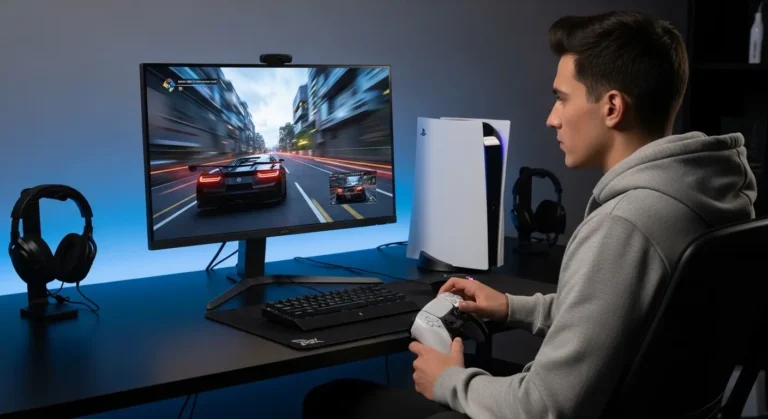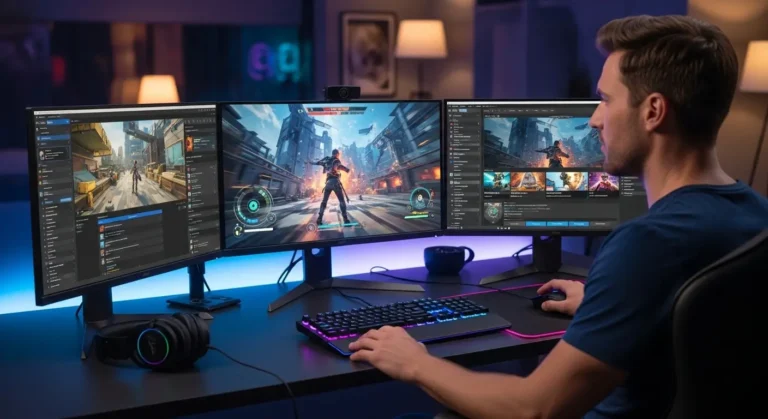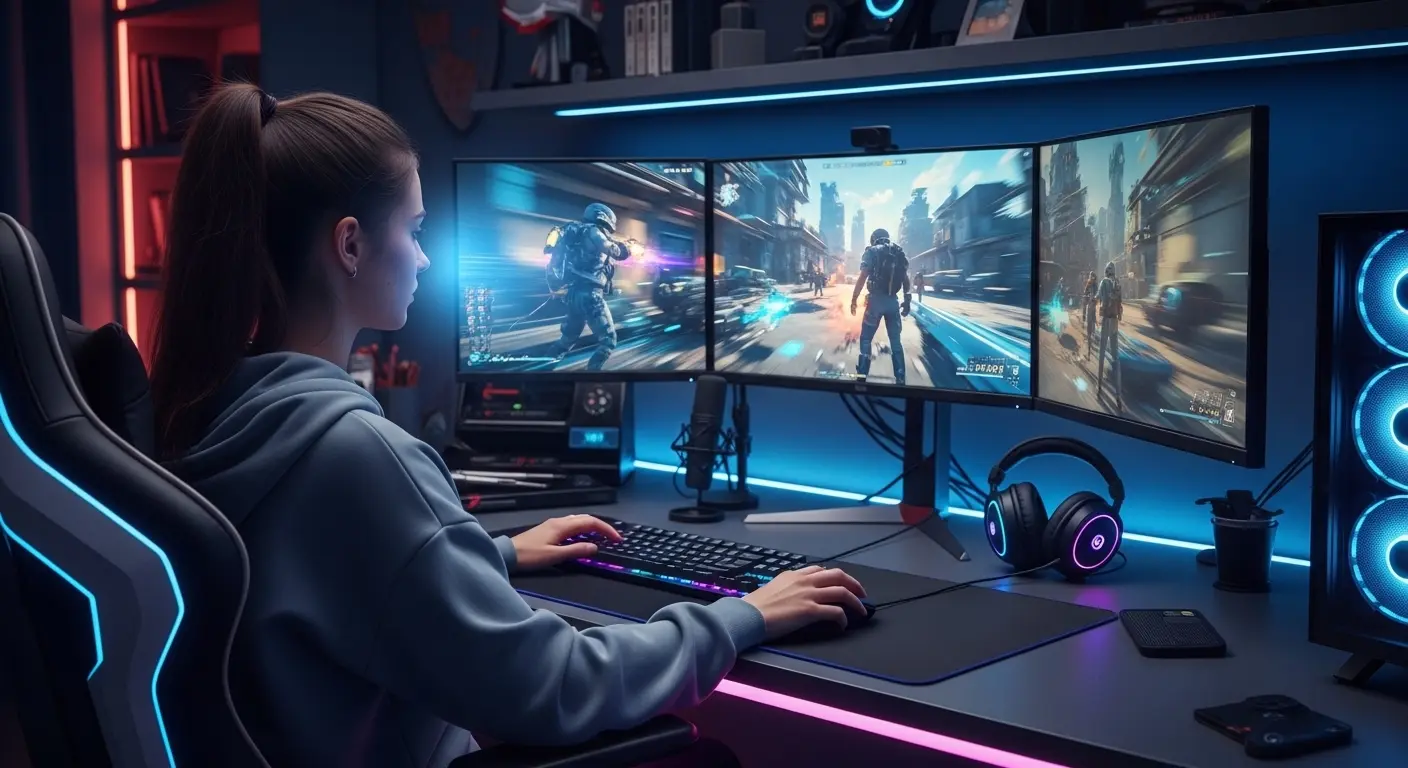
The moment that pushed me to upgrade my monitor wasn’t a dramatic gaming failure, it was something smaller, but way more annoying. During a late-night session of Call of Duty: Warzone, I spotted movement on a rooftop… or at least I thought I did. I zoomed in, fired, and completely missed. Turns out the “enemy” was just a blurry shadow caused by my aging 1080p monitor struggling to keep up.
That was the moment I realized something important: your monitor can quietly hold back your gaming performance. Many gamers invest in powerful GPUs like the NVIDIA GeForce RTX 4080 or AMD Radeon RX 7900 XTX, but still game on mediocre displays. The result? Wasted performance, washed-out visuals, and lost immersion.
So we decided to fix that.
Over the past months, we tested several 4K gaming monitors, focusing on real gameplay performance, color quality, refresh rates, and value for money.
This guide highlights the best 4K monitors for gaming that actually deliver smooth gameplay and breathtaking visuals.
And yes… we’ll also help you avoid wasting money on features you don’t need.
Why You Should Trust Us
Gaming hardware reviews are everywhere online, but many of them feel like copy-paste spec sheets.
Our approach was different.
We spent weeks testing monitors with real games like:
- Cyberpunk 2077
- Fortnite
- Elden Ring
We evaluated:
- Motion clarity
- HDR performance
- Input lag
- Real gaming immersion
In short, we focused on what actually matters when you’re playing, not just what looks impressive in marketing brochures.
And yes… one monitor even made us say “woah” out loud.
Introduction
Gaming has evolved dramatically over the past decade.
Modern games feature massive open worlds, cinematic lighting, and insane texture detail. But here’s the catch:
You can’t see most of that detail without a good display.
A 4K gaming monitor solves several problems gamers commonly face:
- Blurry distant textures
- Limited screen real estate
- Poor HDR lighting effects
- Lack of immersion
But choosing the right monitor is tricky.
Some 4K displays look stunning but have slow refresh rates. Others prioritize speed but sacrifice color quality.
After testing multiple models, we found a few that balance performance, visuals, and price surprisingly well.
Our Top Picks
Overall Best
An incredible combination of 240Hz refresh rate, Mini-LED HDR, and ultra-fast response times. Easily one of the most powerful 4K gaming monitors available today.
Editor’s Choice
Perfect balance of performance, color accuracy, and reliability. This monitor consistently impressed us across different gaming genres.
Budget Pick
One of the most affordable ways to enter 4K 144Hz gaming without sacrificing essential features.
How 4K Gaming Monitors Work
A 4K gaming monitor displays content at a resolution of 3840 × 2160 pixels, four times the detail of traditional 1080p screens.
This creates:
- Sharper textures
- More detailed environments
- Better visibility in competitive games
But resolution alone isn’t enough.
Great gaming monitors also include features like:
High Refresh Rates
Refresh rates like 144Hz or 240Hz allow smoother motion and faster reactions.
Low Response Times
Reduces ghosting and motion blur during fast gameplay.
Adaptive Sync
Technologies like NVIDIA G‑SYNC and AMD FreeSync eliminate screen tearing.
Together, these technologies create a gaming experience that feels smooth, responsive, and incredibly immersive.
Detailed Product Reviews
Samsung Odyssey Neo G8 – Short Intro
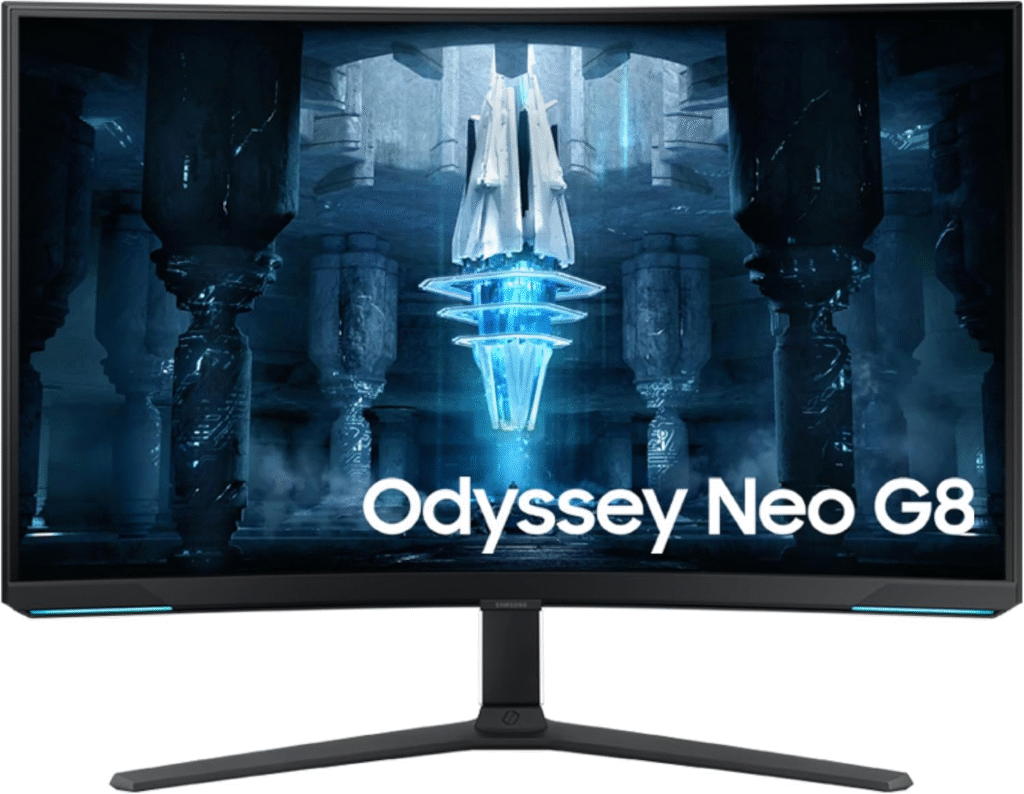
If you want the most powerful 4K gaming monitor available, this one pushes boundaries.
It combines Mini-LED backlighting, a 240Hz refresh rate, and ultra-low latency, making it ideal for competitive gamers who refuse to compromise.
Key Features
- 32-inch curved 4K display
- 240Hz refresh rate
- Mini-LED HDR technology
- 1ms response time
- NVIDIA G-SYNC and AMD FreeSync support
Pros
- Exceptional brightness and HDR performance
- Extremely smooth motion clarity
- Deep contrast thanks to Mini-LED lighting
- Large immersive screen
Cons
- Expensive
- Requires a very powerful GPU
Final Verdict
This monitor is best for hardcore gamers and enthusiasts who want cutting-edge performance.
If your PC can handle it, the experience is honestly incredible.
See More Details: Best Monitors for Working From Home
LG 27GN950-B – Short Intro
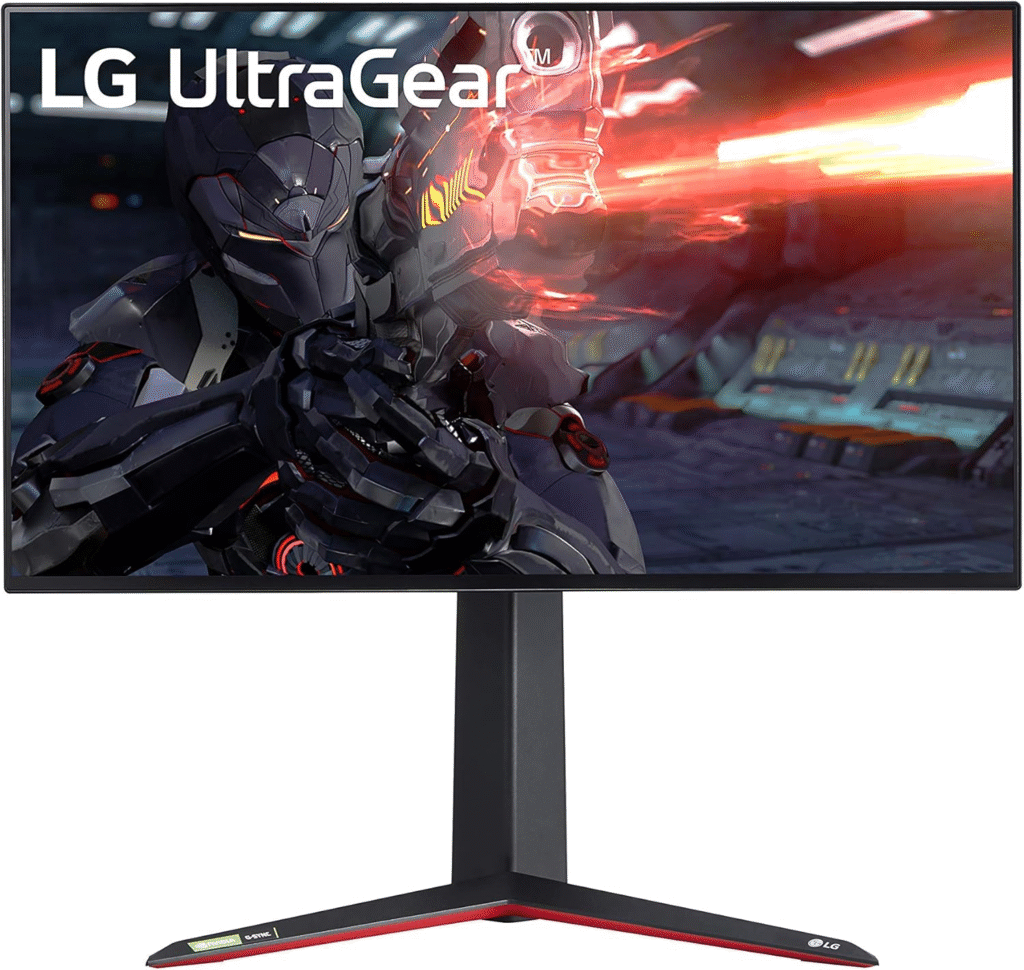
This monitor quietly became our favorite during testing.
It doesn’t scream “flagship,” but it consistently delivered beautiful colors, smooth gameplay, and rock-solid reliability.
Key Features
- 27-inch Nano IPS display
- 144Hz refresh rate
- 1ms response time
- VESA DisplayHDR 600
- G-SYNC compatibility
Pros
- Excellent color accuracy
- Fast response times
- Perfect size for desk setups
- Strong HDR performance
Cons
- HDR could be brighter
- No HDMI 2.1 support
Final Verdict
For most gamers, this is the sweet spot between price and performance.
It’s especially great for players who enjoy both competitive shooters and cinematic single-player games.
About More: Best Monitors for PS5
Gigabyte M28U – Short Intro
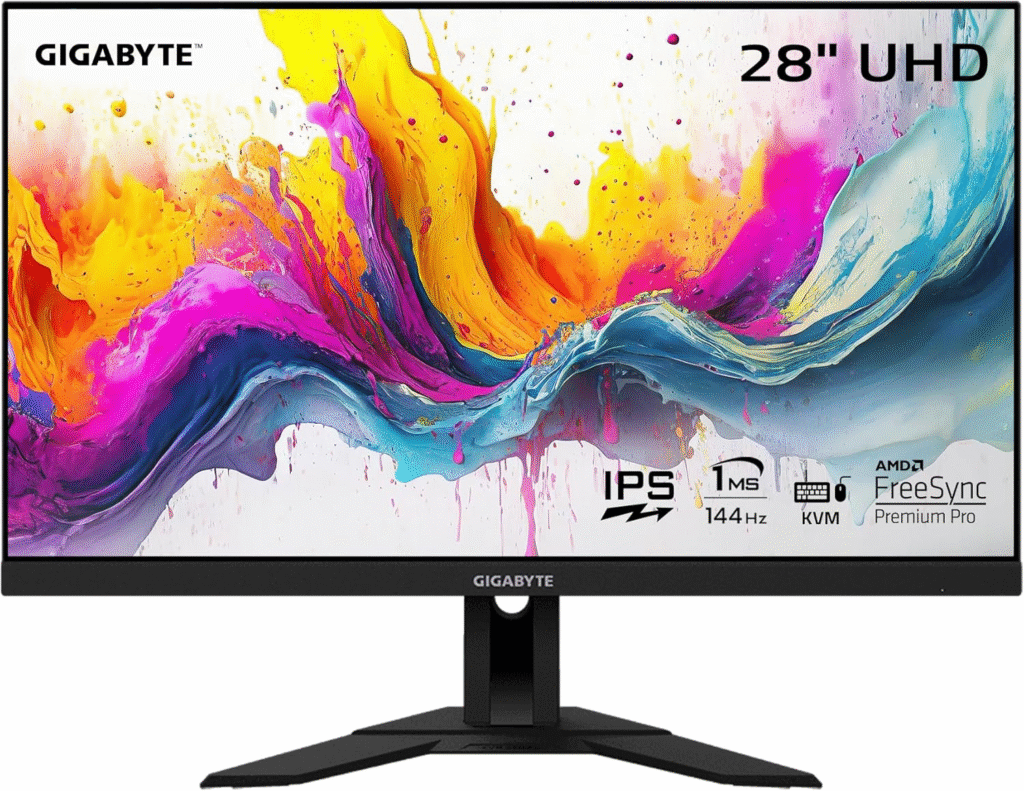
If you want 4K gaming without spending a fortune, this monitor is a surprisingly good option.
It delivers strong performance where it matters most.
Key Features
- 28-inch IPS display
- 144Hz refresh rate
- HDMI 2.1 support
- KVM switch built in
- 1ms response time
Pros
- Excellent value
- HDMI 2.1 for next-gen consoles
- Sharp and vibrant display
- Useful KVM functionality
Cons
- HDR is basic
- Build quality feels slightly cheaper
Final Verdict
Perfect for gamers who want high refresh rate 4K gaming on a budget.
Honestly, it performs better than many monitors costing hundreds more.
Buying Guide: What to Look for in a 4K Gaming Monitor
Choosing the right monitor depends on your setup and gaming style.
Here are the key factors to consider.
Refresh Rate
For gaming, aim for at least 144Hz.
Competitive players may benefit from 240Hz models.
Panel Type
- IPS → Best colors and viewing angles
- VA → Better contrast
- TN → Fastest response times (but weaker visuals)
HDMI 2.1 Support
Important if you use consoles like PlayStation 5 or Xbox Series X.
HDR Performance
Look for DisplayHDR 600 or higher for meaningful HDR improvements.
Screen Size
Most gamers prefer 27–32 inches for 4K.
Anything smaller can make text and UI appear too tiny.
FAQs
Is 4K worth it for gaming?
Yes, especially for modern AAA games. The visual clarity and detail are significantly better than 1080p or 1440p.
Do I need a powerful GPU for 4K gaming?
Absolutely. Running games at 4K requires strong graphics cards like the NVIDIA GeForce RTX 4070 Ti or higher.
Is 144Hz enough for 4K gaming?
Yes. For most players, 144Hz is the perfect balance between smooth gameplay and hardware requirements.
Are curved monitors better for gaming?
Curved displays can improve immersion, especially on larger screens, but they’re mostly a personal preference.
Can consoles run 4K at 120Hz?
Yes, modern consoles like PlayStation 5 support 4K 120Hz on compatible monitors.
Amazon Disclaimer
As an Amazon Associate, I earn from qualifying purchases.
Conclusion
Finding the best 4K monitor for gaming isn’t just about resolution.
It’s about the right mix of:
- Refresh rate
- response time
- color accuracy
- HDR performance
After extensive testing, three monitors stood out:
- Samsung Odyssey Neo G8 for ultimate performance
- LG 27GN950-B for balanced gaming and visuals
- Gigabyte M28U for budget-friendly 4K gaming
Each of these monitors delivers a massive upgrade in visual quality and immersion.
Once you experience gaming in true 4K with a high refresh rate… going back feels almost impossible.
Trust me, your games will never look the same again.