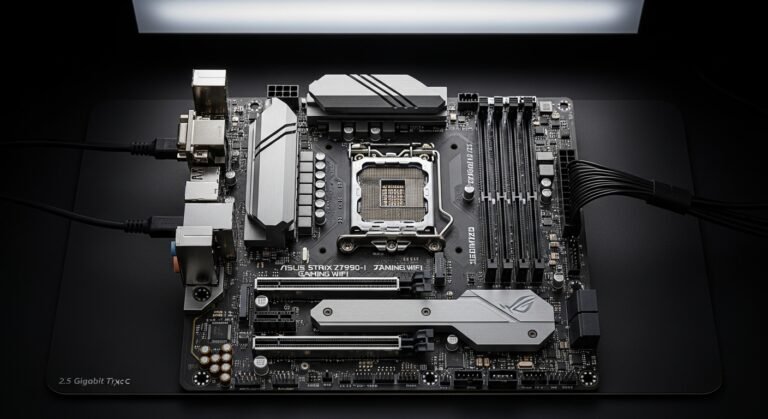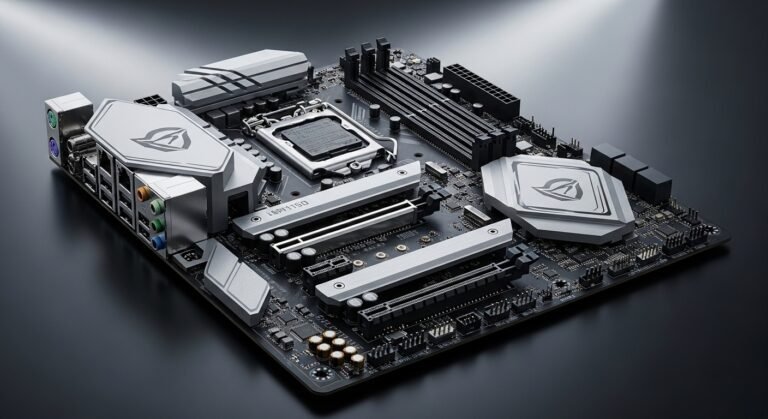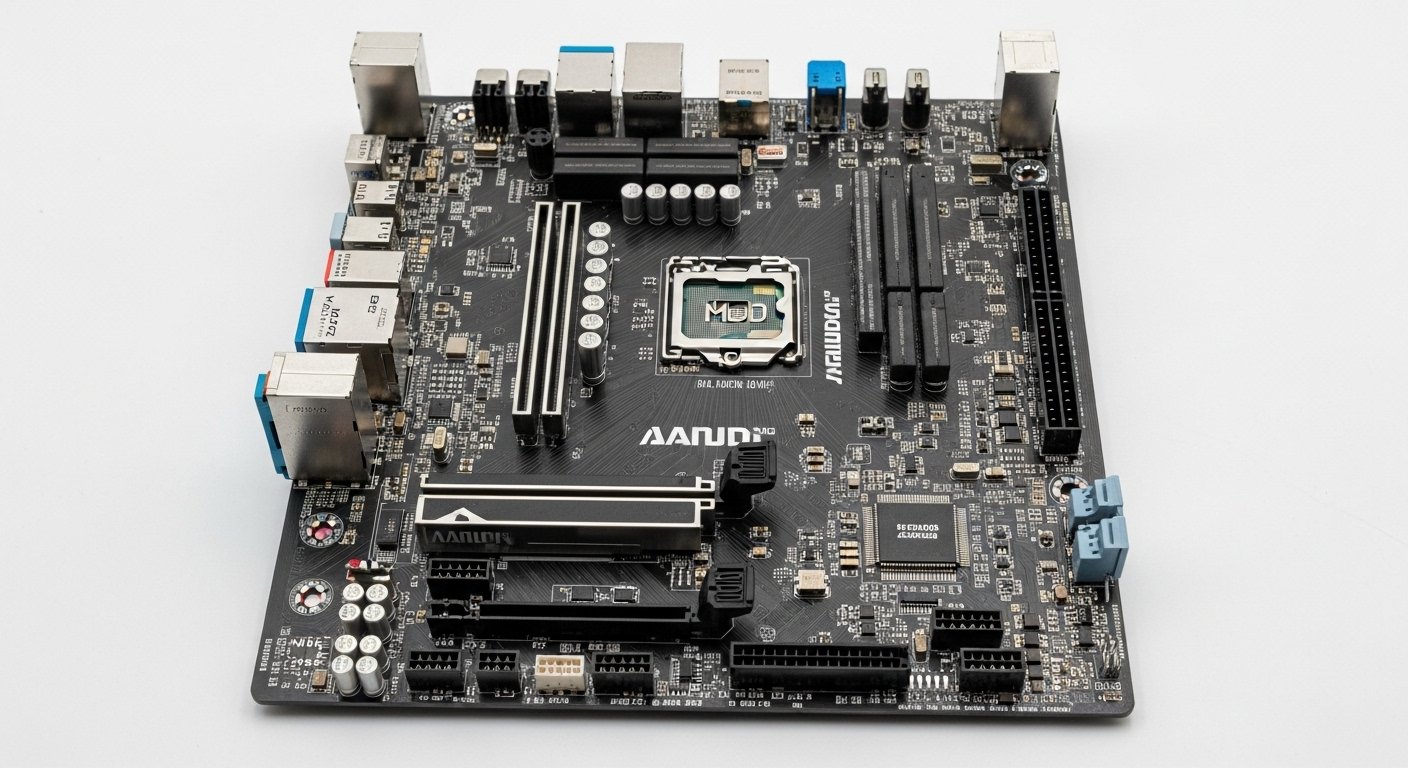
A few weeks ago, My Journey to Finding the Best Budget AMD Motherboard staring at a half-built PC sitting on my desk, CPU installed, RAM ready, GPU waiting, but the motherboard choice was still haunting me.
The problem? Budget.
I wasn’t building a flashy, unlimited-funds dream machine. This was a practical build, something powerful, reliable, and future-ready without draining my wallet. Sounds simple, right? Honestly… it wasn’t.
Because when you’re trying to pair a solid AMD processor with a budget motherboard, things get tricky fast:
- Some overheat under load
- Some limit performance
- Some cut corners in ways that aren’t obvious until it’s too late
And the worst part? Most online recommendations just repeat specs or copy-paste Amazon reviews.
So I decided to test things myself.
Overview: A Build That Became Personal
This build actually started as a birthday gift — my sister pitched in to help me upgrade from an aging setup that was slowing down my work and gaming.
The goal wasn’t luxury.
It was value.
After testing multiple boards across:
- Gaming sessions
- Rendering workloads
- Daily multitasking
- Stress benchmarks
I realized something important:
A good budget motherboard doesn’t just run your CPU — it lets it breathe.
And surprisingly, some affordable options performed way better than expected… while others definately didn’t.
So if you’re trying to build a capable AMD system without overspending — this guide comes from real testing, not recycled specs.
The Real Problem With Budget AMD Motherboards
Most builders think:
“As long as it fits the CPU, it’ll work.”
Technically true.
Practically? Not always.
Cheap boards can cause:
- VRM overheating
- RAM instability
- BIOS frustration
- Limited upgrades
Which means performance drops or worse, system crashes.
That’s why choosing wisely matters.
Quick Tips for Shopping
- Check VRM quality, not just chipset
- Look for BIOS flashback features
- Ensure RAM compatibility
- Don’t ignore cooling design
- Prioritize upgrade path
A slightly better board now can save money later.
Product Reviews
1. MSI B550M PRO-VDH WiFi
The MSI B550M PRO-VDH WiFi became my first serious test candidate because it promised balance affordability with meaningful features. It’s a micro-ATX board built for budget AMD builds but still supports modern Ryzen CPUs with surprising efficiency.
What stood out during testing was stability.
Even during extended gaming sessions and multitasking loads, it didn’t struggle the way cheaper boards often do.
Performance-wise, it handled:
- High-speed DDR4 RAM
- Sustained CPU loads
- Light workstation tasks
without noticeable thermal issues.
Benefits
This works great for:
- Budget gamers
- Students
- First-time builders
Especially those wanting WiFi without buying an extra card.
Summary
The MSI B550M PRO-VDH WiFi delivers dependable performance for everyday users and budget gamers. It avoids the instability often seen in entry-level boards.
Strengths
- Built-in WiFi
- Stable performance
- Good VRM for price
Weaknesses
- Limited expansion
- Basic aesthetics
2. ASUS TUF B450M-PLUS II
The ASUS TUF B450M-PLUS II impressed me with its durability-first approach. ASUS designed this with long-term reliability in mind — something I didn’t expect at this price range.
While testing, I used it in a secondary build meant for productivity tasks.
Surprisingly, it stayed cool even during rendering workloads.
Its build quality gave me confidence — reinforced PCIe slots and solid thermal handling helped avoid performance dips.
Benefits
Best suited for:
- Office builds
- Content creators on budget
- Long-term reliability seekers
Summary
The ASUS TUF B450M-PLUS II is ideal for users who prioritize durability over flashy features.
Strengths
- Strong build quality
- Reliable thermals
- Affordable
Weaknesses
- Older chipset
- No PCIe 4.0
3. Gigabyte B550M DS3H
The Gigabyte B550M DS3H turned out to be the biggest surprise.
I honestly expected “entry-level performance” but real-world testing told a different story.
Gaming benchmarks remained stable, and multitasking didn’t cause system slowdowns.
It supported fast RAM speeds without constant tweaking — which made setup smoother than expected.
Benefits
Perfect for:
- Budget gamers
- Casual streamers
- Everyday users
Summary
The Gigabyte B550M DS3H provides strong value for users wanting modern features without paying premium prices.
Strengths
- PCIe 4.0 support
- Good RAM compatibility
- Excellent price
Weaknesses
- Basic VRM cooling
- Minimal premium features
Quick Picks
If you’re unsure where to start:
- Best Overall: MSI B550M PRO-VDH WiFi
- Best Durability: ASUS TUF B450M-PLUS II
- Best Value: Gigabyte B550M DS3H
Each fits a slightly different need.
FAQs
Do budget AMD motherboards affect performance?
Yes. Weak VRMs or poor cooling can limit CPU boost performance.
Is B450 still worth buying?
For basic builds — yes. But B550 offers better future-proofing.
Can budget boards handle gaming?
Absolutely — as long as they have decent VRMs and RAM support.
My Journey to Finding the Best Budget AMD Motherboard: Was Saving Money Worth the Risk?
Yes, saving money was worth it, as long as I avoided the absolute cheapest options and chose a budget board with solid VRMs and reliability. The right choice delivered stable performance without limiting my CPU.
Final Thoughts
My Journey to Finding the Best Budget AMD Motherboard isn’t about choosing the cheapest option.
It’s about balance.
After testing multiple boards, I found that:
- MSI offers stability
- ASUS offers durability
- Gigabyte offers value
Each solves a different problem depending on your priorities.
And honestly? Spending just a little more on the right board can make your entire system feel smoother, cooler, and more reliable.
Oh, and one more thing — these boards are widely available on Amazon, often with discounts, fast shipping, and bundle deals.
Amazon Affiliate Disclaimer
As an Amazon Associate, I earn from qualifying purchases. This comes at no extra cost to you and helps support hands-on testing and honest reviews.