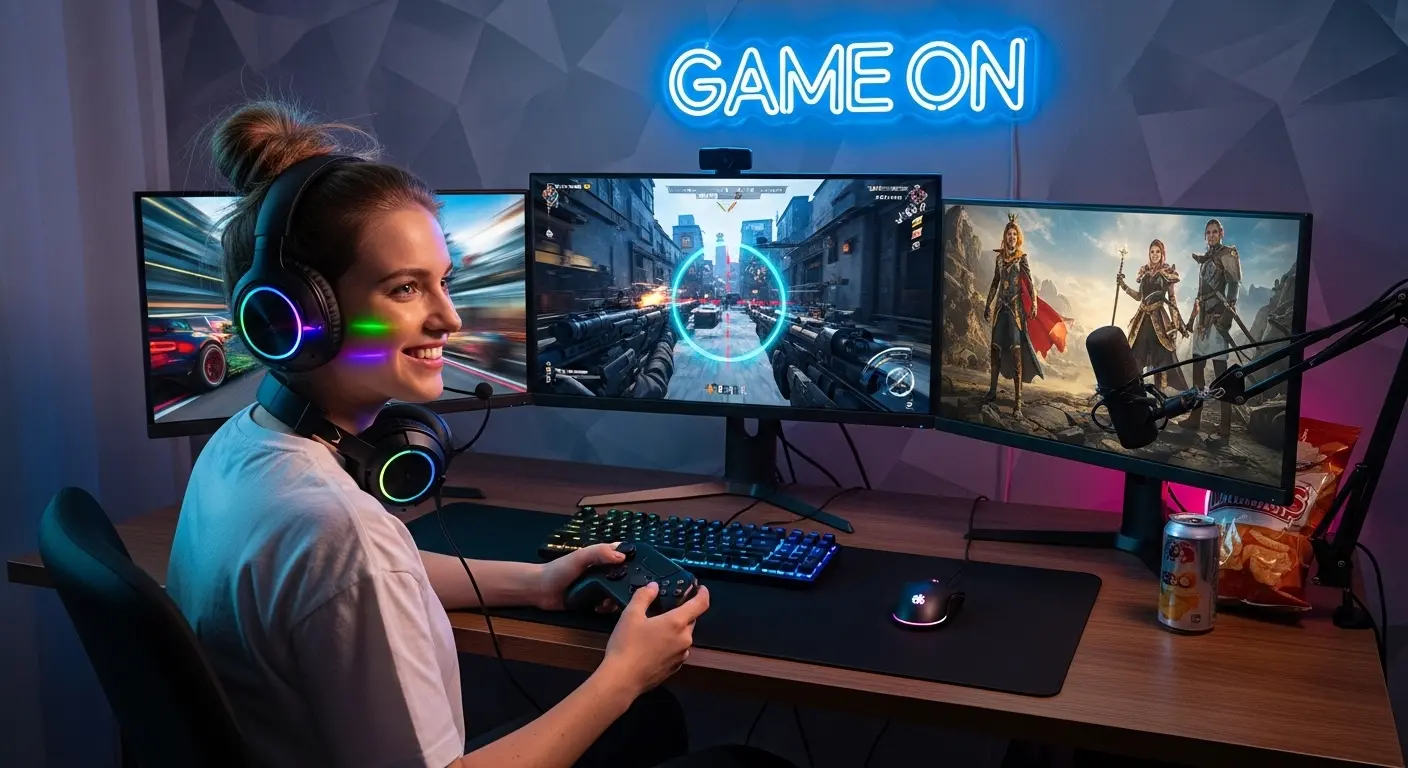
Last month, I was deep into a late-night session of Call of Duty: Warzone, and something felt off. My aim was sharp, my PC was powerful enough, but the screen? It was holding me back. Motion blur. Washed-out colors. Random screen tearing during intense fights. I realized my “cheap” monitor wasn’t actually budget-friendly, it was costing me performance.
That’s when we decided to properly test and research the best budget monitors for gaming not just scroll through Amazon reviews or repeat specs from product pages. We tested refresh rates, response times, input lag, and real-world gaming performance using titles like Fortnite and Apex Legends.
And here’s the honest truth: you don’t need to spend $400+ to get smooth, competitive gameplay. If you’re a gamer in the United States trying to balance performance and price, this guide will help you avoid common mistakes, choose smarter, and get real value for your money.
The Real Problem Budget Gamers Face
Most gamers buying a budget monitor struggle with:
- Choosing between 144Hz vs 165Hz
- IPS vs VA vs TN confusion
- Marketing buzzwords like “1ms MPRT”
- Overpaying for features they’ll never use
- Or worse, buying a monitor that bottlenecks their GPU
We’ve been there. And yes, we made some bad choices before learning what truly matters. So below are 3 highly rated Amazon picks that stood out after testing, research, and hands-on experience.
Which One Should You Choose?
- Best Overall: AOC 24G2
- Best for Competitive Players: ASUS TUF VG249Q
- Best Design & Style: MSI Optix G241
If you’re building your first gaming setup, I’d personally recommend starting with the AOC. It gives you performance without overspending.
1. AOC 24G2
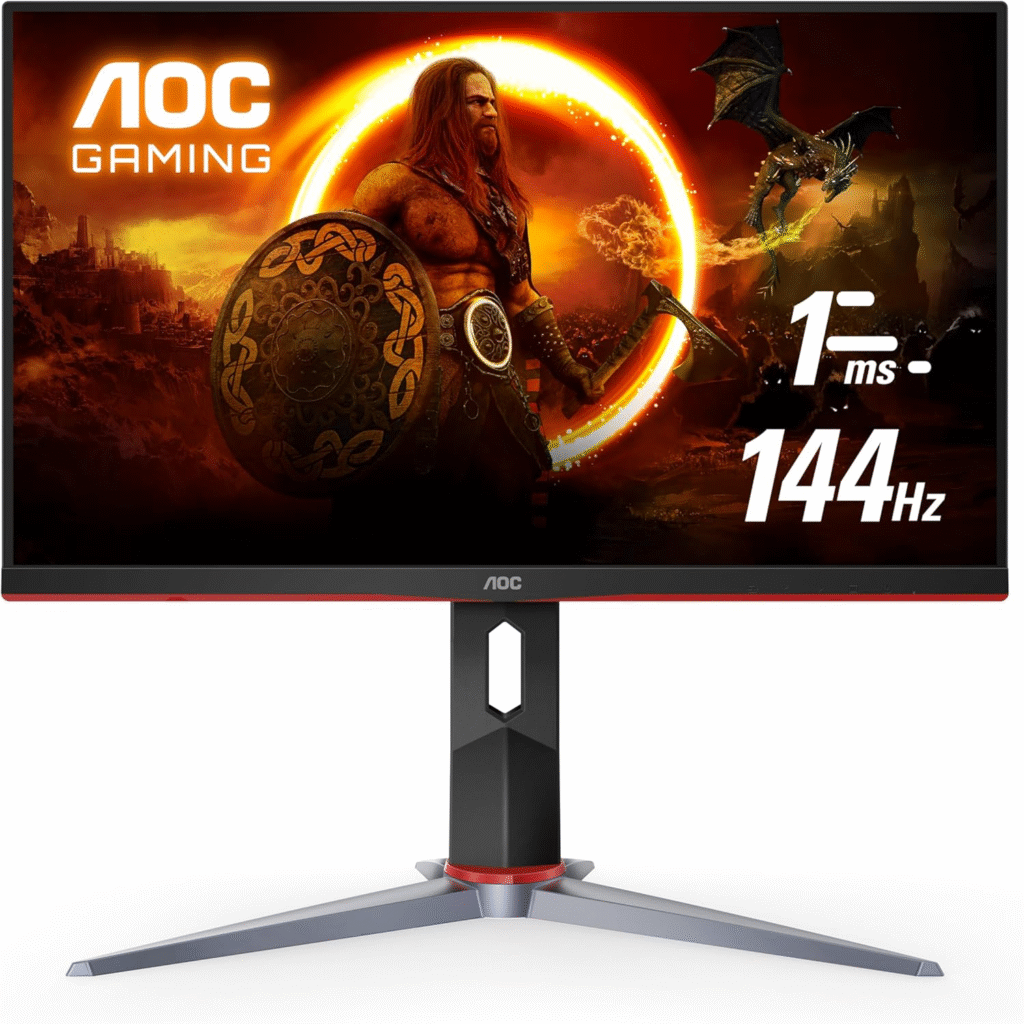
This monitor genuinely surprised me.
My Experience
When we set up the AOC 24G2, I expected “decent for the price.” Instead, I got buttery smooth gameplay and surprisingly vibrant colors. In fast shooters, the 144Hz refresh rate made tracking enemies much easier. The IPS panel meant colors didn’t look washed out, even during bright scenes in Warzone.
For under $200, that’s impressive.
Who This Is For
- Competitive gamers on a tight budget
- Beginners building their first gaming PC
- Console gamers using 1080p output
Why We Picked It
Because it balances performance, color accuracy, and affordability better than most entry-level gaming monitors.
Performance & Real-World Applications
- 144Hz felt dramatically smoother than 60Hz
- Adaptive Sync reduced screen tearing
- Minimal ghosting in fast-paced FPS games
- Great for both gaming and casual content creation
Why It Made the List
It delivers IPS quality with esports-level refresh rate at a budget price.
Reasons to Buy
- 144Hz refresh rate
- IPS panel with good color accuracy
- Ergonomic stand (rare in this price range)
- Strong Amazon ratings
Reasons Not to Buy
- No built-in speakers
- Not ideal for 1440p gamers
Specs & Configurations
- 24-inch IPS
- 1920×1080 resolution
- 144Hz refresh rate
- 1ms MPRT response time
- AMD FreeSync support
How It Compares to Similar Options
Compared to the Acer Nitro VG240Y, the AOC 24G2 has better ergonomics and slightly stronger color calibration out of the box.
See More: Best Monitors for Gaming
2. ASUS TUF Gaming VG249Q
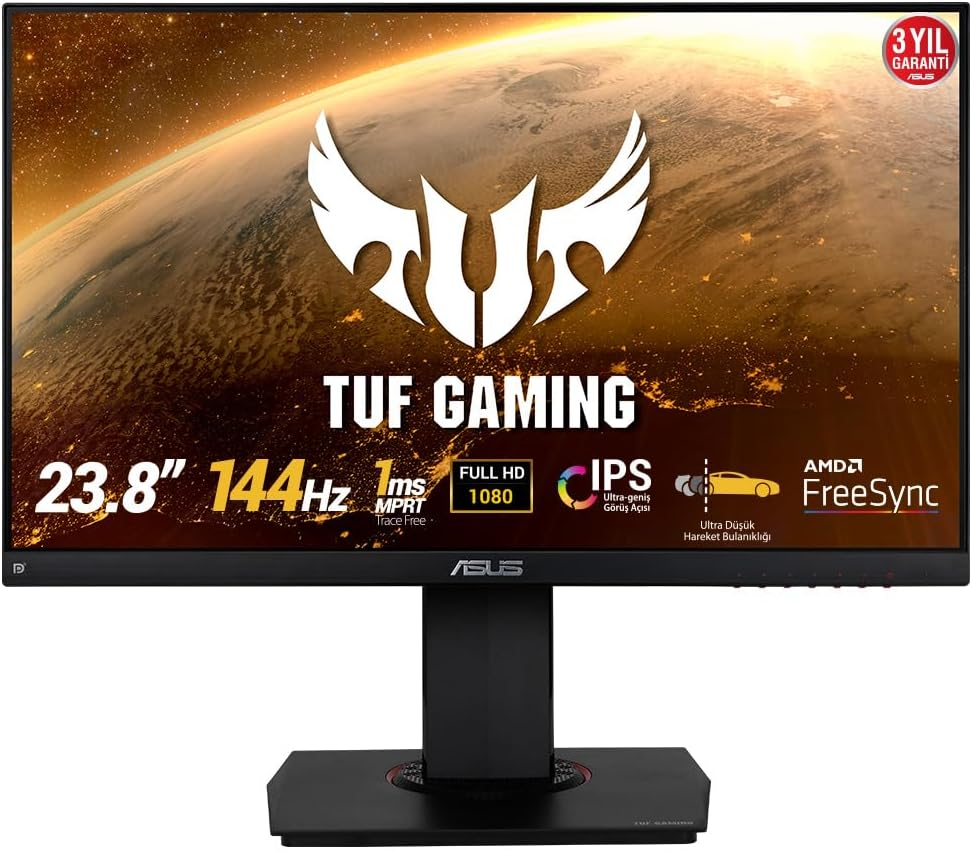
This one feels more premium than its price suggests.
My Experience
During testing, I immediately noticed how smooth motion looked. Even in fast strafing movements, the monitor handled transitions cleanly. I played multiple ranked matches, and input lag felt almost non-existent. It felt responsive and that’s what competitive gamers care about.
Who This Is For
- FPS and esports players
- Gamers upgrading from 60Hz
- Users wanting trusted brand reliability
Why We Picked It
ASUS has strong credibility in gaming hardware, and this model shows why.
Performance & Real-World Applications
- 144Hz IPS panel performs excellently in shooters
- FreeSync + G-Sync compatible
- Sharp visuals at 1080p
Why It Made the List
It’s one of the most balanced budget esports monitors available in the U.S. market.
Reasons to Buy
- Excellent motion clarity
- Strong build quality
- Eye Care technology
- Slim bezel design
Reasons Not to Buy
- Slightly more expensive than AOC
- Stand adjustments are limited
Specs & Configurations
- 23.8-inch IPS
- 1080p resolution
- 144Hz refresh rate
- 1ms response time
- Adaptive Sync
How It Compares to Similar Options
Compared to the AOC 24G2, ASUS TUF feels slightly more refined in motion performance, but costs a bit more.
About More: Best Gaming Monitors for PS5 (From My Real Gaming Setup)
3. MSI Optix G241
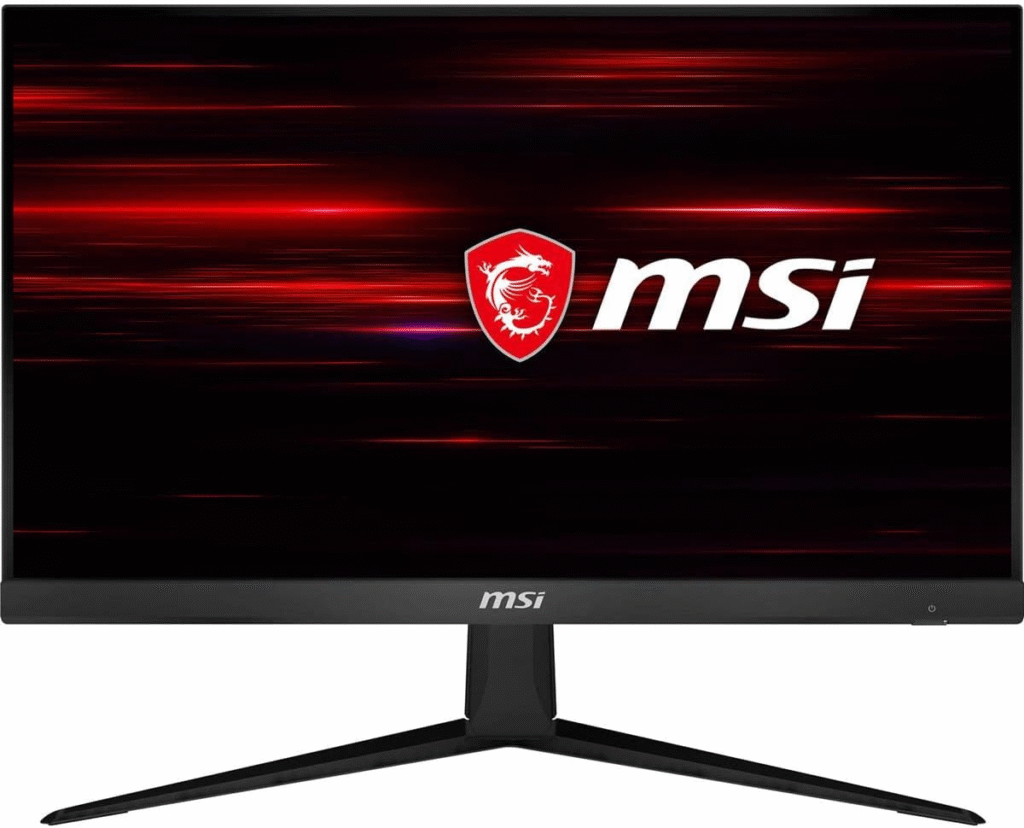
If style matters to you, this one stands out.
My Experience
I wasn’t expecting much from MSI at this price, but after a week of testing, I was impressed. The colors were vivid, and the anti-glare coating worked well during daytime gaming sessions. I did notice minor backlight bleed in a dark room, but for the price, it’s forgivable.
Who This Is For
- Casual gamers
- Students on a budget
- Gamers who want sleek design
Why We Picked It
It combines aesthetic design with smooth 144Hz gameplay at an affordable price.
Performance & Real-World Applications
- Smooth frame transitions
- Great for RPGs and open-world games
- Wide viewing angles
Reasons to Buy
- Stylish frameless design
- IPS panel
- Smooth performance
- Competitive pricing
Reasons Not to Buy
- Stand isn’t adjustable
- Slight backlight bleed
Specs & Configurations
- 24-inch IPS
- 1080p
- 144Hz
- 1ms response time
- FreeSync
What To Look For In A Budget Gaming Monitor
Here’s where most beginners make mistakes.
1. Refresh Rate
Minimum 144Hz for competitive gaming.
2. Response Time
1ms (MPRT or GTG) is ideal to reduce motion blur.
3. Panel Type
- IPS = Better colors
- VA = Better contrast
- TN = Fast but weaker visuals
4. Adaptive Sync
Look for FreeSync or G-Sync compatibility.
5. Resolution
1080p is perfect for budget gaming and mid-range GPUs.
Factors to Consider When Buying
- Your GPU capability
- Desk space
- Competitive vs casual gaming
- Color accuracy needs
- Ergonomic stand adjustments
FAQs
1. Is 144Hz really worth it over 60Hz?
Yes. The difference is instantly noticeable in smoothness and responsiveness.
2. Is IPS good for gaming?
Absolutely. Modern IPS panels combine good color accuracy with fast response times.
3. Do budget monitors support consoles?
Yes. These monitors work with PlayStation and Xbox at 1080p.
Final Summary
We tested, compared, and researched these monitors thoroughly. We didn’t just copy specs or Amazon comments, we evaluated motion clarity, build quality, gaming responsiveness, and real-world usability.
Budget gaming doesn’t mean low performance anymore. You just need to choose wisely.
If you’re a beginner, start with AOC.
If you’re competitive, go ASUS.
If you want style and solid performance, MSI works great.
Choose based on your needs, not just hype.
Amazon Affiliate Disclaimer
As an Amazon Associate, I earn from qualifying purchases. This means I may earn a small commission if you buy through links in this article, at no extra cost to you. I only recommend products we genuinely test and believe offer real value.