Best Laptop for Animation:
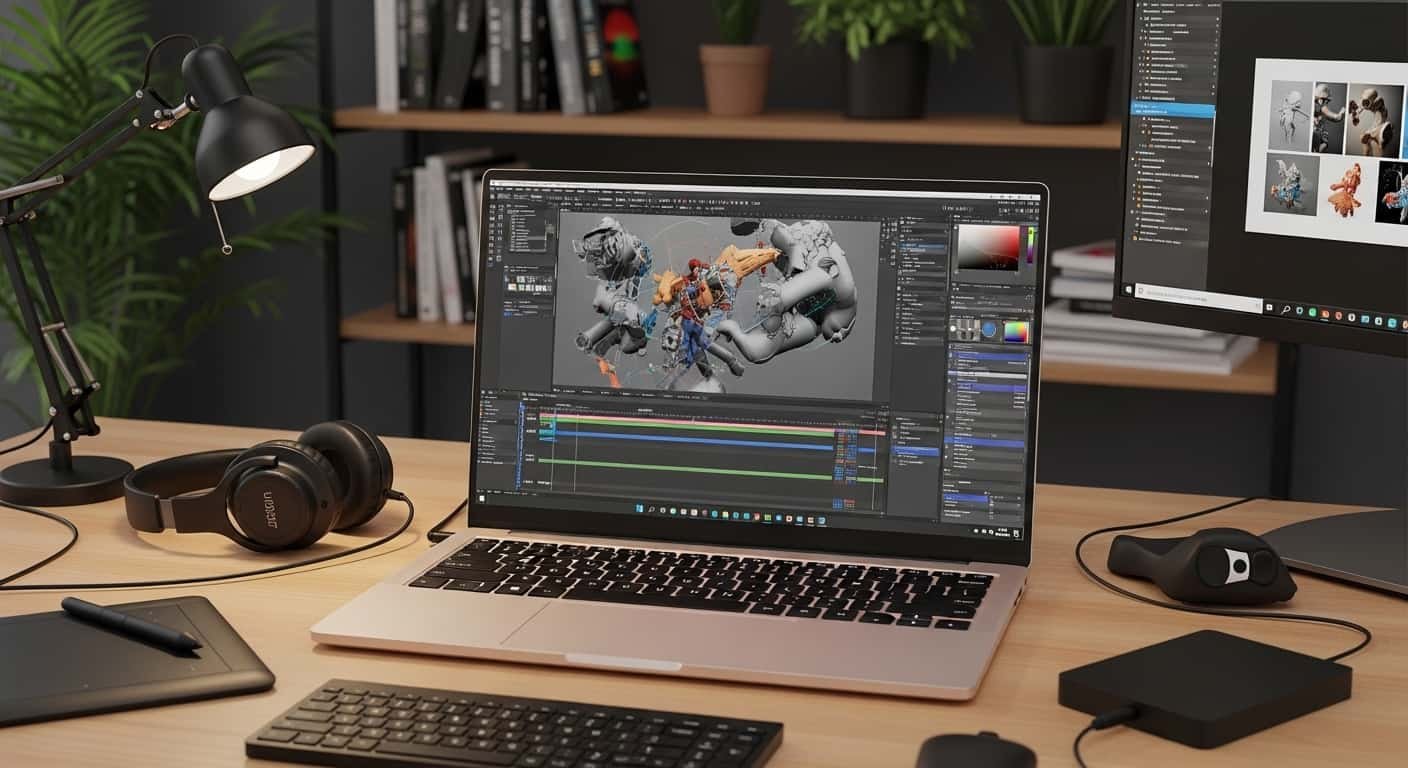
Finding the perfect laptop for animation can feel overwhelming. I’ve spent hours testing machines across budgets, specs, and creative workflows, so you don’t have to. Whether you’re diving into 2D, exploring 3D, or tackling motion graphics, the right laptop can transform your workflow and make animation smoother, faster, and more enjoyable. “Create Without Limits” – Best Laptop for Animation, 2D & 3D Workflows
See More…Best Laptops for Graphic Design 2026 – Top Pro Picks
Overview:
The best laptops for animation in 2026 excel in processing power, graphics performance, and display quality. For ultimate efficiency, the Apple MacBook Pro 16-inch (M4 Max/Pro) is unbeatable for both 2D and 3D workflows. If you specialize in 3D, the ASUS ProArt P16 offers advanced rendering capabilities. For raw power and VFX-intensive projects, the MSI Raider GE78 HX is a powerhouse. Essential specs for professional 3D work include at least an NVIDIA RTX 4060 GPU, 32GB RAM, and a high-resolution, color-accurate display.
“Speed, Power, Perfection” – Find the Best Laptop for Animation.
Top Recommended Laptops for Animation in 2026
1. Apple MacBook Pro 16-inch (M4 Max/Pro)
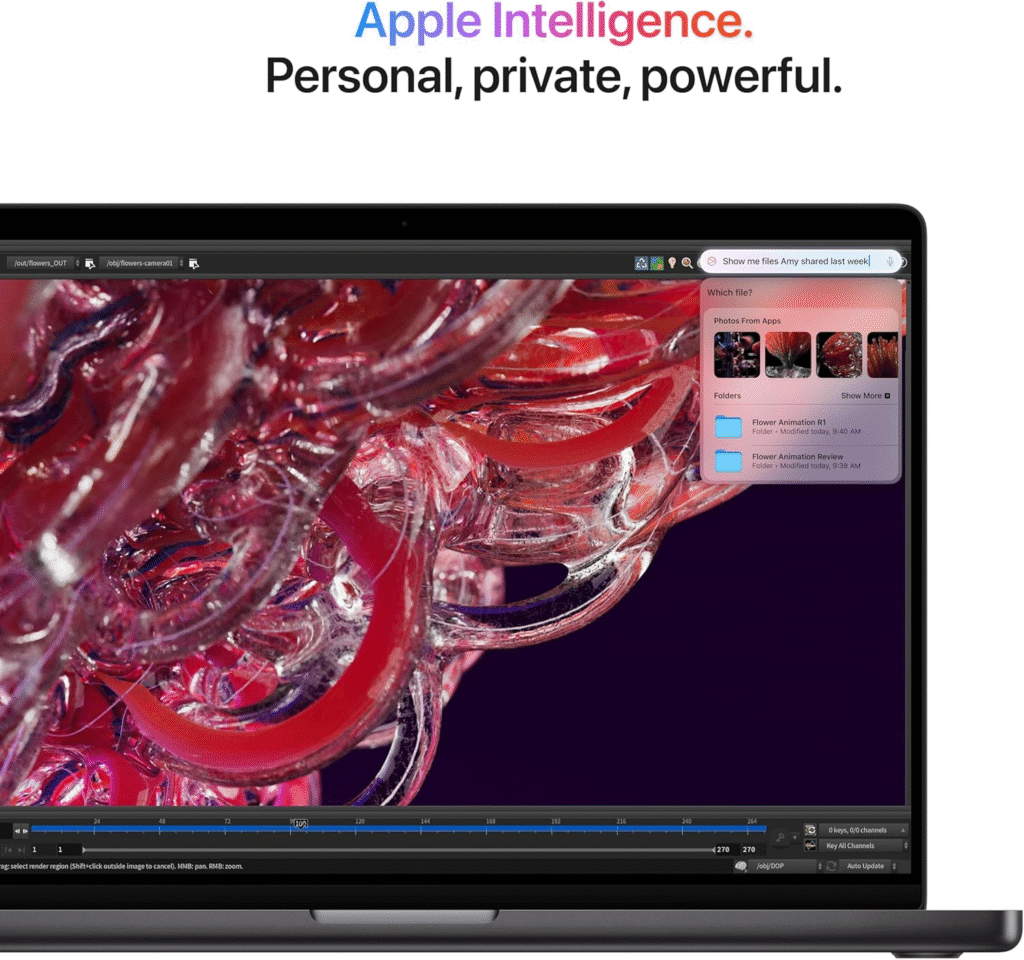
Why I Recommend It: Perfect for animators handling 2D, 3D, or motion graphics. The M4 Max/Pro chip delivers industry-leading performance while maintaining excellent battery life.
Specs:
- CPU: Apple M4 Max/Pro (14-core CPU, 10 performance cores)
- GPU: 20-core M4 Pro GPU
- RAM: 24GB–48GB configurable
- Storage: 512GB–4TB SSD
- Display: 16.2-inch Liquid Retina XDR, 3456×2234, 100% DCI-P3
Highlights: Smooth multitasking, incredible display brightness, and portable enough for on-the-go animators.
ASUS ProArt P16 (2025)
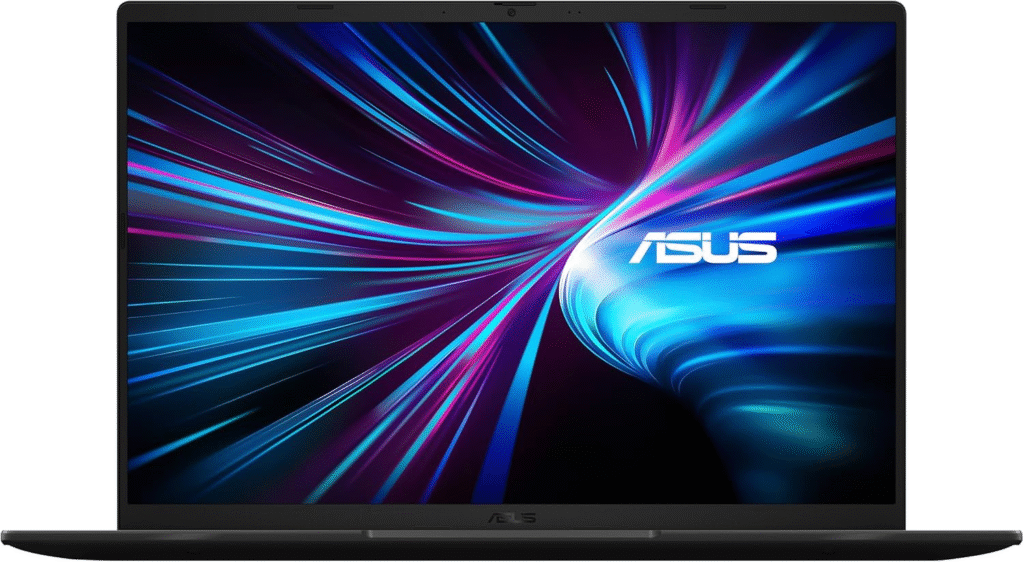
Why I Recommend It: If 3D animation is your focus, the ProArt P16 is ideal. High-end NVIDIA RTX GPU options and AI-enhanced CPUs make 3D rendering and simulation fast and reliable.
Specs:
- CPU: AMD Ryzen AI 9 HX 370 + NPU
- GPU: NVIDIA GeForce RTX 5070 Laptop GPU
- RAM: 64GB
- Storage: 2TB SSD
- Display: 16-inch OLED, 2880×1800, 120Hz, 100% P3
Highlights: Exceptional color accuracy, smooth timeline scrubbing, and creative ASUS Dial for precise controls.
MSI Raider GE78 HX
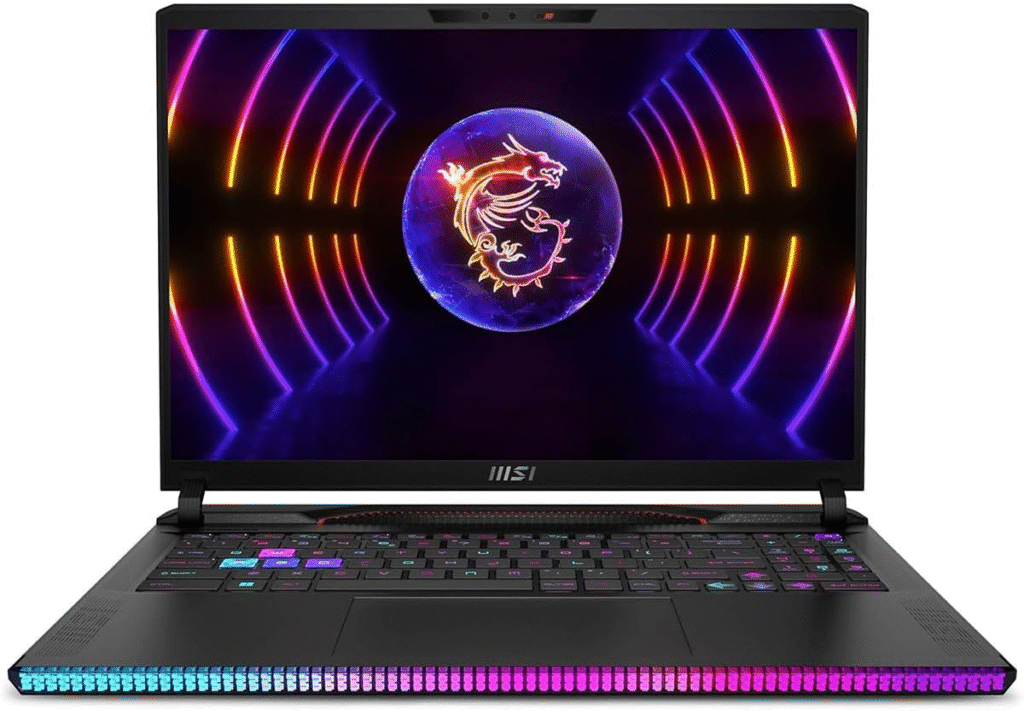
Why I Recommend It: For studio-level VFX, rendering, and animation projects, this laptop offers unmatched performance. Its GPU, CPU, and RAM configuration handle extreme workloads without lag.
Specs:
- CPU: Intel Core Ultra 9 275HX
- GPU: NVIDIA RTX 5080
- RAM: 64GB DDR5
- Storage: 2TB SSD
- Display: 18-inch Mini-LED, 3840×2400, 120Hz
Highlights: Desktop-level performance in a laptop form factor. Ideal for complex 3D animation scenes and VFX pipelines.
Lenovo Yoga Pro 9i (RTX 4060)
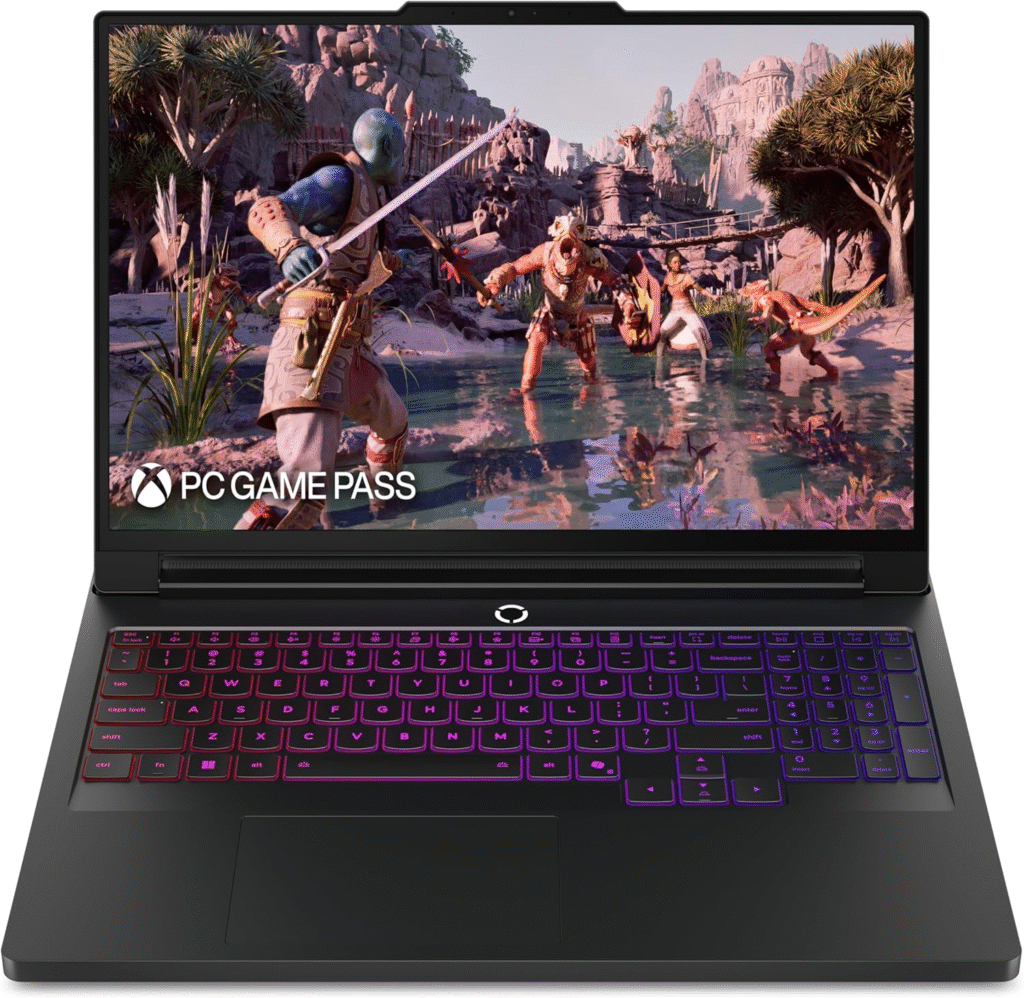
Why I Recommend It: Lightweight yet powerful, this laptop is perfect for animators who need portability without compromising performance.
Specs:
- CPU: Intel Core Ultra 13th Gen
- GPU: NVIDIA RTX 4060
- RAM: 32–64GB
- Storage: 1TB SSD
- Display: 16-inch HDR Mini-LED
Highlights: Long battery life, sleek aluminum chassis, AI-enhanced creative tools.
Acer Nitro 5 / Asus TUF Gaming A15
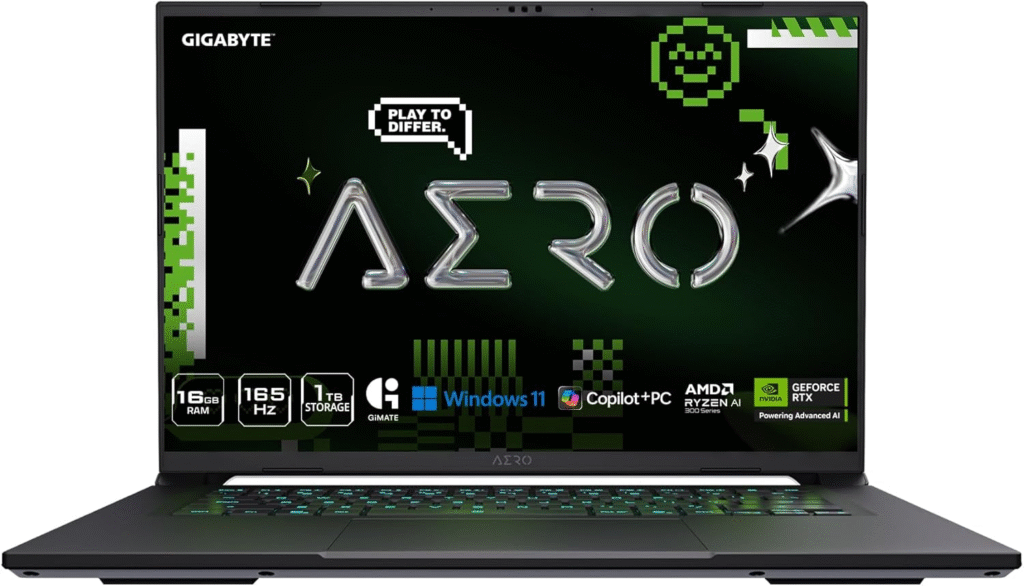
Why I Recommend It: For students and beginners, these laptops offer good CPU/GPU performance without breaking the bank.
Specs (Average):
- CPU: Intel Core i7 / AMD Ryzen 7
- GPU: NVIDIA RTX 4050–4060
- RAM: 16GB
- Storage: 512GB–1TB SSD
- Display: 15–16-inch IPS, high color accuracy
Highlights: Affordable, reliable, and capable of handling both 2D and entry-level 3D animation workflows.
How I Choose the Best Laptop for Animation
When selecting a laptop for animators, I focus on these core areas:
- CPU & GPU Performance: Smooth playback and real-time rendering depend on fast processors and powerful graphics cards.
- Display Quality: OLED or IPS panels with 100% sRGB or DCI-P3 coverage make color-critical animation work accurate.
- RAM & Storage: Minimum 16GB RAM; 32GB+ recommended for heavy 3D scenes. SSDs ensure fast load and save times.
- Portability vs Power: Some machines are desktop replacements, others are portable enough for work on the go.
- AI & Software Integration: Modern AI features in hardware can accelerate rendering, upscaling, and workflow automation.
Essential Specifications for Animators
- CPU: Intel Core i7/i9 (13th/14th gen) or AMD Ryzen 7/9, Apple M2/M3/M4 Pro/Max
- GPU: NVIDIA RTX 4050–4080 for 3D rendering
- RAM: 16GB minimum, 32GB+ recommended
- Storage: 1TB SSD minimum
- Display: OLED/IPS with accurate color (100% sRGB or DCI-P3)
Frequently Asked Questions
1. What is the best laptop for 3D animation in 2026?
For heavy 3D work, I recommend the ASUS ProArt P16 or MSI Raider GE78 HX with at least an RTX 4060 GPU and 32GB RAM.
2. Can MacBooks handle professional animation?
Absolutely. The Apple MacBook Pro 16-inch (M4 Max/Pro) delivers smooth 2D/3D workflows and long battery life, making it ideal for on-the-go professionals.
3. Do I need a gaming laptop for animation?
Gaming laptops often have the powerful GPUs and CPUs required for rendering. They are excellent options if you don’t want to invest in a workstation.
4. What specs should a budget animation laptop have?
Look for at least Intel i7 or Ryzen 7, 16GB RAM, dedicated GPU (RTX 4050/4060), and a high-resolution IPS display.
Final Thoughts
Choosing the best laptop for animation in 2026 depends on your workflow, budget, and whether portability matters more than raw performance. For me, the MacBook Pro 16-inch (M4 Max/Pro) is unmatched overall, the ASUS ProArt P16 dominates 3D, and the MSI Raider GE78 HX is a beast for VFX and high-end rendering. Even budget options like the Acer Nitro 5 or Asus TUF Gaming A15 provide excellent entry points for beginners without compromising essential specs.
Amazon Affiliate Disclaimer:
Some of the links in this article are affiliate links. If you make a purchase through them, I may earn a small commission at no extra cost to you. This helps me keep testing and reviewing laptops for you.