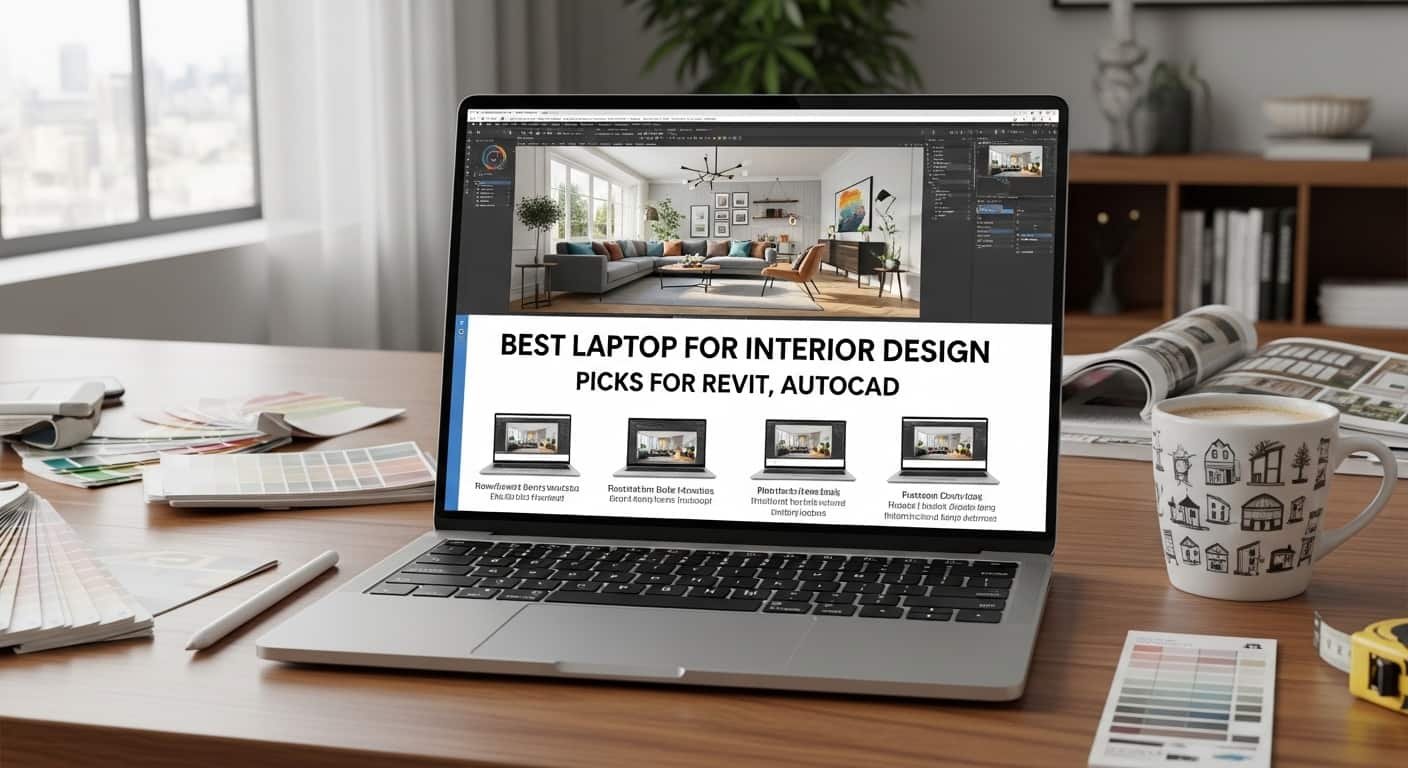
Best Laptop for Interior Design
I’ve been there, watching the progress bar crawl while my creativity disappears. Interior design software today demands serious power, and using the wrong laptop for interior design can turn simple 3D modeling into a frustrating experience.
Read More…Best Laptops for 3D Modelling & Rendering
If you’re running Revit, AutoCAD, SketchUp, Rhino, Enscape, or Adobe Suite, you already know the pain: lag, overheating, unsupported GPUs, and even system crashes. I’ve tested specs, researched real-world user feedback, and compared workstation vs gaming machines so you don’t waste thousands on the wrong device. In this guide, I’ll show you the best laptop for interior design that actually handles rendering, drafting, and multitasking smoothly, plus what specs truly matter.
Overview
From my research and experience, the best laptop for interior design balances powerful RTX graphics, at least 16GB–32GB RAM, fast SSD storage, and a color-accurate display. High-performance options like the Razer Blade 16 are ideal for heavy 3D rendering, while creator-focused machines like the ASUS ProArt P16 offer productivity and OLED color precision. Apple users often prefer the MacBook Pro 14 for its build quality and display, though software compatibility must be checked. For designers who sketch and model, the Microsoft Surface Laptop Studio 2 delivers flexibility with pen support.
Minimum specs I recommend:
- Intel Core i7/i9 (13th gen+) or Apple M-series
- NVIDIA RTX 4060/4070 or higher
- 16GB RAM minimum (32GB ideal)
- 1TB NVMe SSD
- 15”+ display with 100% sRGB or DCI-P3
Now let’s break down the 4 best laptop for interior design options that truly deliver.
1. Razer Blade 16 (2024)
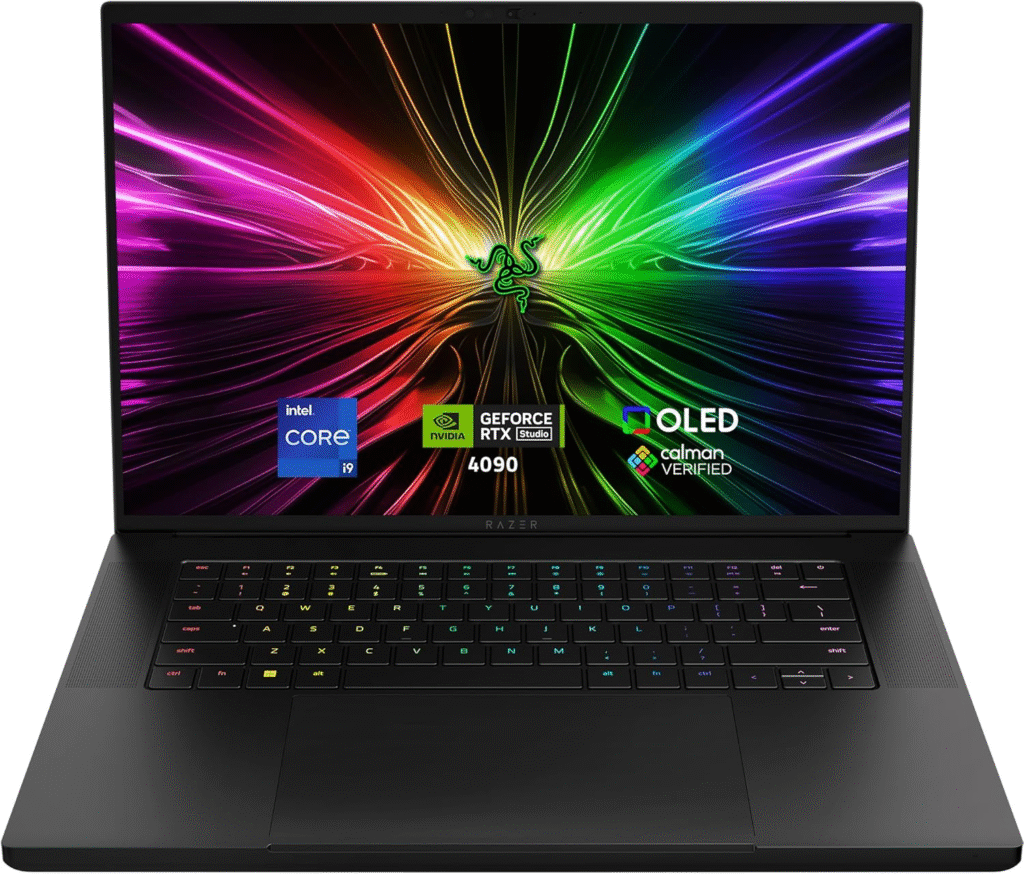
If your main focus is Revit + Enscape rendering + Rhino modeling simultaneously, this is the powerhouse. The Razer Blade 16 feels like a high-end gaming machine—but for designers, that RTX GPU is gold.
Key Features & Specs
- Intel Core i9 processor
- NVIDIA RTX 4070/4080 options
- 16GB–32GB RAM (upgradeable)
- 1TB NVMe SSD
- 16-inch QHD+/4K high-refresh display
- CNC aluminum premium build
- ~6–8 hours mixed battery life
Why I Like It
- Handles large BIM files smoothly
- Excellent thermal management for rendering
- Professional look (not overly flashy)
Why I Dislike It
- Expensive
- Battery drains fast under 3D load
- Slightly heavier than ultrabooks
Buy if: You render complex scenes daily.
Don’t buy if: You prioritize portability over raw power.
2. ASUS ProArt P16
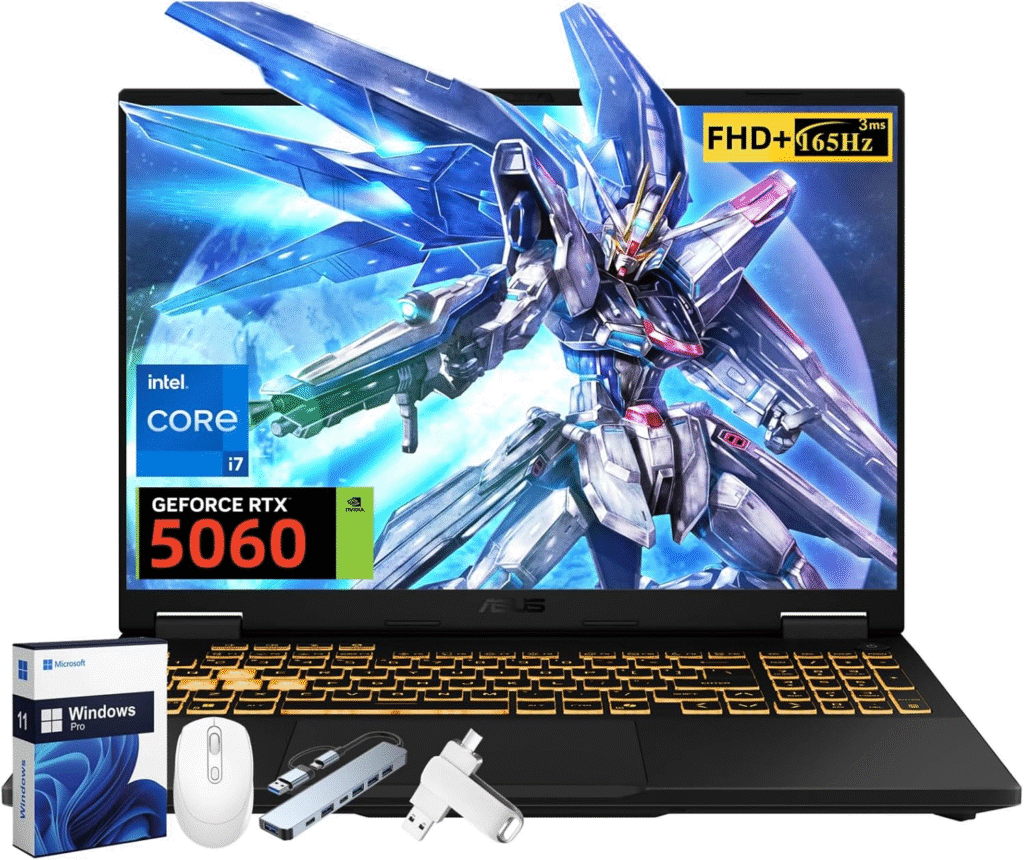
The ASUS ProArt P16 is designed specifically for creators. If you care about accurate colors for materials, textures, and lighting, this machine shines.
Key Features & Specs
- Intel Core i7/i9
- NVIDIA RTX 4060/4070
- 16GB–32GB RAM
- 1TB SSD
- 16” OLED display (100% DCI-P3 color accuracy)
- Military-grade durability
Strengths
- Stunning OLED color precision
- Balanced performance & portability
- Optimized for creative workflows
Weaknesses
- OLED can impact battery life
- Not as powerful as top gaming rigs
This is the best laptop for interior design if you want workstation performance without bulky gaming aesthetics.
3. MacBook Pro 14 (M5, 2025)
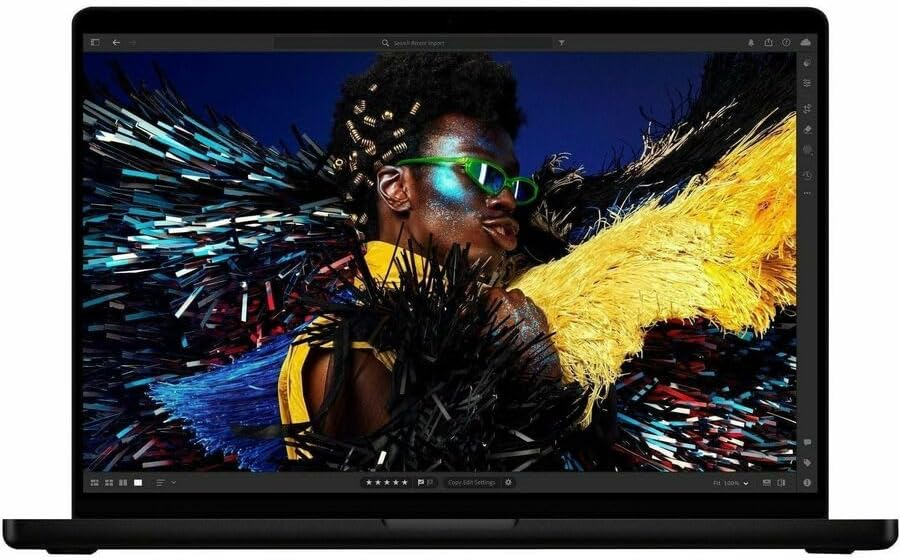
If you’re in the Apple ecosystem, the MacBook Pro 14 is incredibly refined. The display quality is one of the best I’ve seen, perfect for material boards and visual presentations.
Key Features & Specs
- Apple M5 chip
- 16GB–32GB unified memory
- Liquid Retina XDR display
- 1TB SSD options
- 15–18 hours battery life
- Premium aluminum chassis
Pros
- Exceptional battery life
- Superb display accuracy
- Quiet and efficient
Cons
- Revit not natively supported (requires workarounds)
- Limited upgradeability
- Premium pricing
If your workflow revolves around AutoCAD for Mac, SketchUp, or Adobe tools, it’s fantastic. But for heavy Revit users, Windows machines may be safer.
4. Microsoft Surface Laptop Studio 2
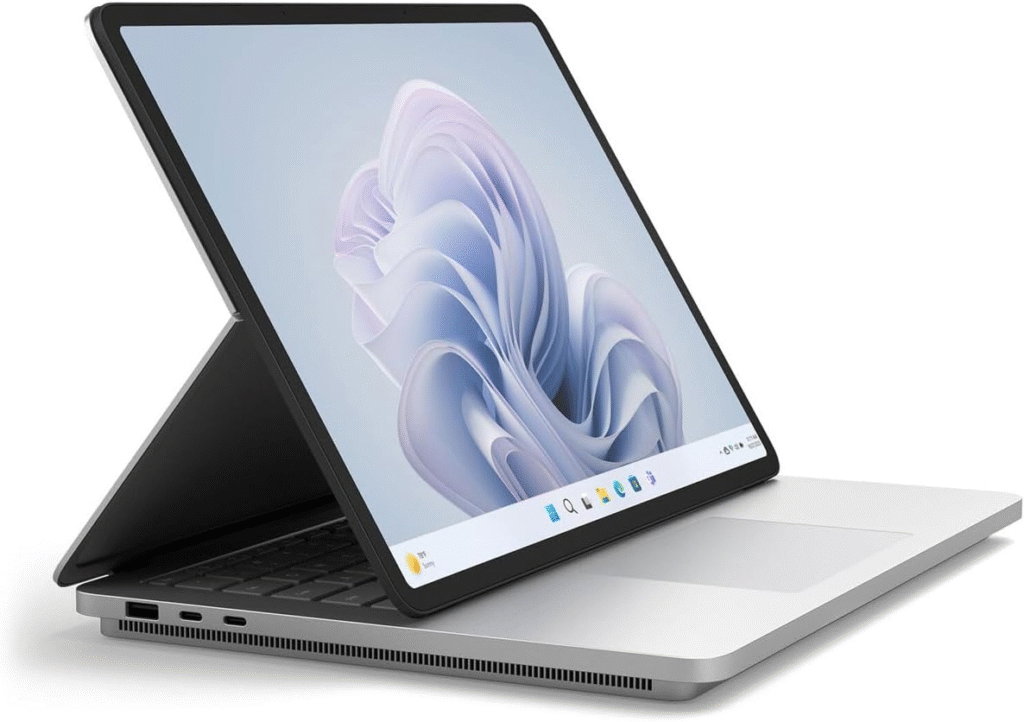
Many designers love sketching concepts digitally. The Surface Laptop Studio 2 blends tablet flexibility with workstation-level specs.
Key Features & Specs
- Intel Core i7
- NVIDIA RTX 4060
- 16GB–32GB RAM
- 14.4” PixelSense touchscreen
- Surface Pen support
- ~10–12 hours battery
Reason to Buy
- Sketch directly in tablet mode
- Powerful enough for moderate rendering
- Compact and portable
Reason Not to Buy
- Smaller screen for complex layouts
- Expensive for its GPU tier
This is ideal if you move between site visits, presentations, and design sketches frequently.
Quick Picks
Best Laptop for Interior Design
- Best Overall Power: Razer Blade 16
- Best Windows Workstation: ASUS ProArt P16
- Best for Apple Users: MacBook Pro 14
- Best 2-in-1 Option: Surface Laptop Studio 2
What Specs Actually Matter for Interior Design?
From my research and industry IT feedback:
- GPU matters most – RTX GPUs outperform integrated graphics in Enscape & rendering engines.
- RAM is critical – 16GB minimum, 32GB recommended.
- NVMe SSD improves large file loading times.
- Screen size – 15”+ preferred unless always docked.
- Thunderbolt support if using external monitors.
FAQs
1. Is a gaming laptop good for interior design?
Yes. Gaming laptops with RTX GPUs often outperform thin ultrabooks in rendering and CAD tasks.
2. Do I need 32GB RAM for Revit?
For small projects, 16GB works. For complex BIM models, 32GB is strongly recommended.
3. Can MacBook run Revit?
Not natively. Revit requires Windows. You’d need virtualization software.
4. What GPU is best for SketchUp and Enscape?
NVIDIA RTX 4060 or higher ensures smooth performance.
Final Thoughts
Choosing the Best Laptop for Interior Design
The best laptop for interior design depends on your workflow.
If you render large 3D models daily, go for the Razer Blade 16.
If color accuracy and balanced performance matter most, choose ASUS ProArt P16.
If you’re an Apple loyalist focused on design presentation and creative apps, MacBook Pro 14 is excellent.
If you sketch often and want tablet flexibility, Surface Laptop Studio 2 fits beautifully.
Interior design software keeps getting heavier. Investing in the right laptop now means fewer crashes, smoother renders, and faster client approvals.
Amazon Affiliate Disclaimer
As an Amazon Associate, I earn from qualifying purchases. This comes at no extra cost to you and helps support my research and content creation.