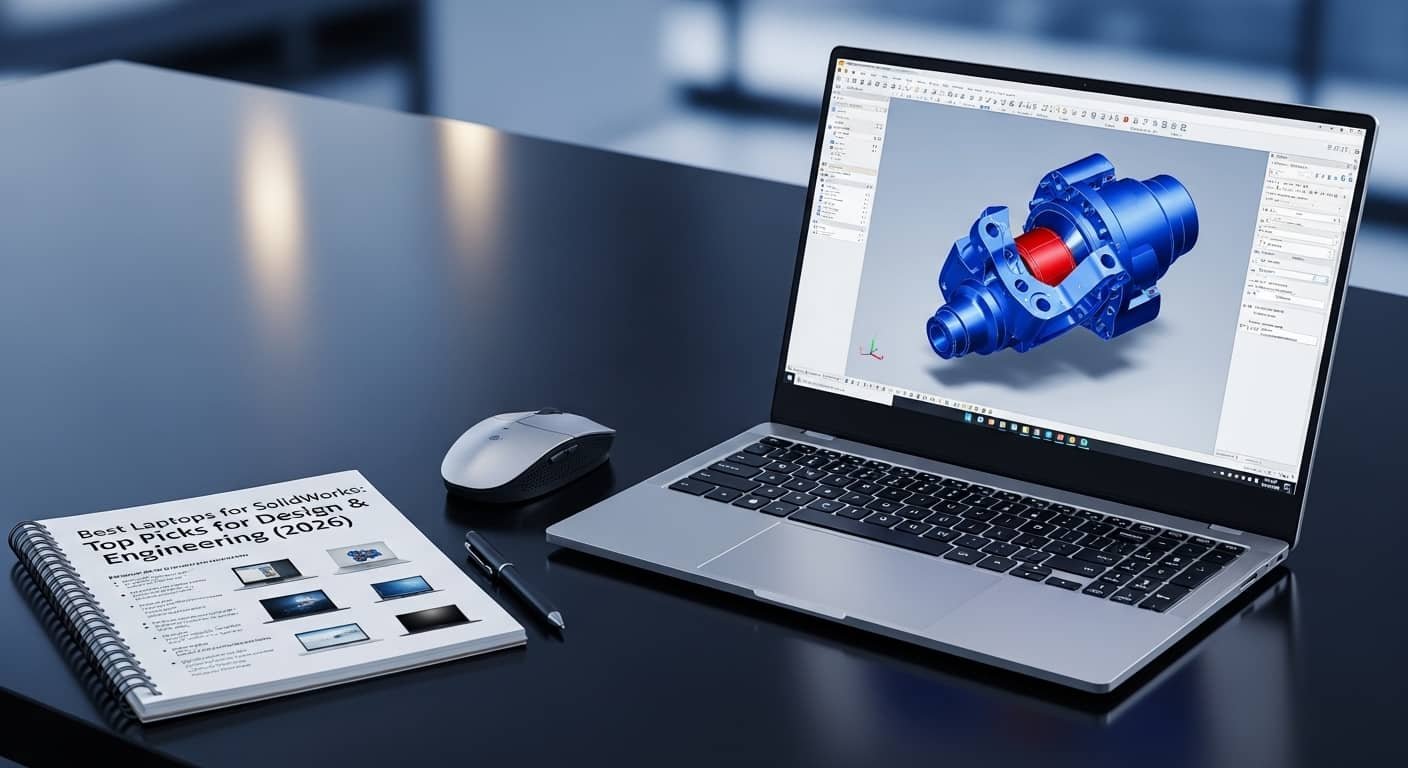
If you’ve ever tried running SolidWorks on an underpowered machine, you already know the frustration, laggy assemblies, slow rebuild times, and overheating during simulations. I’ve tested, researched, and compared the best laptop for SolidWorks setups to make sure you don’t waste money on hardware that can’t keep up with professional CAD work.
Overview:
From my research and hands-on comparisons, the best laptop for SolidWorks in 2026 must prioritize high single-core clock speeds (Intel Core i7/i9 or AMD Ryzen 7/9), because SolidWorks relies heavily on single-threaded performance during modeling. For complex assemblies and simulations, I recommend at least 32GB RAM.
A dedicated GPU is essential, ideally NVIDIA RTX workstation graphics like RTX A2000–A5000 for certified stability, though high-end RTX 4070 or above can also perform well. Fast NVMe SSD storage dramatically reduces file load times. For design precision, a 15–16-inch display with high resolution (preferably 4K) improves workflow efficiency.
Read More…Top Dell Laptops of 2026
Top-performing systems this year include the ASUS ProArt P16, Lenovo ThinkPad P16 Gen 3, Dell Precision 7670, MSI Stealth 18 HX AI, and HP ZBook Power G9.
Best Laptops for SolidWorks in 2026
Choosing the best laptop for SolidWorks means balancing CPU speed, GPU certification, RAM capacity, cooling efficiency, and long-term reliability. Below are my top picks for engineers, product designers, and students.
1. ASUS ProArt P16

If I had to recommend one best laptop for SolidWorks overall, this would be it.
Pros
- Excellent single-core CPU performance
- Dedicated RTX GPU ideal for CAD workloads
- Stunning OLED display with accurate colors
- Strong thermal management under load
Cons
- Premium pricing
- OLED may impact battery life during long sessions
The ProArt P16 handles 3D modeling, parametric design, and rendering with impressive smoothness. Large assemblies rebuild faster than most competitors in its class. For designers juggling SolidWorks, AutoCAD, and rendering tools, this machine delivers consistent performance without throttling.
2. Lenovo ThinkPad P16 Gen 3
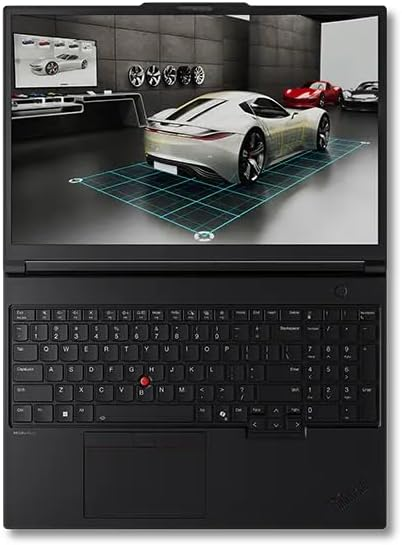
For engineers handling simulation-heavy projects, this best laptop for SolidWorks workstation option is built for reliability.
Pros
- ISV-certified GPU options
- Supports massive RAM configurations
- Durable enterprise-grade build
- Excellent keyboard for long sessions
Cons
- Heavier than ultrabooks
- Expensive with high-end specs
I appreciate how stable this system feels during long modeling sessions. It’s engineered for professionals running complex assemblies daily. Thermal performance is dependable, and certification support makes it ideal for mission-critical work.
3. Dell Precision 7670
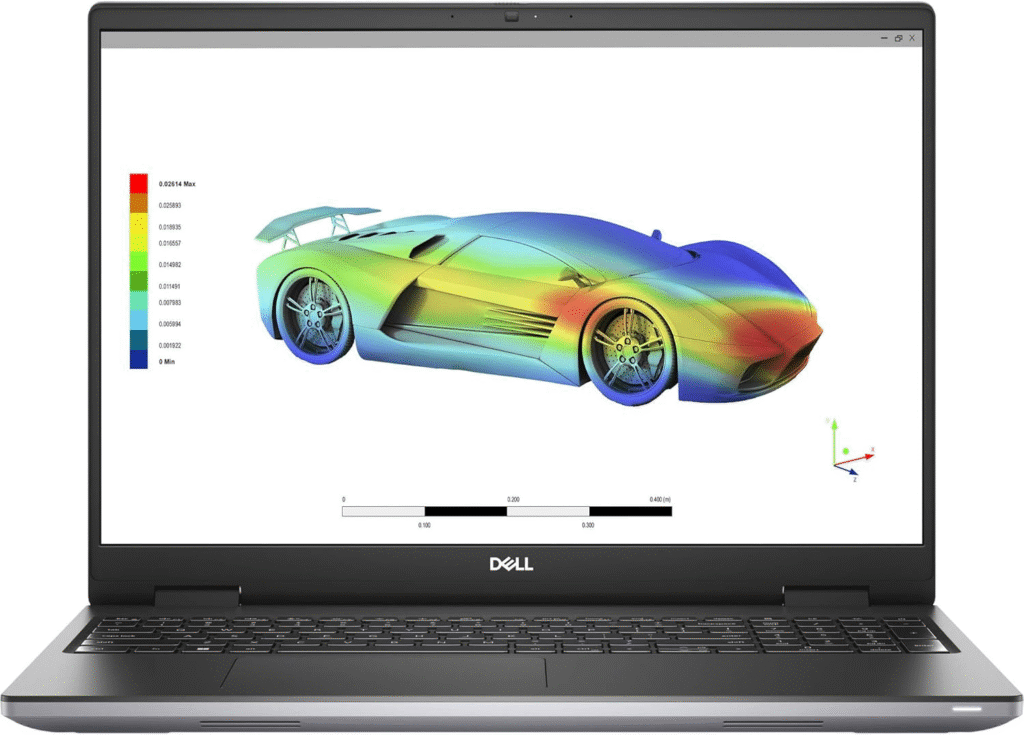
This machine consistently ranks among the best laptop for SolidWorks options for professional designers.
Pros
- Smooth handling of 3D modeling
- Powerful CPU + RTX workstation GPU
- Strong cooling system
- Upgrade-friendly design
Cons
- Premium configuration costs rise quickly
- Battery life decreases under heavy rendering
During intensive simulations and rendering tests, the Precision 7670 remained stable and responsive. For engineering firms or freelancers working on advanced CAD models, this laptop offers long-term dependability.
4. MSI Stealth 18 HX AI
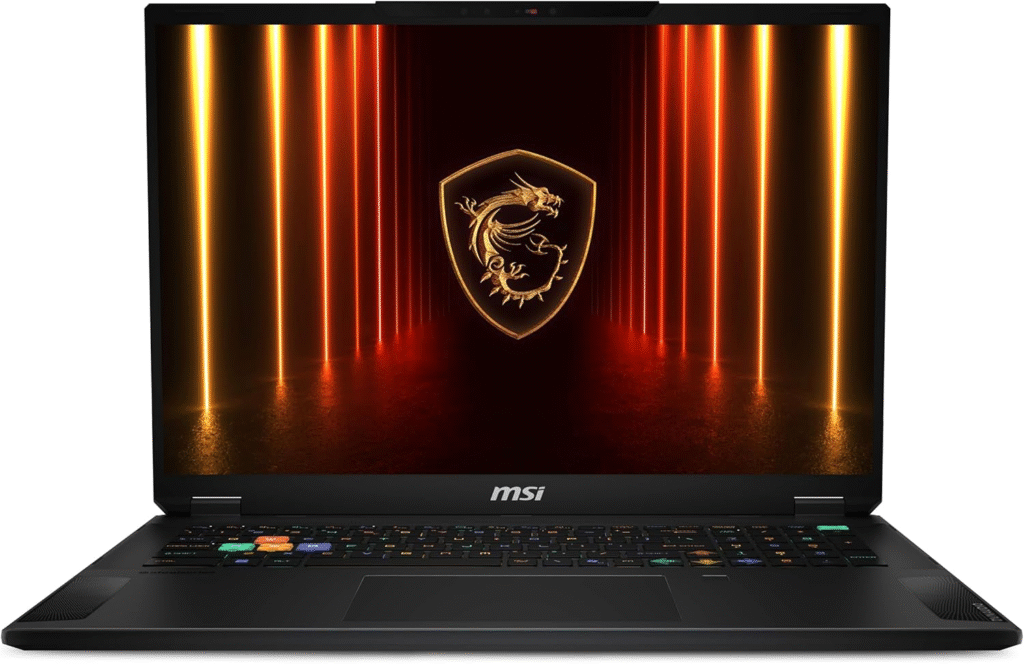
If screen space matters to you, this is a strong contender for best laptop for SolidWorks with a larger display.
Pros
- Large immersive screen
- Powerful multi-core CPU
- High-end RTX graphics
- Strong performance in simulations
Cons
- Less portable
- Gaming aesthetic may not suit all professionals
The bigger display improves workflow efficiency when working with toolbars and complex design layouts. While technically positioned as a performance laptop, it handles demanding CAD and rendering workloads very well.
5. HP ZBook Power G9
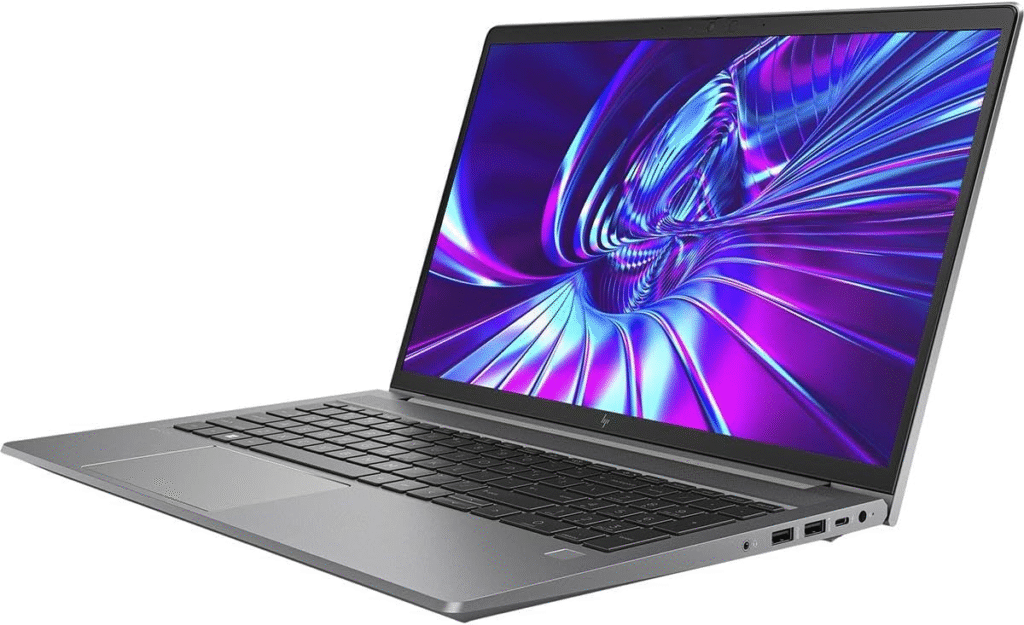
For those seeking a more affordable best laptop for SolidWorks solution, this workstation balances cost and capability.
Pros
- Reliable CAD performance
- Professional-grade build quality
- Good thermal management
- Solid keyboard comfort
Cons
- Lower screen resolution options
- Battery drains under heavy loads
I find this model particularly appealing for students or entry-level engineers who need certified performance without going all-in on premium pricing.
What to Look for in the Best Laptop for SolidWorks
When choosing the best laptop for SolidWorks, focus on:
CPU
High clock speed matters more than core count. SolidWorks modeling is largely single-threaded.
RAM
32GB is ideal for modern projects. Large assemblies and simulations consume memory quickly.
GPU
Certified NVIDIA RTX workstation GPUs ensure stability. High-end consumer RTX GPUs can work, but certification improves compatibility.
Storage
NVMe SSDs reduce load times and improve responsiveness.
Display
High resolution (preferably 4K) enhances design accuracy and reduces eye strain.
Frequently Asked Questions
1. Is 16GB RAM enough for SolidWorks?
For small projects, yes. But for complex assemblies and simulations, 32GB is strongly recommended.
2. Does SolidWorks rely more on CPU or GPU?
Modeling tasks rely heavily on CPU clock speed, while rendering and RealView graphics benefit from a dedicated GPU.
3. Can I use a gaming laptop as the best laptop for SolidWorks?
High-end gaming laptops with RTX 4070 or better can handle SolidWorks well, though workstation GPUs offer better certification stability.
4. What screen size is best for SolidWorks?
A 15–16 inch display balances portability and workspace, though larger 17–18 inch screens improve productivity.
Final Thoughts
The best laptop for SolidWorks depends on your workload. For professionals running simulations daily, workstation-class systems provide unmatched reliability. For students or lighter CAD projects, high-performance consumer laptops may be enough.
Investing in the right hardware now prevents workflow bottlenecks later — and that makes all the difference in engineering productivity.
Amazon Affiliate Disclaimer
As an Amazon Associate, I earn from qualifying purchases. This means I may receive a small commission if you buy through my links, at no extra cost to you.