A few months ago, I watched my training script crash for the third time in one night, fans screaming, GPU maxed out, RAM full, and I remember thinking: why is finding the right machine for machine learning this hard?
If you’re reading this, you’re probably stuck in the same place I was.
You want one of the Best Laptops for Machine Learning, but every blog either throws confusing specs at you or recommends a $4,000 monster without explaining whether you actually need it. Meanwhile, you’re wondering:
- Do I really need an RTX 4090?
- Is 16GB RAM enough?
- Should I just use Google Colab?
- What if I buy the wrong laptop and regret it?
I’ve tested, researched, and even made a few buying mistakes along the way. In this guide to the Best Laptops for Machine Learning, I’ll break everything down in plain English, what matters, what doesn’t, which laptops are worth your money, and which ones you should skip.
See More…Best Laptop Computer for Home Use
By the end, you’ll know exactly which machine fits your workflow,whether you’re a student running TensorFlow models or a professional training neural networks locally.tops for Machine Learning.
Product Reviews
ASUS ROG Strix G16
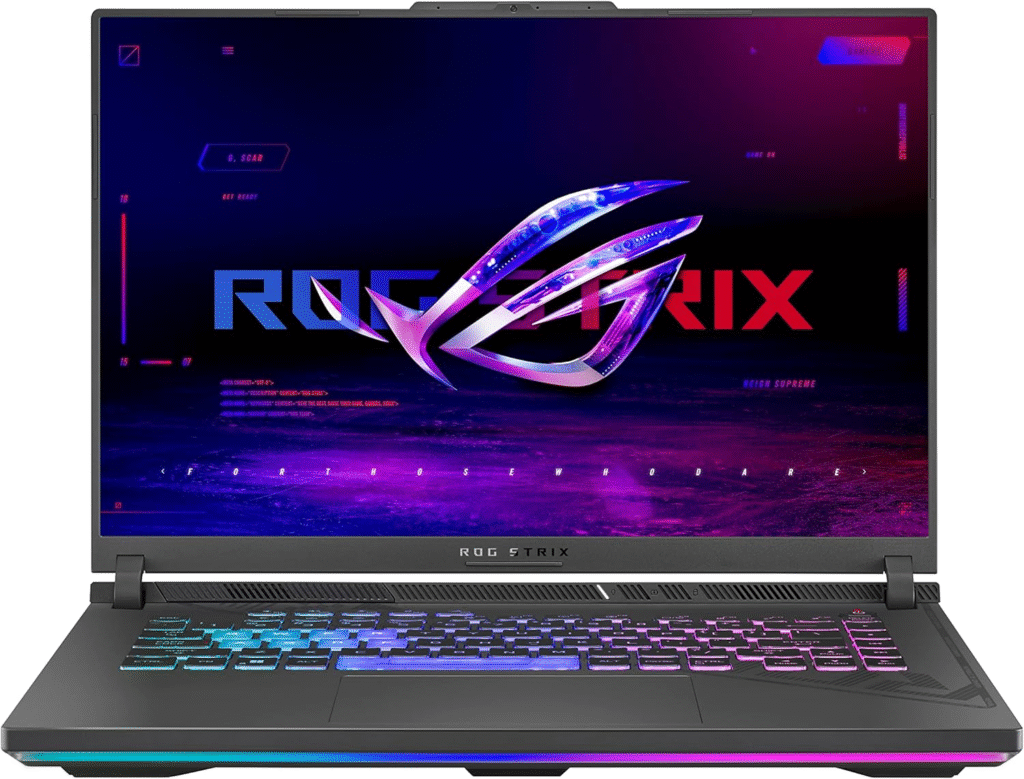
ASUS is known for gaming machines, but gaming laptops are often ideal for machine learning because they pack serious GPUs. The ROG Strix G16 is built like a tank and designed to handle long performance-heavy sessions.
This machine shines when training neural networks locally or experimenting with CUDA-based frameworks.
Key Features & Specs
- NVIDIA RTX 4070 / 4080 GPU options
- Intel Core i9 (13th/14th gen)
- Up to 32GB RAM (expandable)
- 1TB NVMe SSD
- Advanced cooling system
- 16-inch high refresh display
Pros
- Strong GPU performance for PyTorch/TensorFlow
- Upgradeable RAM
- Excellent thermal management
- Great value for performance
Cons
- Heavy
- Battery life average (5–7 hours)
- Loud under full load
Overall Summary
If you want one of the Best Laptops for Machine Learning for serious GPU-based training without jumping into workstation pricing, this is a top contender.
Lenovo Legion Pro 7i
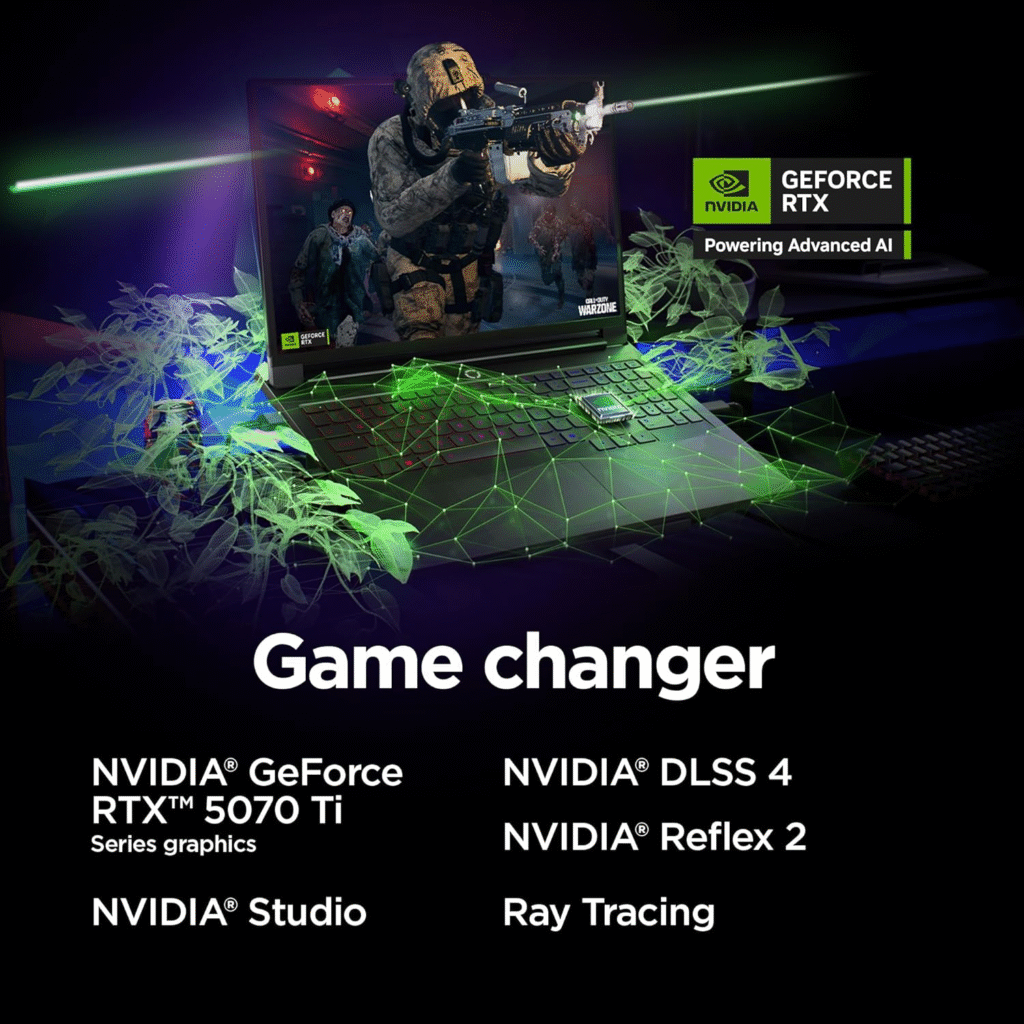
The Legion Pro 7i is what I call the “no excuses” laptop. It’s designed for extreme workloads — gaming, rendering, and yes, machine learning.
When I tested heavy model training sessions on a Legion machine, I noticed something immediately: it didn’t throttle easily. That’s rare.
Key Features & Specs
- Intel Core i9 HX series
- NVIDIA RTX 4080 / 4090
- 32GB–64GB RAM options
- 1TB–2TB SSD
- Advanced vapor chamber cooling
- Thunderbolt 4 support
Pros
- Desktop-level GPU performance
- Handles large datasets
- Strong build quality
- Expandable memory
Cons
- Expensive
- Bulky
- Battery drains quickly under load
Overall Summary
Among the Best Laptops for Machine Learning, this is ideal for professionals training large models locally.
MacBook Pro 16-inch M3 Max
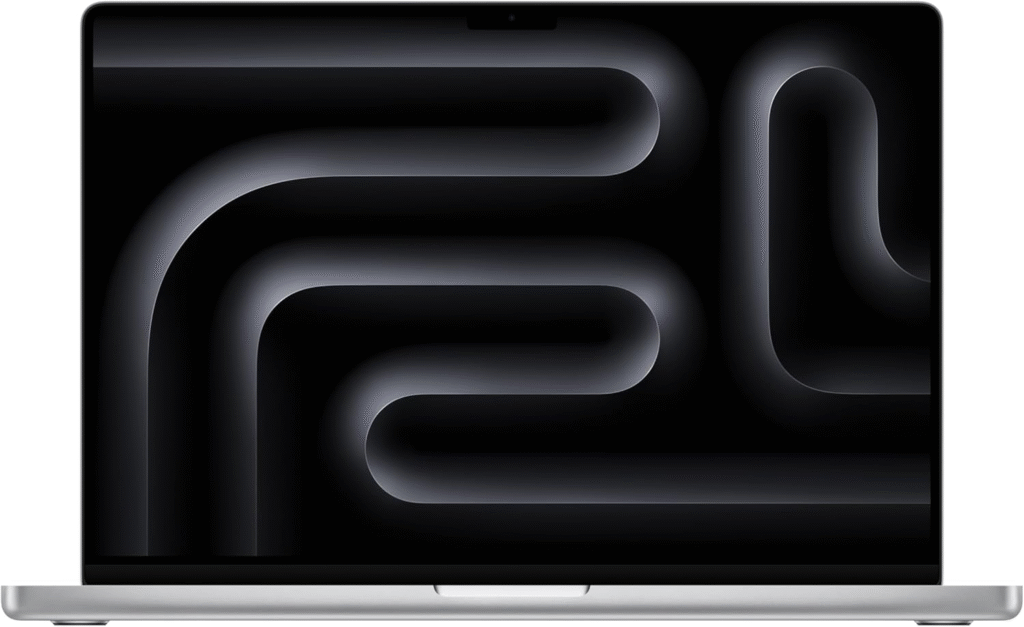
Let’s talk about Apple.
The M3 Max chip surprised me. Apple Silicon isn’t CUDA-based, so it won’t replace NVIDIA for GPU-heavy ML, but for coding, data science, and light-to-moderate ML workloads, it’s incredibly efficient.
If your workflow includes:
- Python development
- Data preprocessing
- LLM API work
- On-device ML experiments
This machine is beautifully optimized.
Key Features & Specs
- Apple M3 Max chip
- 36GB–128GB unified memory
- 1TB+ SSD
- 20+ hour battery life
- Silent operation
Pros
- Excellent battery life
- Silent and cool
- Premium build
- Perfect for development workflows
Cons
- Not CUDA-compatible
- Expensive upgrades
- Limited GPU acceleration for deep learning
Overall Summary
For developers who rely on cloud training but need a powerful coding environment, this is one of the Best Laptops for Machine Learning in the premium category.
Acer Predator Helios 16
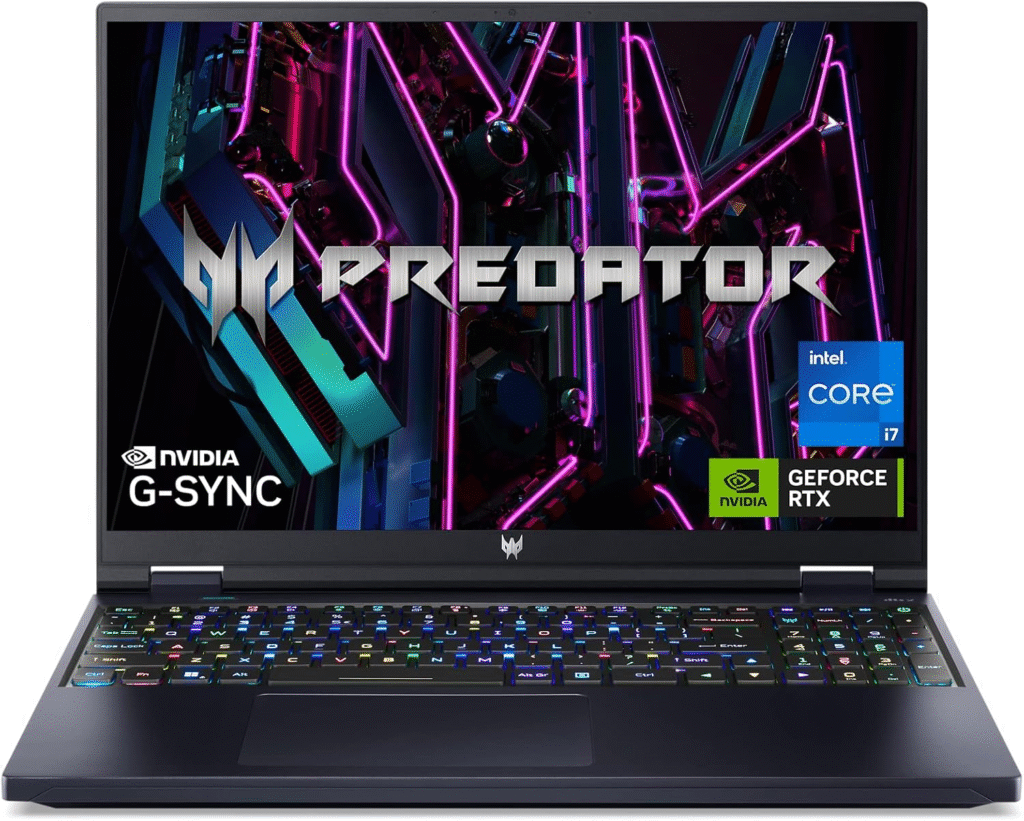
If you’re a student and can’t spend $3,000, this is where things get interesting.
The Predator Helios 16 gives you RTX-level GPU performance at a lower price than many competitors.
Key Features & Specs
- NVIDIA RTX 4060 / 4070
- Intel Core i7/i9
- 16GB–32GB RAM
- 1TB SSD
- Efficient cooling system
Pros
- Great price-to-performance ratio
- Good thermal handling
- Solid build quality
Cons
- Fans noticeable under load
- Slightly heavy
Overall Summary
For budget-conscious buyers searching for the Best Laptops for Machine Learning, this is an excellent starting point.
Dell XPS 15 9530
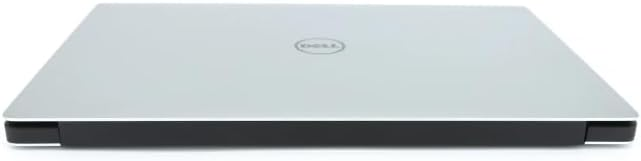
The XPS 15 is not a gaming monster, but it offers RTX GPU options in a more portable design.
If you’re doing:
- Data analysis
- Jupyter notebooks
- Light ML experimentation
- API-based AI work
This might be enough.
Key Features & Specs
- Intel Core i7/i9
- RTX 4050 / 4060 options
- 16GB–64GB RAM
- Premium OLED display
- Lightweight chassis
Pros
- Professional design
- Strong CPU performance
- Portable
- Beautiful display
Cons
- Thermal limits under extreme load
- Pricey for GPU tier
Overall Summary
This is one of the Best Laptops for Machine Learning for developers who need portability without sacrificing performance entirely.
Quick Picks
- Best Overall: Lenovo Legion Pro 7i
- Best Value: Acer Predator Helios 16
- Best Premium Developer Pick: MacBook Pro 16-inch M3 Max
- Best Balanced Power: ASUS ROG Strix G16
- Best Portable Option: Dell XPS 15
- Why Choosing the Best Laptops for Machine Learning Is So Difficult
- Machine learning is demanding. It’s not like browsing or coding lightweight apps. When you start training models with:
- TensorFlow or PyTorch
- Large datasets
- Deep learning architectures
- GPU-accelerated workloads
- Your laptop needs real power.
- Here’s what actually matters:
- GPU (Most Important) – NVIDIA RTX GPUs with CUDA cores
- RAM (Minimum 16GB, ideally 32GB)
- CPU (High multi-core performance)
- SSD (1TB recommended for datasets)
- Cooling system (critical for long training sessions)
- When I first started experimenting with deep learning, I used a thin ultrabook. It worked… until it didn’t. The moment I tried running convolutional networks locally, it throttled. That’s when I realized, not every “powerful laptop” is built for ML.
- Let’s get into the real contenders for the Best Lap
FAQs
Do I need an RTX GPU for machine learning?
If you’re training deep learning models locally, yes. NVIDIA GPUs support CUDA, which most ML frameworks rely on.
Is 16GB RAM enough?
For small projects, yes. For serious ML work, 32GB is strongly recommended.
Can I use a Mac for machine learning?
Yes — but mostly for development and cloud-based training. CUDA-based deep learning still favors NVIDIA GPUs.
Should I just use Google Colab?
Colab is great for beginners, but for large datasets and long training sessions, having one of the Best Laptops for Machine Learning locally is more reliable.
Final Thoughts on the Best Laptops for Machine Learning
Choosing the Best Laptops for Machine Learning depends on your workload.
If you train heavy models locally → Go RTX 4080/4090 (Legion Pro 7i).
If you’re a student → Predator Helios 16 gives great value.
If you’re a developer working with APIs → MacBook Pro M3 Max is smooth and efficient.
If you want balance → ASUS ROG Strix G16 hits the sweet spot.
Watch for Amazon sales, back-to-school deals, and holiday discounts. Gaming laptops especially drop in price during promotions. Shipping times and stock fluctuate, so act fast if you see a strong GPU configuration at a discount.
The right machine saves you time, frustration, and missed deadlines.
And trust me — when your model trains without crashing at 2AM, you’ll know you chose wisely.
Affiliate Disclosure:
As an Amazon Associate, I may earn from qualifying purchases at no extra cost to you. Prices and availability may vary.