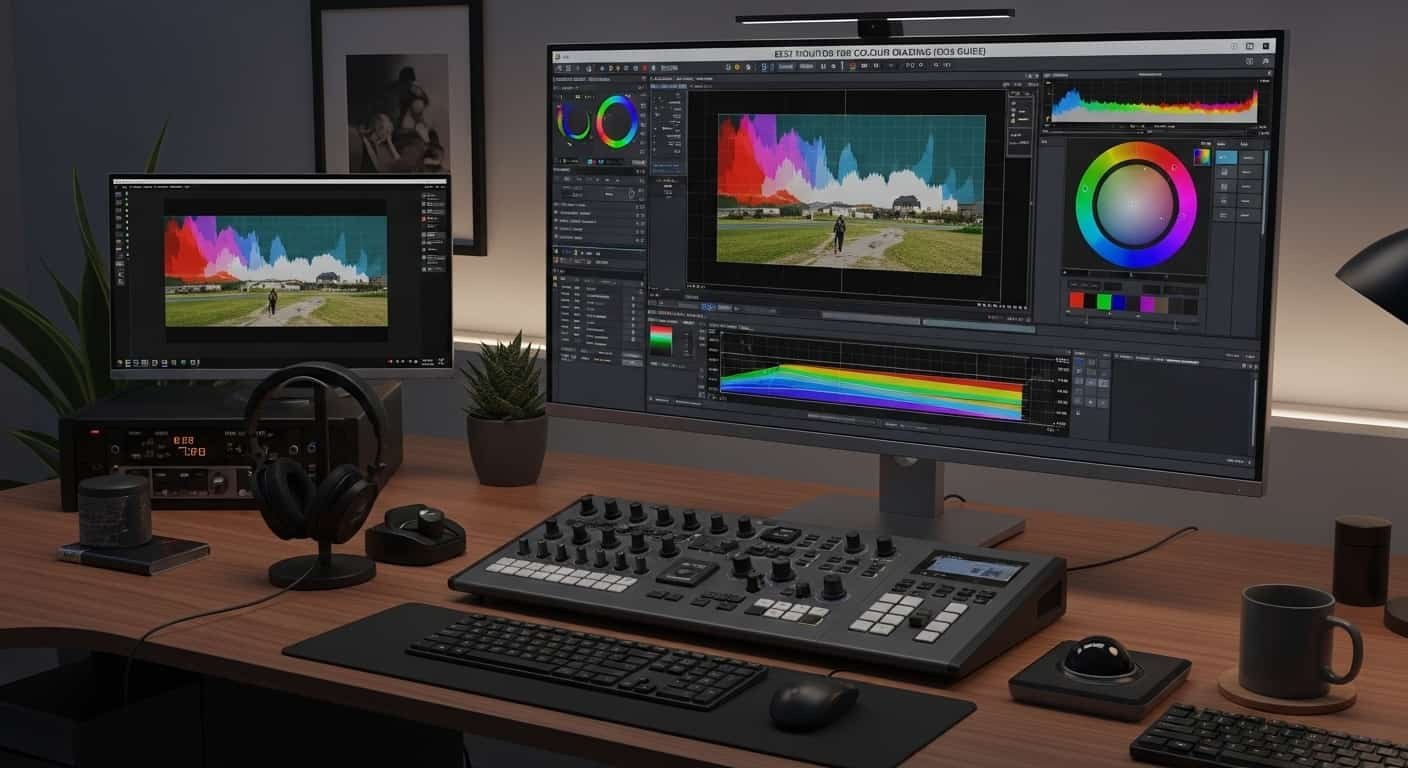
Best Monitor for Colour Grading
Are your coloUrs betraying you every time you export a project?
Right now, you might be staring at footage that looks perfect on your screen… but slightly green on your phone, oversaturated on your friend’s TV, and completely different on a client’s MacBook. I’ve been there. A few months ago, I thought upgrading to a wide-gamut gaming monitor with 100% sRGB and 90% DCI-P3 coverage would solve everything. It didn’t.
The real problem wasn’t just the monitor. It was calibration, color management, and understanding what actually matters for grading. In this guide, I’ll walk you through the best monitor for color grading—from professional reference displays to smart budget options, while keeping things simple and practical. By the end, you’ll know what to buy, what to skip, and how to trust your screen again.
What You Actually Need in a Colour Grading Monitor
Before we talk about brands, let’s clear up confusion. A lot of people think:
“If I buy a monitor that covers every colour space, I’m safe.”
That’s not how it works.
For most video work, you’re delivering in Rec.709 (SDR). So your monitor must accurately reproduce Rec.709, not just claim 100% coverage, but display it correctly.
Here’s what matters:
- Color Accuracy & Gamut: 99–100% sRGB/Rec.709, 95%+ DCI-P3 if you’re working HDR or cinema.
- Panel Type: IPS for stable color and wide viewing angles.
- Bit Depth: True 10-bit (or 8-bit + FRC minimum) to prevent banding.
- Resolution: 4K (3840×2160) is the professional standard.
- Calibration Support: Hardware calibration or 3D LUT support is ideal.
And one more thing: if you’re serious about accuracy, external I/O hardware like a Deck Link or Ultra Studio device bypasses your OS colour pipeline. Without that, even the best monitor can’t be fully trusted.
Now let’s look at the best options.
Product Reviews: Best Monitor for Colour Grading
EIZO ColorEdge CG2700X
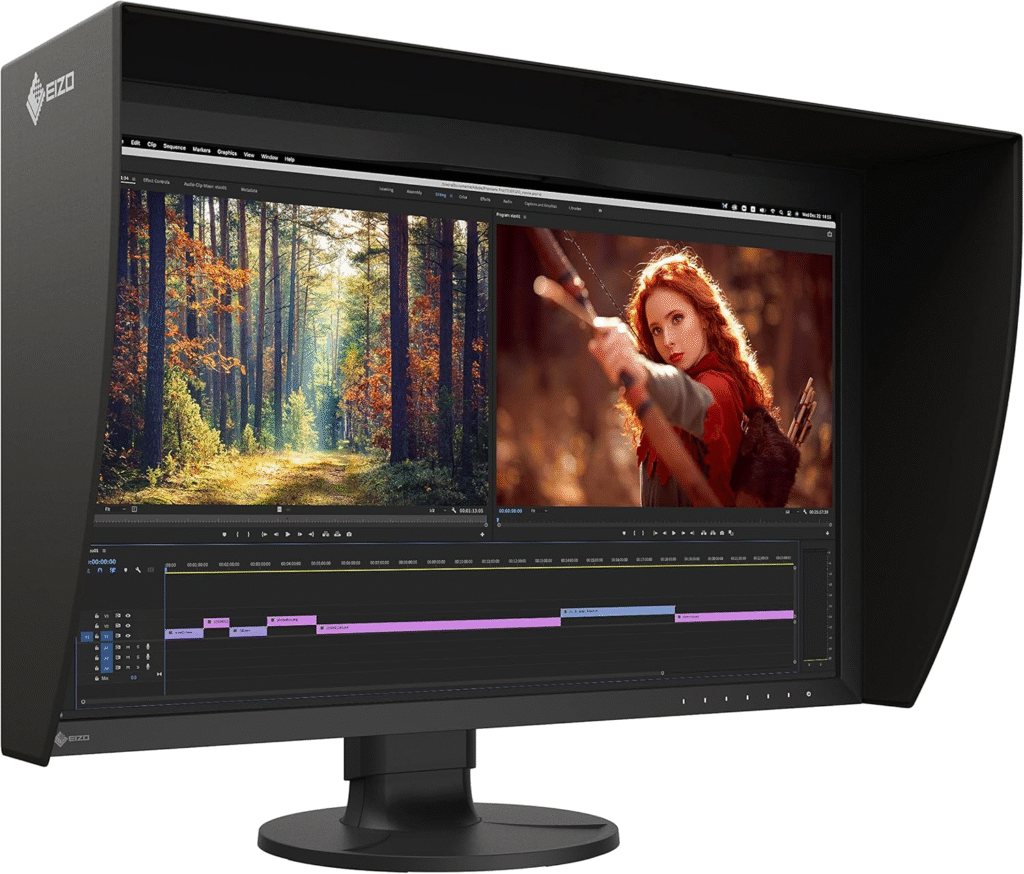
The EIZO Colour Edge CG2700X is what serious colourists use when accuracy is non-negotiable. This is a true reference monitor designed specifically for post-production environments. If you’re delivering to broadcast or cinema clients, this level of reliability matters.
It comes with built-in calibration hardware, meaning you don’t need external calibration devices. That alone sets it apart. When you choose a best monitor for colour grading then things are easy for you. See Your Colours True, Choose the Best Monitor for Colour Grading.
Key Features & Specs
- 27-inch 4K IPS panel
- 10-bit color depth
- 99% Adobe RGB / 98% DCI-P3
- Built-in calibration sensor
- Hardware LUT calibration
- USB-C with power delivery
Strengths
- Extremely accurate out of the box
- Integrated auto-calibration
- Rock-solid build quality
- Trusted in professional studios
Weaknesses
- Expensive
- Overkill for casual YouTube creators
- List
ASUS Pro Art PA32UCR
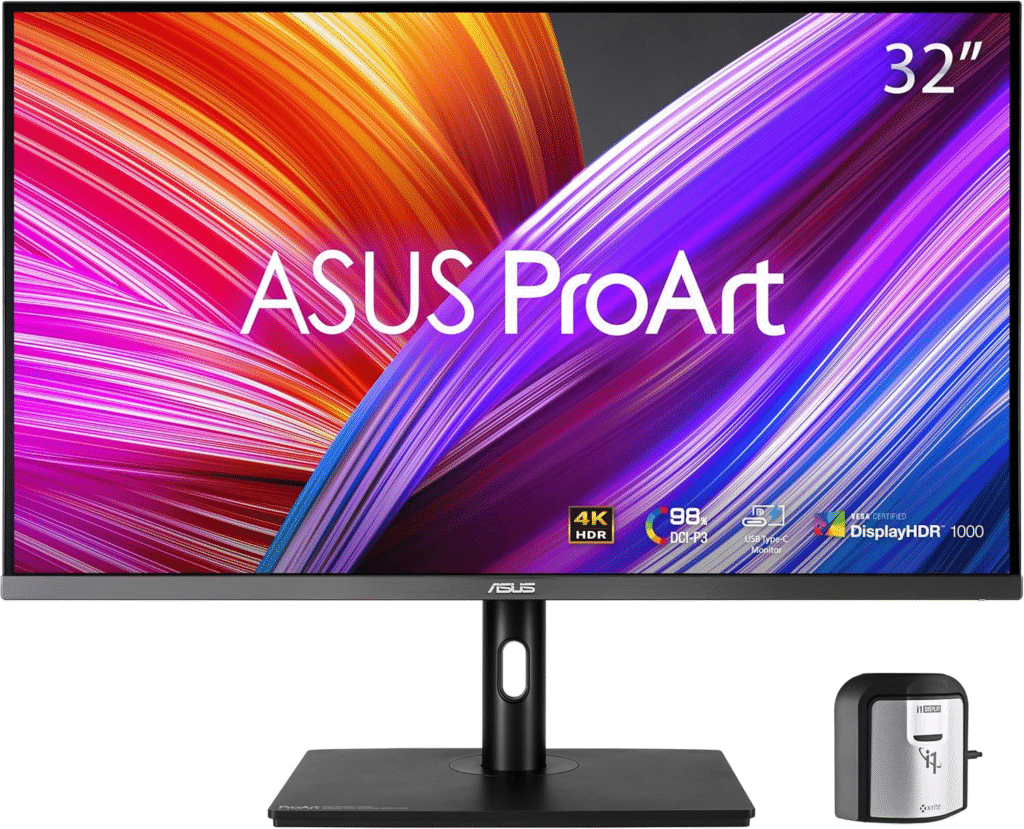
The ASUS ProArt PA32UCR is built for HDR workflows and serious content creators. It’s a Mini-LED display capable of high brightness and deep contrast, essential for HDR grading.
If you’re exploring HDR10 or Dolby Vision content, this is where things start getting serious.
Key Features & Specs
- 32-inch 4K IPS Mini-LED
- 10-bit panel
- 1600 nits peak brightness
- 99.5% Adobe RGB / 98% DCI-P3
- Hardware calibration support
Why I Like It
The brightness headroom for HDR is impressive. It bridges the gap between professional reference and enthusiast-level pricing.
Why I Dislike It
HDR grading requires proper workflow knowledge. Without color management discipline, it’s wasted potential.
BenQ SW321C
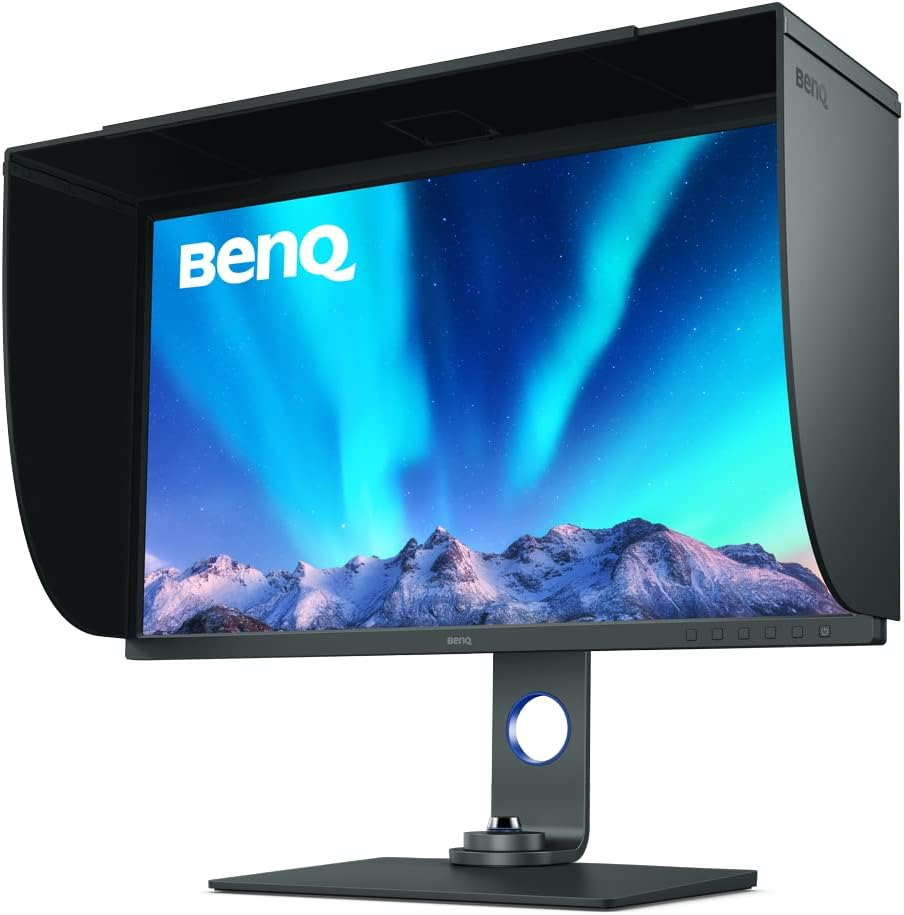
The BenQ SW321C is one of the most recommended enthusiast monitors for color work. It’s factory calibrated and supports hardware calibration, making it a strong balance between price and performance.
“The best monitor for colour grading lets you see every detail exactly as it was meant to be.”
For freelancers and serious creators, this is a realistic upgrade from a gaming monitor.
Key Features & Specs
- 32-inch 4K IPS
- 99% Adobe RGB
- 95% DCI-P3
- 10-bit support
- Hardware calibration ready
- USB-C connectivity
Reason to Buy
- Excellent color accuracy for the price
- Ideal for Rec.709 workflows
- Trusted in creative communities
Reason to Not Buy
- Not true reference-grade
- HDR performance is limited
If you’re upgrading from a basic IPS monitor, this feels like a huge step forward.
ASUS Pro Art PA279CRV
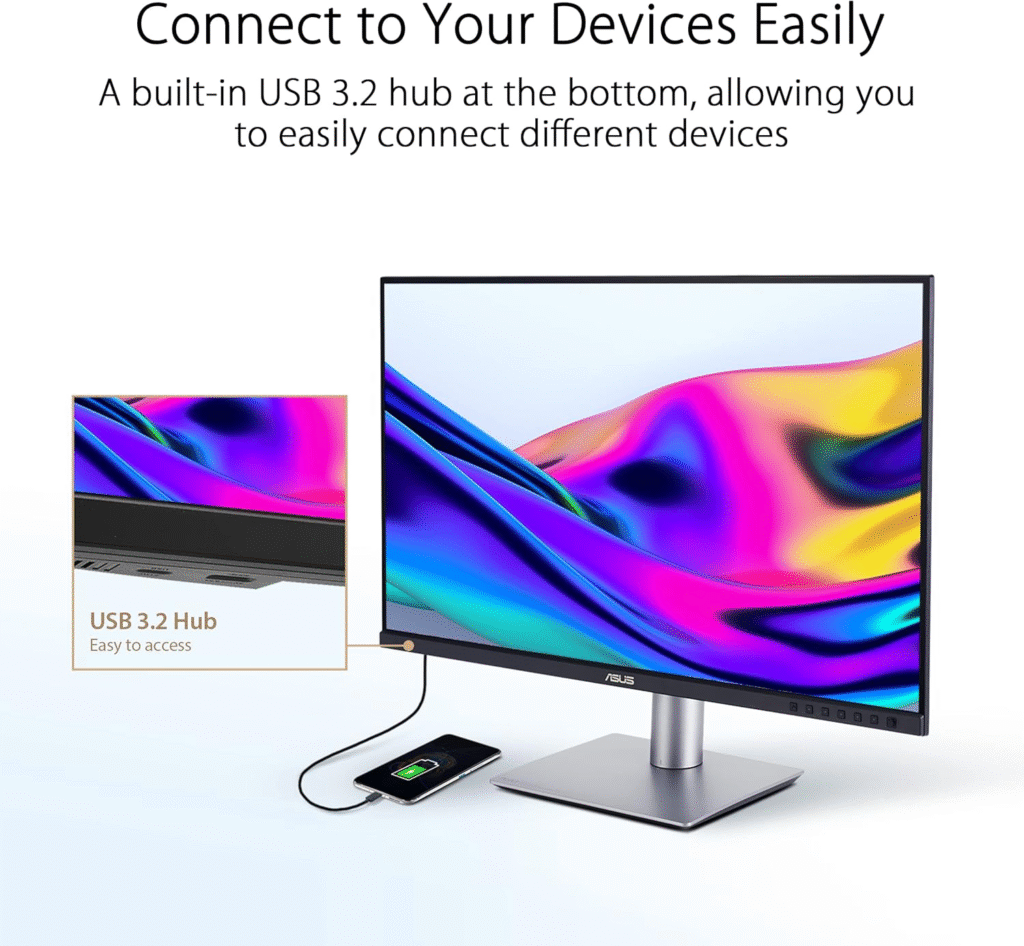
The ASUS ProArt PA279CRV is perfect for beginners who want accuracy without spending thousands.
It won’t replace a Flanders or EIZO reference display—but it gets you into proper 4K, factory-calibrated territory.
Key Features & Specs
- 27-inch 4K IPS
- 99% sRGB / Rec.709
- Calman Verified
- USB-C
- Slim design
Strengths
- Affordable
- Great starting point
- Accurate for SDR grading
Weaknesses
- No true HDR workflow
- Limited high-end calibration control
LG C3 OLED
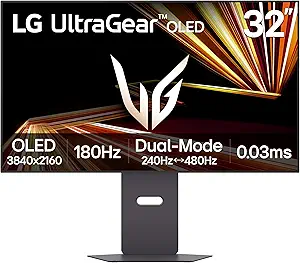
The LG C3 is technically a TV, but many post houses use it as a grading monitor. OLED gives you unmatched black levels and incredible contrast.
When I first saw HDR content on OLED, I understood why so many colorists swear by it.
Key Features & Specs
- OLED panel
- Near-infinite contrast
- Wide DCI-P3 coverage
- Excellent HDR performance
Buy If:
- You want stunning HDR visuals
- You understand calibration requirements
- You use external I/O hardware
Don’t Buy If:
- You don’t want to deal with burn-in risk
- You need strict broadcast reference compliance
OLED looks incredible, but it’s not plug-and-play professional reference without proper setup.
“Choose the Best Monitor for Color Grading, Bring Your Colors to Life”
Quick Picks
- Best Professional Reference: EIZO ColorEdge CG2700X
- Best HDR Performance: ASUS ProArt PA32UCR
- Best Prosumer Choice: BenQ SW321C
- Best Budget 4K Option: ASUS Pro Art PA279CRV
- Best OLED Experience: LG C3
FAQs
Do I need a reference monitor for YouTube?
Not necessarily. If you’re delivering in Rec.709 SDR, a calibrated IPS monitor with 99% sRGB coverage is often enough.
Is 4K mandatory for color grading?
While not mandatory, 4K is the standard for detailed professional work and gives better clarity when reviewing footage.
Does 100% sRGB mean accurate?
No. Coverage doesn’t equal accuracy. Calibration and color management matter more.
Should I use external I/O hardware?
If you’re serious about grading accuracy, yes. It bypasses OS color processing and ensures a clean signal path.
Final Thoughts
The best monitor for color grading depends on your goals.
If you’re delivering broadcast work, invest in EIZO-level reliability. If you’re freelancing or building your skills, BenQ and ASUS ProArt models provide excellent balance. And if HDR depth excites you, OLED options like the LG C3 are stunning, with proper calibration.
The biggest lesson I learned? Buying the most expensive monitor doesn’t fix color management mistakes. Start with understanding Rec.709, calibrate properly, and upgrade when your work justifies it.
Affiliate Disclaimer:
As an Amazon Associate, I may earn from qualifying purchases. This helps support my content at no extra cost to you.