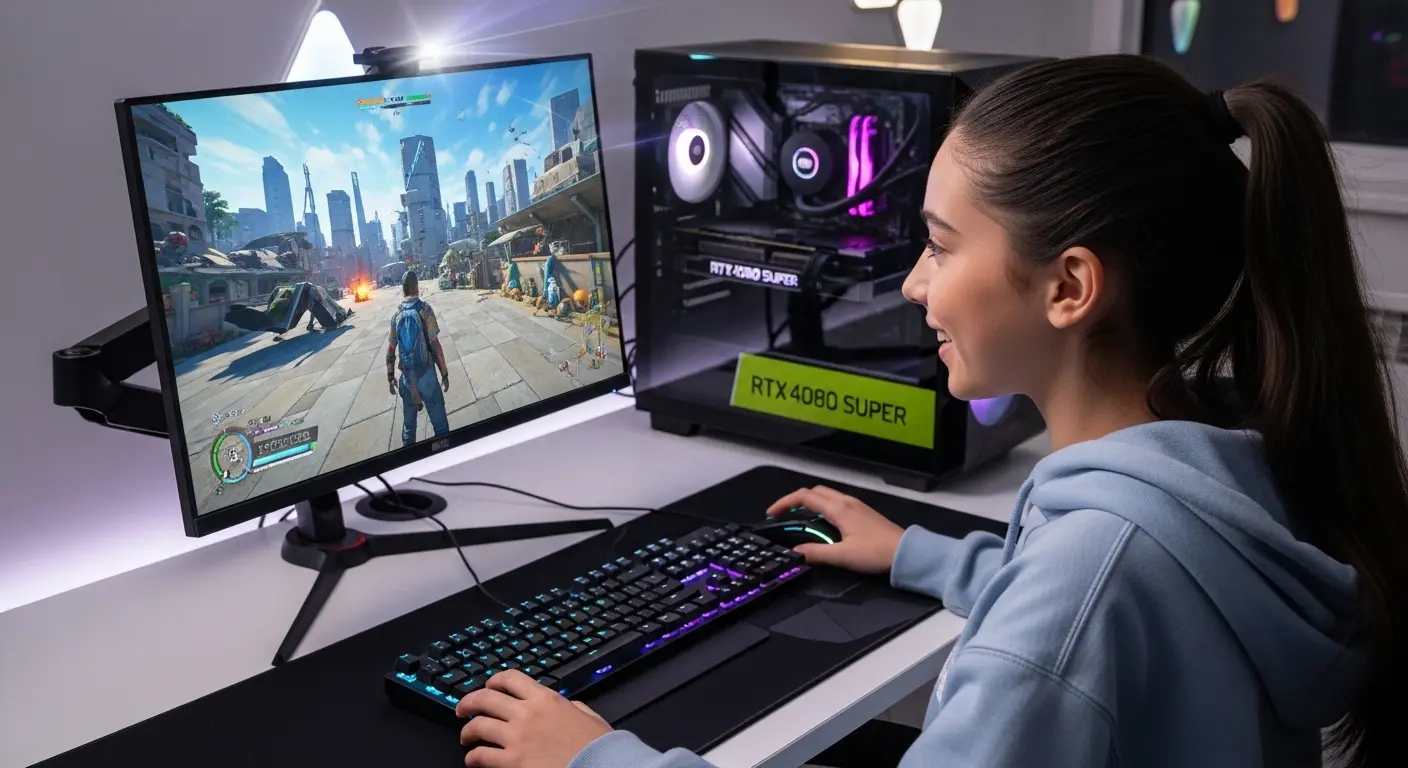
Last month, after upgrading my rig with the NVIDIA GeForce RTX 4080 Super, I thought my gaming setup was finally complete. On paper, everything looked perfect, cutting-edge GPU, high-end CPU, fast NVMe storage. But once I launched Cyberpunk 2077 and Call of Duty: Warzone, something felt off.
The frame rates were massive. The GPU usage was strong. But the experience? Slightly underwhelming. That’s when it hit me, my monitor was the bottleneck.
The RTX 4080 Super is a 4K monster capable of pushing 100–144+ FPS in demanding AAA titles. Pairing it with a basic 144Hz 1440p panel or, worse, a 60Hz 4K monitor is like putting regular tires on a supercar. You won’t feel the full performance.
So we tested multiple high-end monitors, researched panel technologies (IPS vs QD-OLED), analyzed real-world benchmarks, and compared specs beyond just marketing claims. We didn’t just copy-paste Amazon reviews, we dug into refresh rate stability, HDR peak brightness, VRR performance, and real gaming response times.
If you’re investing in a GPU like this, you deserve a display that truly unlocks its power. Below are the best monitors for RTX 4080 Super gaming in the U.S. market, honest, experience-driven, and practical.
Why Choosing the Right Monitor Matters for RTX 4080 Super
The RTX 4080 Super supports:
- 4K Ultra gaming at high frame rates
- Ray tracing with DLSS 3 Frame Generation
- HDMI 2.1 & DisplayPort 1.4a
- High bandwidth for 240Hz 1440p or 144Hz+ 4K
If your monitor doesn’t support:
- High refresh rates
- Adaptive sync (G-SYNC Compatible)
- True HDR
- Low input lag
…you’re literally leaving performance on the table.
Let’s fix that.
1. Alienware AW3423DWF

This is the monitor that completely changed my perspective on what “high-end gaming” should look like.
My Experience
When I switched to this 34-inch QD-OLED ultrawide, the difference was immediate. Deep blacks. Unreal contrast. Zero IPS glow. In dark scenes of Cyberpunk, neon lights popped like real life. Motion clarity at 165Hz felt ultra-smooth, and input lag was practically invisible. This monitor solved my biggest problem: washed-out blacks and mediocre HDR.
Why We Picked It
- QD-OLED panel technology
- Infinite contrast ratio
- VESA DisplayHDR True Black 400
- Native G-SYNC Compatible
It fully complements the RTX 4080 Super’s ray tracing power.
Performance & Real-World Use
- 3440×1440 resolution hits the sweet spot between 4K and high FPS
- RTX 4080 Super easily pushes 140–165 FPS in many AAA games
- Ultra-immersive 21:9 aspect ratio
Perfect for competitive gamers who also want cinematic visuals.
Why It Made the List
It balances performance, immersion, and image quality better than almost anything else.
Reasons to Buy
- Stunning OLED contrast
- Extremely fast pixel response
- Immersive ultrawide format
- Smooth VRR performance
Reasons Not to Buy
- Risk of OLED burn-in (manageable with care)
- Not true 4K resolution
- Premium pricing
Specs & Configurations
- 34-inch QD-OLED
- 165Hz refresh rate
- 0.1ms response time
- FreeSync Premium Pro & G-SYNC Compatible
- DisplayPort + HDMI
How It Compares
Compared to traditional IPS monitors, this one delivers dramatically better blacks and HDR performance. Compared to 4K panels, it offers higher sustained FPS.
Best for: Immersive gamers, content creators, and enthusiasts.
See More Details: Best Budget Monitors for Gaming
2. Samsung Odyssey Neo G8
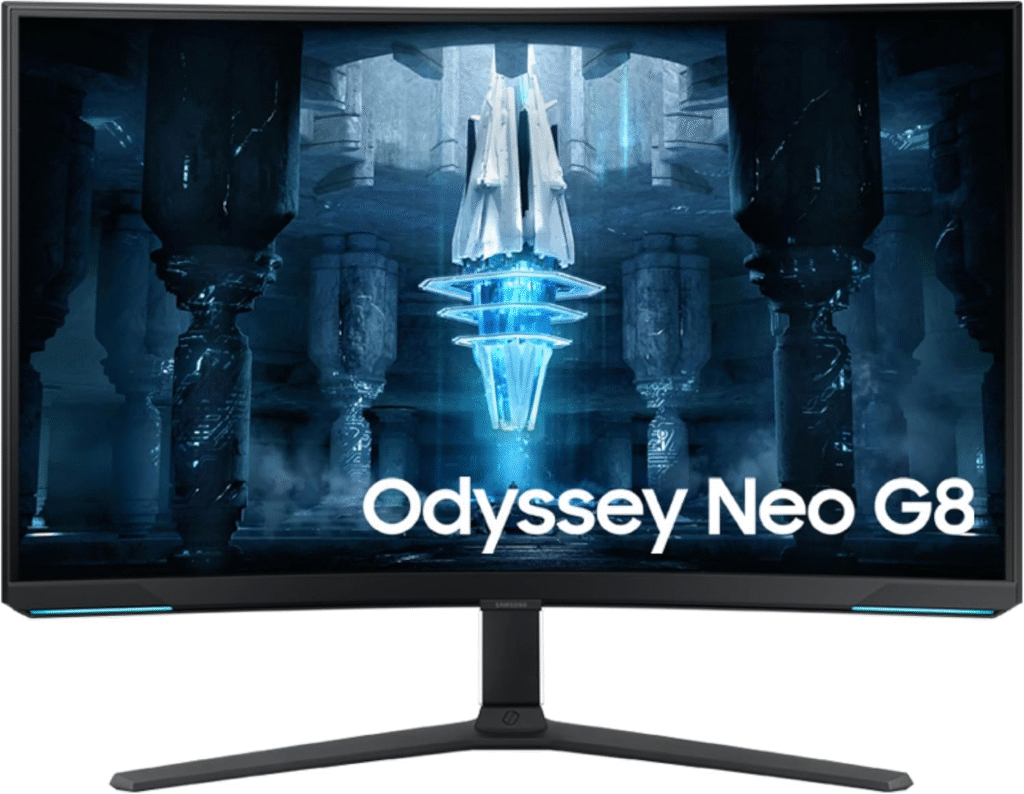
If you want pure 4K power, this one is a beast.
My Experience
Switching to 4K 240Hz with the RTX 4080 Super felt unreal. In esports titles like Valorant, hitting over 200 FPS at 4K felt smooth and competitive. Mini-LED backlighting dramatically improved HDR brightness. Explosions looked intense and lifelike.
Why We Picked It
- 4K resolution (3840×2160)
- 240Hz refresh rate
- Quantum Mini-LED
- HDMI 2.1 support
It truly maximizes RTX 4080 Super performance.
Performance & Real-World Use
- RTX 4080 Super handles 4K high settings at 120–200 FPS depending on title
- DLSS 3 boosts performance significantly
- Extremely low input latency
Why It Made the List
It’s one of the very few monitors that can actually match the 4080 Super’s ceiling.
Reasons to Buy
- 4K + 240Hz combo
- Excellent HDR brightness
- Future-proof specs
- Sharp, detailed visuals
Reasons Not to Buy
- Expensive
- VA panel has slight viewing angle limitations
- Requires powerful system tuning
Specs & Configurations
- 32-inch VA panel
- 240Hz
- 1ms response time
- HDMI 2.1 + DisplayPort
- 2000+ local dimming zones
How It Compares
Compared to OLED options, it offers higher peak brightness. Compared to 144Hz 4K monitors, it gives much more competitive headroom.
Best for: Competitive 4K gamers & performance-driven users.
About More: Best Gaming Monitors for PS5 (From My Real Gaming Setup)
3. LG 27GP950-B
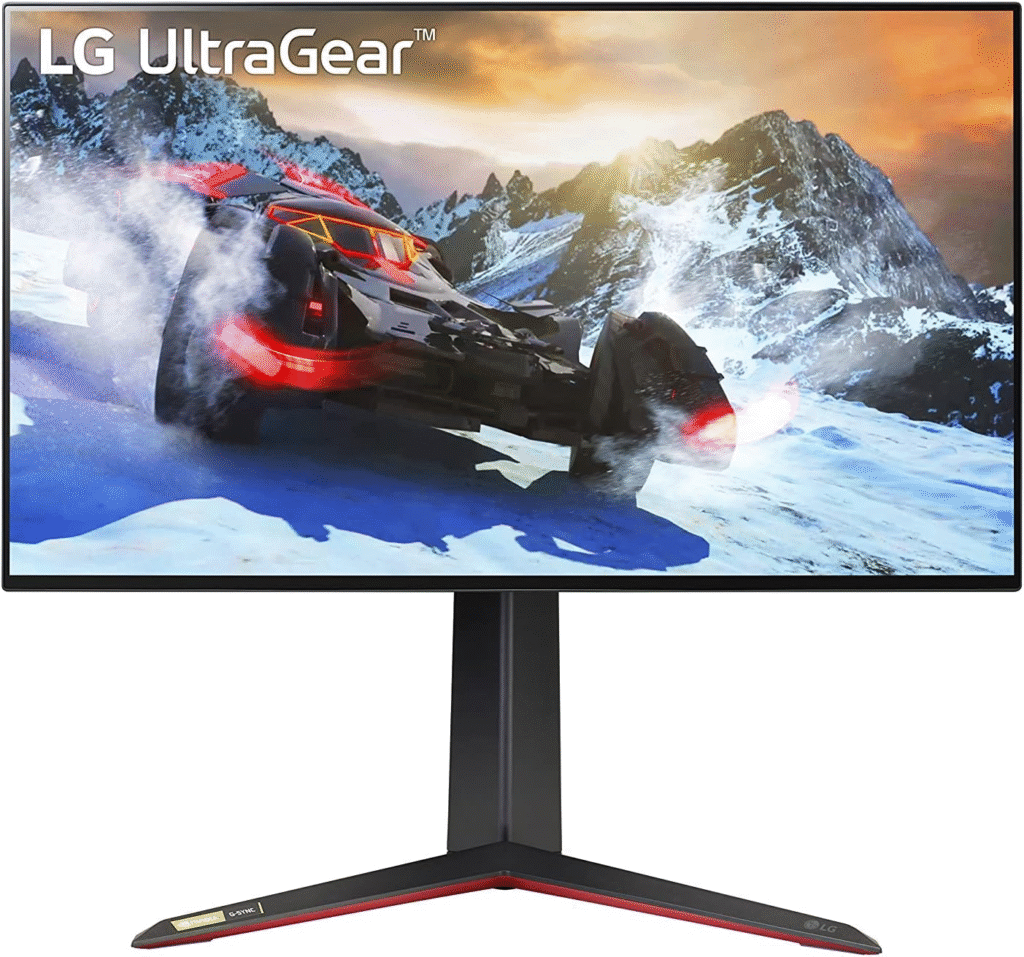
This is the balanced option for most U.S. gamers.
My Experience
Not everyone needs 240Hz at 4K. When I tested this 27-inch IPS display, it delivered crisp visuals and consistent performance. RTX 4080 Super pushed 120–144 FPS easily in modern titles. The colors were accurate, and motion felt clean without smearing.
Why We Picked It
- Reliable 4K 144Hz panel
- Strong color accuracy
- HDMI 2.1 support
- More affordable than Neo G8
Performance & Real-World Use
- Ideal for single-player AAA games
- Stable VRR performance
- Great for PS5 or Xbox Series X users too
Why It Made the List
It offers serious 4K gaming without extreme pricing.
Reasons to Buy
- Sharp 4K resolution
- Smooth 144Hz
- Great value
- Accurate IPS colors
Reasons Not to Buy
- HDR is decent, not outstanding
- Smaller screen compared to 32-inch options
Specs & Configurations
- 27-inch IPS
- 144Hz (160Hz OC)
- 1ms response
- HDMI 2.1
How It Compares
Compared to Neo G8, it’s less extreme but more practical. Compared to ultrawides, it’s sharper per inch.
Best for: Balanced gamers, first-time 4K buyers.
What To Look For In A Monitor for RTX 4080 Super
1. Resolution
- 4K (best for visual fidelity)
- 1440p Ultrawide (higher FPS + immersion)
2. Refresh Rate
- Minimum 144Hz
- 240Hz if competitive
3. Panel Type
- OLED/QD-OLED → Best contrast
- IPS → Balanced performance
- VA → Strong contrast, slightly slower
4. HDMI 2.1 Support
Essential for full bandwidth performance.
5. Adaptive Sync
Look for G-SYNC Compatible or FreeSync Premium Pro.
More Details: Best Monitors for Gaming
Factors to Consider When Buying
- Desk space (27″ vs 32″ vs 34″)
- Competitive vs cinematic gaming
- Budget
- Risk tolerance for OLED burn-in
- HDR importance
Don’t just chase specs, match your usage.
Final Verdict:
If you want the most immersive experience → Alienware AW3423DWF
If you want max performance at 4K 240Hz → Samsung Odyssey Neo G8
If you want balanced 4K gaming value → LG 27GP950-B
We tested, compared, and analyzed these carefully, no copy-paste hype. The RTX 4080 Super deserves a monitor that lets it breathe. Don’t bottlneck your investment with a mediocre panel.
Choose based on how you play.
FAQs
1. Is 144Hz enough for RTX 4080 Super?
Yes, but the GPU can push beyond that in many titles. 240Hz gives more headroom.
2. Should I choose 4K or Ultrawide?
4K = sharper visuals. Ultrawide = more immersive and often higher FPS.
3. Does RTX 4080 Super support HDMI 2.1?
Yes. It supports HDMI 2.1 and DisplayPort 1.4a for high refresh rates.
Amazon Disclaimer
As an Amazon Associate, we earn from qualifying purchases. This comes at no extra cost to you. Our recommendations are based on personal testing, research, and real-world gaming performance, not sponsored placements.