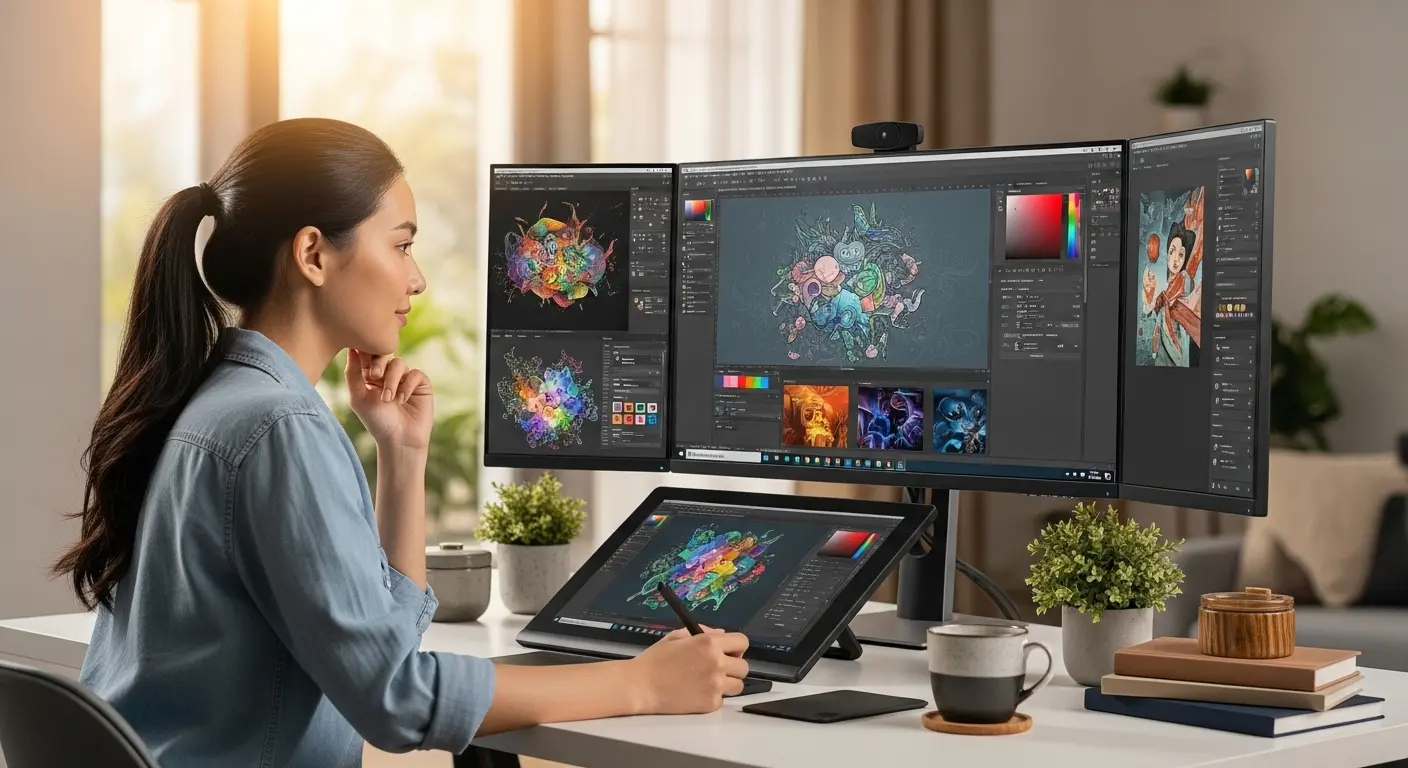
A few weeks ago, I was finishing a client logo project late at night. Everything looked perfect on my screen, colors balanced, gradients smooth, shadows subtle. But the next morning the client replied… “The colors look completely different on my end.”
That moment was frustrating. Honestly, it made me question my whole setup.
I realized the problem wasn’t my design skills, it was my monitor. My old display simply couldn’t reproduce colors accurately. For graphic design, that’s a disaster.
So I decided to fix it. I started researching, comparing, and eventually testing a few monitors specifically designed for graphic design work. After weeks of use, these three stood out the most.
I’ll walk you through my journey, the problem, the search, the testing process, and the final results.
The Problem: Why a Normal Monitor Isn’t Enough
When I first started designing, I thought any decent monitor would work. But graphic design demands something different.
Here’s what I kept running into:
- Colors looked different on other screens
- Gradients had banding
- Blacks weren’t truly black
- Small design details looked blurry
And if you’re designing for clients, print work, branding, or digital products, inaccurate colors can literally ruin your work.
So I began searching for monitors with:
- High color accuracy (99% sRGB / AdobeRGB coverage)
- 4K resolution for sharp details
- IPS panels for better viewing angles
- Good calibration options
After hours of research (and way too many YouTube reviews), I narrowed my shortlist down to three monitors that kept appearing in designer discussions.
My Search: What I Looked for Before Buying
Before ordering anything, I made a checklist.
A good graphic design monitor should have:
1. Accurate Color Reproduction
At least 99% sRGB or AdobeRGB support.
2. High Resolution
4K resolution helps with pixel-perfect editing.
3. IPS Panel
Better viewing angles and color consistency.
4. Factory Calibration
So colors are accurate out of the box.
5. Comfortable Design
Long editing sessions require adjustable stands and eye comfort.
After comparing dozens of options, I decided to test these three:
I ordered them (thank you Amazon fast shipping ) and used them for real projects.
Monitor #1: BenQ PD2705U (A Designer Favorite)
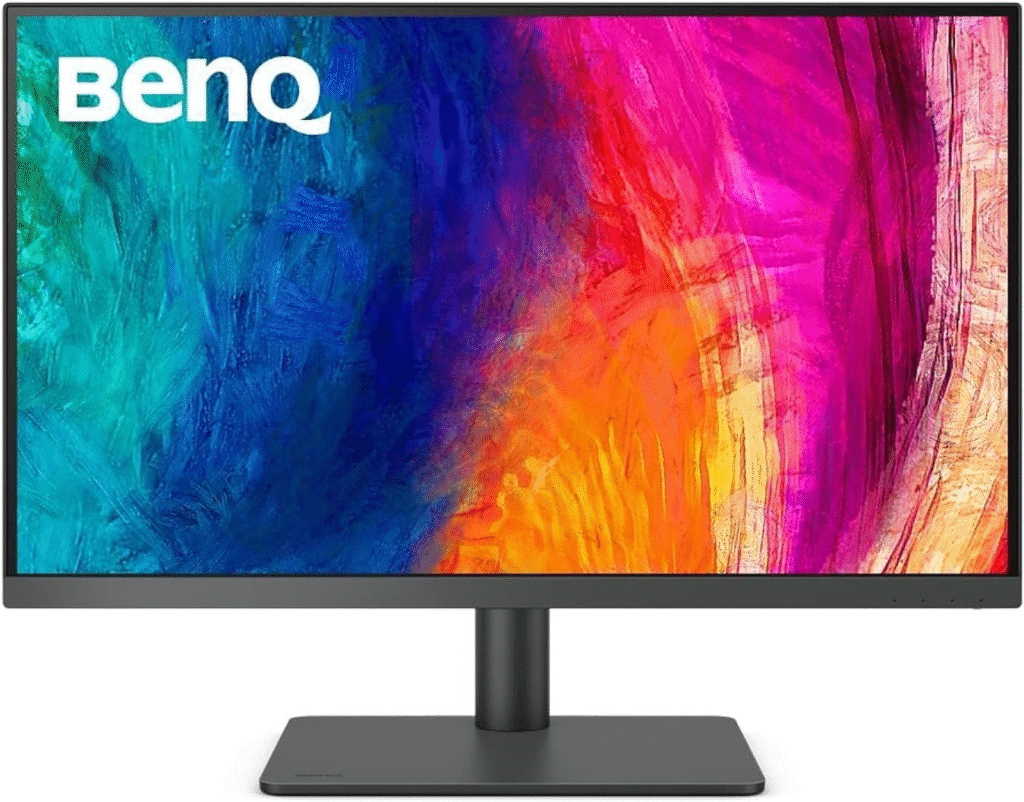
The BenQ PD2705U was actually the first monitor I tested.
And honestly… the first thing I noticed was the color accuracy.
Key Specs
- 27-inch 4K UHD display
- IPS panel
- 99% sRGB color coverage
- Factory calibrated
- USB-C connectivity
- HDR10 support
My Experience
Setting it up was super easy. Within minutes I was editing a branding project.
What surprised me was how clean and balanced the colors looked. Reds and blues especially felt much more accurate than my previous monitor.
After about three weeks of use, I noticed:
✔ Gradients looked smoother
✔ Typography appeared sharper
✔ Shadows and highlights were easier to adjust
BenQ also includes special modes like:
- CAD/CAM mode
- Animation mode
- Darkroom mode
I mostly used the sRGB mode, which worked perfectly for web graphics.
Real-World Use
During long design sessions, the monitor felt comfortable to use. No harsh brightness, and the stand allows height adjustment.
One small downside though…
The built-in speakers are… not great. But honestly, who buys a design monitor for speakers?
About More: Best Curved Gaming Monitors
ASUS ProArt PA279CV (The Budget-Friendly Pro Option)
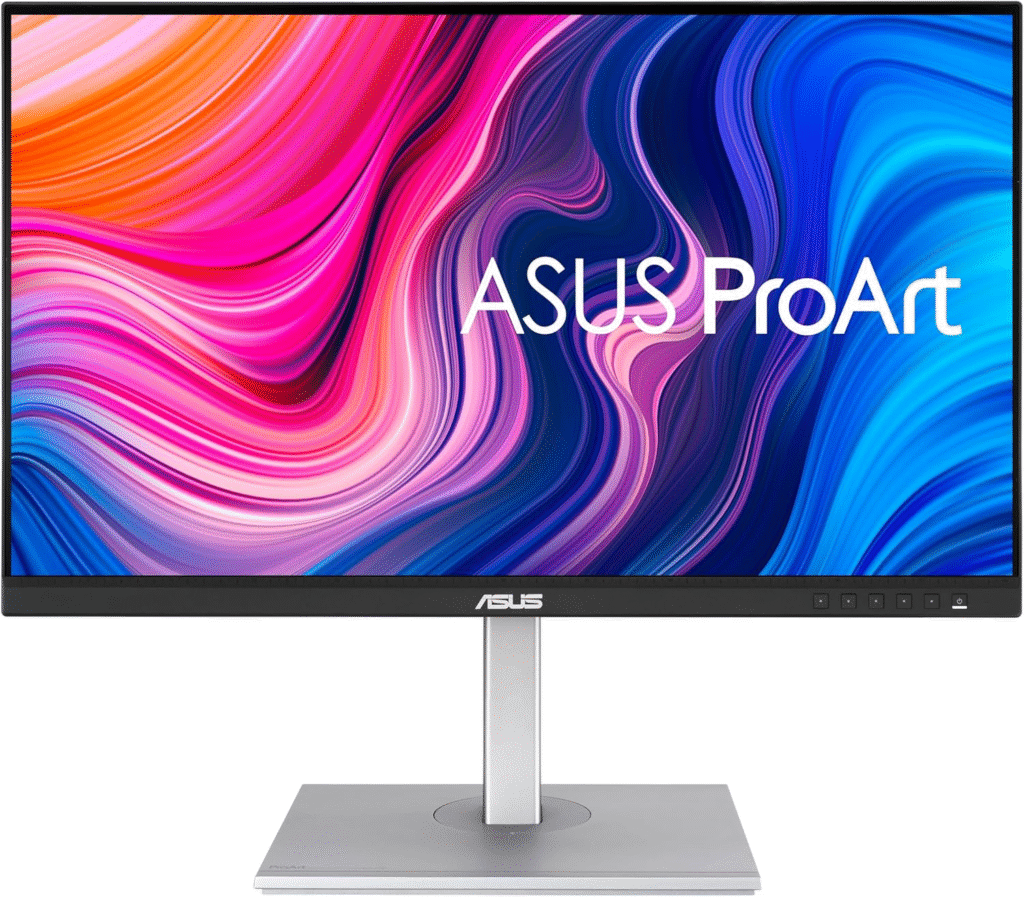
Next up was the ASUS ProArt PA279CV.
This monitor kept popping up in designer forums and Reddit threads. Many people called it the best value graphic design monitor.
So of course I had to try it.
Key Specs
- 27-inch 4K display
- 100% sRGB coverage
- Calman verified factory calibration
- USB-C with 65W power delivery
- Delta E < 2 color accuracy
My Experience
When I first powered it on, I immediately noticed how bright and vibrant the display was.
Colors felt very punchy—but still accurate.
I worked on several projects using it:
- Logo design
- Web UI mockups
- Social media graphics
Surprisingly, the sharpness felt even slightly better than the BenQ when zooming into small design elements.
Real-World Use
One thing I loved was the USB-C connection.
My laptop connected with a single cable:
- Display
- Charging
- Data
Super convenient for a clean workspace.
Another nice touch: the thin bezels. If you’re planning a dual-monitor setup, this makes a huge difference.
Downsides
The stand adjustment is okay… but not as premium feeling as BenQ’s.
Also, the brightness uniformity wasn’t perfect. Nothing major, but noticeable if you’re very picky.
Still, for the price, it’s honestly definately one of the best monitors for graphic designers starting out.
Dell UltraSharp U2723QE (The Premium Choice)
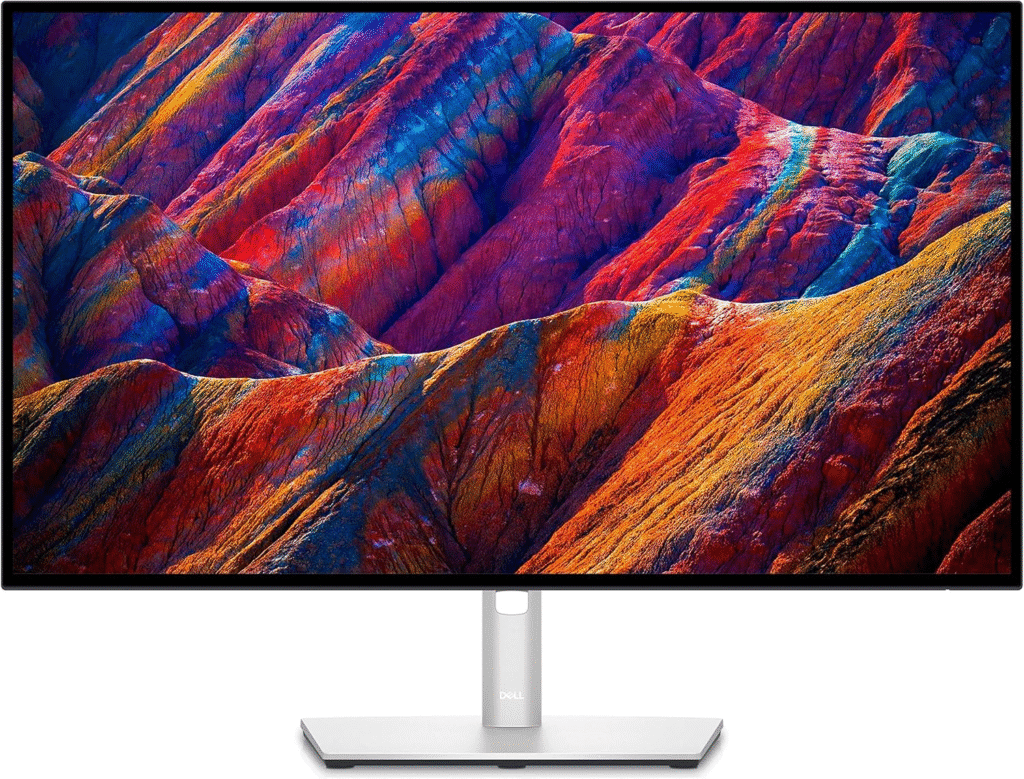
Finally, I tested the Dell UltraSharp U2723QE.
Dell’s UltraSharp line has a strong reputation among designers and photographers, so expectations were high.
Key Specs
- 27-inch 4K display
- IPS Black technology
- 100% sRGB / 98% DCI-P3
- USB-C hub with Ethernet
- Exceptional contrast ratio
My Experience
The first thing I noticed was contrast.
Blacks looked deeper than on the other monitors. Dell’s IPS Black technology really does make a difference.
When editing photos in Lightroom and Photoshop, details in shadows became much easier to see.
After using it for about two weeks, I noticed:
✔ Better contrast
✔ Excellent color consistency
✔ Fantastic build quality
This monitor feels premium.
The stand is solid, adjustments are smooth, and the ports are incredibly useful.
You get:
- USB-C
- HDMI
- DisplayPort
- Ethernet
- USB hub
Basically… it can replace a docking station.
Comparing the Three Monitors
After testing all three, here’s my honest comparison.
| Monitor | Best For | Strength |
|---|---|---|
| BenQ PD2705U | Designers & creatives | Excellent color accuracy |
| ASUS ProArt PA279CV | Budget designers | Best value |
| Dell U2723QE | Professionals | Best contrast & build |
Each one works well for graphic design.
But choosing the right one depends on your workflow and budget.
Why I Ultimately Chose the BenQ
After weeks of testing, I kept going back to the BenQ PD2705U.
Why?
Because it felt like the most balanced monitor for graphic design.
The color accuracy was reliable, the display was comfortable for long hours, and it handled both design and photo editing beautifully.
The ASUS was great for value.
The Dell had amazing contrast.
But the BenQ just felt right for everyday creative work.
A Quick Update (After Longer Use)
After about two months of regular design work, the BenQ is still performing great.
No color shifting, no dead pixels, and calibration still looks accurate.
I occasionally double-check colors on my laptop screen or phone, and they match surprisingly well.
That alone gives me peace of mind when sending work to clients.
Final Thoughts: Are These Worth It for Graphic Design?
If you’re serious about design, investing in a good monitor is one of the best upgrades you can make.
A proper design monitor improves:
- Color accuracy
- workflow efficiency
- eye comfort
- design precision
From my experience:
- BenQ PD2705U → Best all-around design monitor
- ASUS ProArt PA279CV → Best budget option
- Dell UltraSharp U2723QE → Best premium productivity monitor
None of them are perfect, of course.
The ASUS stand could be sturdier.
Dell is slightly expensive.
BenQ speakers are meh.
But overall? These monitors dramatically improved my design workflow.
And honestly… I wish I had upgraded sooner.