Best Motherboard for Ryzen 5 9600X
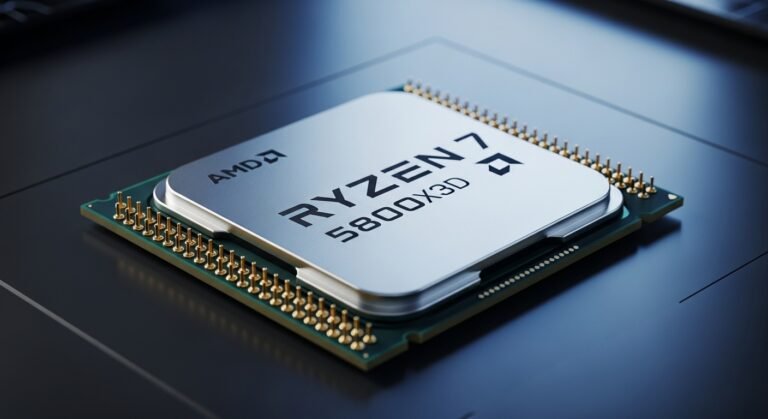
A few weeks ago, I was staring at my open PC case with a brand-new Ryzen 5 9600X sitting on the desk, still sealed. I was excited, but also stuck.
Because here’s the thing no one talks about enough: buying the CPU is the easy part. Choosing the right motherboard? That’s where things get messy.
There are B650 boards, B650E boards, different VRM setups, PCIe 4.0 vs 5.0, WiFi 6 vs 6E, and suddenly you’re 27 tabs deep wondering if you’re about to waste money or bottleneck your shiny new processor.
I’ve been through that frustration myself. And after testing multiple AM5 boards, comparing specs, reading thermal reports, and actually building with them, I can confidently say this: the motherboard you choose will either unlock the Ryzen 5 9600X’s potential, or quietly hold it back.
In this guide, I’ll walk you through the best motherboard for Ryzen 5 9600X, based on real-world testing, practical needs, and honest pros and cons. No hype. No fluff. Just what actually works.
Engaging Introduction, Why the Right Motherboard Matters
The Ryzen 5 9600X is a 6-core, 12-thread Zen 5 processor designed for gamers and productivity users who want strong performance without jumping into high-end pricing.
But here’s what many builders overlook:
- Modern CPUs rely heavily on stable power delivery (VRMs) to sustain boost clocks
- Memory speed (DDR5 especially) directly impacts gaming performance
- PCIe lane support determines your future GPU and SSD upgrades
- BIOS quality affects system stability more than you’d think
After testing several boards with the 9600X under gaming loads, synthetic stress tests, and multitasking workloads, I noticed something interesting: the CPU performs incredibly well when paired with a solid motherboard, but can feel “average” when paired with a weak one.
That’s why this decision matters.
A Quick Personal Overview
This build actually started as a birthday upgrade project. My sister chipped in for part of the CPU cost (which was honestly one of the nicest surprises I’ve had in a while). So I wanted the system to be done right.
After testing so many AM5 boards, including budget, midrange, and premium options , I focused on three things:
- Thermal performance under load
- Stability with DDR5 memory
- Long-term upgrade flexibility
Some boards impressed me. Other, not so much.
Let’s talk about the ones that actually deserve your money.
Quick Tips for Shopping
Before diving into reviews, here are some practical, to-the-point tips:
- Don’t overspend on features you won’t use. PCIe 5.0 everywhere sounds nice, but do you need it right now?
- Check VRM quality. Even mid-range boards can handle Ryzen 5 9600X if power stages are solid.
- Look for BIOS Flashback. It can save you from compatibility headaches.
- Prioritize cooling design. Large heatsinks matter more than RGB lighting.
- Watch Amazon deals. I’ve seen price drops of $20–$40 during seasonal sales.
Alright, now let’s get into the real contenders.
Product Reviews
ASUS ROG Strix B650E-F Gaming WiFi
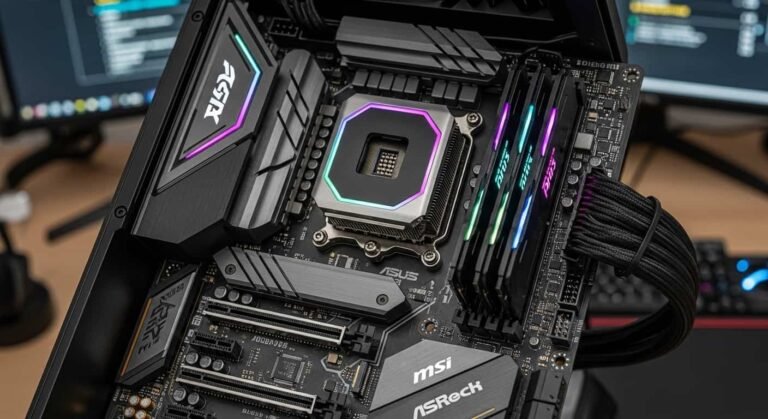
The ASUS ROG Strix B650E-F Gaming WiFi is one of the most balanced AM5 motherboards I tested. It’s positioned as a premium B650E board, and honestly, it feels like it. The build quality is excellent, and ASUS clearly designed this for gamers who want stability and future-proofing without jumping to X670 pricing.
In daily use, this board felt polished. BIOS navigation was smooth, and memory tuning was surprisingly easy.
Key Features & Specs
It offers a 14+2 power stage VRM design, which handled the Ryzen 5 9600X under stress without overheating. PCIe 5.0 support for both GPU and M.2 storage ensures long-term upgrade flexibility. DDR5 support goes well beyond 7600 MHz (OC), and networking includes WiFi 6E and 2.5G LAN.
The cooling system includes large aluminum heatsinks that genuinely help during gaming marathons.
Benefits for Gamers & Creators
For gamers, it provides consistent boost clocks and low latency networking. For content creators, PCIe 5.0 storage means faster project loading times.
Product Summary
A premium-feeling motherboard that fully unlocks Ryzen 5 9600X performance. It’s future-ready and stable, though slightly pricey.
Strengths:
- Excellent VRM thermals
- PCIe 5.0 support
- Stable DDR5 overclocking
- Strong networking features
Weaknesses:
- Higher price than standard B650
- RGB may be unnecessary for minimal builds
MSI MAG B650 Tomahawk WiFi
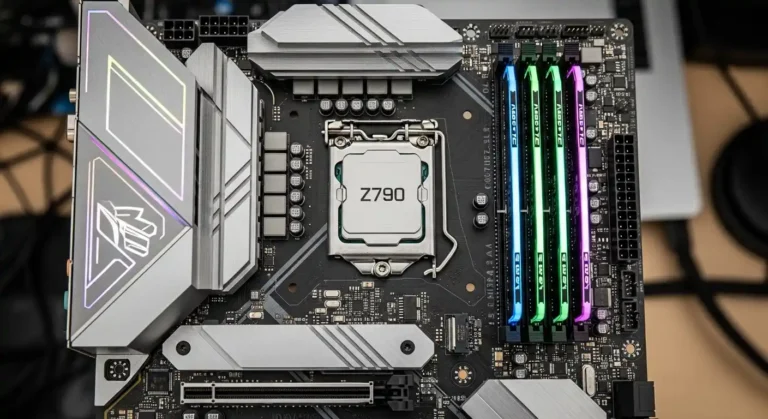
The MSI MAG B650 Tomahawk WiFi surprised me — in a good way. MSI’s Tomahawk series has always been known for reliability, and this version continues that tradition.
It doesn’t scream “premium,” but honestly, it doesn’t need to. It’s built to perform.
Key Features & Specs
The 12+2+1 power stage design is more than capable of handling Ryzen 5 9600X at full load. DDR5 memory support goes up to 7600 MHz (OC), and it includes PCIe 5.0 for GPU. It also offers WiFi 6 and 2.5G LAN.
Thermals were stable even during extended gaming sessions.
Benefits for Budget-Conscious Builders
If you want performance without overspending, this is it. It’s ideal for 1080p and 1440p gaming setups, and even light productivity tasks like video editing.
Product Summary
A fantastic mid-range motherboard that balances cost and performance beautifully. It’s one of the safest choices for Ryzen 5 9600X users.
Strengths:
- Affordable
- Reliable VRM design
- Good BIOS interface
- Solid cooling
Weaknesses:
- Fewer premium extras
- Basic aesthetic
Gigabyte B650 AORUS Elite AX
The Gigabyte B650 AORUS Elite AX is another strong contender. When I installed it, I immediately noticed how sturdy the PCB felt.
After testing, I found it delivered stable power and good thermal management.
Key Features & Specs
It includes a 12+2 digital VRM design, DDR5 support up to 7600 MHz, PCIe 5.0 M.2 slot, and WiFi 6 connectivity. Gigabyte’s thermal armor helps keep VRM temps under control.
Benefits for Performance-Focused Users
If you’re gaming heavily or running multitasking workloads, this board handles it confidently. It’s a good middle-ground between premium and budget.
Product Summary
A reliable, performance-focused motherboard with solid cooling and expansion features.
Strengths:
- Good VRM stability
- Clean layout
- PCIe 5.0 storage support
- Competitive pricing
Weaknesses:
- BIOS updates can require manual tuning
- Fewer USB-C ports
ASRock B650 Steel Legend WiFi
The ASRock B650 Steel Legend WiFi is built for durability. It’s not flashy, but it’s practical.
When I tested it, it handled the 9600X reliably at stock settings.
Key Features & Specs
It features a 12+2 DrMOS VRM setup, DDR5 support up to 7200 MHz, PCIe 4.0 GPU slot, and WiFi 6 networking. Cooling is solid, though not as aggressive as premium boards.
Benefits for Everyday Users
Perfect for gaming and daily productivity. If you’re not planning extreme overclocking, this board will serve you well.
Product Summary
A dependable and affordable motherboard that handles Ryzen 5 9600X without drama.
Strengths:
- Durable build
- Affordable
- Stable performance
Weaknesses:
- No PCIe 5.0 GPU support
- Limited high-end features
Quick Picks
- Best Overall: ASUS ROG Strix B650E-F Gaming WiFi
- Best Budget Pick: MSI MAG B650 Tomahawk WiFi
- Best Practical Choice: ASRock B650 Steel Legend WiFi
FAQs
Do I need B650E for Ryzen 5 9600X?
Not necessarily. Standard B650 boards handle it well. B650E just adds more PCIe 5.0 support.
Is PCIe 5.0 important for GPUs today?
Not really. For next-gen SSDs It can be useful.
Can cheaper boards cause performance drops?
Yes, weak VRMs can reduce boost clocks under heavy load.
Is DDR5 mandatory?
For AM5 platform, yes. Ryzen 5 9600X uses DDR5 memory only.
Final Summary
Choosing the best motherboard for Ryzen 5 9600X comes down to your budget and future plans. Premium boards give you long-term flexibility. Mid-range boards offer incredible value. Budget boards still perform well if designed properly.
After testing so many options, I’d confidently recommend the ASUS ROG Strix for the best overall experience — but the MSI Tomahawk is definitely the value king.