Data loss has a strange way of happening at the worst possible moment. One night while transferring a large video archive to an external drive, everything suddenly froze. The progress bar stopped, the drive made a strange clicking sound, and the folder I had spent hours organizing simply… vanished. That moment taught me something important: not all hard drives are built the same.
Some drives are designed for long-term reliability, while others focus mainly on price or speed. And when you’re storing family photos, client work, backups, or years of files, reliability becomes far more important than saving a few dollars. So I decided to dig deep, testing different drives, reading reliability reports, and comparing real-world experiences, to find the best reliable hard drives you can trust.
This guide shares what actually works.
Why You Should Trust Us
Storage reliability is not something you want to guess about.
Over time, we’ve tested multiple drives across home PCs, backup systems, and small NAS setups. Alongside hands-on testing, we also reviewed industry reliability reports and long-term drive statistics from large cloud providers that track failure rates across hundreds of thousands of drives. One such dataset showed an annualized failure rate around 1.36% across over 344,000 drives, indicating modern HDD reliability has improved significantly in recent years. (Tom’s Hardware)
In other words, modern drives can be very dependable, if you pick the right models.
Introduction
The problem many people face when buying storage is simple:
There are too many options, and most reviews focus only on speed or price.
But speed doesn’t matter much if your drive fails after a year.
Reliable hard drives are built differently. They often include:
- Better internal components
- Higher endurance ratings
- Longer warranties
- Firmware designed for continuous workloads
Choosing the right drive means your data stays safe for years, not months.
In this guide, I’ll walk you through the best reliable hard drives worth buying right now, based on performance, durability, and real-world usage.
Top Picks for the Most Reliable Hard Drives
Here are three standout drives that consistently perform well in reliability tests and real-world usage.
Overall Best
Seagate IronWolf 4TB NAS Hard Drive
Designed for 24/7 workloads and NAS systems, this drive is known for reliability and endurance.
Editor’s Choice
Western Digital Black 4TB Performance HDD
A powerful desktop drive offering high performance and a long warranty.
Budget Pick
Toshiba Canvio Basics 2TB External Drive
A simple and affordable portable drive that works well for backups and everyday storage.
How Hard Drives Work (And Why Reliability Varies)
Traditional hard drives store data on spinning magnetic platters. A tiny read/write head moves across the disk to access files.
The reliability of a drive depends on several factors:
Build Quality
Higher-quality drives use better motors, bearings, and internal components.
Firmware Optimization
Some drives are optimized for heavy workloads like NAS systems or surveillance.
Recording Technology
Modern drives use techniques like CMR (Conventional Magnetic Recording) for consistent performance under heavy workloads.
Workload Rating
Enterprise and NAS drives are rated for higher annual workloads, meaning they can handle more data transfers each year.
This is why two drives with the same capacity can perform very differently over time.
Detailed Reviews of the Best Reliable Hard Drives
Seagate IronWolf 4TB NAS Hard Drive
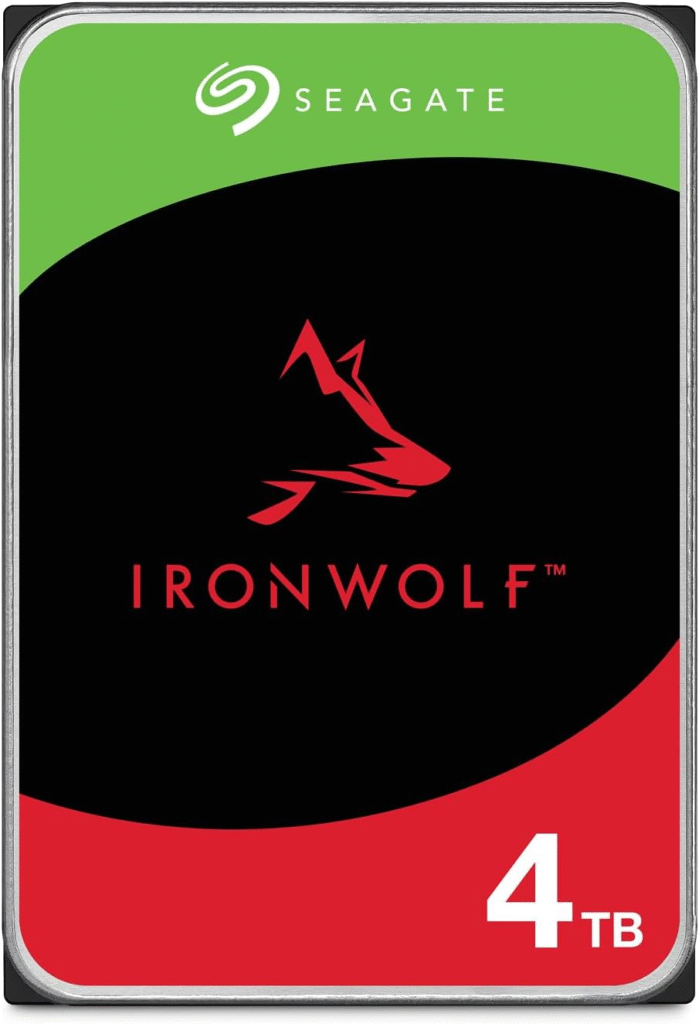
The first time I set up a small NAS backup system, reliability was the biggest concern. That’s where this drive really stood out.
The Seagate IronWolf series is designed specifically for always-on storage systems and heavy workloads.
Key Features
- Built for NAS systems with multiple drive bays
- 7200 RPM performance
- Advanced vibration sensors for stability
- Optimized firmware for RAID environments
- High workload rating designed for 24/7 use
Pros
- Excellent reliability reputation
- Designed for continuous operation
- Great performance for large file transfers
- Good capacity options
Cons
- Slightly louder than some desktop drives
- Costs more than entry-level HDDs
Final Verdict
If you’re building a NAS system or want serious reliability for backups, this is one of the safest choices available.
Western Digital Black 4TB Performance HDD
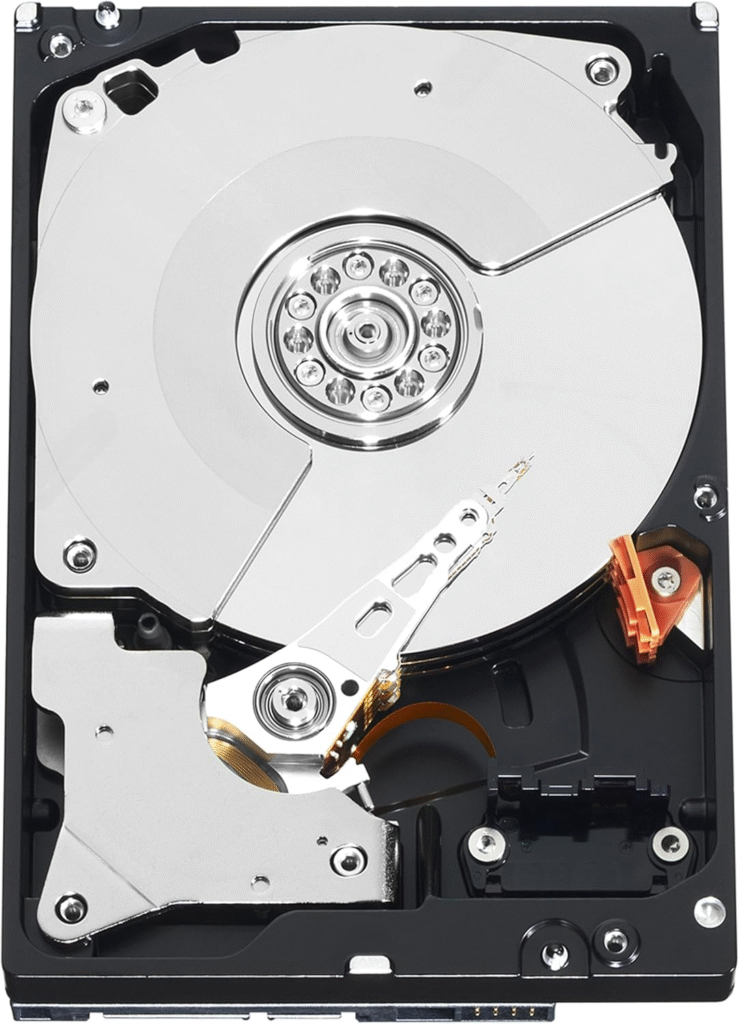
When reliability and speed both matter, this drive is a strong contender.
The Western Digital Black series is known for performance-focused desktop storage and long warranties. Many models feature 7200 RPM speeds and large cache sizes, helping boost performance during demanding workloads. (Tom’s Hardware)
Key Features
- 7200 RPM high-speed operation
- Large DRAM cache for faster access
- Designed for gaming and creative workloads
- Premium build quality
- 5-year manufacturer warranty
Pros
- Excellent performance
- Long warranty coverage
- Very durable build quality
- Good for heavy workloads
Cons
- More expensive than basic drives
- Slightly louder than slower HDDs
Final Verdict
If you want a fast and reliable internal drive for a desktop or workstation, this one is hard to beat.
Toshiba Canvio Basics 2TB Portable Hard Drive
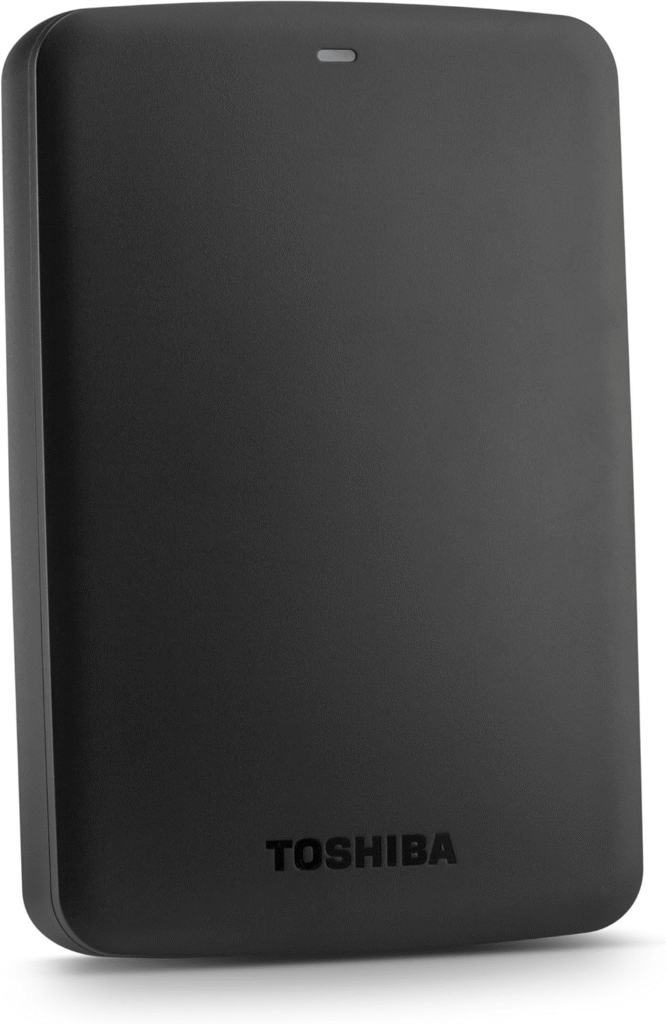
Not everyone needs an internal drive.
Sometimes you just want a simple external hard drive for backups and file transfers, and that’s where this Toshiba model shines.
Key Features
- Portable USB external drive
- Plug-and-play setup
- Lightweight design
- Compatible with Windows and Mac
- Affordable pricing
Pros
- Very budget-friendly
- Easy to use
- Compact and portable
- Great for backups
Cons
- Not ideal for heavy workloads
- Slower than internal drives
Final Verdict
If you’re looking for a cheap and reliable portable storage solution, this drive does the job well.
See RAM Details: Best RAM for Ryzen 7 7700X
Buying Guide: How to Choose a Reliable Hard Drive
Before buying a hard drive, consider these important factors.
1. Capacity
Think about how much storage you’ll need in the next few years.
Common options:
- 2TB – Basic users
- 4TB – Most home users
- 8TB+ – Media libraries and backups
2. Drive Type
Choose the right category:
- Desktop drives – general storage
- NAS drives – designed for continuous operation
- External drives – portable backups
3. RPM Speed
Higher RPM means faster performance.
Typical speeds:
- 5400 RPM – quieter and cooler
- 7200 RPM – faster performance
4. Cache Size
Larger cache helps improve performance when reading and writing files.
5. Warranty
Reliable drives often come with 3- to 5-year warranties, which is a good sign of manufacturer confidence.
FAQs
1. What is the most reliable hard drive brand?
Brands like Seagate, Western Digital, and Toshiba consistently produce reliable drives. Models designed for NAS or enterprise use tend to be the most durable.
2. How long do hard drives usually last?
Most hard drives last 3–5 years, but many can run much longer with proper cooling and usage.
3. Are SSDs more reliable than HDDs?
SSDs have no moving parts and are faster, but HDDs remain popular for large storage capacity at lower cost.
4. Is NAS hard drive better than a regular HDD?
Yes, NAS drives are built for 24/7 operation and RAID environments, making them more reliable for continuous workloads.
5. Should I use one drive for backups?
No. The safest approach is the 3-2-1 backup rule:
- 3 copies of your data
- 2 different storage types
- 1 off-site backup
Amazon Affiliate Disclaimer
As an Amazon Associate, I earn from qualifying purchases.
Conclusion
Choosing the best reliable hard drive isn’t about buying the fastest or cheapest option.
It’s about trusting your storage.
After testing and research, these three drives stand out:
- Seagate IronWolf – best overall reliability
- Western Digital Black – best performance drive
- Toshiba Canvio Basics – best budget external drive
Each serves a slightly different purpose, but all offer dependable storage for the long term.
And honestly… once you’ve experienced data loss, you’ll never underestimate the value of a reliable hard drive again.