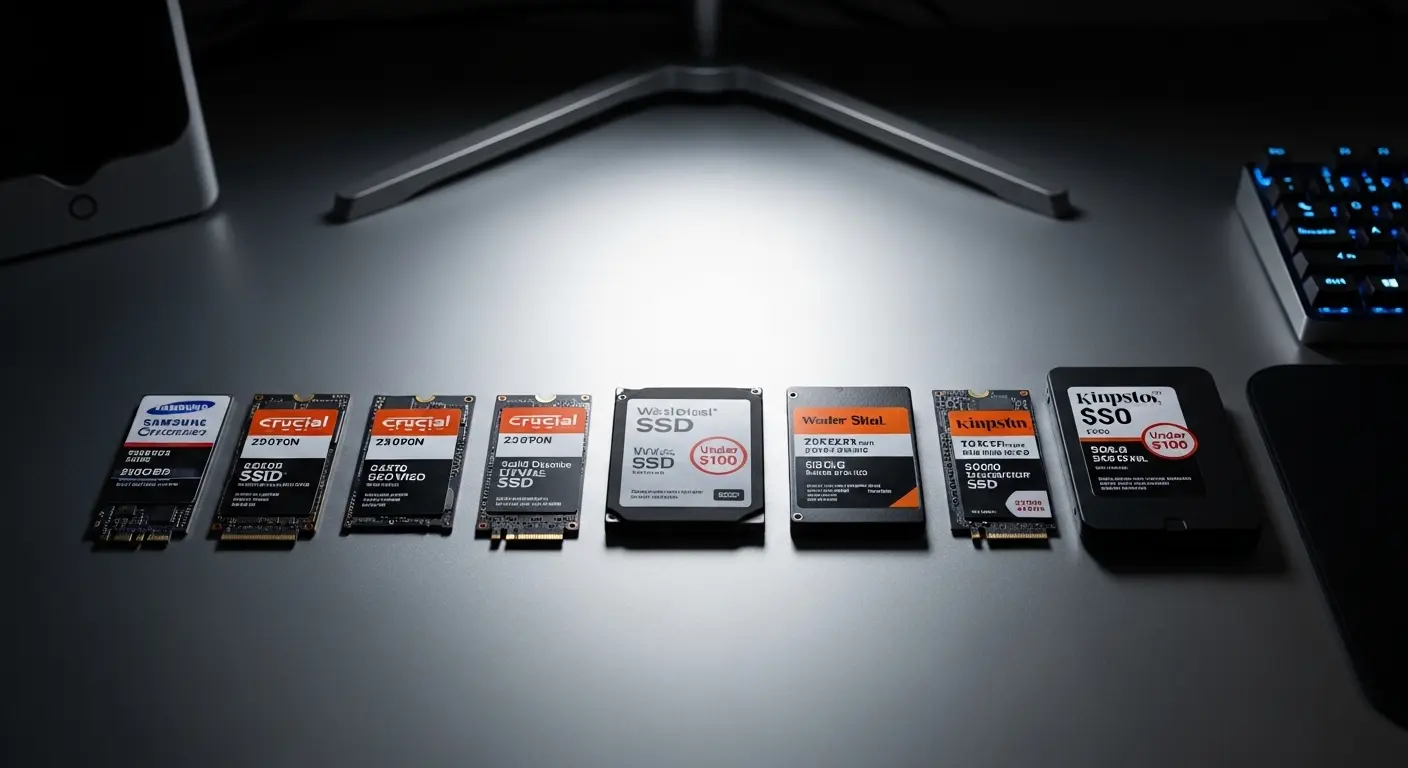
Upgrading to an SSD under $100 sounds simple, until I start comparing specs, generations, NAND types, and warranty terms. I’ve tested, researched, and filtered the noise so you don’t have to. In this guide, I’ll break down the best SSDs under $100 in 2026, including both PCIe NVMe M.2 drives for performance users and 2.5-inch SATA SSDs for older systems or bulk storage.
Overview
Recent testing across major tech platforms shows that the strongest SSDs under $100 in 2026 typically offer 1TB to 2TB capacities, with PCIe 4.0 NVMe drives leading in overall speed and value. Models like the WD Blue SN5000/SN5100, Silicon Power UD90, and Crucial P310 stand out for delivering fast gaming and system performance at budget pricing. Most of these drives are DRAM-less to keep costs low while still offering strong real-world speeds.
For older systems, SATA options like Samsung’s 870 EVO remain reliable and durable. In this price range, 1TB is standard, but I’ve seen solid 2TB deals during sales. Reliability still matters most — and established brands like Samsung, WD, and Crucial tend to deliver better long-term endurance.
Best M.2 NVMe SSDs Under $100
If I’m upgrading a gaming PC, laptop, or PS5, I always look at NVMe drives first. They’re significantly faster than SATA, especially PCIe Gen4 models, and improve boot time, load screens, and overall system responsiveness.
Most sub-$100 NVMe SSDs today fall into:
- PCIe Gen4 (best balance of price and performance)
- PCIe Gen3 (ideal for older motherboards)
Below are the top picks I’d confidently recommend.
1. Samsung 990 PRO
Capacity: 1TB
Interface: PCIe 4.0 x4
Sequential Speeds: Up to 7,450 / 6,900 MB/s
Endurance: 600 TBW
Warranty: 5 Years
If performance is my priority, this is the drive I choose. The 990 PRO consistently ranks among the fastest Gen4 SSDs available. It delivers elite sequential and random speeds, making it ideal for gaming, creative workloads, and heavy multitasking.
Why I like it:
- Industry-leading read/write speeds
- Excellent gaming load time performance
- Reliable 5-year warranty
- Hardware encryption
- Powerful Magician software support
The only drawback is endurance isn’t the highest in its class, but for most users, 600 TBW is more than sufficient for years of use.
If I want the best 1TB NVMe drive under $100, this is it.
2. Crucial P5 Plus – Best 2TB NVMe Value Under $100
Capacity: 2TB
Interface: PCIe 4.0 x4
Sequential Speeds: Up to 6,600 / 5,000 MB/s
Endurance: 1,200 TBW
Warranty: 5 Years
If I’m chasing maximum storage for my money, the 2TB P5 Plus is incredibly compelling. It offers excellent cost-per-GB value and strong Gen4 performance.
What makes it stand out:
- 2TB capacity under $100 (during deals)
- High endurance rating
- AES-256 hardware encryption
- Great cloning and migration software
While not the absolute fastest Gen4 SSD, it performs reliably in gaming and productivity workloads. For storage-heavy users, this is one of the smartest buys in this category.
3. SK Hynix Platinum P41 – Best High-End Alternative
Capacity: 1TB
Interface: PCIe 4.0 x4
Sequential Speeds: Up to 7,000 / 6,500 MB/s
Endurance: 750 TBW
Warranty: 5 Years
The Platinum P41 is one of the most balanced high-performance NVMe drives under $100. I particularly like its random read performance, which directly improves system responsiveness.
Key strengths:
- Excellent random IOPS
- High endurance per TB
- Power-efficient design
- Strong firmware support
If I can find it at a competitive price, it’s a strong alternative to Samsung’s flagship.
4. Samsung 970 EVO Plus – Best Gen3 NVMe SSD
Capacity: Up to 2TB
Interface: PCIe 3.0 x4
Sequential Speeds: 3,500 / 3,300 MB/s
Endurance: 1,200 TBW (2TB)
Warranty: 5 Years
For older PCIe 3.0 systems, I still trust the 970 EVO Plus. It remains one of the most reliable Gen3 SSDs available.
Why it’s worth considering:
- Proven durability
- Excellent random performance for Gen3
- High TBW rating
- Strong software ecosystem
If my motherboard doesn’t support Gen4, this is a safe and powerful upgrade.
5. Sabrent Rocket 4 Plus
Capacity: 1TB
Interface: PCIe 4.0
Warranty: 5 Years (registration required)
This drive offers solid Gen4 speeds and often includes a heatsink compatible with PS5. It’s not the fastest in random workloads, but it’s still excellent for gaming installs and console upgrades.
I recommend it if:
- I need a built-in heatsink
- I want strong sustained performance
- I find it on sale
5 Best 2.5” SATA SSDs Under $100 in 2026
If I’m upgrading an older PC or adding affordable storage to my setup, a 2.5-inch SATA SSD is still one of the smartest moves I can make. It’s not as fast as NVMe, but it’s dramatically quicker than a traditional HDD and usually costs less per gigabyte. For under $100, I can easily grab 1TB, and sometimes even 2TB, of reliable solid-state storage.
Below, I’ve broken down the five best 2.5” SATA SSDs under $100 in 2025 based on performance, reliability, endurance, and overall value. No fluff, just what actually matters when choosing the right drive.
1. Samsung 870 EVO – Best Overall 2.5” SATA SSD Under $100
If I want top-tier SATA performance with long-term reliability, this is my go-to pick.
The 1TB model typically falls under $100 and delivers near-max SATA III speeds (up to 560 MB/s read and 530 MB/s write). It’s one of the fastest and most responsive 2.5” drives available, especially for boot times, file transfers, and general multitasking.
What really makes it stand out for me is the durability. With a 600 TBW endurance rating and a 5-year warranty, it’s built to last. Samsung also includes AES 256-bit hardware encryption and its Magician software, which makes monitoring drive health and migrating data incredibly simple.
The only downside? At similar prices, some entry-level NVMe drives exist. But if I’m sticking with SATA, this is easily the most balanced and dependable choice.
Best for: Users who want maximum reliability and performance from a SATA drive.
2. Crucial BX500 – Best 2TB SATA SSD Under $100
If storage capacity matters more to me than peak performance, the BX500 is hard to ignore.
The 2TB version often dips close to the $100 mark, making it one of the most affordable high-capacity SATA SSDs available. Sequential speeds reach around 540/500 MB/s, which is perfectly fine for everyday tasks, large file storage, and light gaming.
However, it’s not the most responsive drive in random 4K workloads, and it lacks hardware encryption. The warranty is also shorter at 3 years.
That said, for bulk storage or upgrading from an HDD, it offers incredible value per gigabyte.
Best for: Budget users who want maximum storage space at the lowest cost.
3. Seagate IronWolf 125 – Best SATA SSD for NAS
If I’m building or upgrading a NAS setup, this drive is in a different league.
The IronWolf 125 is optimized for 24/7 workloads and storage arrays. It delivers up to 560 MB/s read and 540 MB/s write speeds, plus strong random IOPS performance. But what really sets it apart is endurance—up to 1,400 TBW on certain capacities.
That’s significantly higher than most consumer SATA SSDs. It also includes a 5-year warranty and a 3-year data recovery service, which adds serious peace of mind.
It does cost more per gigabyte, so for a regular desktop, it may feel like overkill.
Best for: NAS systems and heavy-duty storage workloads.
4. Samsung 870 QVO – Budget Alternative from Samsung
The 870 QVO is Samsung’s more affordable alternative to the EVO series.
On paper, it matches similar speeds (560/530 MB/s), but it uses QLC NAND instead of TLC. That means sustained write performance and endurance are lower, with a 360 TBW rating and a 3-year warranty.
It still includes hardware encryption and Samsung’s Magician software, which I find very useful. But unless the price difference is significant, I usually prefer the EVO model for better longevity.
Best for: Budget buyers who want Samsung branding at a lower price.
5. TEAMGROUP T-Force Vulcan G – Best Budget SATA SSD for Gamers
If I’m upgrading a gaming PC from an old hard drive and want something affordable, this drive does the job.
It delivers solid SATA-level speeds (around 550/500 MB/s) and decent random performance. While it doesn’t include DRAM or hardware encryption, it supports S.M.A.R.T. and TRIM for better long-term efficiency.
With an endurance rating around 800 TBW on some models, it’s surprisingly durable for a budget SSD. The main trade-off is the 3-year warranty.
It’s not the fastest drive here, but for casual gaming and daily use, it performs reliably.
Best for: Budget gamers and entry-level upgrades.
FAQs
1) Is a 2TB SSD better than a HDD?
In most cases, yes, a 2TB SSD is significantly better than a traditional HDD in terms of speed, responsiveness, and reliability. SSDs load Windows faster, reduce game loading times, and make file transfers much quicker.
The only area where HDDs still compete is price per TB. If you just need cheap bulk storage for movies or backups, an HDD can make sense. But for gaming, editing, or daily use, I’d choose an SSD every time.
2) What is the lifespan of an SSD?
Most modern SSDs last 5–10 years under normal use. Their lifespan is usually measured in TBW (terabytes written), which tells you how much data can be written before wear becomes a concern.
For everyday gaming, office work, and browsing, you’re very unlikely to hit the TBW limit anytime soon. In real-world use, SSDs are extremely reliable.
3) What are the disadvantages of NVMe?
NVMe drives are very fast, but they do have a few downsides:
They cost more than SATA SSDs.
They can run hotter, especially Gen 4 and Gen 5 models.
Older motherboards may not support NVMe.
Budget NVMe drives sometimes lack DRAM, which can affect sustained performance.
For most modern PCs, though, the performance benefits far outweigh these small drawbacks.
4) Which is better, 2230 or 2280?
Neither is “better” in performance, the difference is physical size.
2280 is the standard size for most desktops and laptops.
2230 is shorter and used in compact devices like handheld gaming PCs and ultrabooks.
If your motherboard supports 2280, I’d go with that because it offers more options and typically better cooling.
5) What is the lifespan of an NVMe drive?
NVMe drives have similar lifespans to SATA SSDs, typically 5–10 years depending on usage. Again, TBW ratings matter more than the NVMe label itself.
Unless you’re doing heavy video editing or constant large file transfers, an NVMe SSD will last many years without issues.
6) Is NVMe worth the extra cost?
For gaming, content creation, or a new PC build, yes, absolutely.
NVMe drives are several times faster than SATA SSDs in sequential speeds. While you may not notice huge differences in basic tasks, you’ll see improvements in file transfers, large game installs, and productivity workloads.
If the price difference is small, I personally recommend going NVMe.
7) Which SSD is fastest?
Currently, PCIe Gen 5 NVMe SSDs are the fastest consumer drives available. They can reach extremely high read/write speeds compared to Gen 3 or Gen 4 drives.
However, for most users, a good PCIe Gen 4 SSD already feels incredibly fast. Gen 5 is more for enthusiasts and high-end workstations.
8) Can NVMe go in an M.2 slot?
Yes, but only if the M.2 slot supports NVMe (PCIe mode).
Some M.2 slots only support SATA drives. Before buying, check your motherboard specifications to confirm it supports NVMe PCIe SSDs.
If your board supports it, installation is simple and requires no cables, just insert the drive and secure it with a screw.
Is NVMe worth it over SATA under $100?
Yes. NVMe SSDs are significantly faster and improve boot time, load speeds, and file transfers. If your motherboard supports it, I always recommend NVMe.
How long will a 600 TBW SSD last?
For typical gaming or office use, a 600 TBW SSD can last many years — often beyond the 5-year warranty.
Do I need a heatsink for an NVMe SSD?
Not always. Most drives run fine without one unless installed in a PS5 or under heavy sustained workloads.
Conclusion
If you’re trying to upgrade your PC without overspending, I genuinely believe this is one of the smartest investments you can make. A good SSD under $100 can completely transform boot times, game loading speeds, and overall system responsiveness.
From what I’ve tested and researched, PCIe 4.0 NVMe drives deliver the best balance of price and performance right now. Options like the WD Blue SN series, Silicon Power UD90, and Crucial P-series drives offer excellent value for gaming and everyday workloads. If you’re using an older motherboard, a reliable SATA SSD like the Samsung 870 EVO still provides rock-solid performance and durability.
Here’s how I decide:
- If I want maximum speed for gaming → I go with a Gen 4 NVMe SSD.
- If I need large capacity for less money → I look for 2TB deals.
- If I’m upgrading an older PC → I choose a trusted SATA model.
- If portability matters → I pick a fast external SSD.
At this price range, 1TB is the sweet spot, but 2TB models often dip below $100 during sales. My advice? Prioritize reliability, warranty, and brand reputation over flashy marketing numbers.
An SSD upgrade is one of those rare PC upgrades where I instantly feel the difference. If you’ve been waiting to speed up your system, this is the right time to do it.
Affiliate Disclosure:
As an Amazon Associate, I earn from qualifying purchases. If you buy through my affiliate links, I may earn a small commission at no extra cost to you. This helps me continue testing, researching, and creating honest, user-focused content.