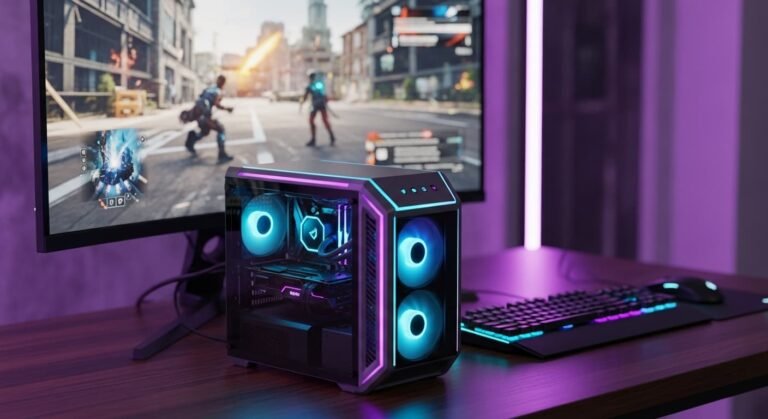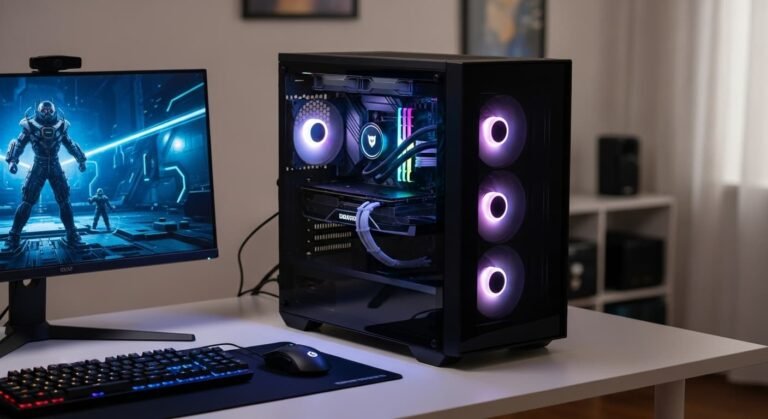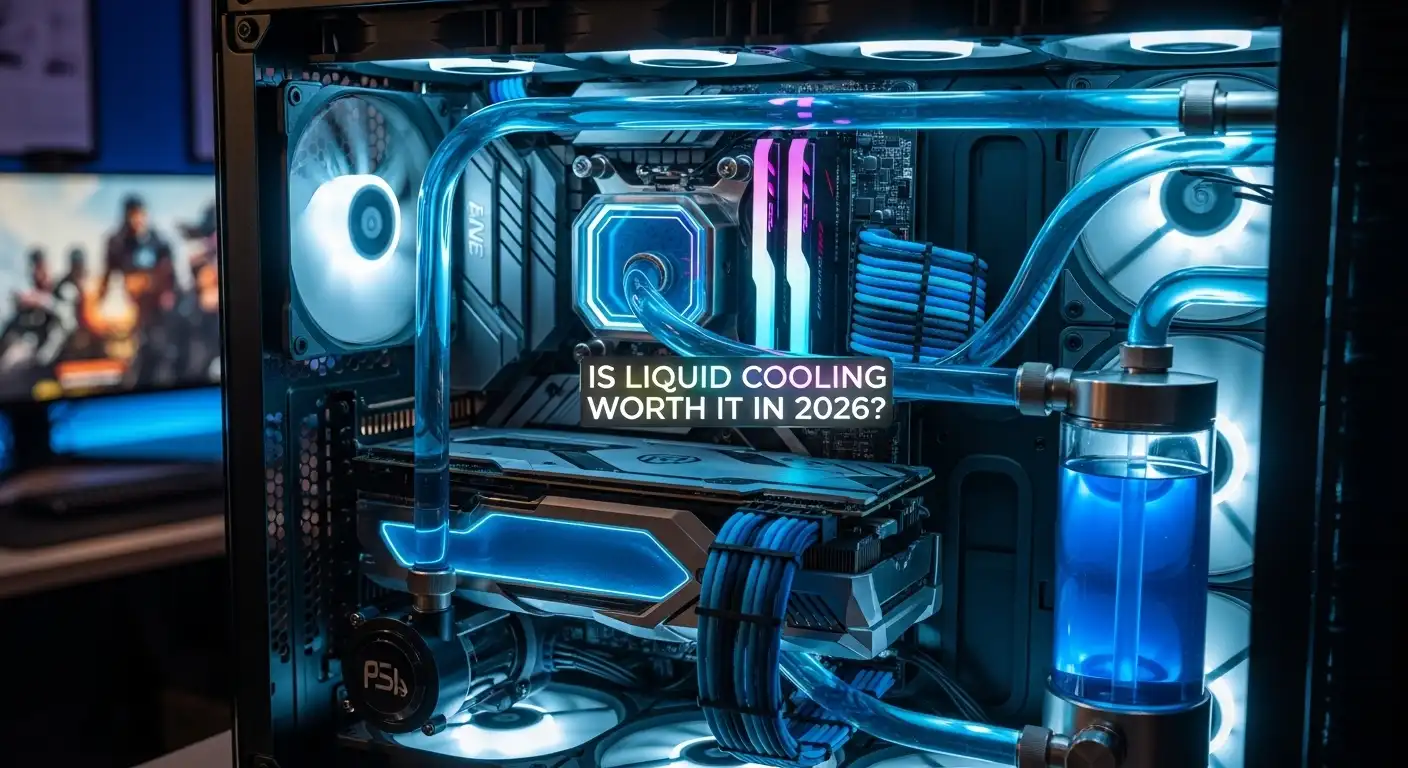
When I started building PCs, I used air coolers exclusively. Over time, though, I noticed that high-end builds, overclocked systems, and GPU-heavy workflows started generating heat that pushed air cooling to its limits. That’s when I explored liquid cooling, and honestly, it changed the game for me. But is it really worth the cost and effort in 2026? Let’s break it down.
Overview
Liquid cooling is absolutely worth it in 2026 for high-performance computing, AI-driven data centers, and enthusiast gaming PCs requiring maximum thermal management. While high-end air coolers remain capable, liquid cooling offers superior sustained cooling, reduced noise, and better aesthetic options, making it crucial for top-tier CPUs and GPUs.
- Performance for High-End Components: Modern CPUs and GPUs generate more heat than ever, and liquid cooling provides the thermal headroom needed to prevent throttling during heavy workloads.
- Data Center Standard: Liquid cooling is now standard for high-density, AI-driven setups, improving energy efficiency by 4–15% over air.
- Quieter Operation: Liquid systems often run quieter since they don’t rely on high-speed fans for heat dissipation.
- Aesthetics and Clearance: All-in-One (AIO) coolers create clean builds, avoiding bulky air heatsinks that block RAM or motherboard access.
What Is Liquid Cooling?
Liquid cooling moves heat away from your CPU or GPU using a coolant, often water or a specialized liquid, which circulates through a water block and radiator system. The coolant absorbs heat at the source, travels through tubes to the radiator, where fans cool it down, and then recirculates.
Air cooling, in contrast, relies on heatsinks and fans. While effective for most builds, air is less efficient than liquid at sustaining low temperatures under heavy loads.
Types of Liquid Cooling
All-in-One (AIO) Systems
AIO systems are pre-assembled, sealed units with a pump, water block, radiator, and fans. They’re easy to install, low-maintenance, and virtually leak-proof, making them a great option if you want better cooling without the complexity.
Custom Loop Systems
Custom liquid cooling setups are more complex, offering flexibility to cool multiple components, including GPUs. They provide maximum thermal performance but require experience to install, maintain, and monitor. Leaks, pump failures, and higher costs are potential risks, but the payoff is unparalleled cooling efficiency.
Pros of Liquid Cooling
From my experience, here’s why liquid cooling is appealing:
- Superior Thermal Performance: Liquid absorbs and transfers heat better than air, keeping components cooler under heavy loads.
- Better for Overclocking: High temperatures can throttle performance. Liquid cooling allows CPUs and GPUs to sustain higher speeds safely.
- Quieter Operation: With fewer high-speed fans, your PC can run whisper-quiet.
- Cleaner Builds: AIO coolers take up less space than large air heatsinks, improving airflow and aesthetics.
- Reduced Dust Accumulation: Fewer fans and open fins mean less dust buildup over time, reducing maintenance.
Cons of Liquid Cooling
While I love liquid cooling, it comes with some drawbacks:
- Higher Cost: AIO systems are more expensive than mid-range air coolers, and custom loops can cost hundreds more.
- More Maintenance: Custom loops may need coolant refills, pump monitoring, and corrosion checks.
- Leak Risk: Though rare, leaks can damage expensive components. Proper installation is essential.
- Potential Noise: Cheap pumps or poorly designed fans can actually be louder than air coolers.
- Complex Installation (Custom Loops): Unlike AIOs, full custom setups require careful planning and experience.
Is Liquid Cooling Worth It for Your Build?
Budget Builds
For PCs under $750, I usually recommend sticking with a high-quality air cooler. Lower-end CPUs and GPUs generate less heat, so liquid cooling rarely offers noticeable benefits. The extra $50–$100 for an AIO could be better spent upgrading other components.
Mid-Tier Builds
Here, the decision depends on your usage. If you overclock or push your system with modern AAA games, liquid cooling provides measurable performance and longevity benefits. For casual gaming or everyday tasks, air cooling is often sufficient. AIOs are usually enough; custom loops aren’t necessary at this range.
Premium Builds
If you’re investing in high-end CPUs, multiple GPUs, or planning aggressive overclocking, liquid cooling is almost always worth it. Custom loops can cool your CPU, GPUs, and other components simultaneously, offering the best thermal management and quieter operation. Warranty coverage for premium parts also reduces the risk of leaks.
My Verdict
If you’re building a premium PC with top-tier hardware, liquid cooling is highly recommended in 2026 for both performance and noise reduction. For budget or mid-range builds, a high-quality air cooler is usually sufficient. Think carefully about your PC’s workload, budget, and desired aesthetics before making the investment.
FAQs
Q: Is liquid cooling safe in 2026?
Yes, liquid cooling is generally very safe if you stick to high-quality AIO systems or well-built custom loops. Most modern AIOs are sealed, leak-resistant, and easy to install. The biggest risk comes from poorly installed custom loops or cheap components, so I always recommend following manufacturer instructions and checking for leaks periodically. With proper care, you can enjoy liquid cooling safely for years.
Q: What is the future of liquid cooling?
The future of liquid cooling looks very promising, especially for high-performance PCs, AI workstations, and gaming rigs. In 2026 and beyond, we’re seeing more efficient AIOs, quieter pumps, and even more compact designs. Data centers are increasingly using liquid cooling to save energy and reduce heat. For personal builds, I expect liquid cooling to become more mainstream, offering better performance and aesthetics while keeping noise levels low.
Q: Is liquid cooling still worth it?
It depends on your build. For premium PCs with top-tier CPUs/GPUs or overclocked systems, liquid cooling is absolutely worth it. You get lower temperatures, quieter operation, and a cleaner look. For mid-range builds, it can help if you push your system hard, but for budget or casual machines, high-quality air cooling is usually enough. I usually recommend weighing your usage and budget before investing.
Q: Is custom water cooling worth it in 2026?
Custom loops are worth it if you want maximum cooling, overclock multiple components, or build a visually impressive rig. They offer flexibility that AIOs can’t match but come with higher cost, complexity, and maintenance. Personally, I only suggest custom loops for experienced builders or enthusiasts who want every ounce of thermal performance and control. For most users, an AIO is simpler and sufficient.
Q: Can liquid cooling damage a PC?
The short answer is yes, but it’s rare. Leaks or pump failures can damage your motherboard, CPU, or GPU. That said, most modern AIO systems are very reliable, and following proper installation procedures minimizes risk. I also make sure to check warranties and invest in reputable brands to protect my components.
Q: Should I replace my AIO after 4 years?
Generally, yes. Most AIOs last between 4–7 years depending on usage, pump quality, and coolant integrity. After 4 years, pumps can slow down, and coolant can degrade, reducing efficiency. I usually recommend checking for noise, leaks, or rising temperatures and considering a replacement if any issues appear. Replacing an aging AIO is much cheaper than repairing damaged components.