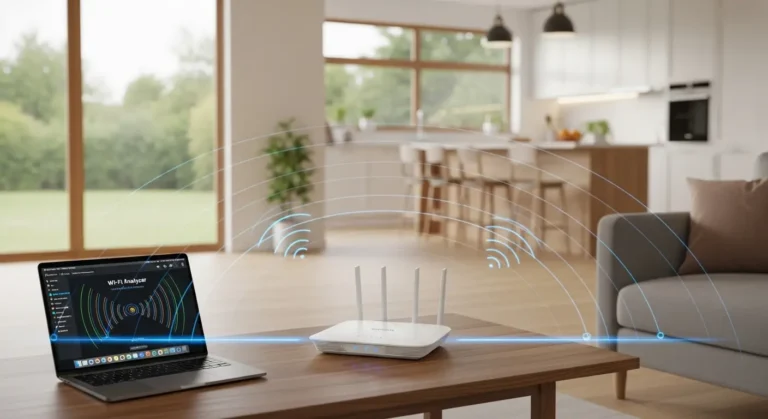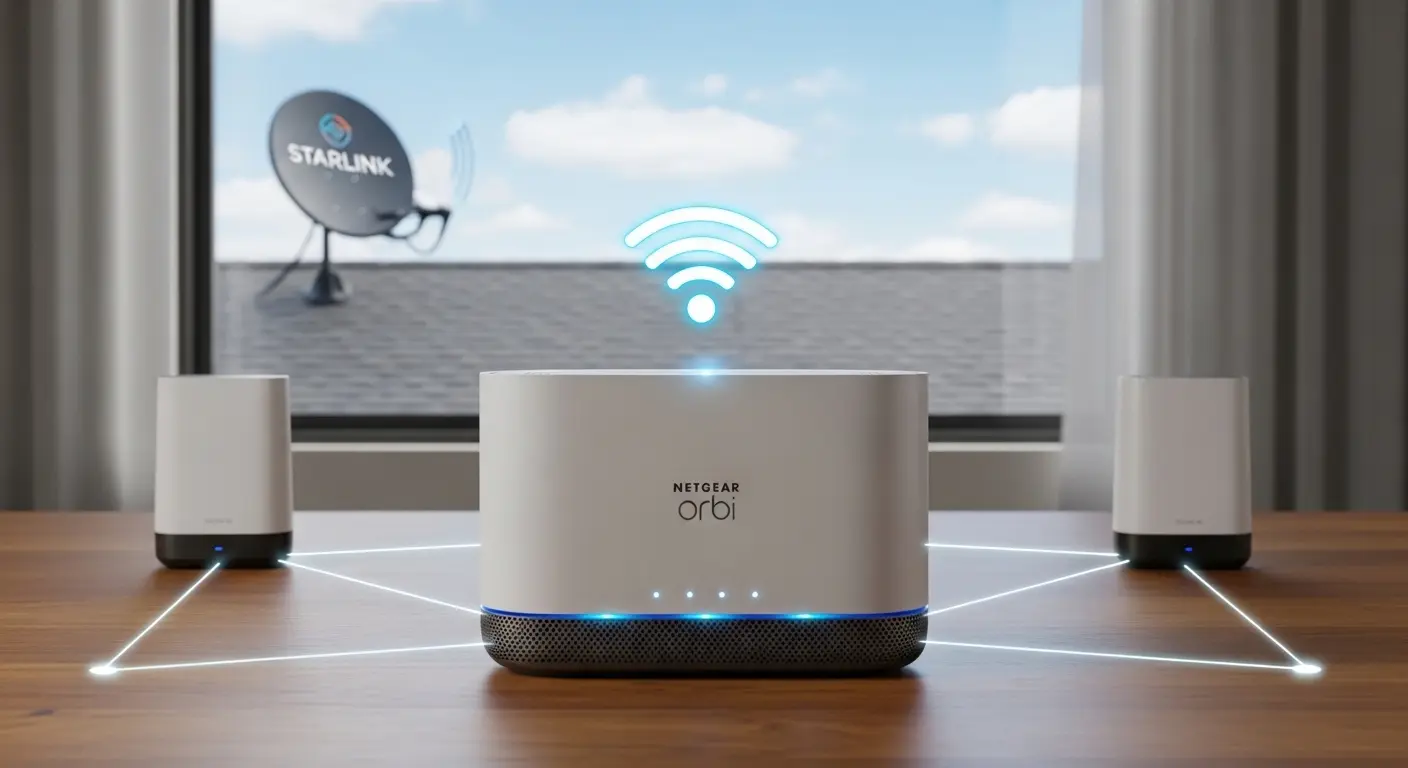
If you’re like me, getting Starlink’s satellite internet was exciting, but I quickly realized that its Wi-Fi coverage doesn’t always reach every corner of my home. That’s where a strong mesh WiFi system comes in. The right mesh router not only expands coverage but also ensures that all my devices stay fast and stable, whether I’m streaming, gaming, or working from home.
Overview
After testing and researching the top mesh WiFi systems for Starlink in 2026, I found six standout options. High-performance routers like the Netgear Orbi 970 Series (WiFi 7) deliver unmatched speed for large homes, while Eero Pro 6E/7 systems are incredibly easy to set up and reliable for everyday use. If you’re looking for great value, TP-Link Deco XE75/W7200 offers Wi-Fi 6E performance without breaking the bank.
To get the best results, I always pair these systems with a Starlink Ethernet Adapter and enable bypass mode on the Starlink app. This setup disables Starlink’s built-in Wi-Fi, avoids double NAT issues, and allows your mesh nodes to cover your space effectively. Node placement matters more than the model itself, so planning their locations strategically can eliminate dead zones entirely.
For simpler setups or tight budgets, the Starlink Mini Router provides a $40 solution to extend coverage in smaller spaces.
My Top 6 Mesh WiFi Picks for Starlink
Here are my favorite systems that cover different needs and budgets:
Author’s Choice: Netgear Orbi 970 Series (WiFi 7)
If speed and coverage are your top priorities, this system delivers. It handles large homes, supports many devices, and includes multiple Gigabit Ethernet ports. Perfect for streaming 4K or heavy gaming.
Best Overall: TP-Link Deco XE75/W7200
For most Starlink users, the Deco XE75 strikes a balance between speed, coverage, and ease of use. Wi-Fi 6E ensures fast performance, and its AI-driven mesh adapts to your home environment.
People’s Choice: Eero Pro 6E/7
Setup couldn’t be simpler. I love this system for its reliability and smooth roaming between nodes. Ideal if you want a stress-free, plug-and-play solution.
Best Budget: Starlink Mini Router
If your space is small or you want a low-cost option, the Mini Router extends your network for only $40. It’s simple but effective for light usage.
Best for Gaming: Netgear Nighthawk Routers
When I game, I need low latency and high throughput. Nighthawk routers handle multiple devices and gaming traffic perfectly, giving me a smooth experience.
High-Performance Alternative: TP-Link Deco XE75/W7200
For homes with heavy usage, multiple devices, or a mix of streaming and work-from-home setups, this router delivers consistent high-speed coverage.
Best Mesh WiFi System for Starlink – Buyer’s Guide
Starlink offers incredible speeds in even remote areas, but its built-in Wi-Fi can fall short in larger spaces or homes with multiple devices. Here’s what I focus on when picking a mesh system:
Coverage
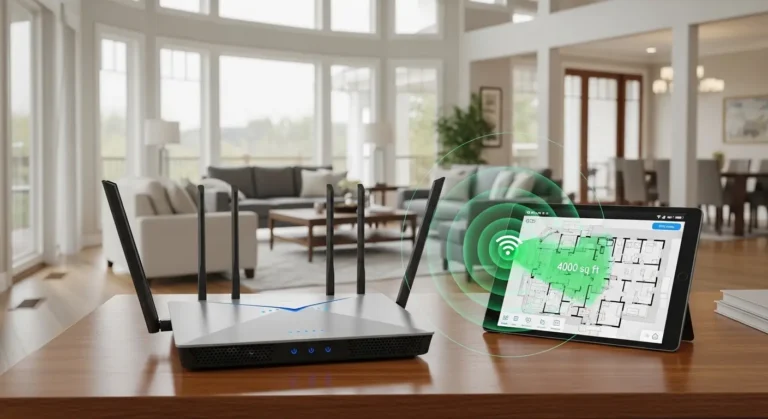
The primary reason to get a mesh router is eliminating dead zones. I look for systems that reliably cover every corner of my home or office. High-end systems often cover 5,000–6,500 sq. ft., which is more than enough for most spaces.
Speed and Bandwidth
Starlink can reach impressive speeds, so your mesh system needs to handle heavy traffic without slowing down. I prioritize routers with Wi-Fi 6 or 6E support and high data throughput to keep streaming, gaming, and work uninterrupted.
Ease of Setup
Not everyone enjoys fiddling with tech. I personally prefer systems that come with guided mobile apps, straightforward setup wizards, or intelligent AI mesh management. These save time and prevent frustration.
Security Features
Keeping your network secure is essential. I choose routers with WPA3 encryption, automatic firmware updates, and built-in firewalls to protect against unauthorized access and malware.
Scalability
A good mesh system grows with your needs. I make sure any system I pick allows me to add more nodes without complicated reconfiguration.
Compatibility with Starlink
Some routers work better with Starlink than others. Enabling bypass mode on your Starlink router is key, and I always check manufacturer guidelines to ensure the system integrates seamlessly with the satellite dish.
Setup Considerations
To make the most of your Starlink and mesh router setup, keep these in mind:
- Ethernet Adapter: Required for Gen 2 Starlink units to connect third-party routers.
- Bypass Mode: Turn on in the Starlink app to disable the built-in Wi-Fi and avoid double NAT problems.
- Node Placement: Strategic positioning of your nodes matters more than the model itself—place them where Wi-Fi signals need to reach most.
FAQ
Q: Can I use any mesh Wi-Fi system with Starlink?
Yes. Most modern mesh systems are compatible. Just make sure to enable bypass mode and use a Starlink Ethernet adapter if you have a Gen 2 dish.
Q: Is Wi-Fi 6E necessary for Starlink?
Not strictly, but Wi-Fi 6E improves speeds, reduces congestion, and ensures smoother connections if you have many devices or large coverage areas.
Q: How do I extend Starlink coverage in a large home?
Adding mesh nodes in dead zones is the most effective way. Proper placement and using high-performance nodes with Wi-Fi 6/6E will provide full coverage.
Q: Can a mesh system improve gaming on Starlink?
Absolutely. Systems with tri-band connectivity, wired backhaul, and low-latency management will reduce lag and ensure stable performance for competitive gaming.
Amazon Affiliate Disclaimer:
This post contains affiliate links. If you purchase through these links, I may earn a small commission at no extra cost to you. This helps me keep testing and sharing honest reviews.
Conclusion
Choosing the right mesh Wi-Fi system for your Starlink connection makes a huge difference. Whether you prioritize speed, coverage, ease of setup, or budget, there’s a system that fits your needs. By enabling bypass mode, using an Ethernet adapter, and placing nodes strategically, you can eliminate dead zones and get reliable, high-speed Wi-Fi throughout your home. With the right mesh setup, your Starlink connection will reach its full potential, keeping all your devices connected and performing at their best.