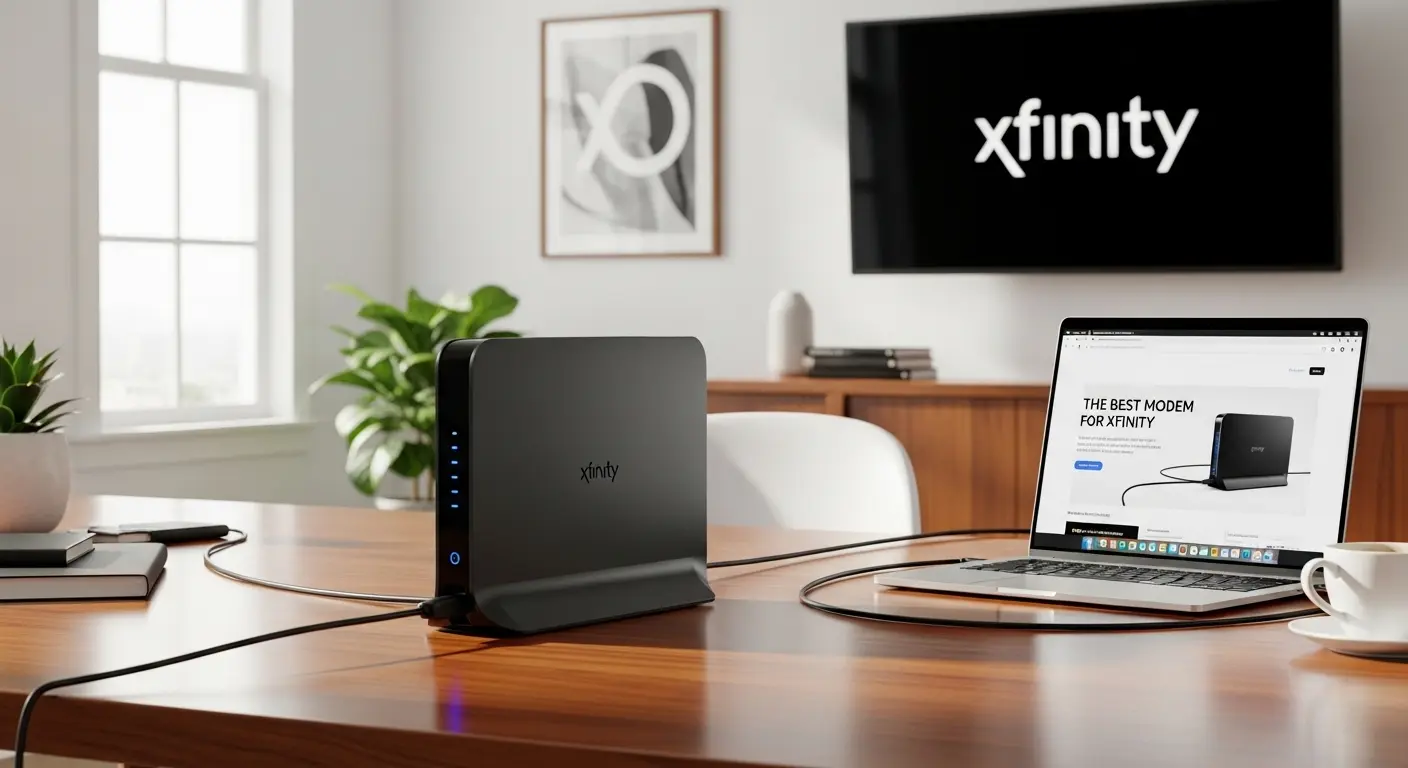
I used to struggle with slow internet even though I was paying for Xfinity’s fastest plan. It turns out the real bottleneck wasn’t my plan, it was my old modem. Once I upgraded to a high-performance, Xfinity-compatible modem, everything changed: streaming, gaming, and video calls became seamless.
Overview
In 2026, the top modems for Xfinity are DOCSIS 3.1 or 4.0 devices designed to handle high-speed internet. For maximum performance, I recommend the Netgear Nighthawk CM3000, which excels at multi-gigabit speeds and future-proofing. The ARRIS SURFboard S33/S34 are reliable, high-speed options that work well for gigabit plans. If you want value without sacrificing speed, the Hitron CODA56 offers excellent performance at a lower cost. These modems eliminate rental fees and fully support Xfinity’s faster upload and download speeds.
The Top Modems for Xfinity in 2026
Netgear Nighthawk CM3000 / CM2050V – Best Overall
These modems handle multi-gigabit speeds effortlessly and are fully compatible with Xfinity’s “Next-Gen” network. They’re perfect if you want future-proof performance.
ARRIS SURFboard S33 / S34 – Best for Gigabit Speeds
Reliable and widely compatible, these modems support speeds over 1 Gbps, making them ideal for most high-speed home plans.
Hitron CODA56 – Best Value
This modem is capable of 2.5 Gbps speeds and approved for Xfinity’s faster plans. If I’m balancing cost with performance, this is my go-to choice.
Motorola MB8611 – Best for High Upload Speeds
For anyone needing fast upstream for video uploads or live streaming, this modem delivers speeds over 1.2 Gbps reliably.
Pairing a Modem with the Right Router
Most ISP gateways combine a modem and WiFi in one device, but that setup often limits performance. Separating the modem and router lets me upgrade each component individually and optimize coverage. Pairing my CM3000 with a WiFi 7 Nighthawk router or an Orbi mesh system gave me reliable, high-speed WiFi throughout my home.
Pro Tip: Investing in a standalone modem and router ensures my network keeps pace with future tech upgrades.
Why I Replaced My Xfinity Modem
Stop Paying Rental Fees
I realized I was spending over $15 a month on a modem I didn’t even own. That adds up quickly, up to $180 per year. By buying my own modem, I can reclaim that money and invest in a device that actually delivers the speeds I pay for.
Unlock the Speeds I’m Paying For
Many ISP-provided gateways are built to be “good enough,” but not to maximize performance. My new DOCSIS 3.1 modem unlocked multi-gig speeds, making 4K streaming, video calls, and gaming smoother than ever.
Future-Proof My Home Network
With Xfinity rolling out higher-speed plans, I wanted a modem that could keep up. Choosing a DOCSIS 3.1 or 4.0 modem ensures I won’t need to upgrade again for years. It’s one less tech worry in my busy life.
How I Replaced My Xfinity Modem in 3 Easy Steps
- Connect and Power, I plugged in the modem using the WAN port and power adapter.
- Activate, Using the Xfinity app, I activated the modem in a self-service process that took minutes.
- Connect Router, Finally, I linked my WiFi router to get a seamless, high-speed network running across my home.
If you have an Xfinity Voice plan, make sure your modem supports voice capabilities to avoid service interruptions.
FAQs
Q: Can I use any modem with Xfinity?
A: Only modems listed on Xfinity’s certified devices list are fully compatible. Always check your plan’s requirements.
Q: How much can I save by buying my own modem?
A: Most users save around $15 per month, which adds up to roughly $180 per year.
Q: Do I need a special modem for multi-gig Xfinity plans?
A: Yes. DOCSIS 3.1 or 4.0 modems, ideally with mid/high-split capability, are recommended for speeds above 1 Gbps.
Q: Is it difficult to install my own modem with Xfinity?
A: Not at all. The activation process via the Xfinity app is straightforward, usually completed in minutes without needing a call to support.
Conclusion
Replacing my rented or outdated modem was the best upgrade I made for my home network. Owning a high-performance modem like the Netgear Nighthawk CM3000 or ARRIS S33, combined with a quality router, gave me faster speeds, full control, and long-term savings. Investing in the right equipment transformed my internet experience and future-proofed my home for years to come.
Amazon Affiliate Disclaimer: I may earn a small commission if you purchase products through links in this article, at no additional cost to you.