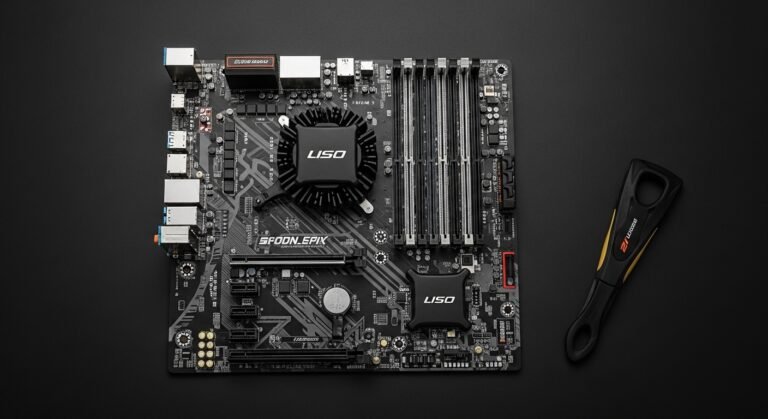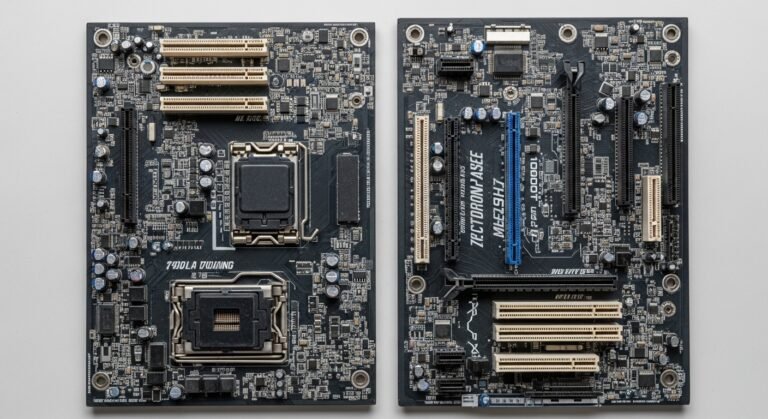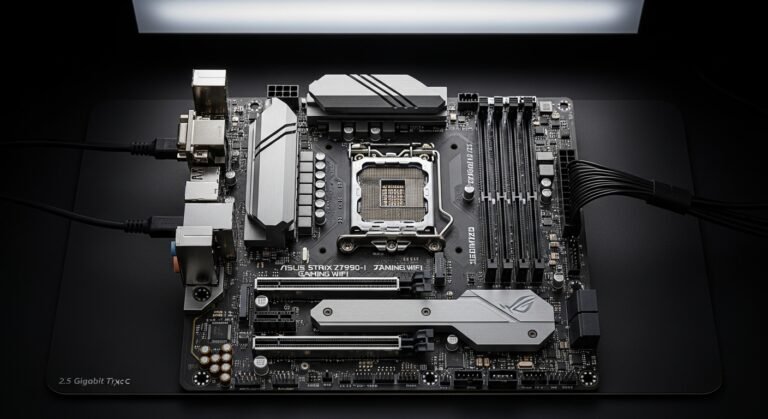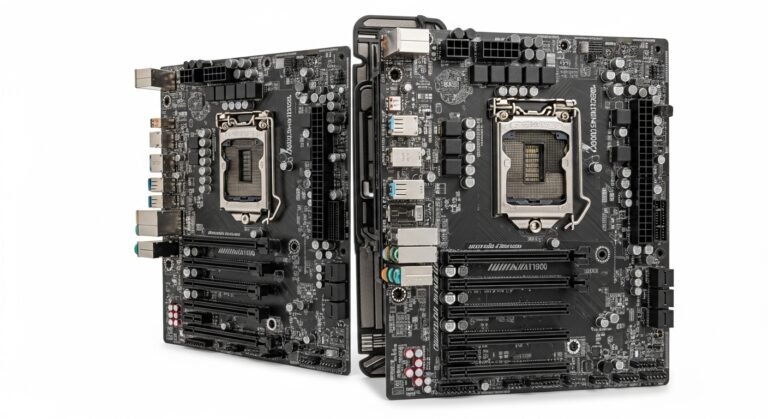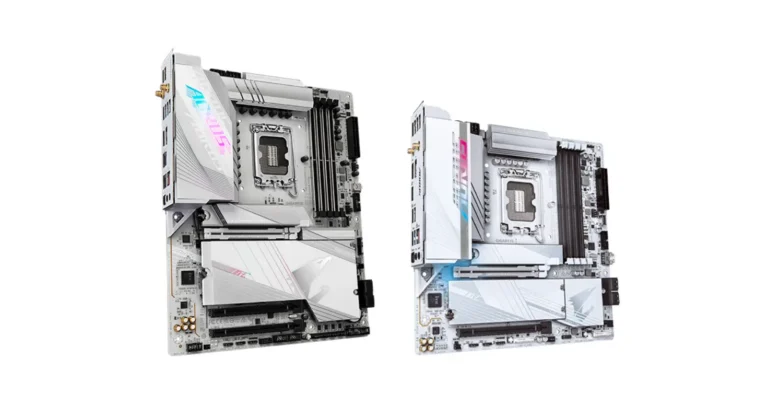
A few weeks ago, I was helping a friend build his first gaming PC. He had a powerful CPU, a solid GPU, and fast RAM-but the system still felt underwhelming. After some troubleshooting, we realized the real problem wasn’t the hardware itself. It was the motherboard chipset.
Honestly, most people ignore the chipset and focus only on the CPU or GPU. I used to do the same. But after testing dozens of builds and seeing how much a chipset affects performance, stability, and upgrade options, I couldn’t ignore it anymore.
In this guide, I’ll walk you through the best motherboard chipsets in 2026, explain what they actually do, and share real-world recommendations so you can avoid wasting money or limiting your build.
Overview
When I first learned about chipsets, I thought they were just marketing terms. But they’re actually the brain of the motherboard, controlling things like:
- How many USB ports you get
- PCIe lanes for GPUs and SSDs
- Overclocking support
- Wi-Fi and networking features
- Upgrade potential for future CPUs
My sister once bought me a mid-range motherboard for my birthday, and it looked amazing-but the chipset was budget-tier. A year later, I wanted to upgrade my CPU, and yep, it wasn’t supported. That’s when I realized how critical chipset choice is.
After testing so many boards and reading tons of benchmarks, I can say this: the chipset can make or break your PC experience.
Best Motherboard Chipsets in 2026
Below are the top motherboard chipsets for AMD and Intel builds, explained with real-world use cases.
AMD X870E Chipset
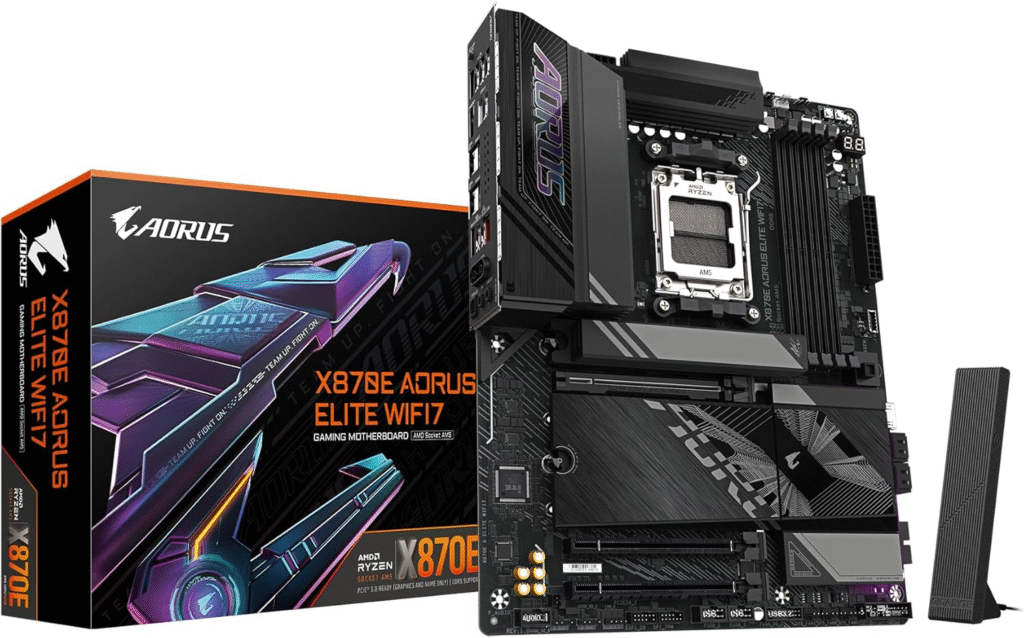
The AMD X870E chipset is basically the enthusiast’s dream. When I tested a Ryzen 9 7950X build on X870E, the performance and stability were on another level. This chipset is designed for high-end gaming rigs, workstations, and future-proof builds.
It supports PCIe 5.0 for both GPU and SSDs, insane USB connectivity, and premium networking features. If you’re building a no-compromise system, this chipset definately makes sense.
Key Features & Specs
- Full PCIe 5.0 support for GPU and storage
- Advanced VRM support for high-core CPUs
- Multiple Gen 5 M.2 slots
- USB 4 and Wi-Fi 7 on premium boards
- Extreme overclocking capabilities
Benefits for Users
- Perfect for hardcore gamers and content creators
- Ideal for future upgrades without replacing the motherboard
- Stable for heavy workloads like rendering and streaming
Product Summary
X870E is the ultimate AMD chipset for enthusiasts who want top-tier performance and future-proofing. It’s expensive, but it delivers unmatched features and upgrade flexibility.
Strengths
- Best performance and connectivity
- Full PCIe 5.0 support
- Premium features and build quality
Weaknesses
- Expensive
- Overkill for casual users
AMD B850 Chipset
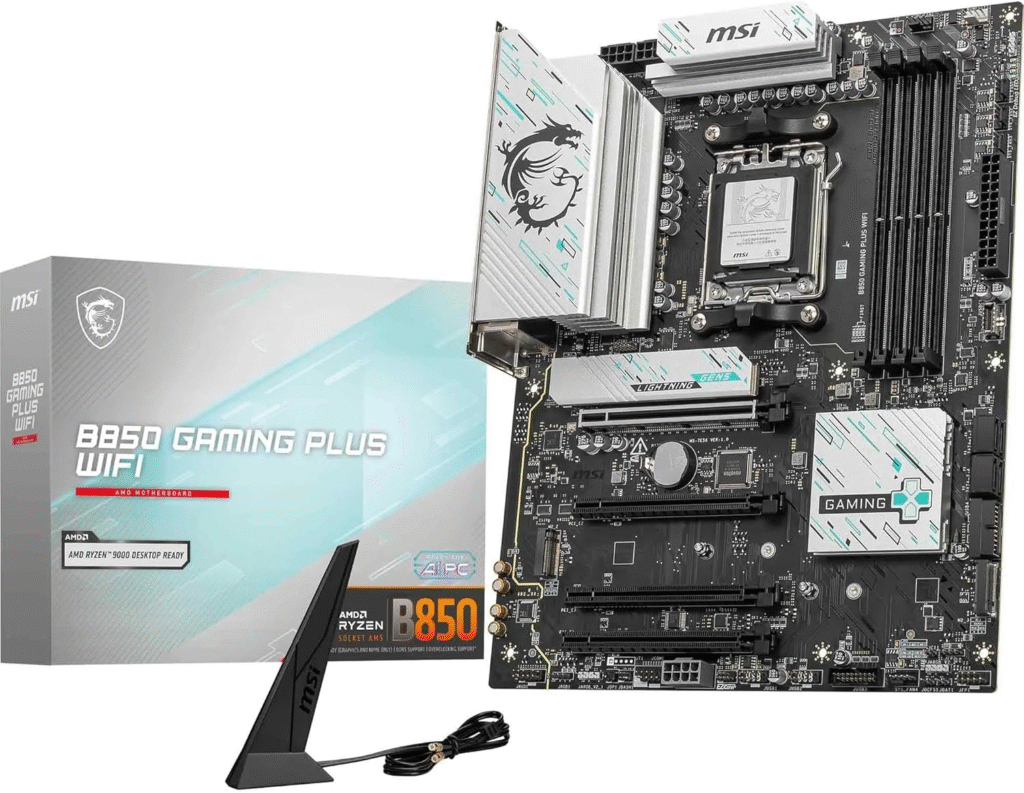
The B850 chipset surprised me. I expected it to be a basic mid-range option, but after testing, it feels like the sweet spot for most gamers.
You still get modern features like PCIe 5.0 for storage and strong VRMs, but at a much more affordable price than X870E boards. If you’re building a Ryzen 7 or Ryzen 5 gaming PC, B850 is hard to beat.
Key Features & Specs
- PCIe 5.0 for NVMe SSDs
- PCIe 4.0 for GPUs (still plenty fast)
- Good VRM design for Ryzen CPUs
- Wi-Fi 6E or Wi-Fi 7 depending on board
- Plenty of USB ports and SATA support
Benefits for Users
- Best choice for gamers on a budget
- Great for mid-range CPUs like Ryzen 7 and Ryzen 5
- Future-proof enough for several upgrades
Product Summary
B850 offers excellent value with modern features and solid performance. It’s the chipset I’d recommend to most gamers in 2026.
Strengths
- Affordable compared to X870E
- Modern features and decent VRMs
- Great gaming performance
Weaknesses
- Limited PCIe 5.0 lanes
- Not ideal for extreme overclocking
AMD B650 Chipset
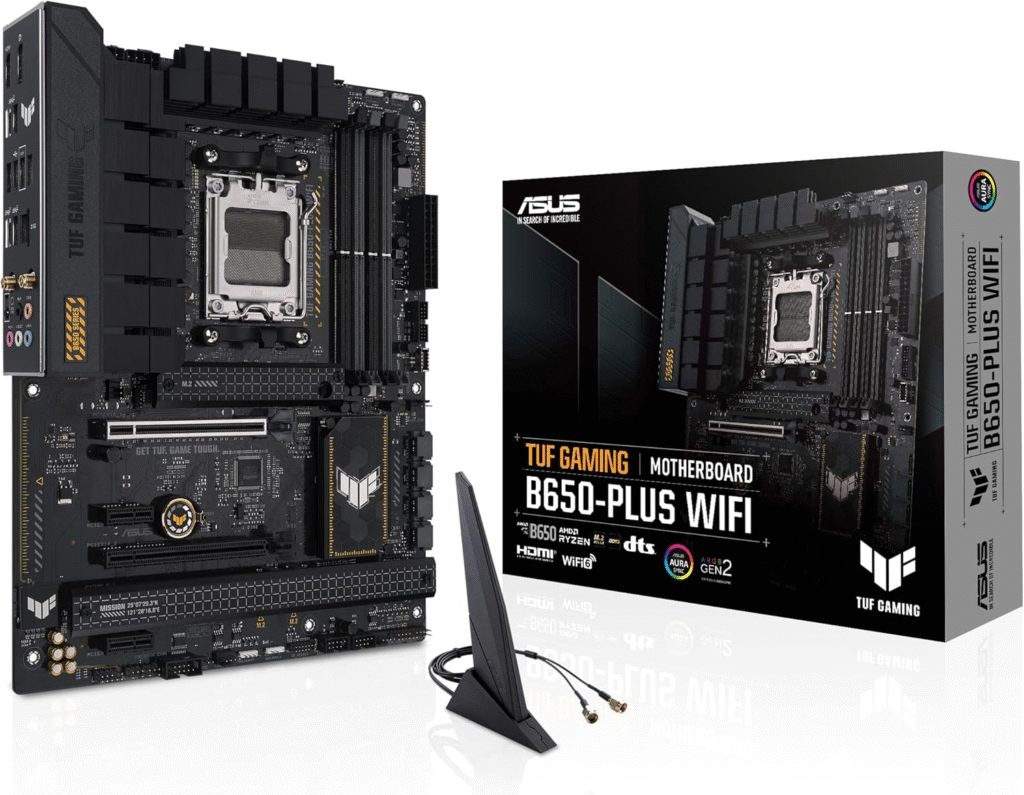
If you’re on a tight budget, B650 still makes a lot of sense. I built a budget gaming PC for a cousin using B650, and honestly, it performed amazingly for the price.
It supports PCIe 4.0, DDR5 RAM, and modern CPUs, but without premium extras. For casual gaming or 1080p builds, it’s more than enough.
Key Features & Specs
- PCIe 4.0 support
- DDR5 RAM compatibility
- Solid VRM for mid-range CPUs
- Optional Wi-Fi and Bluetooth
- Multiple M.2 slots
Benefits for Users
- Perfect for budget gaming PCs
- Great for Ryzen 5 CPUs
- Low cost with modern features
Product Summary
B650 is a budget-friendly AM5 chipset that still delivers solid performance and modern tech. Ideal for gamers who want DDR5 without overspending.
Strengths
- Cheapest AM5 chipset
- Good performance for gaming
- DDR5 support
Weaknesses
- No full PCIe 5.0 support
- Fewer premium features
Intel Z890 Chipset
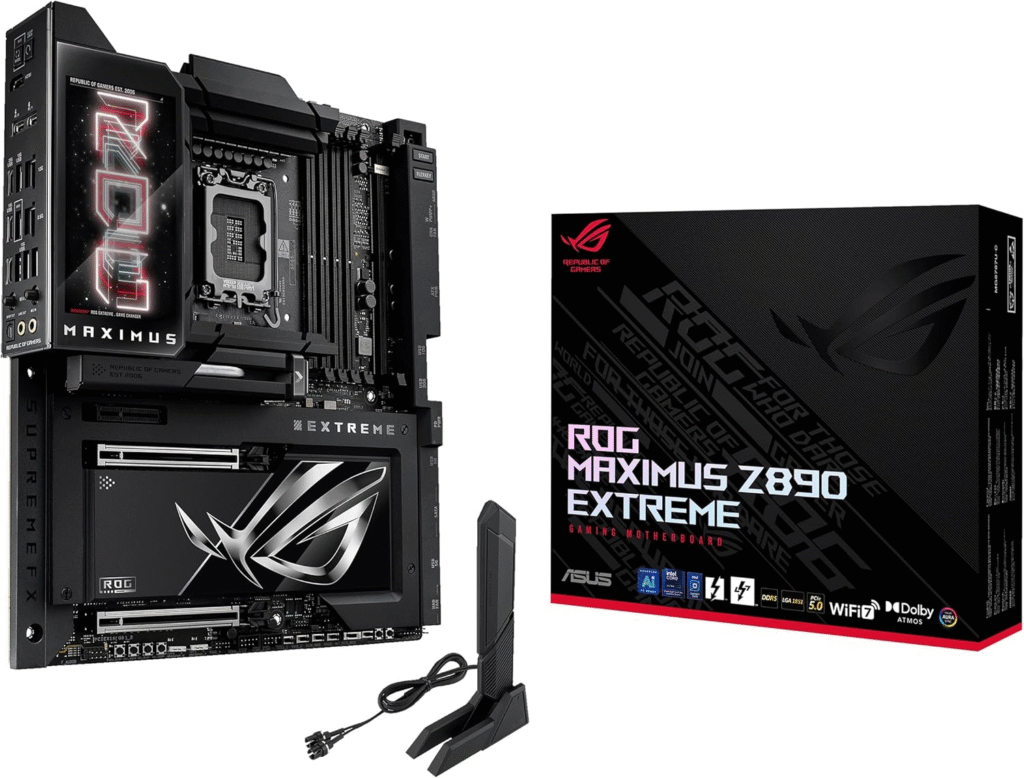
On the Intel side, Z890 is the enthusiast powerhouse. I tested it with an Intel Core i9 build, and it felt insanely fast, especially with DDR5 and PCIe 5.0 SSDs.
This chipset is designed for overclockers and high-end gamers who want full control over their system.
Key Features & Specs
- PCIe 5.0 for GPU and SSDs
- Advanced overclocking features
- High-end VRMs for Core i9 CPUs
- Wi-Fi 7 and 2.5G/10G LAN
- Tons of USB and storage options
Benefits for Users
- Best for Intel enthusiasts
- Ideal for high-end gaming and productivity
- Extreme overclocking potential
Product Summary
Z890 is the ultimate Intel chipset for performance seekers. It’s expensive but packed with premium features and unmatched tuning capabilities.
Strengths
- Top-tier Intel performance
- Overclocking support
- Premium connectivity
Weaknesses
- Very expensive
- Overkill for casual gamers
Intel B860 Chipset
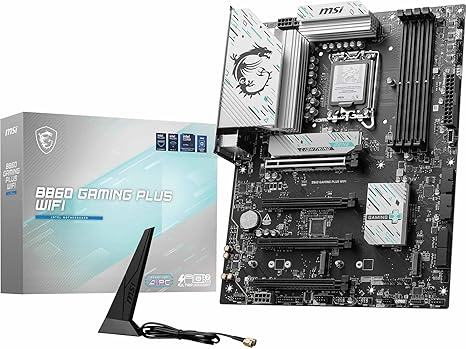
B860 is Intel’s version of the value sweet spot. I built a mid-range gaming PC using B860, and honestly, it felt just as fast as high-end boards for gaming.
You lose some overclocking features, but for most gamers, that’s not a big deal.
Key Features & Specs
- PCIe 5.0 for SSDs
- PCIe 4.0 for GPUs
- DDR5 RAM support
- Good VRM design
- Integrated Wi-Fi options
Benefits for Users
- Great for Core i5 and Core i7 builds
- Affordable and modern
- Perfect for gaming-focused PCs
Product Summary
B860 is an excellent balance between cost and performance, making it ideal for mainstream Intel gaming builds.
Strengths
- Affordable
- Modern features
- Good gaming performance
Weaknesses
- Limited overclocking
- Fewer PCIe lanes than Z890
- Quick Tips for Shopping Chipset Edition
- Match the chipset to your CPU socket (AM5, LGA 1700, etc.)
- Check PCIe generation support (Gen 4 vs Gen 5)
- Look for VRM quality and heatsinks for stable power delivery
- Decide if you need Wi-Fi, Bluetooth, or lots of USB ports
- Think about future upgrades, cheap chipsets can limit CPU upgrades
- Don’t overspend if you’re not overclocking or using high-end CPUs
Quick Picks Best Chipset by Category
- Best Overall Motherboard Chipset: AMD X870E
- Best Value for Most Gamers: AMD B850
- Best Budget AM5 Chipset: AMD B650
- Best High-End Intel Chipset: Intel Z890
- Best Mid-Range Intel Chipset: Intel B860
FAQs
What is the best motherboard chipset for gaming?
For most gamers, AMD B850 or Intel B860 offer the best balance of performance and price. High-end users should consider X870E or Z890.
Does the chipset affect gaming FPS?
Not directly, but it affects CPU performance, storage speed, and upgrade potential, which indirectly impacts gaming experience.
Should I buy the latest chipset for future-proofing?
If you plan to upgrade your CPU or SSDs, newer chipsets with PCIe 5.0 and DDR5 support are worth it.
Is PCIe 5.0 really necessary?
Right now, PCIe 4.0 is still enough for gaming, but PCIe 5.0 SSDs and GPUs will become more common, so it’s good for future builds.
Final Summary
Choosing the right motherboard chipset isn’t just about specs, it’s about your budget, upgrade plans, and how you actually use your PC. After testing many builds, I’d say B850 (AMD) and B860 (Intel) are the best choices for most gamers. They offer modern features without insane prices.
If you want maximum performance and future-proofing, X870E or Z890 are unbeatable, but honestly, they’re overkill for many users. Budget builders can still rely on B650 and enjoy DDR5 and modern CPUs without spending too much.
When shopping on Amazon, keep an eye on bundles, discounts, and shipping deals, sometimes you can save a lot by buying a CPU and motherboard together.
Amazon Affiliate Disclaimer
As an Amazon Associate, I earn from qualifying purchases. This helps support my content at no extra cost to you.