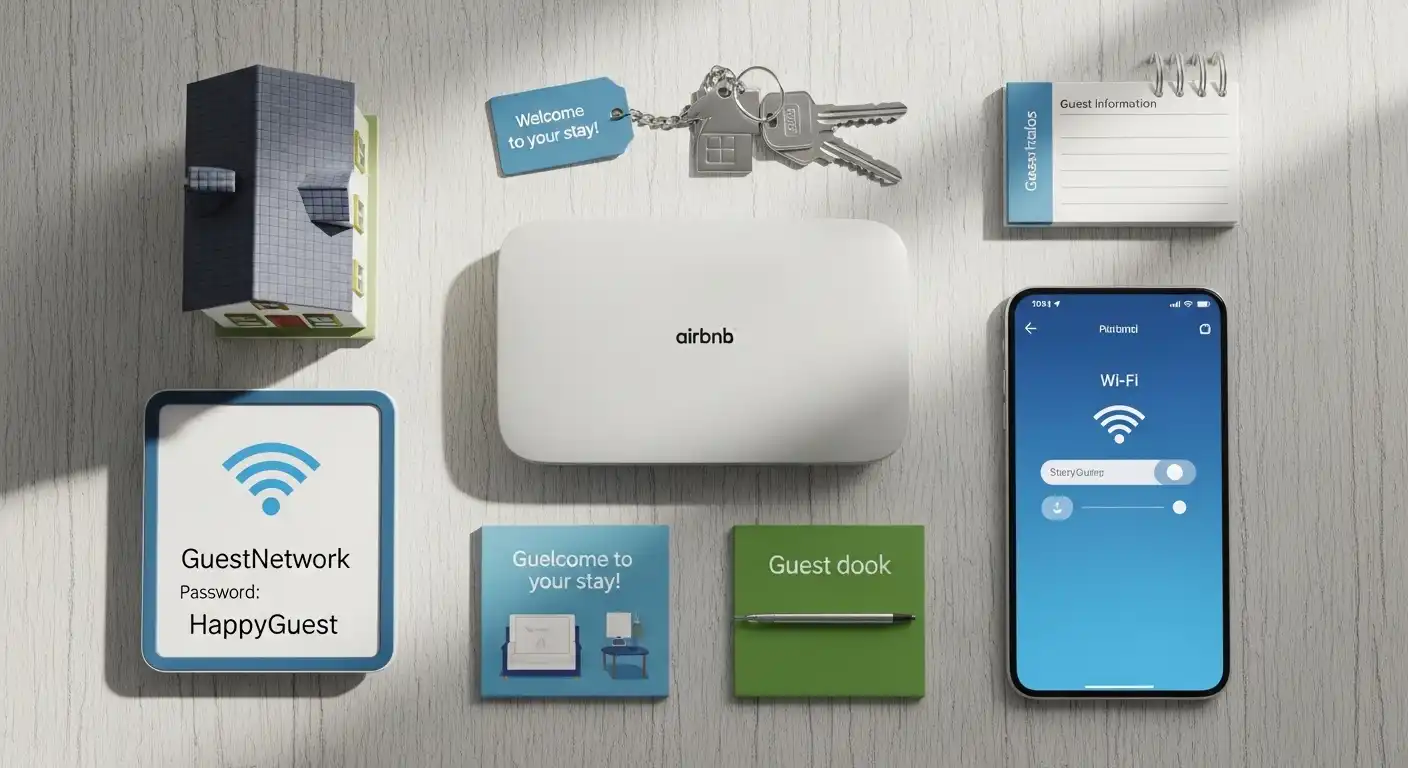
If you’re hosting on Airbnb, I know how crucial it is to keep your guests connected. Slow Wi-Fi can frustrate them, impact reviews, and even reduce bookings. That’s why I’ve put together a guide to help you choose the right router, whether you’re running a studio, a large house, or a multi-unit property.
High-speed Wi-Fi isn’t just a luxury for guests anymore; it’s expected. The right router ensures stable connections for multiple devices, remote network management, and a secure guest network. Here’s how I break it down.
Overview
For an Airbnb, the ideal routers deliver fast, reliable internet for several guests at once while giving you control and security. If your property is large, mesh systems like the TP-Link Deco or eero series help eliminate dead zones and cover multiple rooms. For smaller spaces, a standalone router such as a Netgear Nighthawk often provides sufficient speed and coverage without the complexity of multiple nodes.
Best Mesh Systems for Large Properties
Mesh routers use several nodes to spread Wi-Fi evenly across a home, ensuring your guests enjoy strong, consistent internet in every corner.
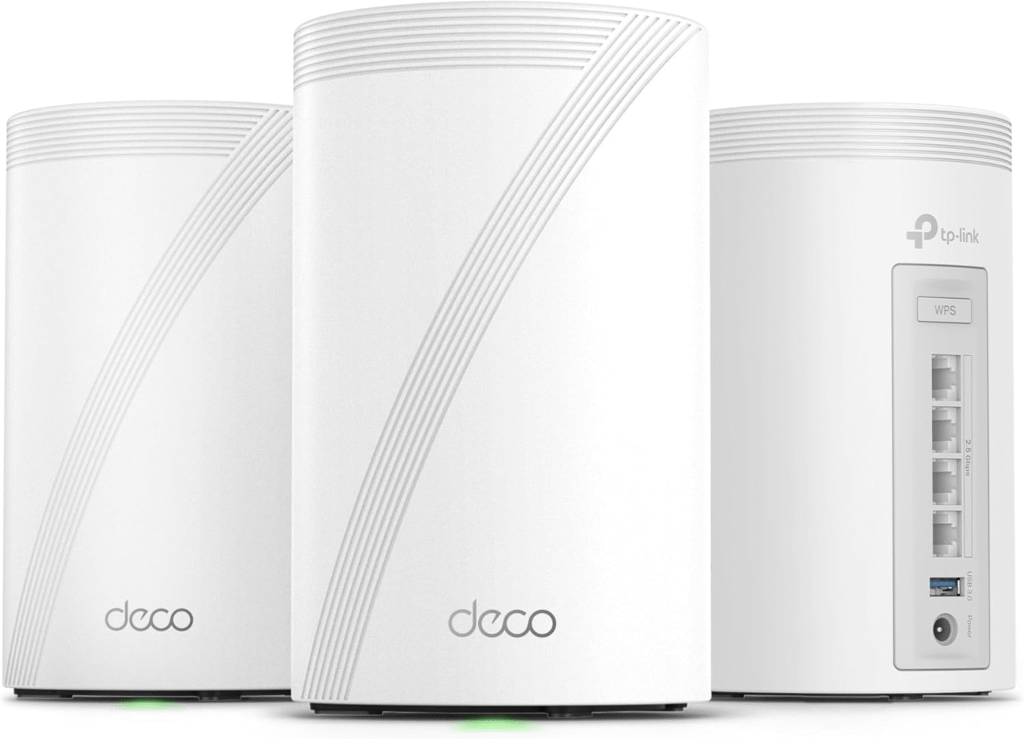
TP-Link BE10000 Whole Home Mesh Wi-Fi 7 System
View on Amazon
This system supports up to 200 devices at speeds of 9.3 Gbps and covers up to 5,800 sq. ft. Its setup is straightforward via the Deco app, and it provides reliable long-range coverage, ideal for busy Airbnbs.
eero Max 7 Tri-Band Mesh Wi-Fi 7 Router
Designed for high-demand properties, it supports over 200 devices and doubles as a smart home hub for locks, thermostats, and other connected devices. The app-guided setup makes it simple to manage.
TP-Link Deco XE75 Pro AXE5400 Tri-Band Mesh Wi-Fi 6E System
View on Amazon
A more budget-conscious mesh option, this router still delivers tri-band Wi-Fi 6E, multi-floor coverage, and a stable connection for multiple guests.
Best Standalone Routers for Smaller Rentals
For apartments, cottages, or smaller units, a powerful single router is often easier to manage and cost-effective.
Netgear Nighthawk RS300 Tri-Band Wi-Fi 7 Router
View on Amazon
This router covers up to 2,500 sq. ft., reaches speeds up to 9.3 Gbps, and includes Netgear Armor for automatic protection against online threats. Remote management is simple through its app.
Ubiquiti Dream Router 7
View on Amazon
For hosts wanting professional-grade features, this router handles up to 300 clients and offers an application-aware firewall plus a status LCD for quick troubleshooting.
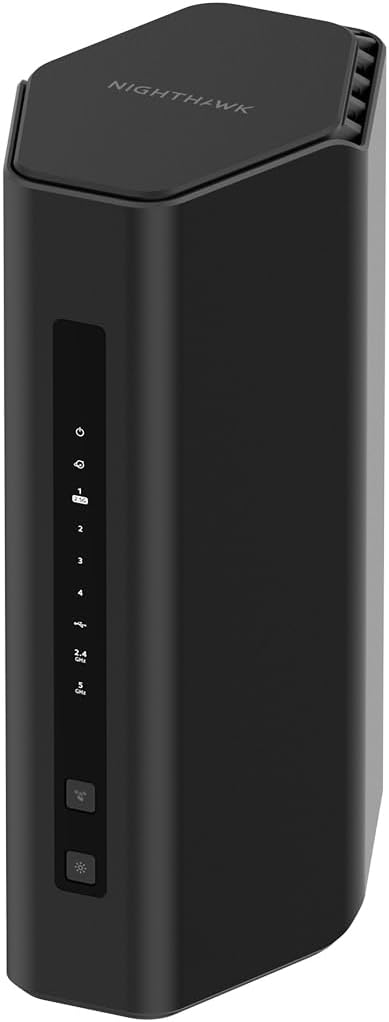
Netgear Nighthawk RS180 Dual-Band Wi-Fi 7 Router
View on Amazon
A solid mid-range option that supports 80 devices and makes guest network setup easy, making it a reliable choice for smaller properties.
Reliable Budget Options
If value matters most, these routers provide stable Wi-Fi and essential guest network features without the premium price.
TP-Link Archer BE230 BE3600 Dual-Band Wi-Fi 7 Router
View on Amazon
Users praise its strong, stable signal and durable build at a lower cost.
TP-Link Omada AX3000 Gigabit VPN Router
View on Amazon
Designed for small businesses and hotels, this router offers centralized cloud management, so you can monitor your Airbnb’s network remotely.
How to Find the Right Router for Your Airbnb
1. Consider Property Size
Your space dictates whether you need a single router or a multi-node mesh system. Bigger homes often benefit from multiple nodes for complete coverage.
2. Think About Guest Load
More guests bring more devices. Phones, laptops, and tablets all consume bandwidth, so higher capacity routers are essential for larger groups.
3. Determine Your Budget
Your budget can help you decide between professional-grade routers and value-friendly models that still deliver reliable Wi-Fi.
FAQs
Q: Do I need a mesh system for a studio apartment?
Not usually. A high-performance standalone router is often sufficient for small spaces.
Q: How many devices can a router handle for Airbnb guests?
It varies by model. High-end mesh systems support over 200 devices, while smaller routers typically support 50–80 devices.
Q: Can I secure my Airbnb Wi-Fi for guests?
Yes. Most modern routers let you create a separate guest network and include security features like firewalls and automatic updates.
Q: Is Wi-Fi 7 necessary for Airbnb?
Wi-Fi 7 is ideal for heavy usage or large properties, but Wi-Fi 6 or 6E can still provide excellent performance for most rentals.
Amazon Affiliate Disclaimer:
Some links in this guide may be affiliate links, meaning I earn a small commission if you purchase through them at no extra cost to you. This helps me keep creating free guides like this one.
Final Thought
Choosing the right router for your Airbnb doesn’t have to be complicated. By matching your property size, guest load, and budget to the right router, whether it’s a high-performance mesh system or a reliable standalone model, you can ensure every guest enjoys fast, stable internet. Great Wi-Fi isn’t just a convenience; it’s a key factor in earning positive reviews and repeat bookings. Invest wisely, set it up correctly, and your guests will thank you with five-star ratings.