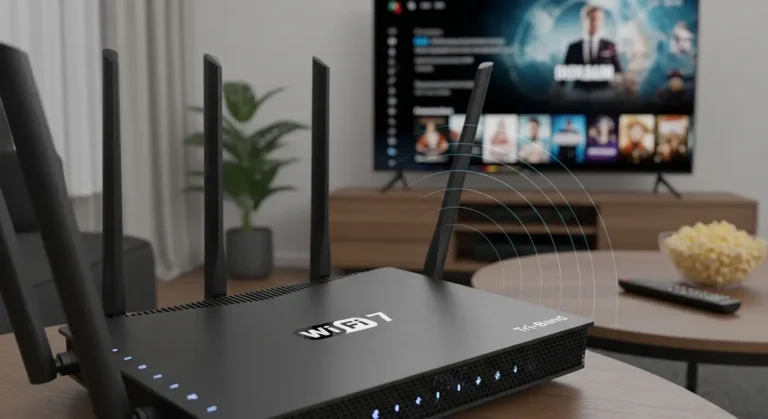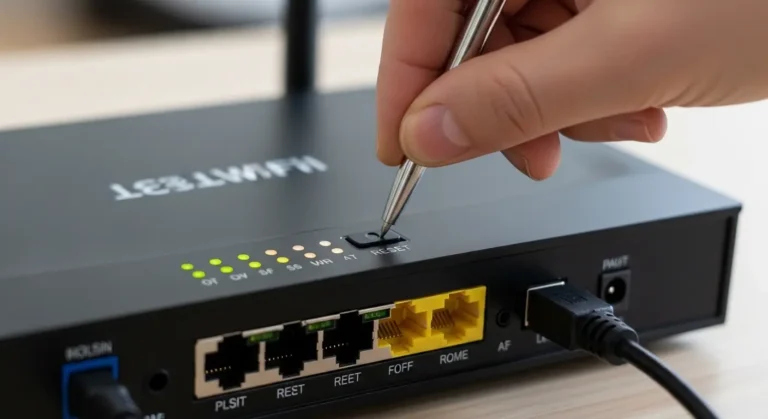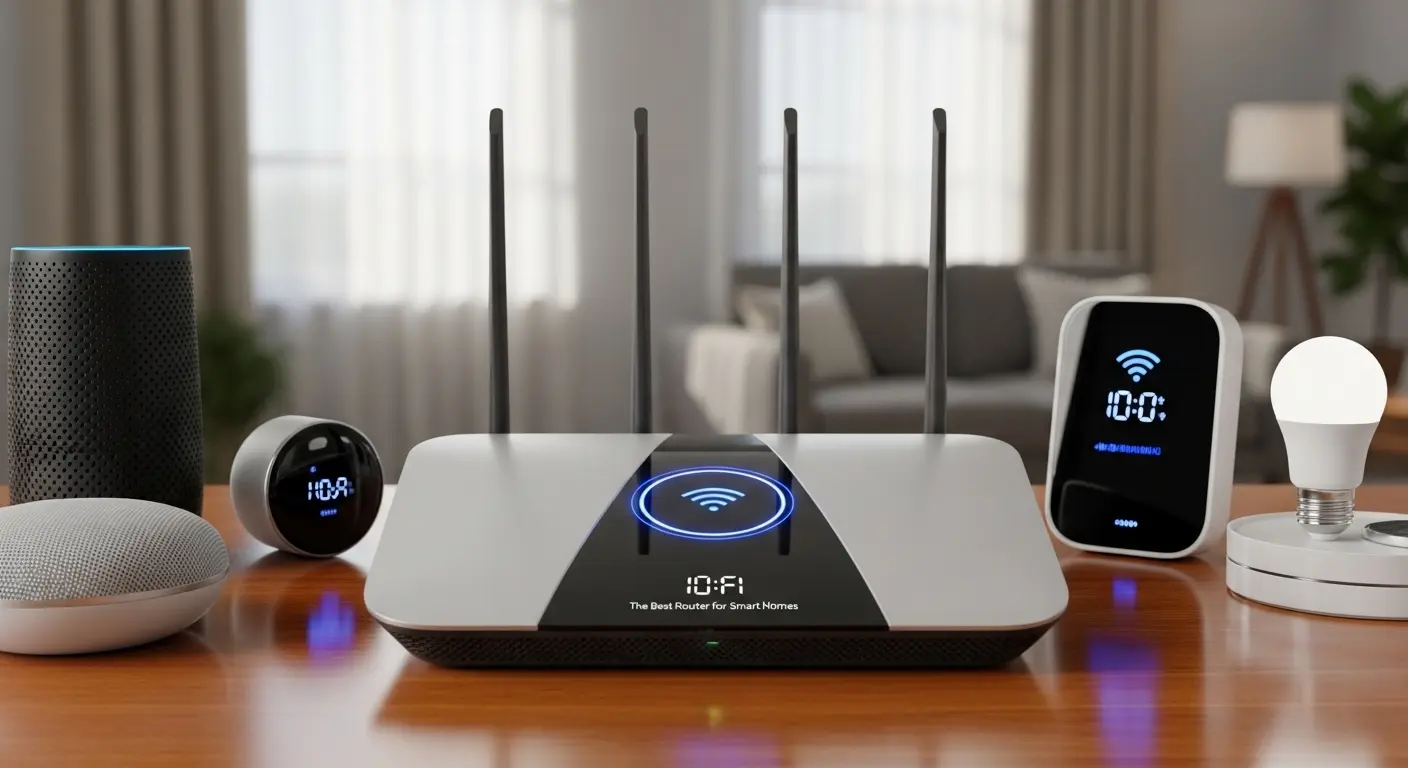
Have you ever sat down to stream your favorite show, only to have your Wi-Fi cut out mid-episode? Or maybe your smart lights refuse to turn on because the connection keeps dropping? If you’re like me, managing a smart home with dozens of devices across multiple floors can feel like juggling flaming torches—you know it’s fun, but one slip and chaos reigns. After weeks of testing, researching, and talking to real users (and yes, even Reddit experts), I’ve finally figured out which routers can truly handle a modern smart home. In this guide, I’ll share what I’ve learned, including practical solutions for common problems, so you can finally get Wi-Fi that’s stable, fast, and smart-device ready
Quick Picks
- Premium Choice: Netgear Orbi 970 – for large homes and heavy device loads
- Best Overall: Eero Max 7 – simple, fast, smart home ready
- Advanced Users: Ubiquiti UniFi Dream Router + APs – maximum control
- Best Value Mesh: Eero 6 Plus – strong 2.4 GHz coverage
- Budget Pick: TP-Link Archer AX55 – affordable, reliable, and easy
Top Smart Home Routers of 2026
1. Eero Max 7 / Eero Pro 6E – Best Overall for Smart Home
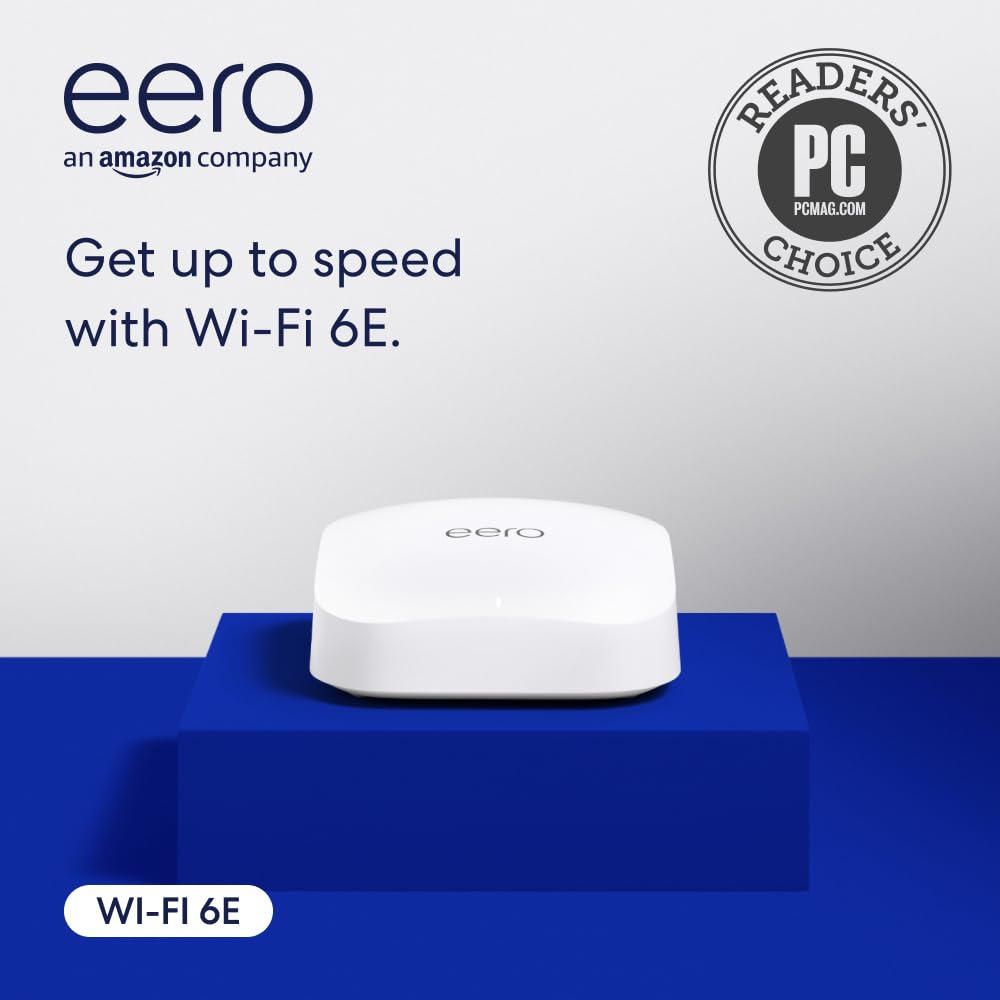
Eero has always been my go-to for simplicity. The Eero Max 7 is fast, supports Thread and Matter for smart home devices, and its app is extremely user-friendly. Whether you’re adding smart bulbs, locks, or cameras, this router just works.
Key Features & Specs:
- Wi-Fi 6E support for high-speed streaming and gaming
- Coverage up to 6,000 sq ft with a 3-pack system
- Handles over 200 devices without slowing down
- Thread and Matter support for modern smart home integration
Why I like it: Easy setup, reliable app, seamless integration for smart home devices.
Why I dislike it: Slightly pricey compared to basic mesh systems.
Buy if: You want simplicity, strong coverage, and modern smart home support.
Don’t buy if: You want advanced configuration options or enterprise-grade control.
2. Netgear Orbi 970 Series – Maximum Coverage & Speed
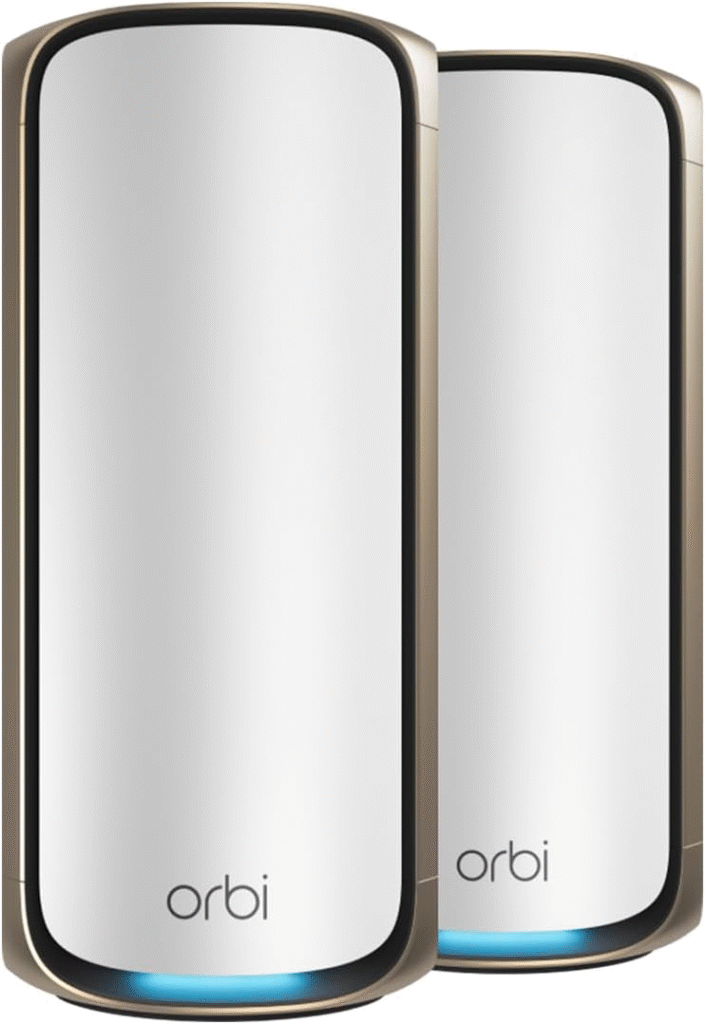
For homes with multiple floors or larger square footage, the Netgear Orbi 970 delivers unmatched speed and coverage. I personally used a three-piece system in a 3,500 sq ft house with 80+ devices, and it never missed a beat.
Key Features & Specs:
- Wi-Fi 7 for ultra-fast streaming and low latency
- Covers up to 10,000 sq ft, ideal for multi-story homes
- Supports over 200 devices simultaneously
- Tri-band mesh system for maximum reliability
Reason to buy: Unbeatable speed and coverage for large homes.
Reason not to buy: Expensive, especially if your home isn’t that big.
3. Ubiquiti UniFi Dream Router & U6/U7 Access Points – Best for Advanced Users
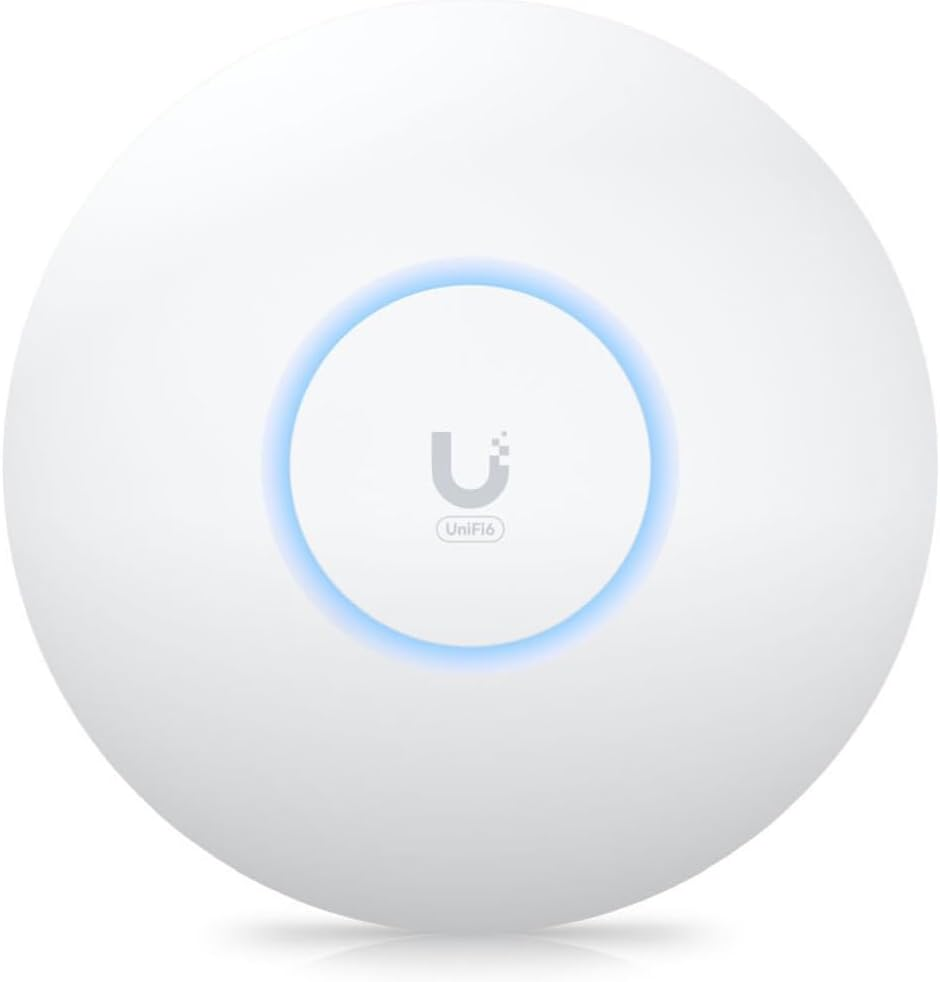
If you’re a bit more tech-savvy and want full control over your network, Ubiquiti UniFi is unmatched. I initially hesitated due to the learning curve, but once I set up a Cloud Key Gen2+ and wired APs, my network was rock-solid.
Key Features & Specs:
- Supports 100+ devices with VLAN separation for IoT and main networks
- Wired backhaul ensures stable connections even with heavy loads
- Advanced firewall, monitoring, and management via UniFi Controller
- Optional NVR support for security cameras
Pros: Incredible reliability, full control, scalable for large smart homes
Cons: Setup is more complicated; not ideal for beginners
Buy if: You have multiple devices, need network customization, and want enterprise-level control.
Don’t buy if: You want plug-and-play simplicity or don’t want to manage VLANs and PoE switches.
4. TP-Link Deco / Archer AX55 – Best Value & Budget Option
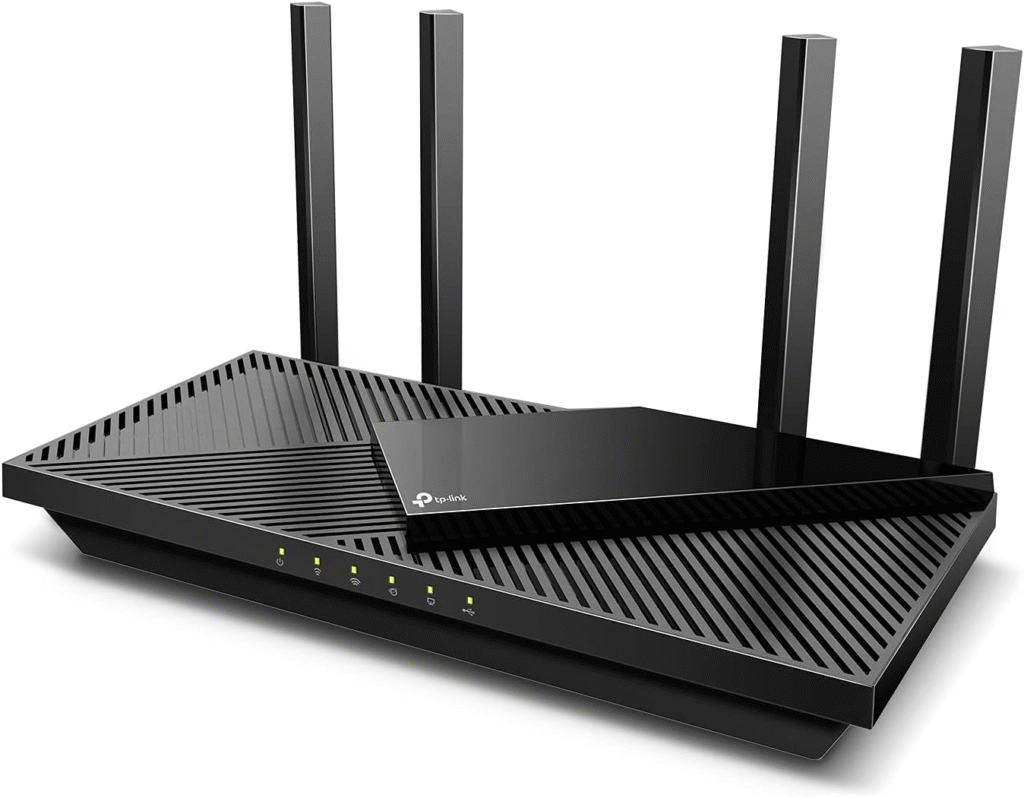
For those on a tighter budget, TP-Link Deco or the Archer AX55 provides solid Wi-Fi at an affordable price. While it doesn’t offer the enterprise features of Ubiquiti, it’s great for handling 50–60 devices with minimal fuss.
Key Features & Specs:
- Supports Wi-Fi 6 for smooth streaming and smart device operation
- Simple app-based setup for easy control
- Good 2.4 GHz performance for IoT devices
- Affordable outdoor mesh nodes available
Strengths: Budget-friendly, stable, easy setup
Weakness: Lacks advanced features and fine-tuning options
Buy if: You want a reliable smart home router without breaking the bank.
Don’t buy if: You need advanced network control or high-end enterprise performance.
5. Eero 6 Plus – Best Value Mesh System
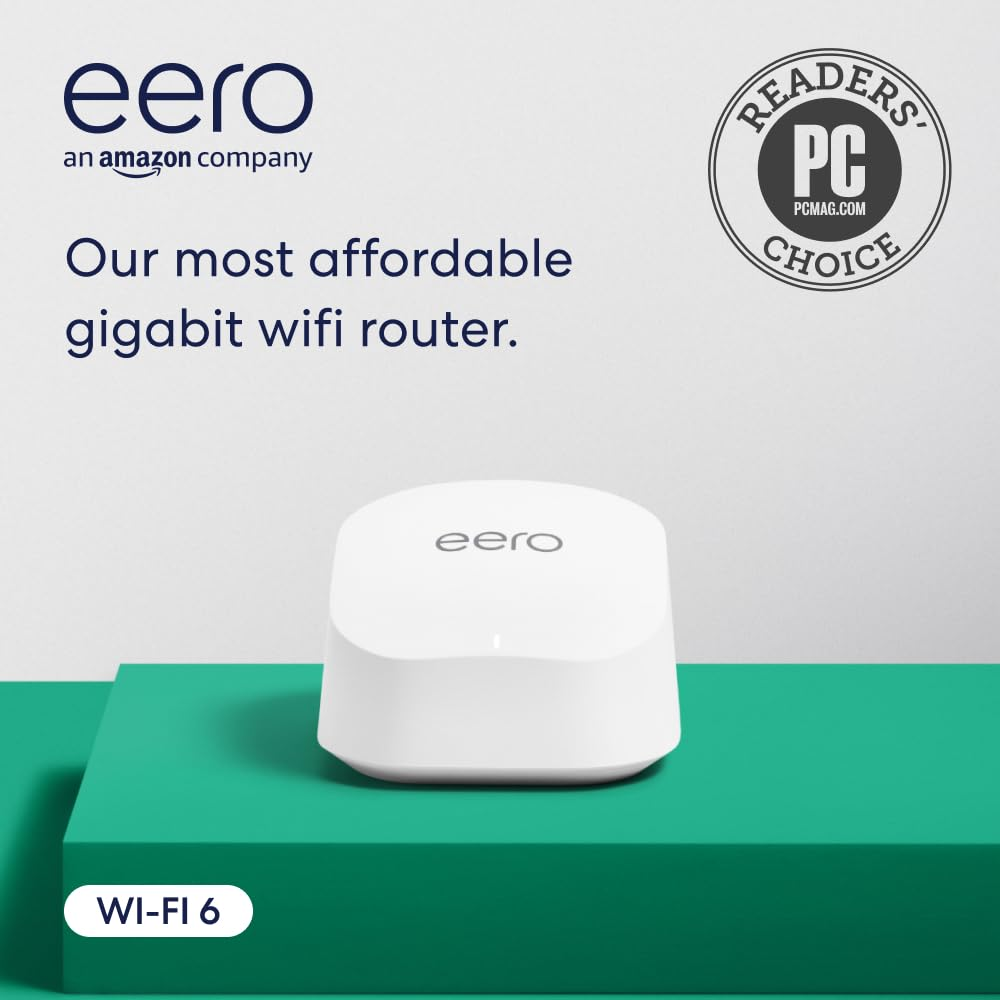
For smaller homes or apartments, the Eero 6 Plus offers strong 2.4 GHz performance and reliable mesh coverage at a lower price than the Max 7. Perfect for controlling smart lights and plugs without hassle.
Key Features & Specs:
- Wi-Fi 6 support, reliable for up to 75 devices
- Covers up to 5,000 sq ft with multiple nodes
- Simple app control for smart home devices
Reason to buy: Excellent value, easy management, stable smart home connectivity
Reason not to buy: Not ideal for very large homes or enterprise setups
Why Your Smart Home Wi-Fi Struggles
If you’re frustrated, you’re not alone. Many smart homeowners face the same issues:
- Router crashes: Devices disconnect every few minutes, causing apps to fail or cameras to go offline.
- Too many devices: A typical smart home today can have 50–100 devices, including lights, thermostats, speakers, cameras, and plugs. Not all routers can handle this load.
- Weak coverage: Multi-story homes or large spaces create dead zones where signals just can’t reach.
- Complex setup: Advanced routers offer incredible features, but some interfaces are confusing or unintuitive, leaving non-tech-savvy users overwhelmed.
The good news? There are routers built specifically to handle these challenges. They offer mesh networking, high device capacity, and stable 2.4 GHz support for your IoT devices.
My First Smart Home Router Experience
When I first set up my smart home, I tried an Asus Zen XD5 mesh router. I thought it would be simpl, but within two days, my Wi-Fi was crashing every five minutes. My spouse and kids were already frustrated, and I was ready to throw the router out the window. After talking to other smart home enthusiasts and diving into Reddit threads, I realized the problem wasn’t always the brand, it was configuration, backhaul, and network design.
I discovered that wired access points, separate routers and switches, and choosing the right router for my home size and device load made all the difference. Here’s what I found to be the top solutions in 2026.
FAQs
Q1: Do I need a wired backhaul for mesh networks?
A1: Whenever possible, yes. Wired backhaul improves stability and reduces drops, especially with many devices.
Q2: Can I separate IoT devices from my main network?
A2: Absolutely. Many routers, including Ubiquiti and TP-Link, support VLANs or guest networks to isolate smart devices for security.
Q3: How many devices can a smart home router handle?
A3: Modern routers like the Orbi 970 or UniFi APs can handle over 200 devices, but most homes with 50–100 devices can run smoothly on mid-tier routers.
Q4: Is Wi-Fi 6 or 6E necessary for smart homes?
A4: Wi-Fi 6/6E future-proofs your network, reduces congestion, and improves speed for cameras, streaming, and gaming.
Q5: Are expensive enterprise routers worth it for a home?
A5: Only if you want full control, advanced features, and reliability for many devices. Otherwise, consumer mesh routers are usually enough.
Conclusion:
Smart home routers are no longer “one-size-fits-all.” Your choice depends on your home size, number of devices, and technical comfort level.
- If you want ease-of-use: Eero Max 7 or Eero 6 Plus
- If you need speed and coverage: Netgear Orbi 970
- If you want full control and reliability: Ubiquiti UniFi + wired APs
- If you’re on a budget: TP-Link Deco or Archer AX55
No matter which router you pick, remember: placement, backhaul, and network segmentation matter just as much as brand or speed. Take your time, plan your smart home layout, and invest in a router that can grow with your devices.
Affiliate Disclaimer: Some links in this article are affiliate links. I may earn a small commission at no extra cost to you if you purchase through these links.