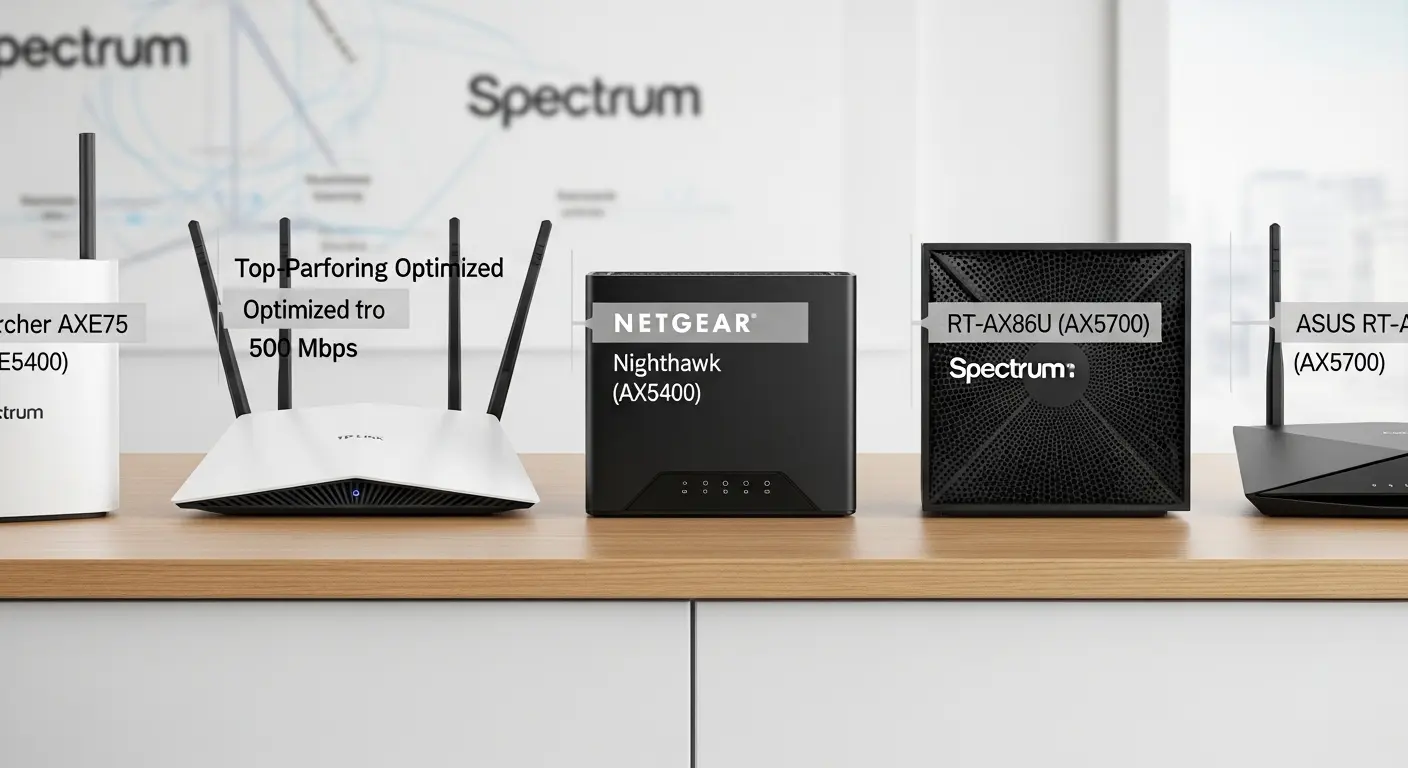
Are you tired of paying that extra $10 every month for Spectrum’s rental router, only to find your Wi-Fi dropping randomly or struggling to reach every corner of your home? I’ve been there too, juggling multiple devices, buffering streams, and slow downloads, all while wondering if my router was holding me back. After hours of research, testing, and advice from seasoned users, I discovered the best routers that not only handle Spectrum’s 500 Mbps plan but also give you stable, fast, and future-proof Wi-Fi. In this guide, I’ll show you exactly which routers will maximize your internet, save you money, and keep your network running smoothly.
Quick Picks
- Premium Pick / Best Overall: ASUS ROG Rapture GT6 (or RT-AX88U Pro)
- Future-Proof Pick: Netgear Nighthawk RS700S / RS300 (Wi-Fi 7)
- Budget Pick: TP-Link Archer AX55 (AX3000)
- Mesh System Pick: Netgear Orbi 370 or TP-Link Deco X55 Pro
All of these routers are available on Amazon, with fast shipping and occasional discounts. They are compatible with Spectrum’s 500 Mbps plan and deliver strong, stable performance.
My Top Router Picks for Spectrum 500 Mbps
Based on personal experience, user insights, and technical specifications, here are the routers that I recommend for Spectrum’s 500 Mbps plan. I’ve included budget-friendly options, future-proofing picks, and even mesh systems for larger homes.
ASUS ROG Rapture GT6 (or RT-AX88U Pro) – Best Overall Performance
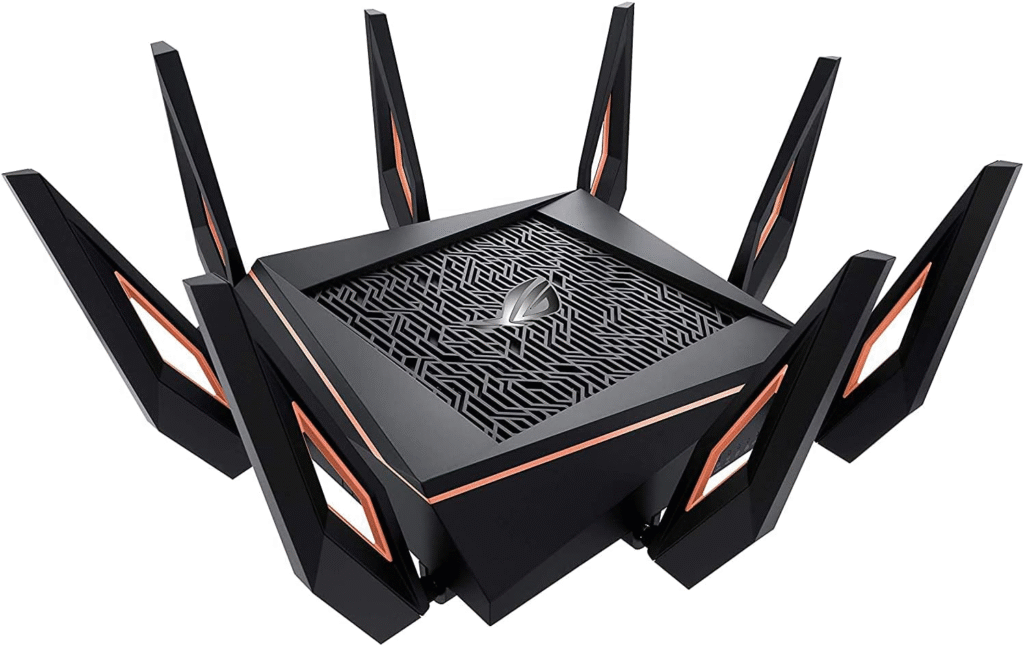
If you want top-notch speed and rock-solid reliability, the ASUS ROG Rapture GT6 is my go-to. Users across forums, YouTube, and PC Guide rave about its performance, and I can confirm, it’s a beast. This router is perfect for heavy streaming, gaming, and handling multiple devices without drops.
Key Features & Specs:
- Wi-Fi 6 capable, with fast speeds and stable connections.
- Tri-band support for optimized device distribution.
- 2.5 Gbps Ethernet port for full gigabit throughput.
- Advanced security features and parental controls.
Why I Like / Dislike:
- I like that it provides consistent speed across large homes and handles heavy traffic effortlessly.
- I dislike that it’s slightly bulky and more expensive than typical routers.
Buy if: You want the absolute best in speed and reliability.
Don’t buy if: You’re on a tight budget and don’t need extreme performance.
Netgear Nighthawk RS700S / RS300 – Best Future-Proof (Wi-Fi 7)
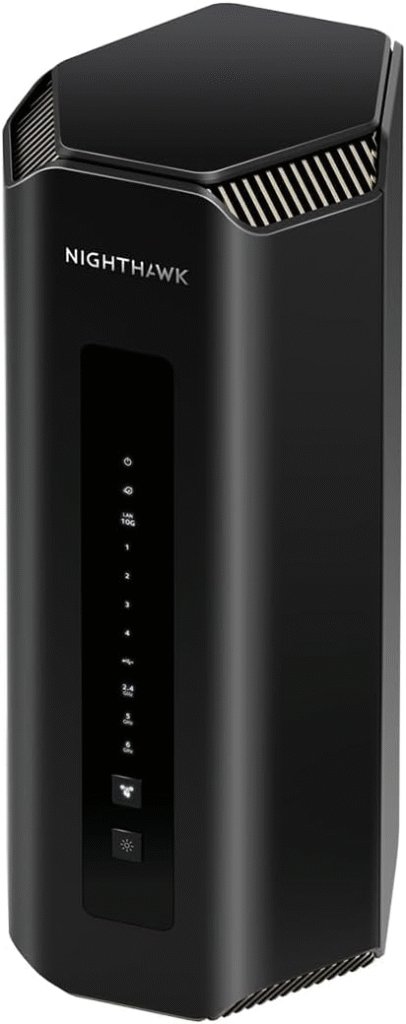
If you’re looking to future-proof your network, Wi-Fi 7 is where it’s at. The Nighthawk RS700S or RS300 delivers incredible speed, wide coverage, and advanced features like Multi-Link Operation (MLO), which lets devices connect to multiple bands simultaneously. According to Cybernews and user reports on Reddit, these routers are perfect for streaming, gaming, or preparing for faster internet upgrades.
Key Features & Specs:
- Wi-Fi 7 support for future-proofing.
- MLO technology for simultaneous multi-band connections.
- Wider channels for higher throughput and lower latency.
- 2.5 Gbps Ethernet port for maximum wired speed.
Reason to Buy / Not Buy:
- Buy if you want a cutting-edge router for speed and future-proofing.
- Don’t buy if your home or devices don’t require extreme speeds yet—Wi-Fi 7 is overkill for some households.
TP-Link Archer AX55 (AX3000) – Best Budget / Value
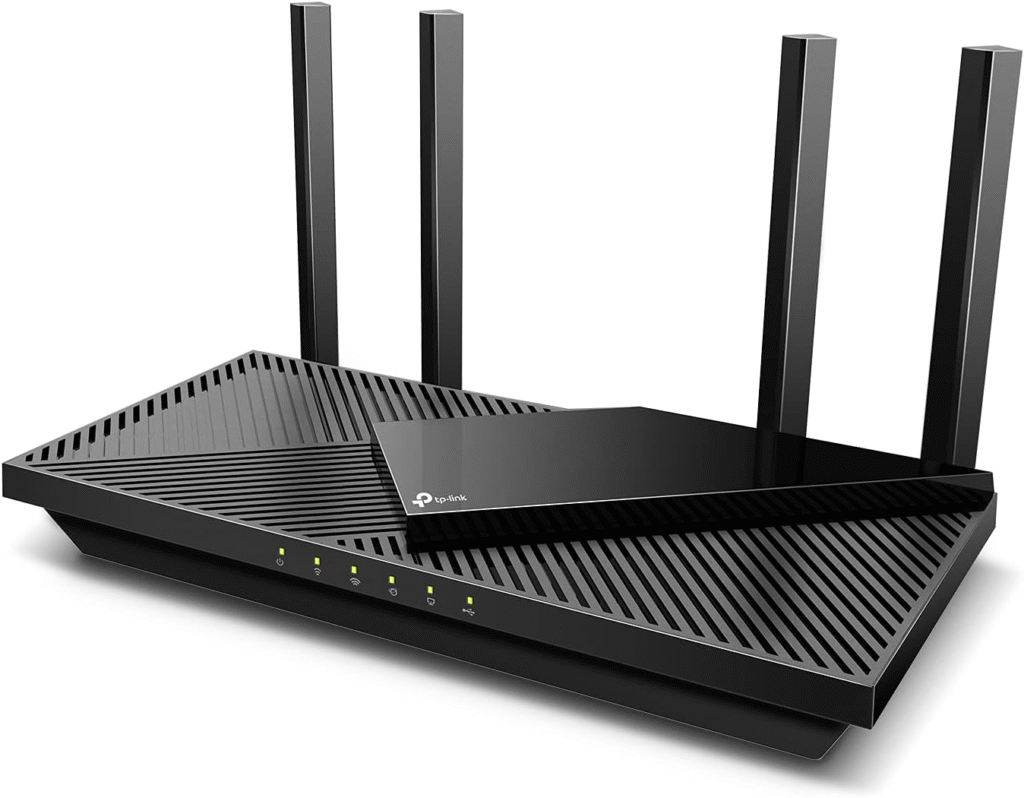
For a reliable router without breaking the bank, the TP-Link Archer AX55 is a solid choice. It’s Wi-Fi 6 capable, handles gigabit speeds well, and covers a standard home efficiently. Multiple users in forums swear by this as a cost-effective solution for Spectrum’s 500 Mbps plan.
Key Features & Specs:
- Dual-band Wi-Fi 6, supporting multiple devices.
- Easy setup with TP-Link app.
- Stable wired and wireless speeds for full 500 Mbps performance.
- Compact design with decent range.
Strengths / Weakness:
- Strengths: Affordable, reliable, easy to use.
- Weakness: Lacks Wi-Fi 7 features and some advanced customization options.
Buy if: You want solid performance on a budget.
Don’t buy if: You’re looking for the latest Wi-Fi 7 features or ultra-high-end performance.
Mesh System Options: Netgear Orbi 370 / TP-Link Deco X55 Pro
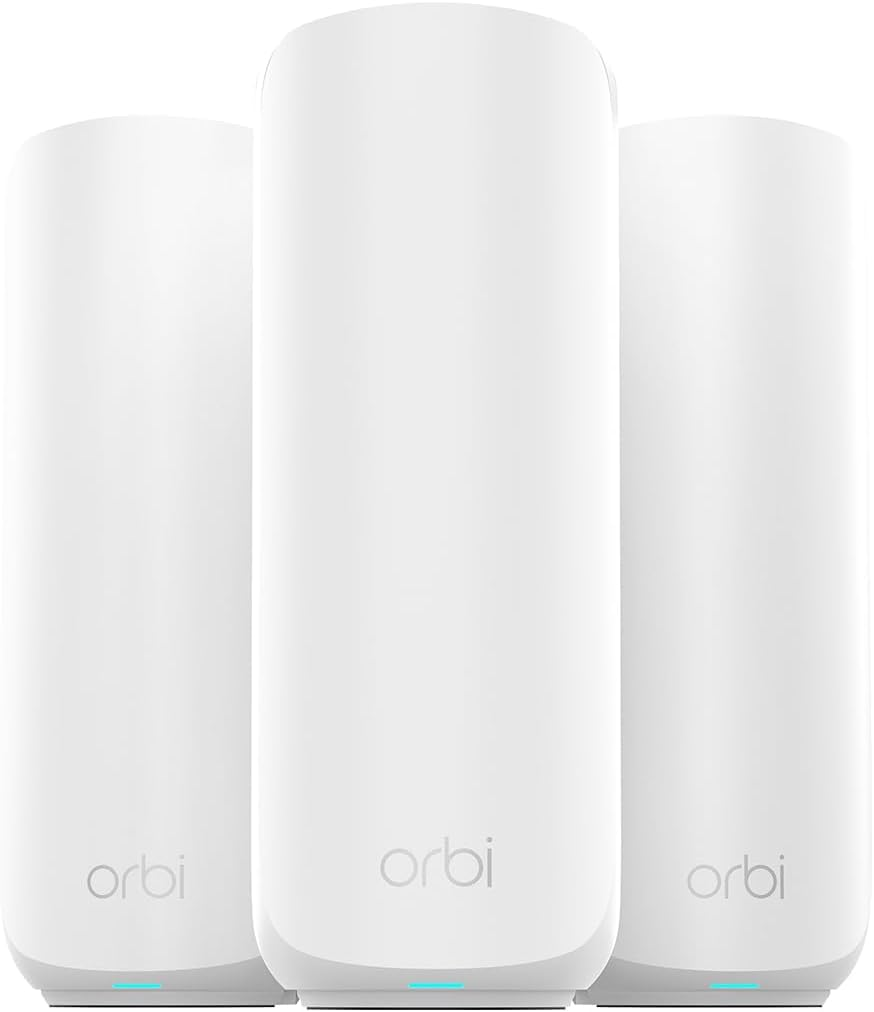
If you have a larger home or multiple floors, a mesh system can be a game-changer. Both the Netgear Orbi 370 and TP-Link Deco X55 Pro ensure consistent coverage, eliminating dead zones, and supporting multiple devices simultaneously.
Key Features & Specs:
- Whole-home coverage with multiple units.
- Wi-Fi 6 or 6E compatible.
- Seamless roaming for uninterrupted video calls or streaming.
- Easy app management for customization and security.
Pros / Cons:
- Pros: Excellent coverage, reliable performance across large homes.
- Cons: Higher upfront cost than single routers, slightly more complex setup.
Buy if: Your home is large, or you have Wi-Fi dead zones.
Don’t buy if: You live in a small apartment and don’t need whole-home coverage.
Why You Need the Right Router for 500 Mbps
Switching to a high-speed plan is exciting, but many people overlook one critical detail: the router. Spectrum’s rental router is convenient, but it can cost $10 extra every month and often lacks customization, advanced band switching, and reliable range. I learned this the hard way when my 1 GB plan kept throttling due to poor Wi-Fi coverage in my home.
The good news? You don’t need to overspend. A good Wi-Fi 6 or Wi-Fi 7 router can fully handle 500 Mbps, support multiple devices without lag, and even future-proof your network for faster speeds down the line. With the right router, you can finally enjoy full-speed downloads, seamless streaming, and no more random disconnections.
FAQs
1. Do I need Wi-Fi 7 for 500 Mbps?
No, Wi-Fi 6 is sufficient for 500 Mbps. Wi-Fi 7 offers future-proofing, better multi-device support, and advanced features like MLO, but it’s not required for everyday home use.
2. Can I use my own router with Spectrum?
Yes! In fact, using your own router can save the $10/month rental fee. Just make sure your router supports your plan’s speed and has at least Wi-Fi 6.
3. Is a dual-band router enough, or should I get tri/quad-band?
For most homes, dual-band is sufficient. Tri-band is better if you have many devices or do heavy streaming/gaming. Quad-band is only necessary for very high-density networks.
4. Do I need a 2.5 Gbps Ethernet port?
Yes, if you want to fully utilize your gigabit internet plan on wired devices. Standard 1 Gbps ports will max out around 900–940 Mbps.
5. Are mesh systems worth it for small homes?
Not usually. Mesh systems shine in large homes with multiple floors or Wi-Fi dead zones. For small apartments, a single high-performance router is sufficient.
Summary
Choosing the right router for Spectrum’s 500 Mbps plan can feel overwhelming, but it doesn’t have to be. From my research and personal experience:
- ASUS ROG Rapture GT6 / RT-AX88U Pro – Best overall, reliable speed, excellent for heavy users.
- Netgear Nighthawk RS700S / RS300 – Future-proof Wi-Fi 7 option with advanced features.
- TP-Link Archer AX55 (AX3000) – Budget-friendly, reliable, easy setup.
- Mesh Options: Orbi 370 or Deco X55 Pro – Ideal for large homes with multiple floors.
Each of these routers addresses the common frustrations Spectrum users face: rental fees, slow coverage, random drops, and multi-device lag. By investing in one of these routers, you’ll unlock the full potential of your internet plan, enjoy stable speeds, and even future-proof your home network.
Amazon Affiliate Disclaimer: Some of the links above are affiliate links. If you purchase through these links, I may earn a small commission at no additional cost to you.